Tenant Failure Use With The Client
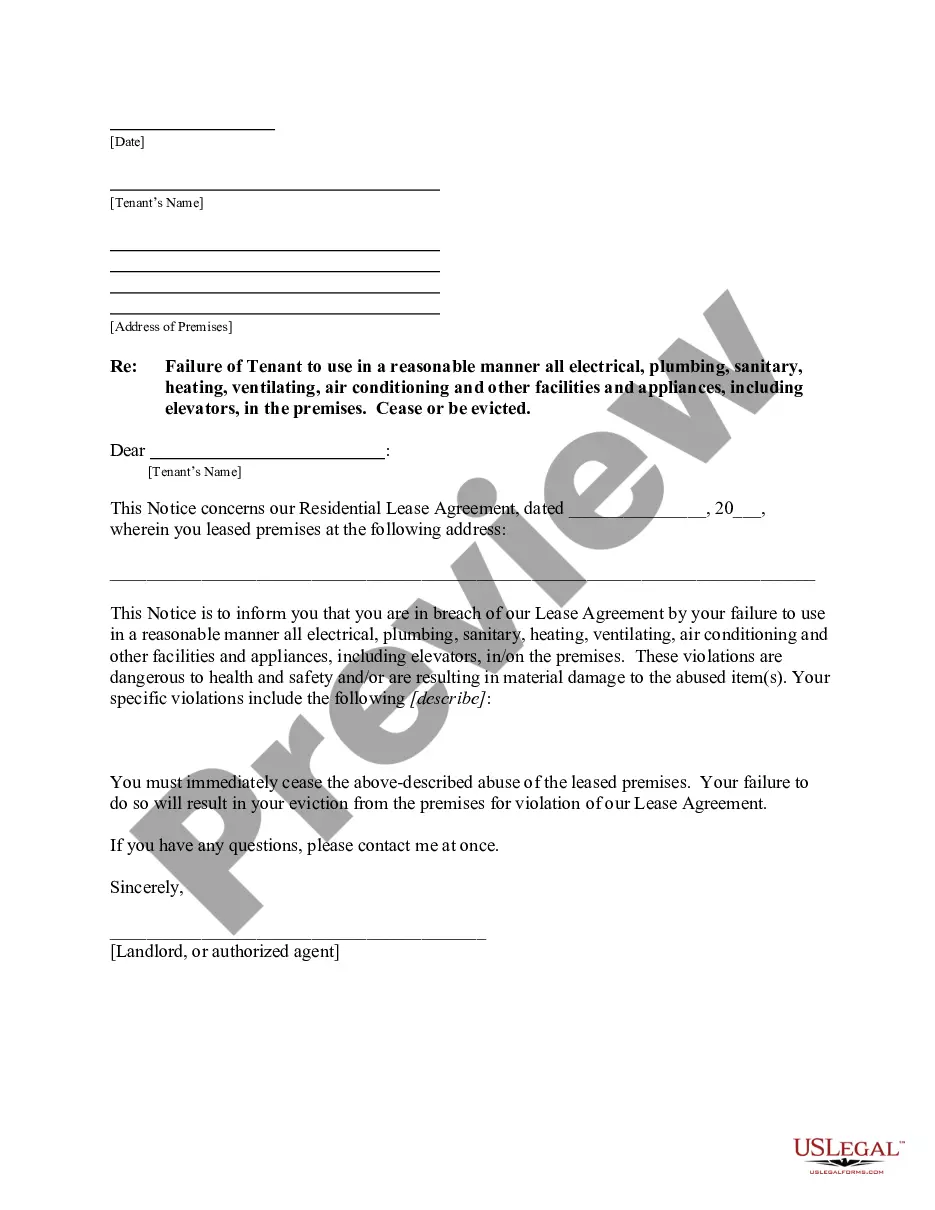
Description


Get your form ready online
Our built-in tools help you complete, sign, share, and store your documents in one place.
Make edits, fill in missing information, and update formatting in US Legal Forms—just like you would in MS Word.
Download a copy, print it, send it by email, or mail it via USPS—whatever works best for your next step.
Sign and collect signatures with our SignNow integration. Send to multiple recipients, set reminders, and more. Go Premium to unlock E-Sign.
If this form requires notarization, complete it online through a secure video call—no need to meet a notary in person or wait for an appointment.
We protect your documents and personal data by following strict security and privacy standards.

Make edits, fill in missing information, and update formatting in US Legal Forms—just like you would in MS Word.

Download a copy, print it, send it by email, or mail it via USPS—whatever works best for your next step.

Sign and collect signatures with our SignNow integration. Send to multiple recipients, set reminders, and more. Go Premium to unlock E-Sign.

If this form requires notarization, complete it online through a secure video call—no need to meet a notary in person or wait for an appointment.

We protect your documents and personal data by following strict security and privacy standards.
Looking for another form?
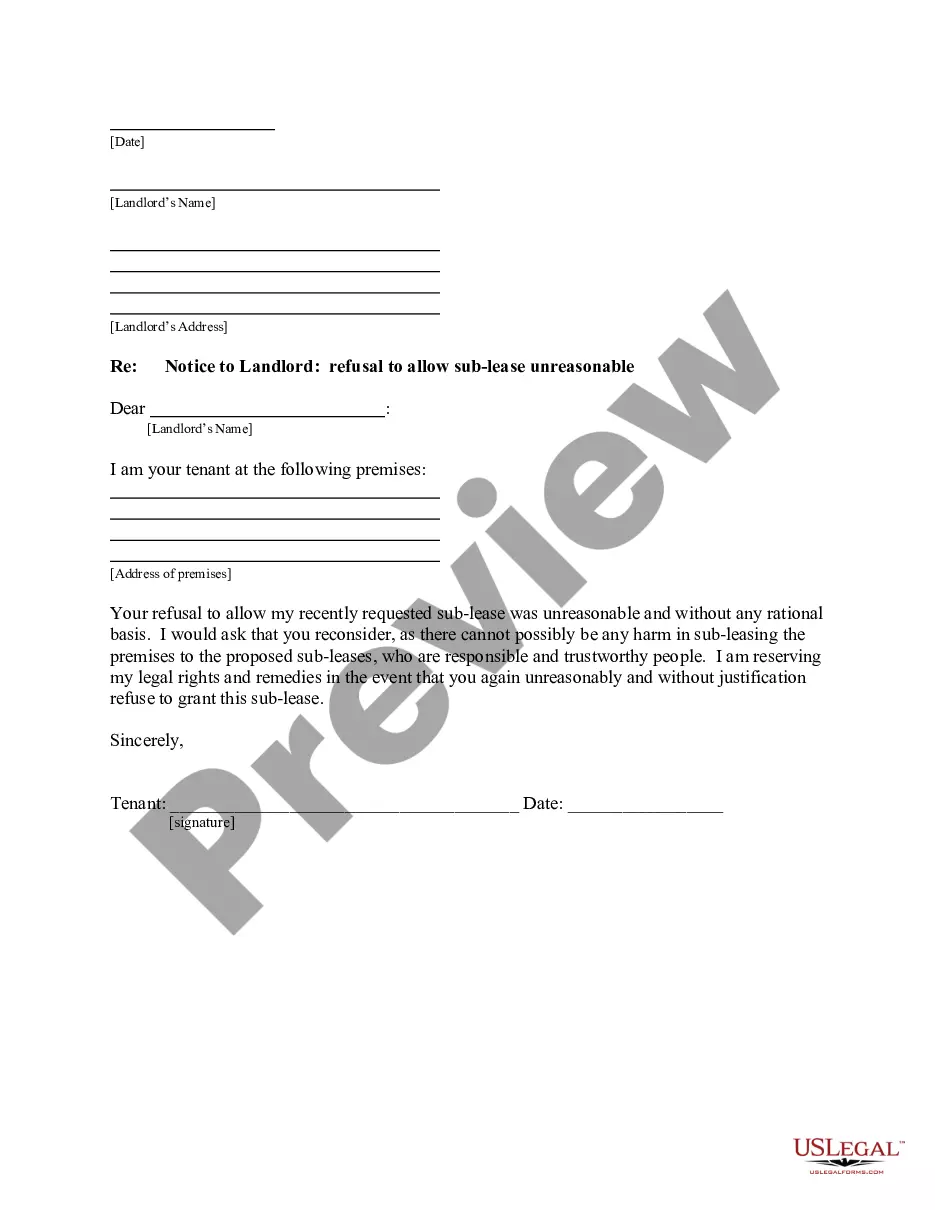

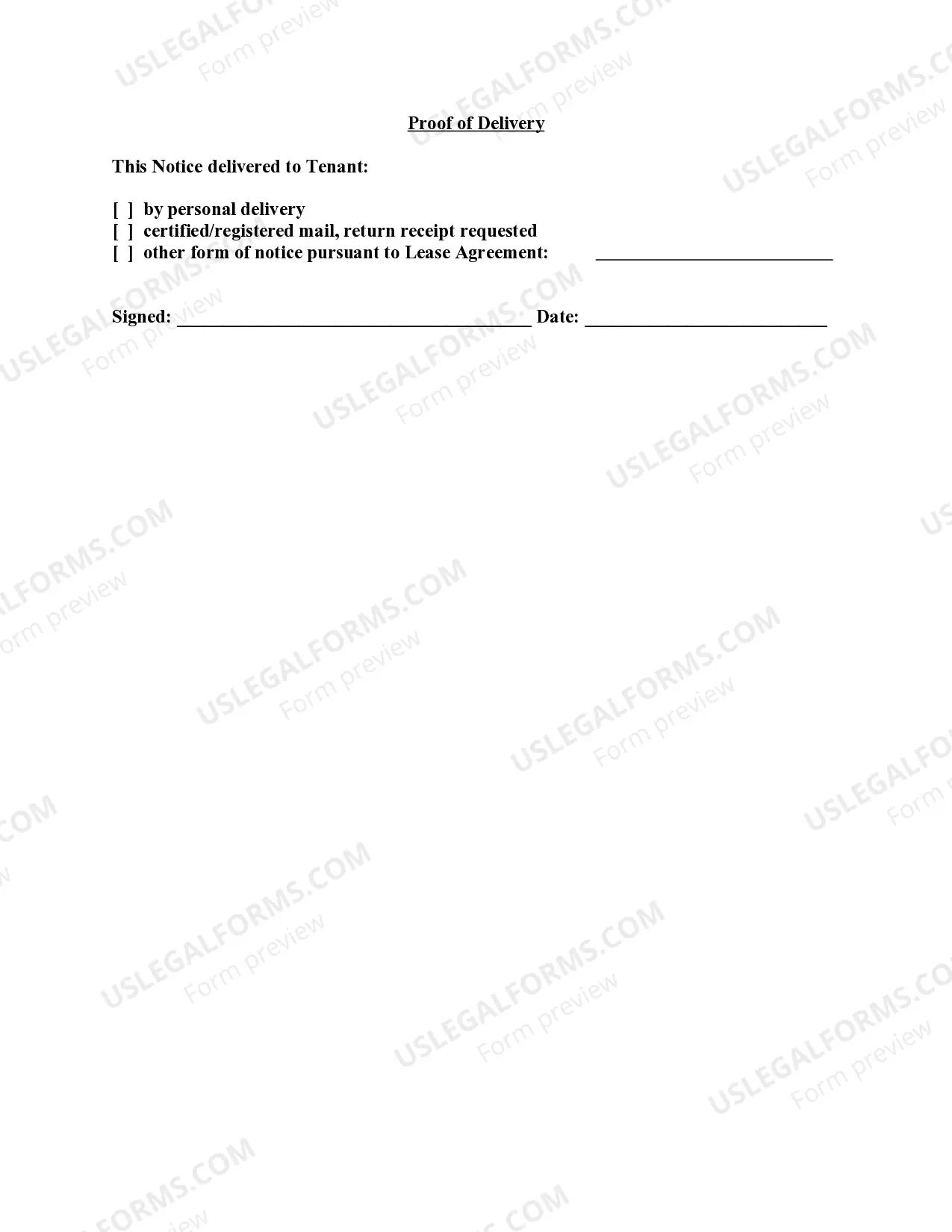
How to fill out Vermont Letter From Landlord To Tenant For Failure To Use Electrical, Plumbing, Sanitary, Heating, Ventilating, Air Conditioning And Other Facilities In A Reasonable Manner?
- If you're a returning user, simply log into your account and download the required form by clicking the Download button, ensuring your subscription is current.
- For new users, start by browsing the extensive library of over 85,000 legal templates. Preview the documents and select the one that meets your local jurisdiction requirements.
- Should you encounter issues finding an appropriate template, leverage the Search tab to locate the right form. Ensure it aligns with your needs before proceeding.
- Complete your purchase by clicking on the Buy Now button. Choose a subscription plan that fits your requirements and create an account for full access.
- Finalize your transaction by entering your payment information. You can choose to pay via credit card or PayPal.
- Once purchased, download the form to your device. You can also access it anytime from the My Forms section of your account.
US Legal Forms empowers both individuals and legal professionals with an impressive library of legal documents, ensuring that you can quickly find and execute necessary paperwork.
With a robust selection of templates and access to premium expertise, you're equipped to handle any legal challenge with confidence. Start your journey with US Legal Forms today and streamline your legal document experience!
Form popularity
FAQ
The main difference between tenant restrictions v1 and v2 lies in the level of customization and features offered. V2 introduces advanced controls and options that allow for more tailored access, enhancing user management. Understanding these differences can help reduce tenant failure use with the client and better align usability with your organizational needs.
The universal tenant restriction applies a broad set of limitations across all users within a tenant, regardless of their individual roles. This ensures a baseline level of access control that enhances security and compliance. Implementing universal tenant restrictions can help mitigate tenant failure use with the client.
You can access your tenant admin by logging into the platform with your administrator credentials. Once logged in, you will find the admin settings in the dashboard. This access allows you to manage users, configure restrictions, and address any tenant failure use with the client.
Tenant restrictions function by controlling access to specific features, services, and data for each user group. They are essential for maintaining security and compliance, especially in larger organizations. Understanding how tenant restrictions work can significantly reduce the risk of tenant failure use with the client.
To resolve the issue of a selected user account that does not exist in the tenant, first verify the information entered for accuracy. You may need to recreate the account or ensure the user has been assigned to the correct tenant. Addressing this promptly can help prevent tenant failure use with the client and improve user experience.
Configuring tenant restrictions involves setting permissions and access controls tailored to the specific needs of your organization. You can do this through the administration dashboard, where you can define which features are available to each tenant. It's a vital step to ensure that tenant failure use with the client is minimized and you maintain proper control over user engagement.
When a tenant is restricted, it indicates that certain limitations apply to their account within the platform. These restrictions may prevent the tenant from accessing specific features or services, thereby impacting their overall experience. Understanding these restrictions is crucial for effective management and helps avoid tenant failure use with the client.
While tenants and clients are not the same, there is a significant overlap in their roles. A tenant becomes a client when they seek professional services related to their rental situation, especially in navigating issues like tenant failure use with the client. This relationship can enhance support and solution-oriented strategies, ultimately benefiting both parties.
The biggest responsibility of a tenant is to adhere to the lease agreement, which typically includes timely rent payments and maintenance of the property. This commitment is essential to prevent tenant failure use with the client, as failing to meet obligations can lead to eviction or legal issues. Tenants should remain informed about their rights and responsibilities to foster a positive landlord-tenant relationship.
A tenant is sometimes referred to as a renter, lessee, or occupant. These terms emphasize the relationship between the individual and the property owner. Importantly, understanding these roles helps clarify responsibilities surrounding tenant failure use with the client, which is crucial for effective communication in rental agreements.