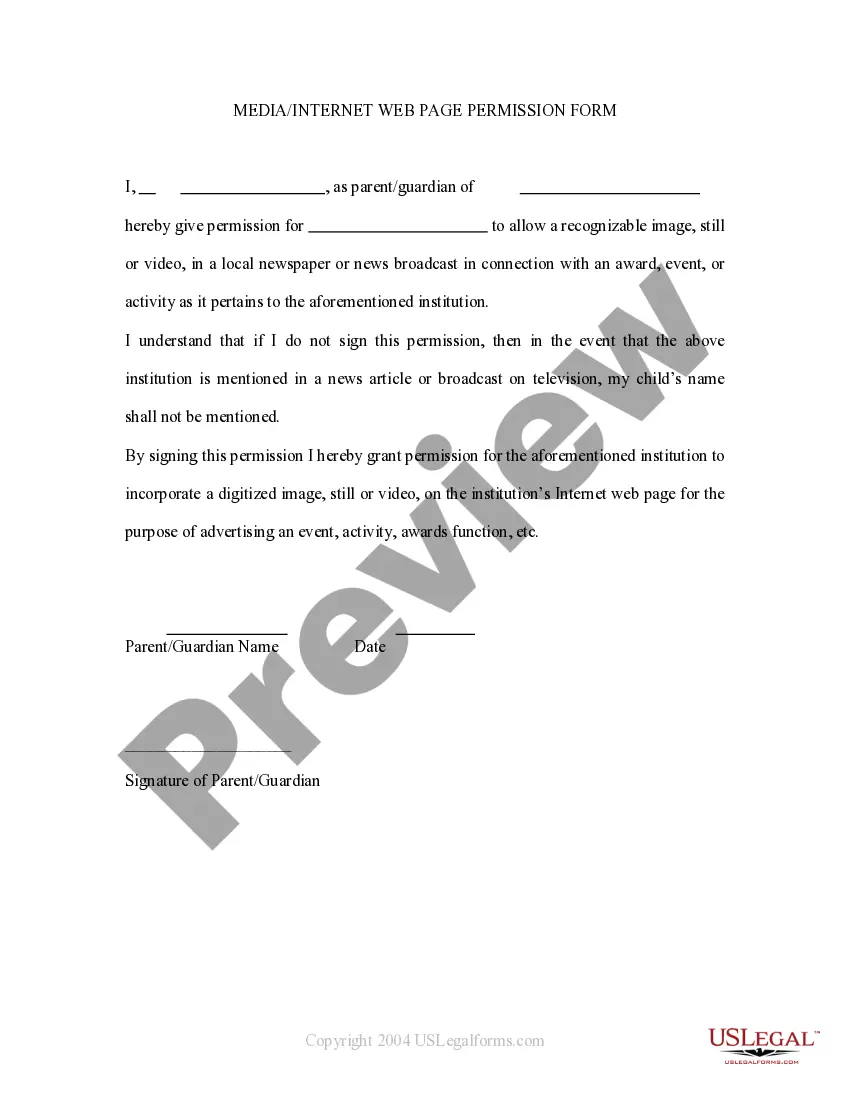
Media Permission Form With Two Points
Description
Get your form ready online
Our built-in tools help you complete, sign, share, and store your documents in one place.
Make edits, fill in missing information, and update formatting in US Legal Forms—just like you would in MS Word.
Download a copy, print it, send it by email, or mail it via USPS—whatever works best for your next step.
Sign and collect signatures with our SignNow integration. Send to multiple recipients, set reminders, and more. Go Premium to unlock E-Sign.
If this form requires notarization, complete it online through a secure video call—no need to meet a notary in person or wait for an appointment.
We protect your documents and personal data by following strict security and privacy standards.

Make edits, fill in missing information, and update formatting in US Legal Forms—just like you would in MS Word.

Download a copy, print it, send it by email, or mail it via USPS—whatever works best for your next step.

Sign and collect signatures with our SignNow integration. Send to multiple recipients, set reminders, and more. Go Premium to unlock E-Sign.

If this form requires notarization, complete it online through a secure video call—no need to meet a notary in person or wait for an appointment.

We protect your documents and personal data by following strict security and privacy standards.
Looking for another form?

How to fill out Media - Internet Web Page Permission Form?
It’s clear that you cannot become a legal expert instantly, nor can you determine how to swiftly create a Media Permission Form With Two Points without a specific skill set. Assembling legal documents is a lengthy process that necessitates particular education and expertise. So why not entrust the development of the Media Permission Form With Two Points to the experts.
With US Legal Forms, one of the largest legal document collections, you can discover everything from court forms to templates for internal corporate communication. We recognize how vital compliance and adherence to federal and local regulations are. That’s why, on our platform, all templates are location-based and current.
Here’s how to get started with our platform and obtain the document you require in just minutes.
You can regain access to your forms from the My documents tab at any time. If you’re an existing client, you can simply Log In, and find and download the template from the same tab.
Regardless of the purpose of your paperwork—be it financial, legal, or personal—our platform has you covered. Try US Legal Forms today!
- Locate the document you need using the search bar at the top of the page.
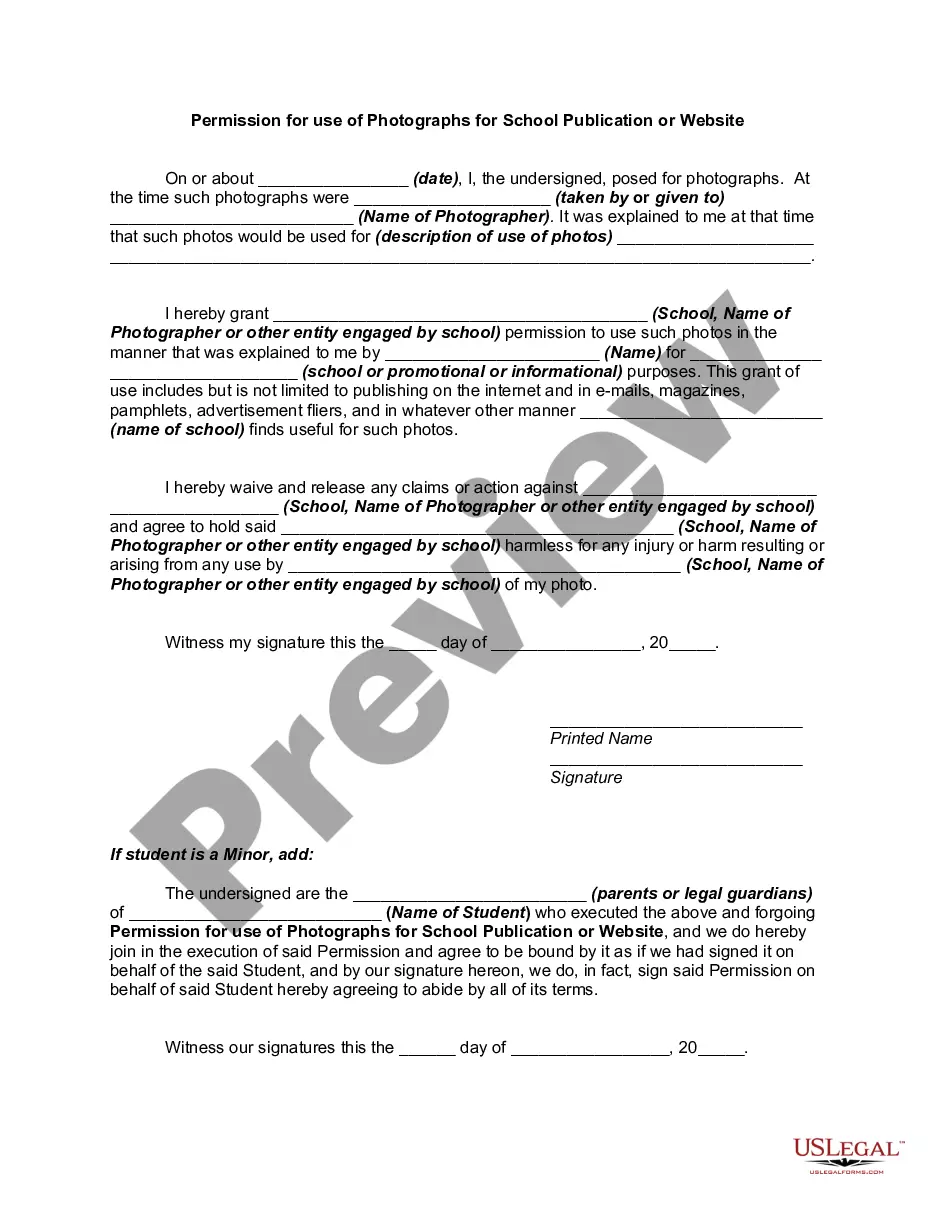
- Preview it (if this option is available) and read the accompanying description to determine if the Media Permission Form With Two Points is what you seek.
- Restart your search if you require any other form.
- Sign up for a free account and select a subscription plan to purchase the template.
- Click Buy now. Once the transaction is completed, you can access the Media Permission Form With Two Points, fill it out, print it, and send it or mail it to the appropriate individuals or organizations.
Form popularity
FAQ
I hereby give consent to ______________________________________ (the ?organization?) to photograph, videotape, or otherwise digitally record and use images and/or sound recordings of myself or my child or children (if applicable) to use in any public media, including radio, television, internet, social media, print or ...
A consent form should include: the name and signature of the parent or guardian. the date to show when consent was granted ? a timeline of when the use of photos and videos begins. purpose of the authorization ? description of how the media will be used ? social media, website, promo videos.
A media release form may include the following information: Printed Name. Address. Email and Phone Number. Signature. Names of the parties waiving rights for listed use. Names of the parties receiving rights of the listed media. Acknowledgement of Age. Identification and consent of Legal Guardian.
How Do You Write a Media Release Form? Name of the parties involved, i.e., releasor and releasee. Detailed information about the project. Explicit information of the permissions granted. Any special considerations, including payment obligations or credit, if any. A space for all parties to sign.
I hereby grant permission to (your library's name) to use photographs and/or video of me taken on (date) at (location) in publications, news releases, online, and in other communications related to the mission of (your library or institution's name). Thank you!