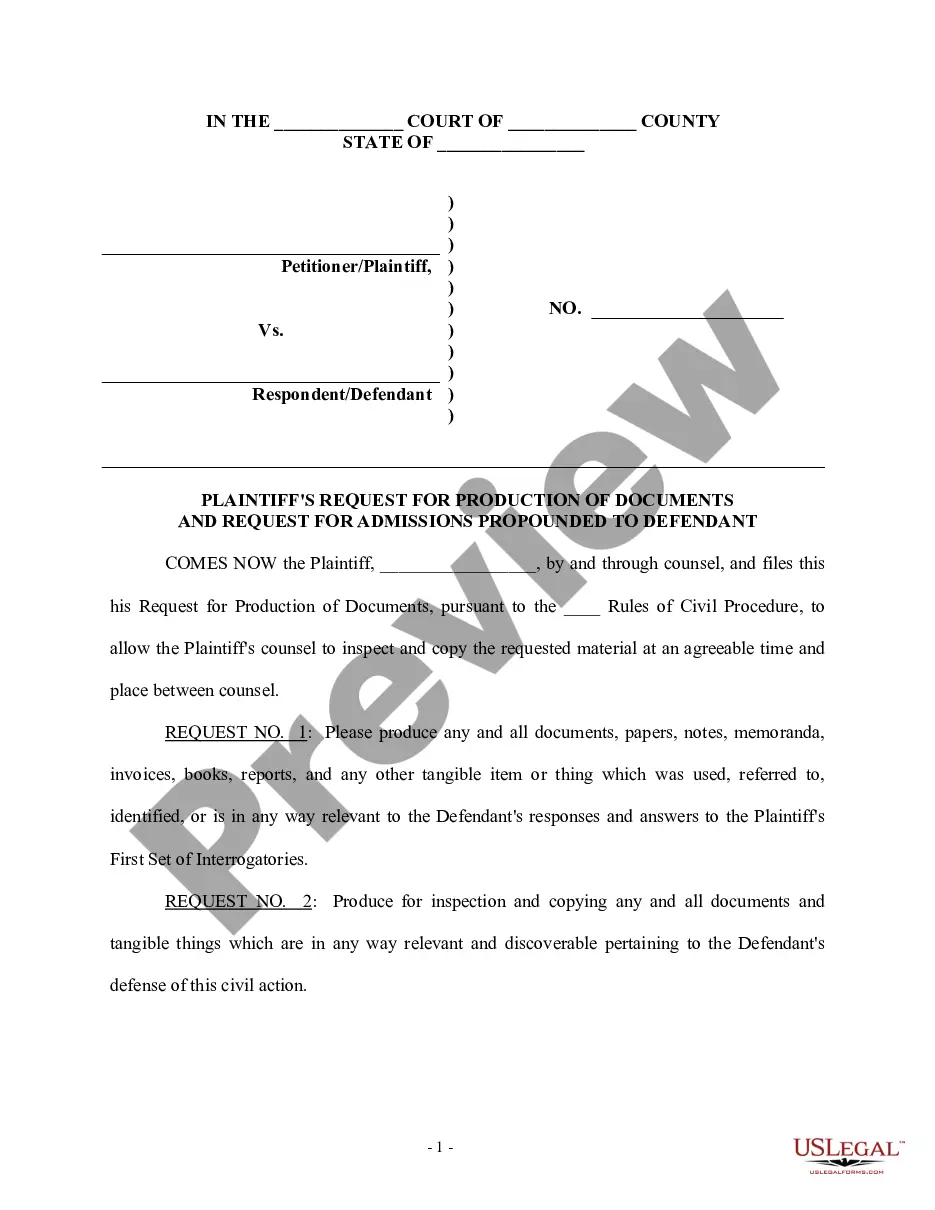
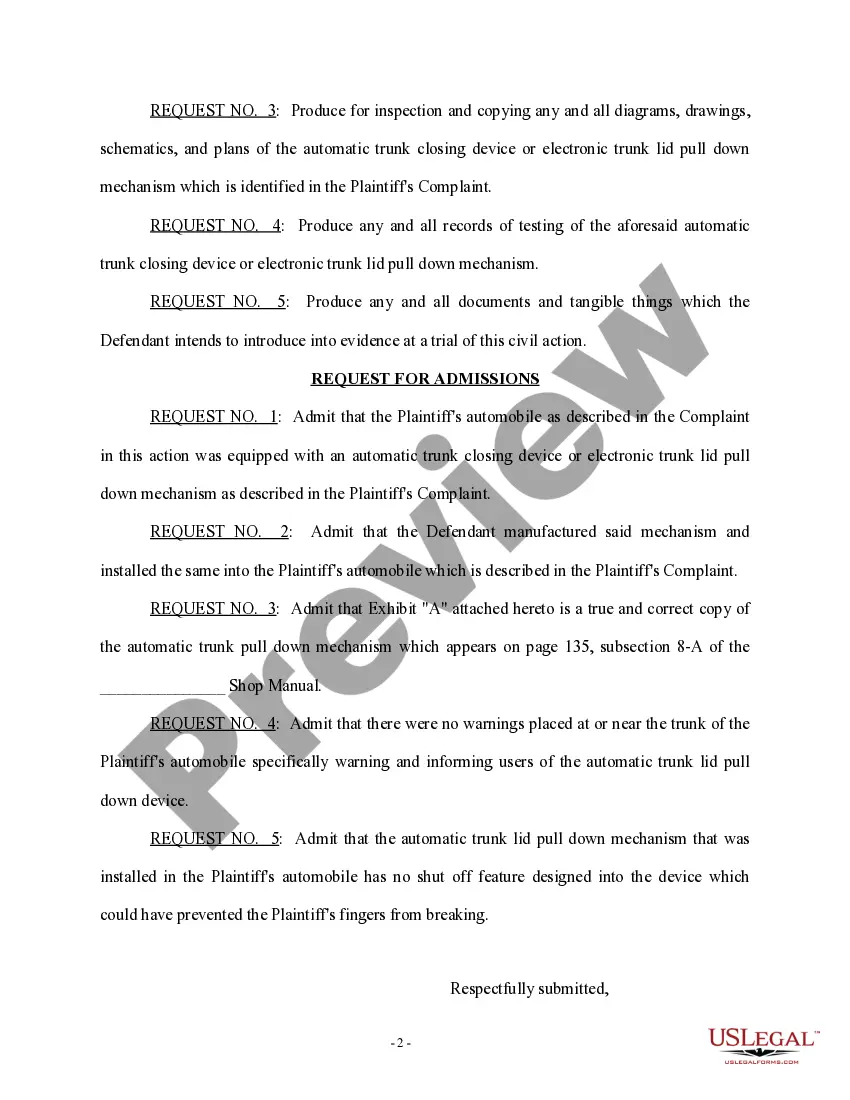
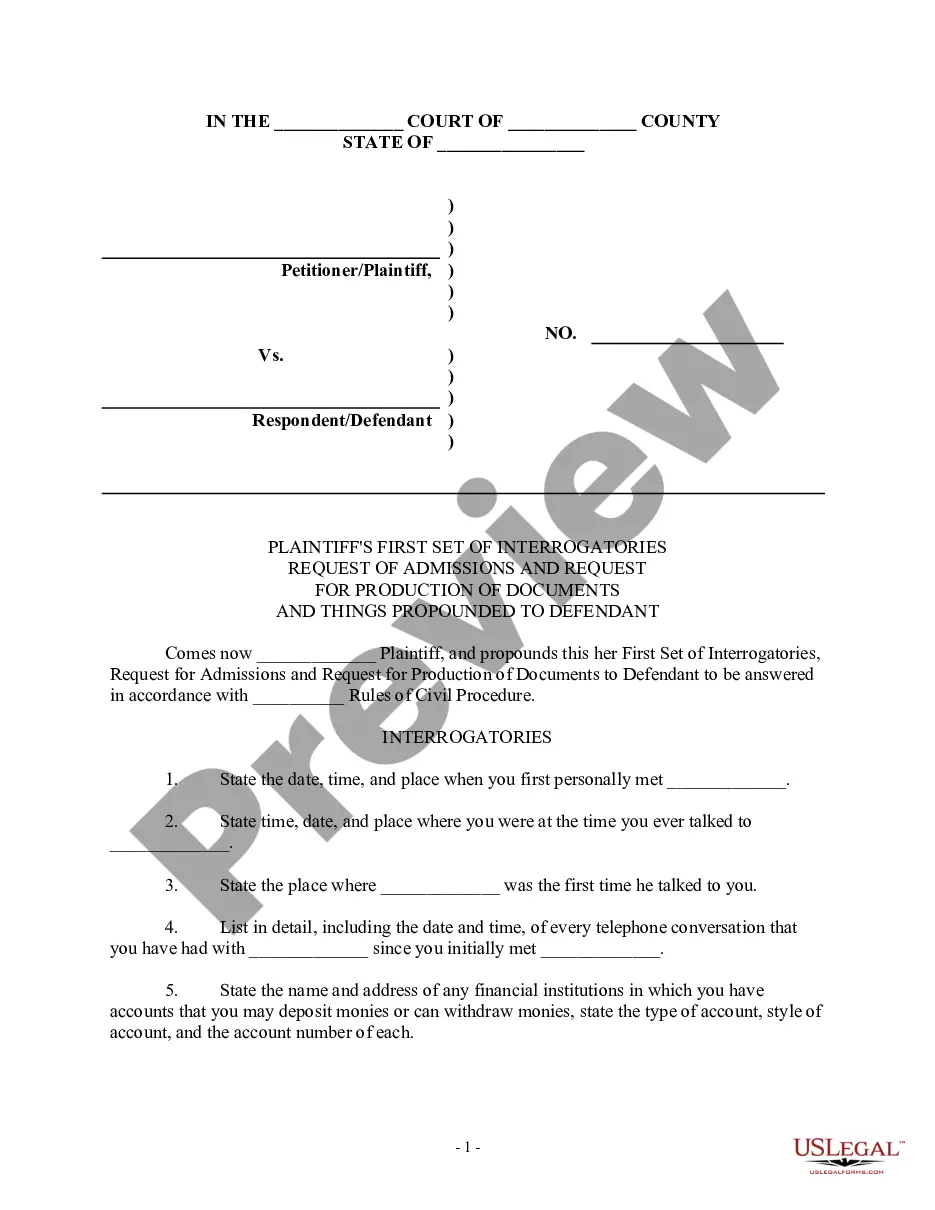
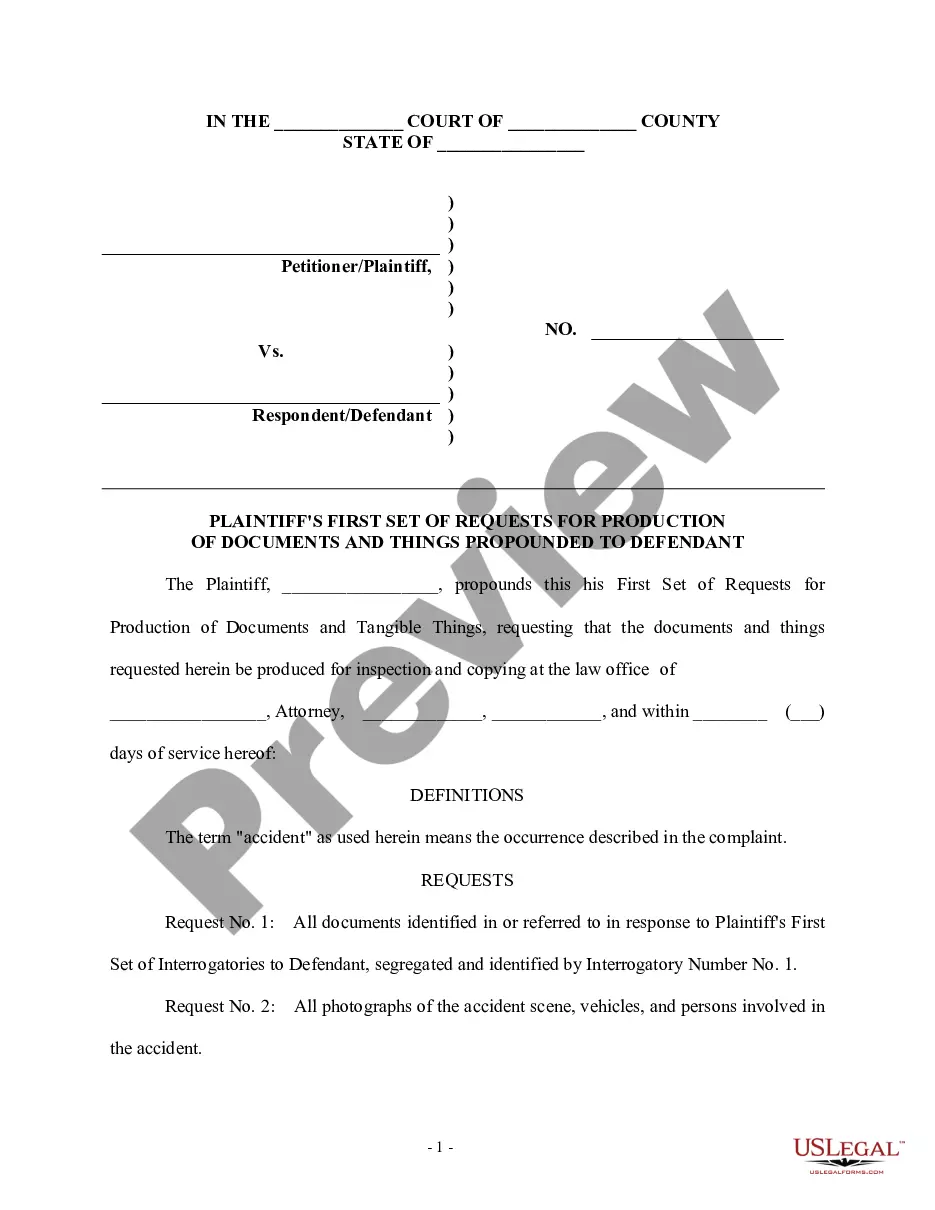
Request For Production Example With Headers
Description

Get your form ready online
Our built-in tools help you complete, sign, share, and store your documents in one place.
Make edits, fill in missing information, and update formatting in US Legal Forms—just like you would in MS Word.
Download a copy, print it, send it by email, or mail it via USPS—whatever works best for your next step.
Sign and collect signatures with our SignNow integration. Send to multiple recipients, set reminders, and more. Go Premium to unlock E-Sign.
If this form requires notarization, complete it online through a secure video call—no need to meet a notary in person or wait for an appointment.
We protect your documents and personal data by following strict security and privacy standards.

Make edits, fill in missing information, and update formatting in US Legal Forms—just like you would in MS Word.

Download a copy, print it, send it by email, or mail it via USPS—whatever works best for your next step.

Sign and collect signatures with our SignNow integration. Send to multiple recipients, set reminders, and more. Go Premium to unlock E-Sign.

If this form requires notarization, complete it online through a secure video call—no need to meet a notary in person or wait for an appointment.

We protect your documents and personal data by following strict security and privacy standards.
Looking for another form?
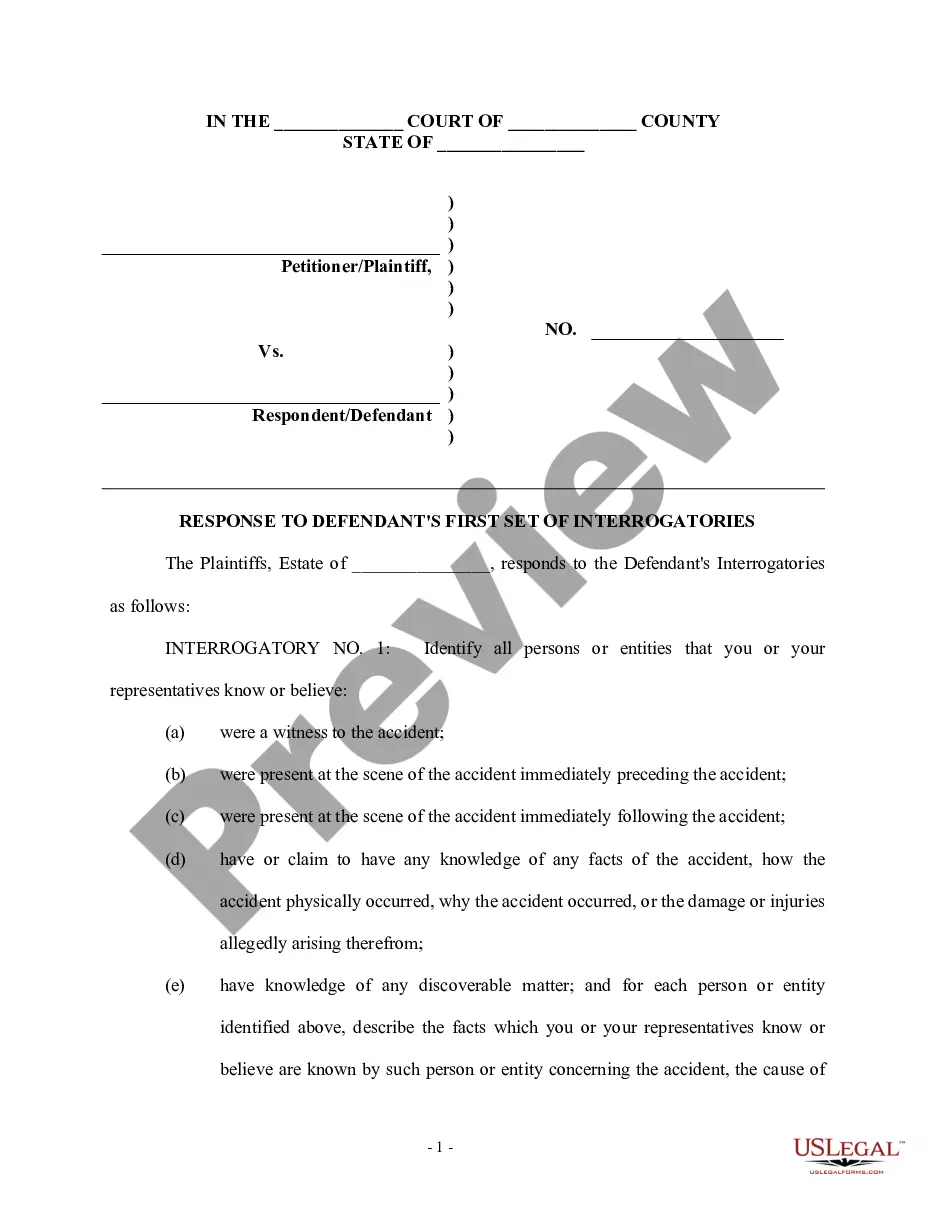
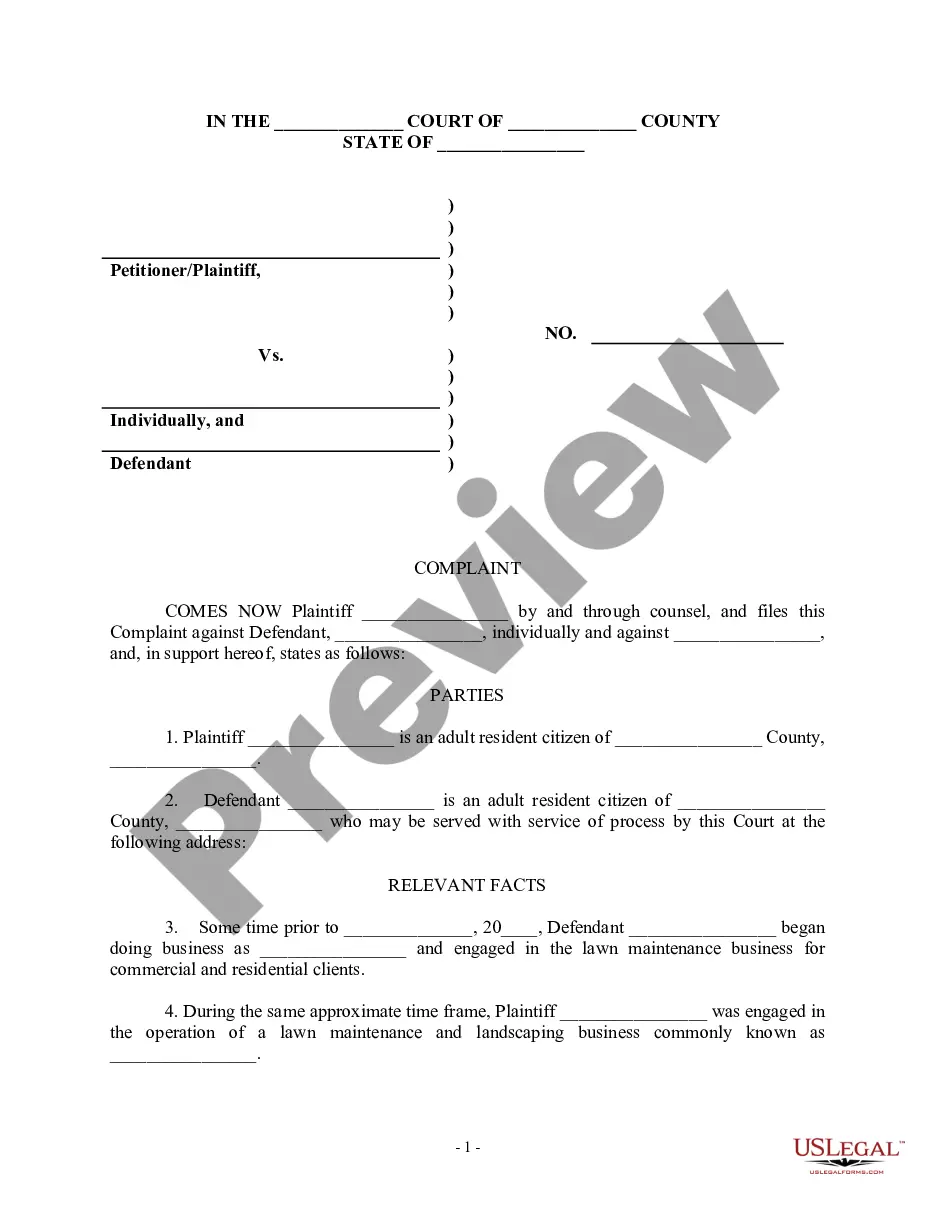
How to fill out Plaintiff's Request For Production Of Documents And Request For Admissions?
Creating legal documents from the beginning can sometimes be daunting.
Certain situations may require extensive research and substantial financial commitment.
If you're searching for a simpler and more affordable method of drafting Request For Production Example With Headers or any other documentation without unnecessary complications, US Legal Forms is always available to assist you.
Our online repository of over 85,000 current legal documents caters to nearly every aspect of your financial, legal, and personal affairs. With just a few clicks, you can swiftly access state- and county-compliant forms meticulously assembled for you by our legal professionals.
Examine the form preview and details to confirm that you have located the document you are seeking.
- Utilize our platform whenever you require dependable and trustworthy services through which you can easily locate and download the Request For Production Example With Headers.
- If you're already familiar with our services and have previously established an account with us, simply Log In to your account, find the template and download it or re-download it at any time in the My documents section.
- Not signed up yet? No worries. It takes hardly any time to register and explore the catalog.
- However, before proceeding to download Request For Production Example With Headers, adhere to these tips.
Form popularity
FAQ
In Angular, you can send headers in a GET request by using the HttpClient module. You create an HttpHeaders object and pass it along with your GET request to tailor your needs. This technique enhances your ability to manage requests, thus supporting a robust Request for production example with headers.
When using the fetch API in JavaScript, you can send headers by including a 'headers' object in your request options. This allows you to customize your request with necessary information, such as authentication. Knowing how to manage headers effectively is vital when crafting a Request for production example with headers.
To send headers in a GET request, you can use programming languages like JavaScript or Python. For example, you can create an object with key-value pairs representing your headers and include it in your request. Always ensure you are sending a proper Request for production example with headers to maintain seamless communication with the server.
The exact values and syntax for the header depend on each API, so check your API's documentation to see the requirements. To enter a header, enter the key-value pair into the Headers section of the API Connector form. Simply add them, one under the other, in the Headers section of API Connector's Create Request screen:
To set the request header for an API request in fetch , pass an object as a second parameter to the fetch method. The object will need a headers key whose value will be an object. This object will hold all the request headers for the API request.
Request headers contain more information about the resource to be fetched, or about the client requesting the resource. Response headers hold additional information about the response, like its location or about the server providing it.
The XMLHttpRequest method setRequestHeader() sets the value of an HTTP request header. When using setRequestHeader() , you must call it after calling open() , but before calling send() . If this method is called several times with the same header, the values are merged into one single request header.
Some of the information within an HTTP request header includes: Source IP address and port number. Requested URI (data or web page) Host (Destination website or web server) Type of data the browser will accept in return (text, html, xml etc)