Supplementary Content
Description

Get your form ready online
Our built-in tools help you complete, sign, share, and store your documents in one place.
Make edits, fill in missing information, and update formatting in US Legal Forms—just like you would in MS Word.
Download a copy, print it, send it by email, or mail it via USPS—whatever works best for your next step.
Sign and collect signatures with our SignNow integration. Send to multiple recipients, set reminders, and more. Go Premium to unlock E-Sign.
If this form requires notarization, complete it online through a secure video call—no need to meet a notary in person or wait for an appointment.
We protect your documents and personal data by following strict security and privacy standards.

Make edits, fill in missing information, and update formatting in US Legal Forms—just like you would in MS Word.

Download a copy, print it, send it by email, or mail it via USPS—whatever works best for your next step.

Sign and collect signatures with our SignNow integration. Send to multiple recipients, set reminders, and more. Go Premium to unlock E-Sign.

If this form requires notarization, complete it online through a secure video call—no need to meet a notary in person or wait for an appointment.

We protect your documents and personal data by following strict security and privacy standards.
Looking for another form?

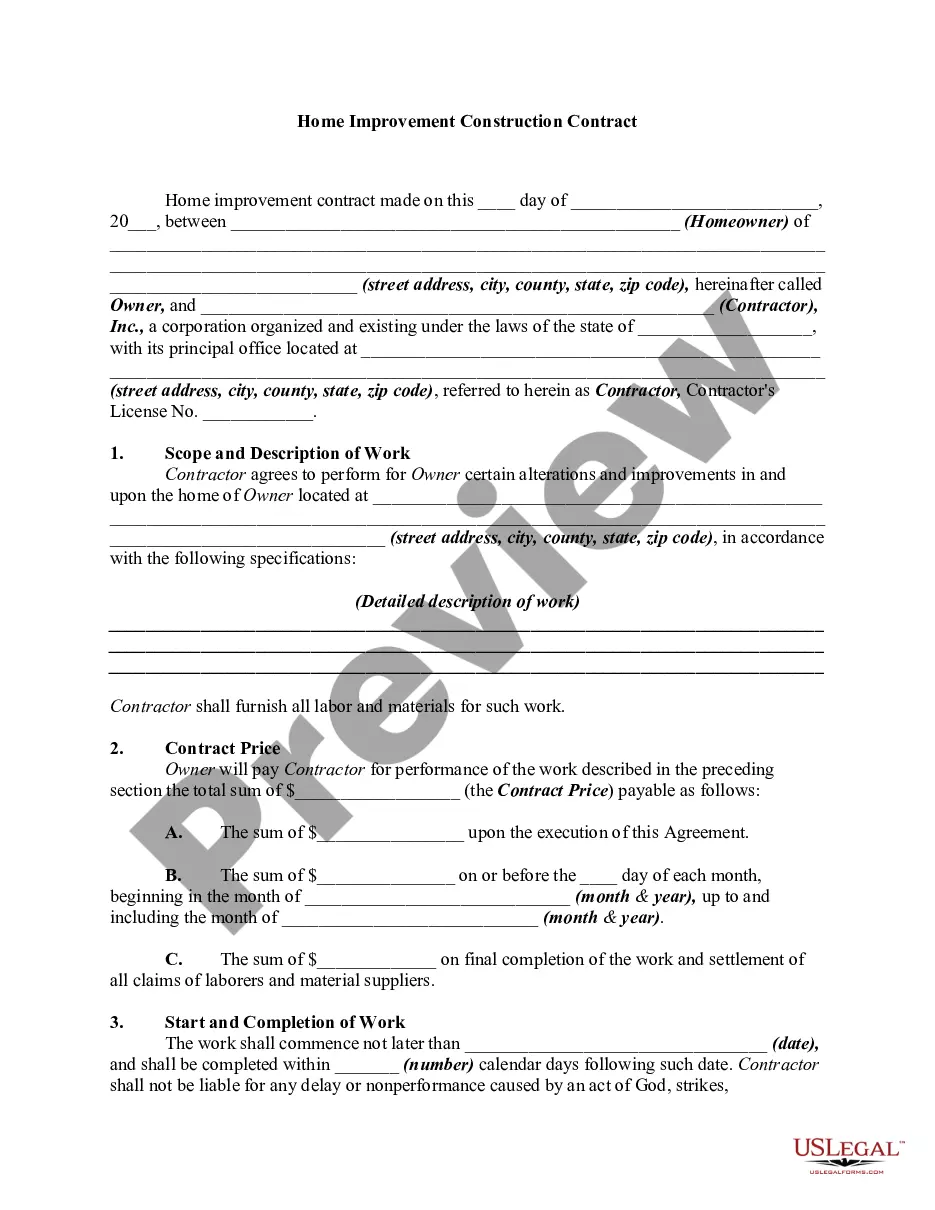
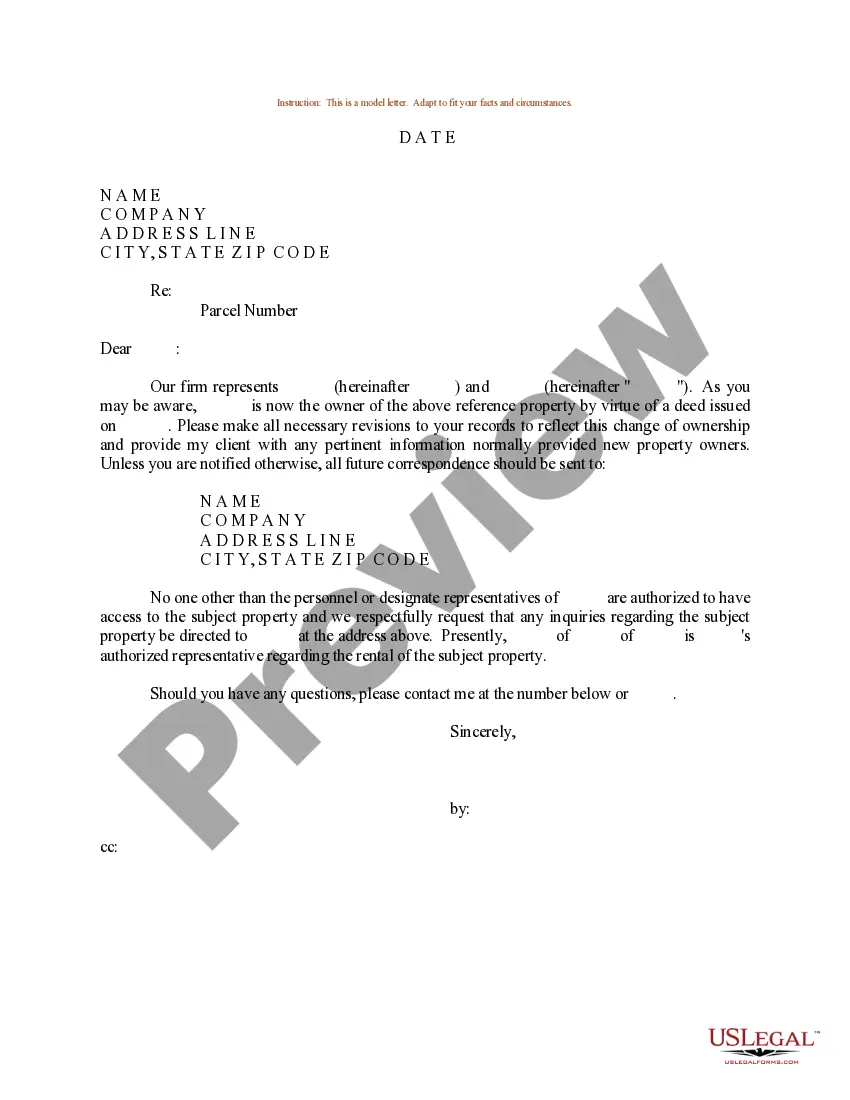


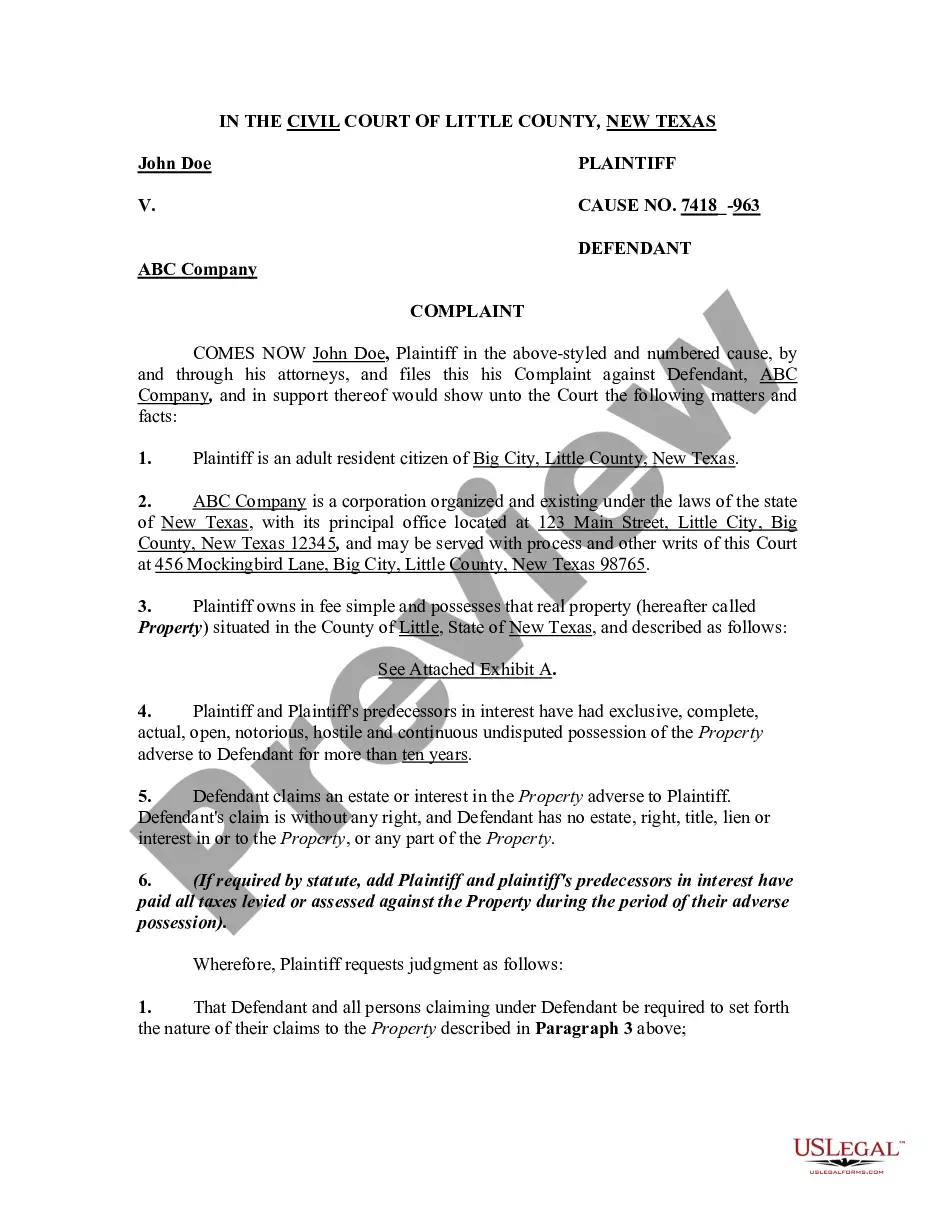
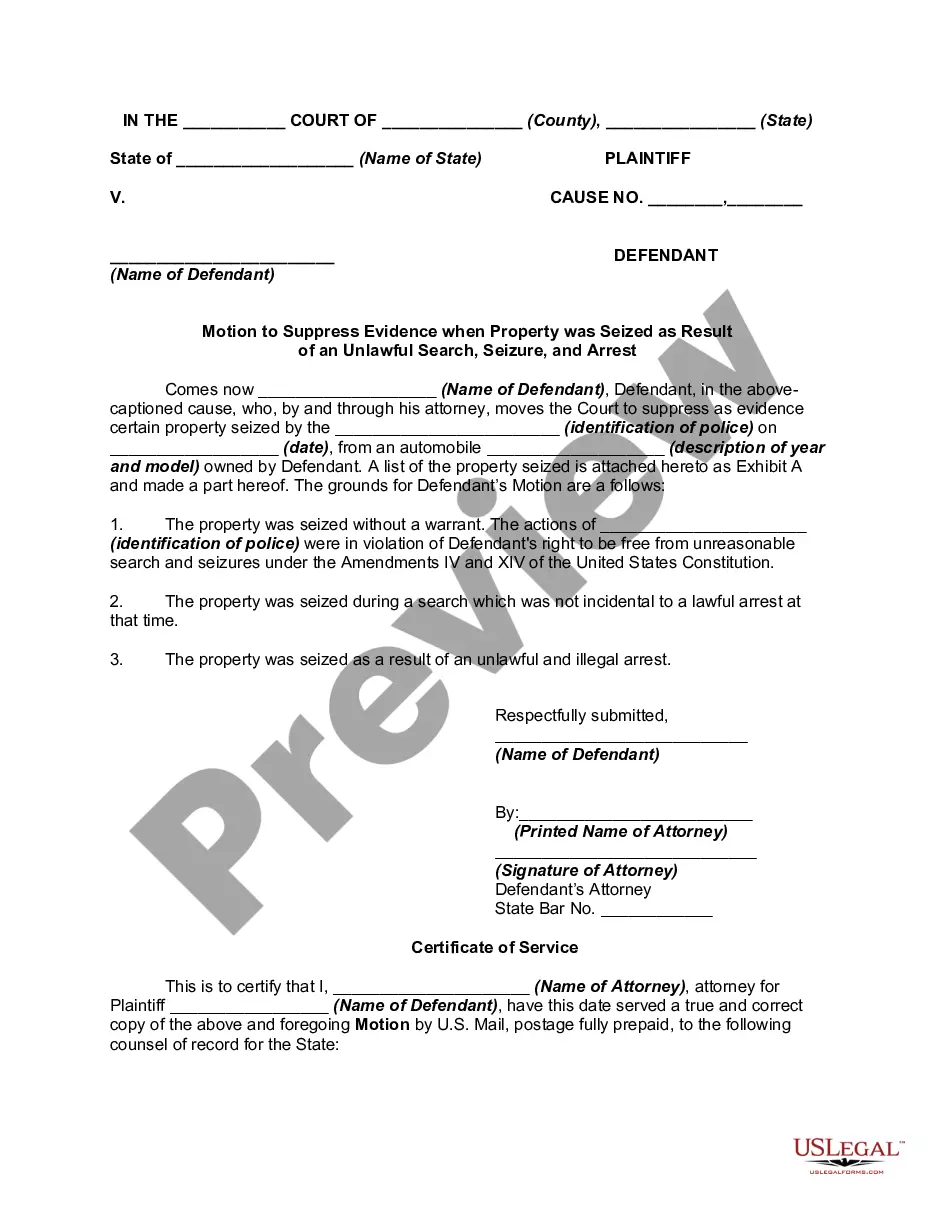

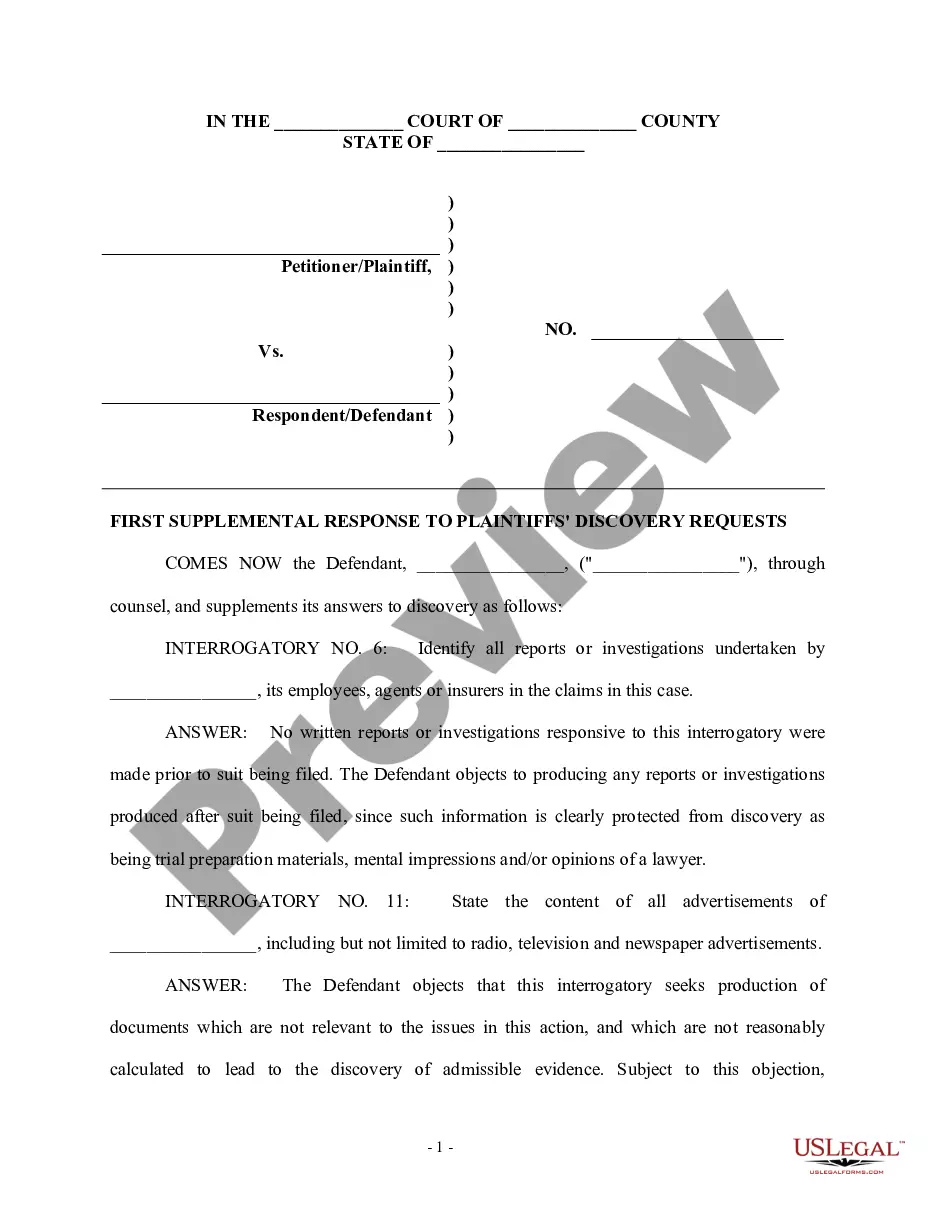
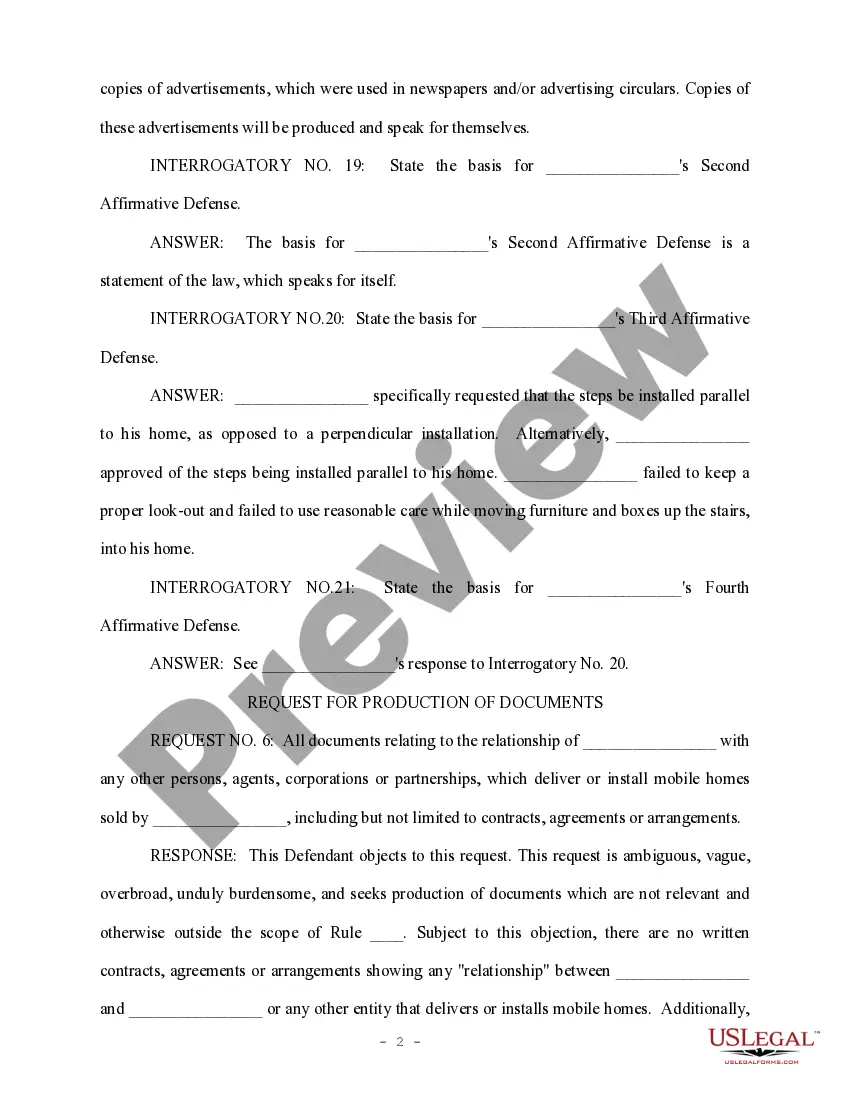
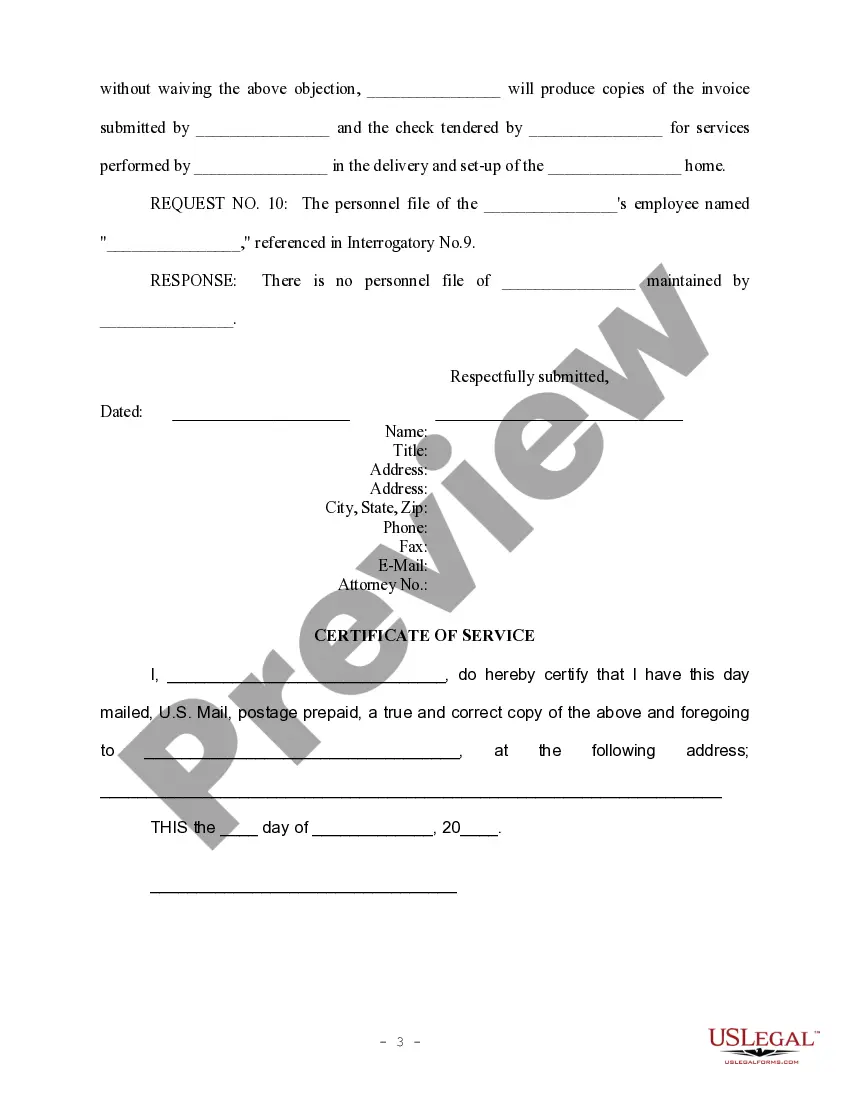
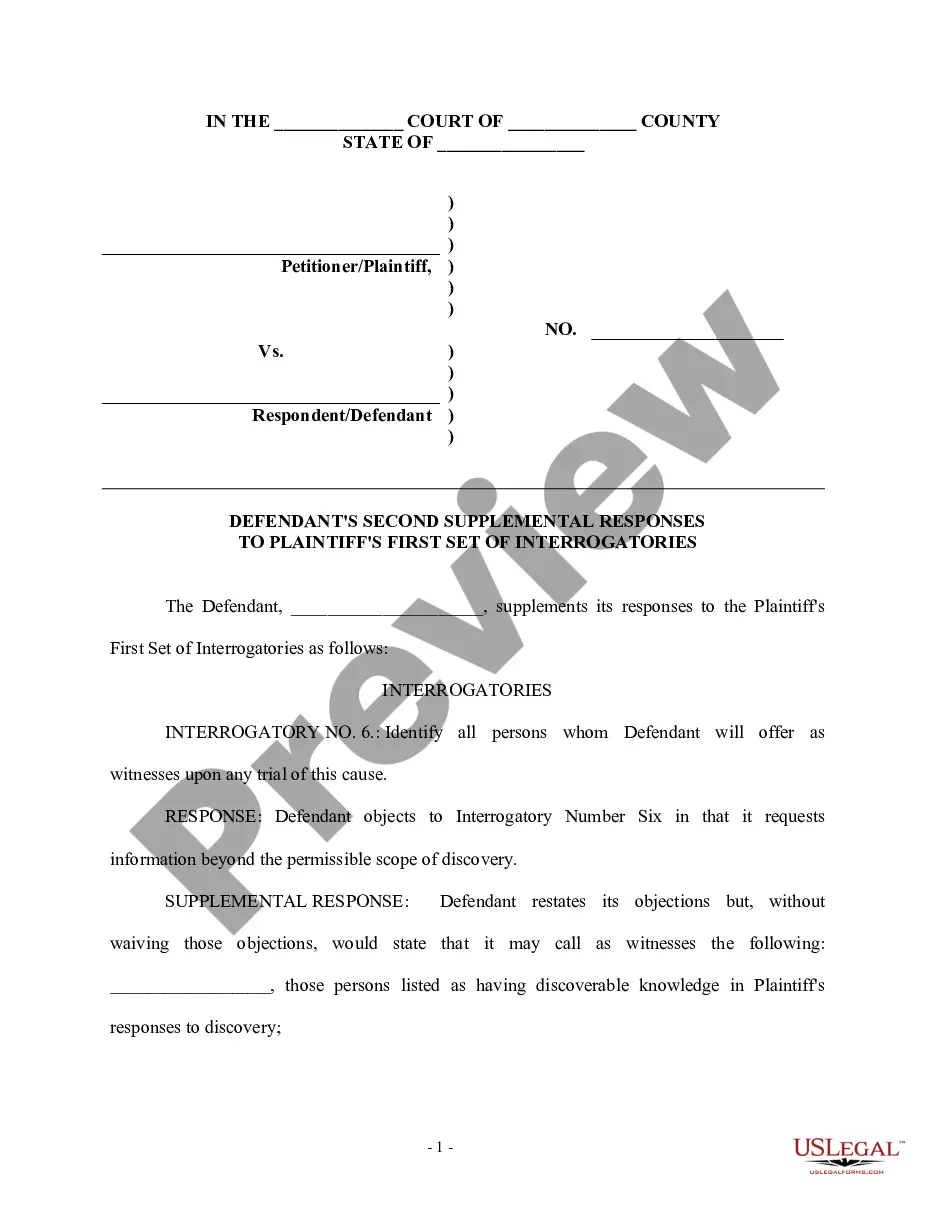
How to fill out Defendant's First Supplemental Response To Plaintiff's Discovery Request?
- If you are a returning user, log in and select the document template you need. Ensure your subscription is active to proceed with the download.
- For first-time users, start by reviewing the form preview and its description, making sure it meets your requirements and adheres to local jurisdiction standards.
- If necessary, use the Search feature to locate a different template that better suits your needs.
- Once you find the correct document, click on the Buy Now button to select your preferred subscription plan, and create an account to access the full library.
- Complete your purchase by entering your payment information, either via credit card or PayPal.
- Finally, download the document to your device. You can access it anytime in the My Forms section of your profile.
US Legal Forms stands out with its extensive collection of forms, empowering users to execute legal documents quickly and effectively. The added benefit of premium expert assistance ensures your documents are not only accessible but also correct and legally sound.
Get started today and streamline your legal document needs with US Legal Forms. Sign up now to access a wealth of resources!
Form popularity
FAQ
Yes, you can download Libby books easily through the app. Once you've borrowed a title, simply tap the download button to store it for offline reading. This feature ensures that you can enjoy your library's offerings wherever you are. In addition, keep an eye out for supplementary content that can enhance the themes and subjects of your current reads.
To confirm your Libby books are downloaded, check the app’s bookshelf where you'll see a cloud icon next to titles that aren’t downloaded. Click on the cloud icon to start the download. Once downloaded, a checkmark appears, indicating they are ready for offline reading. For supplementary content, ensuring your resources are accessible helps you stay organized.
Absolutely, you can download Libby books for offline access. After borrowing your book, look for the download option, which enables seamless reading, even without internet access. This capability is especially beneficial for long commutes or travel. Additionally, be on the lookout for supplementary content related to your books for deeper insights.
Libby does not support direct downloads of books as PDF files, as it prioritizes reading through its app. If you wish to access books in PDF format, consider other platforms or educational resources. Meanwhile, remember that utilizing supplementary content improves the richness of your reading experience. Always check your local library for other formats.
Yes, Libby allows you to download books for offline listening. After borrowing an audiobook, you simply select the download option. This feature provides flexibility, enabling users to enjoy their favorite titles without relying on an internet connection. For supplementary content, utilize your library’s offerings to enhance your learning experience.
Converting Libby books to PDF isn't straightforward, as Libby primarily focuses on digital reading. However, you can explore third-party tools that allow for such conversions, ensuring you respect copyright policies. Always prioritize using apps that comply with licensing agreements. For supplementary content, consider accessing additional libraries and resources for your research needs.
A supplemental material example could be an infographic that summarizes key points from a lengthy research paper. This visual representation can help communicate the main findings in a more digestible format. By including such supplementary content, you cater to different learning styles and improve information retention for your audience.
An example of supplementary content may be an online resource hub that links to external articles, videos, or tools that provide further insight into your main subject. This type of content not only enhances reader engagement but also adds credibility to your primary material. Effectively using supplementary content can lead to a richer experience for your audience.
An example of supplementary content might include appendices or glossaries that provide additional definitions or explanations related to the primary material. Such content helps clarify complex topics and provides readers with a more comprehensive understanding. Using supplementary content can greatly enhance the educational value of your work.
When formatting supplementary content, it’s important to keep consistency and clarity in mind. Use headings and subheadings to organize your content, and employ bullet points or numbered lists for easy reading. Proper formatting ensures that your supplementary material is accessible and complements the main content effectively.