Take Subpoena Duces Without Consent
Description
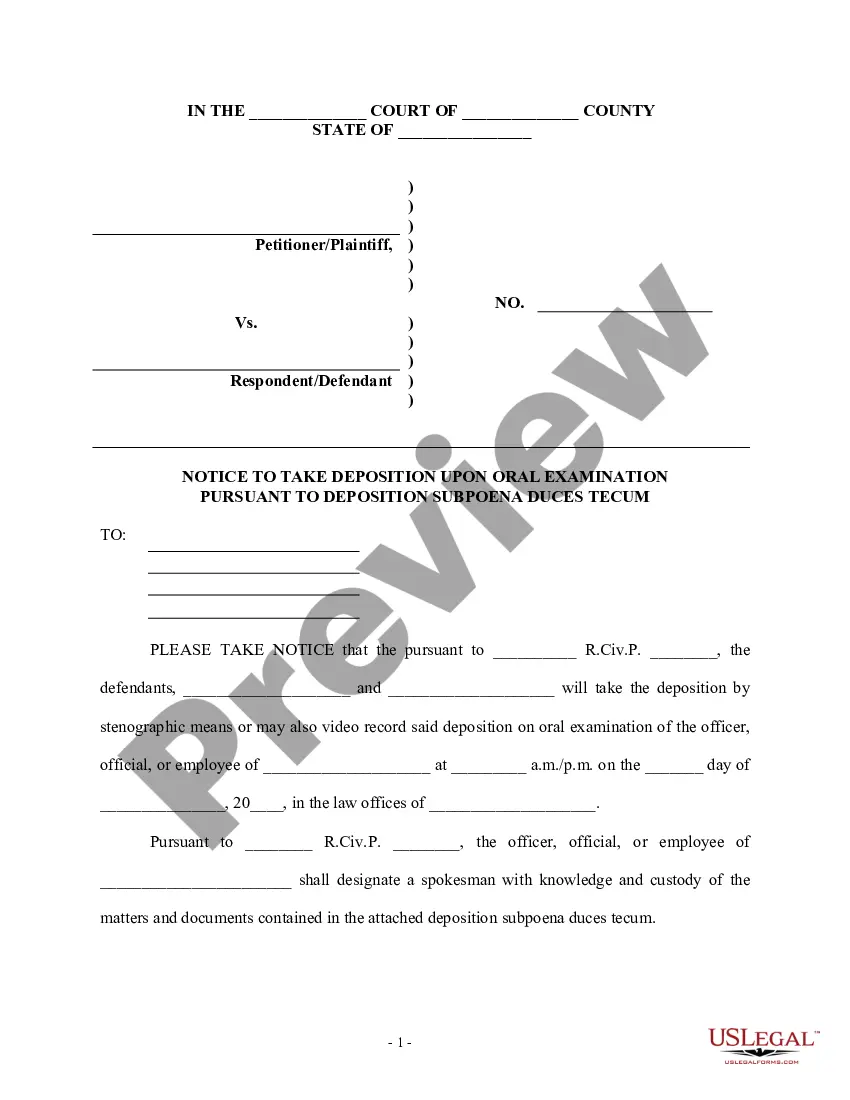
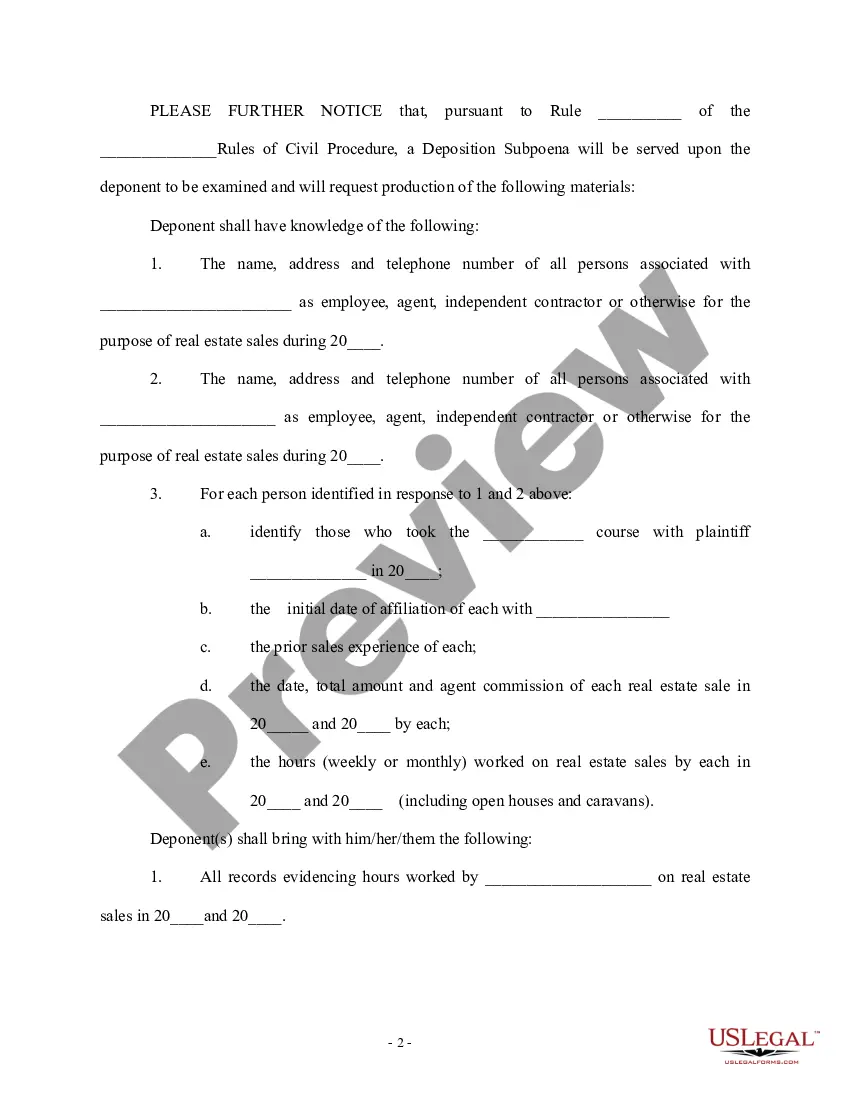
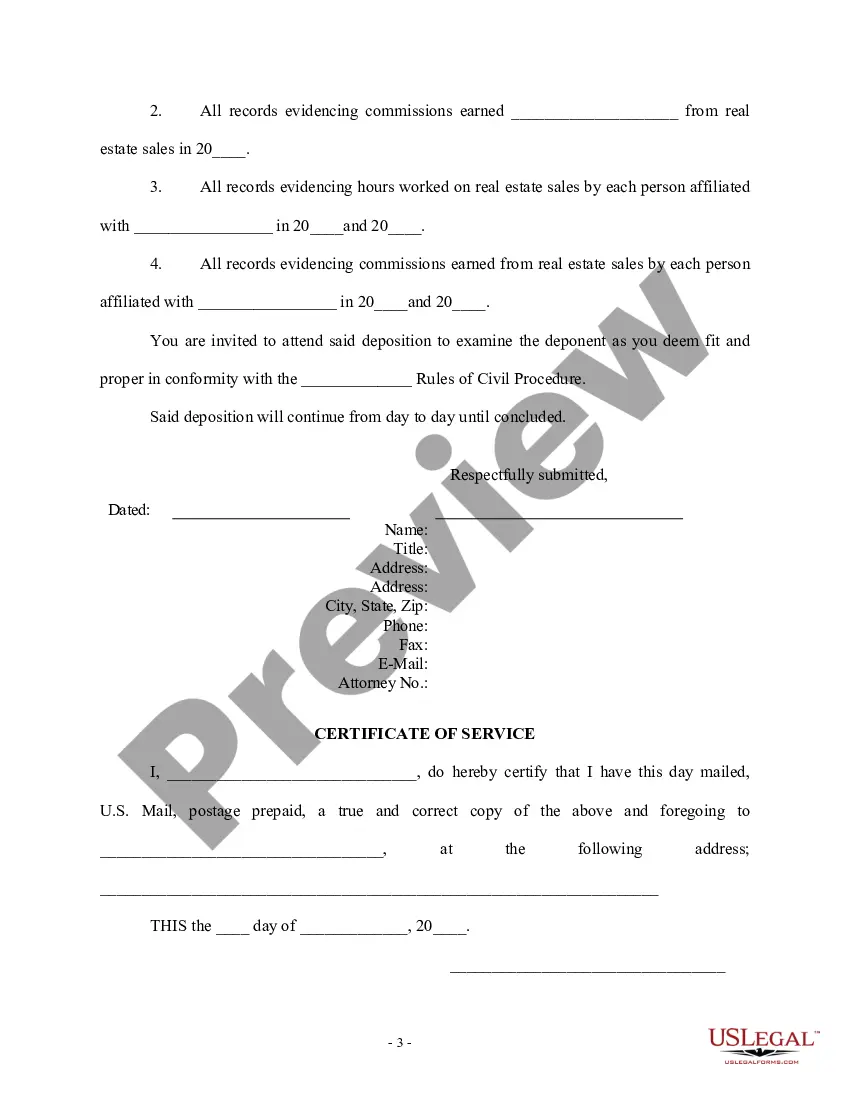
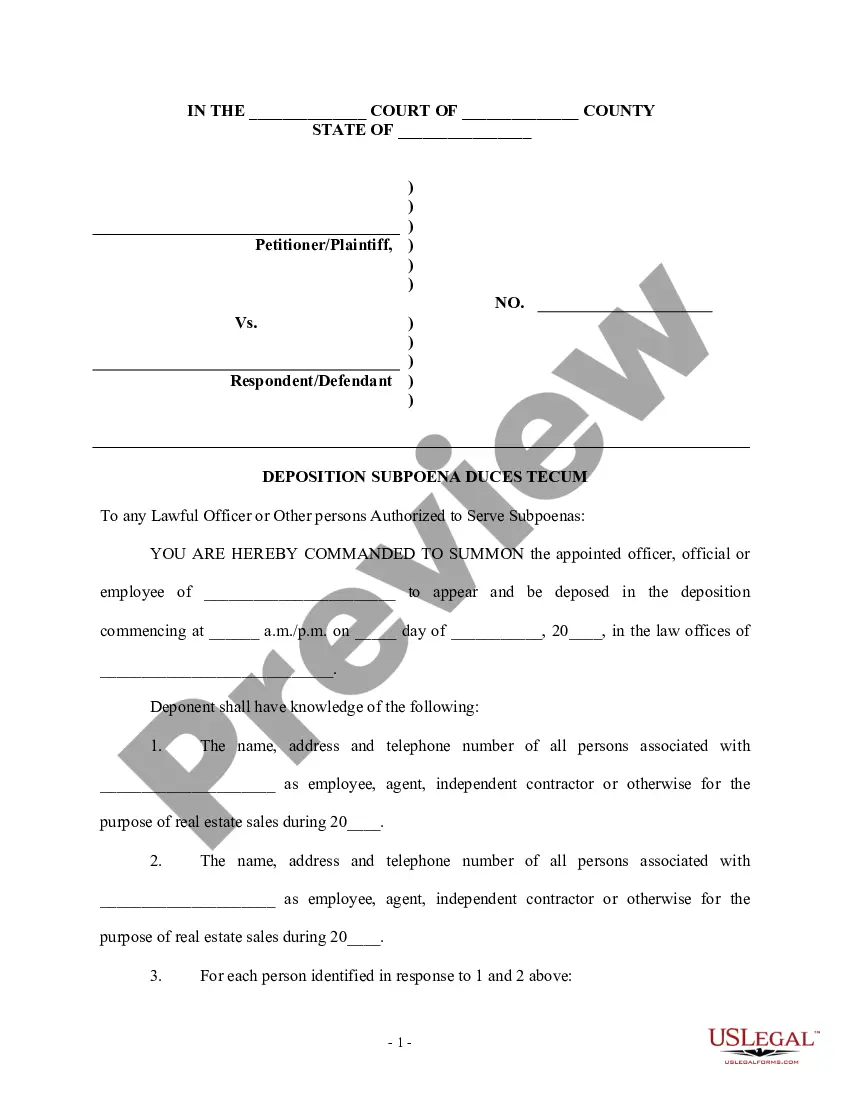
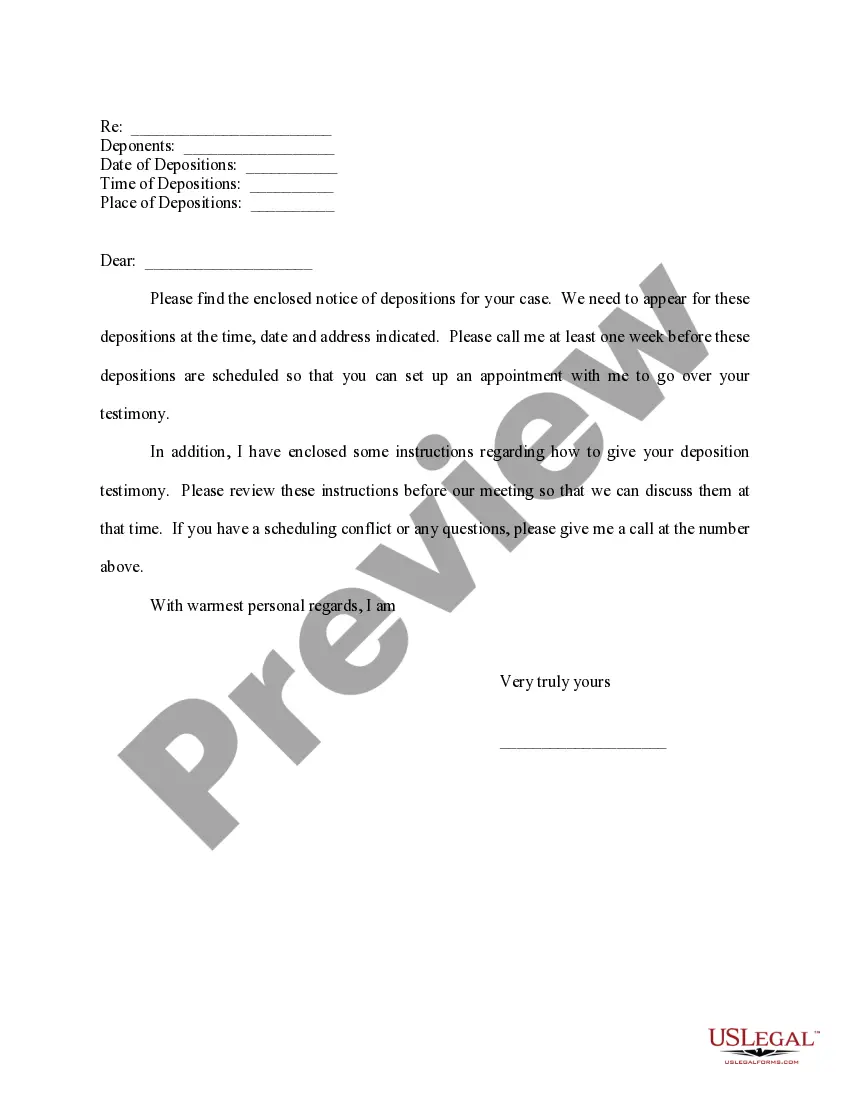
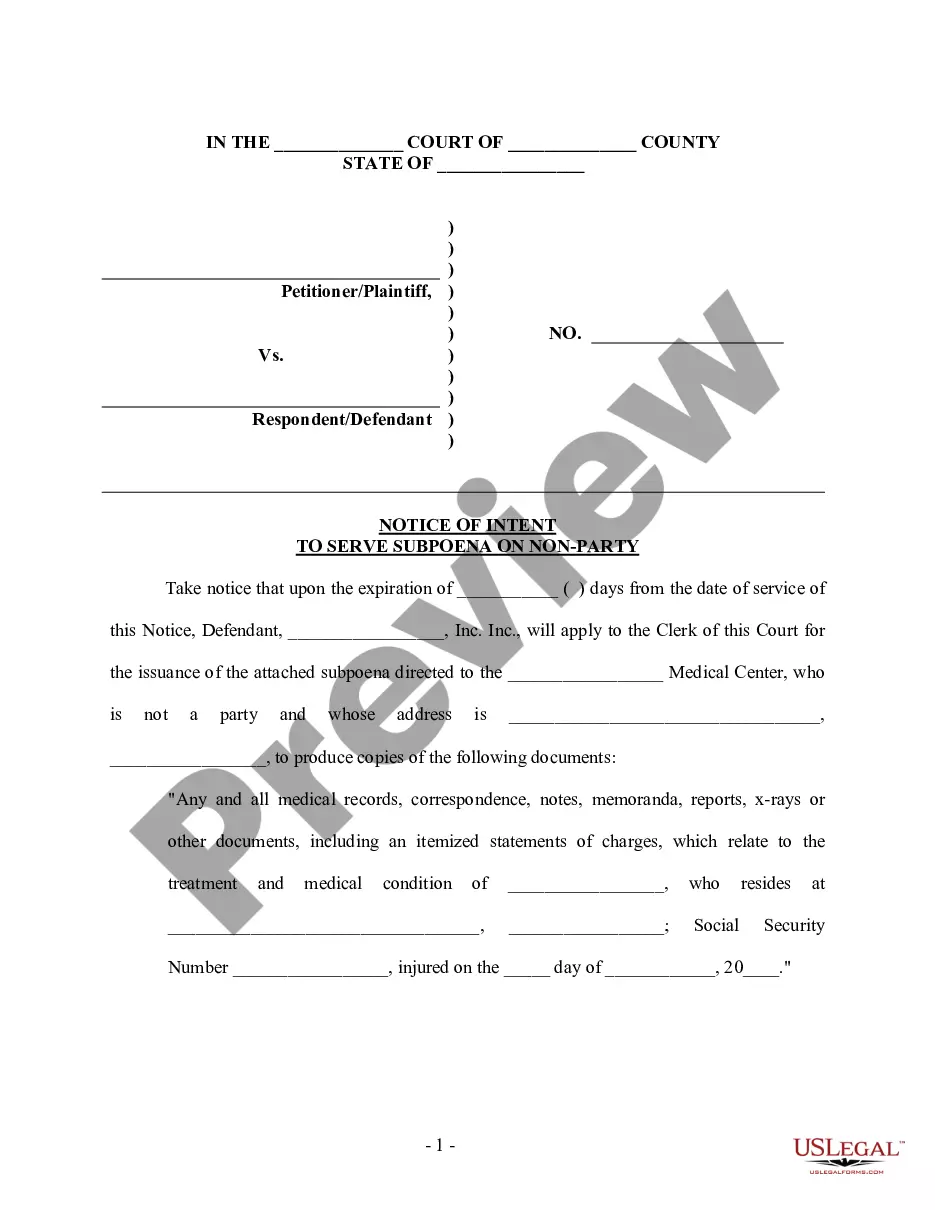
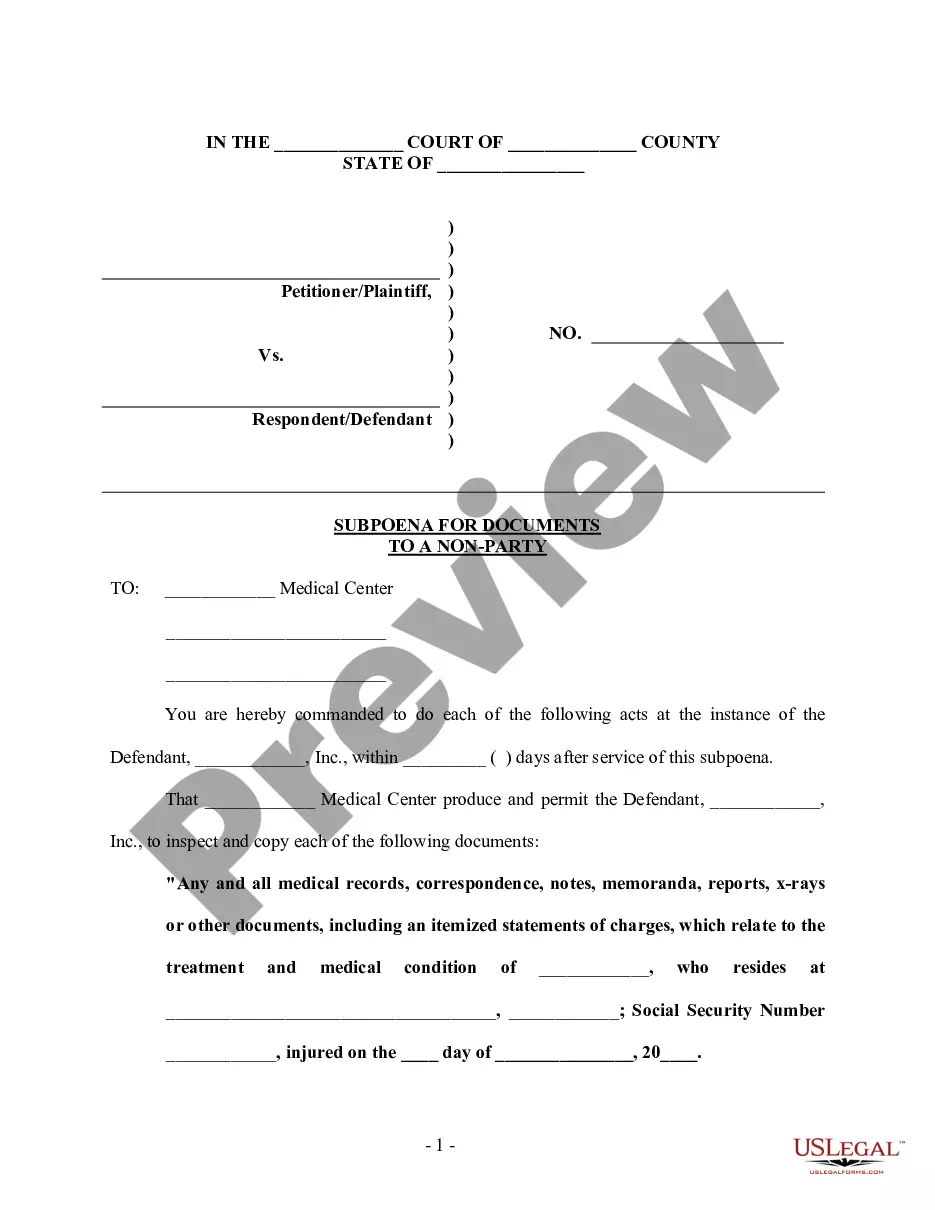
Get your form ready online
Our built-in tools help you complete, sign, share, and store your documents in one place.
Make edits, fill in missing information, and update formatting in US Legal Forms—just like you would in MS Word.
Download a copy, print it, send it by email, or mail it via USPS—whatever works best for your next step.
Sign and collect signatures with our SignNow integration. Send to multiple recipients, set reminders, and more. Go Premium to unlock E-Sign.
If this form requires notarization, complete it online through a secure video call—no need to meet a notary in person or wait for an appointment.
We protect your documents and personal data by following strict security and privacy standards.

Make edits, fill in missing information, and update formatting in US Legal Forms—just like you would in MS Word.

Download a copy, print it, send it by email, or mail it via USPS—whatever works best for your next step.

Sign and collect signatures with our SignNow integration. Send to multiple recipients, set reminders, and more. Go Premium to unlock E-Sign.

If this form requires notarization, complete it online through a secure video call—no need to meet a notary in person or wait for an appointment.

We protect your documents and personal data by following strict security and privacy standards.
Looking for another form?





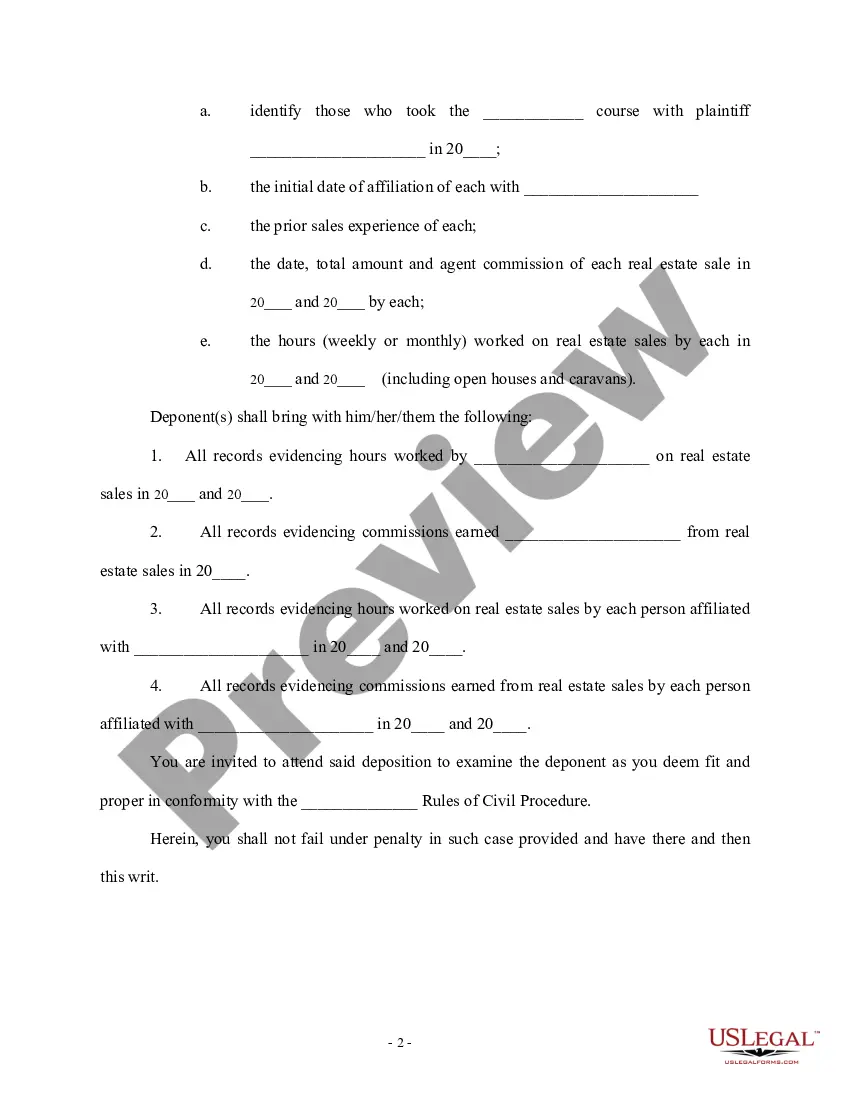
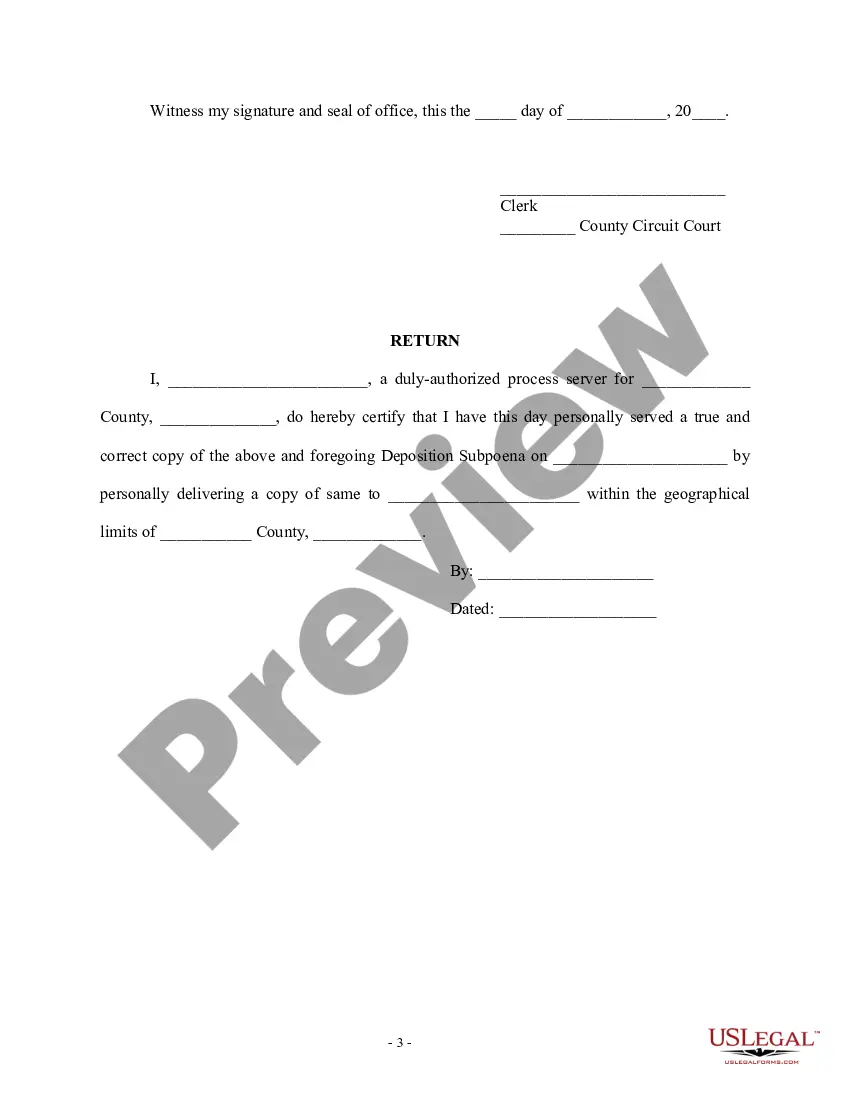
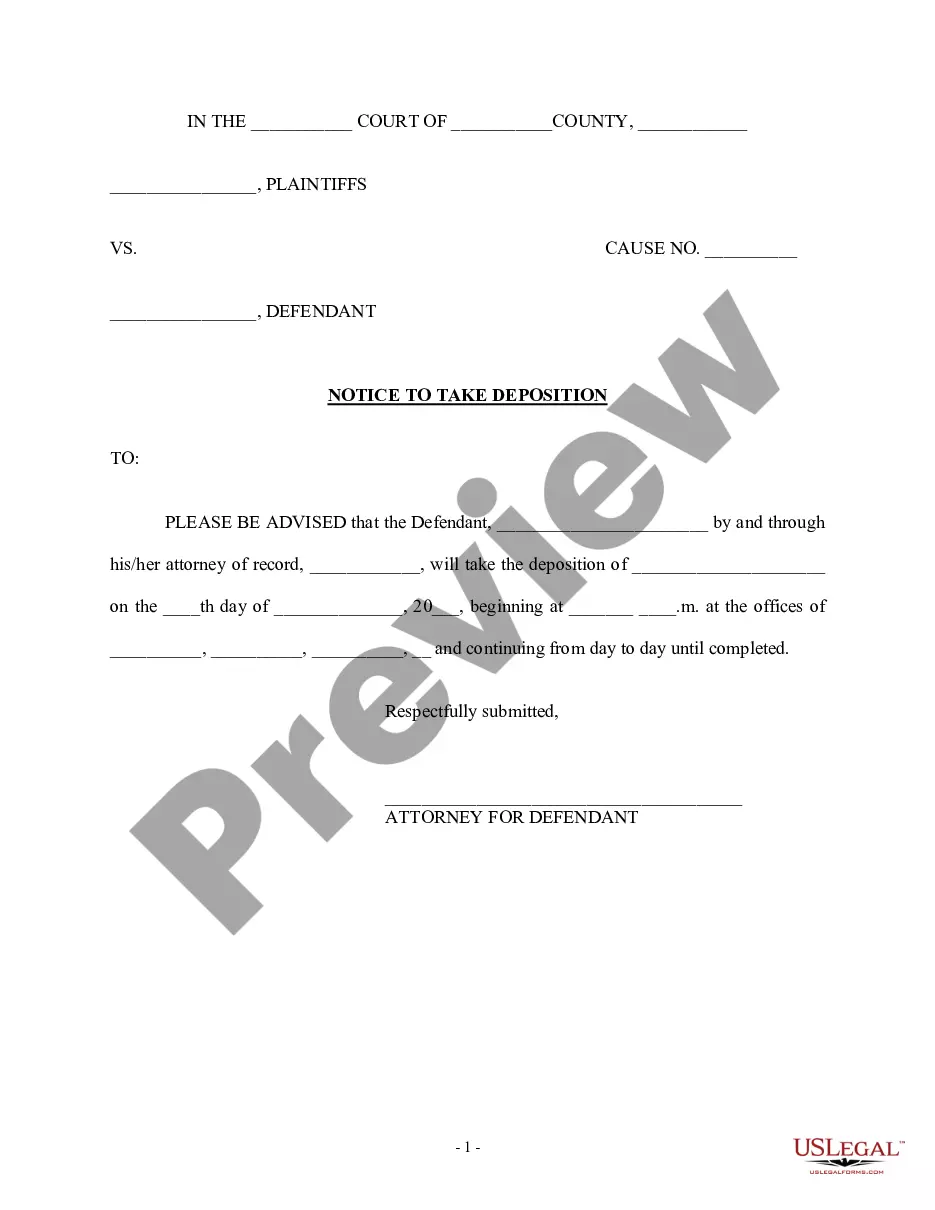
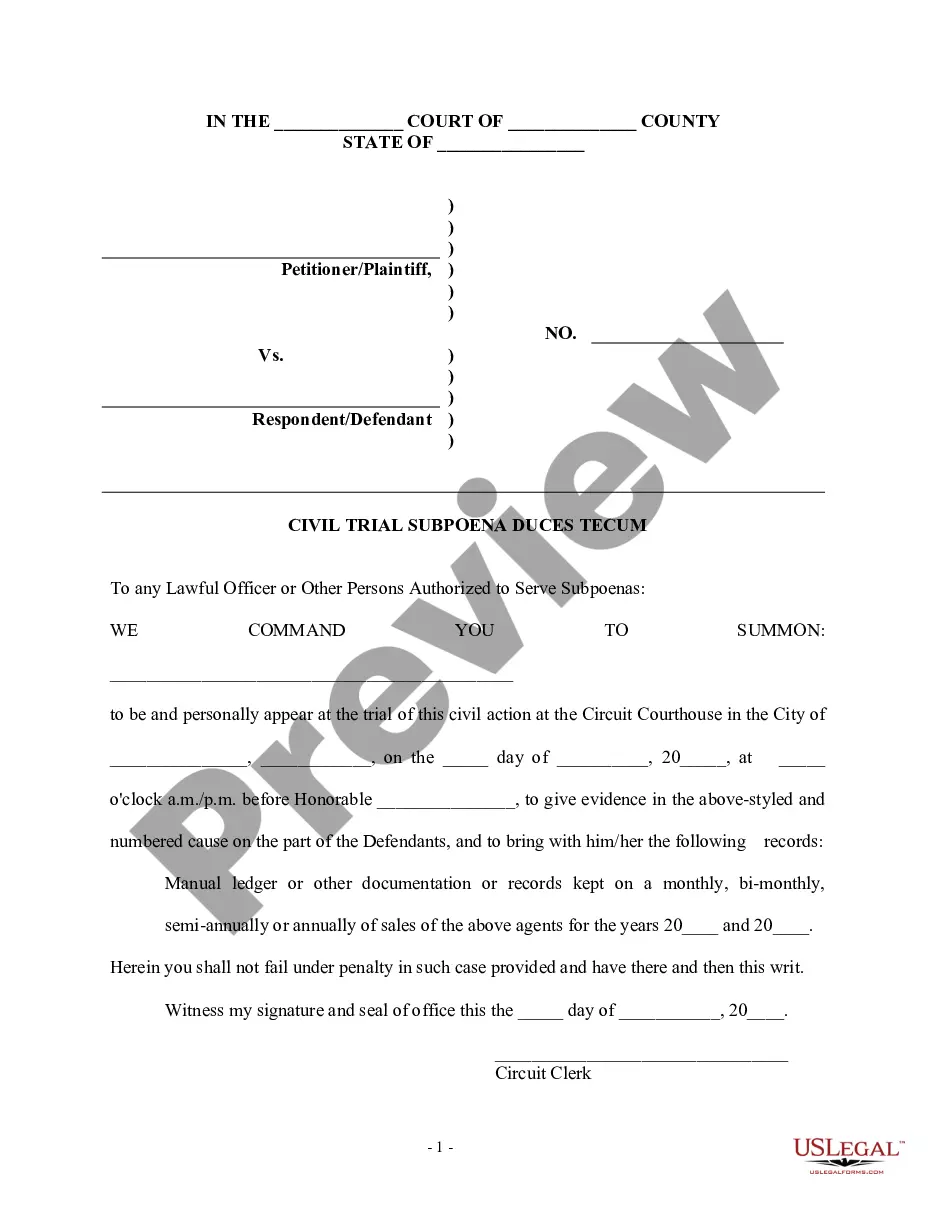
How to fill out Notice To Take Deposition Subpoena Duces Tecum?
Regardless of whether it's for professional reasons or personal matters, everyone encounters legal circumstances at some stage in their existence.
Filling out legal paperwork requires meticulous care, starting with choosing the correct template example.
Once downloaded, you can fill out the form using editing software or print it for manual completion. With an extensive US Legal Forms catalog available, you don’t need to waste time searching for the right template online. Leverage the library's user-friendly navigation to locate the appropriate form for any situation.
- Obtain the template you require by utilizing the search bar or browsing the catalog.
- Review the form’s details to ensure it aligns with your circumstances, jurisdiction, and area.
- Click on the form’s preview to examine it.
- If it turns out to be the wrong document, return to the search tool to find the Take Subpoena Duces Without Consent example you need.
- Retrieve the template if it satisfies your specifications.
- If you possess a US Legal Forms account, simply click Log in to access previously saved documents in My documents.
- If you haven’t created an account yet, you can purchase the form by clicking Buy now.
- Select the appropriate pricing option.
- Complete the account registration form.
- Choose your payment method: you can opt for a credit card or PayPal account.
- Select the file format you prefer and download the Take Subpoena Duces Without Consent.
Form popularity
FAQ
Fill out the following forms: The Summons Family Actions (JD-FM-3) The Divorce Complaint (Dissolution of Marriage) (JD-FM-159) or, if you are filing to dissolve a civil union, not a marriage, the Dissolution of Civil Union Complaint (JD-FM-159A)
Subsequent court dates can be found on the Connecticut's Judicial website: . You can always call BailCo Bail Bonds or download our app to help you find the appearance information you need.
You may also call the Centralized Services Unit at 860-263-2750. All requests for files must include the name of the case and docket number. Docket numbers may be available on-line at .jud.ct.gov by utilizing the case look-up function. Files should be available within one or two business days.
To obtain a copy of a Divorce Decree or Dissolution of Civil Union Decree, contact the CT Superior Court where the divorce or dissolution was granted (see Directory of Connecticut Superior Courts).
Under the Connecticut Freedom of Information Act, the public has access to all available public records of government bodies in the state. The general public may: Request to view public records, View public records without obtaining a copy, or.
Members of the public may view and/or obtain copies of Connecticut family court records by: Using state-managed public-access online resources. Making in-person queries to the record custodian. Sending mail-in requests to the courthouse where the case was filed/heard.