Modeling Form Format
Description
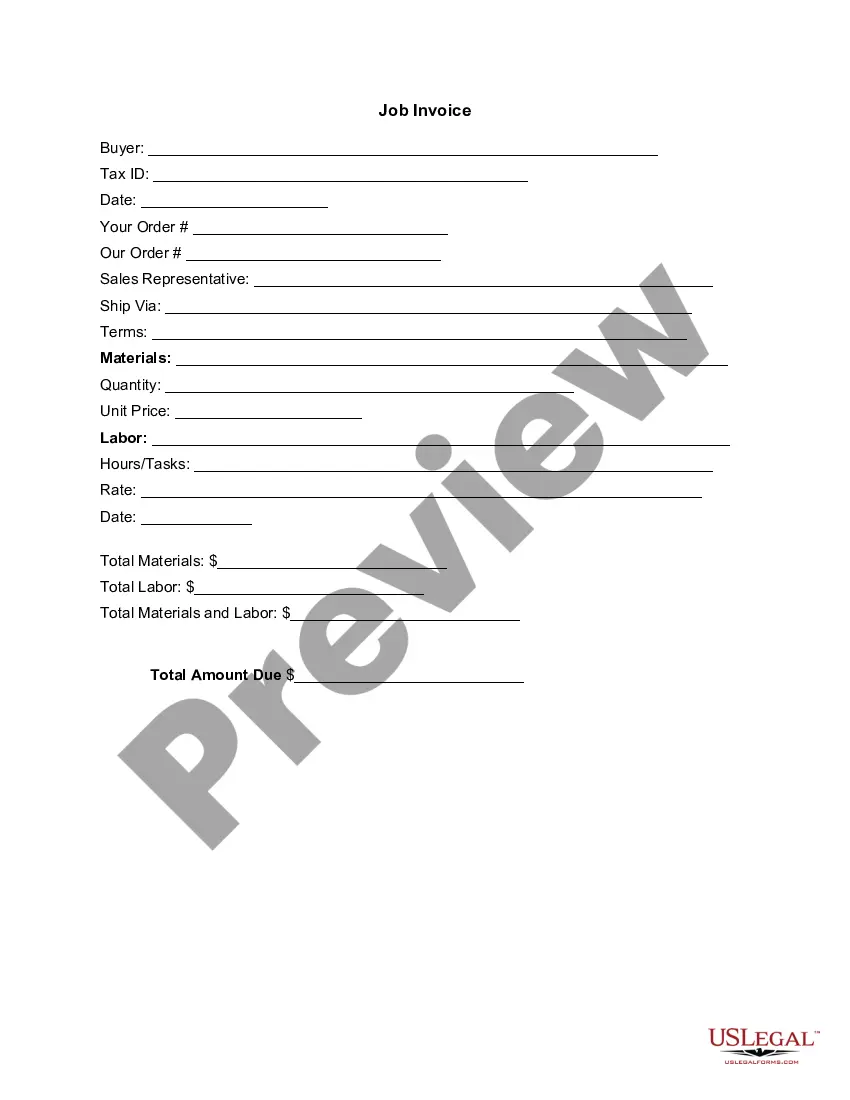
Get your form ready online
Our built-in tools help you complete, sign, share, and store your documents in one place.
Make edits, fill in missing information, and update formatting in US Legal Forms—just like you would in MS Word.
Download a copy, print it, send it by email, or mail it via USPS—whatever works best for your next step.
Sign and collect signatures with our SignNow integration. Send to multiple recipients, set reminders, and more. Go Premium to unlock E-Sign.
If this form requires notarization, complete it online through a secure video call—no need to meet a notary in person or wait for an appointment.
We protect your documents and personal data by following strict security and privacy standards.

Make edits, fill in missing information, and update formatting in US Legal Forms—just like you would in MS Word.

Download a copy, print it, send it by email, or mail it via USPS—whatever works best for your next step.

Sign and collect signatures with our SignNow integration. Send to multiple recipients, set reminders, and more. Go Premium to unlock E-Sign.

If this form requires notarization, complete it online through a secure video call—no need to meet a notary in person or wait for an appointment.

We protect your documents and personal data by following strict security and privacy standards.
Looking for another form?



How to fill out Photography And Modeling Package?
Legal documents management can be perplexing, even for experienced professionals.
When you are looking for a Modeling Form Format and lack the time to spend seeking the appropriate and current version, the process can be overwhelming.
US Legal Forms meets any needs you may have, from personal to business documentation, all in one place.
Leverage sophisticated tools to fill out and manage your Modeling Form Format.
Here are the steps to follow after obtaining the form you need: Verify it is the correct form by previewing it and reviewing its details. Ensure that the template is valid in your state or county. Click Buy Now when you are prepared. Select a monthly subscription option. Choose the file format you desire, and Download, complete, sign, print, and send your document. Take advantage of the US Legal Forms online library, supported by 25 years of experience and reliability. Enhance your daily document management into a seamless and user-friendly process today.
- Access a resource pool of articles, guides, and manuals relevant to your situation and needs.
- Conserve time and energy searching for the documents you require, and utilize US Legal Forms’ advanced search and Review tool to locate Modeling Form Format and obtain it.
- If you have a monthly subscription, Log In to the US Legal Forms account, search for the form, and retrieve it.
- Check the My documents tab to review the documents you have previously downloaded and to organize your files as you see fit.
- If this is your first experience with US Legal Forms, create a free account and enjoy unlimited access to all the benefits of the library.
- A robust online form repository can be revolutionary for anyone aiming to navigate these scenarios effectively.
- US Legal Forms is a frontrunner in online legal documents, with more than 85,000 state-specific legal forms available to you at any time.
- With US Legal Forms, you can access state- or county-specific legal and business documents.
Form popularity
FAQ
Fill in your personal information, such as your full name, contact details, and address. Ensure accuracy and double-check for any errors. Proceed to the next section of the form, which usually asks for your educational background.
What does a model application form include? Name & surname. Age. Height & weight. Previous modeling experiences. References. Photos or videos.
A model application form is used by modeling agencies to collect details of aspiring models. With a free online Model Application Form template, you can create an efficient way to collect the information you need to start your career!
Introduce yourself, your work, and your goals. Be open and honest if you've never worked with models or shot beauty or fashion photography. Talk about what you have done and what you want to do. Provide a link to your portfolio or website.
Contents 1.1 Formal versus Informal Models. 1.2 Physical Models versus Abstract Models. 1.3 Descriptive Models. 1.4 Analytical Models. 1.5 Hybrid Descriptive and Analytical Models. 1.6 Domain-Specific Models. 1.7 System Models. 1.8 Simulation versus Model.