Consultancy Form Template For Job
Description
Get your form ready online
Our built-in tools help you complete, sign, share, and store your documents in one place.
Make edits, fill in missing information, and update formatting in US Legal Forms—just like you would in MS Word.
Download a copy, print it, send it by email, or mail it via USPS—whatever works best for your next step.
Sign and collect signatures with our SignNow integration. Send to multiple recipients, set reminders, and more. Go Premium to unlock E-Sign.
If this form requires notarization, complete it online through a secure video call—no need to meet a notary in person or wait for an appointment.
We protect your documents and personal data by following strict security and privacy standards.

Make edits, fill in missing information, and update formatting in US Legal Forms—just like you would in MS Word.

Download a copy, print it, send it by email, or mail it via USPS—whatever works best for your next step.

Sign and collect signatures with our SignNow integration. Send to multiple recipients, set reminders, and more. Go Premium to unlock E-Sign.

If this form requires notarization, complete it online through a secure video call—no need to meet a notary in person or wait for an appointment.

We protect your documents and personal data by following strict security and privacy standards.
Looking for another form?









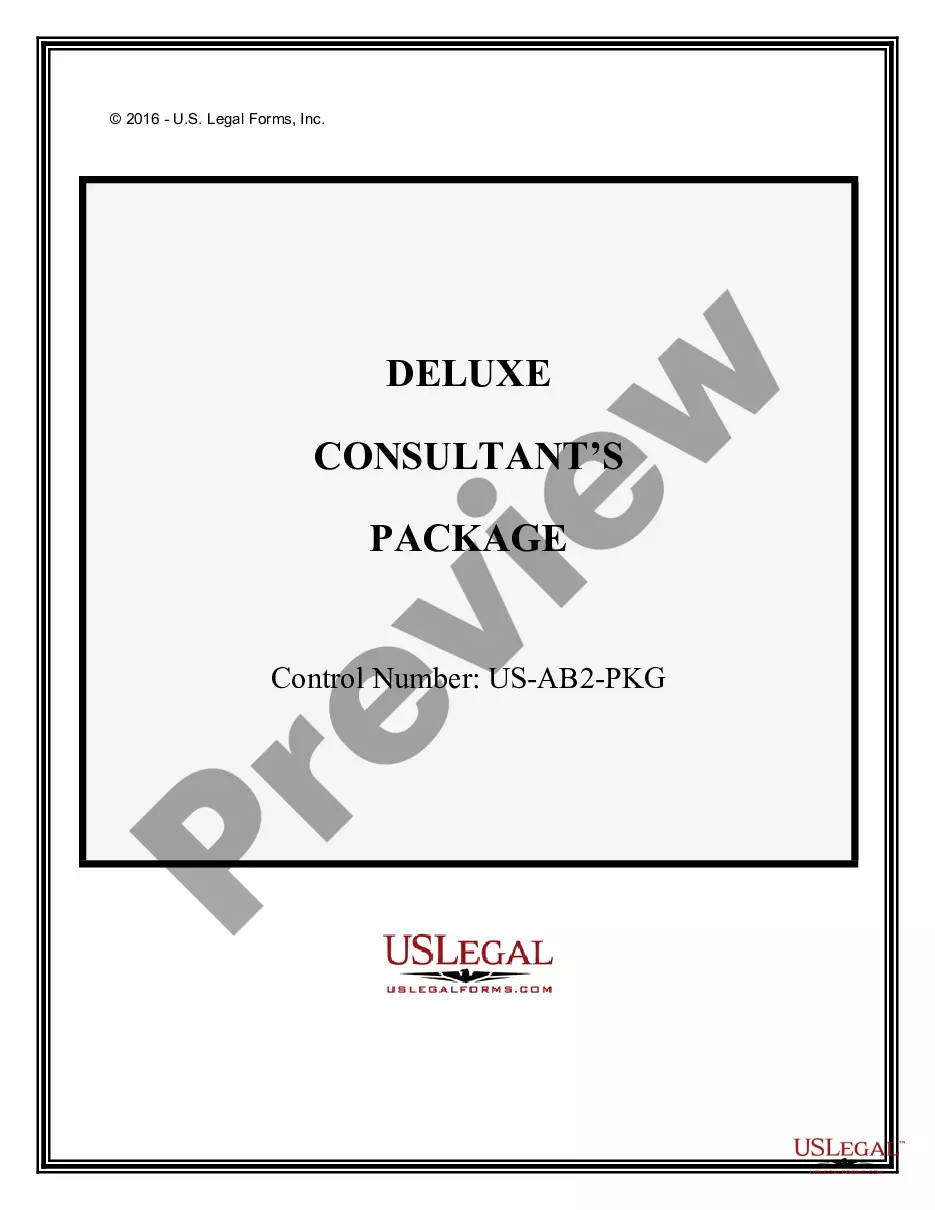
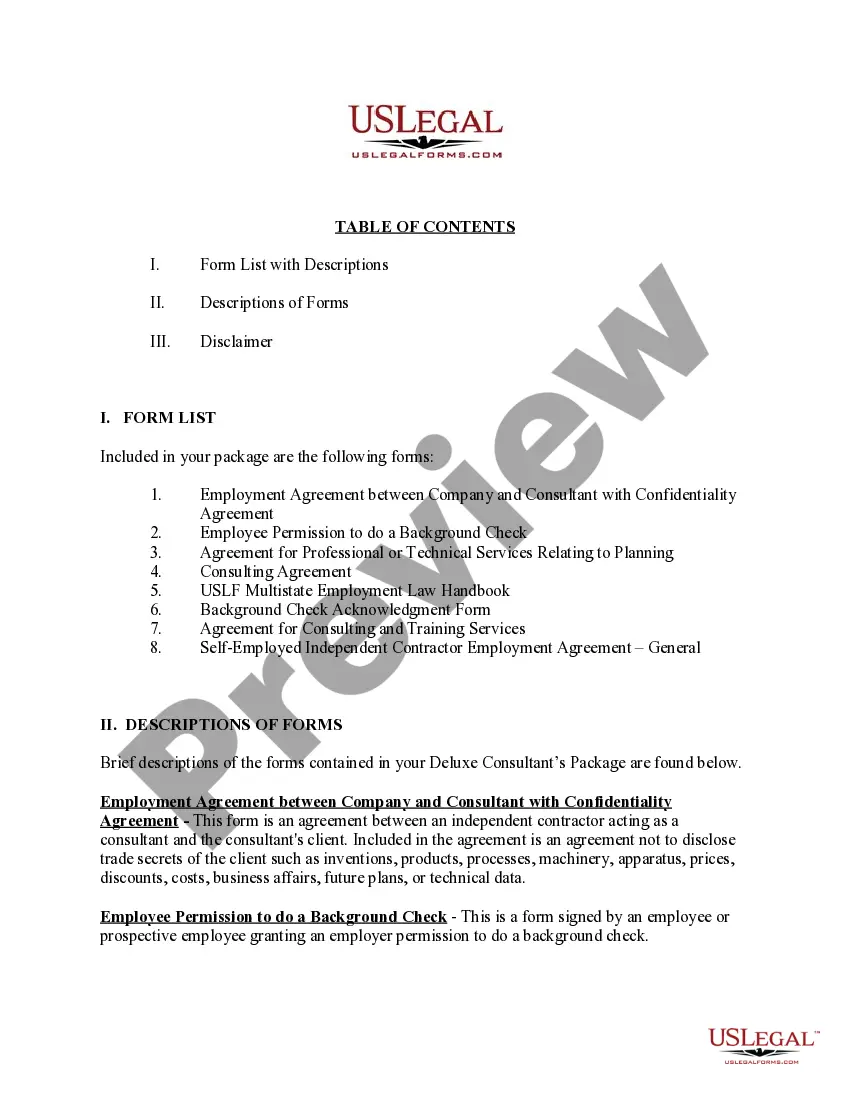
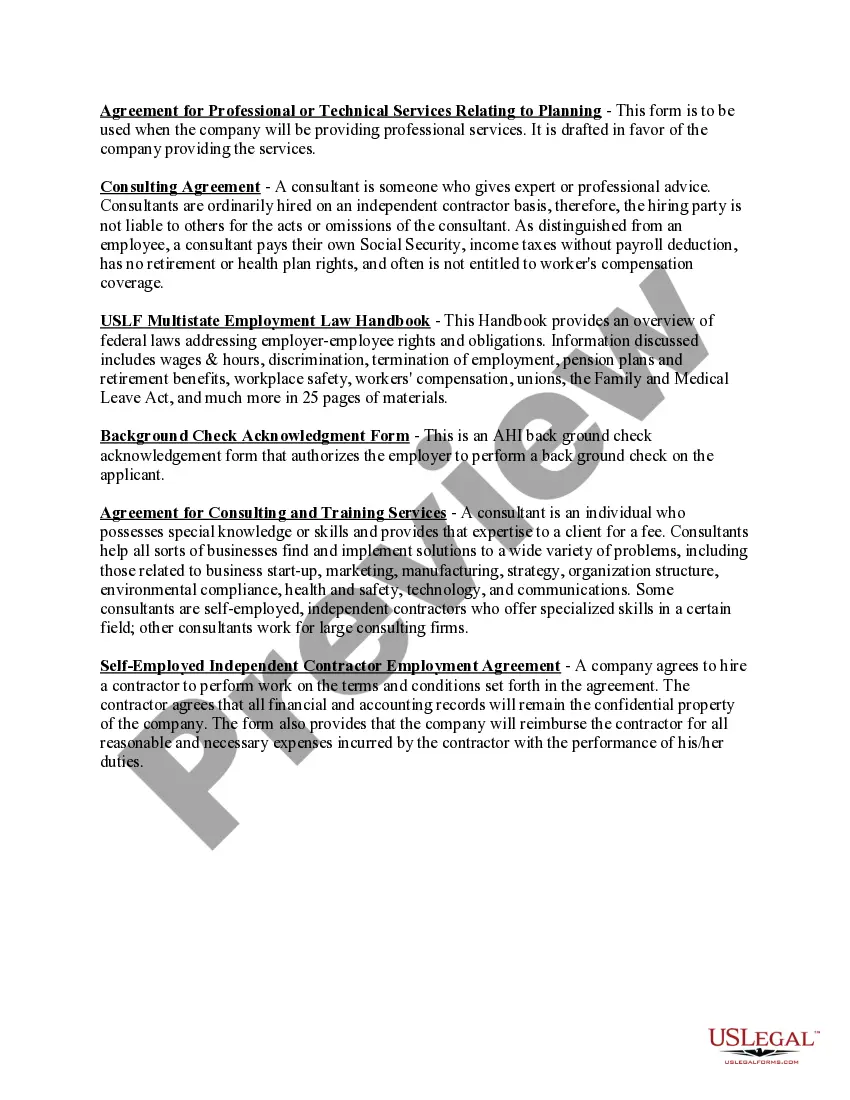
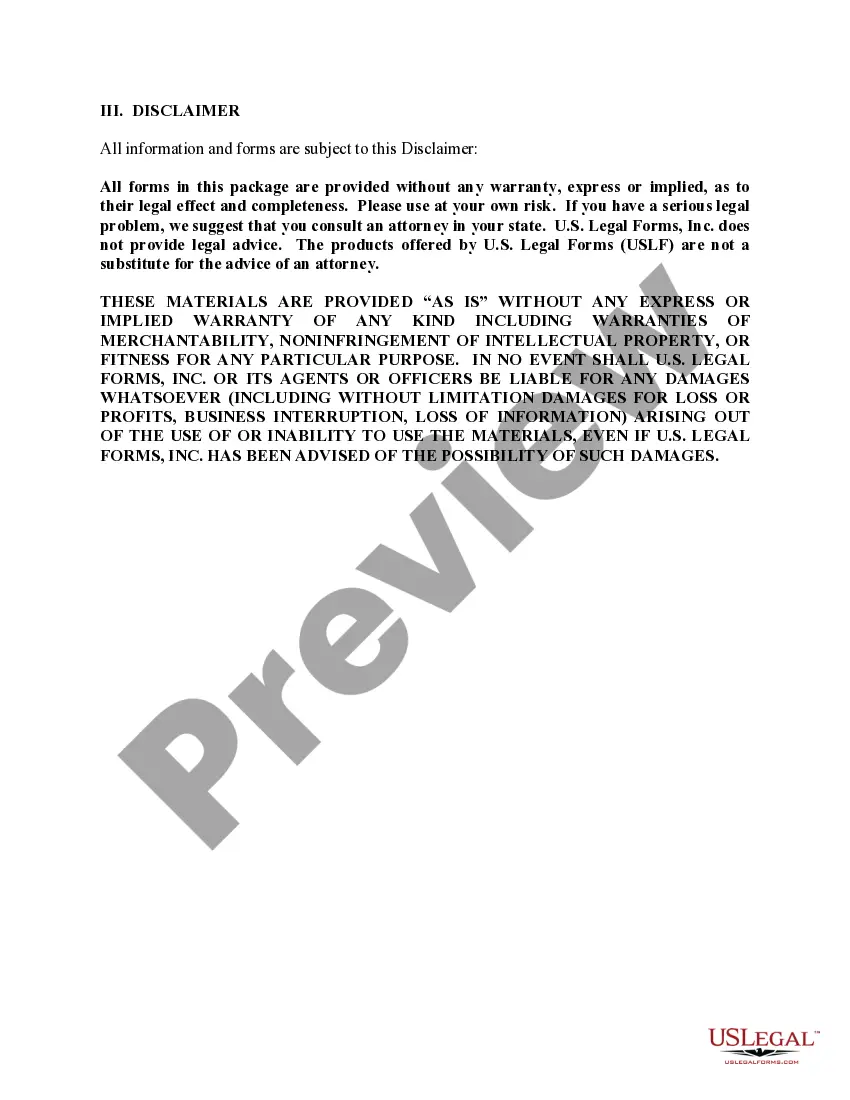
How to fill out Consultants Package - Deluxe?
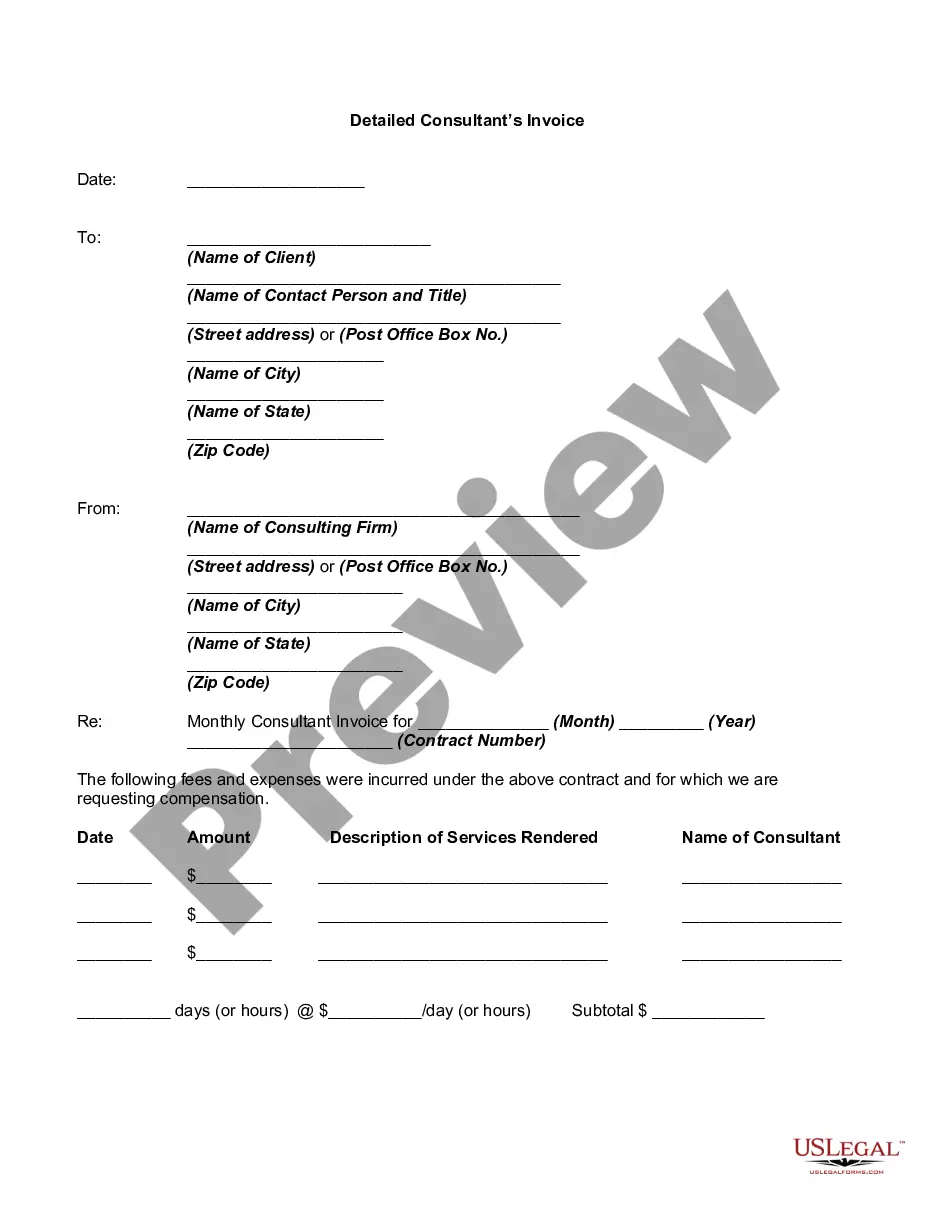
Whether for business purposes or for personal affairs, everybody has to manage legal situations at some point in their life. Completing legal papers needs careful attention, beginning from choosing the correct form sample. For example, if you select a wrong edition of the Consultancy Form Template For Job, it will be rejected once you submit it. It is therefore important to have a dependable source of legal papers like US Legal Forms.
If you have to obtain a Consultancy Form Template For Job sample, follow these easy steps:
- Get the sample you need using the search field or catalog navigation.
- Look through the form’s information to ensure it matches your situation, state, and county.
- Click on the form’s preview to view it.
- If it is the wrong form, return to the search function to locate the Consultancy Form Template For Job sample you need.
- Download the file when it meets your needs.
- If you have a US Legal Forms profile, simply click Log in to access previously saved documents in My Forms.
- In the event you do not have an account yet, you may obtain the form by clicking Buy now.
- Choose the correct pricing option.
- Complete the profile registration form.
- Pick your payment method: you can use a credit card or PayPal account.
- Choose the file format you want and download the Consultancy Form Template For Job.
- Once it is saved, you can complete the form with the help of editing software or print it and complete it manually.
With a vast US Legal Forms catalog at hand, you don’t have to spend time searching for the right sample across the web. Utilize the library’s straightforward navigation to find the appropriate template for any situation.
Form popularity
FAQ
10 Ways to Market Yourself as an Independent Consultant Create a LinkedIn profile. LinkedIn is a powerful and very influential social media platform. ... Create a profile. ... Produce business cards. ... Attend Networking Events. ... Build a website. ... Publish thought leadership content. ... Offer free consultations. ... Leverage testimonials.
How to Use Statement of Work for Consulting Services Gather client requirements. ... Define project scope and deliverables. ... Determine project timeline and resources. ... Outline pricing and payment terms. ... Review and finalize.
Article Snapshot Step 1: Update your skills and work preferences. ... Step 2: Write Profile. ... Step 3: Showcase your work history. ... Step 4: Add your education. ... Step 5: Select Your Industry Experience. ... Step 6: Add your profile picture. ... Step 7: Fill In Payment Details. ... Step 8: Outline your privacy information.
When you are pitching on a consulting project, the potential client wants to see the person behind the pitch. Tell a story (but remember to keep it brief) about your past experiences and how those make you uniquely qualified to work on this particular project.
Here are six best practices to write a consulting contract that defines your project scope and protects both you and your business. Define Duties, Deliverables, and Roles. ... Prepare for Potential Risk. ... Specify Project Milestones and Engagement Time. ... Identify Expenses and Outline Payment Terms. ... Specify Product Ownership.