Motion Court Form Template For Employees
Description
Get your form ready online
Our built-in tools help you complete, sign, share, and store your documents in one place.
Make edits, fill in missing information, and update formatting in US Legal Forms—just like you would in MS Word.
Download a copy, print it, send it by email, or mail it via USPS—whatever works best for your next step.
Sign and collect signatures with our SignNow integration. Send to multiple recipients, set reminders, and more. Go Premium to unlock E-Sign.
If this form requires notarization, complete it online through a secure video call—no need to meet a notary in person or wait for an appointment.
We protect your documents and personal data by following strict security and privacy standards.

Make edits, fill in missing information, and update formatting in US Legal Forms—just like you would in MS Word.

Download a copy, print it, send it by email, or mail it via USPS—whatever works best for your next step.

Sign and collect signatures with our SignNow integration. Send to multiple recipients, set reminders, and more. Go Premium to unlock E-Sign.

If this form requires notarization, complete it online through a secure video call—no need to meet a notary in person or wait for an appointment.

We protect your documents and personal data by following strict security and privacy standards.
Looking for another form?





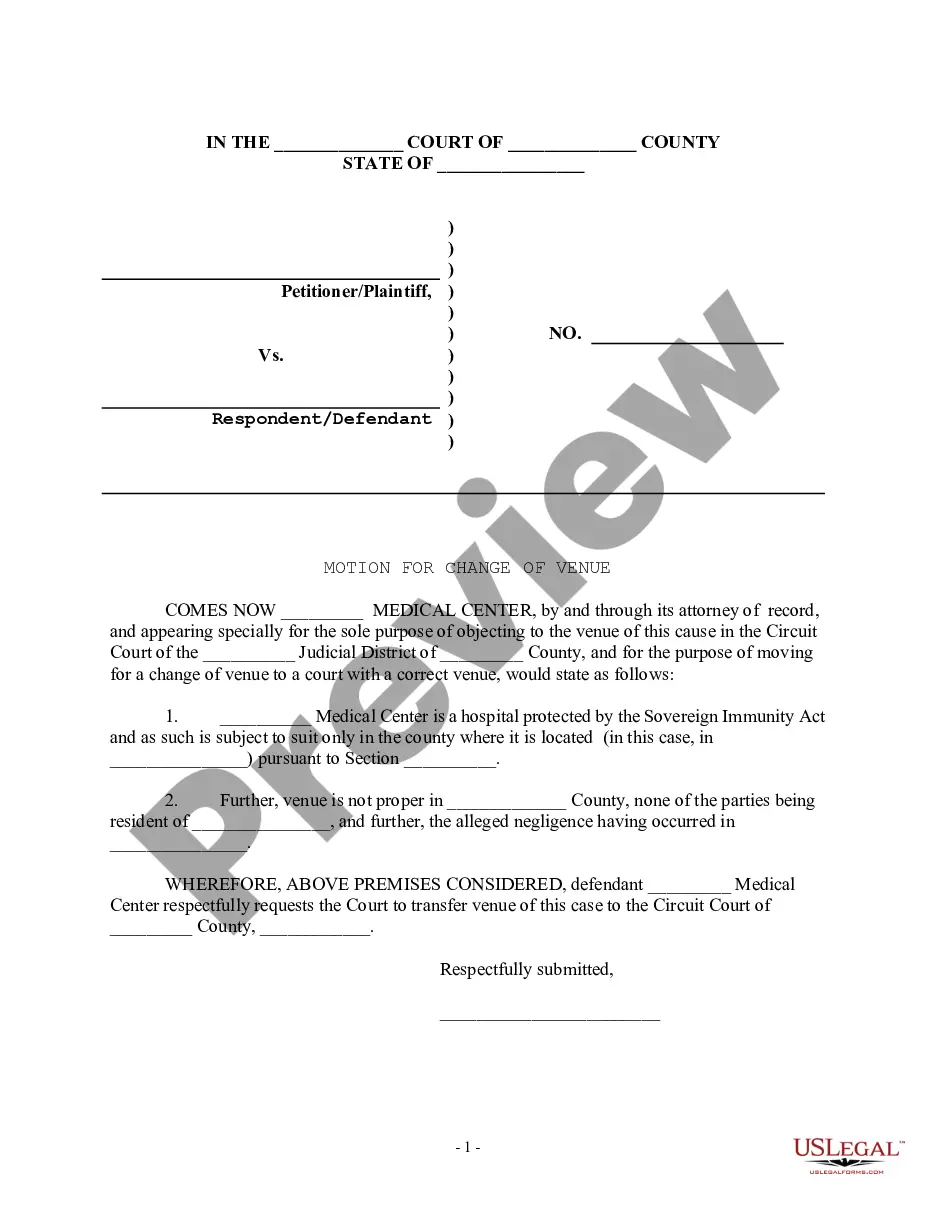
How to fill out Motion For Change Of Venue - Incorrect Court District?
Whether for corporate objectives or for personal concerns, everyone must confront legal circumstances at some stage in their existence.
Completing legal documentation demands meticulous attention, starting from selecting the appropriate form template.
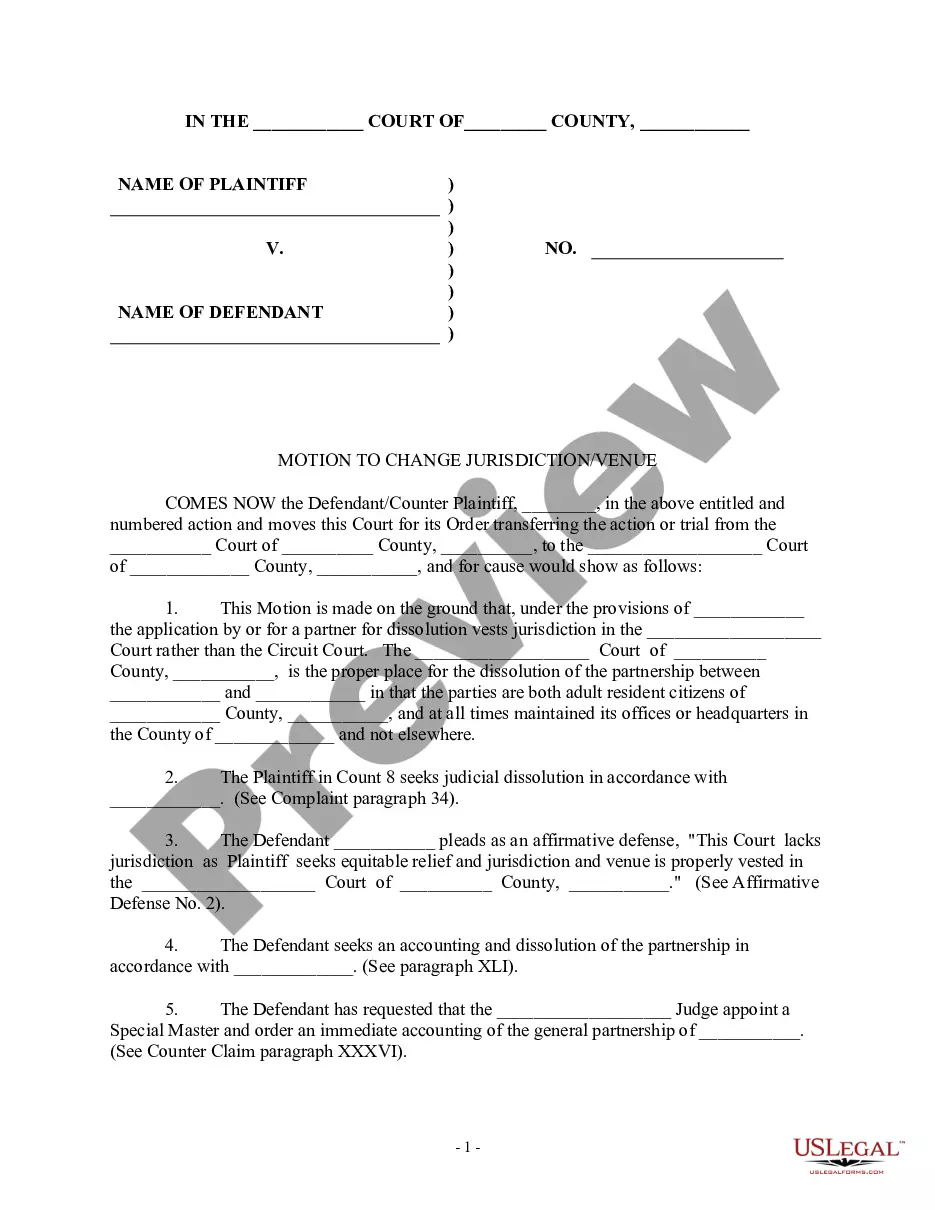
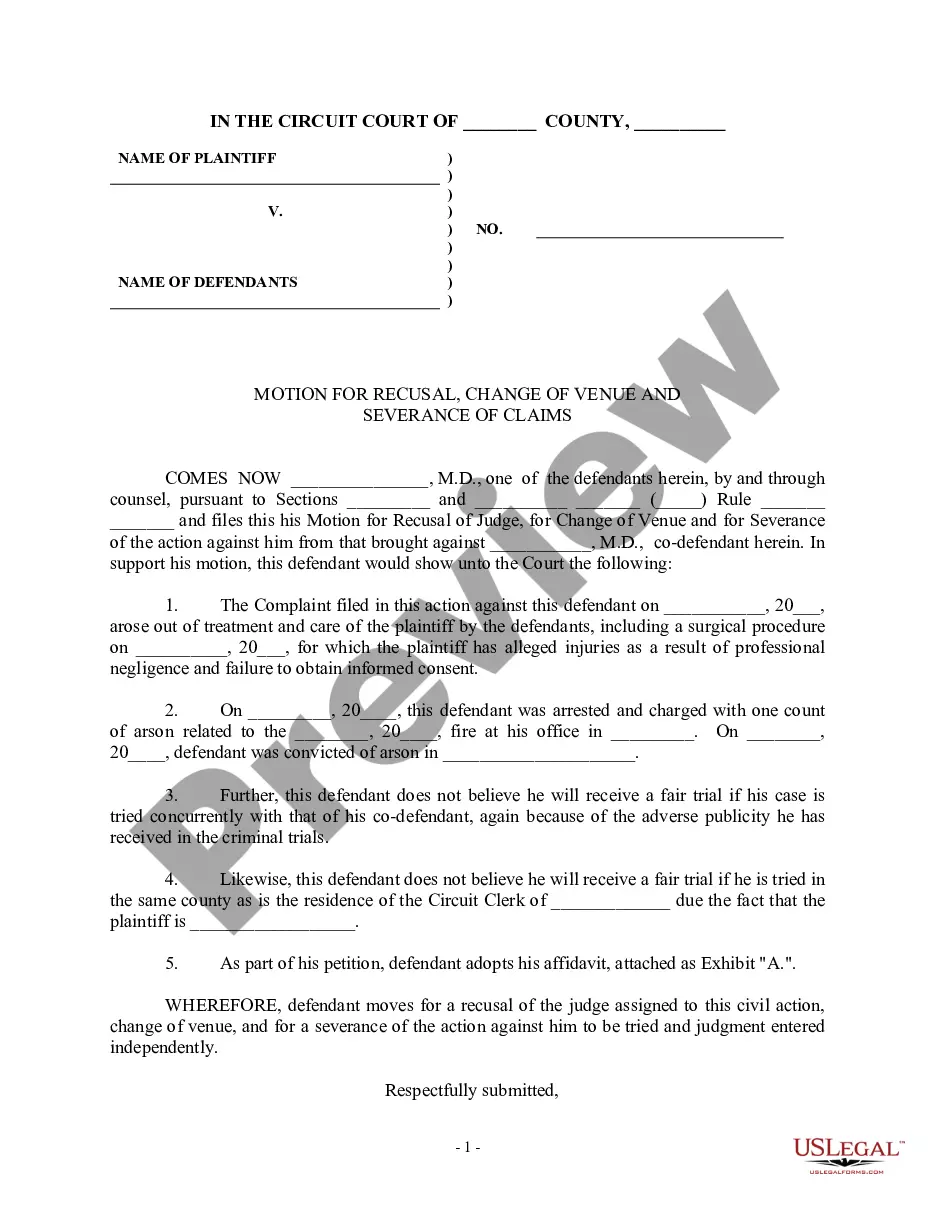
Select the document format you desire and download the Motion Court Form Template For Employees. Once it is downloaded, you can complete the form using editing software or print it and finish it physically. With a comprehensive US Legal Forms catalog available, you never have to waste time looking for the right template across the web. Utilize the library’s straightforward navigation to locate the correct form for any circumstance.
- For instance, if you select an incorrect version of a Motion Court Form Template For Employees, it will be rejected once submitted.
- Thus, it is essential to have a trustworthy source of legal documents such as US Legal Forms.
- If you need to acquire a Motion Court Form Template For Employees sample, follow these straightforward steps.
- Locate the template you require by using the search bar or browsing the catalog.
- Examine the form’s description to confirm it aligns with your circumstances, state, and county.
- Click on the form’s preview to review it.
- If it is the wrong document, return to the search tool to find the Motion Court Form Template For Employees sample you seek.
- Download the template when it meets your requirements.
- If you have a US Legal Forms account, click Log in to access previous files stored in My documents.
- If you don’t possess an account yet, you can obtain the form by clicking Buy now.
- Select the appropriate payment option.
- Complete the profile registration form.
- Select your payment method: use a credit card or PayPal account.
Form popularity
FAQ
All motions/petitions and notices of motion must be filed with the Clerk of Court either in Room 802 of the Daley Center or at any of the offices located at the suburban municipal district courthouses. If your motion/petition is not filed before you come to court, the judge may not hear your motion.
What it means to file a motion: A motion, in its simplest form is a list of requests that you are asking the Court grant on your behalf. You, or your attorney on your behalf, will file a Notice of Motion which includes a list of requests for the court to rule upon.
Be as persuasive as possible as you write your motion in a sequential, logical format. Express your ideas clearly, and make sure you outline what steps are necessary and how they will help your case. Use facts of the case whenever you can to avoid baseless emotional appeals.
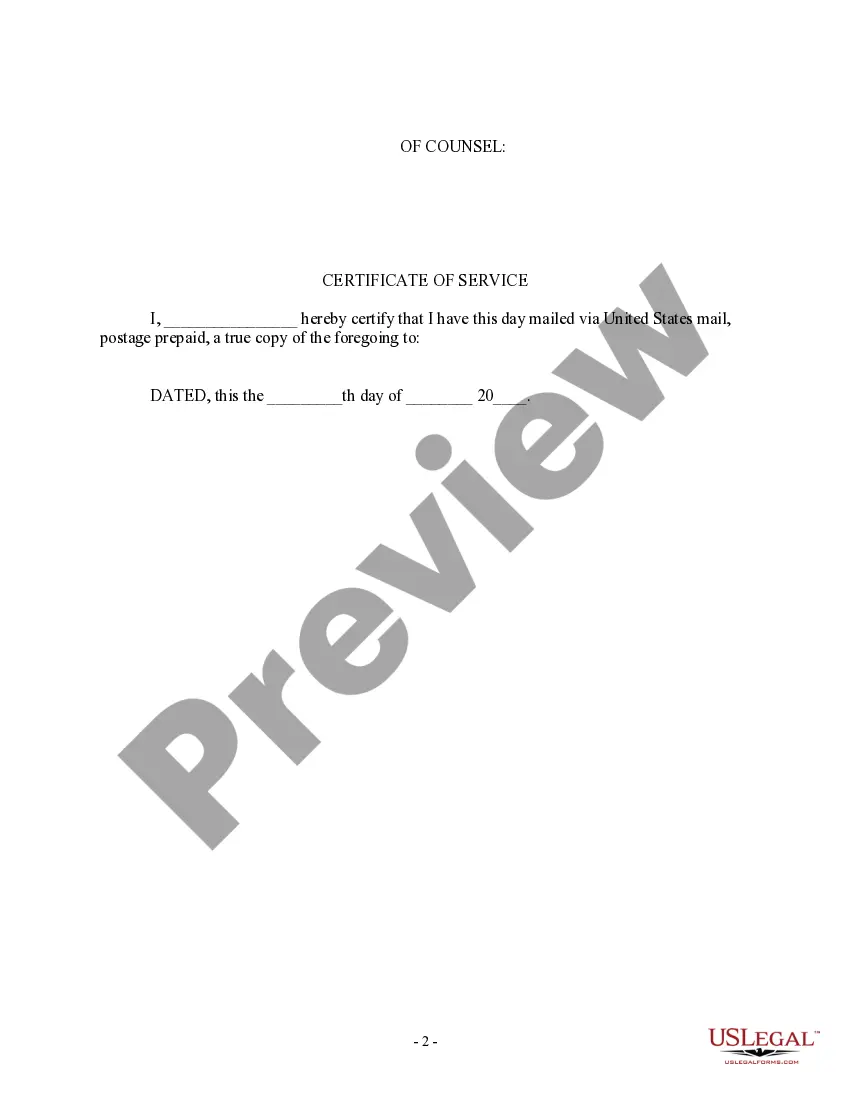
General format - each motion generally consists of a case caption, a title that briefly identifies the relief sought, a series of numbered paragraphs that explains -- in a logical way -- why you are entitled to that relief, a prayer for relief, a signature block, a certification that a copy of the motion was sent to ...
File the original and 1 copy of your Motion, and the Certification, with the clerk's office in person or by mail. o To e-file, create an account with an e-filing service provider. Visit efile.illinoiscourts.gov/service-providers.htm to select a service provider.