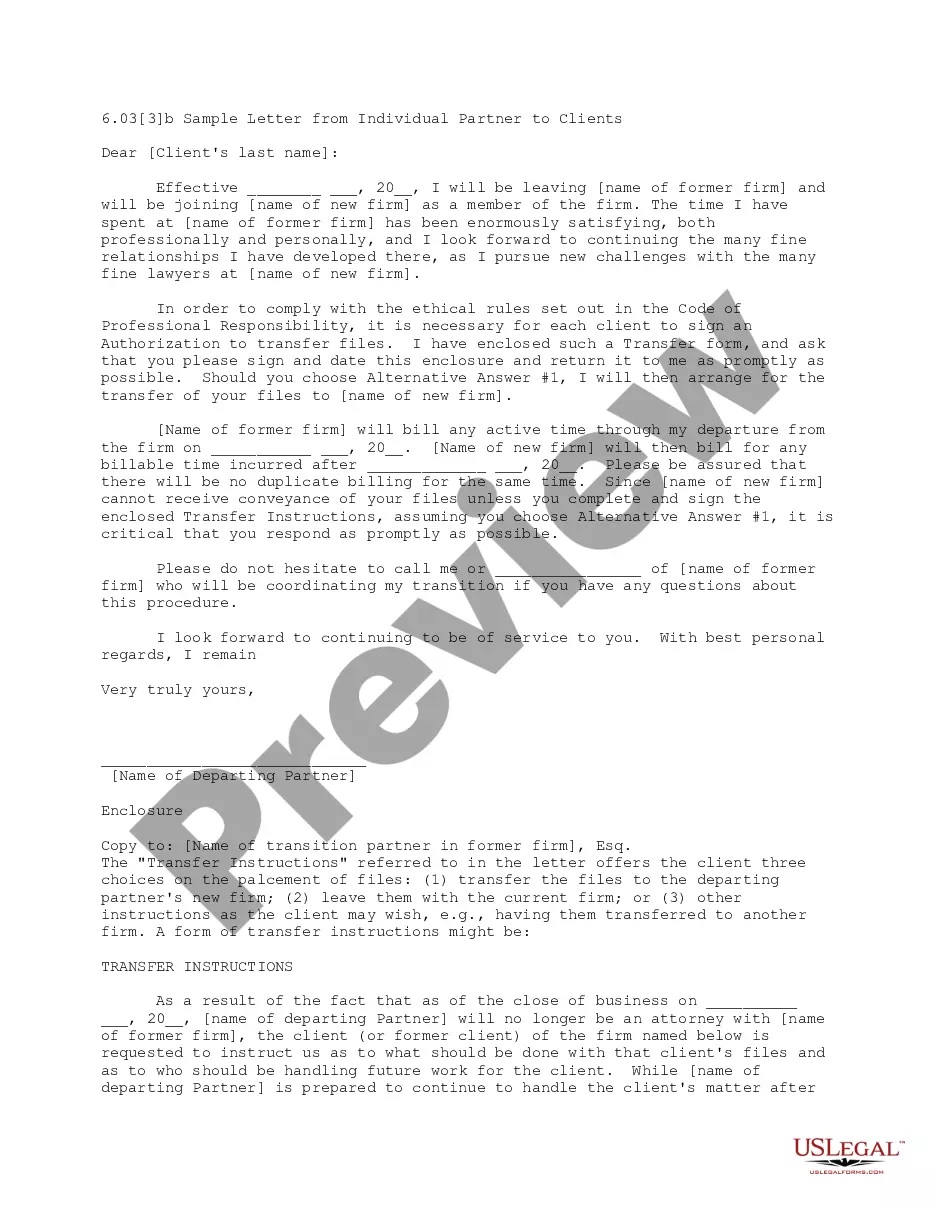
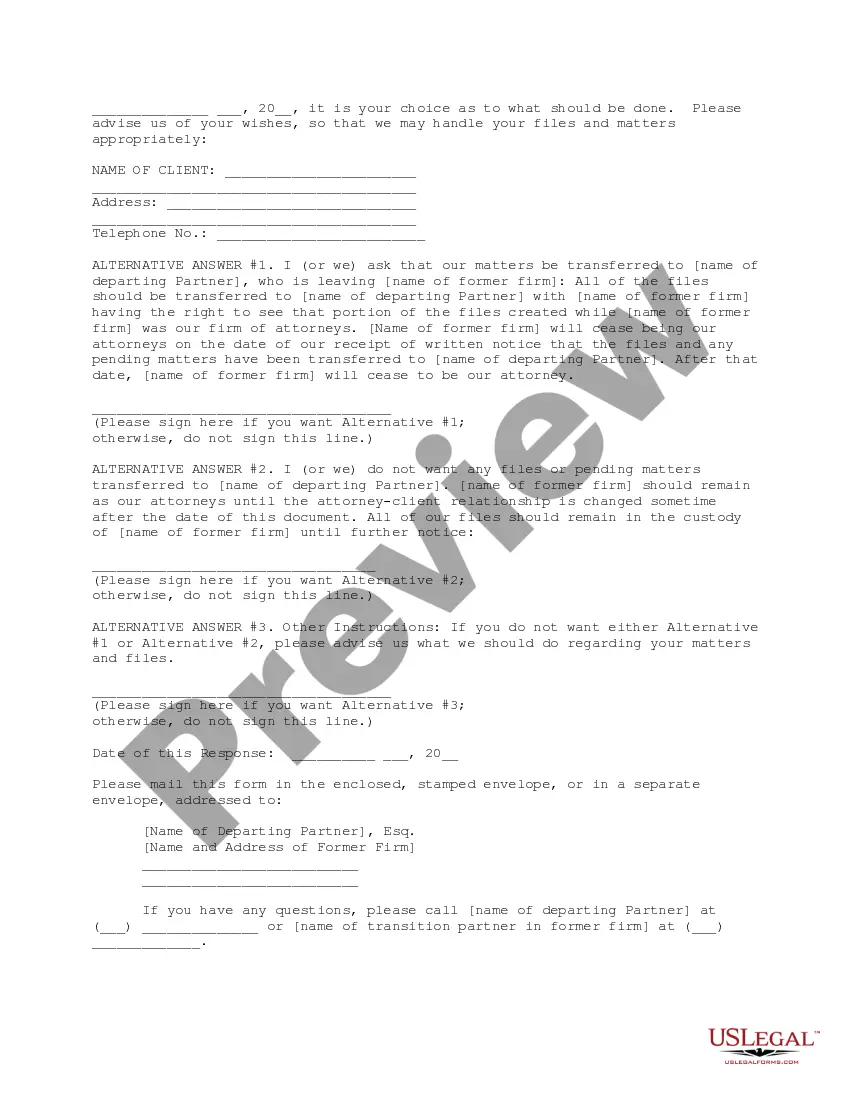
Transition Letter To Clients With No Response
Description
Get your form ready online
Our built-in tools help you complete, sign, share, and store your documents in one place.
Make edits, fill in missing information, and update formatting in US Legal Forms—just like you would in MS Word.
Download a copy, print it, send it by email, or mail it via USPS—whatever works best for your next step.
Sign and collect signatures with our SignNow integration. Send to multiple recipients, set reminders, and more. Go Premium to unlock E-Sign.
If this form requires notarization, complete it online through a secure video call—no need to meet a notary in person or wait for an appointment.
We protect your documents and personal data by following strict security and privacy standards.

Make edits, fill in missing information, and update formatting in US Legal Forms—just like you would in MS Word.

Download a copy, print it, send it by email, or mail it via USPS—whatever works best for your next step.

Sign and collect signatures with our SignNow integration. Send to multiple recipients, set reminders, and more. Go Premium to unlock E-Sign.

If this form requires notarization, complete it online through a secure video call—no need to meet a notary in person or wait for an appointment.

We protect your documents and personal data by following strict security and privacy standards.
Looking for another form?


How to fill out Letter From Individual Partner To Clients?
Managing legal documents and processes can be a lengthy addition to your day.
Transition Letter To Clients With No Response and similar forms usually require you to search for them and find the best way to complete them correctly.
As a result, if you are handling financial, legal, or personal matters, having a comprehensive and user-friendly online catalog of forms readily available will greatly assist.
US Legal Forms is the premier online platform for legal templates, boasting over 85,000 state-specific forms and a wealth of resources that will aid you in completing your documents with ease.
Is this your first time using US Legal Forms? Sign up and create a free account in just a few minutes, and you will gain access to the form catalog and Transition Letter To Clients With No Response. After that, follow the steps below to complete your form: Ensure you have the correct form by using the Review option and checking the form description. Select Buy Now when ready, and choose the subscription plan that suits you. Hit Download, then complete, sign, and print the form. US Legal Forms has 25 years of experience assisting users with their legal documents. Find the form you need today and simplify any process without breaking a sweat.
- Browse the catalog of relevant documents available to you with just one click.
- US Legal Forms offers you state- and county-specific forms accessible anytime for download.
- Protect your document management processes by utilizing a high-quality service that enables you to create any form within minutes without any additional or hidden fees.
- Simply Log In to your account, locate Transition Letter To Clients With No Response, and download it instantly from the My documents section.
- You can also access previously saved forms.
Form popularity
FAQ
Hey [unresponsive client]! Just wanted to touch base and see if you had any questions regarding my last email. I'd love to discuss this further, are you available for a chat sometime this week? The second way to follow up should also offer help, but also let them know you're waiting on them to move forward.
How to Write a Follow-Up Email After No Response Don't follow up too quickly. Ask yourself if you included a close in your first attempt. Resist the urge to re-send your first email. Write a truthful subject line. Start the message with a reminder of your last touchpoint.
Get to the point quickly and explain why you're writing again. It might also be helpful to include a link to your online portfolio or website even if you have done so before. Don't forget to add a few contact methods so it's easy for them to get in touch. Finally, end your email message with a call to action.
Hi [Client], I haven't heard back from you since our last conversation. We've spent a good deal of time together, and I hope I've given you some good ideas for your [project]. It seems like you have chosen a different direction or this is no longer a priority for you.