Security Self Employed For Second Job
Description
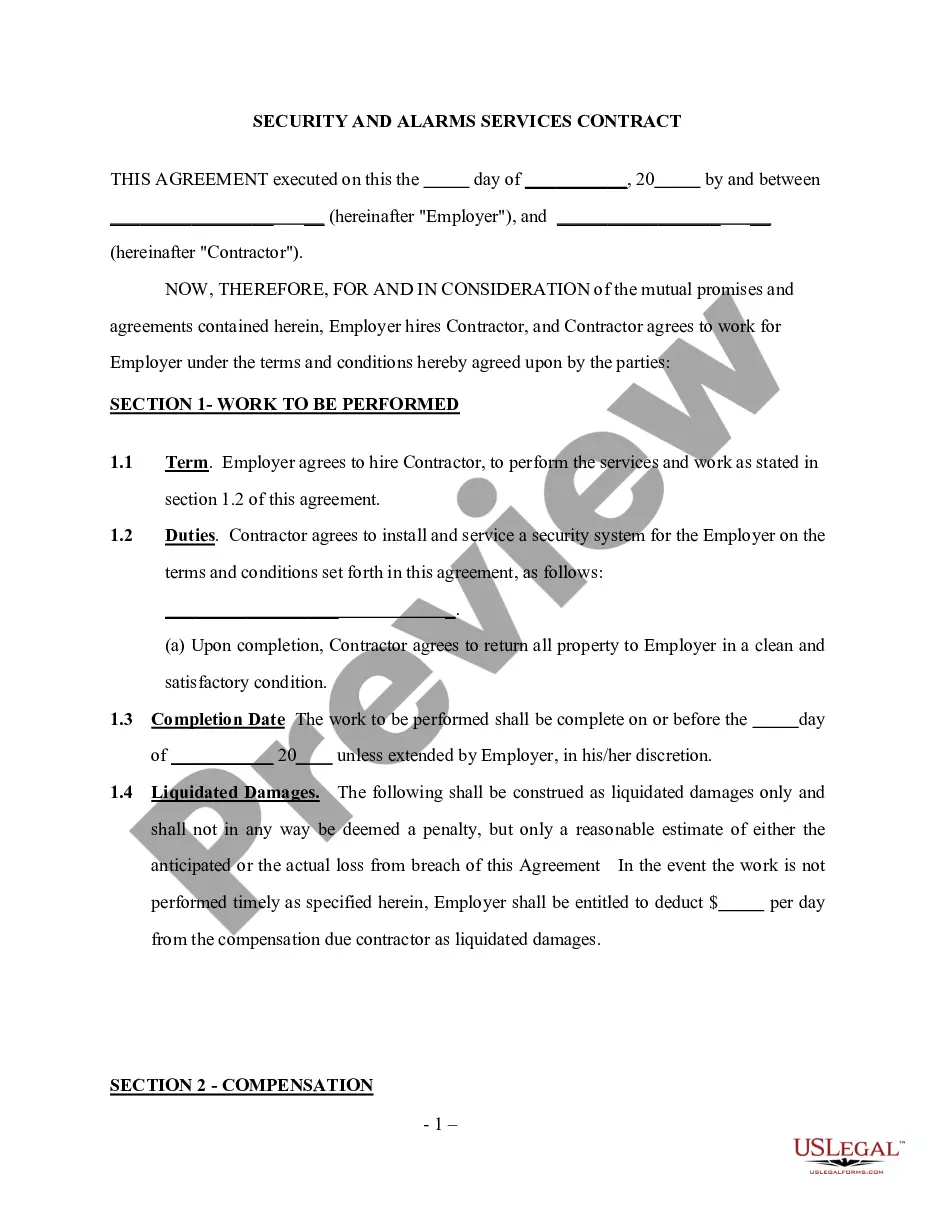
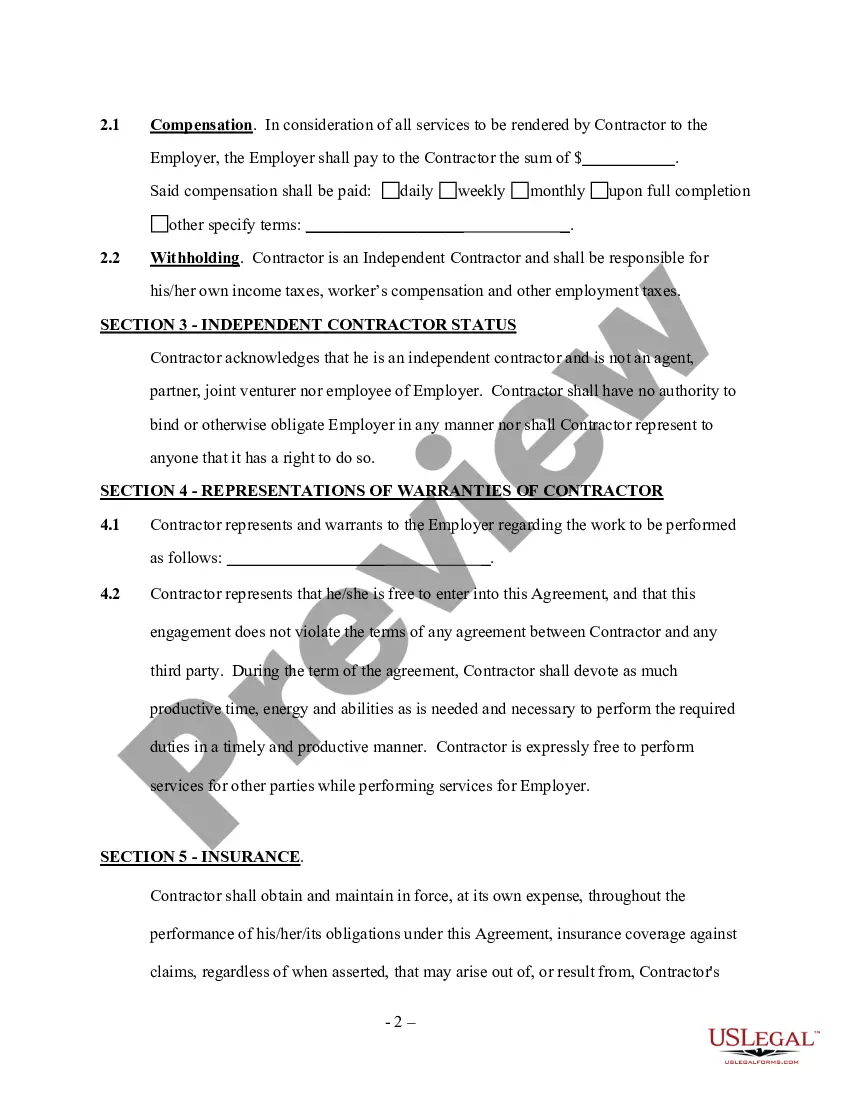
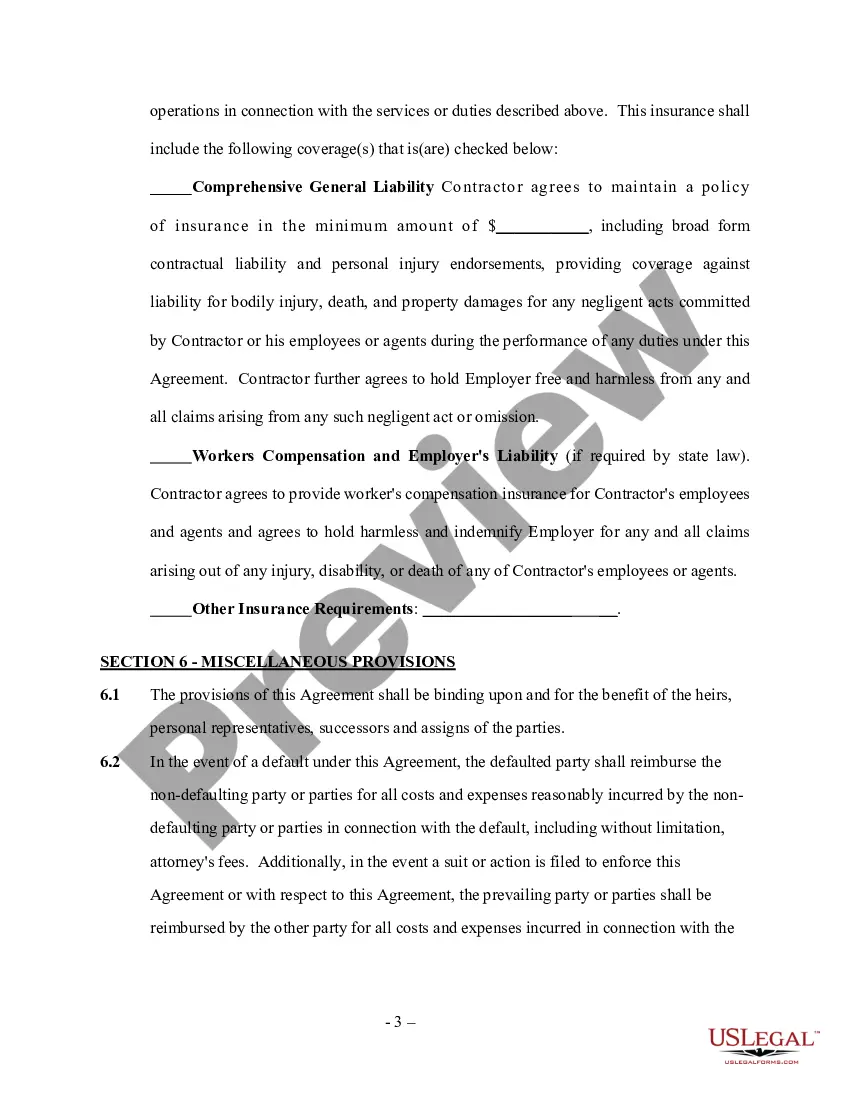
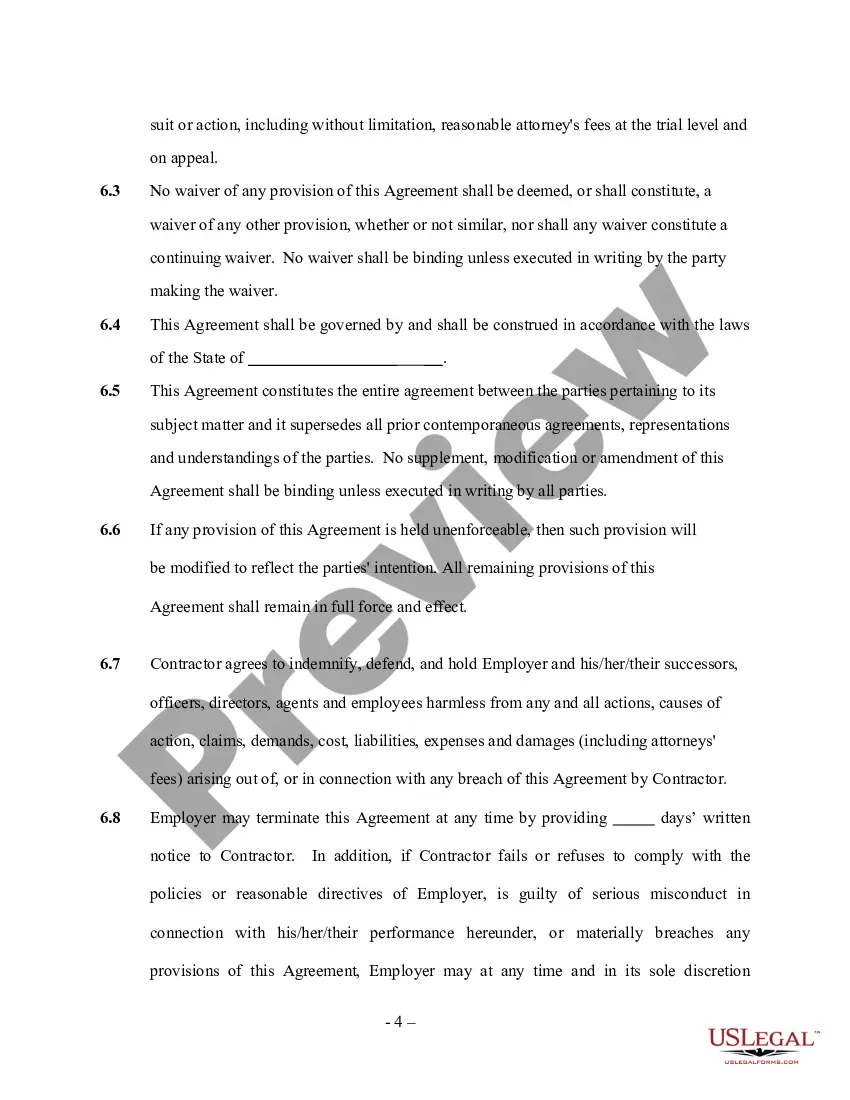
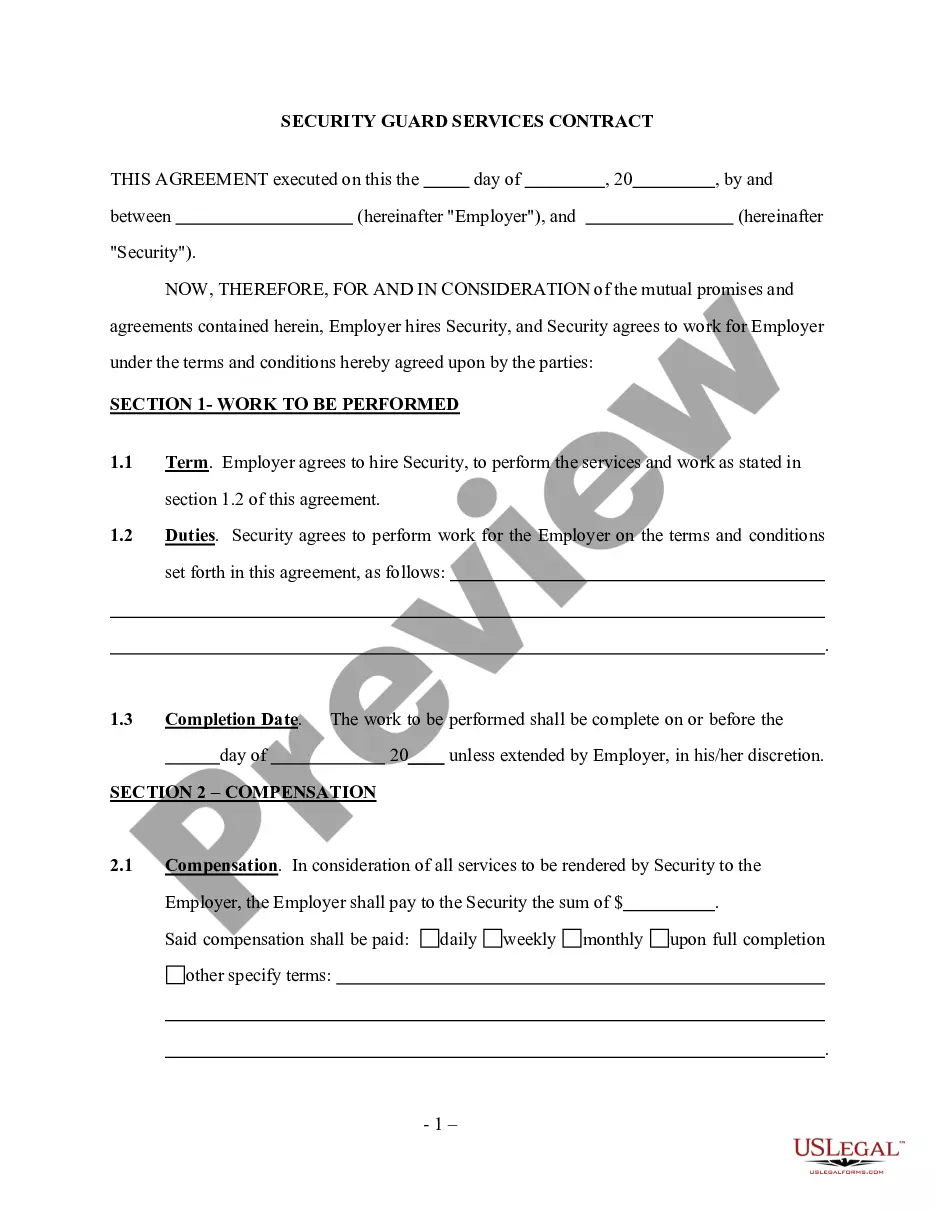
Get your form ready online
Our built-in tools help you complete, sign, share, and store your documents in one place.
Make edits, fill in missing information, and update formatting in US Legal Forms—just like you would in MS Word.
Download a copy, print it, send it by email, or mail it via USPS—whatever works best for your next step.
Sign and collect signatures with our SignNow integration. Send to multiple recipients, set reminders, and more. Go Premium to unlock E-Sign.
If this form requires notarization, complete it online through a secure video call—no need to meet a notary in person or wait for an appointment.
We protect your documents and personal data by following strict security and privacy standards.

Make edits, fill in missing information, and update formatting in US Legal Forms—just like you would in MS Word.

Download a copy, print it, send it by email, or mail it via USPS—whatever works best for your next step.

Sign and collect signatures with our SignNow integration. Send to multiple recipients, set reminders, and more. Go Premium to unlock E-Sign.

If this form requires notarization, complete it online through a secure video call—no need to meet a notary in person or wait for an appointment.

We protect your documents and personal data by following strict security and privacy standards.
Looking for another form?







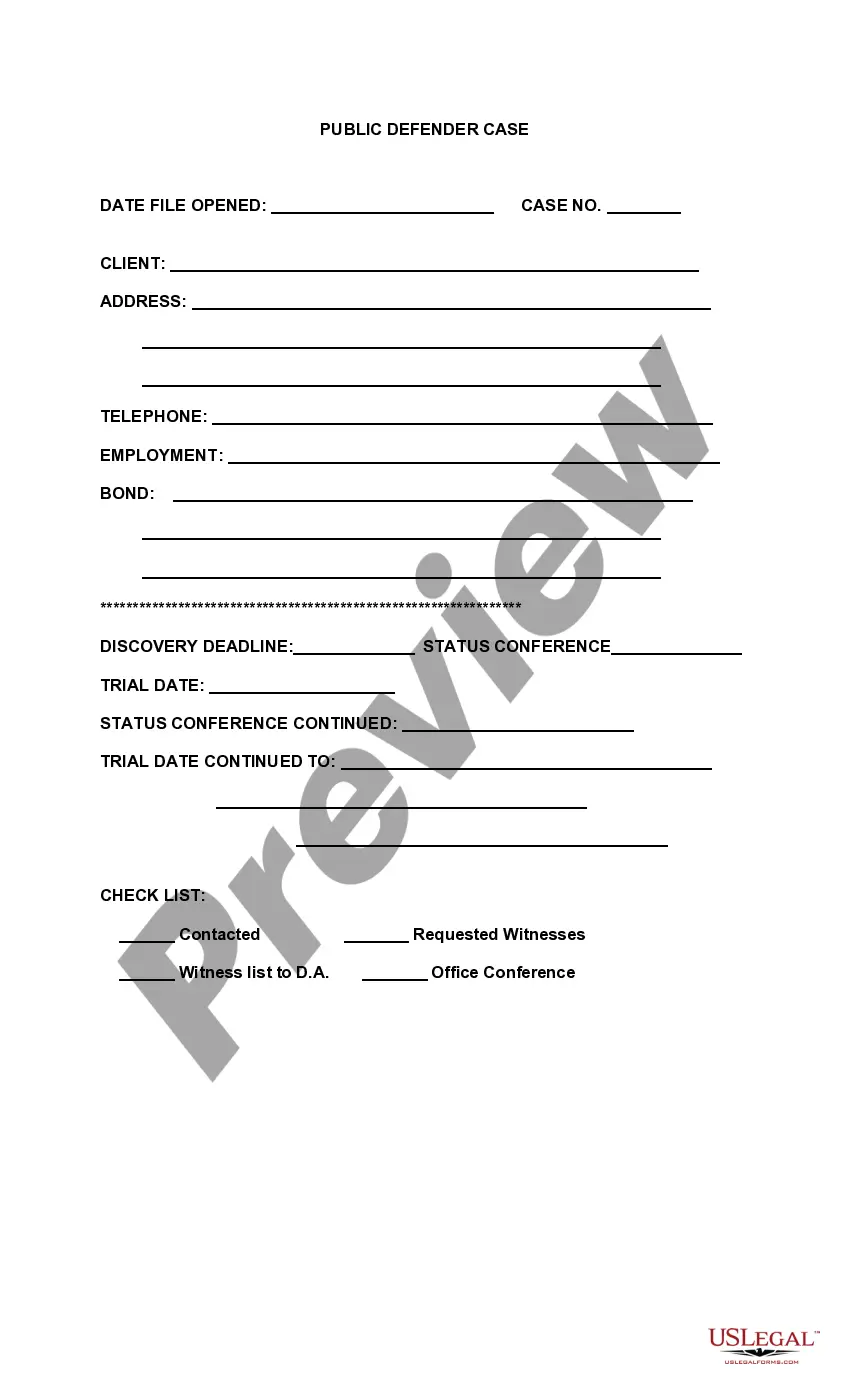


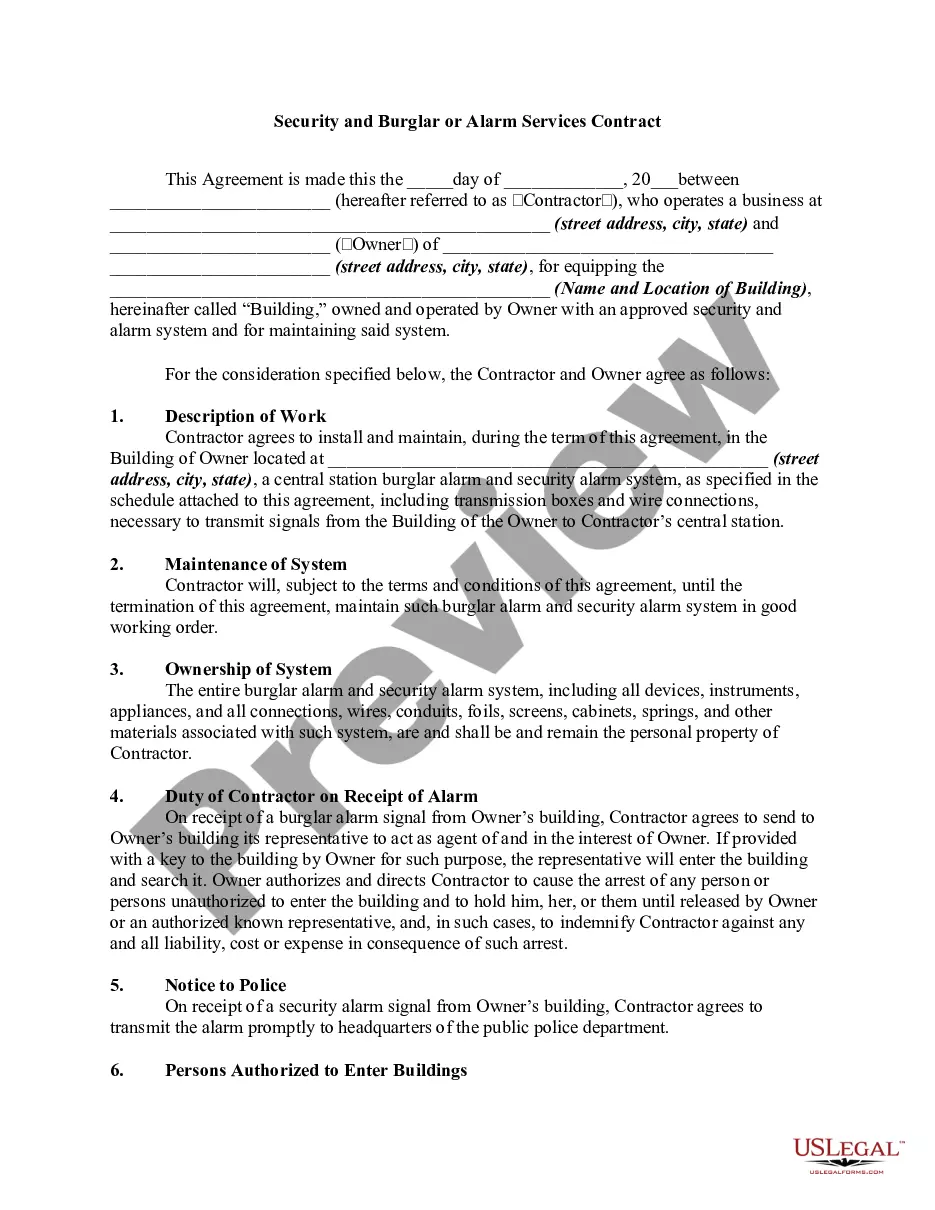
How to fill out Security And Alarm Services Contract - Self-Employed?
It’s well known that you cannot become a legal authority instantly, nor can you swiftly understand how to prepare Security Self Employed for Secondary Employment without having a specialized expertise.
Compiling legal paperwork is a lengthy endeavor that necessitates specific training and abilities. So, why not entrust the crafting of the Security Self Employed for Secondary Employment to the professionals.
With US Legal Forms, which boasts one of the most comprehensive collections of legal documents, you can access everything from court filings to formats for internal company communications. We understand how vital compliance and observance of federal and state statutes and regulations are. That’s why, on our site, all formats are location-specific and current.
You can revisit your documents from the My documents section at any time. If you are a returning customer, you can easily Log In and locate and download the template from the same section.
Regardless of the aim of your forms—whether pertaining to finance and legality, or personal use—our platform has you covered. Give US Legal Forms a try now!
- Locate the document you require by utilizing the search feature at the top of the webpage.
- Examine it (if this feature is available) and review the accompanying description to ascertain if Security Self Employed for Secondary Employment meets your needs.
- Initiate your search anew if you seek any other document.
- Create a free account and choose a subscription plan to acquire the form.
- Click Buy now. Once the transaction is completed, you can obtain the Security Self Employed for Secondary Employment, complete it, print it, and forward or mail it to the necessary parties or organizations.
Form popularity
FAQ
If you received a 1099-NEC but believe you are not self-employed, it is vital to address this situation promptly. You may need to clarify your employment status with the entity that issued the 1099-NEC. Additionally, if the income does not align with self-employment, you might explore options for correcting the report. Consulting resources from USLegalForms can provide clarity and help in addressing any discrepancies.
If there are only two jobs held at the same time in your household, you may check the box in Step 2 on the forms for both jobs. The standard deduction and tax brackets will be divided equally between the two jobs. You will not need to furnish a new Form W-4 to account for pay changes at either job.
2 Answers. No, 1099 income would go to "Other Income" (line 4a on form W4). You can also use this IRS W4 estimator tool to help you figure it out. "Job" is where you're paid salary, and the employer makes tax withholding for you.
But, like your main source of income, a second job or multiple side gigs have to be reported on Form 1040 at tax time.
Having a second job, or moonlighting, is defined as having another job, whether a full-time or part-time job, outside of the regular 9-5 working hours your first job takes up, such as during the weekend and at night.
If you have more than one job and are single, you can either split your allowances (claim 1 at Job A and 1 at Job B), or you can claim them all at one job (claim 2 at Job A and 0 at Job B). If you're single and have one job, claiming two allowances is also an option.