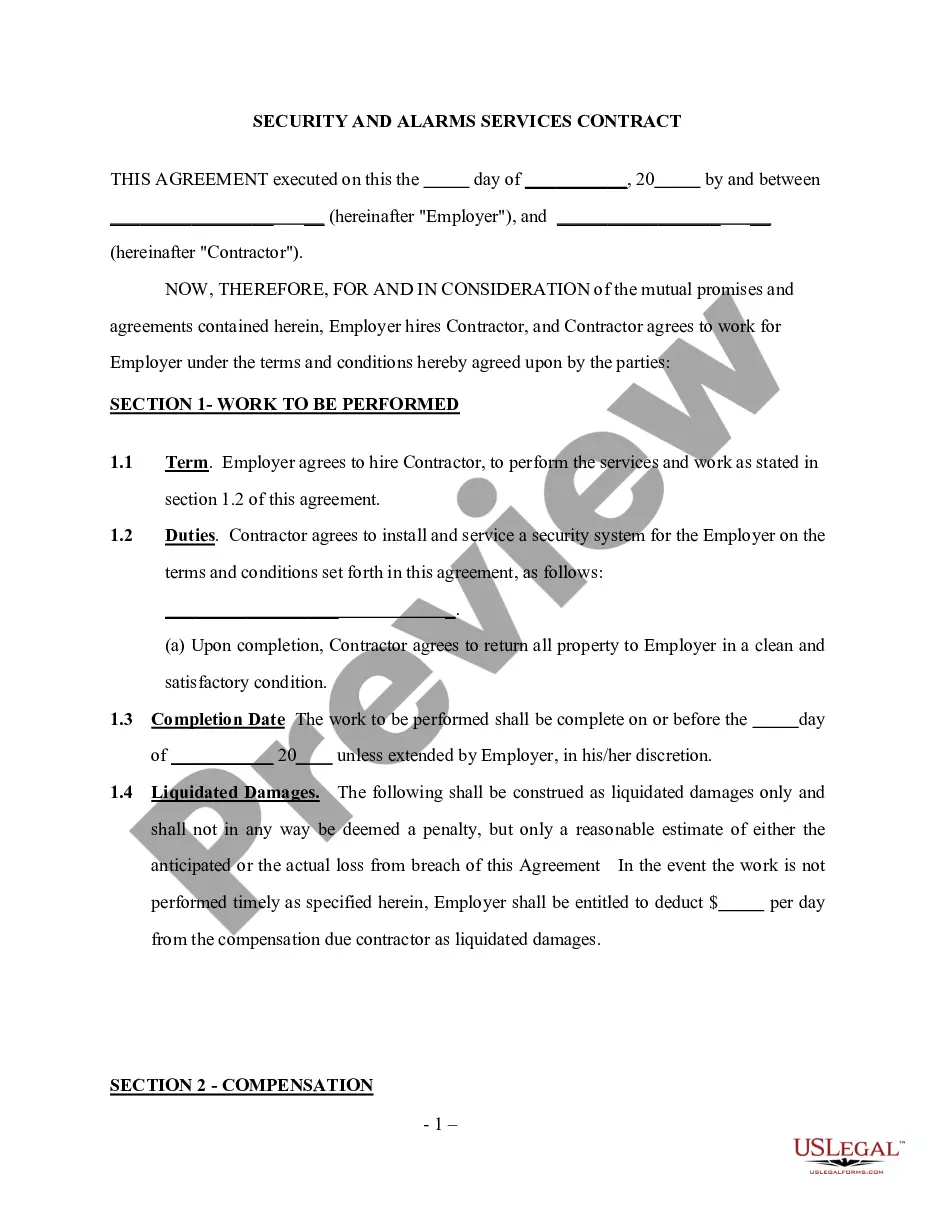
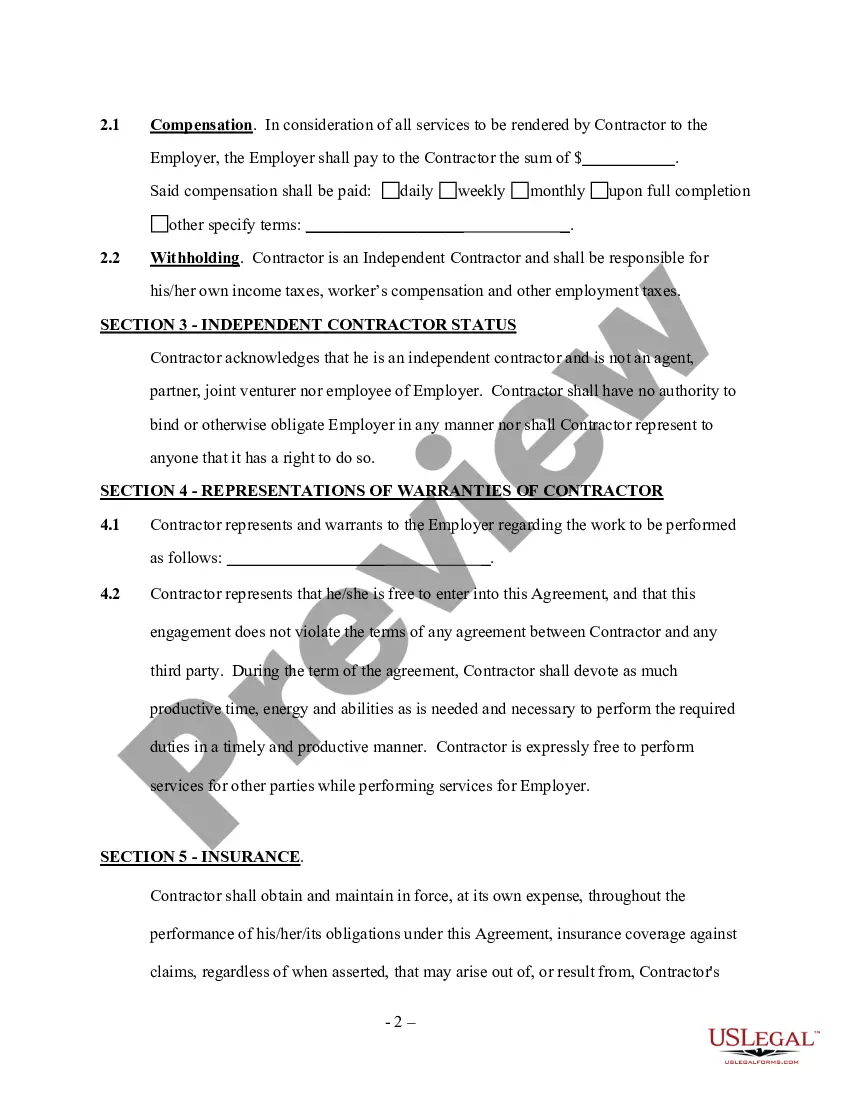
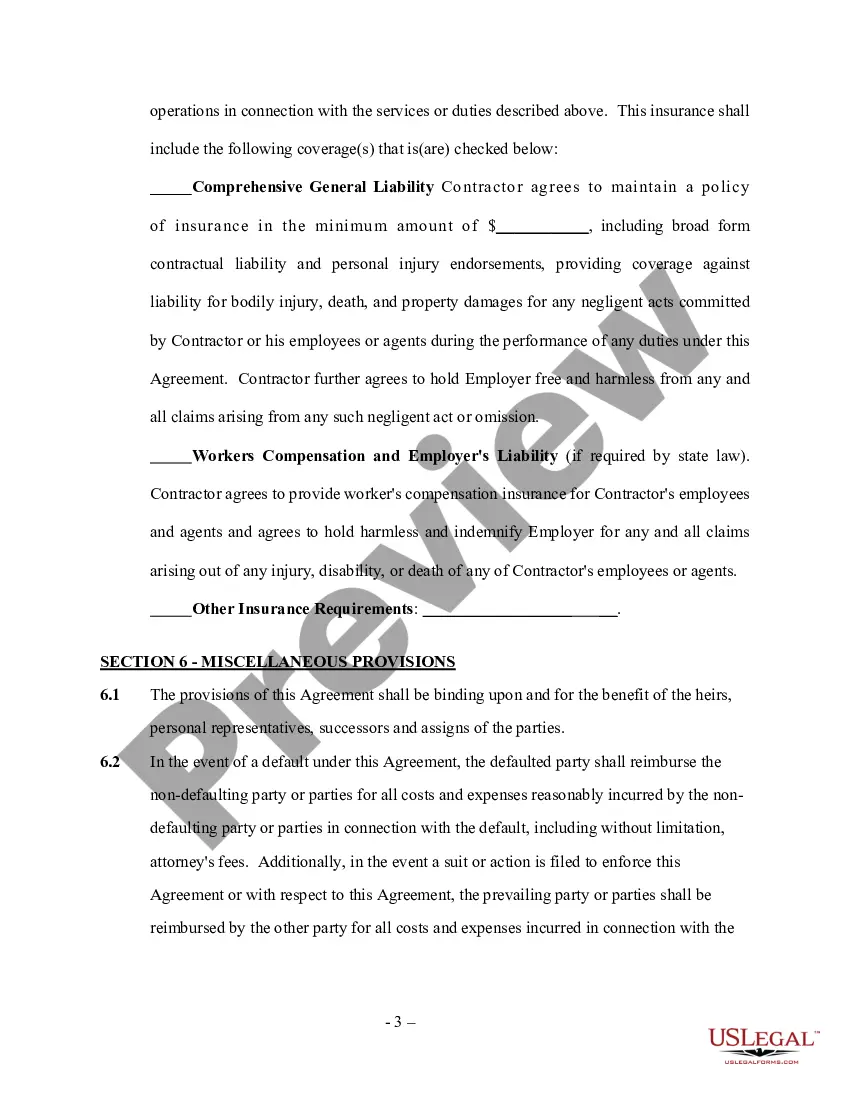
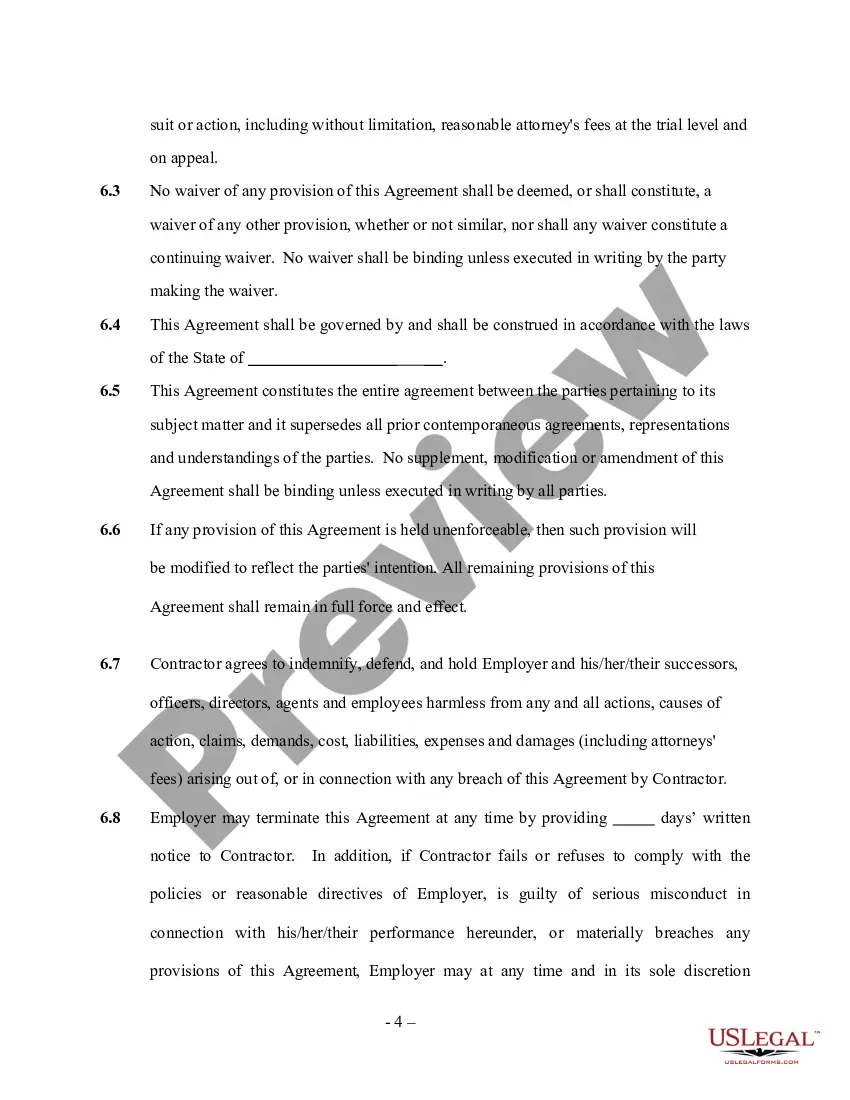
Security Self Employed For Mortgage
Description
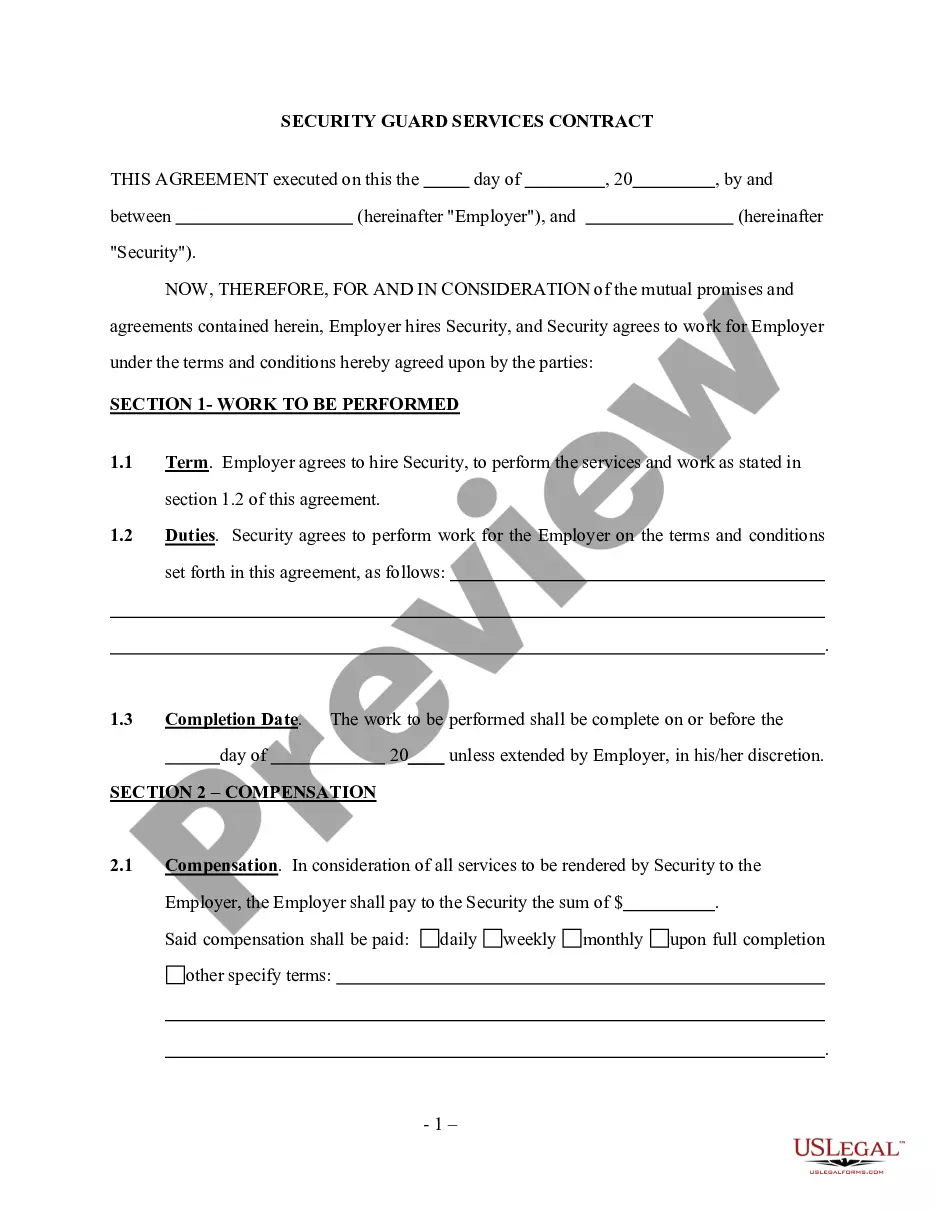
Get your form ready online
Our built-in tools help you complete, sign, share, and store your documents in one place.
Make edits, fill in missing information, and update formatting in US Legal Forms—just like you would in MS Word.
Download a copy, print it, send it by email, or mail it via USPS—whatever works best for your next step.
Sign and collect signatures with our SignNow integration. Send to multiple recipients, set reminders, and more. Go Premium to unlock E-Sign.
If this form requires notarization, complete it online through a secure video call—no need to meet a notary in person or wait for an appointment.
We protect your documents and personal data by following strict security and privacy standards.

Make edits, fill in missing information, and update formatting in US Legal Forms—just like you would in MS Word.

Download a copy, print it, send it by email, or mail it via USPS—whatever works best for your next step.

Sign and collect signatures with our SignNow integration. Send to multiple recipients, set reminders, and more. Go Premium to unlock E-Sign.

If this form requires notarization, complete it online through a secure video call—no need to meet a notary in person or wait for an appointment.

We protect your documents and personal data by following strict security and privacy standards.
Looking for another form?
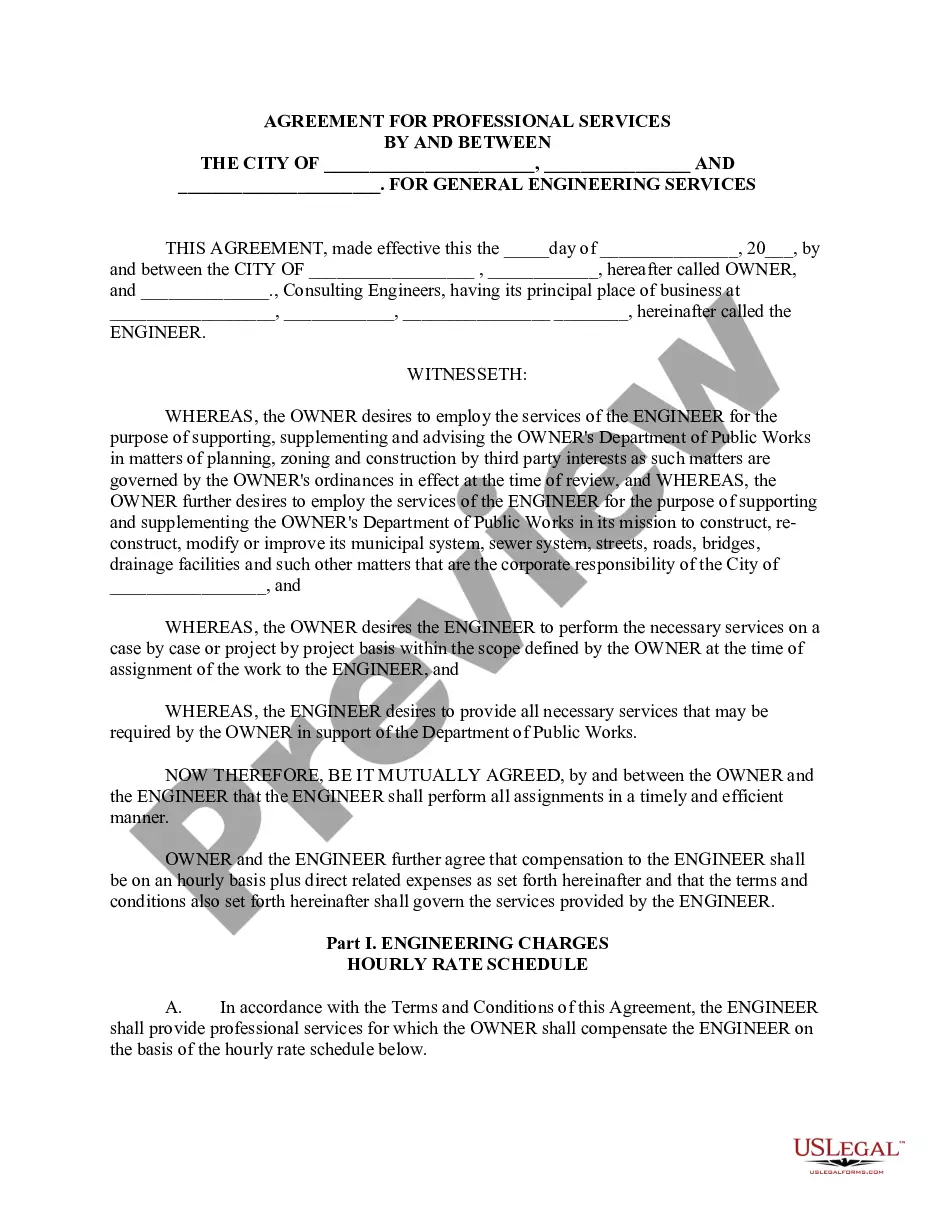


How to fill out Security And Alarm Services Contract - Self-Employed?
Creating legal documents from the ground up can often feel overwhelming.
Particular situations might require extensive research and substantial expenditure.
If you're looking for a simpler and more economical method of preparing Security Self Employed For Mortgage or any other documents without the hassle, US Legal Forms is always available for you.
Our online collection of over 85,000 current legal documents covers nearly every facet of your financial, legal, and personal matters. With just a few clicks, you can quickly access state- and county-specific forms carefully compiled for you by our legal experts.
Check if the template you choose complies with your state's and county's regulations. Select the most suitable subscription plan to obtain the Security Self Employed For Mortgage. Download the document, then fill it out, sign it, and print it.
- Utilize our platform whenever you need dependable and trustworthy services through which you can rapidly find and download the Security Self Employed For Mortgage.
- If you’re already a member of our website and have set up an account, simply Log In to your account, find the form, and download it or re-download it at any time in the My documents section.
- Not yet registered? No problem. It only takes moments to sign up and browse through the catalog.
- However, before rushing to download Security Self Employed For Mortgage, follow these suggestions.
- Consider reviewing the form preview and descriptions to ensure you are viewing the document you need.
Form popularity
FAQ
In This Article #1: Create a Paystub. #2: Keep an Updated Spreadsheet. #3: Bookkeeping Software. #4: Always Deposit the Payment and Print Bank Records. #5: Put it in Writing. #6: Create Your Own Receipts. #7: Utilize Your Tax Documents. #8: Use an App.
Income Documentation Your lender will ask for the following: Personal tax returns (including W-2s if you're paid through your corporation) Profit and loss statements, which could include a Schedule C, Form 1120S or K-1, depending on your business structure.
CrossCountry Mortgage's 1099 Mortgage Loan Program Most recent 1 or 2 years of 1099(s) Documentation of YTD income. Check stubs or bank statements dated within 120 days of the note date. 1099 transcripts only (full tax transcripts not required) 2 year's employment history must be verified. Examples: Written VOE, CPA Letter.
Income Documentation Your lender will ask for the following: Personal tax returns (including W-2s if you're paid through your corporation) Profit and loss statements, which could include a Schedule C, Form 1120S or K-1, depending on your business structure.