Attorney Self Employed Independent Format
Description
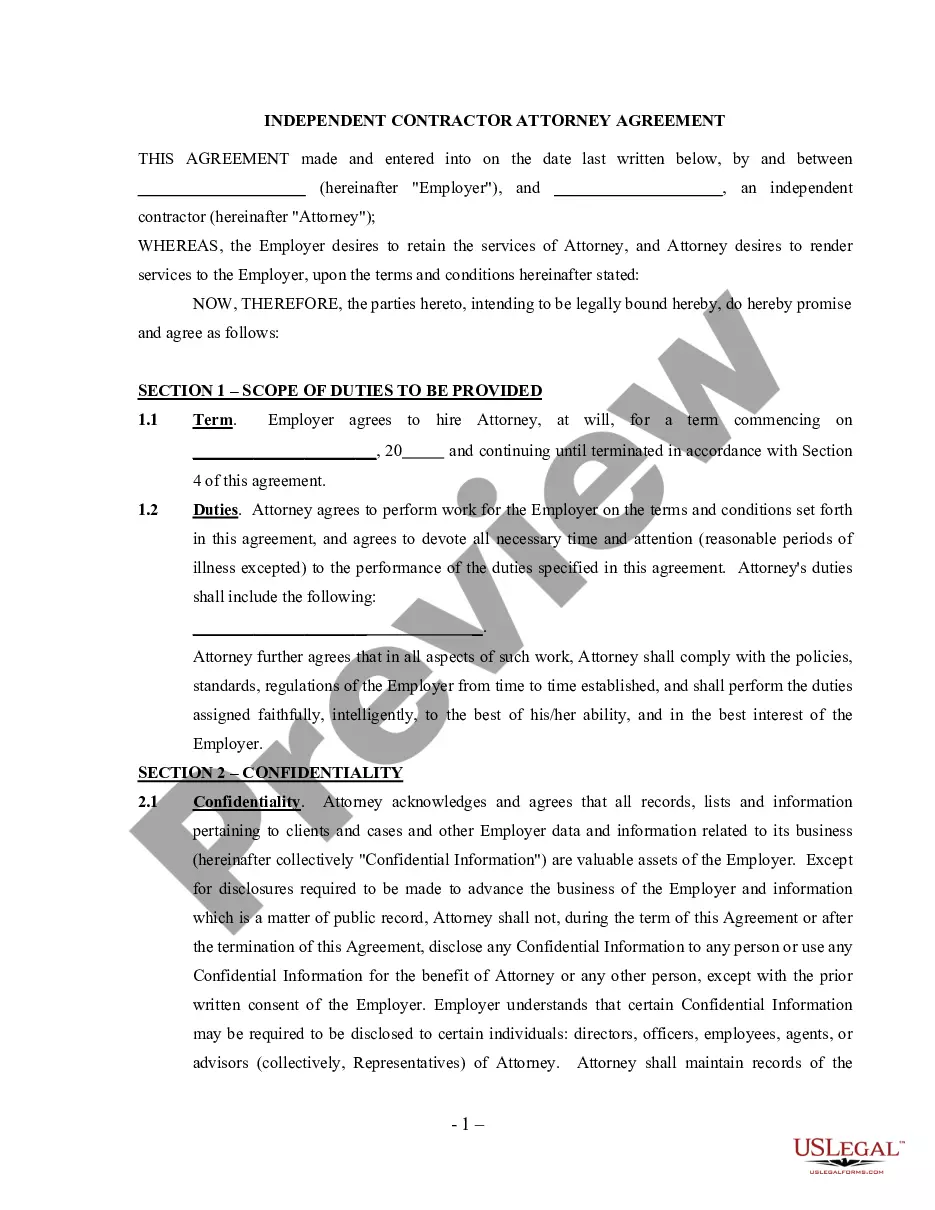
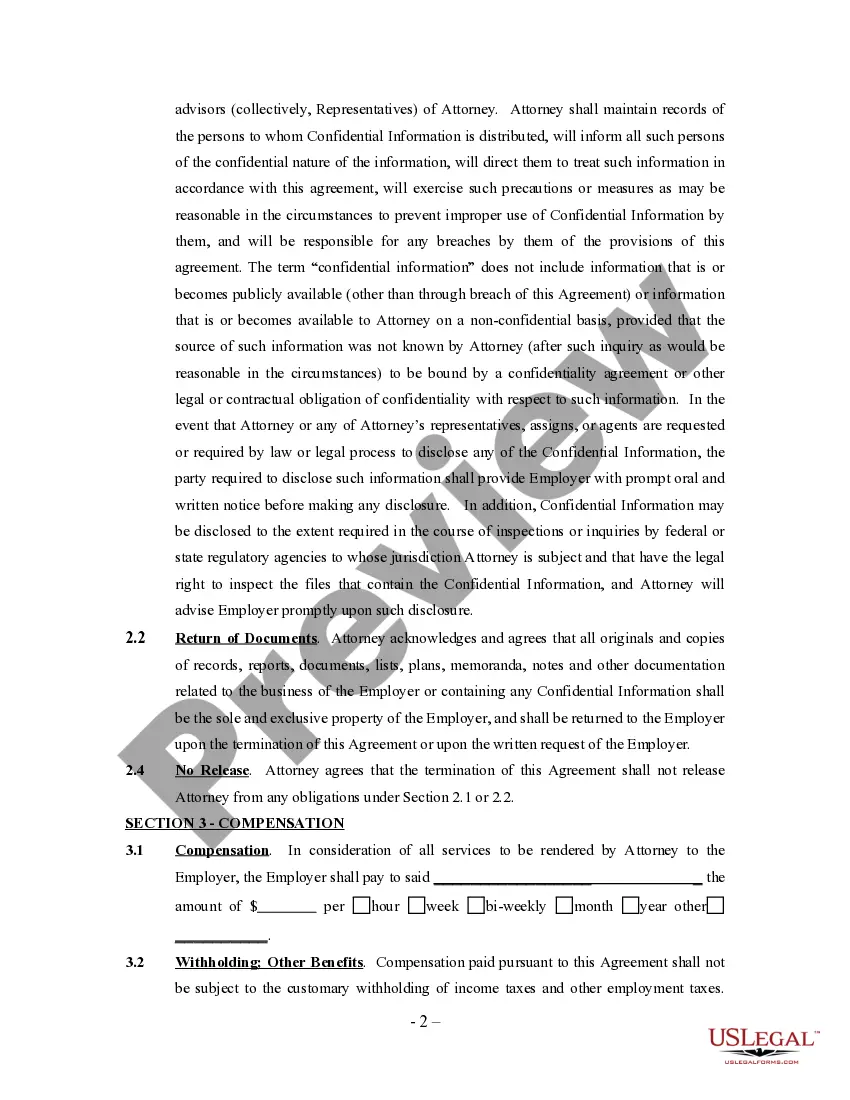
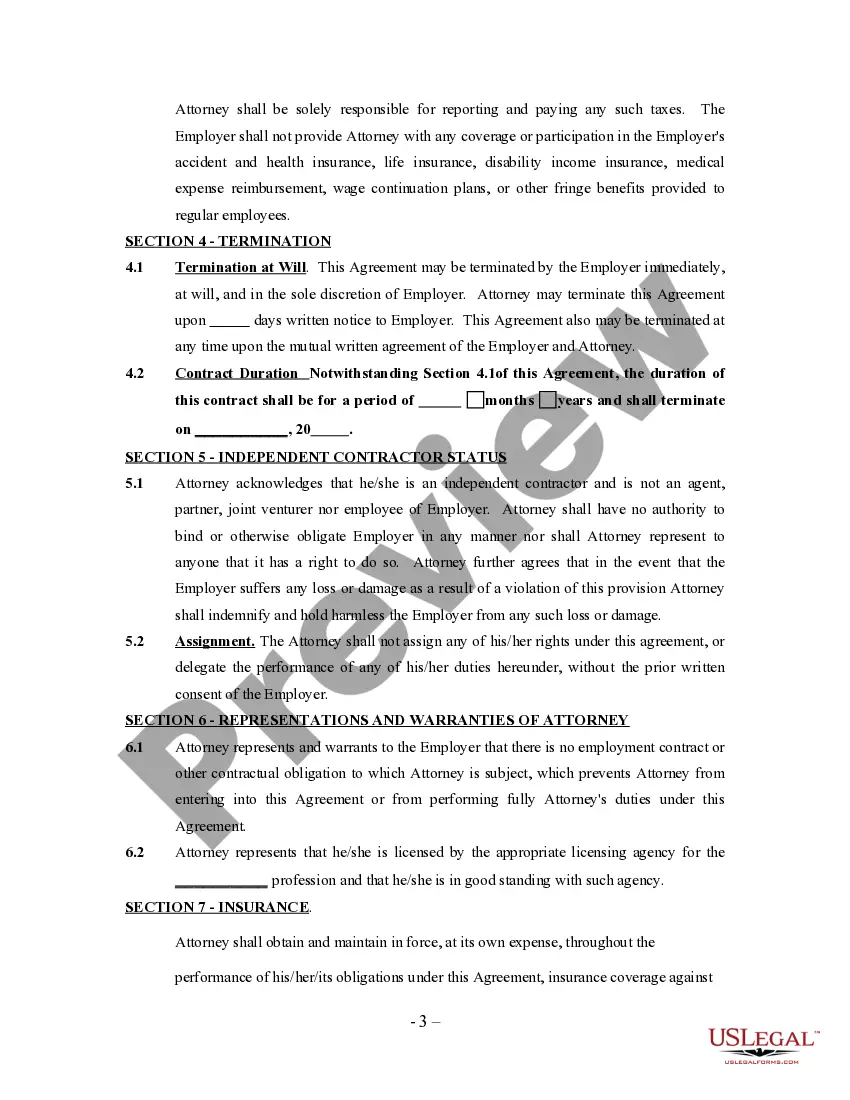
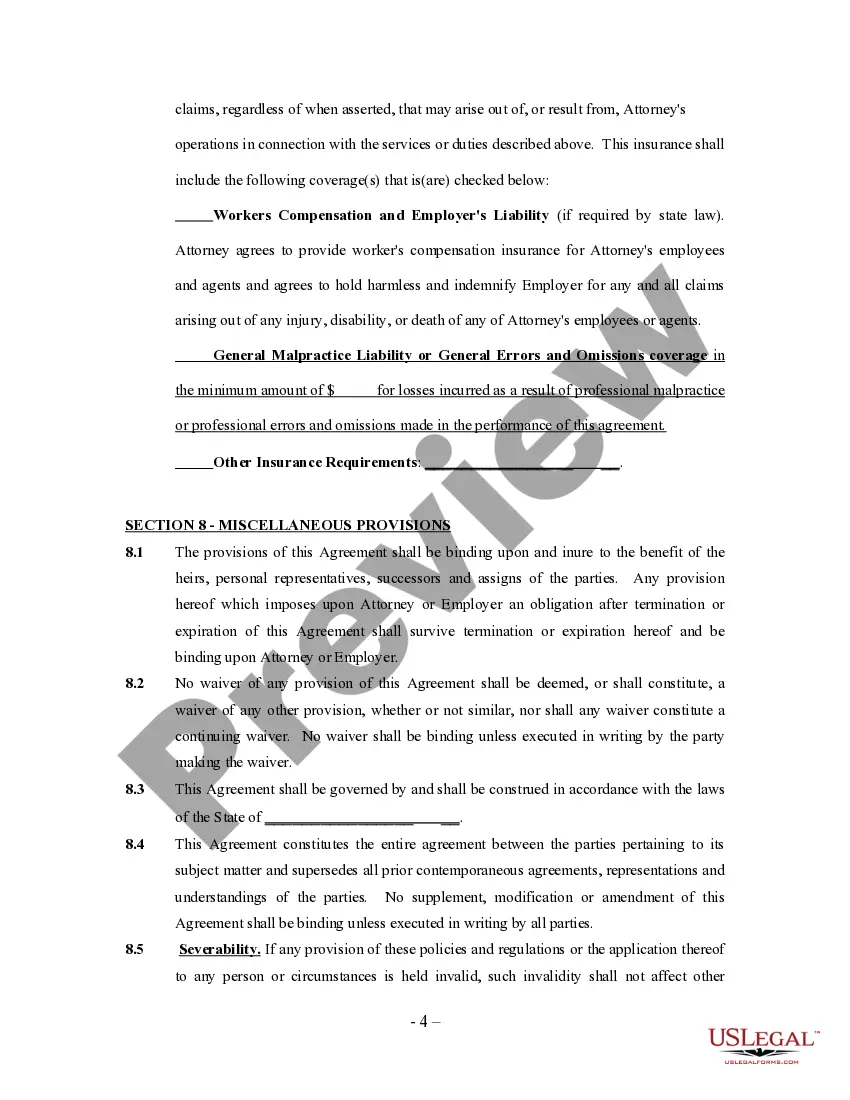
Get your form ready online
Our built-in tools help you complete, sign, share, and store your documents in one place.
Make edits, fill in missing information, and update formatting in US Legal Forms—just like you would in MS Word.
Download a copy, print it, send it by email, or mail it via USPS—whatever works best for your next step.
Sign and collect signatures with our SignNow integration. Send to multiple recipients, set reminders, and more. Go Premium to unlock E-Sign.
If this form requires notarization, complete it online through a secure video call—no need to meet a notary in person or wait for an appointment.
We protect your documents and personal data by following strict security and privacy standards.

Make edits, fill in missing information, and update formatting in US Legal Forms—just like you would in MS Word.

Download a copy, print it, send it by email, or mail it via USPS—whatever works best for your next step.

Sign and collect signatures with our SignNow integration. Send to multiple recipients, set reminders, and more. Go Premium to unlock E-Sign.

If this form requires notarization, complete it online through a secure video call—no need to meet a notary in person or wait for an appointment.

We protect your documents and personal data by following strict security and privacy standards.
Looking for another form?




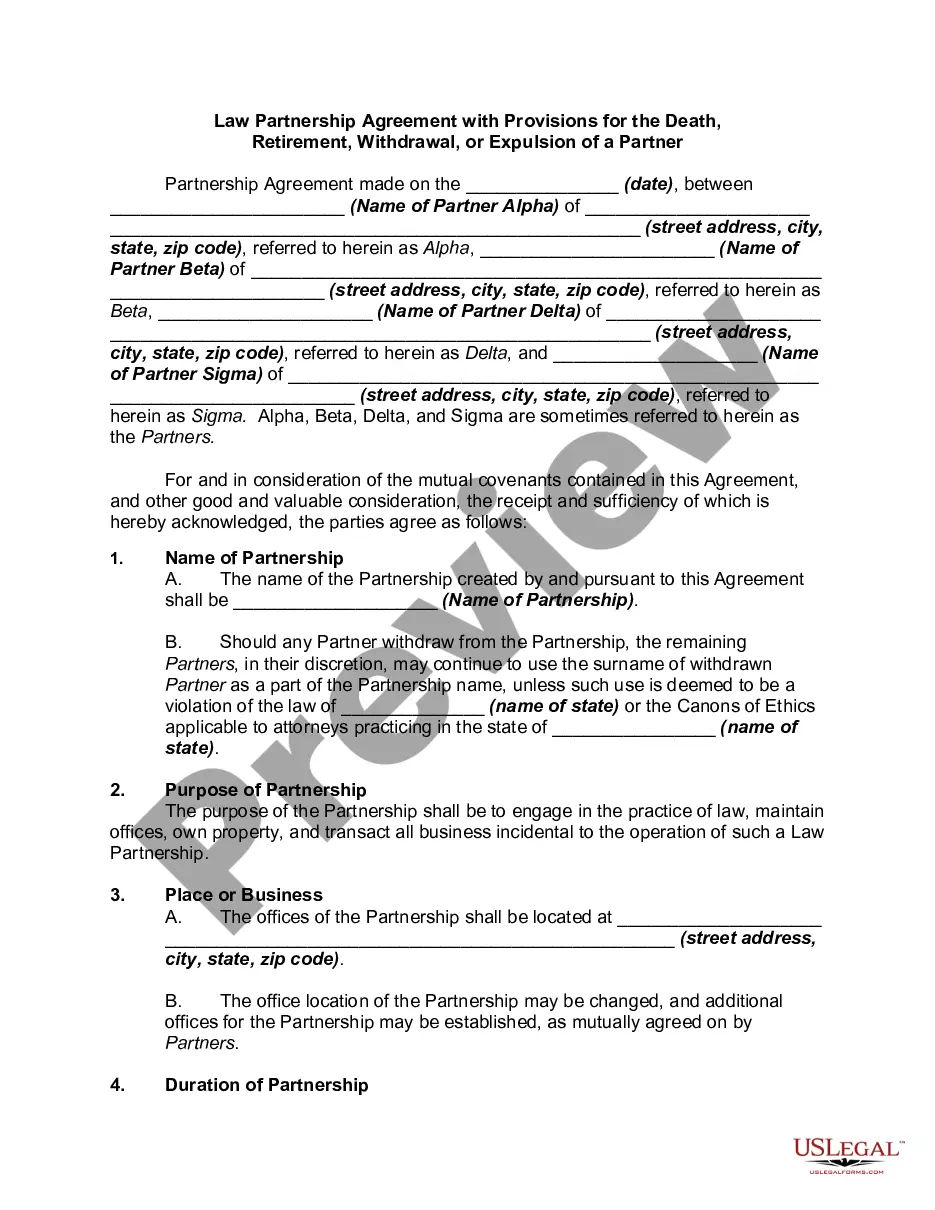
How to fill out Attorney Agreement - Self-Employed Independent Contractor?
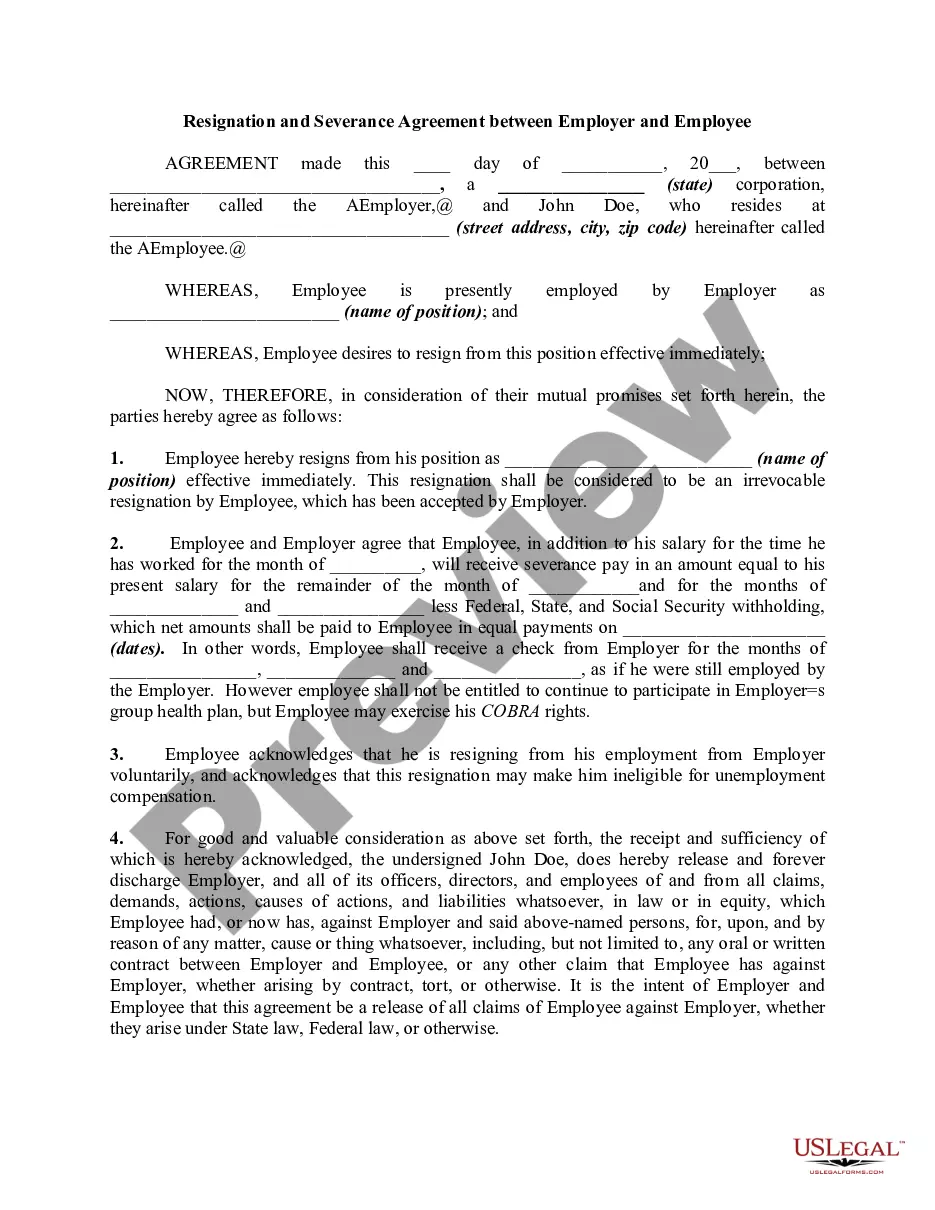
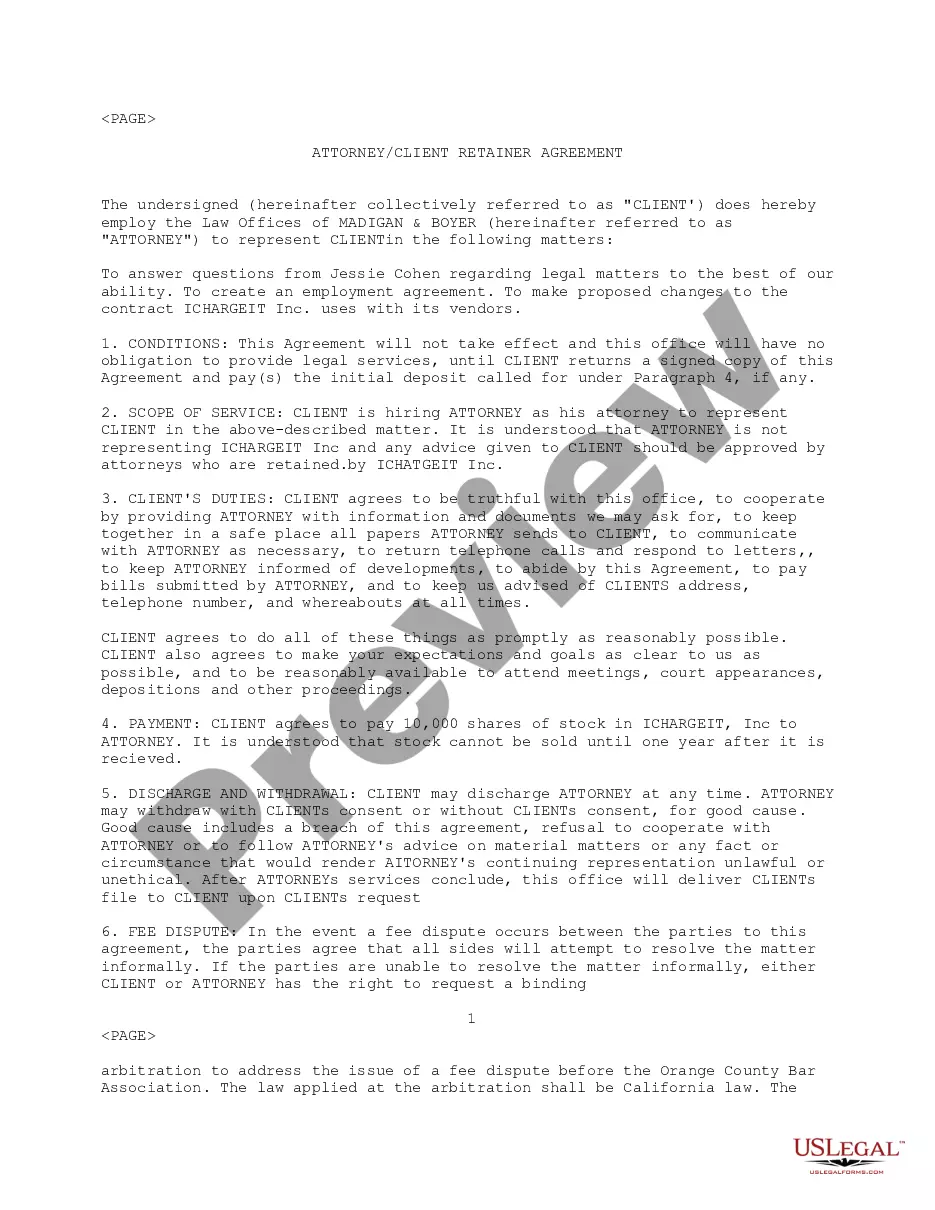
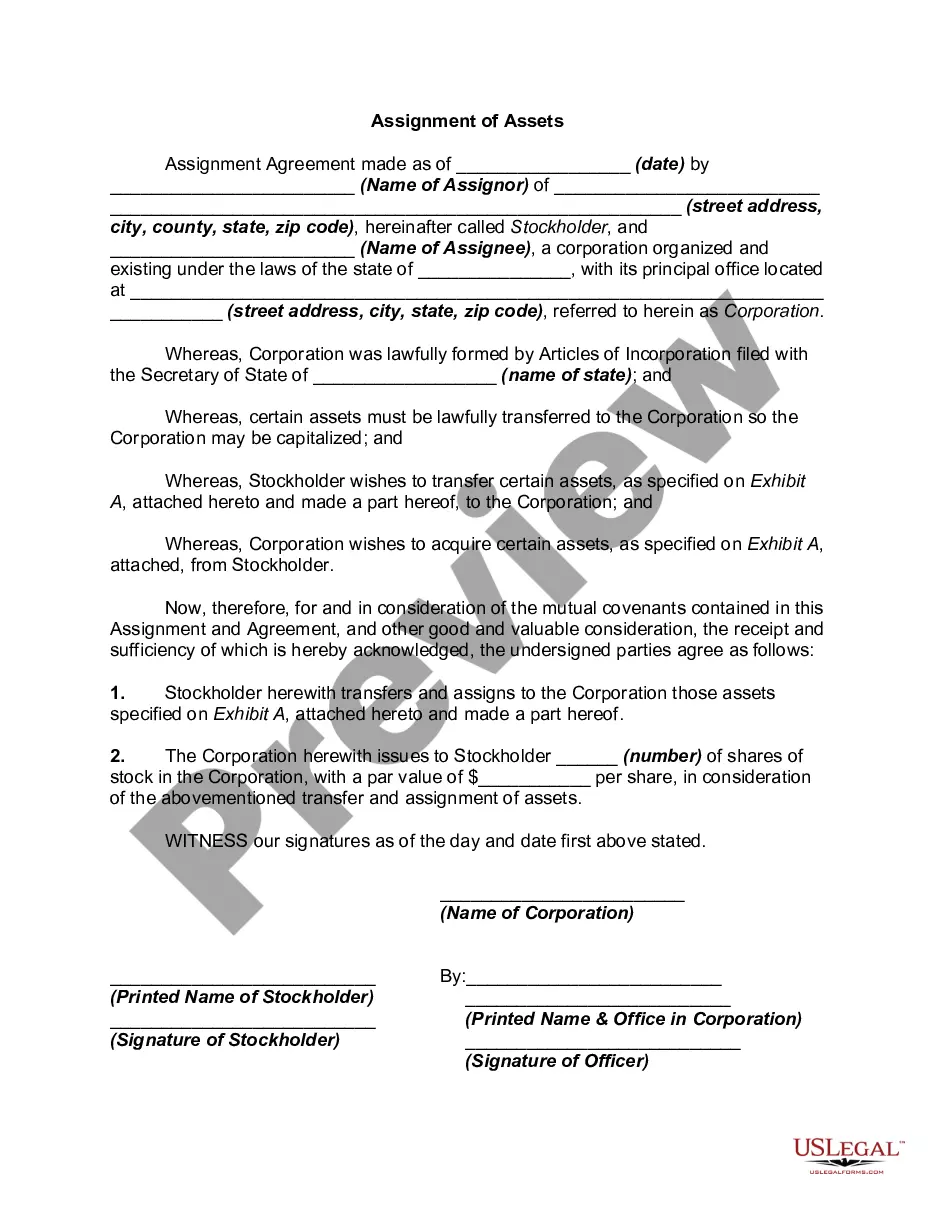
Getting a go-to place to access the most recent and relevant legal templates is half the struggle of working with bureaucracy. Choosing the right legal papers needs accuracy and attention to detail, which is the reason it is crucial to take samples of Attorney Self Employed Independent Format only from trustworthy sources, like US Legal Forms. An improper template will waste your time and hold off the situation you are in. With US Legal Forms, you have very little to worry about. You may access and check all the details concerning the document’s use and relevance for the circumstances and in your state or region.
Consider the following steps to finish your Attorney Self Employed Independent Format:
- Make use of the library navigation or search field to locate your template.
- View the form’s description to ascertain if it suits the requirements of your state and county.
- View the form preview, if there is one, to make sure the template is definitely the one you are looking for.
- Return to the search and find the right document if the Attorney Self Employed Independent Format does not fit your needs.
- If you are positive regarding the form’s relevance, download it.
- When you are a registered customer, click Log in to authenticate and gain access to your picked templates in My Forms.
- If you do not have an account yet, click Buy now to get the template.
- Select the pricing plan that fits your preferences.
- Go on to the registration to complete your purchase.
- Complete your purchase by picking a payment method (credit card or PayPal).
- Select the document format for downloading Attorney Self Employed Independent Format.
- Once you have the form on your gadget, you may change it with the editor or print it and finish it manually.
Eliminate the hassle that comes with your legal documentation. Discover the comprehensive US Legal Forms catalog to find legal templates, check their relevance to your circumstances, and download them on the spot.
Form popularity
FAQ
Service-provider (independent contractor): First name, middle initial, and last name. Social Security number. Address. Start date of contract (if no contract, date payments equal $600 or more) Amount of contract, including cents (if applicable) Contract expiration date (if applicable)
How do I create an Independent Contractor Agreement? State the location. ... Describe the type of service required. ... Provide the contractor's and client's details. ... Outline compensation details. ... State the agreement's terms. ... Include any additional clauses. ... State the signing details.
How to fill out a W-9 form Download the W-9 form from IRS.gov. ... Provide your full legal name and business name. ... Describe your business structure. ... Exemption. ... Enter your mailing address. ... Add any account numbers. ... Provide your Social Security number or Employer Identification Number. ... See if you need to sign and date the form.
The law further states that independent contractor status is evidenced if the worker: (1) has a substantial investment in the business other than personal services, (2) purports to be in business for himself or herself, (3) receives compensation by project rather than by time, (4) has control over the time and place ...
At its most basic, here is how to file self-employment taxes step-by-step. Calculate your income and expenses. That is a list of the money you've made, less the amount you've spent. ... Determine if you have a net profit or loss. Fill out an information return. ... Fill out a 1040 and other self-employment tax forms.