Agreement Between Level For Microsoft Online Services
Description
Get your form ready online
Our built-in tools help you complete, sign, share, and store your documents in one place.
Make edits, fill in missing information, and update formatting in US Legal Forms—just like you would in MS Word.
Download a copy, print it, send it by email, or mail it via USPS—whatever works best for your next step.
Sign and collect signatures with our SignNow integration. Send to multiple recipients, set reminders, and more. Go Premium to unlock E-Sign.
If this form requires notarization, complete it online through a secure video call—no need to meet a notary in person or wait for an appointment.
We protect your documents and personal data by following strict security and privacy standards.

Make edits, fill in missing information, and update formatting in US Legal Forms—just like you would in MS Word.

Download a copy, print it, send it by email, or mail it via USPS—whatever works best for your next step.

Sign and collect signatures with our SignNow integration. Send to multiple recipients, set reminders, and more. Go Premium to unlock E-Sign.

If this form requires notarization, complete it online through a secure video call—no need to meet a notary in person or wait for an appointment.

We protect your documents and personal data by following strict security and privacy standards.
Looking for another form?
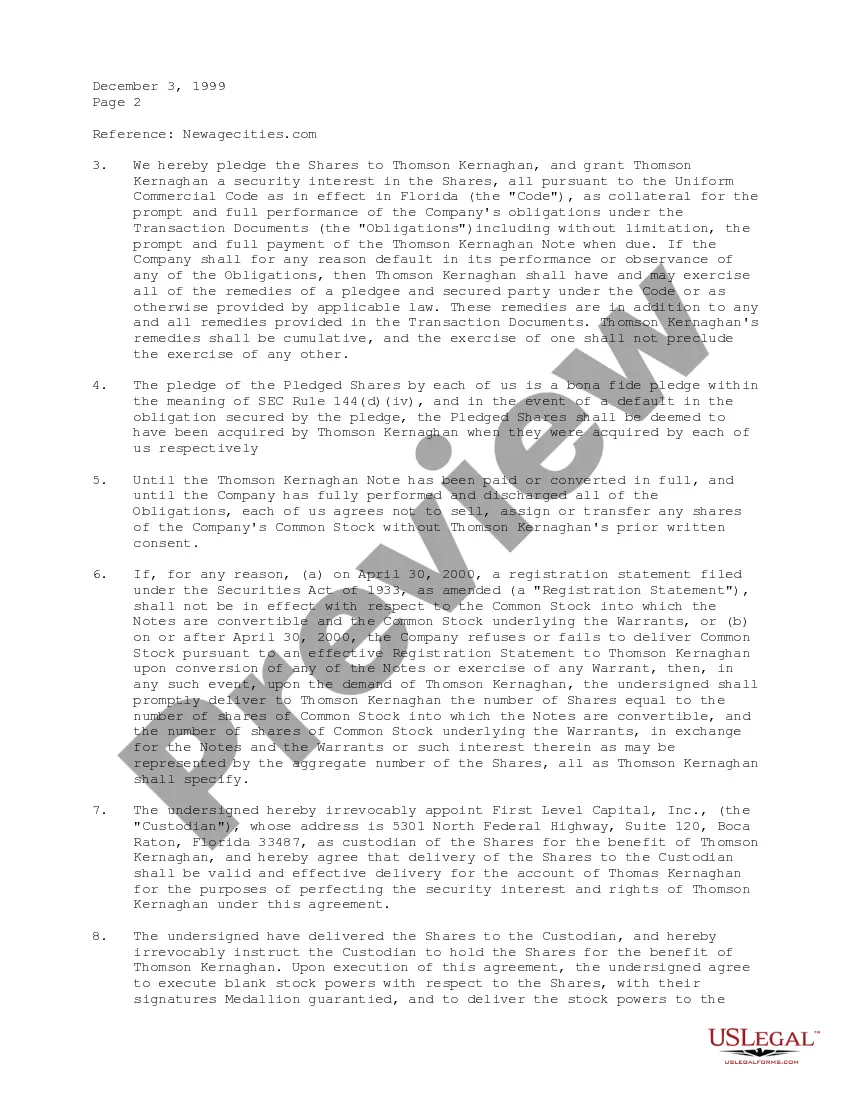
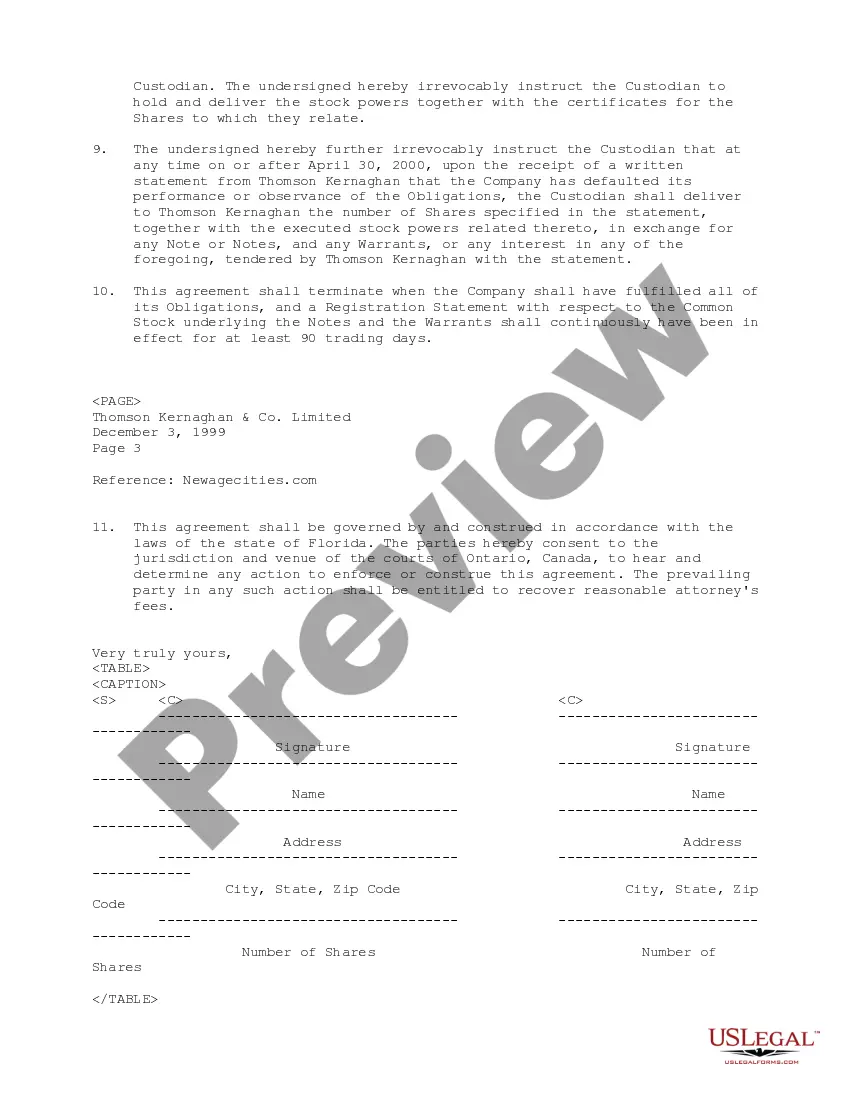
How to fill out Pledge And Exchange Agreement Between Newagecities.com And First Level Capital, Inc.?
When you have to complete the Agreement Between Level For Microsoft Online Services that adheres to your local state's laws and regulations, there might be many alternatives to select from.
There's no need to review every form to ensure it meets all the legal requirements if you are a US Legal Forms subscriber.
It is a reliable source that can assist you in acquiring a reusable and current template on any topic.
Acquiring professionally drafted formal documents becomes simple with US Legal Forms. Additionally, Premium users can also take advantage of powerful integrated features for online PDF editing and signing. Give it a try today!
- US Legal Forms is the most extensive online catalog with a collection of over 85k ready-to-use documents for business and personal legal situations.
- All templates are confirmed to comply with each state's regulations.
- Thus, when downloading the Agreement Between Level For Microsoft Online Services from our platform, you can be assured that you possess a valid and up-to-date document.
- Retrieving the necessary sample from our platform is very simple.
- If you already have an account, just Log In to the system, ensure your subscription is active, and save the selected file.
- Later, you can navigate to the My documents tab in your profile and keep access to the Agreement Between Level For Microsoft Online Services at any point.
- If this is your first experience with our website, please follow the instructions below.
- Browse through the suggested page and verify it for alignment with your needs.
Form popularity
FAQ
The Service Level Agreements (SLA) describe Microsoft's commitments for uptime and connectivity for Microsoft Online Services. The current and archived editions of the SLA are available for download and they cover Office 365, Intune, and Dynamics 365.
How to write an SLAEvaluate your current service levels.Identify your objectives.Choose a contract format.Determine the level of service.Articulate the terms of the agreement.Clarify performance expectations.Outline payment expectations.Include appendices if necessary.More items...?
The SLA should include not only a description of the services to be provided and their expected service levels, but also metrics by which the services are measured, the duties and responsibilities of each party, the remedies or penalties for breach, and a protocol for adding and removing metrics.
A customer service level agreement is an agreement between you and an external customer. For example, a facilities manger provides maintenance services for various customers. An internal service level agreement is an agreement between you and an internal customer (such as another organization, site, or department).