Loan Agreement Financial Template For Google Docs
Description
Get your form ready online
Our built-in tools help you complete, sign, share, and store your documents in one place.
Make edits, fill in missing information, and update formatting in US Legal Forms—just like you would in MS Word.
Download a copy, print it, send it by email, or mail it via USPS—whatever works best for your next step.
Sign and collect signatures with our SignNow integration. Send to multiple recipients, set reminders, and more. Go Premium to unlock E-Sign.
If this form requires notarization, complete it online through a secure video call—no need to meet a notary in person or wait for an appointment.
We protect your documents and personal data by following strict security and privacy standards.

Make edits, fill in missing information, and update formatting in US Legal Forms—just like you would in MS Word.

Download a copy, print it, send it by email, or mail it via USPS—whatever works best for your next step.

Sign and collect signatures with our SignNow integration. Send to multiple recipients, set reminders, and more. Go Premium to unlock E-Sign.

If this form requires notarization, complete it online through a secure video call—no need to meet a notary in person or wait for an appointment.

We protect your documents and personal data by following strict security and privacy standards.
Looking for another form?

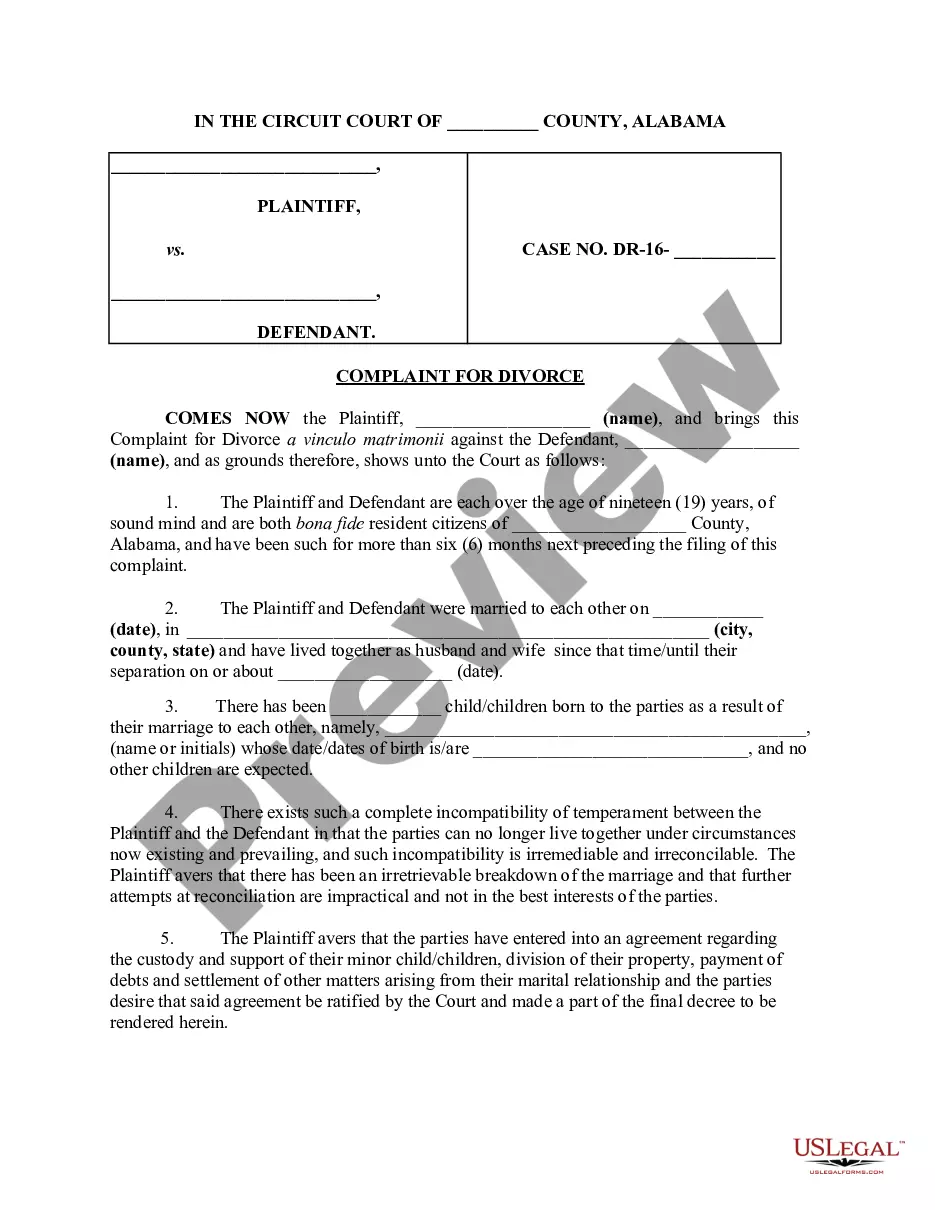



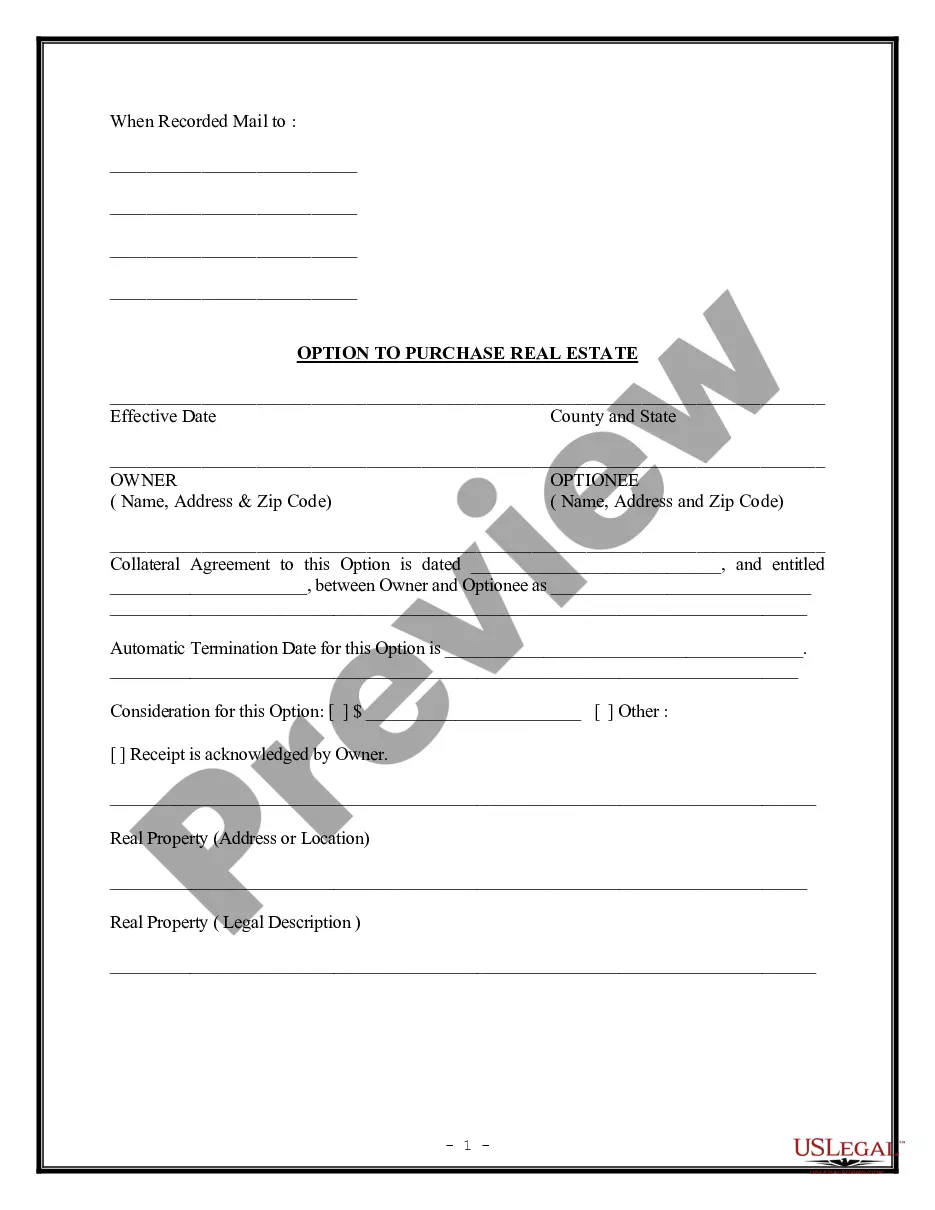
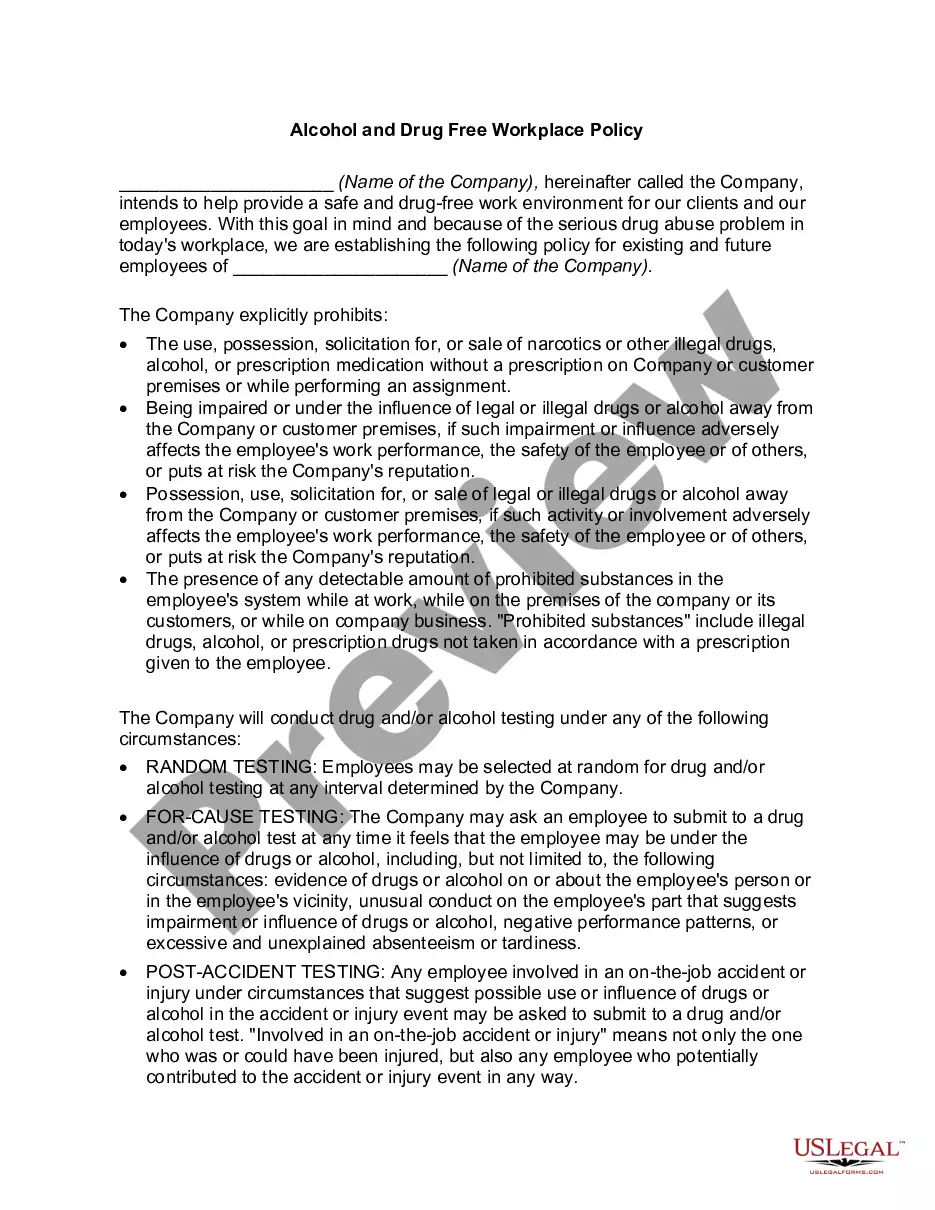



How to fill out Post-Petition Loan And Security Agreement Between Various Financial Institutions Regarding Revolving Line Of Credit?
Locating a reliable source for the latest and suitable legal templates constitutes a significant part of navigating bureaucracy.
Identifying the appropriate legal documents requires precision and careful consideration, which is why sourcing Loan Agreement Financial Template For Google Docs exclusively from reputable origins, such as US Legal Forms, is crucial. An incorrect template can squander your time and delay your current situation.
Eliminate the hassle associated with your legal paperwork. Explore the extensive collection at US Legal Forms where you can find legal templates, review their applicability to your situation, and download them instantly.
- Utilize the library navigation or search tool to find your template.
- Examine the form's description to ensure it aligns with the laws of your state and region.
- Check the form preview, if available, to confirm it is the document you need.
- Return to your search to find the correct template if the Loan Agreement Financial Template For Google Docs does not meet your criteria.
- If you are confident the form is pertinent, proceed to download it.
- As an authorized user, click Log in to verify your identity and access your selected templates in My documents.
- If you do not yet have an account, click Buy now to acquire the template.
- Choose the pricing plan that best fits your requirements.
- Follow the registration process to complete your transaction.
- Conclude your purchase by selecting a payment method (credit card or PayPal).
- Choose the file type for downloading Loan Agreement Financial Template For Google Docs.
- After obtaining the form on your device, you can edit it with a text editor or print it for manual completion.
Form popularity
FAQ
Google Docs does offer a variety of templates, including those for financial documents such as a promissory note. While you might not find a specific loan agreement financial template for google docs directly within the platform, you can easily access customizable options via third-party sources. Utilizing platforms like US Legal Forms can simplify your search, providing you with a professional loan agreement financial template tailored for Google Docs. This way, you can ensure your agreements are clear and legally sound.
To get a Google Docs template, simply open Google Docs and click on the 'Template Gallery' on the home page. You can browse various categories or search for specific templates, like a loan agreement financial template for Google Docs. Use these templates to save time and ensure your documents align with professional standards. If you prefer pre-made legal forms, consider exploring the options available on the US Legal Forms platform.
Yes, Google Docs offers various pre-designed templates, including contract templates. Users can easily access these templates from the template gallery, which simplifies the process of document creation. If you're looking for a specific solution, a loan agreement financial template for Google Docs enables you to easily customize terms to suit your needs. This flexibility makes Google Docs a great choice for drafting contracts.
No, Google is not discontinuing Google Docs. In fact, Google continues to invest in and enhance this platform, ensuring users have access to tools that streamline document creation. You can use Google Docs to create various templates, including a loan agreement financial template for Google Docs, which simplifies drafting essential documents. Their ongoing support means you can confidently rely on Google Docs for your document needs.
To create a loan agreement financial template for Google Docs, start by opening a new document in Google Docs. You can then insert essential sections such as 'Loan Amount', 'Interest Rate', and 'Repayment Terms' to ensure clarity and comprehensiveness. It's helpful to utilize pre-existing samples or templates available through platforms like US Legal Forms, which provide well-structured agreements that you can easily adapt. Finally, customize your template by adding specific details relevant to your agreement, ensuring it meets your needs.
There are 10 basic provisions that should be in a loan agreement. Identity of the parties. The names of the lender and borrower need to be stated. ... Date of the agreement. ... Interest rate. ... Repayment terms. ... Default provisions. ... Signatures. ... Choice of law. ... Severability.
A loan agreement should be structured to include information about the borrower and the lender, the loan amount, and repayment terms, including interest charges and a timeline for repaying the loan. It should also spell out penalties for late payments or default and should be clear about expectations between parties.
How can I use Google Docs contracts? It's simple. Download a contract template by adding it to your Google Drive folder, open it and start typing. Once you're done, re-check it all and save it.
However, the do-it-yourself approach is perfectly acceptable and just as legally enforceable. Once you have both agreed on the terms, you may want to have the personal loan contract notarized or ask a third party to act as a witness during the signing.
How To Write a Loan Agreement Step 1 ? Name the Parties. ... Step 2 ? Write Down the Loan Amount. ... Step 3 ? Specify Repayment Details. ... Step 4 ? Choose How the Loan Will Be Secured (Optional) ... Step 5 ? Provide a Guarantor (Optional) ... Step 6 ? Specify an Interest Rate. ... Step 7 ? Include Late Fees (Optional)