Shared Parking App
Description
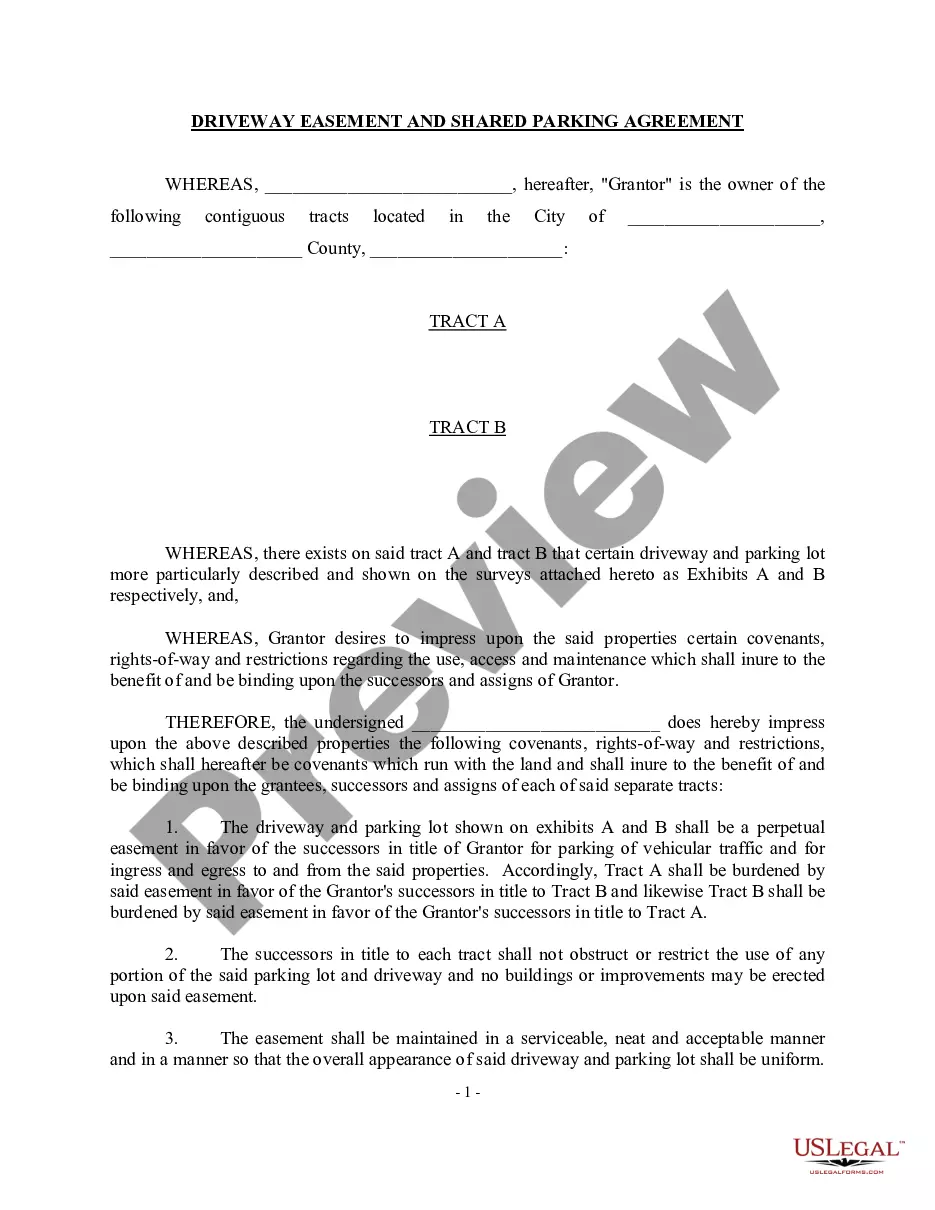
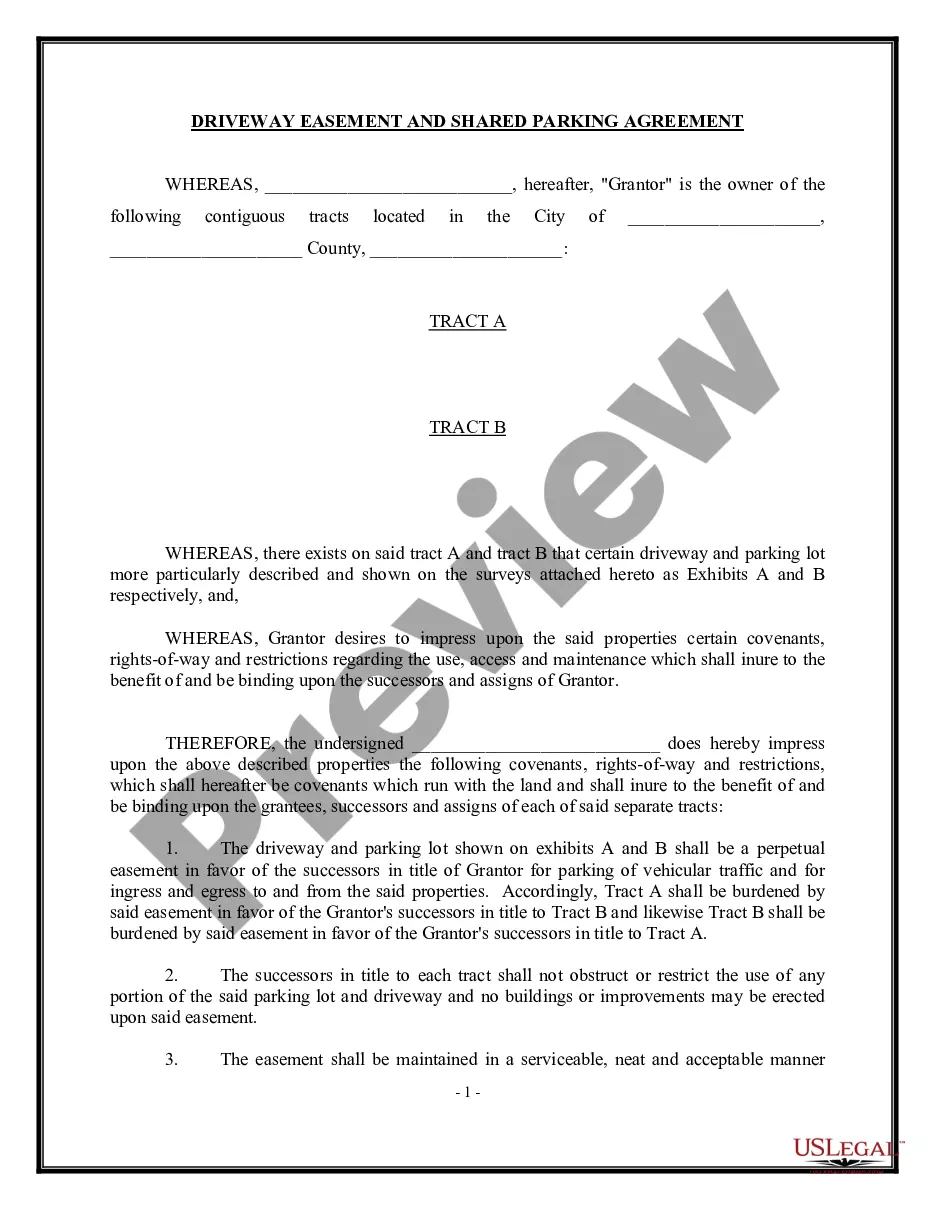
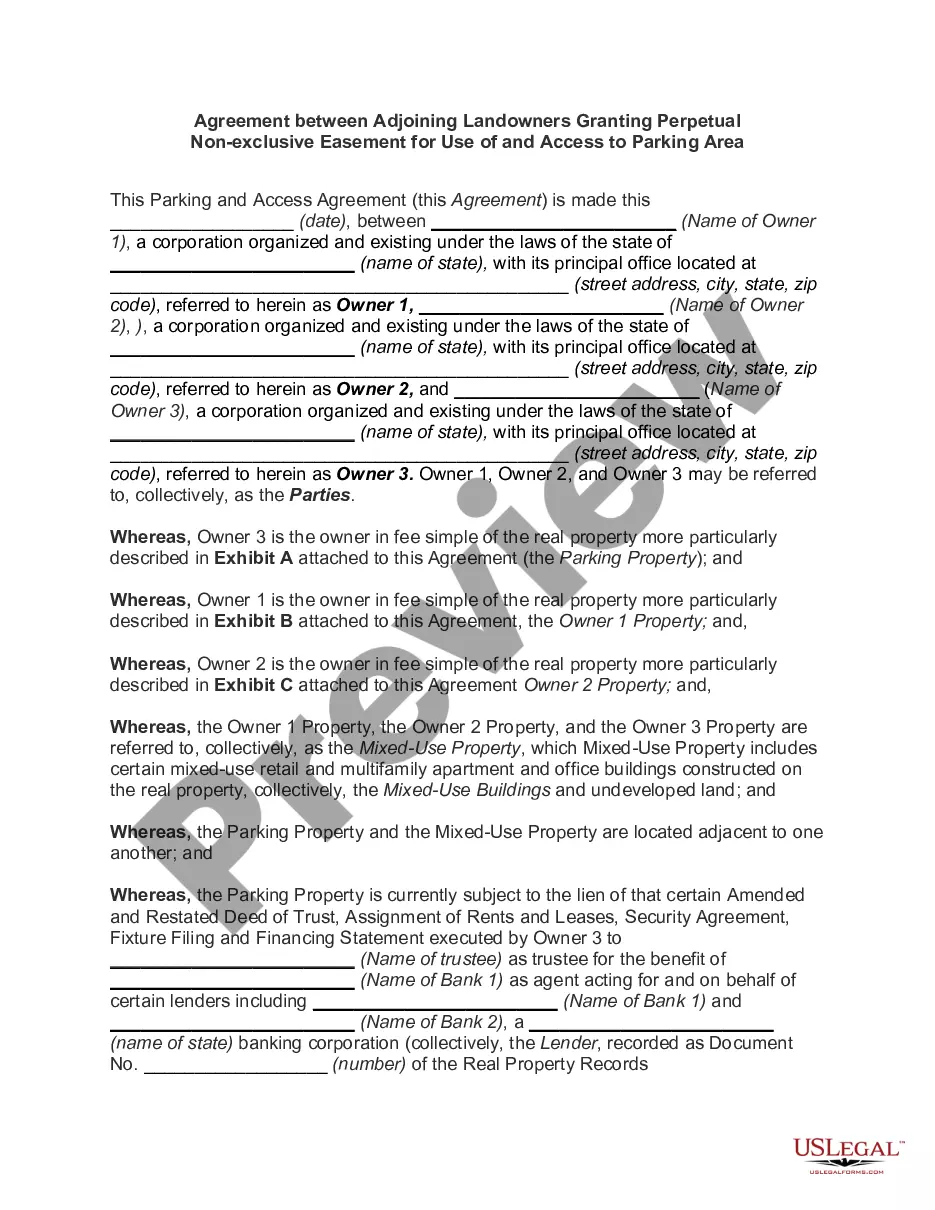
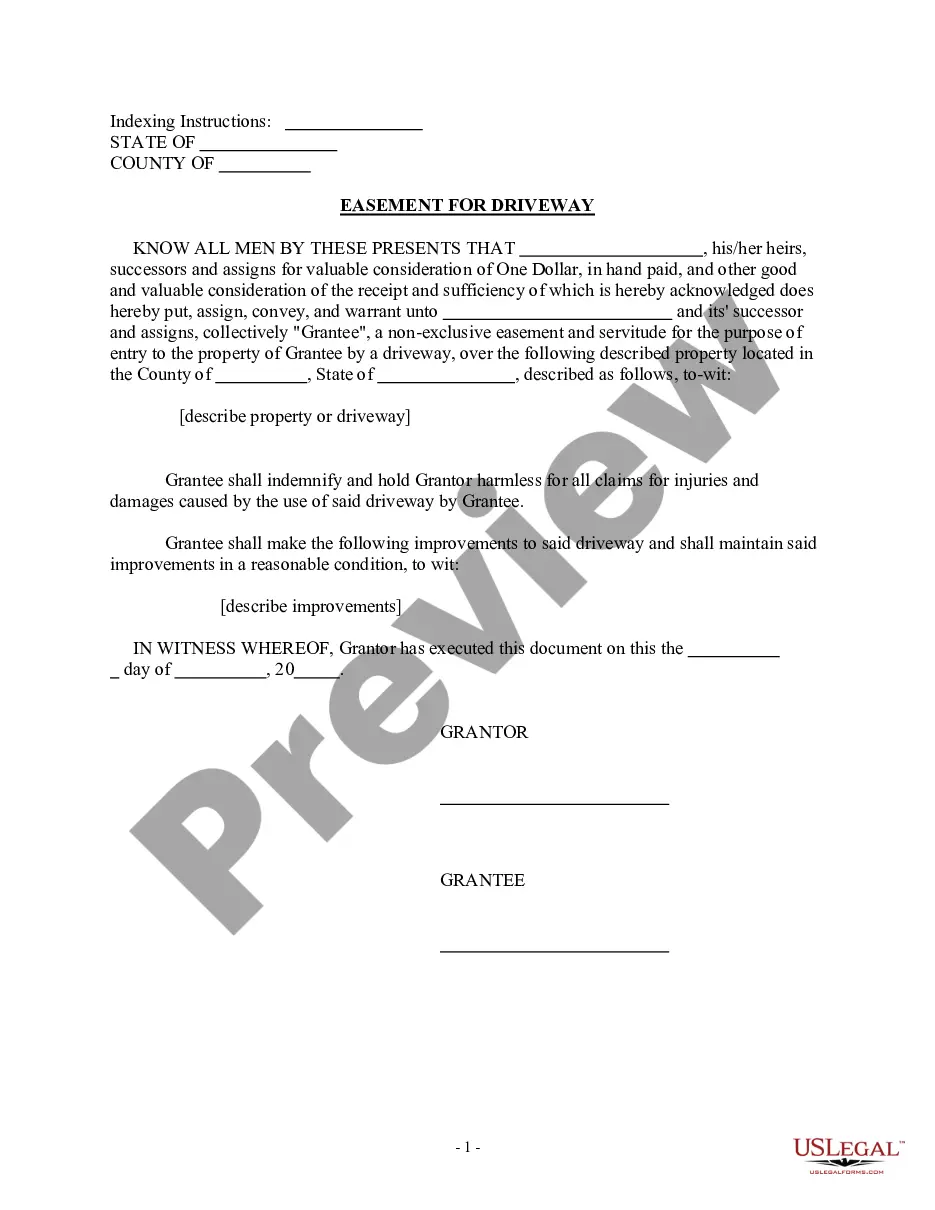
Get your form ready online
Our built-in tools help you complete, sign, share, and store your documents in one place.
Make edits, fill in missing information, and update formatting in US Legal Forms—just like you would in MS Word.
Download a copy, print it, send it by email, or mail it via USPS—whatever works best for your next step.
Sign and collect signatures with our SignNow integration. Send to multiple recipients, set reminders, and more. Go Premium to unlock E-Sign.
If this form requires notarization, complete it online through a secure video call—no need to meet a notary in person or wait for an appointment.
We protect your documents and personal data by following strict security and privacy standards.

Make edits, fill in missing information, and update formatting in US Legal Forms—just like you would in MS Word.

Download a copy, print it, send it by email, or mail it via USPS—whatever works best for your next step.

Sign and collect signatures with our SignNow integration. Send to multiple recipients, set reminders, and more. Go Premium to unlock E-Sign.

If this form requires notarization, complete it online through a secure video call—no need to meet a notary in person or wait for an appointment.

We protect your documents and personal data by following strict security and privacy standards.
Looking for another form?
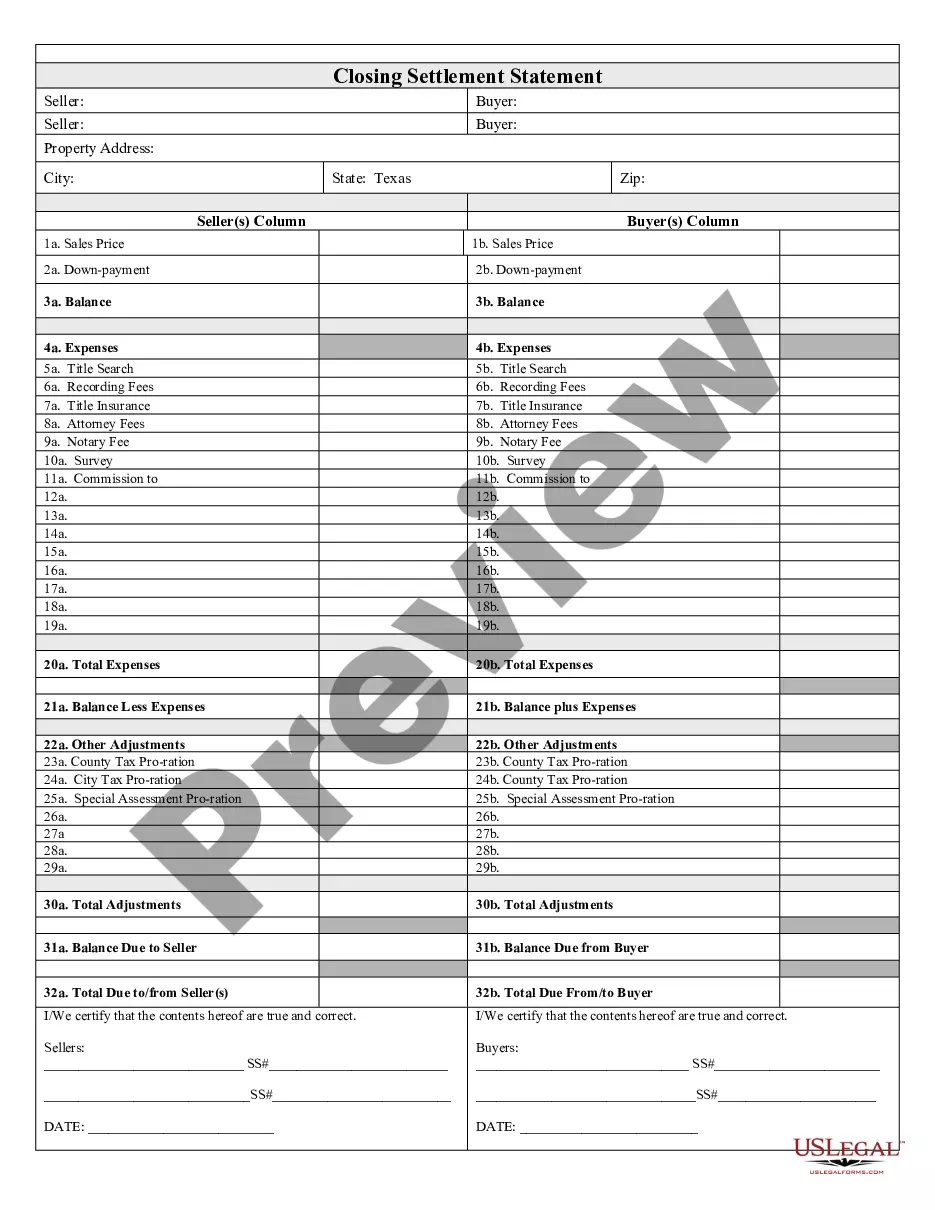
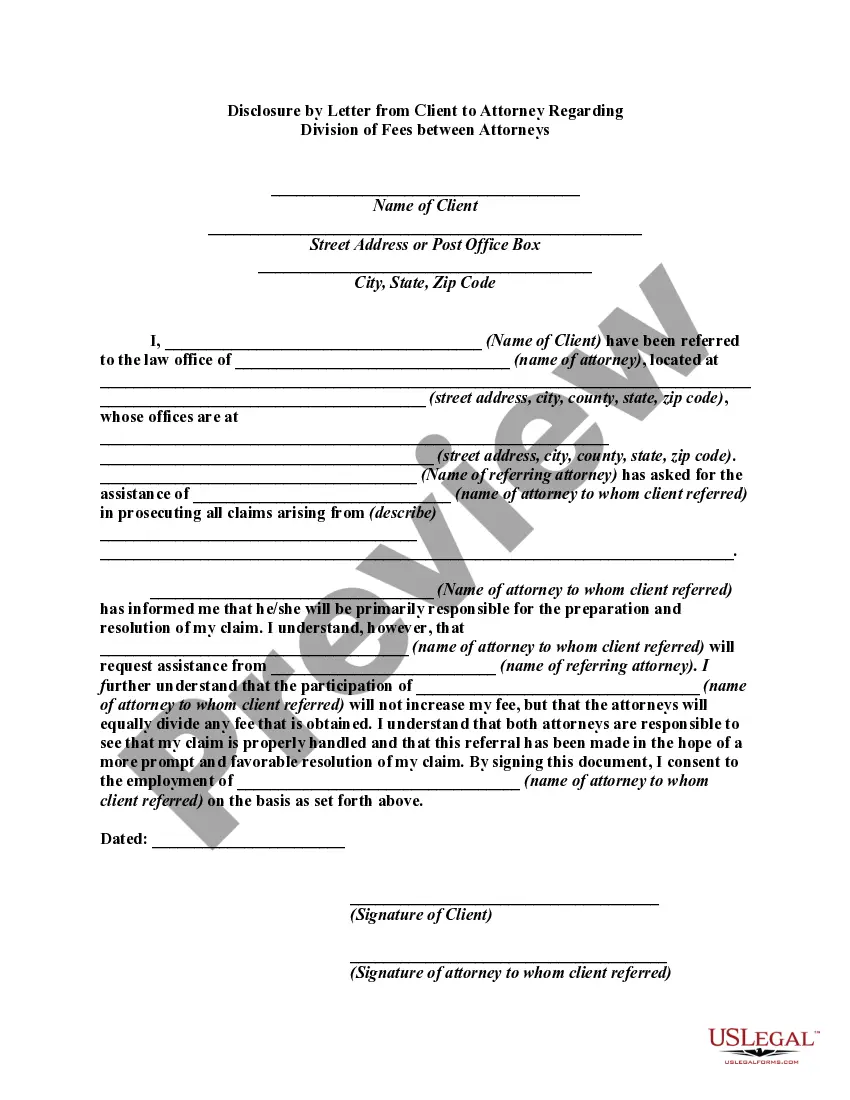
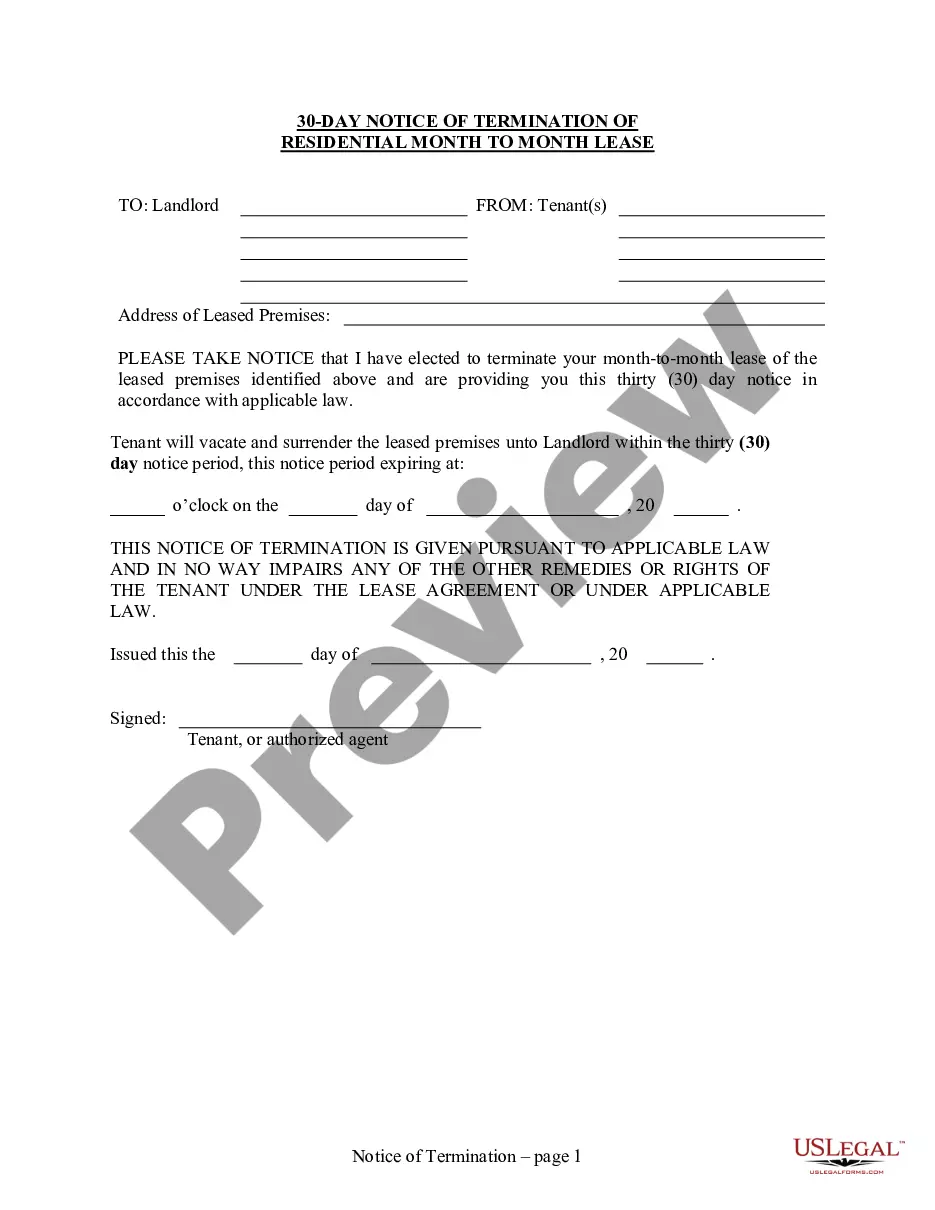


How to fill out Driveway Easement And Shared Parking Agreement?
Legal papers managing might be overwhelming, even for the most skilled professionals. When you are interested in a Shared Parking App and do not get the a chance to devote searching for the right and updated version, the operations can be stress filled. A strong online form library could be a gamechanger for anyone who wants to manage these situations effectively. US Legal Forms is a market leader in online legal forms, with more than 85,000 state-specific legal forms available to you at any time.
With US Legal Forms, you are able to:
- Gain access to state- or county-specific legal and organization forms. US Legal Forms handles any requirements you might have, from personal to organization documents, in one location.
- Make use of innovative tools to complete and deal with your Shared Parking App
- Gain access to a resource base of articles, guides and handbooks and resources highly relevant to your situation and needs
Help save time and effort searching for the documents you need, and utilize US Legal Forms’ advanced search and Review feature to discover Shared Parking App and download it. For those who have a monthly subscription, log in in your US Legal Forms profile, look for the form, and download it. Review your My Forms tab to find out the documents you previously saved and also to deal with your folders as you can see fit.
If it is your first time with US Legal Forms, create a free account and acquire unlimited use of all benefits of the library. Listed below are the steps for taking after accessing the form you want:
- Confirm it is the right form by previewing it and looking at its information.
- Ensure that the sample is approved in your state or county.
- Pick Buy Now once you are all set.
- Choose a monthly subscription plan.
- Find the format you want, and Download, complete, sign, print and deliver your document.
Enjoy the US Legal Forms online library, backed with 25 years of experience and stability. Change your day-to-day document management in to a easy and intuitive process today.
Form popularity
FAQ
Tap 'Where do you want to want to park' to enter your destination. You can select from hourly or monthly parking. Select the pin to pick your space, and click the location title to see more details. Tap 'Book Now'.
How To Use ParkMobile for Parking - YouTube YouTube Start of suggested clip End of suggested clip Then set up your method of payment. Once you've completed these steps you are ready to start usingMoreThen set up your method of payment. Once you've completed these steps you are ready to start using the park mobile.
How it works Download the app. Download the app from the Google Play, App Store or Huawei store. ... Enter location number. In the app, enter the location number of where you have parked, which you can find on parking signage. Enter parking duration. Next, add how long you wish to park for. ... Extend your parking session anytime.
Ideally, parking lots should be rectangular with parking on both sides of access aisles. For two-way traffic flow, parking spaces perpendicular (90 degrees) to the aisles provide the most efficient design. The efficiency decreases as the parking angle decreases.
Ideally, parking lots should be rectangular with parking on both sides of access aisles. For two-way traffic flow, parking spaces perpendicular (90 degrees) to the aisles provide the most efficient design. The efficiency decreases as the parking angle decreases.