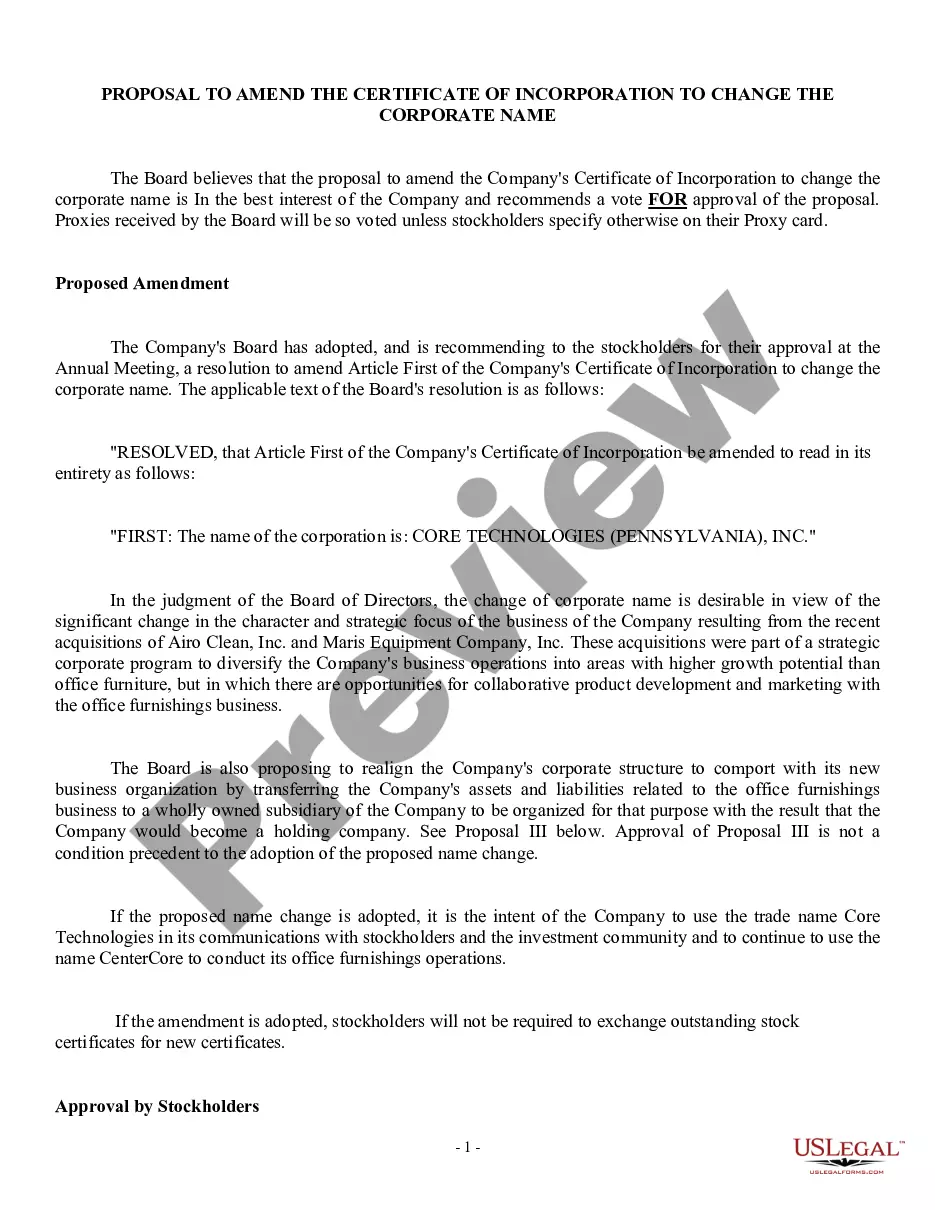
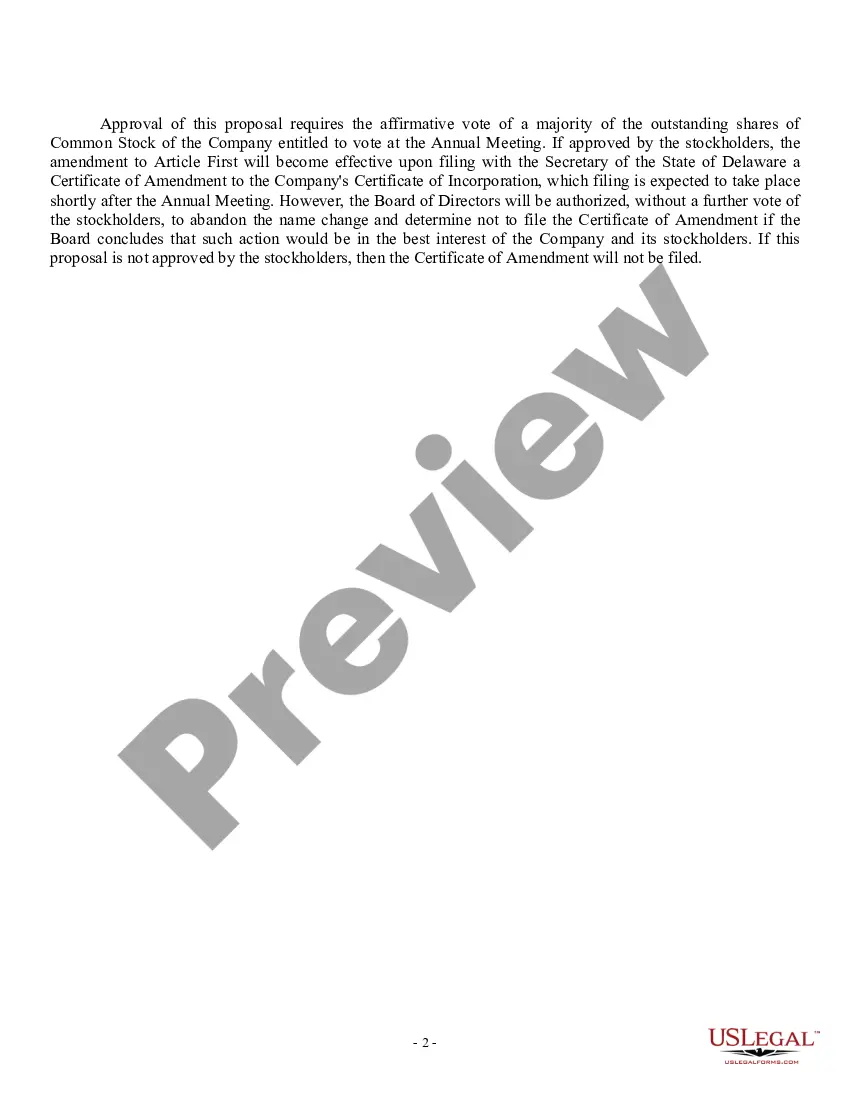
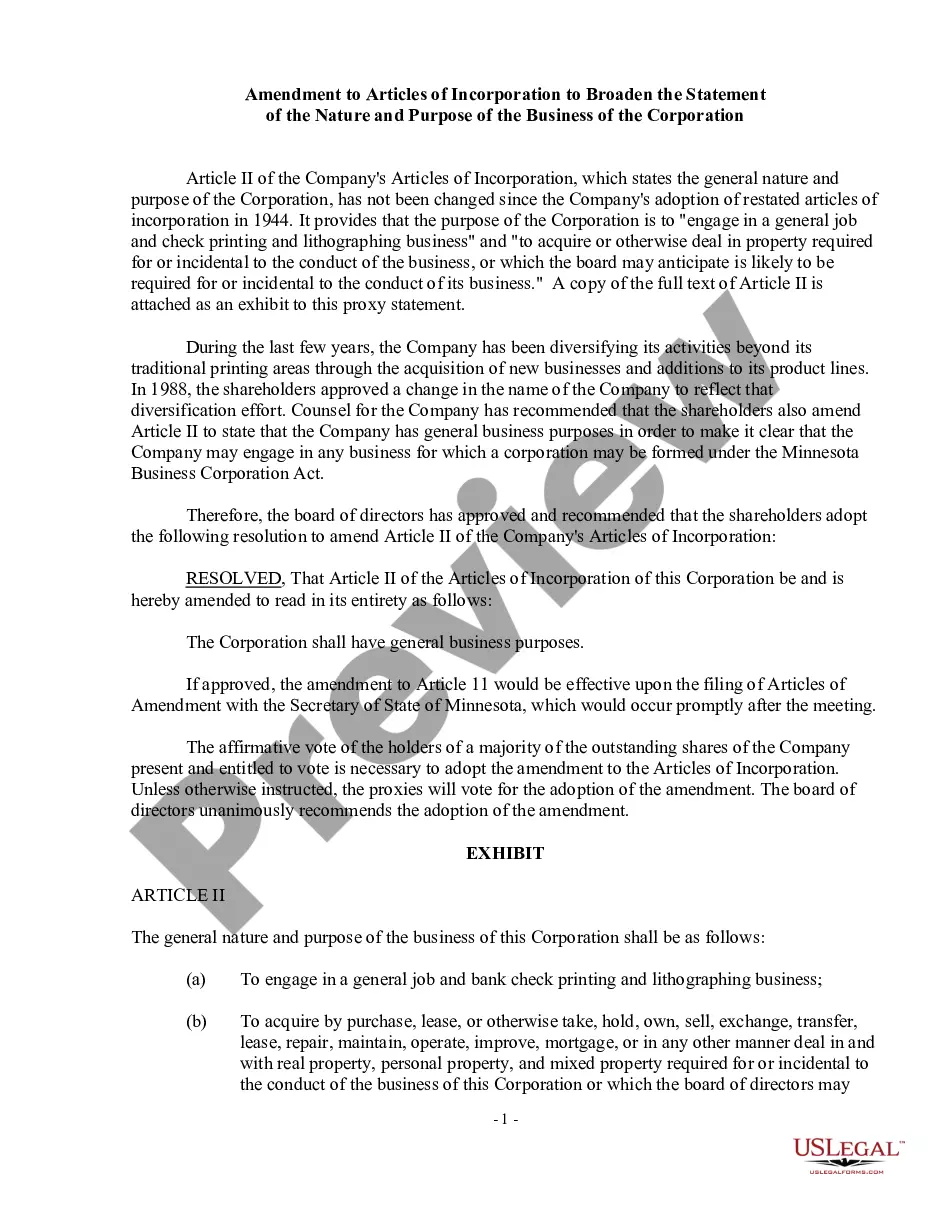
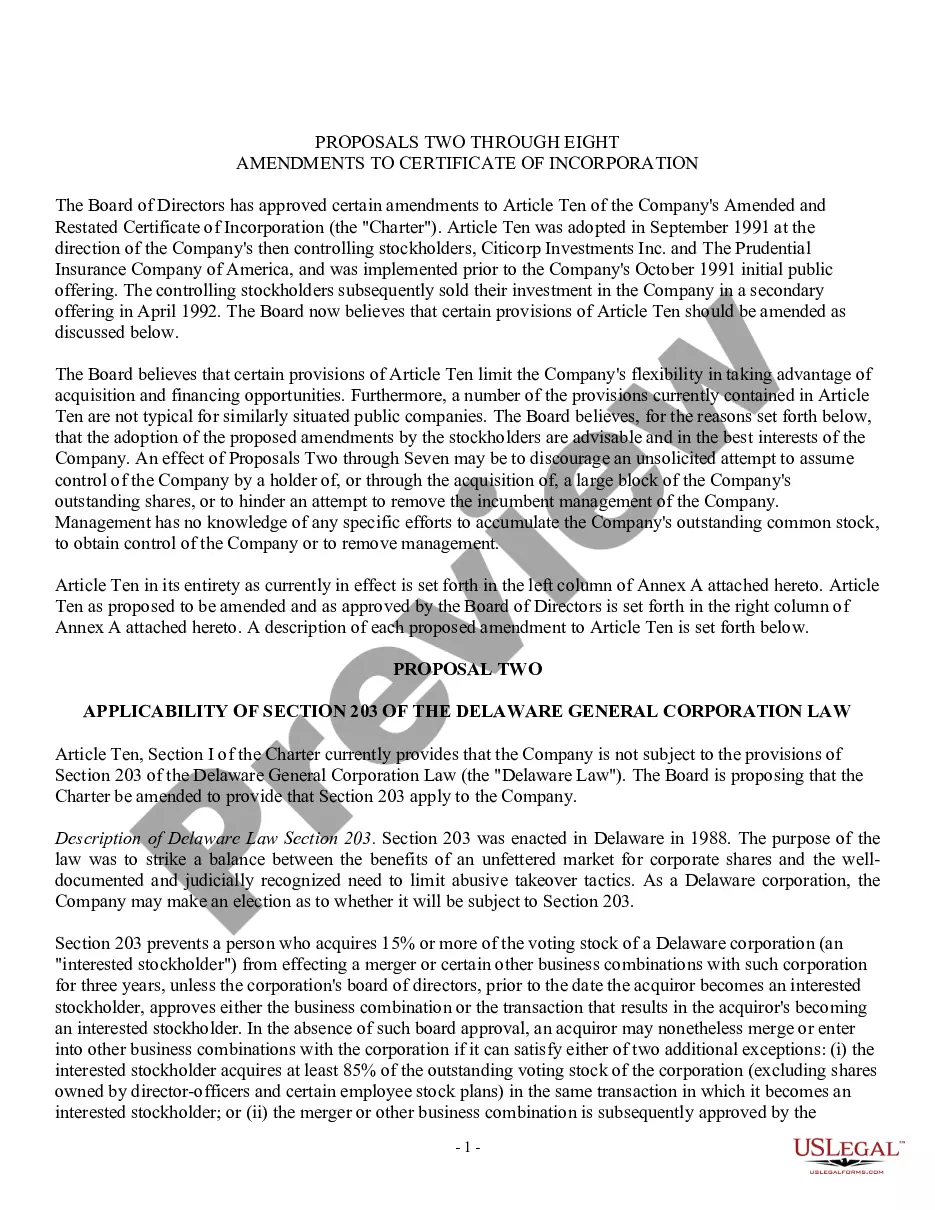
Incorporation Change Corporate Form 152
Description
Get your form ready online
Our built-in tools help you complete, sign, share, and store your documents in one place.
Make edits, fill in missing information, and update formatting in US Legal Forms—just like you would in MS Word.
Download a copy, print it, send it by email, or mail it via USPS—whatever works best for your next step.
Sign and collect signatures with our SignNow integration. Send to multiple recipients, set reminders, and more. Go Premium to unlock E-Sign.
If this form requires notarization, complete it online through a secure video call—no need to meet a notary in person or wait for an appointment.
We protect your documents and personal data by following strict security and privacy standards.

Make edits, fill in missing information, and update formatting in US Legal Forms—just like you would in MS Word.

Download a copy, print it, send it by email, or mail it via USPS—whatever works best for your next step.

Sign and collect signatures with our SignNow integration. Send to multiple recipients, set reminders, and more. Go Premium to unlock E-Sign.

If this form requires notarization, complete it online through a secure video call—no need to meet a notary in person or wait for an appointment.

We protect your documents and personal data by following strict security and privacy standards.
Looking for another form?





How to fill out Proposal To Amend Certificate Of Incorporation To Change Corporate Name?
Whether for commercial reasons or personal issues, everyone must confront legal matters at some point in their life.
Completing legal documents requires careful consideration, starting from choosing the appropriate form template.
Once downloaded, you can complete the form using editing software or print it out to fill it out manually. With a vast US Legal Forms catalog available, there’s no need to waste time searching for the suitable template online. Make use of the library’s simple navigation to find the right form for any situation.
- For instance, if you select an incorrect version of an Incorporation Change Corporate Form 152, it will be denied upon submission.
- Thus, it is crucial to have a trustworthy source of legal documents like US Legal Forms.
- To obtain an Incorporation Change Corporate Form 152 template, follow these easy steps.
- Access the template you need via the search box or catalog browsing.
- Review the description of the form to ensure it fits your circumstances, state, and locality.
- Click on the form’s preview to view it.
- If it is not the right form, return to the search tool to find the Incorporation Change Corporate Form 152 sample you need.
- Download the template if it aligns with your requirements.
- If you possess a US Legal Forms account, simply click Log in to access previously saved templates in My documents.
- If you do not yet have an account, you can acquire the form by clicking Buy now.
- Choose the appropriate pricing option.
- Fill out the profile registration form.
- Select your payment method: you can use a credit card or a PayPal account.
- Choose the desired file format and download the Incorporation Change Corporate Form 152.
Form popularity
FAQ
Yes, you can change your tax return after filing in Canada by submitting a T1 Adjustment Request. This process allows you to correct any errors or omissions in your original submission. To effectively make changes, you may find the Incorporation change corporate form 152 useful to learn about subsequent amendment requirements and the proper steps to follow.
To change a director in a Canadian corporation, you must follow the procedure laid out in your corporation’s by-laws. Generally, this involves a board resolution or the consent of the shareholders. Proper documentation of this change is crucial during any incorporation change corporate form 152 to ensure compliance.
In order to change a fiscal year-end, you must write a letter explaining why you need the change to your local tax services office and ask for approval. However, ing to the CRA, there are a few situations in which you do not need approval to change the fiscal period.
There are two methods you can use to request changes on your tax return. You can write a letter detailing your changes and mail it to your tax center. ... You can make your request online using commercial Canadian tax software or sending your business tax return to the CRA in barcode format.
You can file an Initial Return or Notice of Change online if you received a company key giving you authority over the corporation (see Notice ? Company Key): 1. Directly with the Ministry of Government and Consumer Services (Ministry) through ServiceOntario at our website .ontario.ca/businessregistry.
The reality is, there is no transition process from a sole proprietorship to incorporation. The corporation is a new legal entity, so you will need to incorporate from scratch. This article will help you take the appropriate steps to ensure you successfully incorporate.
Generally, unless you have received approval to change the tax year-end, the corporation's fiscal period is the same from year to year. To change a fiscal period, write a letter to your tax services office asking for approval and include details to explain the reasons for the change as well as its effective date.