Goals Employee Template With Work
Description
Get your form ready online
Our built-in tools help you complete, sign, share, and store your documents in one place.
Make edits, fill in missing information, and update formatting in US Legal Forms—just like you would in MS Word.
Download a copy, print it, send it by email, or mail it via USPS—whatever works best for your next step.
Sign and collect signatures with our SignNow integration. Send to multiple recipients, set reminders, and more. Go Premium to unlock E-Sign.
If this form requires notarization, complete it online through a secure video call—no need to meet a notary in person or wait for an appointment.
We protect your documents and personal data by following strict security and privacy standards.

Make edits, fill in missing information, and update formatting in US Legal Forms—just like you would in MS Word.

Download a copy, print it, send it by email, or mail it via USPS—whatever works best for your next step.

Sign and collect signatures with our SignNow integration. Send to multiple recipients, set reminders, and more. Go Premium to unlock E-Sign.

If this form requires notarization, complete it online through a secure video call—no need to meet a notary in person or wait for an appointment.

We protect your documents and personal data by following strict security and privacy standards.
Looking for another form?

How to fill out Summary Of Departmental Goals - Individual Employee Chart?
- Log in to your US Legal Forms account if you're a returning user. Ensure your subscription is active before proceeding.
- If this is your first visit, browse the online library of over 85,000 legal forms. Use the preview mode to find the appropriate Goals employee template with work for your needs.
- If necessary, utilize the search function to locate alternative templates that may better suit your requirements.
- Once you’ve identified the right document, click on the Buy Now button and select your preferred subscription plan. Creating an account will grant you access to all resources.
- Complete your purchase by entering your payment details through credit card or PayPal.
- Finally, download the chosen form template to your device and access it any time via the My Forms menu in your account.
In conclusion, utilizing the Goals employee template with work from US Legal Forms will streamline your goal-setting process and enhance workplace efficiency. With expert assistance and a vast collection of forms, creating legally sound documents is hassle-free.
Start your journey to effective goal management today by visiting US Legal Forms!
Form popularity
FAQ
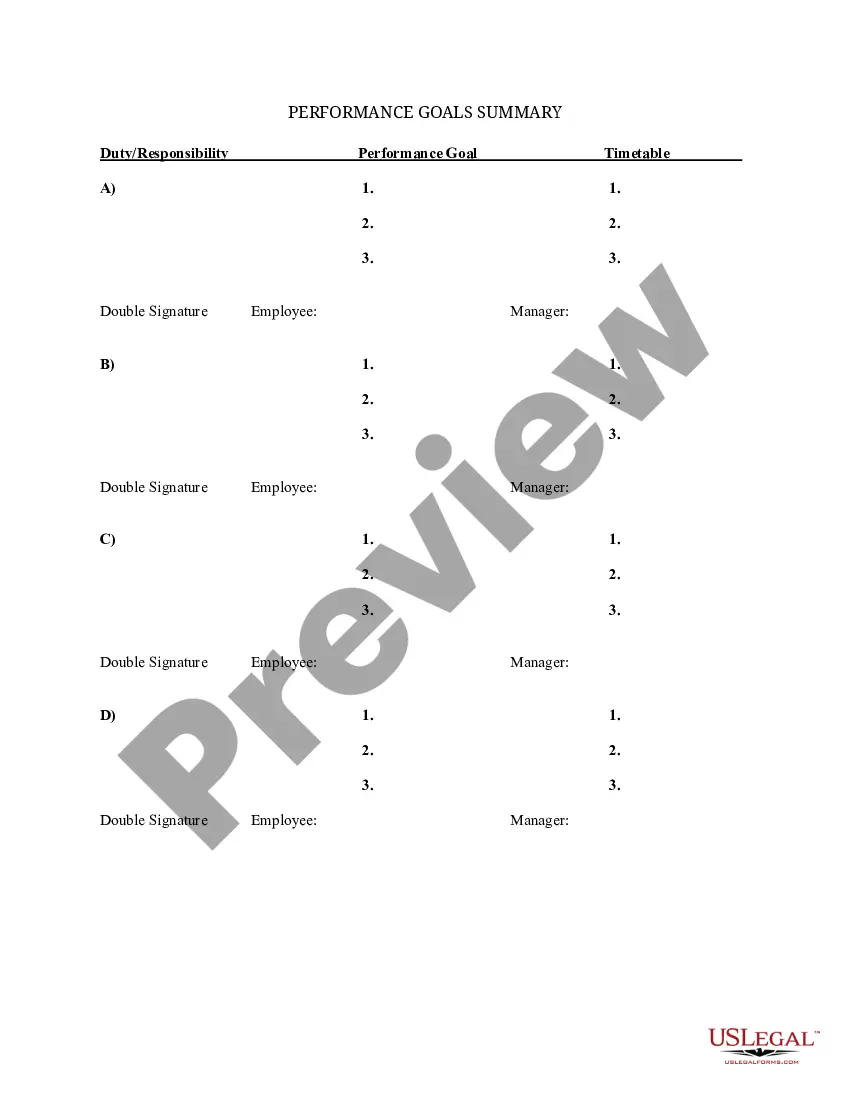
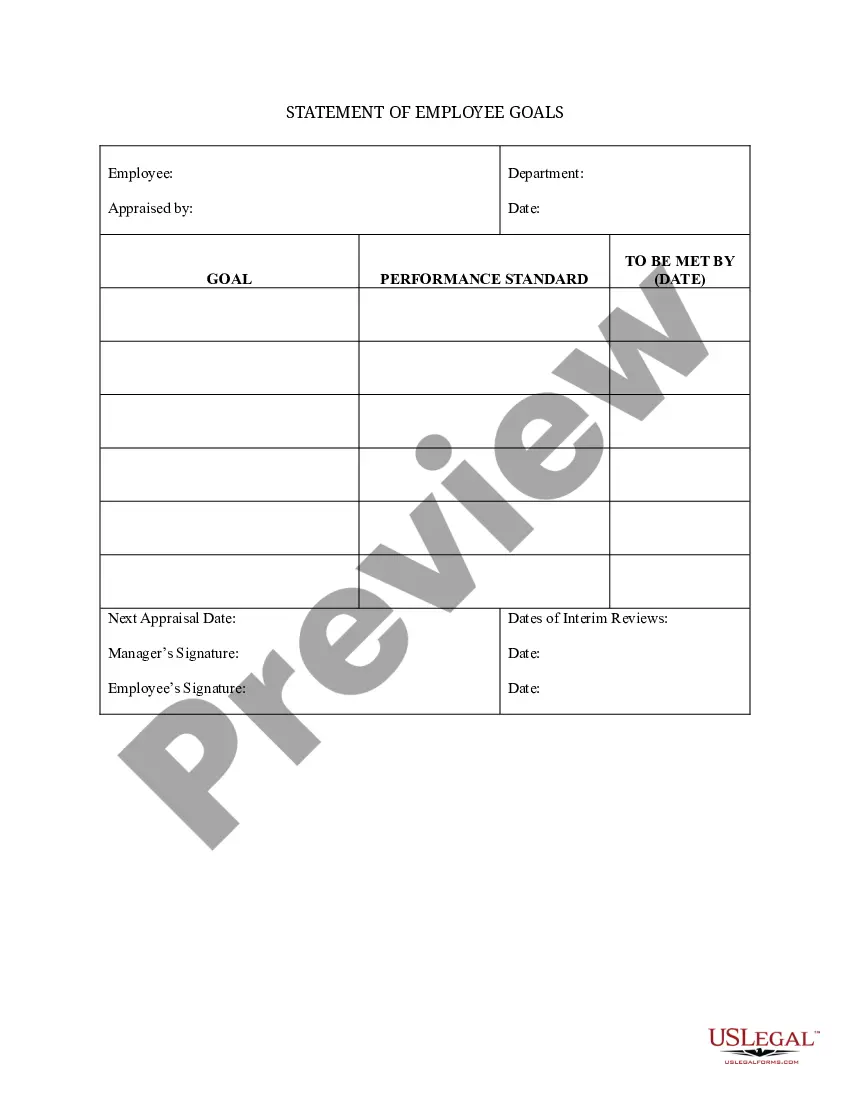
Writing employee goals examples involves breaking down broader objectives into specific actions. Consider what the employee can achieve in their role and frame these as clear, action-oriented statements. For instance, you might state, 'Complete two major projects by the end of the fiscal year.' Utilizing a Goals employee template with work can make this task easier and more organized.
Examples of work goals include reducing project turnaround time by 30% in three months or raising team collaboration scores by 25% within the next review cycle. These goals not only benefit individual performance but also enhance the overall efficiency of the organization. Implementing a Goals employee template with work can help in formulating such impactful goals.
To write effective employee work goals, start by identifying specific outcomes you wish to achieve. Ensure these goals are measurable and can be reached within a certain timeframe. For instance, you might write a goal like, 'Increase productivity by streamlining the project management process by June.' A Goals employee template with work can guide you in structuring these goals effectively.
To format work goals, incorporate a clear structure that includes the goal, the tasks required, and the deadlines. Use bullet points or numbered lists to present each element distinctly. This not only boosts understanding but also anchors commitment to the goal. The Goals employee template with work offers an excellent foundation for formatting your goals clearly and concisely.
A practical example of a work goal is 'Increase monthly sales by 20% over the next quarter.' This goal provides a clear target, a specific timeframe, and a measurable outcome. Additionally, you can align your team’s efforts by using the Goals employee template with work to track progress and assess performance effectively.
When structuring work goals, break them down into manageable steps. Begin with a broad objective, then identify smaller tasks that contribute to that objective. Make sure each goal is specific, measurable, attainable, relevant, and time-bound. Using a Goals employee template with work can streamline this process and enhance clarity for everyone involved.
To create an effective goal statement, start by clearly defining the objective. Use simple language, and ensure you include measurable outcomes. A well-structured goal statement might include the specific task, the timeframe for completion, and the criteria for success. By using the Goals employee template with work, you can ensure your format remains consistent and effective.
Writing a goal plan involves several key steps. Start by defining your main goal clearly and then break it down into smaller, actionable steps. Assign deadlines and resources needed for each step. Using a structured format, such as a goals employee template with work, can provide clarity and ensure you stay on track throughout the process.
Creating your own goals starts with self-reflection. Identify what you want to achieve personally or professionally and why it matters to you. Next, formulate these desires into specific, measurable actions following the SMART framework. A goals employee template with work can be a helpful tool to outline these personalized goals clearly.
To create a goal template, begin by outlining the essential elements that need to be covered, such as the objective, completion date, and success criteria. Use clear language and a structured format to ensure simplicity and usability. You can incorporate sections for progress tracking and feedback, which enhance engagement. By utilizing a goals employee template with work, you can ensure that your template remains consistent and user-friendly.
