Work Order Vs Work Request
Description

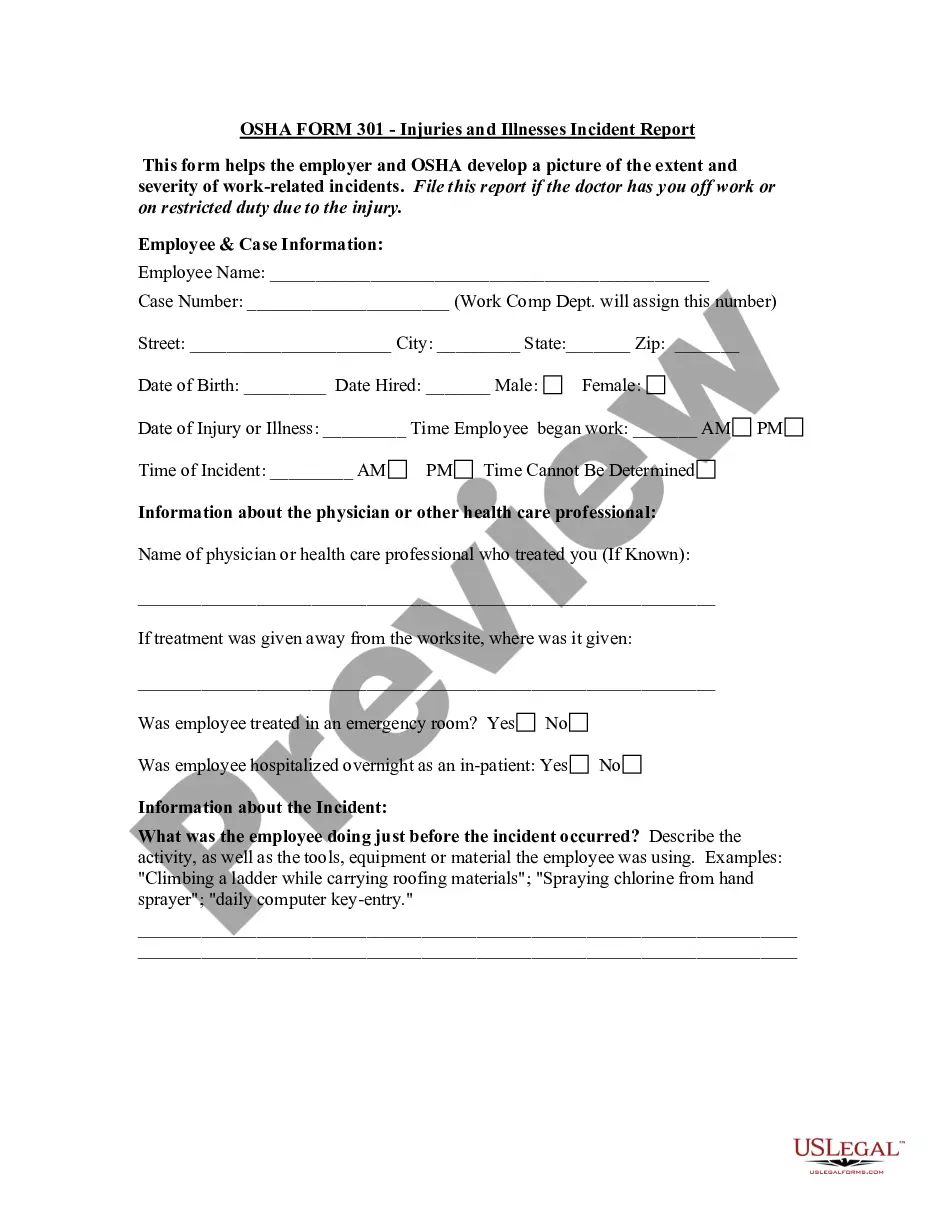
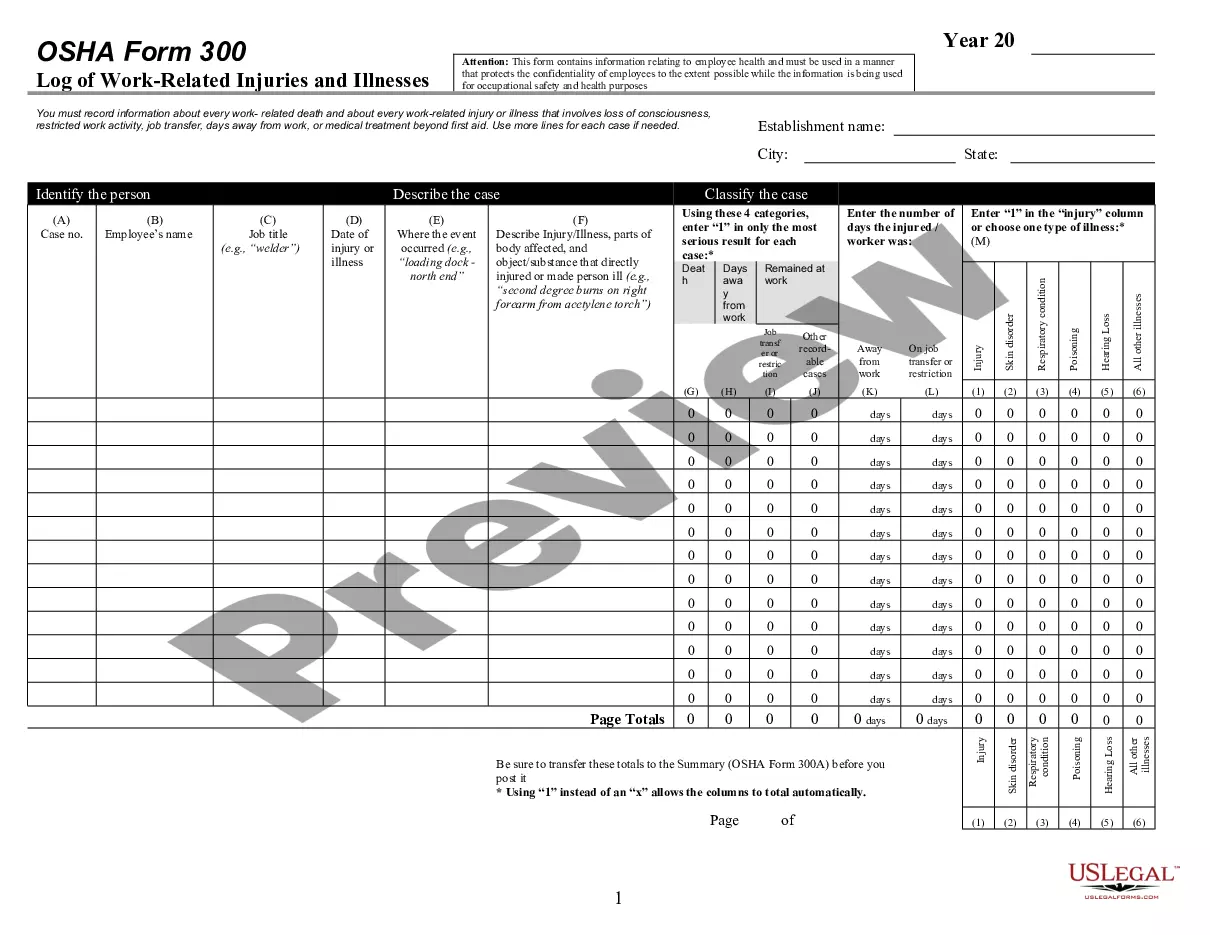
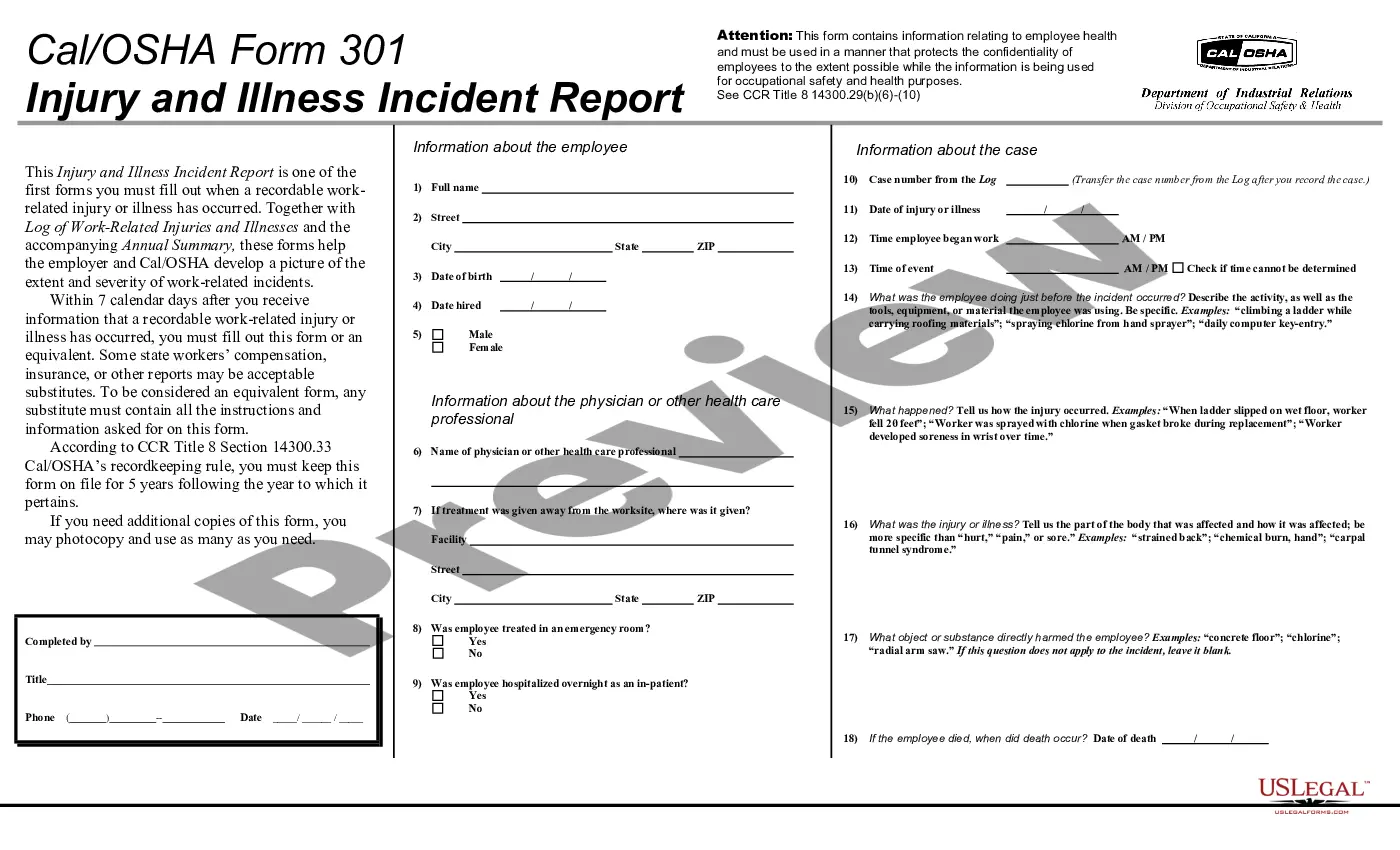
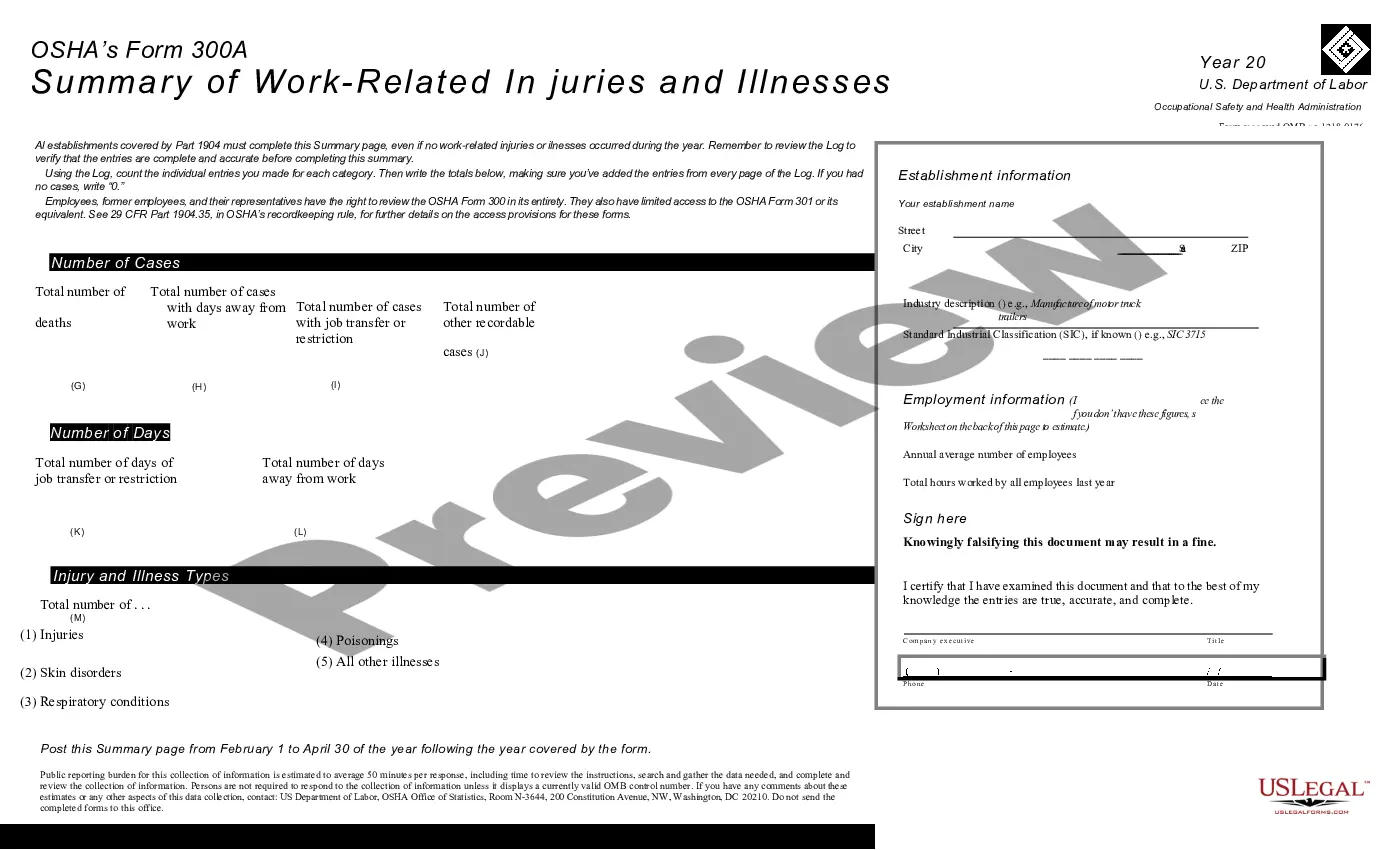
Get your form ready online
Our built-in tools help you complete, sign, share, and store your documents in one place.
Make edits, fill in missing information, and update formatting in US Legal Forms—just like you would in MS Word.
Download a copy, print it, send it by email, or mail it via USPS—whatever works best for your next step.
Sign and collect signatures with our SignNow integration. Send to multiple recipients, set reminders, and more. Go Premium to unlock E-Sign.
If this form requires notarization, complete it online through a secure video call—no need to meet a notary in person or wait for an appointment.
We protect your documents and personal data by following strict security and privacy standards.

Make edits, fill in missing information, and update formatting in US Legal Forms—just like you would in MS Word.

Download a copy, print it, send it by email, or mail it via USPS—whatever works best for your next step.

Sign and collect signatures with our SignNow integration. Send to multiple recipients, set reminders, and more. Go Premium to unlock E-Sign.

If this form requires notarization, complete it online through a secure video call—no need to meet a notary in person or wait for an appointment.

We protect your documents and personal data by following strict security and privacy standards.
Looking for another form?
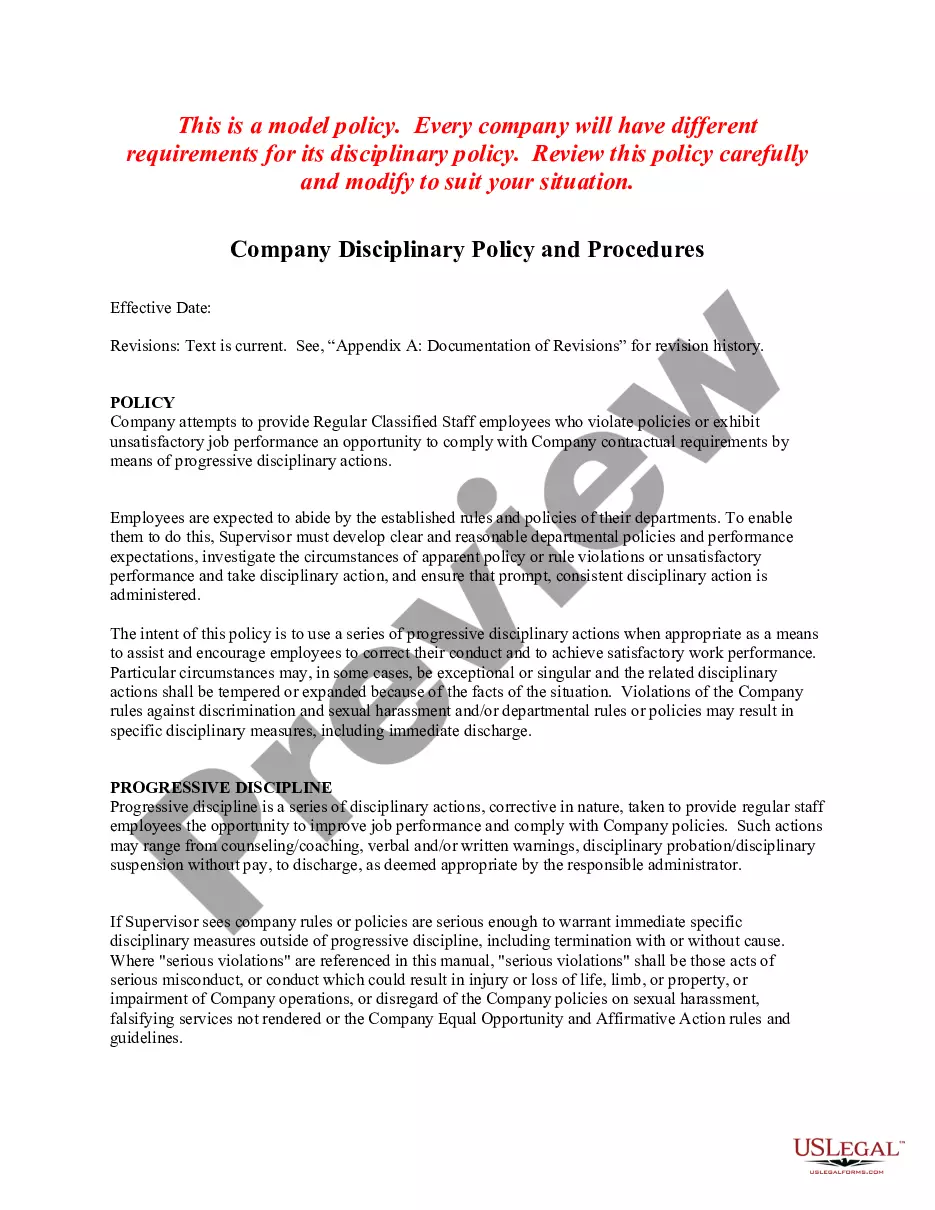


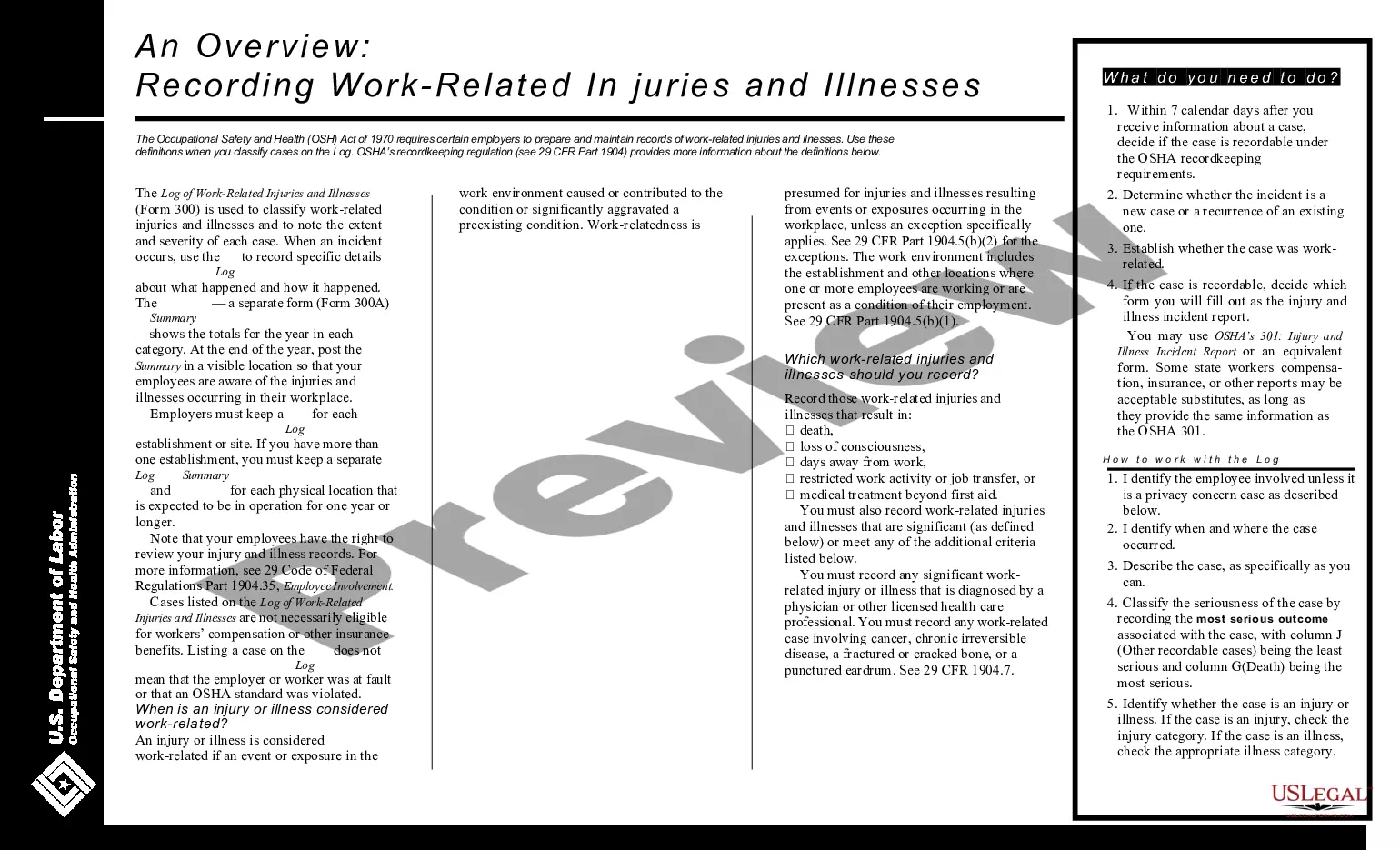
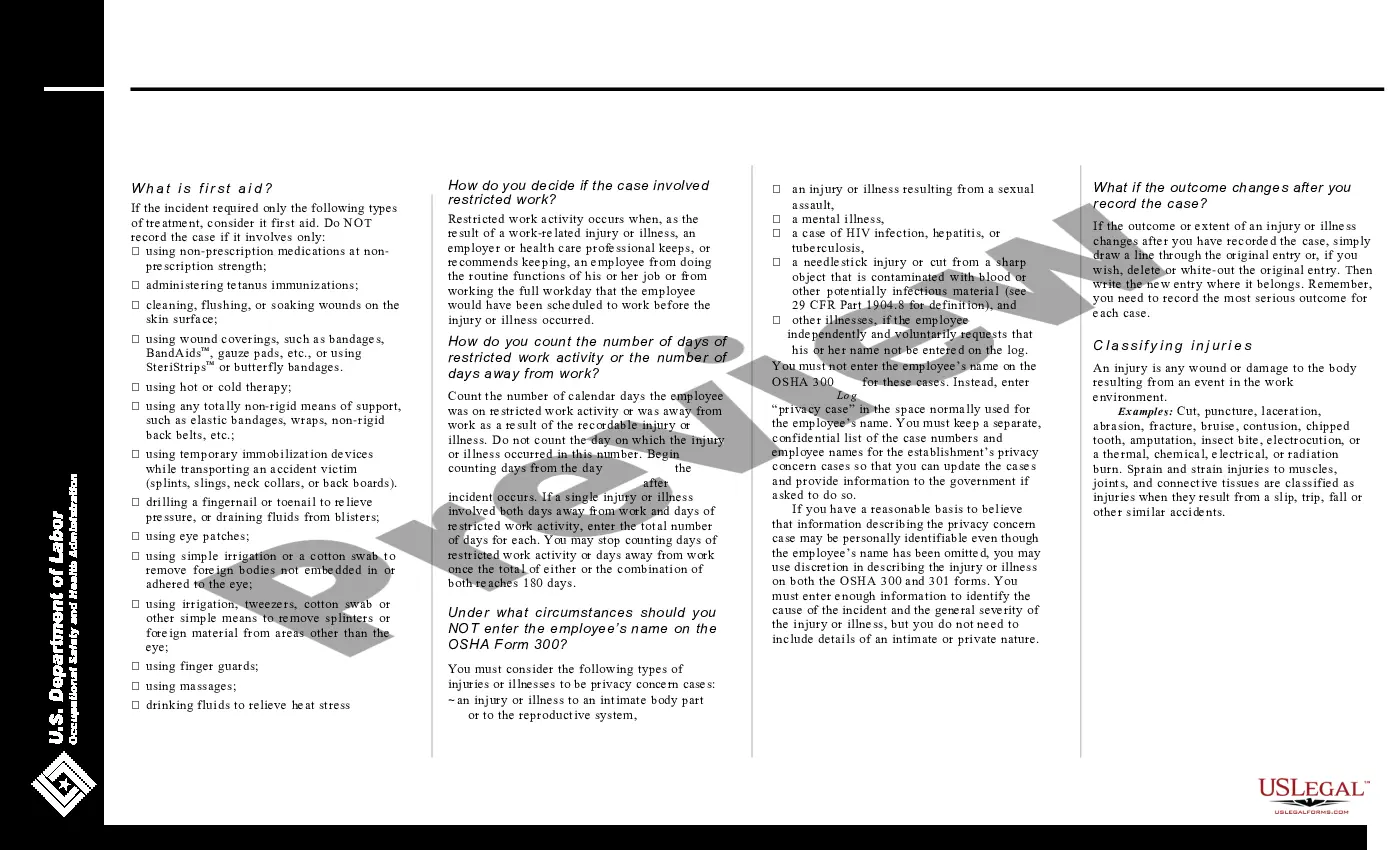
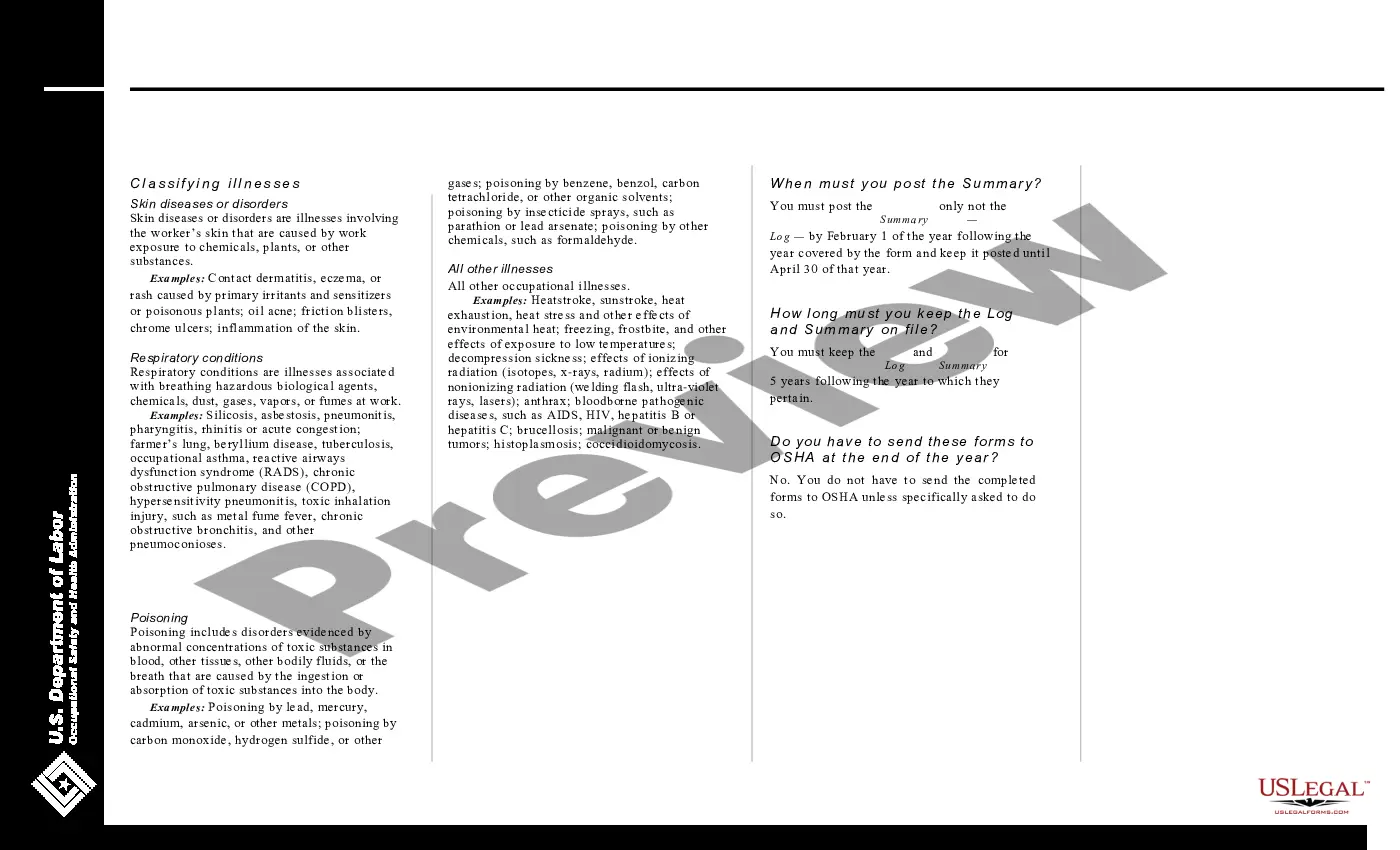
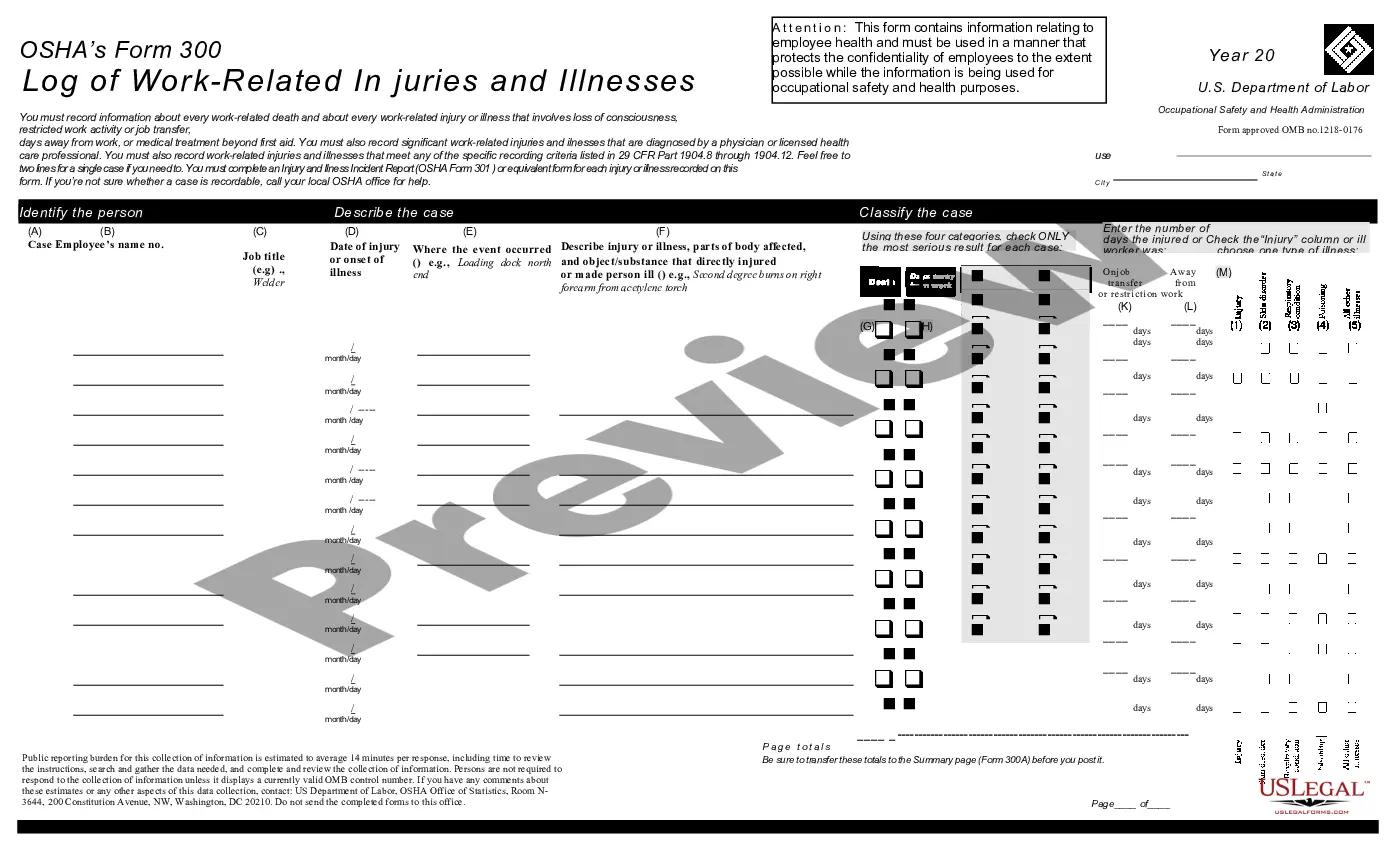
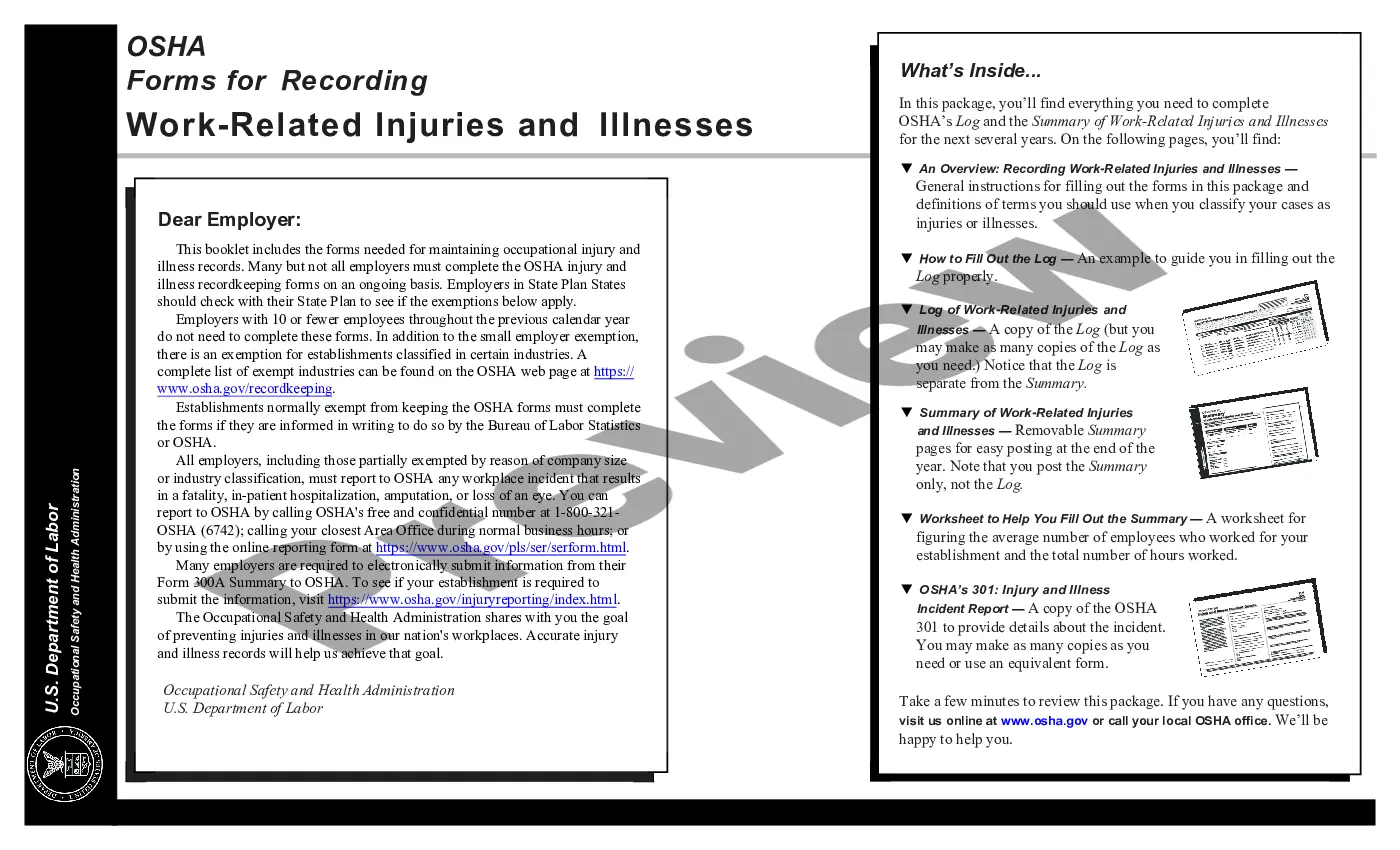
How to fill out Log Of Work Related Injuries And Illnesses (OSHA 300)?
Creating legal documents from the ground up can frequently be daunting.
Certain situations may require extensive investigation and substantial financial investment.
If you’re seeking a simpler and more cost-effective method of drafting Work Order Vs Work Request or any other documents without unnecessary complications, US Legal Forms is always available to assist.
Our online repository of over 85,000 current legal forms encompasses nearly every aspect of your financial, legal, and personal affairs.
Examine the form preview and descriptions to confirm you are viewing the document you need. Ensure the template you choose complies with the regulations and laws of your state and county. Select the most suitable subscription plan to purchase the Work Order Vs Work Request. Download the file, then complete, validate, and print it out. US Legal Forms has a solid reputation and over 25 years of experience. Join us today and make document completion straightforward and efficient!
- With just a few clicks, you can quickly obtain state- and county-specific forms carefully prepared for you by our legal experts.
- Utilize our platform whenever you require a dependable service through which you can swiftly find and download the Work Order Vs Work Request.
- If you’re familiar with our site and have previously set up an account, simply Log In to your account, find the template, and download it or re-download it anytime in the My documents section.
- Not have an account? No worries. It takes just a few minutes to register and browse the library.
- However, before you rush to download Work Order Vs Work Request, adhere to these recommendations.
Form popularity
FAQ
You should include the following information in your work order letter: Company name. Start with your company name, typically in one of the upper corners. ... Company address. Below the company name, include your address. ... Work order number. ... Work order title. ... Work order description. ... Priority level. ... Work location. ... Worker's name.
What are the Four Main Different Types of Work Orders? Inspection Work Orders. Inspection work orders arrange for a technician to come and inspect a particular asset. ... Preventive Maintenance Work Orders. ... Emergency Work Orders. ... Corrective Maintenance Work Orders.
Work Order vs Purchase Order The difference between a work order and a purchase order (PO) is how they're used in connection with maintenance work order workflows. While work orders detail specific tasks or services to be carried out, purchase orders itemize materials or products required to complete a WO.
The most common items to include on a work order are: A description of the task. The name of the person / party requesting the work. Estimated completion time. Name of the party responsible for completing the task. Location of the task / asset where the work is to occur.
For all four types of work orders, on-demand, preventive, internal, and third-party, there are two ways to do them: manually or with a modern CMMS solution. Before going any further, it's worth looking at the differences.