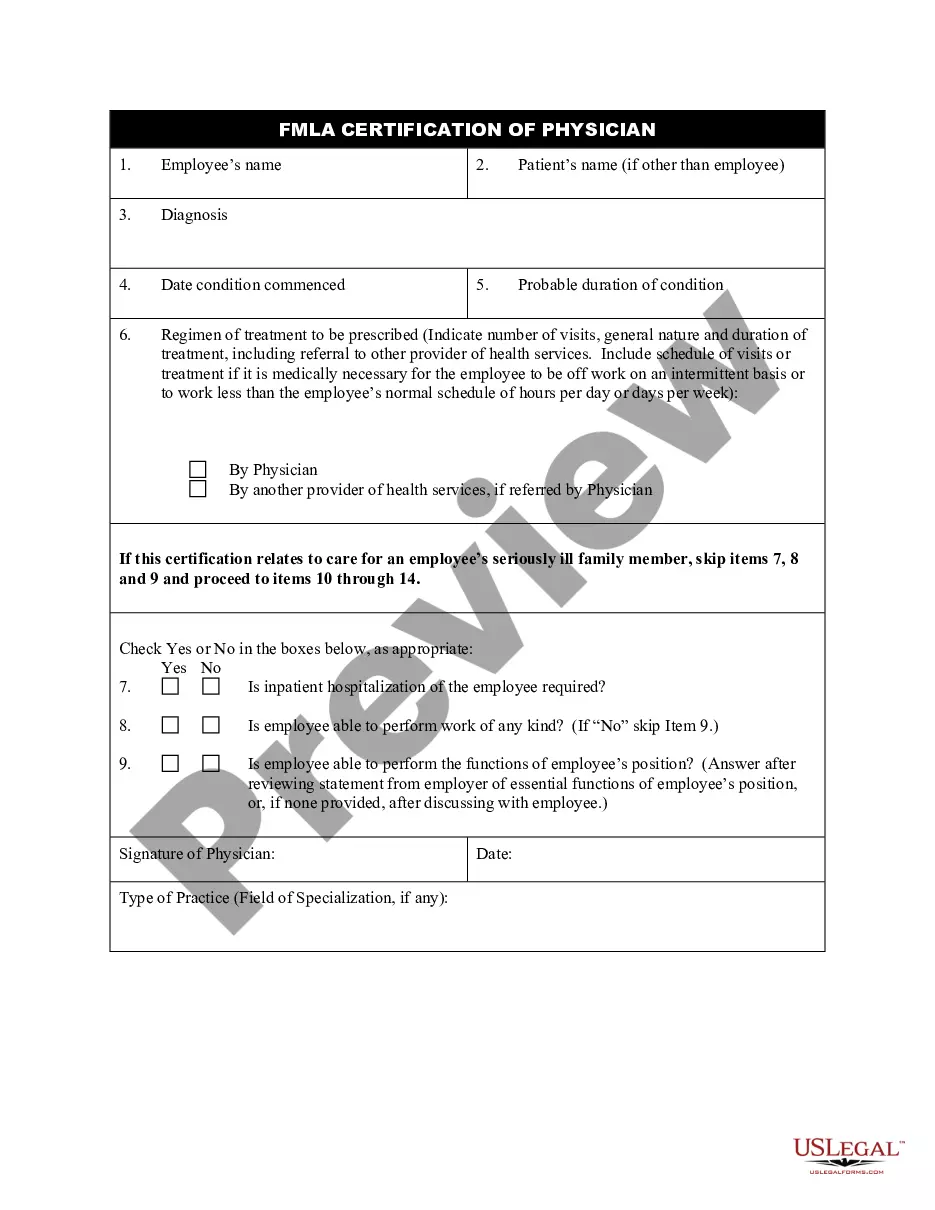
Application For Fmla California
Description
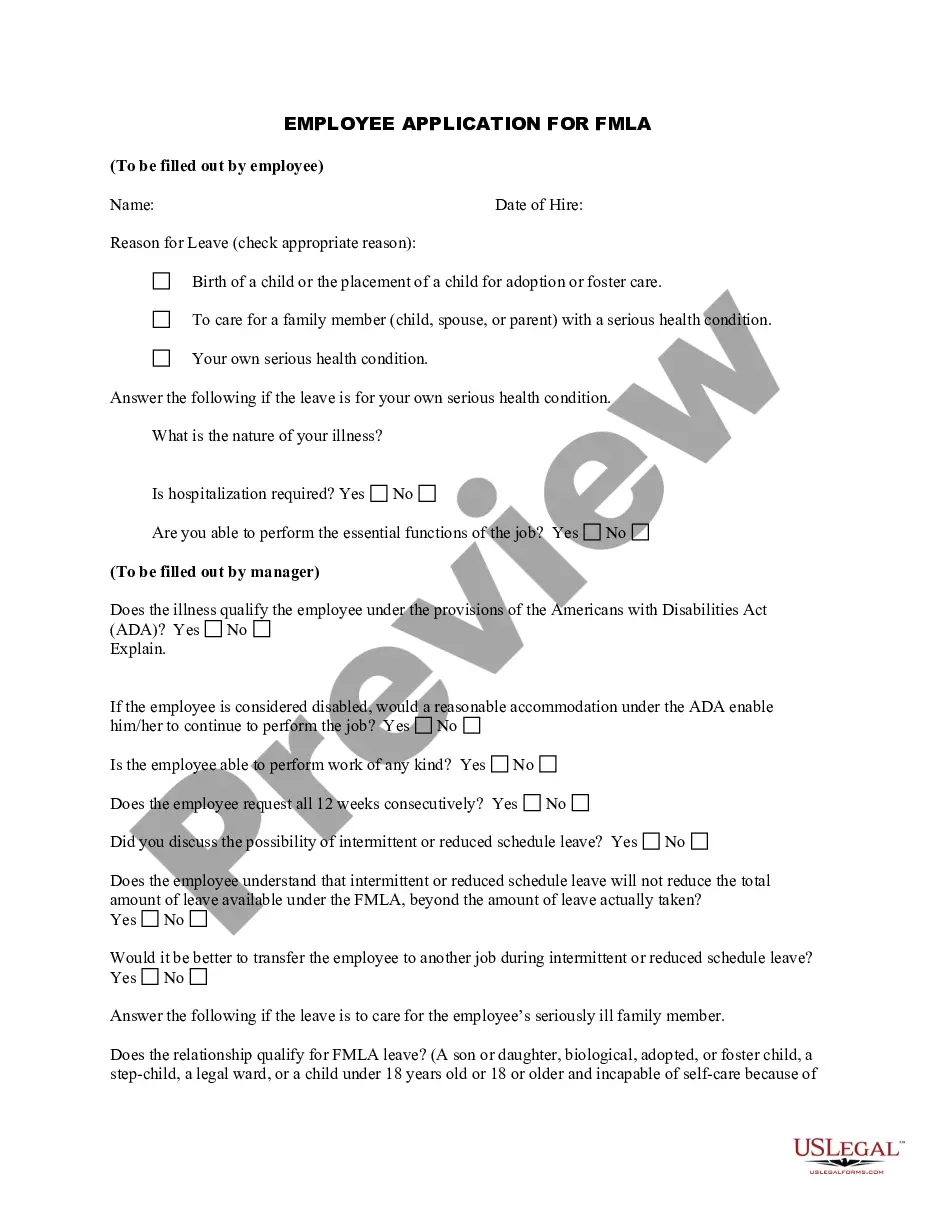
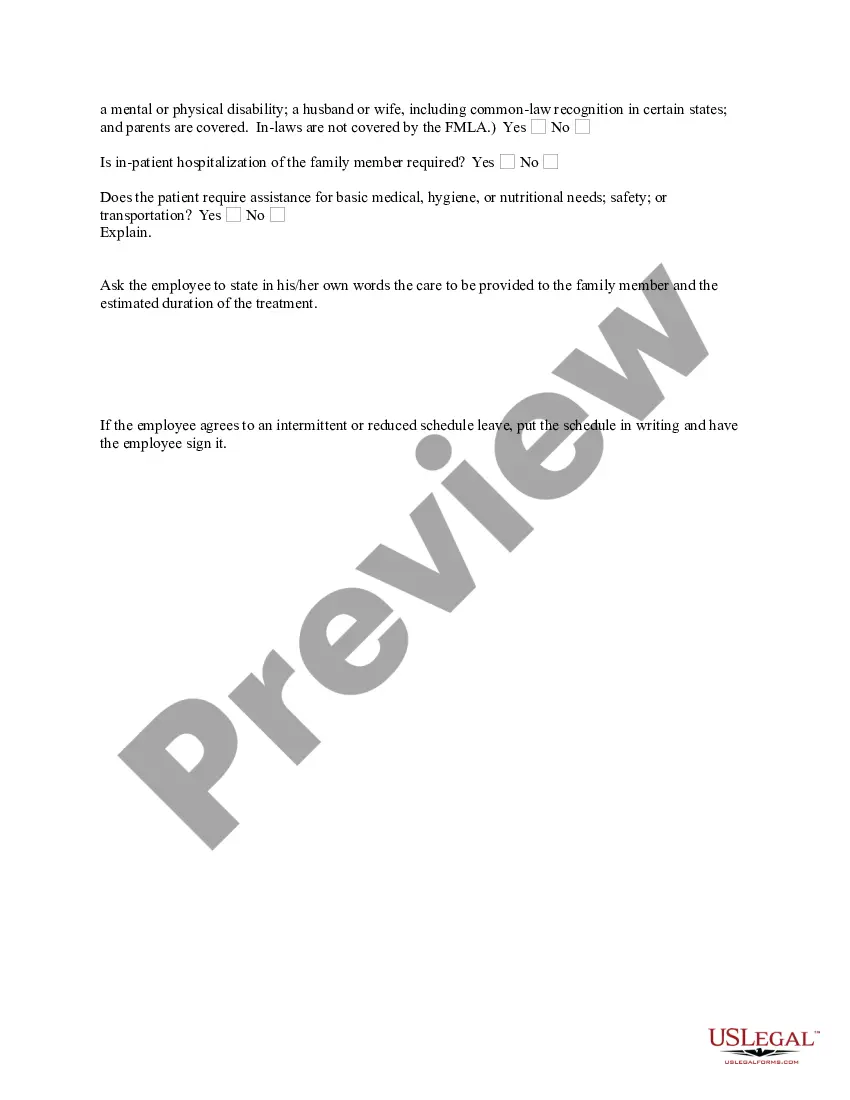
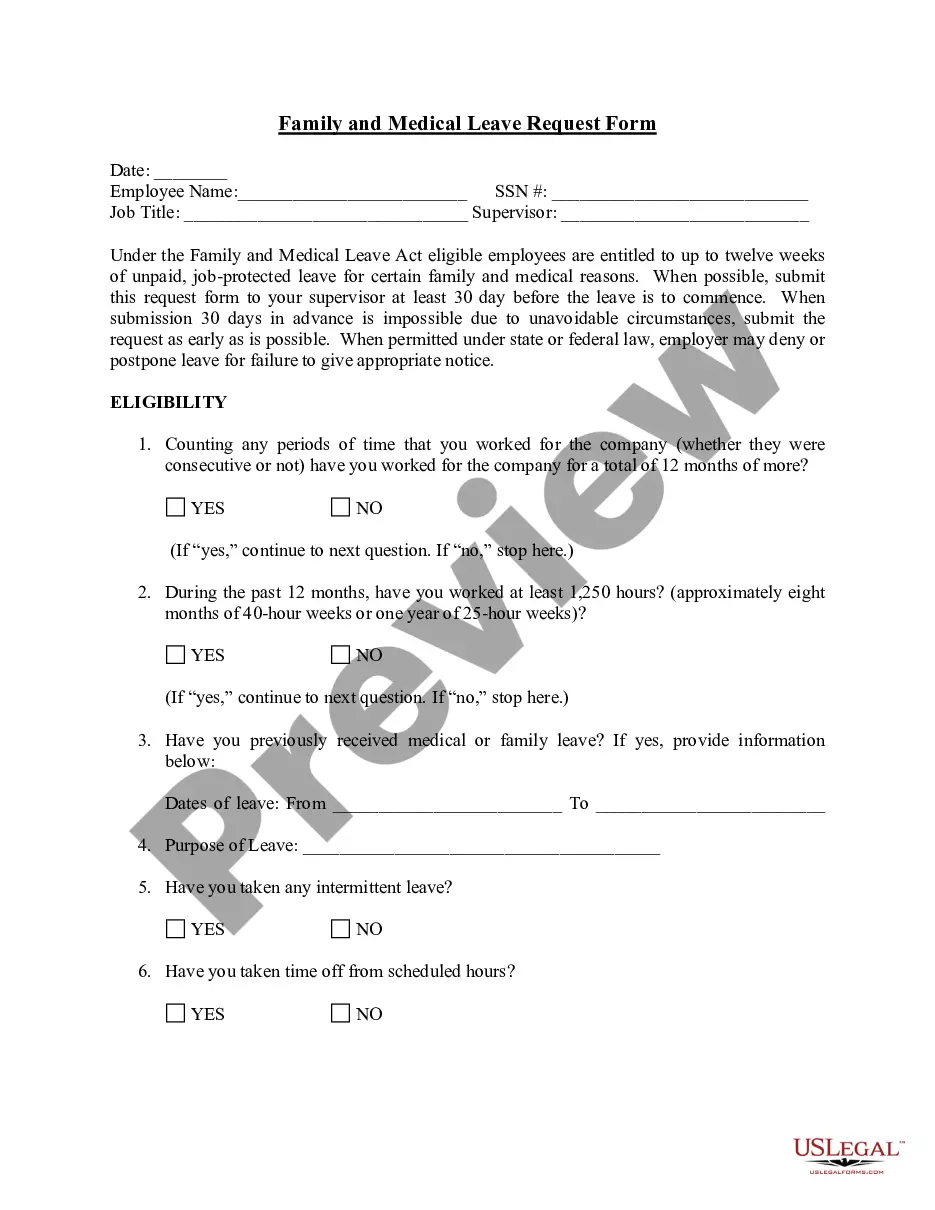
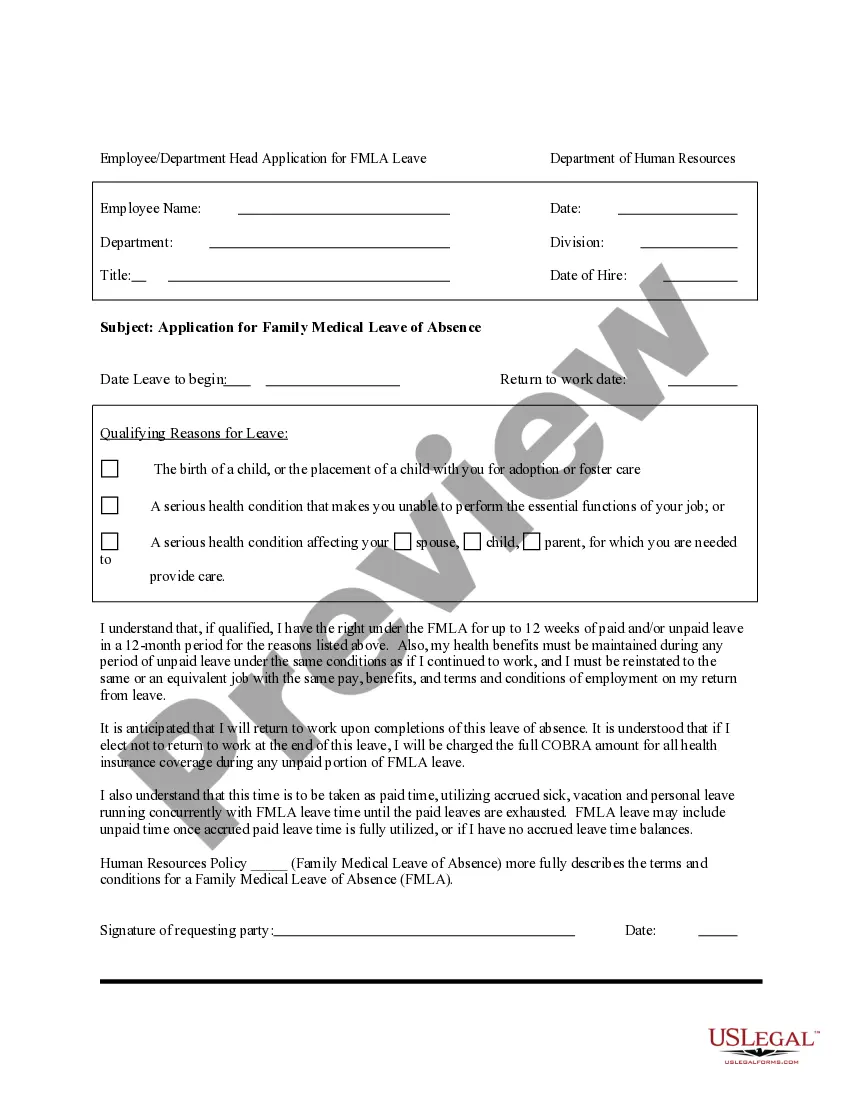
Get your form ready online
Our built-in tools help you complete, sign, share, and store your documents in one place.
Make edits, fill in missing information, and update formatting in US Legal Forms—just like you would in MS Word.
Download a copy, print it, send it by email, or mail it via USPS—whatever works best for your next step.
Sign and collect signatures with our SignNow integration. Send to multiple recipients, set reminders, and more. Go Premium to unlock E-Sign.
If this form requires notarization, complete it online through a secure video call—no need to meet a notary in person or wait for an appointment.
We protect your documents and personal data by following strict security and privacy standards.

Make edits, fill in missing information, and update formatting in US Legal Forms—just like you would in MS Word.

Download a copy, print it, send it by email, or mail it via USPS—whatever works best for your next step.

Sign and collect signatures with our SignNow integration. Send to multiple recipients, set reminders, and more. Go Premium to unlock E-Sign.

If this form requires notarization, complete it online through a secure video call—no need to meet a notary in person or wait for an appointment.

We protect your documents and personal data by following strict security and privacy standards.
Looking for another form?
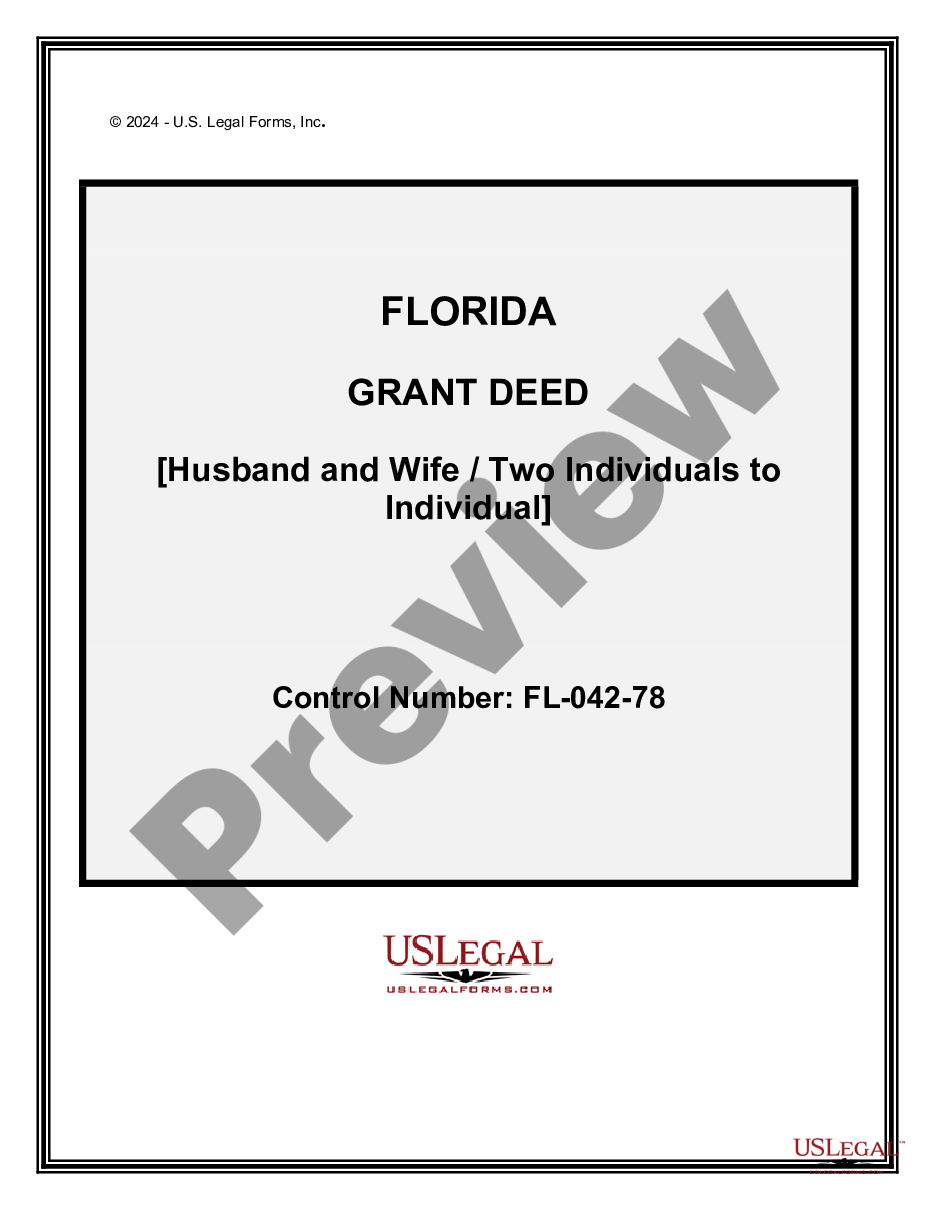
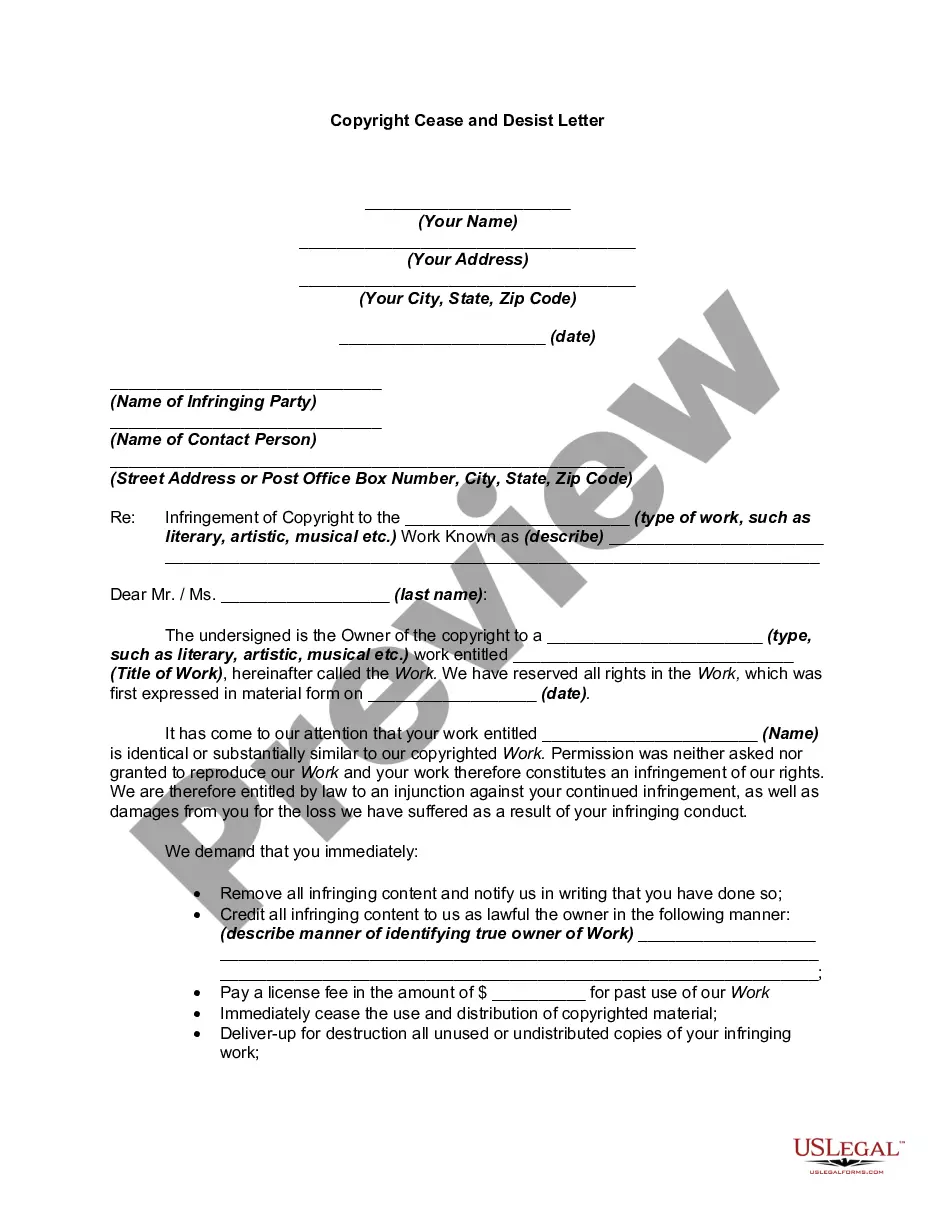

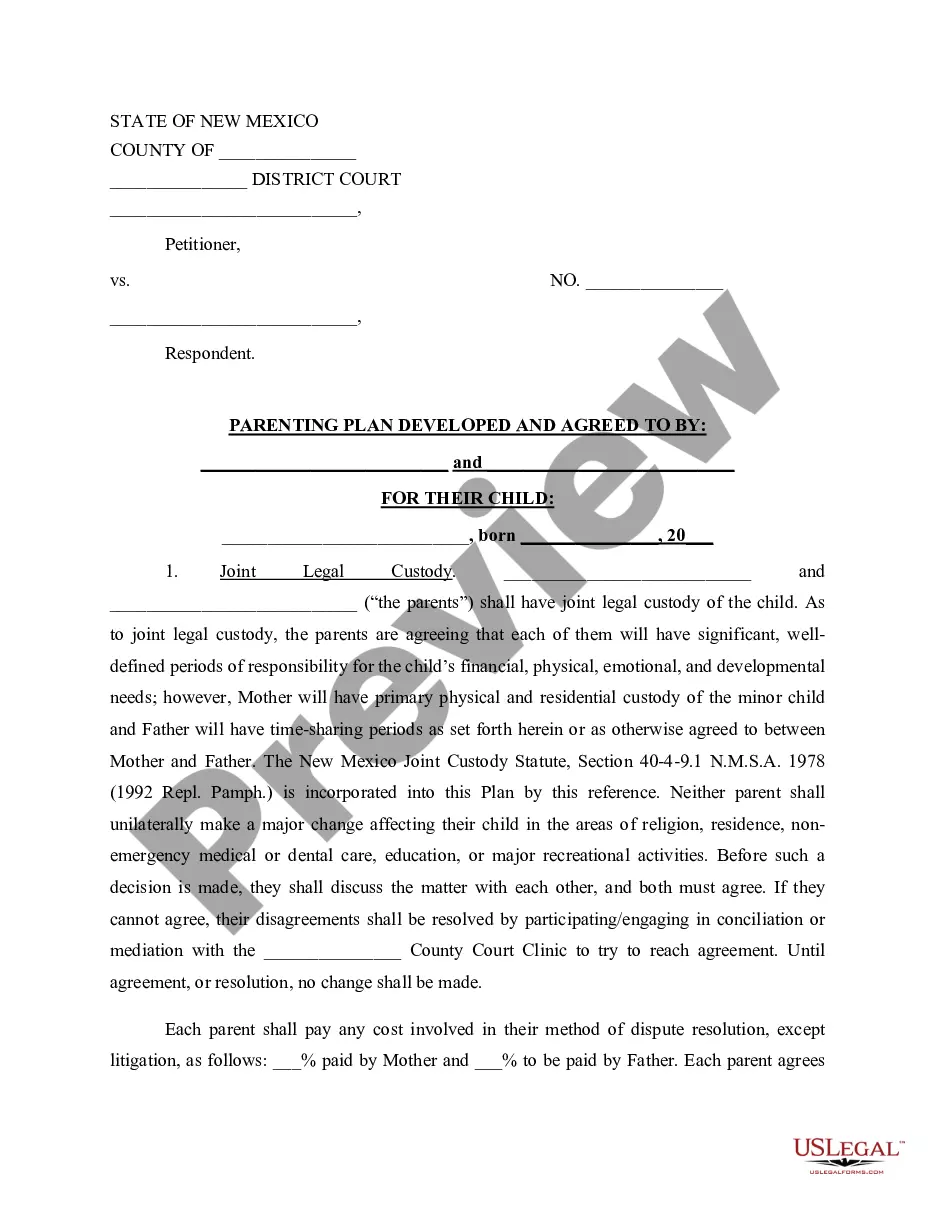
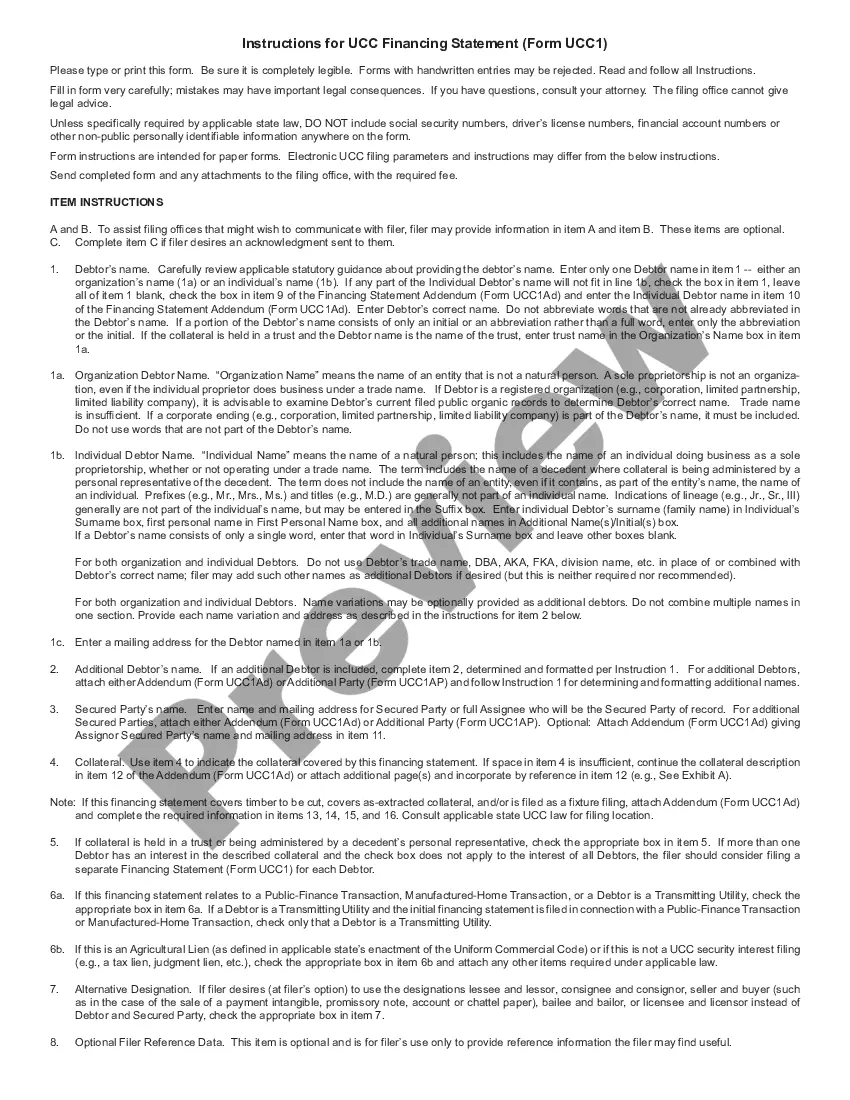
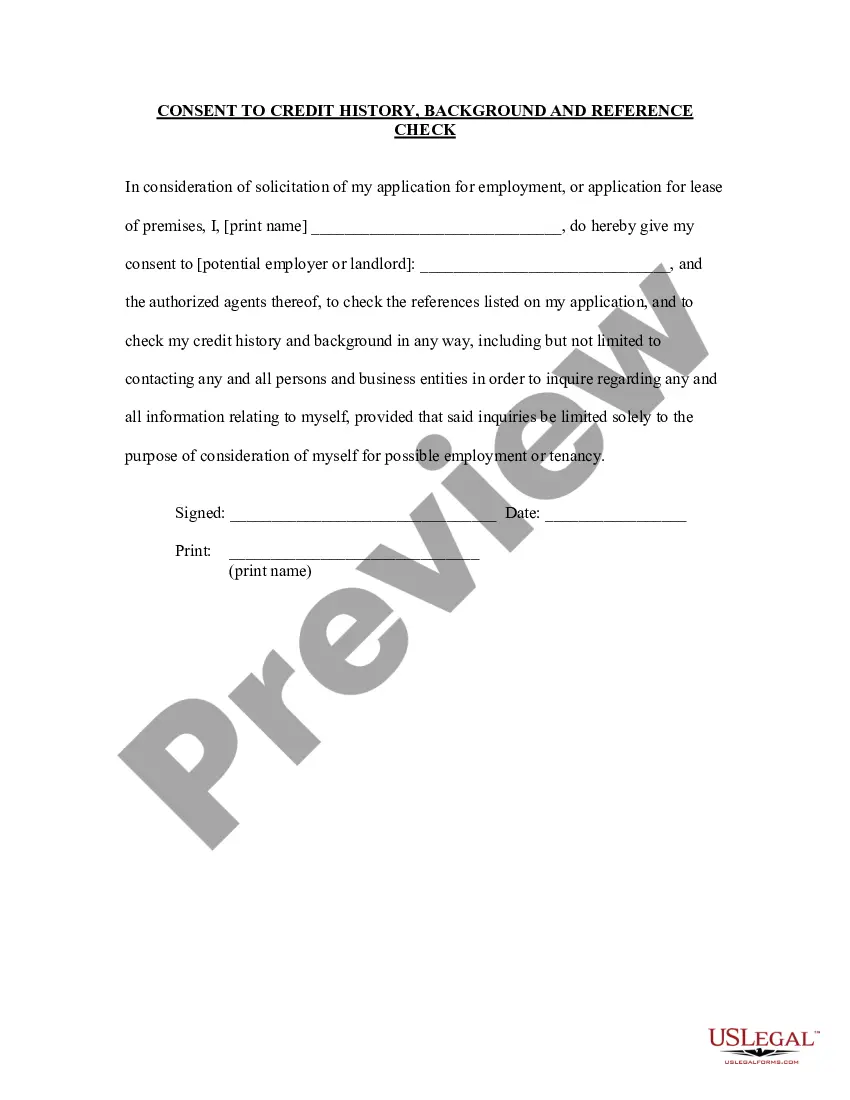
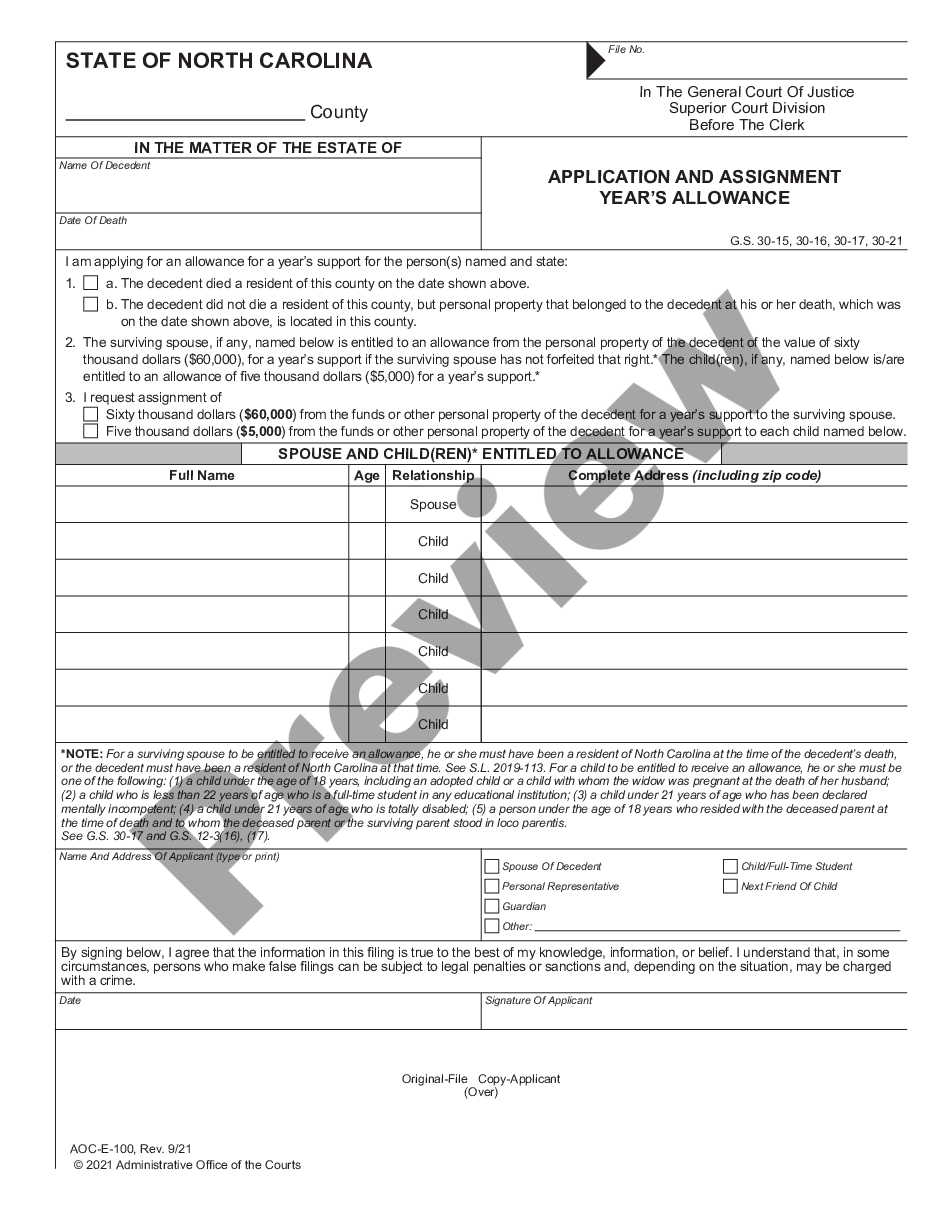
How to fill out Employee Application For FMLA?
It's clear that you can't immediately transform into a legal expert, nor can you swiftly learn to prepare the Application For Fmla California without a specific skill set.
Compiling legal documents is a lengthy process that demands particular education and expertise.
So why not entrust the assembly of the Application For Fmla California to the specialists.
Select Buy now. After the transaction is completed, you can download the Application For Fmla California, complete it, print it, and send or deliver it to the relevant individuals or organizations.
You can access your forms again from the My documents tab whenever needed. If you're an established client, you can just Log In, and find and download the template from the same section.
Regardless of the reason for your paperwork—whether financial, legal, or personal—our site has you sorted. Experience US Legal Forms today!
- Visit our website and find the form you require in just a few moments.
- Locate the document you seek using the search feature at the top of the page.
- If available, preview it and review the accompanying description to ascertain whether Application For Fmla California meets your needs.
- If you require a different template, restart your search.
- Create a complimentary account and choose a subscription plan to acquire the form.
Form popularity
FAQ
To file a case, you have three options: Electronic Filing (eFiling) To save time, we suggest that you eFile your case. ... Get an Attorney. Because laws and legal procedures are complex, we recommend that you work with an attorney. ... File Your Own Paperwork. You can represent yourself in most cases.
Civil law includes statutes and case law that define or interpret individual's and organization's private rights, in their relationships and disputes that involve property, contracts, personal injury, family relationships, tax, or government rules and regulations.
Interactive Online Forms Forms are available for multiple types of cases including restraining orders, evictions, set-asides, and family cases like divorce, parenting time, and modification of judgment.
If you use the Claim and Notice form in Supporting Documents below, you will need one complete original to file with the Court. Upon payment of the $37 filing fee, two copies will be made and certified for service.
Small claims are filed to resolve disputes without a lawyer. The amount claimed (including the value of property) must be $10,000 or less. If you are claiming money and property worth more than $10,000, you cannot file a Small Claim.
Under Oregon law, the majority of civil actions must be filed within two years, including claims related to personal injury, defamation, fraud, and medical malpractice. There is a six-year statute of limitations for injury to personal property, trespassing, contracts, and debt collection.