Advance Employee Form Withdrawal Limit
Description
Get your form ready online
Our built-in tools help you complete, sign, share, and store your documents in one place.
Make edits, fill in missing information, and update formatting in US Legal Forms—just like you would in MS Word.
Download a copy, print it, send it by email, or mail it via USPS—whatever works best for your next step.
Sign and collect signatures with our SignNow integration. Send to multiple recipients, set reminders, and more. Go Premium to unlock E-Sign.
If this form requires notarization, complete it online through a secure video call—no need to meet a notary in person or wait for an appointment.
We protect your documents and personal data by following strict security and privacy standards.

Make edits, fill in missing information, and update formatting in US Legal Forms—just like you would in MS Word.

Download a copy, print it, send it by email, or mail it via USPS—whatever works best for your next step.

Sign and collect signatures with our SignNow integration. Send to multiple recipients, set reminders, and more. Go Premium to unlock E-Sign.

If this form requires notarization, complete it online through a secure video call—no need to meet a notary in person or wait for an appointment.

We protect your documents and personal data by following strict security and privacy standards.
Looking for another form?

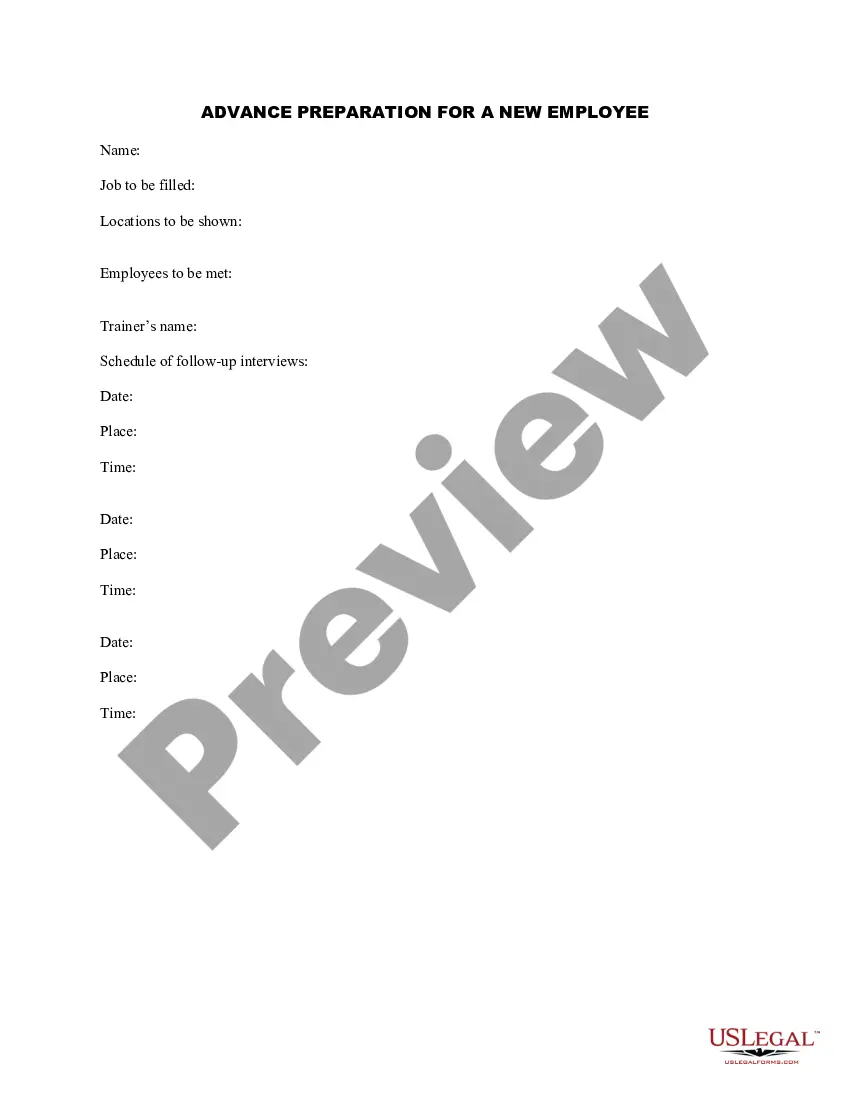
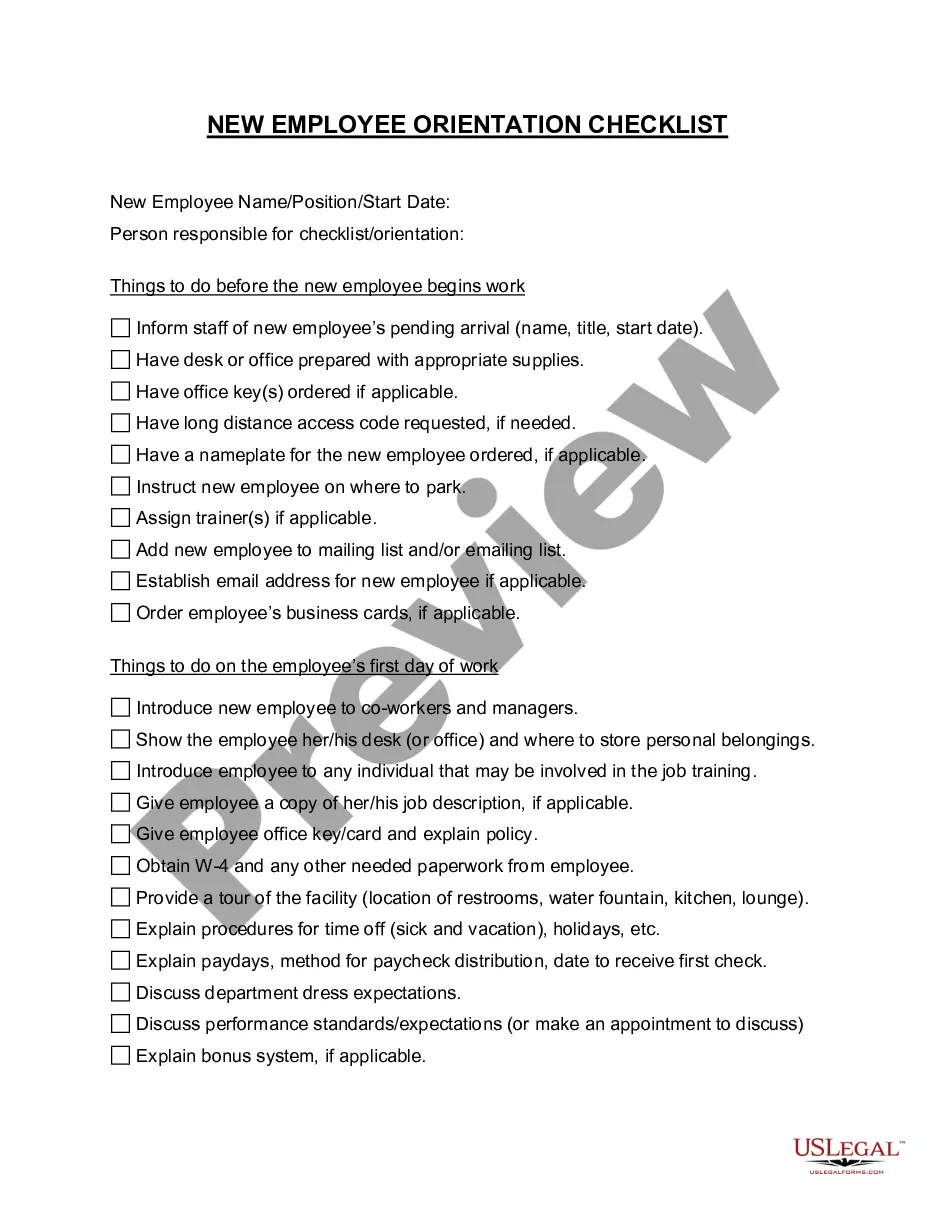
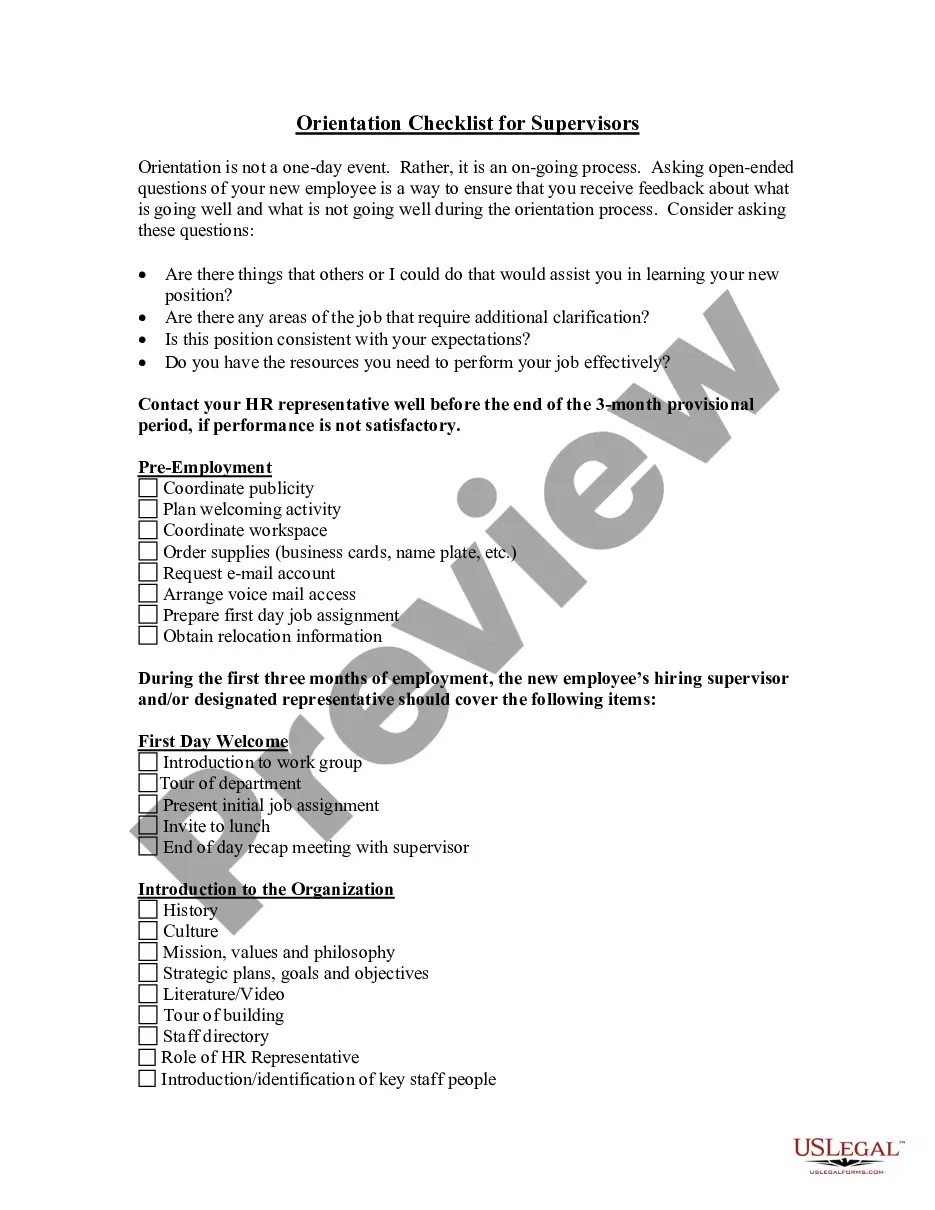
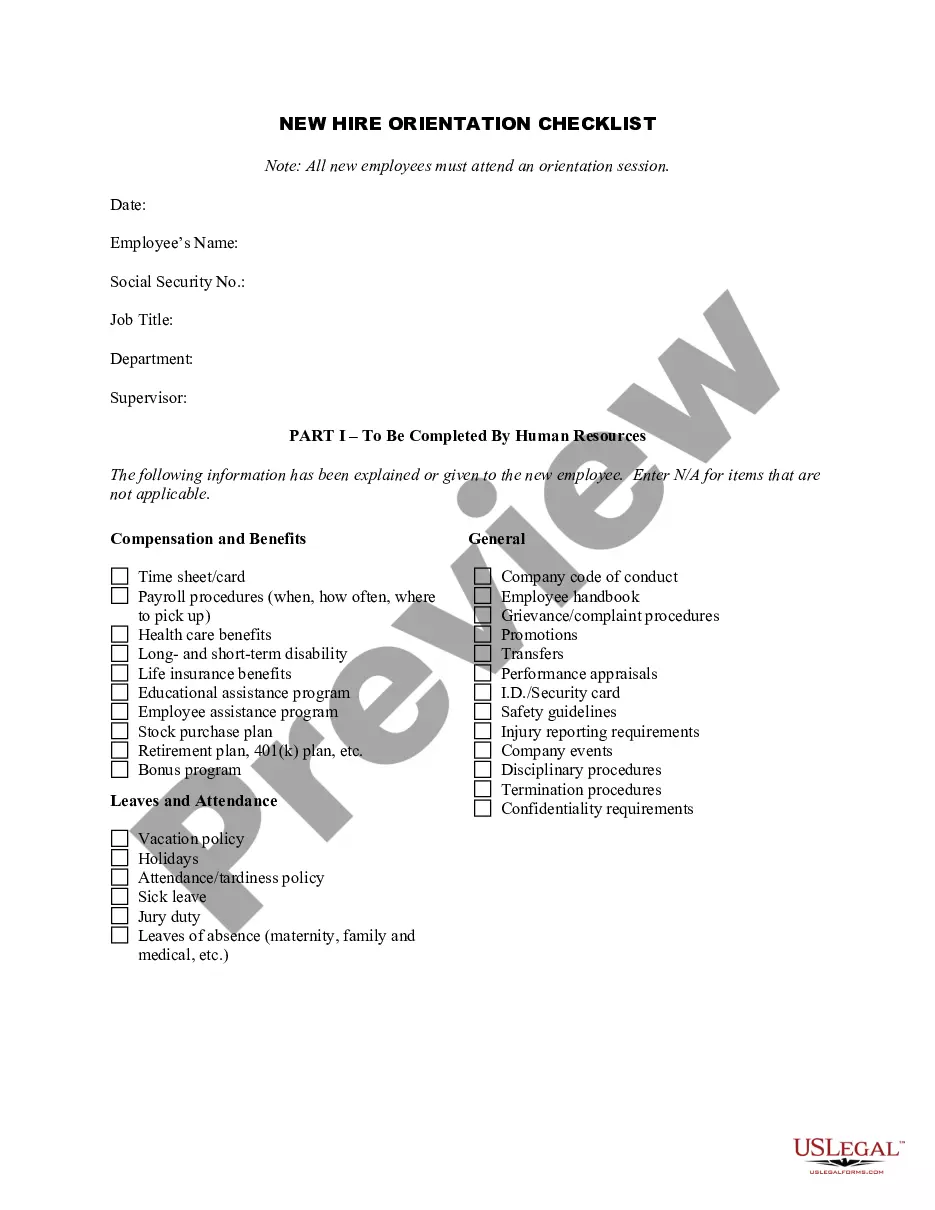
How to fill out Advance Preparation For A New Employee?
It’s clear that you cannot become a legal expert instantly, nor can you comprehend how to swiftly create an Advance Employee Form Withdrawal Limit without having a specialized background.
Drafting legal documents is a lengthy procedure that demands specific education and competencies.
So why not entrust the creation of the Advance Employee Form Withdrawal Limit to the experts.
Preview it (if this option is available) and read the accompanying description to ascertain whether the Advance Employee Form Withdrawal Limit is what you are looking for.
If you need any other template, restart your search.
- With US Legal Forms, one of the most comprehensive legal template libraries, you can access everything from court papers to templates for internal communication.
- We understand how vital compliance and adherence to federal and state laws and regulations are.
- That’s why, on our platform, all templates are location-specific and current.
- Here’s how you can initiate your journey with our platform and acquire the document you require in just a few minutes.
- Find the form you need by utilizing the search bar at the top of the page.
Form popularity
FAQ
You must visit the EPFO website and enter your UAN (Universal Account Number), password and captcha. You then click on the 'Online Services Tab' and choose the option ?Claim (Form 31, Form 19, Form 10C and Form 10D)?. Enter your bank account number linked with your PF account and click on 'Verify'.
The form required for claiming an EPF advance is Form 31. The form is available once the employee logs in to the UAN Portal. However, to apply for EPF advance online, the employee must have his/her bank details, Aadhaar Card, and PAN card details updated on the portal.
Your money grows tax-deferred until the tax code allows you to begin making penalty-free withdrawals after age 59 ½. With a Roth 401(k) (not offered by all employer plans), your money also grows tax-deferred, but your contributions are made on an after-tax basis.
Employer share (of EPF) can only be withdrawn in final settlement ie when the member quit the job. Can I withdraw my previous PF without a present employer or a transfer?
An individual is not permitted to withdraw PF funds, partially or fully, until the time he/she is employed. One can withdraw up to 75% of the funds if he/she is unemployed for at least 1 month and the balance amount if they are unemployed for 2 months or more.