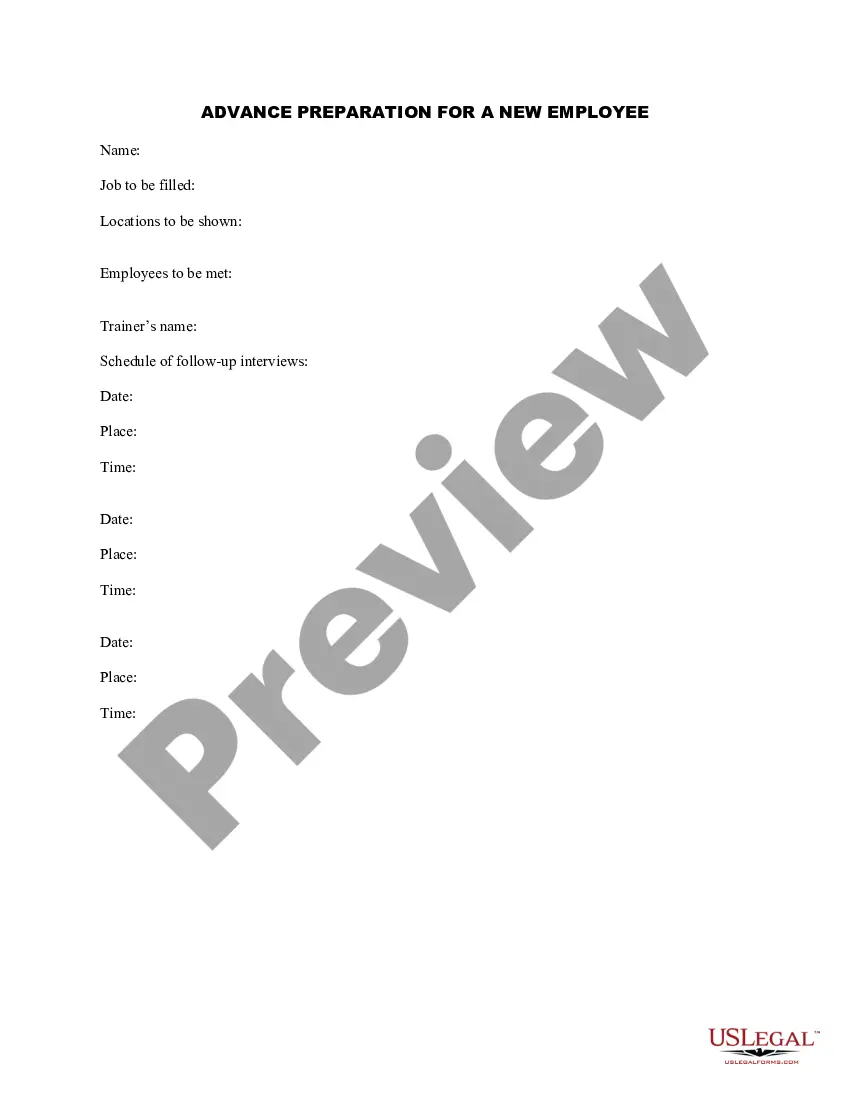
Advance Employee Form For Taxes
Description
Get your form ready online
Our built-in tools help you complete, sign, share, and store your documents in one place.
Make edits, fill in missing information, and update formatting in US Legal Forms—just like you would in MS Word.
Download a copy, print it, send it by email, or mail it via USPS—whatever works best for your next step.
Sign and collect signatures with our SignNow integration. Send to multiple recipients, set reminders, and more. Go Premium to unlock E-Sign.
If this form requires notarization, complete it online through a secure video call—no need to meet a notary in person or wait for an appointment.
We protect your documents and personal data by following strict security and privacy standards.

Make edits, fill in missing information, and update formatting in US Legal Forms—just like you would in MS Word.

Download a copy, print it, send it by email, or mail it via USPS—whatever works best for your next step.

Sign and collect signatures with our SignNow integration. Send to multiple recipients, set reminders, and more. Go Premium to unlock E-Sign.

If this form requires notarization, complete it online through a secure video call—no need to meet a notary in person or wait for an appointment.

We protect your documents and personal data by following strict security and privacy standards.
Looking for another form?


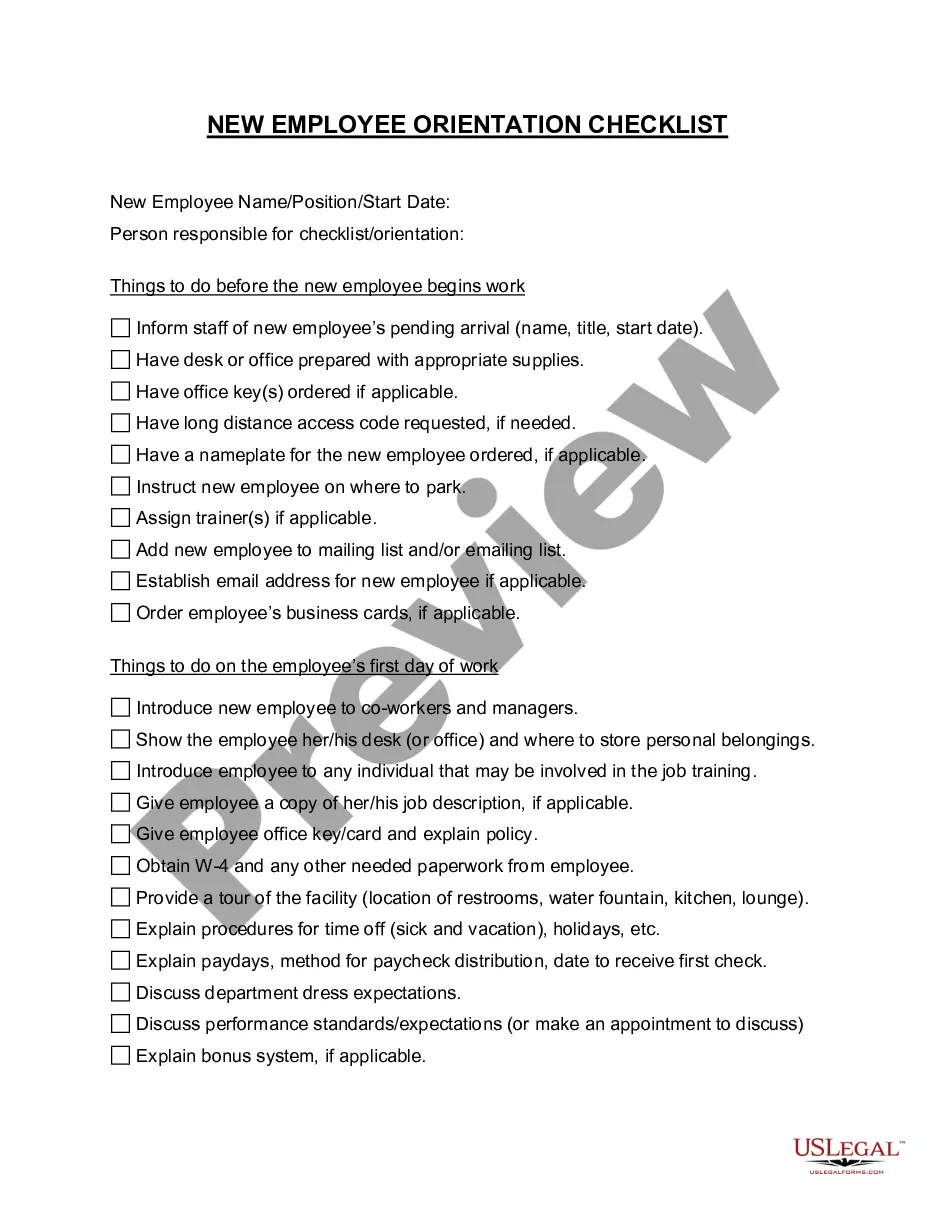
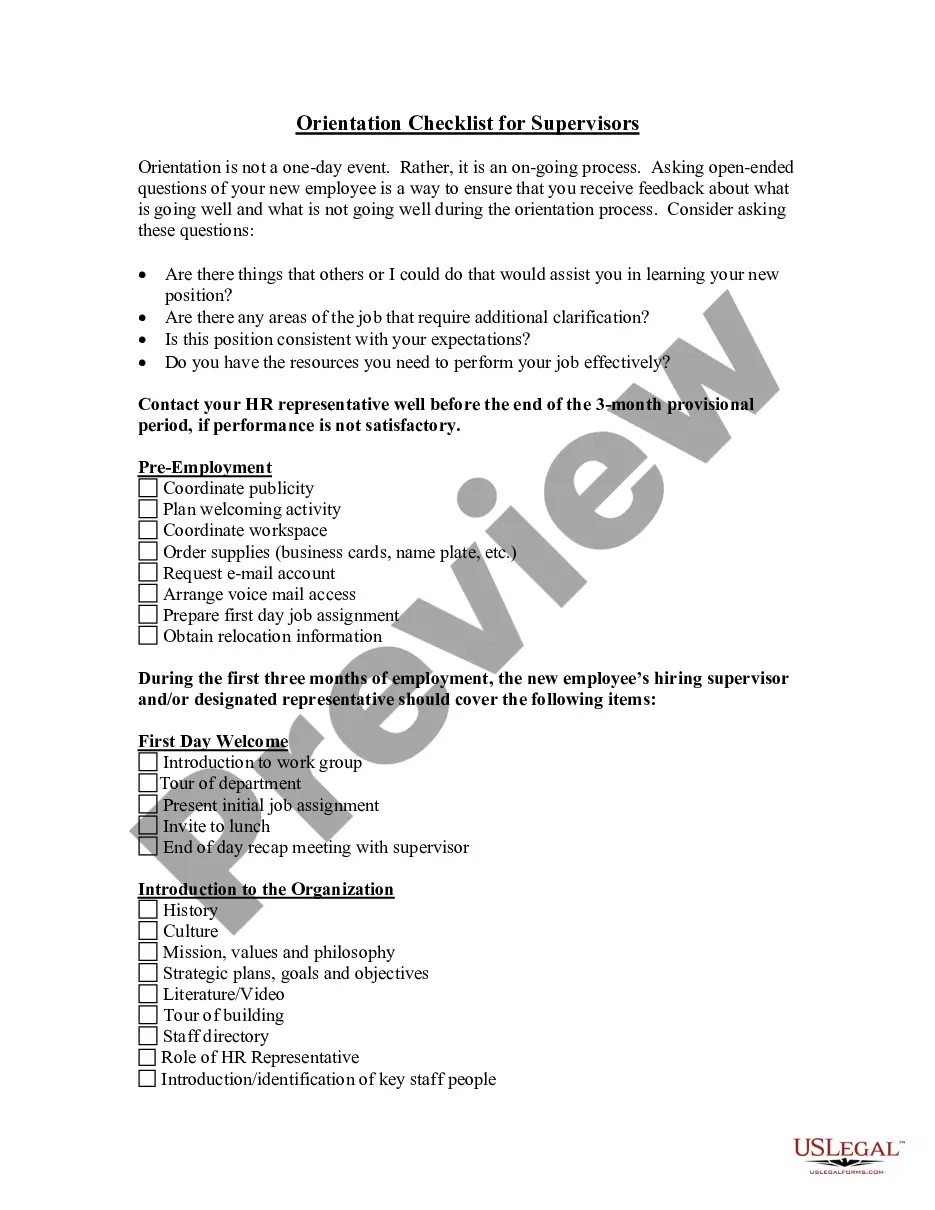
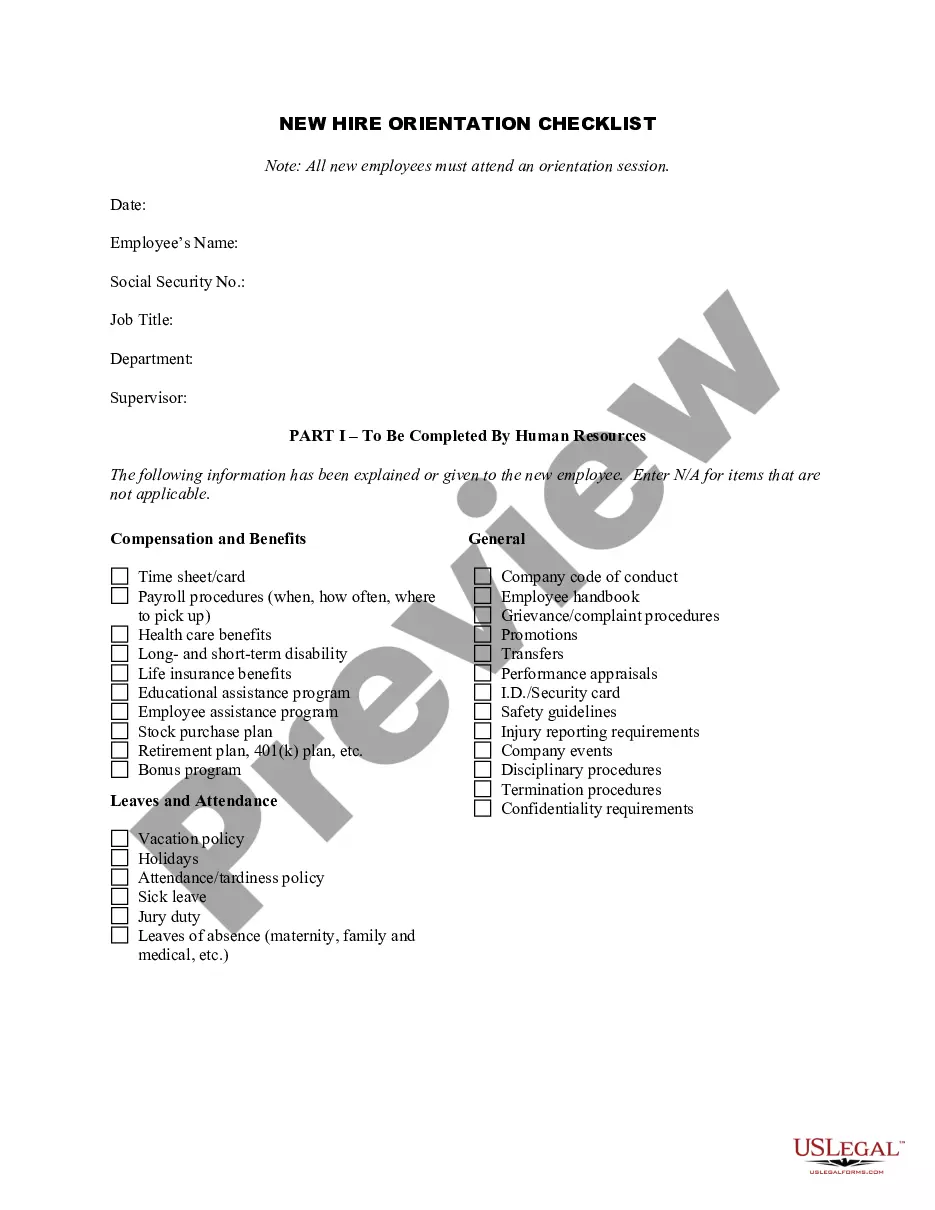
How to fill out Advance Preparation For A New Employee?
It’s clear that you cannot instantly become a legal expert, nor can you fully understand how to swiftly prepare the Advance Employee Form For Taxes without possessing a specific skill set.
Drafting legal documents is a lengthy process that demands certain training and expertise. So why not entrust the drafting of the Advance Employee Form For Taxes to the experts.
With US Legal Forms, one of the largest legal document repositories, you can discover everything from court documents to templates for internal business communication.
You can revisit your documents from the My documents section at any time. If you’re a current customer, you can simply Log In, and locate and download the template from the same section.
No matter the intent of your documents—whether financial, legal, or personal—our platform has you covered. Experience US Legal Forms now!
- Identify the form you require by utilizing the search tool at the top of the webpage.
- View it (if this choice is available) and review the accompanying description to ascertain if the Advance Employee Form For Taxes is what you need.
- Initiate your search again if you require any other document.
- Sign up for a complimentary account and select a subscription plan to acquire the template.
- Select Buy now. Once the payment is processed, you can obtain the Advance Employee Form For Taxes, fill it out, print it, and send or mail it to the appropriate individuals or organizations.
Form popularity
FAQ
You may send estimated tax payments with Form 1040-ES by mail, or you can pay online, by phone or from your mobile device using the IRS2Go app. You can also make your estimated tax payments through your online account, where you can see your payment history and other tax records. Go to IRS.gov/account.
How to Calculate Advance Tax? Make an estimate of the total income earned by you other than your salary. Subtract all expenses from your income, including medical insurance premiums, phone costs, travel expenses, etc. Now, add other income that you received apart from your salary.
Visit the bank branch and ask for the applicable tax payment challan form-Challan 280 (in this case). Fill in the details as required in the form. The details asked in the form are the same as required in the online form. Go to the relevant bank's counter and submit the filled-in Challan 280 form along with the money.
Ektha Surana Step 1: Navigating to 'e-Pay Tax' Section. Step 2: Enter PAN/TAN and Mobile Number. Step 3: Select the correct Assessment Year and Payment Type. Step 4: Enter Tax Payment Details. Step 5: Select the Payment Method. Step 6: Verify Payment Information. Step 7: Submit the Payment. Step 8: Receive Payment Confirmation.
The steps are under: Estimate your total income from all sources earned from 1st April- 31st March of the financial year for which you are doing the advance tax calculations. Subtract all eligible deductions and exemptions. Compute tax on such Income as per the tax regime opted by you.