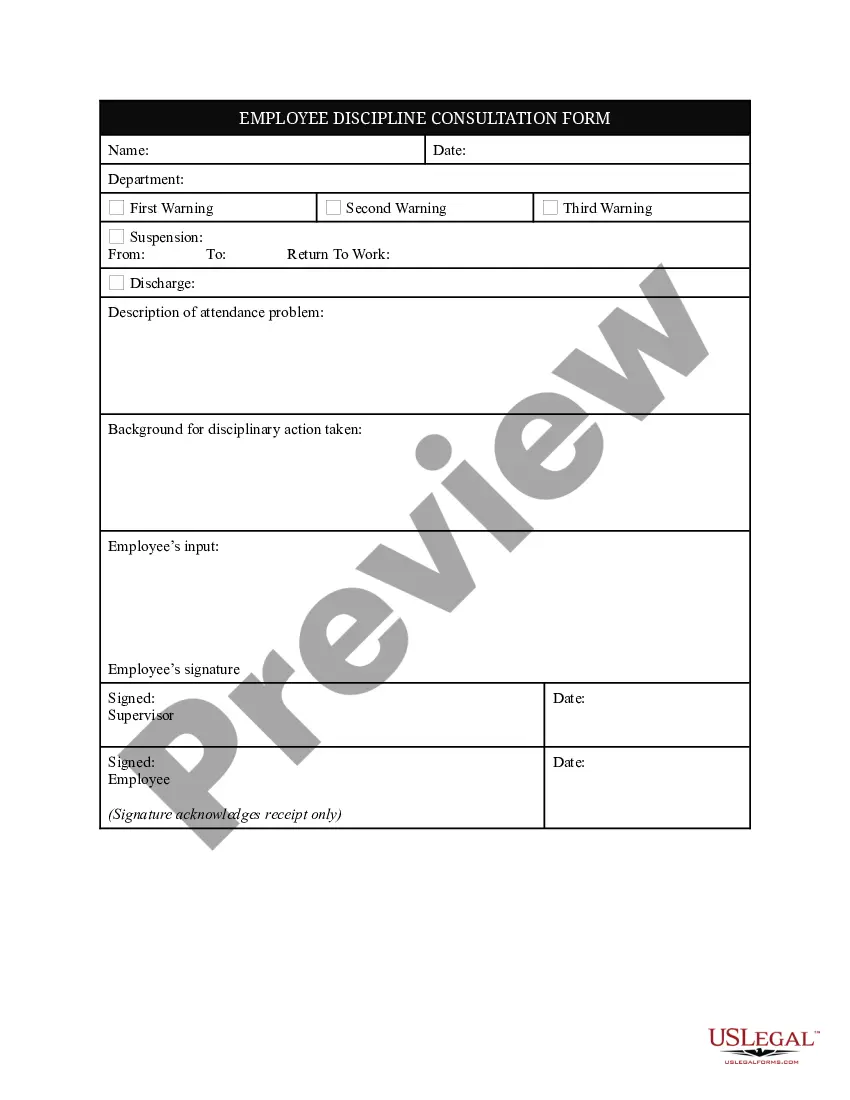
Employee Discipline Form Template For Attendance
Description
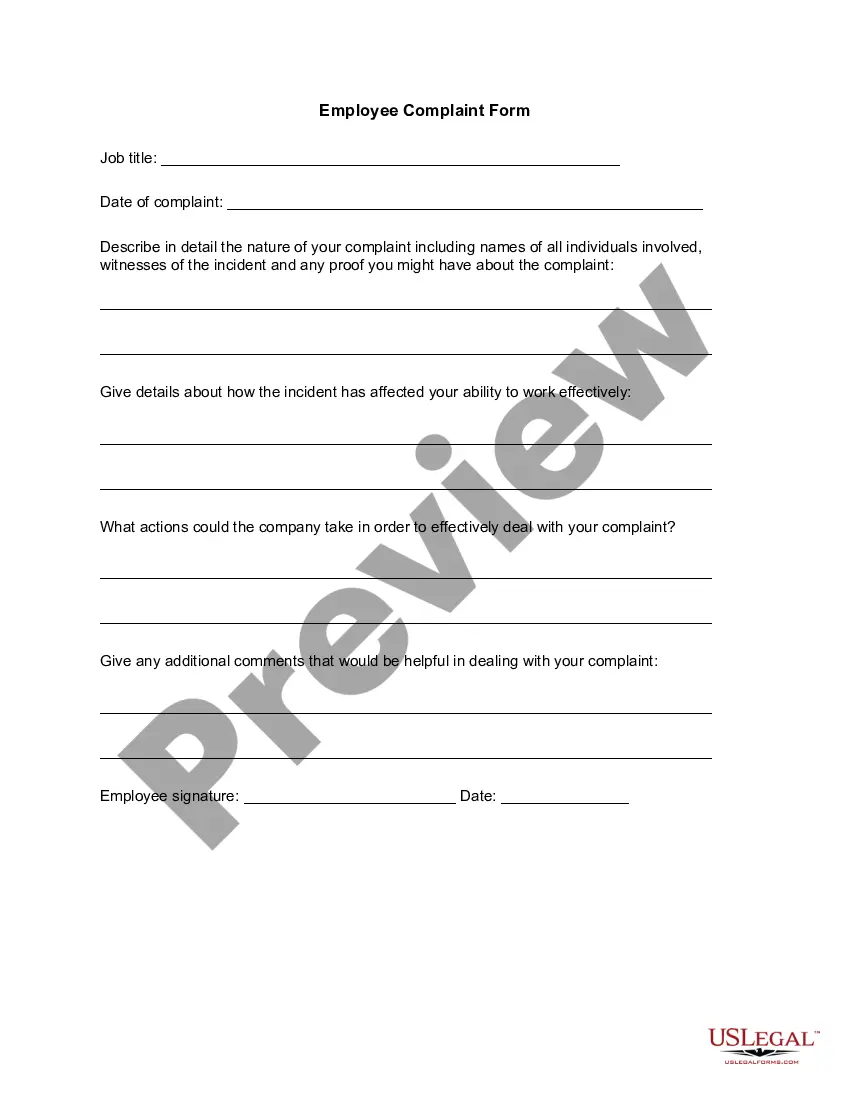
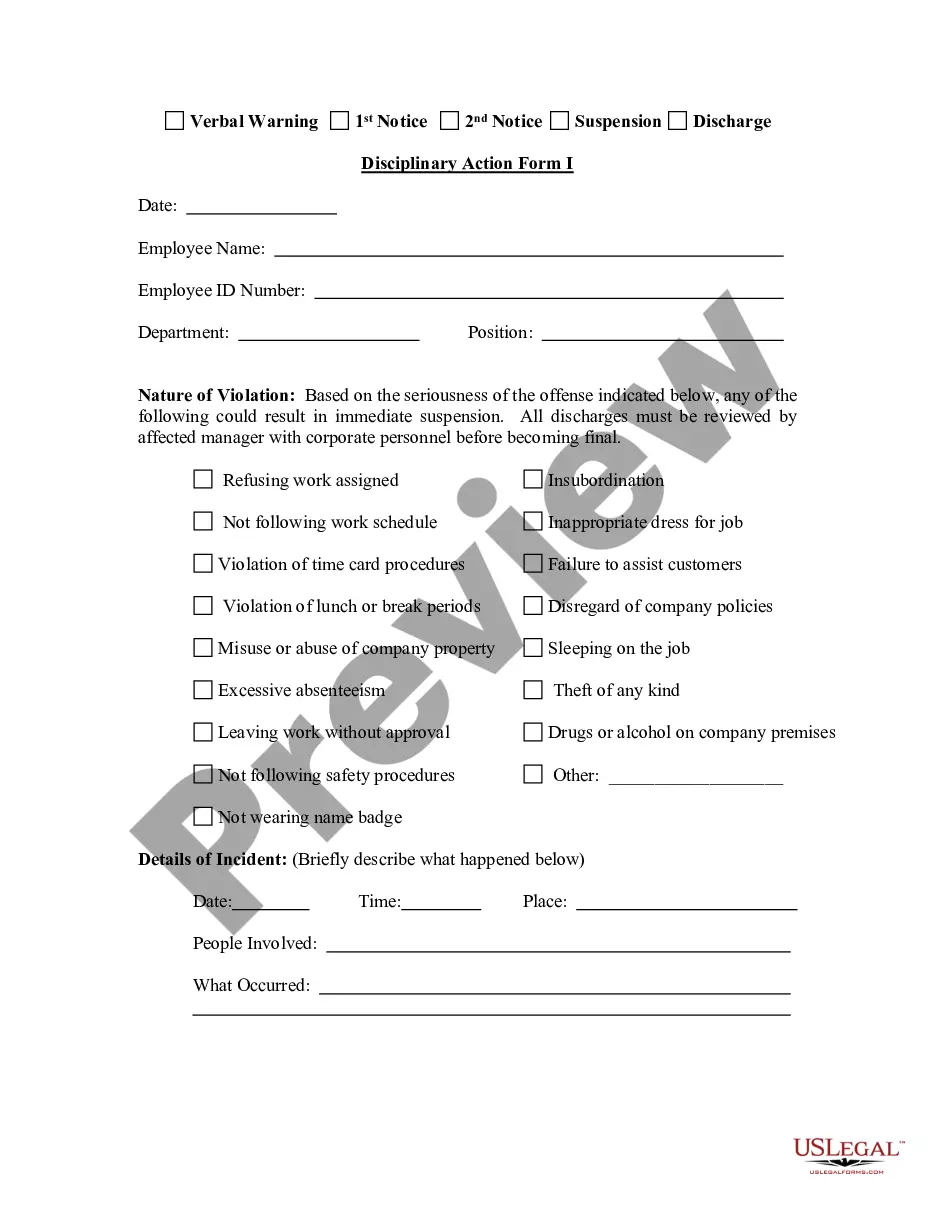
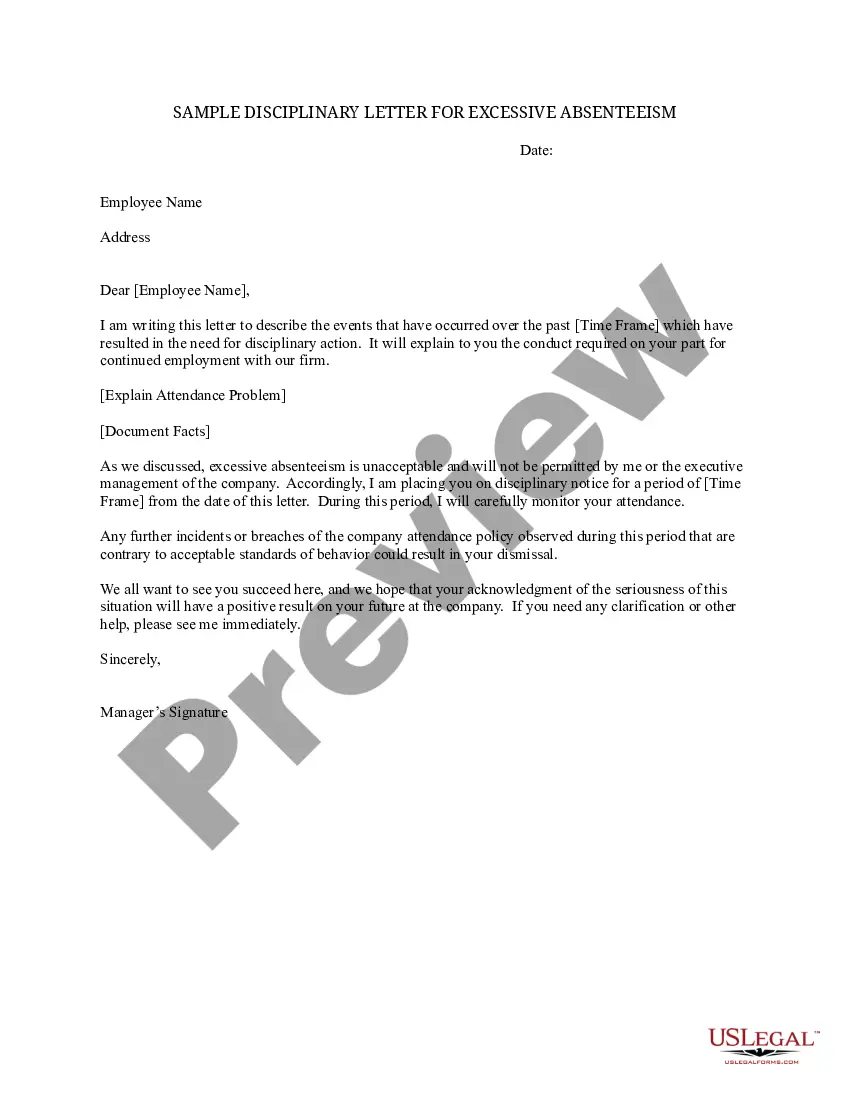
Get your form ready online
Our built-in tools help you complete, sign, share, and store your documents in one place.
Make edits, fill in missing information, and update formatting in US Legal Forms—just like you would in MS Word.
Download a copy, print it, send it by email, or mail it via USPS—whatever works best for your next step.
Sign and collect signatures with our SignNow integration. Send to multiple recipients, set reminders, and more. Go Premium to unlock E-Sign.
If this form requires notarization, complete it online through a secure video call—no need to meet a notary in person or wait for an appointment.
We protect your documents and personal data by following strict security and privacy standards.

Make edits, fill in missing information, and update formatting in US Legal Forms—just like you would in MS Word.

Download a copy, print it, send it by email, or mail it via USPS—whatever works best for your next step.

Sign and collect signatures with our SignNow integration. Send to multiple recipients, set reminders, and more. Go Premium to unlock E-Sign.

If this form requires notarization, complete it online through a secure video call—no need to meet a notary in person or wait for an appointment.

We protect your documents and personal data by following strict security and privacy standards.
Looking for another form?





How to fill out Employee Discipline Consultation Form?
Securing a reliable source for the most up-to-date and pertinent legal templates is a significant part of navigating bureaucracy.
Identifying the appropriate legal documents requires accuracy and meticulousness, which is why it is crucial to obtain samples of the Employee Discipline Form Template For Attendance exclusively from reputable providers, such as US Legal Forms. An incorrect template will squander your time and prolong the issue at hand. With US Legal Forms, you have minimal worries. You can access and review all the information regarding the document’s applicability and significance for your situation and in your jurisdiction.
Once you have the form on your device, you can edit it using the editor or print it out and fill it in by hand. Eliminate the hassles associated with your legal paperwork. Explore the extensive US Legal Forms catalog where you can find legal templates, assess their relevance to your circumstances, and download them instantly.
- Use the catalog navigation or search bar to find your template.
- Check the form’s details to confirm it meets your state and local requirements.
- View the form preview, if available, to ensure it is indeed the form you need.
- Continue searching and locate the appropriate document if the Employee Discipline Form Template For Attendance does not meet your specifications.
- If you are confident about the form’s applicability, proceed to download it.
- If you are a registered user, click Log in to verify and access your selected forms in My documents.
- If you have not yet created an account, click Buy now to acquire the form.
- Select the pricing plan that aligns with your requirements.
- Complete the registration to finalize your purchase.
- Conclude your purchase by selecting a payment method (credit card or PayPal).
- Choose the file format for downloading the Employee Discipline Form Template For Attendance.
Form popularity
FAQ
Six tips for creating an employee attendance improvement plan Create a clear and easy-to-understand employee attendance policy. ... Track the attendance of employees. ... Identify the causes of absence. ... Explain what will happen if employees take unplanned leaves. ... Train managers on how to deal with absenteeism.
Corrective action involves verbal or written communications from you to the employee that are designed to assist the employee in correcting the ?problem? or concern, e.g., performance, attendance or conduct.
Documenting employee discipline procedures Taking detailed meeting notes. A thorough investigation report, showing the person was at fault. Evidence that you provided the employee with the opportunity to respond and you took this response into consideration. The termination letter explaining why the employee was dismissed.
?The fact that the warning was given should always be documented,? said Damon Kitchen, a partner with the law firm Constangy, Brooks & Smith's Jacksonville, Fla., office,and should include the date and time of the incident, the date and time the verbal warning was given, the substance of what was said and a brief ...
Here's how: Step 1: Document the Attendance Issue. Firstly, gather your facts. ... Step 2: Include Essential Information. ... Step 3: Describe the Impact. ... Step 4: Reference Company Policies. ... Step 5: Provide an Opportunity for Improvement. ... Step 6: Obtain Signatures.