Formal Memo With Attachments
Description
Get your form ready online
Our built-in tools help you complete, sign, share, and store your documents in one place.
Make edits, fill in missing information, and update formatting in US Legal Forms—just like you would in MS Word.
Download a copy, print it, send it by email, or mail it via USPS—whatever works best for your next step.
Sign and collect signatures with our SignNow integration. Send to multiple recipients, set reminders, and more. Go Premium to unlock E-Sign.
If this form requires notarization, complete it online through a secure video call—no need to meet a notary in person or wait for an appointment.
We protect your documents and personal data by following strict security and privacy standards.

Make edits, fill in missing information, and update formatting in US Legal Forms—just like you would in MS Word.

Download a copy, print it, send it by email, or mail it via USPS—whatever works best for your next step.

Sign and collect signatures with our SignNow integration. Send to multiple recipients, set reminders, and more. Go Premium to unlock E-Sign.

If this form requires notarization, complete it online through a secure video call—no need to meet a notary in person or wait for an appointment.

We protect your documents and personal data by following strict security and privacy standards.
Looking for another form?


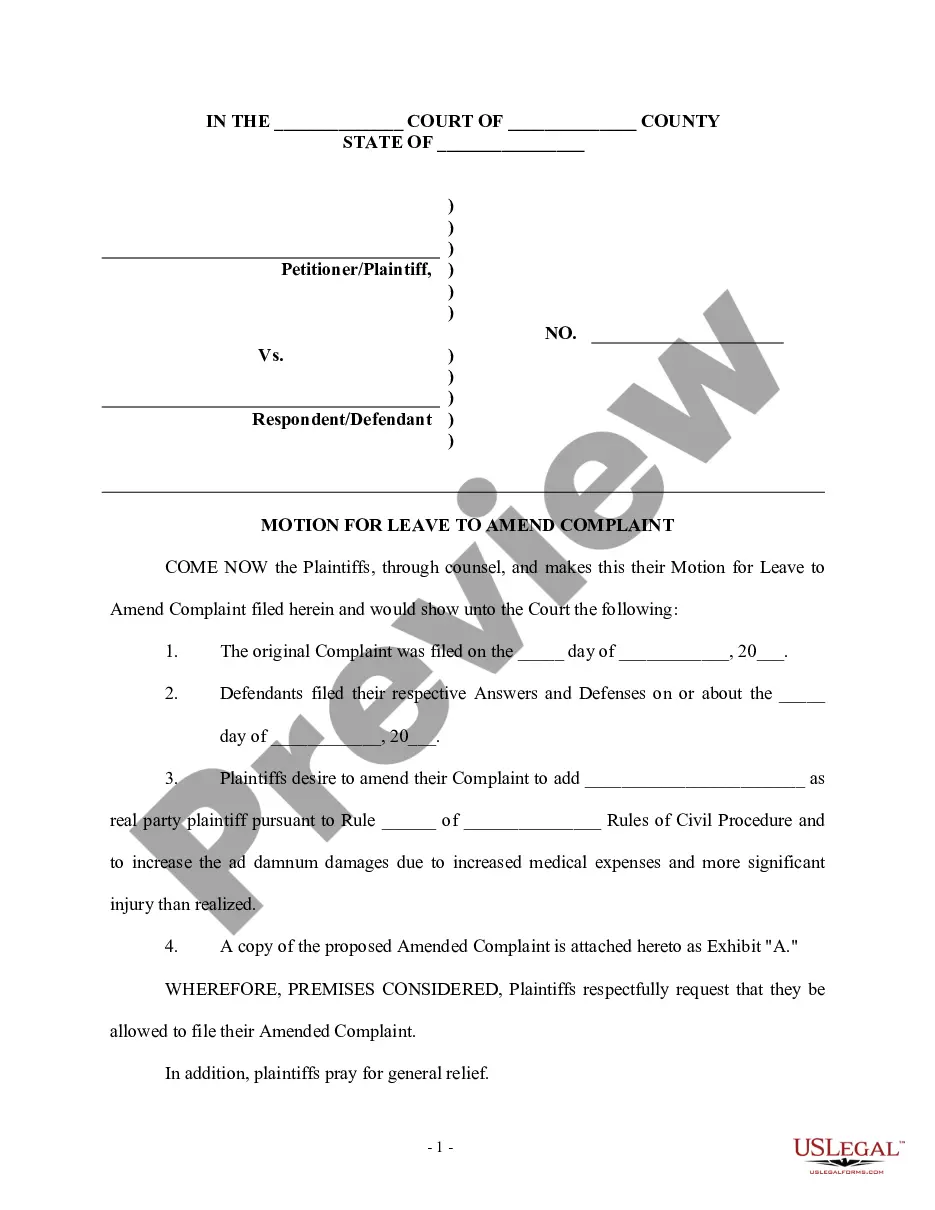
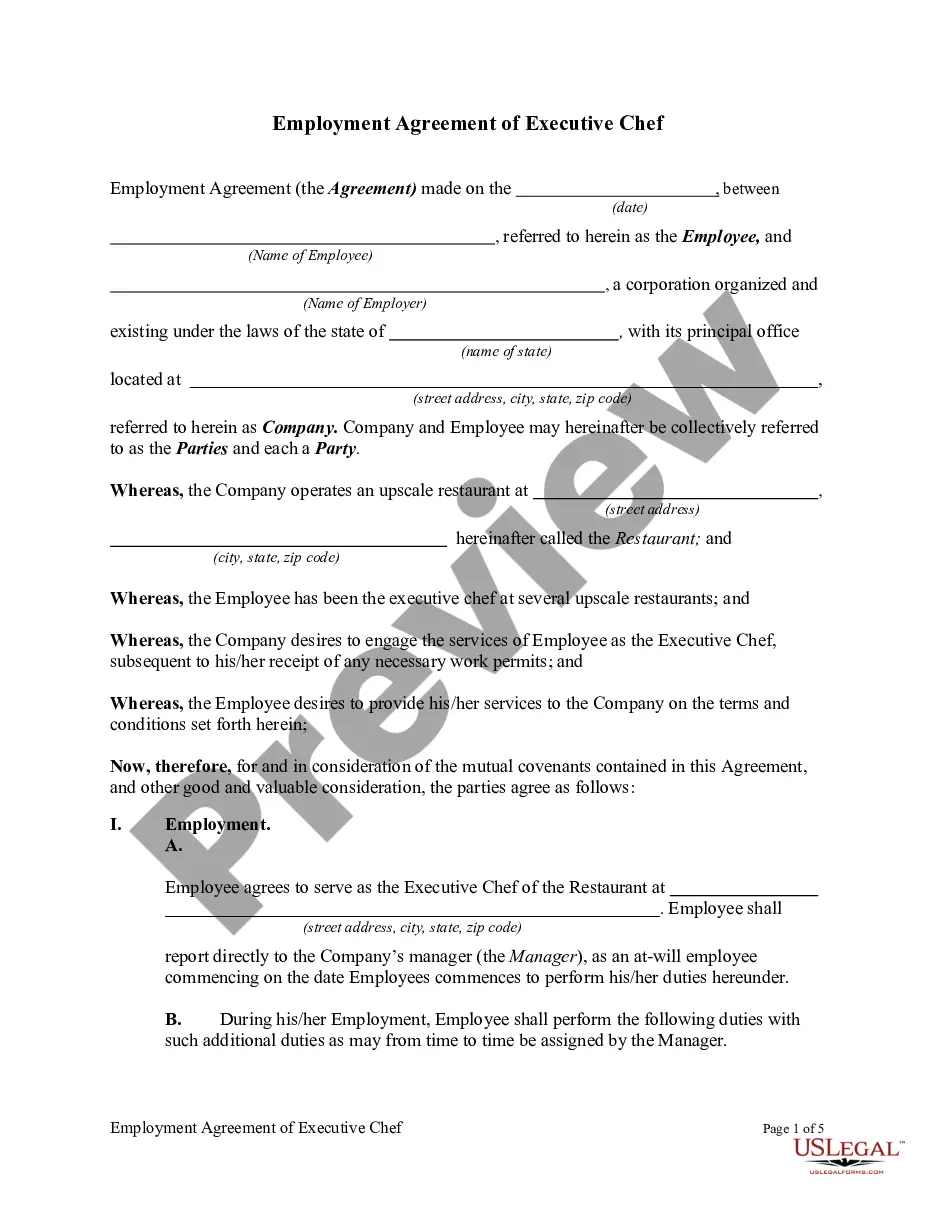

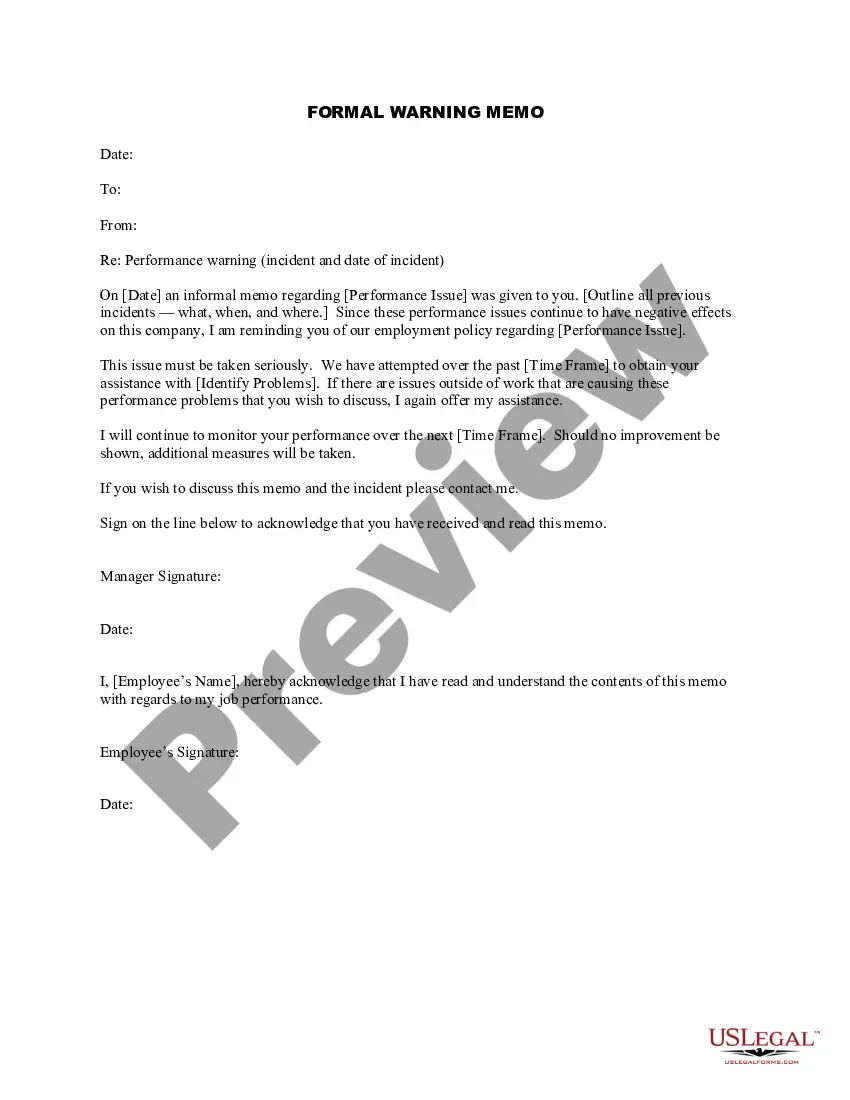
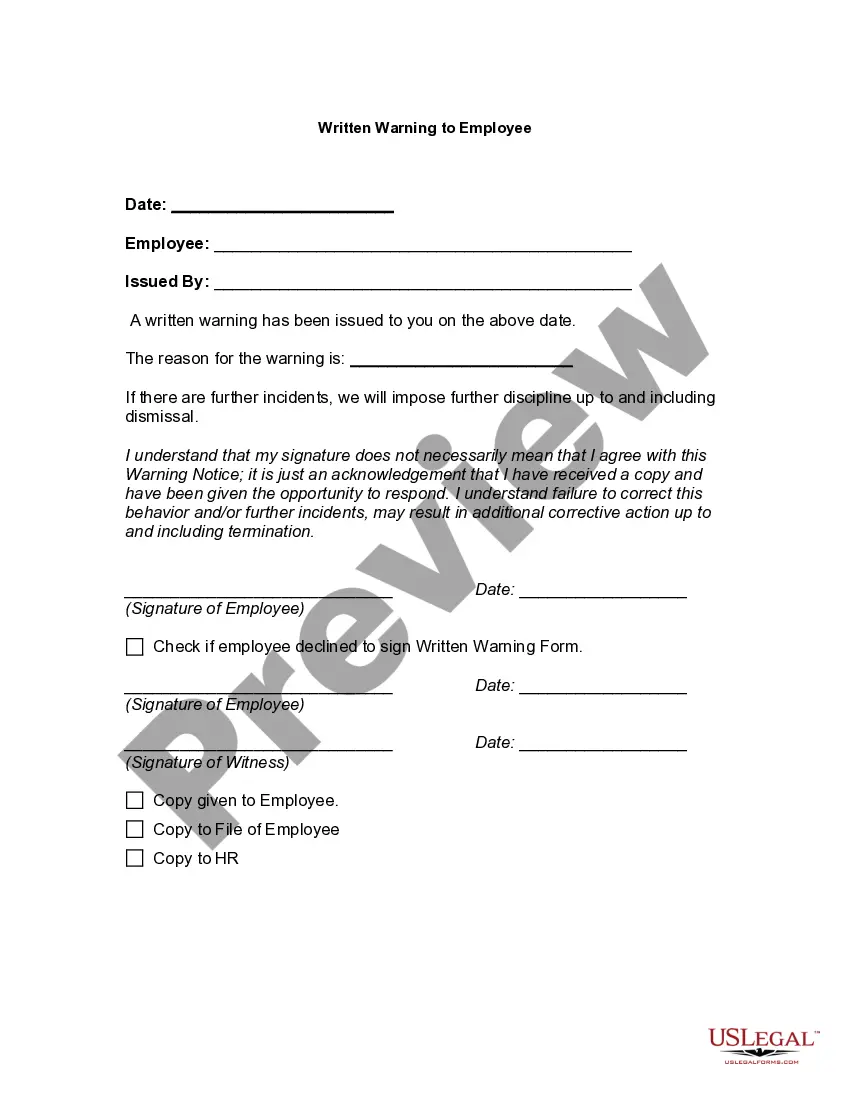
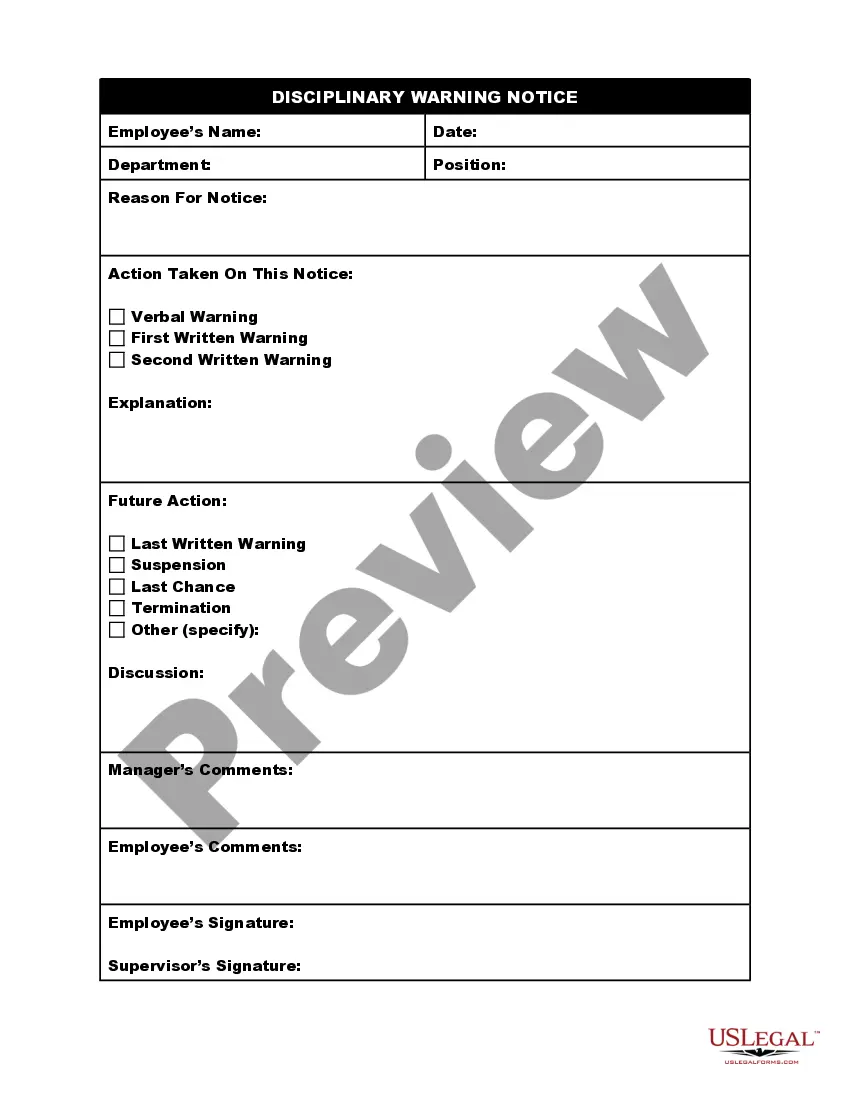
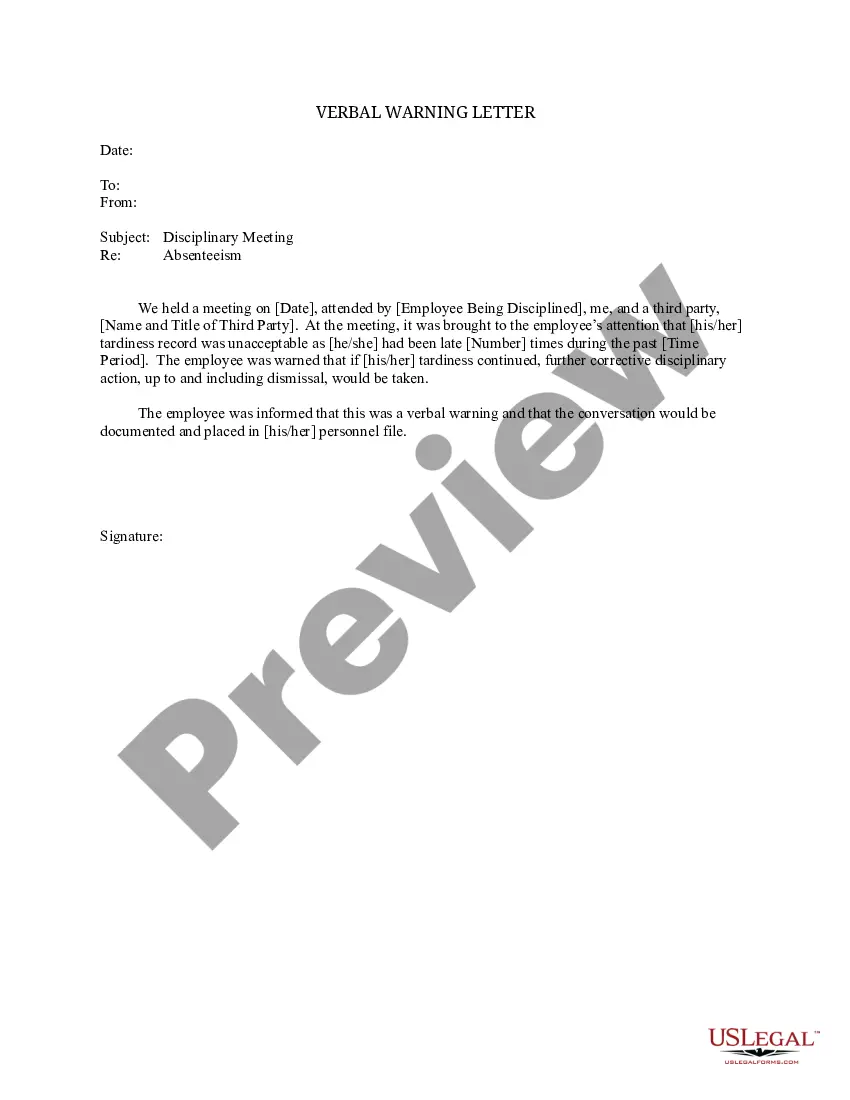
How to fill out Formal Warning Memo?
Regardless of whether it is for commercial reasons or personal issues, everyone eventually has to handle legal matters in their lifetime.
Completing legal documents requires meticulous care, starting with selecting the appropriate form template. For instance, if you select an incorrect version of a Formal Memo With Attachments, it will be denied upon submission.
With an extensive catalog from US Legal Forms available, you will no longer waste time searching for the right template online. Utilize the library's user-friendly navigation to find the correct template for any circumstance.
- Locate the template you require by using the search bar or browsing the catalog.
- Review the form's details to ensure it aligns with your case, state, and area.
- Access the form's preview to examine it.
- If it is the incorrect form, return to the search option to find the Formal Memo With Attachments template you require.
- Acquire the document if it satisfies your needs.
- If you already possess a US Legal Forms account, simply click Log in to access previously saved files in My documents.
- If you are not yet a member, you can download the form by clicking Buy now.
- Choose the appropriate pricing plan.
- Complete the registration form for your account.
- Select your payment method: via credit card or PayPal.
- Choose the document format you prefer and download the Formal Memo With Attachments.
- Once saved, you can fill out the form using editing software or print it and complete it by hand.
Form popularity
FAQ
Generally, an internal memo format includes names of recipients and senders, date and time, subject, the body or message, a signature, additional recipients, and attachments such as a timecard or documents that need signatures.
How to write an email with an attachment sample Finalise what files you wish to send. ... Add the email's subject line. ... Compose the email's body. ... Attach the files. ... Review and send the email. ... Check the file format of the attachment. ... Try limiting the attachment file's size. ... Send related files within an email.
How to Write an Email with an Attachment Identify the Files You Want to Send. Before drafting the email, you should know what files you want to attach to your message and where they are located on your device. ... Craft an Email Subject Line. ... Draft the Email Body. ... Add Attachments Files. ... Proofread and Send Your Email.
All memos should include the following: Write a heading. No matter what kind of memo you're writing, you'll need to include a heading. ... Write an introduction. ... Provide background on the issue. ... Outline action items and timeline (Optional). ... Include a closing statement. ... Review and proofread before sending.
If you choose to include attachments, include a note about what you've attached below your closing. If you're sending your memo via email, these additional attachments can be added to your email. If you send your memo as a letter or fax, include these after the last page of your memo document.