Contractor Irs With Provide W9
Description
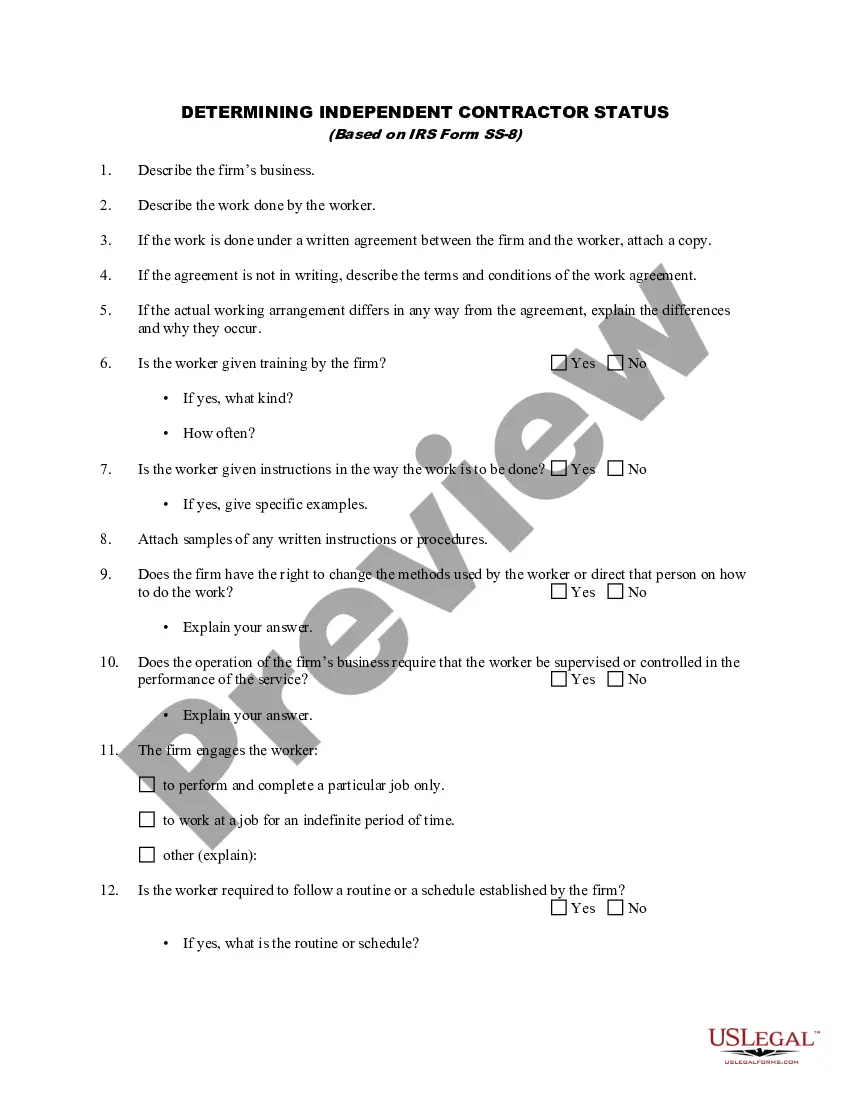
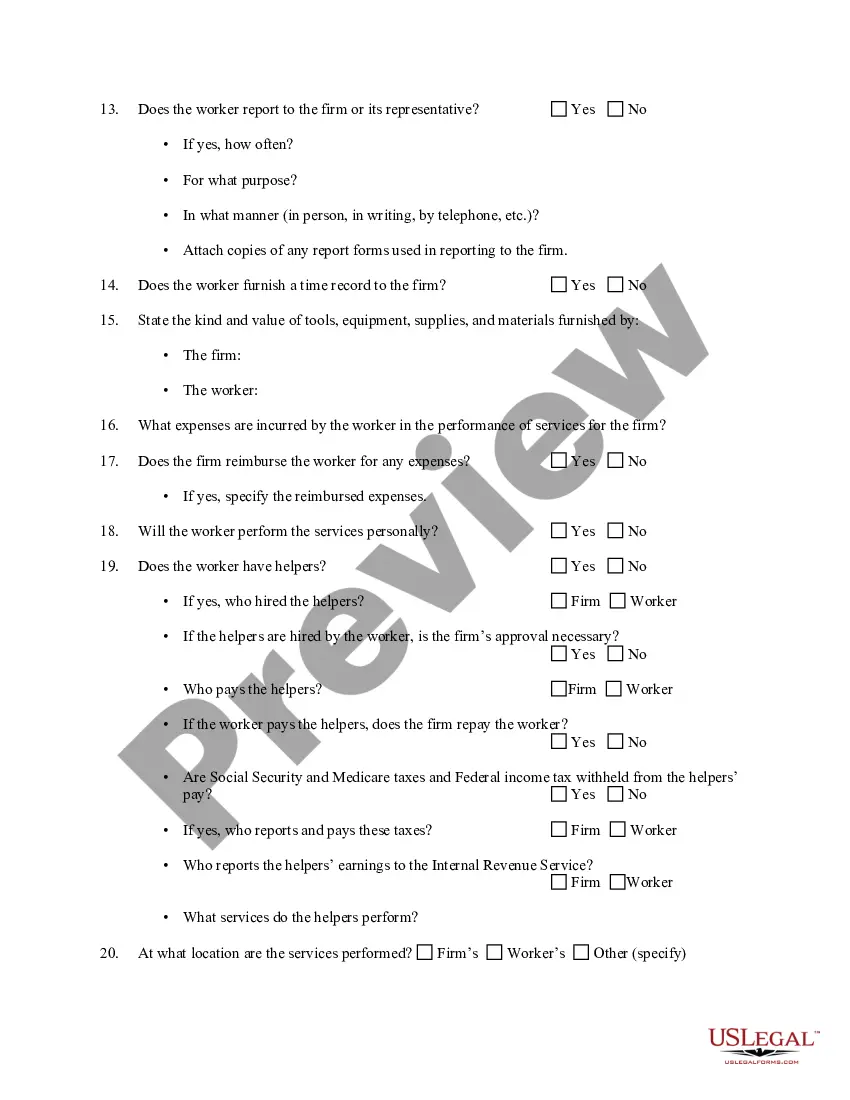
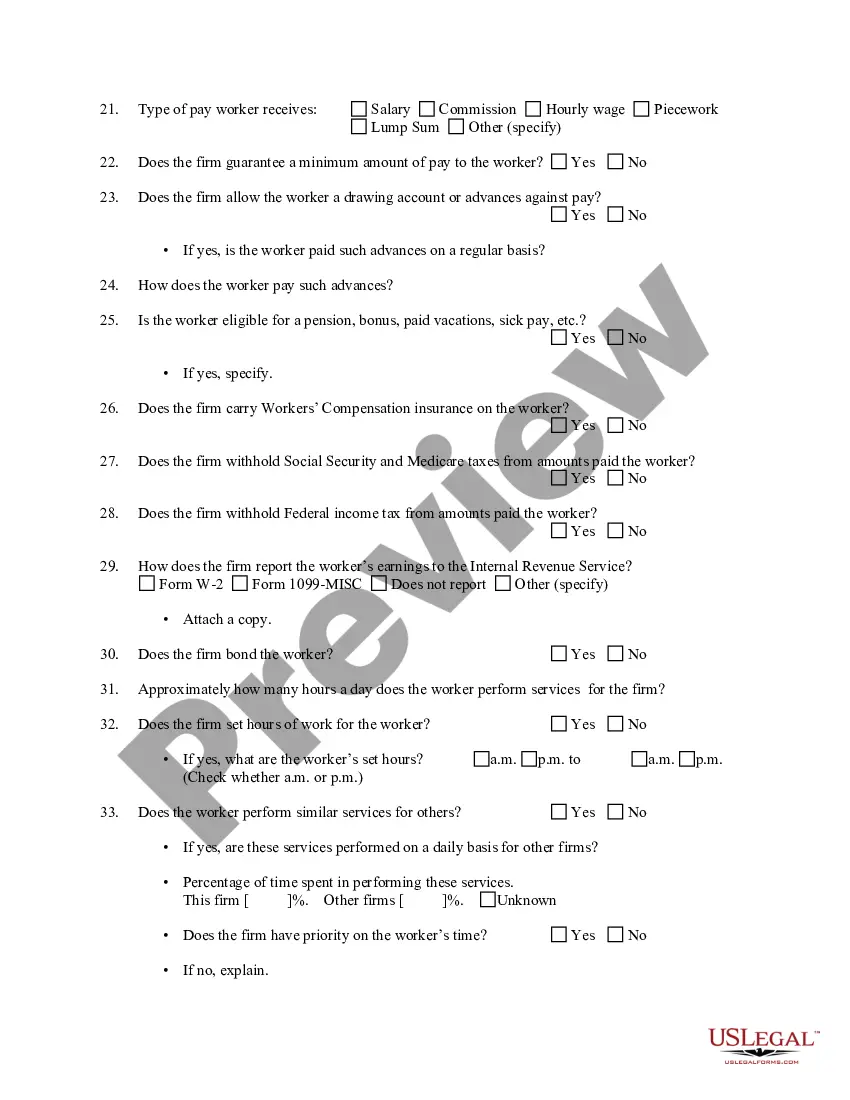
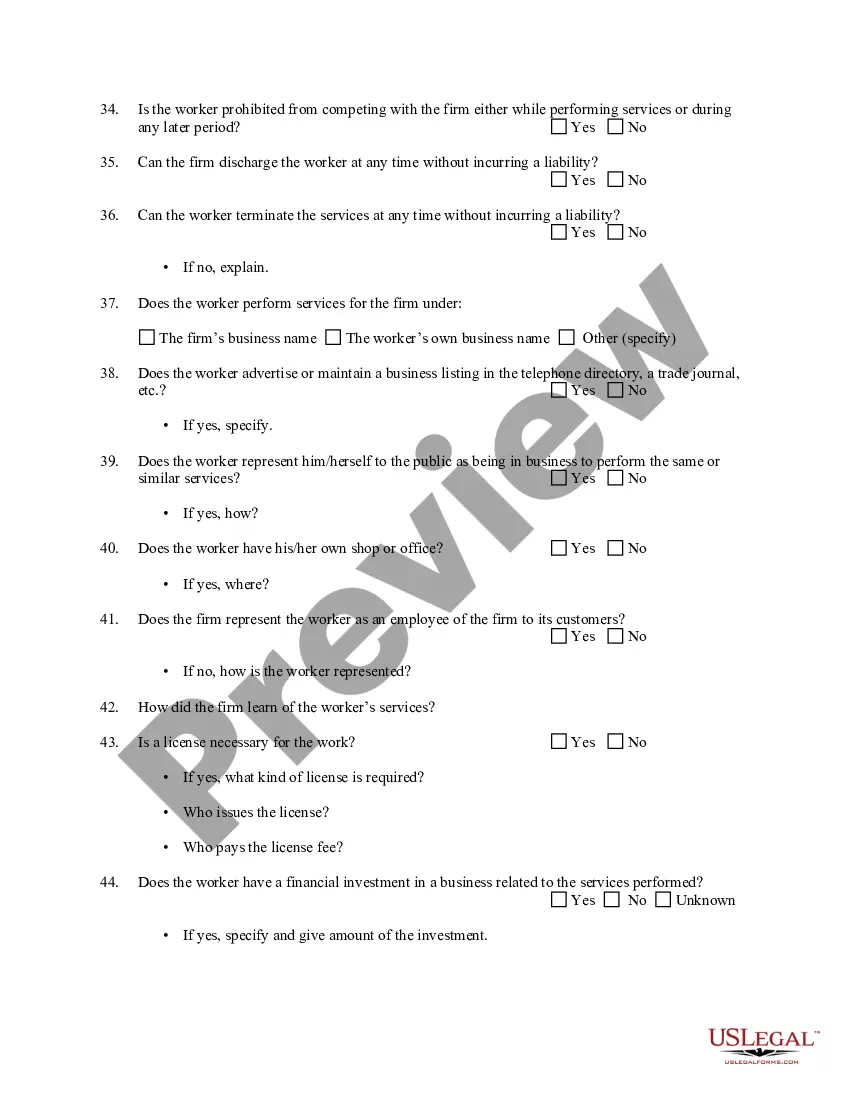
Get your form ready online
Our built-in tools help you complete, sign, share, and store your documents in one place.
Make edits, fill in missing information, and update formatting in US Legal Forms—just like you would in MS Word.
Download a copy, print it, send it by email, or mail it via USPS—whatever works best for your next step.
Sign and collect signatures with our SignNow integration. Send to multiple recipients, set reminders, and more. Go Premium to unlock E-Sign.
If this form requires notarization, complete it online through a secure video call—no need to meet a notary in person or wait for an appointment.
We protect your documents and personal data by following strict security and privacy standards.

Make edits, fill in missing information, and update formatting in US Legal Forms—just like you would in MS Word.

Download a copy, print it, send it by email, or mail it via USPS—whatever works best for your next step.

Sign and collect signatures with our SignNow integration. Send to multiple recipients, set reminders, and more. Go Premium to unlock E-Sign.

If this form requires notarization, complete it online through a secure video call—no need to meet a notary in person or wait for an appointment.

We protect your documents and personal data by following strict security and privacy standards.
Looking for another form?


How to fill out Determining Self-Employed Independent Contractor Status?
Regardless of whether for commercial objectives or personal matters, everyone must handle legal circumstances at some point in their lives. Completing legal documentation requires meticulous attention, starting from selecting the appropriate form template.
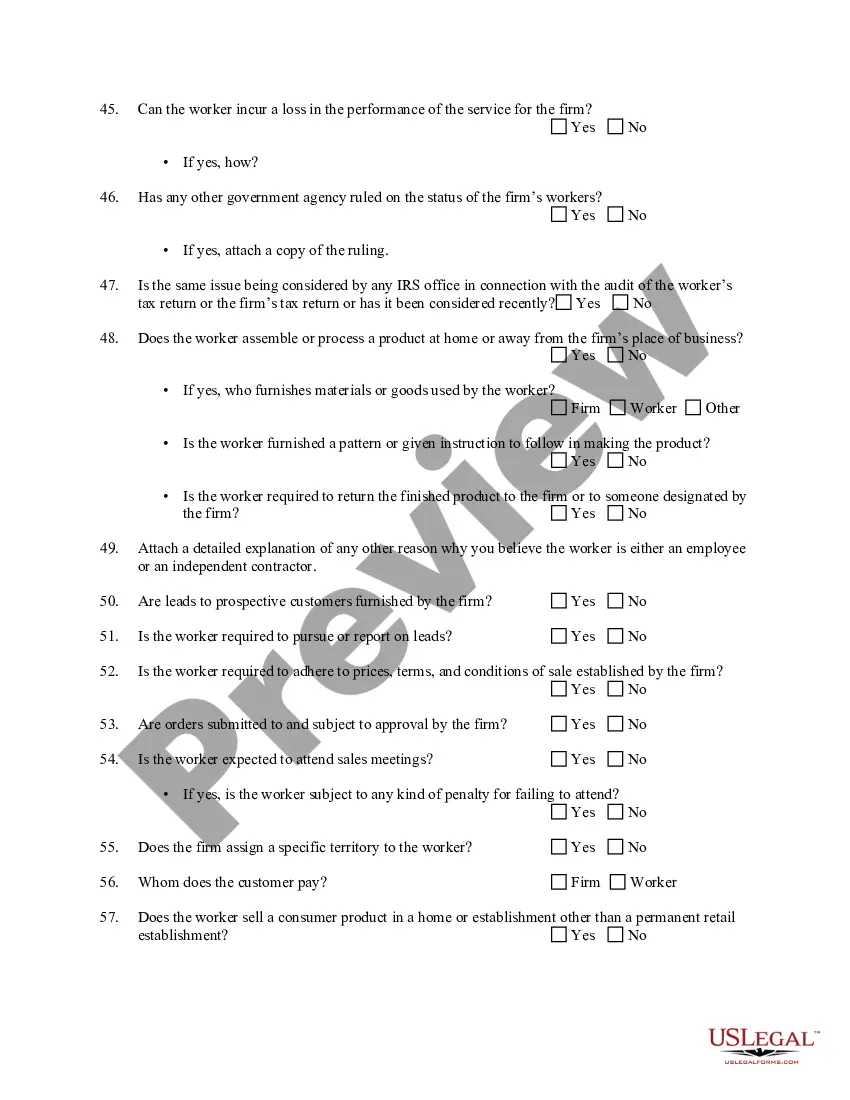
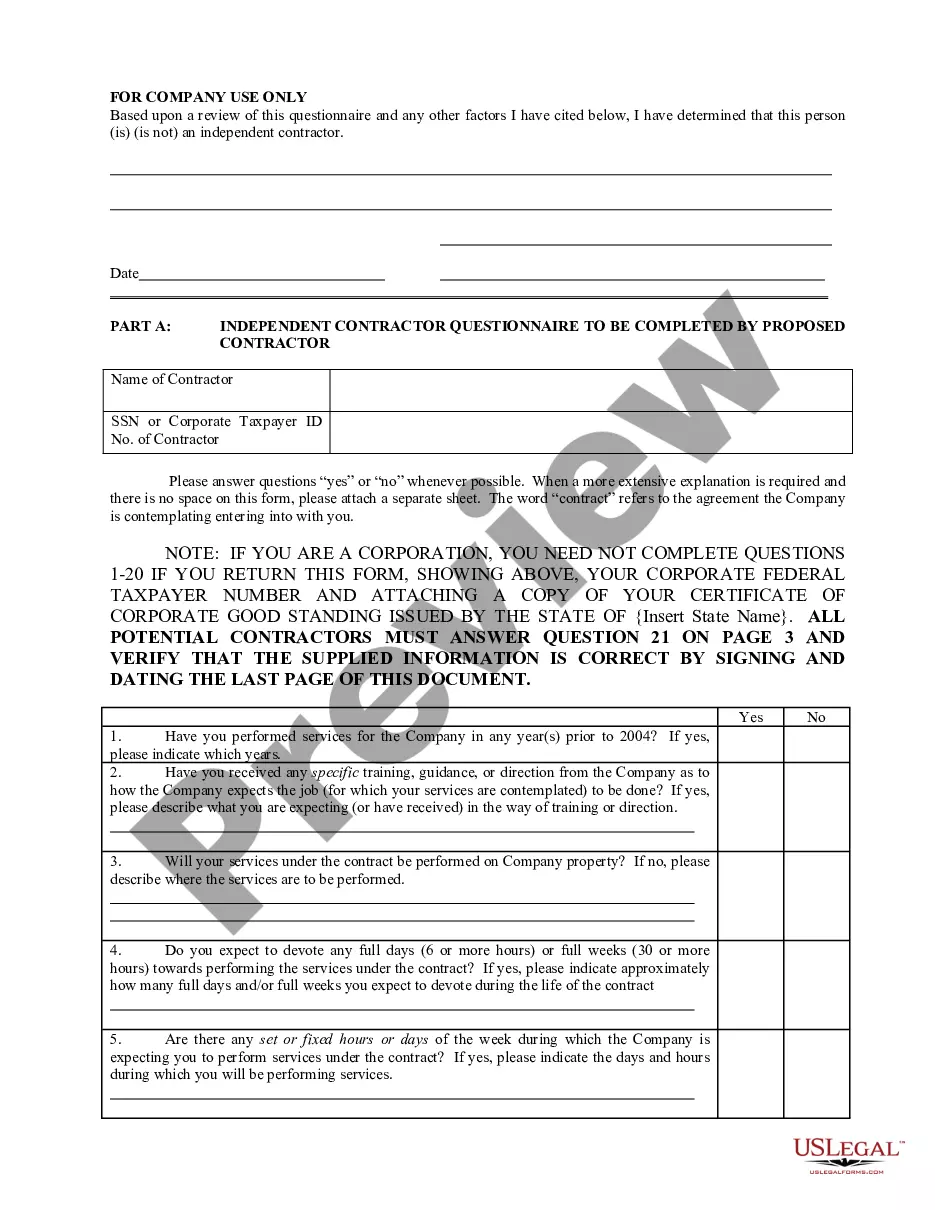
For example, if you choose an incorrect version of a Contractor Irs With Provide W9, it will be dismissed upon submission. Therefore, it is essential to find a trustworthy source of legal documents like US Legal Forms.
With an extensive US Legal Forms collection available, you do not have to waste time searching for the correct template online. Make use of the library’s straightforward navigation to find the right template for any circumstance.
- Locate the template you require using the search bar or catalog navigation.
- Review the form’s details to ensure it aligns with your situation, state, and locality.
- Click on the form’s preview to view it.
- If it is the wrong document, return to the search feature to find the Contractor Irs With Provide W9 template you need.
- Download the file when it suits your requirements.
- If you already possess a US Legal Forms account, click Log in to access previously stored documents in My documents.
- If you do not have an account yet, you can download the form by clicking Buy now.
- Select the appropriate pricing option.
- Complete the account registration form.
- Choose your payment method: use a credit card or PayPal account.
- Select the file format you desire and download the Contractor Irs With Provide W9.
- Once downloaded, you can fill out the form using editing software or print it and complete it by hand.
Form popularity
FAQ
If a contractor or vendor refuses to provide a W9 for a 1099, you may need to reconsider your business relationship with them. Not having a W9 can complicate tax reporting, and you may be required to withhold taxes from their payments. To navigate this situation, consider using resources like US Legal Forms to explore your options and ensure compliance with IRS requirements.
An independent contractor can obtain a W9 form through various means, including downloading it directly from the IRS website. Additionally, US Legal Forms provides a user-friendly platform for contractors to access and complete the W9 form easily. This convenience streamlines the process of providing necessary tax information.
If a contractor refuses to provide a W9, you may face challenges in reporting their payments to the IRS. Without this form, you cannot accurately complete tax forms like the 1099. It is advisable to communicate the importance of the W9 and, if necessary, consult resources like US Legal Forms to understand your options.
Typically, you do not submit the W9 directly to the IRS. Instead, you keep the W9 on file for your records. When you file your taxes, you will use the information from the W9 to complete forms like 1099, reporting payments made to contractors to the IRS.
Indeed, a contractor must provide a W9 when requested by a client. This form contains important information, such as the contractor's Taxpayer Identification Number (TIN). By submitting a W9, the contractor helps ensure compliance with IRS regulations regarding income reporting.
If the independent contractor doesn't provide you with Form W-9 you must withhold tax from payments to that person. This is referred to as backup withholding and should be withheld at the rate of 24% and then submitted to the IRS.
Although you will not need to submit the W-9 to the IRS, you will need that information later to fill out the contractor's 1099. Keep it on file so you can resurrect it at year's end. Be sure to issue those 1099 forms to your contractors as soon as you can in January, and by January 31 at the latest.
You will need to fill out a W-9 form if you: Classify yourself as an independent contractor or ?freelancer.? Are not a full-time employee of the business. Will be paid more than $600 for work provided to the business.
The short answer is "no," but the long answer is a little more complicated. Generally, a W-9 should only be updated if there are changes to the employee's personal or business information. This includes changes in marital status, number of dependents, address, and tax identification number (TIN).