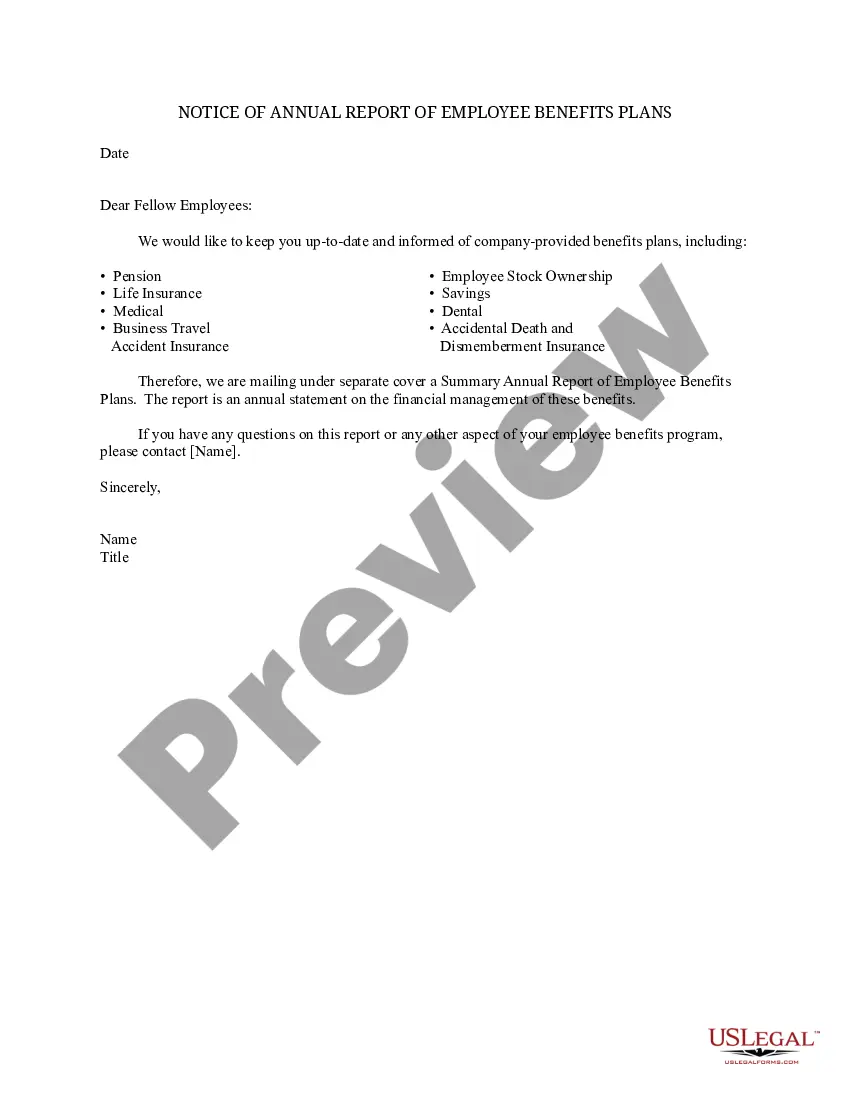
Annual Report Form Template Format
Description
Get your form ready online
Our built-in tools help you complete, sign, share, and store your documents in one place.
Make edits, fill in missing information, and update formatting in US Legal Forms—just like you would in MS Word.
Download a copy, print it, send it by email, or mail it via USPS—whatever works best for your next step.
Sign and collect signatures with our SignNow integration. Send to multiple recipients, set reminders, and more. Go Premium to unlock E-Sign.
If this form requires notarization, complete it online through a secure video call—no need to meet a notary in person or wait for an appointment.
We protect your documents and personal data by following strict security and privacy standards.

Make edits, fill in missing information, and update formatting in US Legal Forms—just like you would in MS Word.

Download a copy, print it, send it by email, or mail it via USPS—whatever works best for your next step.

Sign and collect signatures with our SignNow integration. Send to multiple recipients, set reminders, and more. Go Premium to unlock E-Sign.

If this form requires notarization, complete it online through a secure video call—no need to meet a notary in person or wait for an appointment.

We protect your documents and personal data by following strict security and privacy standards.
Looking for another form?

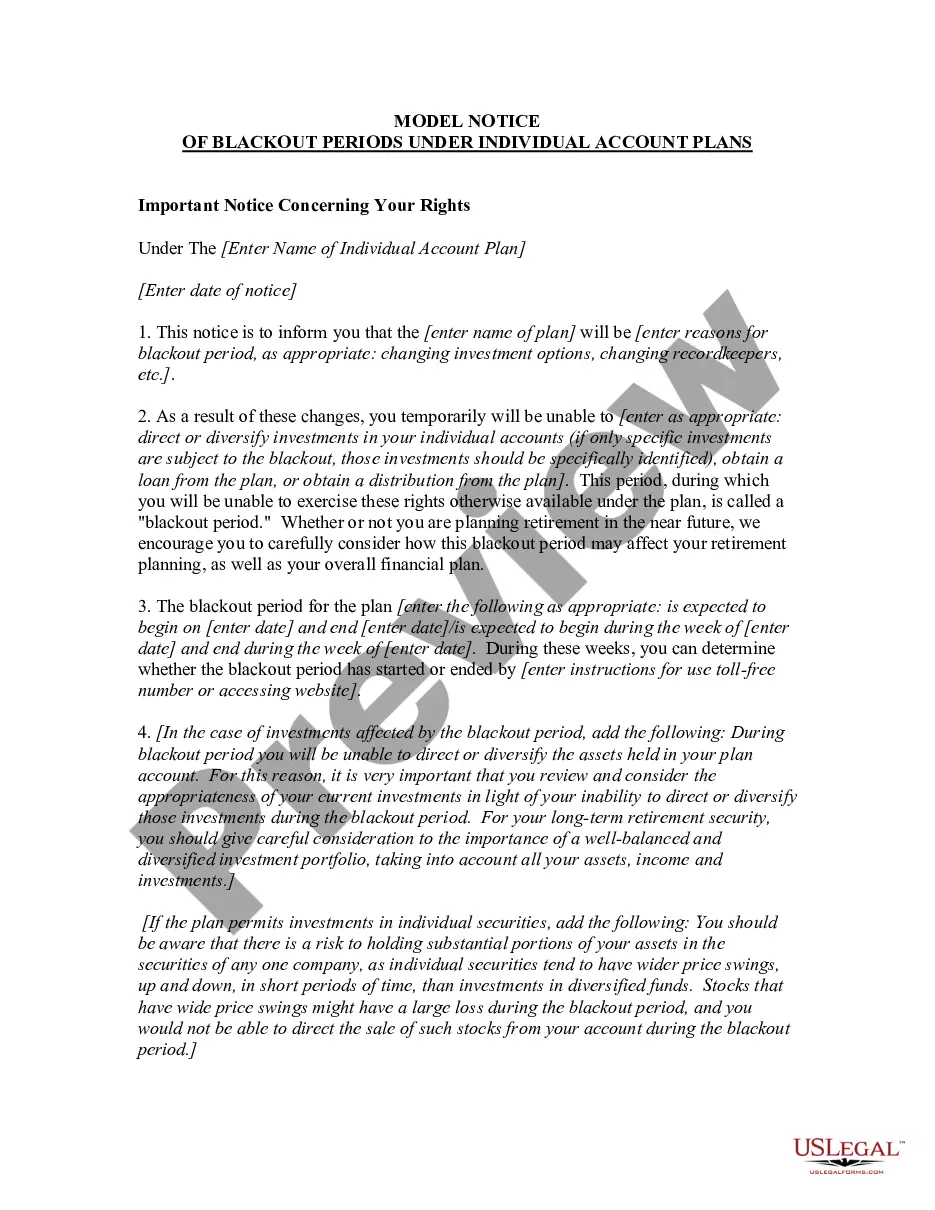
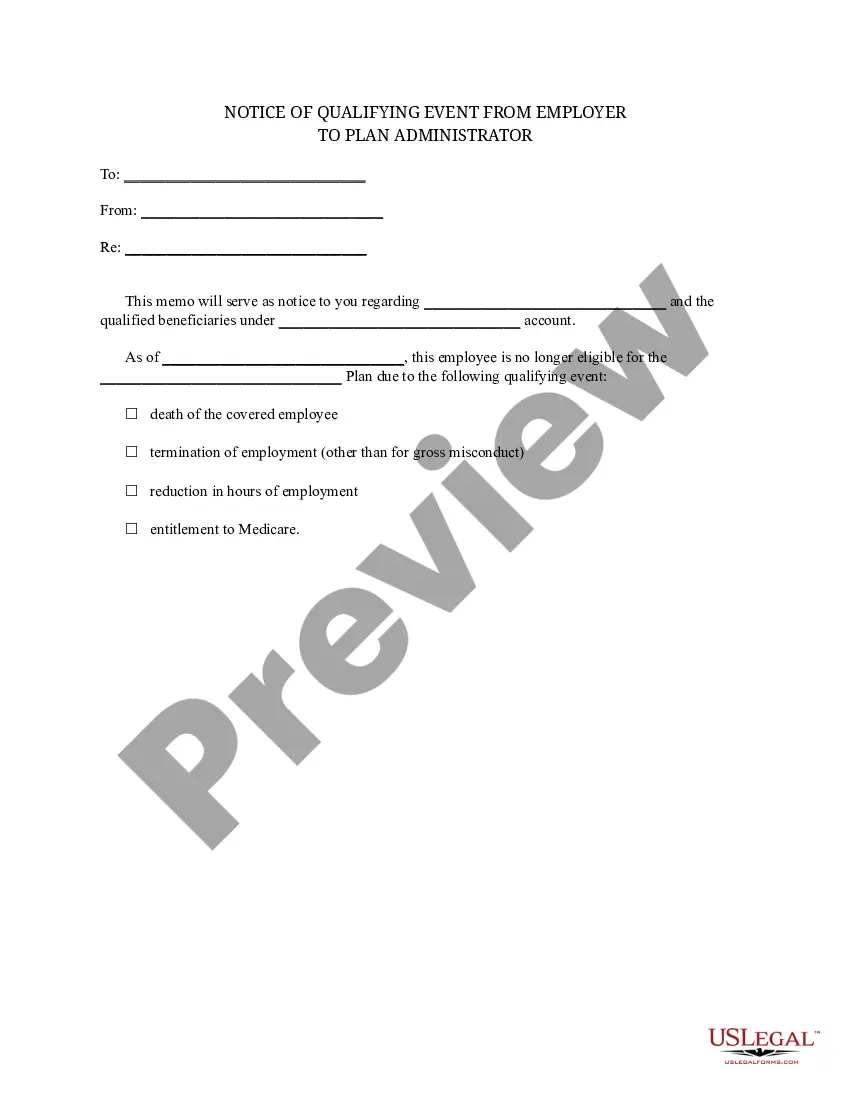
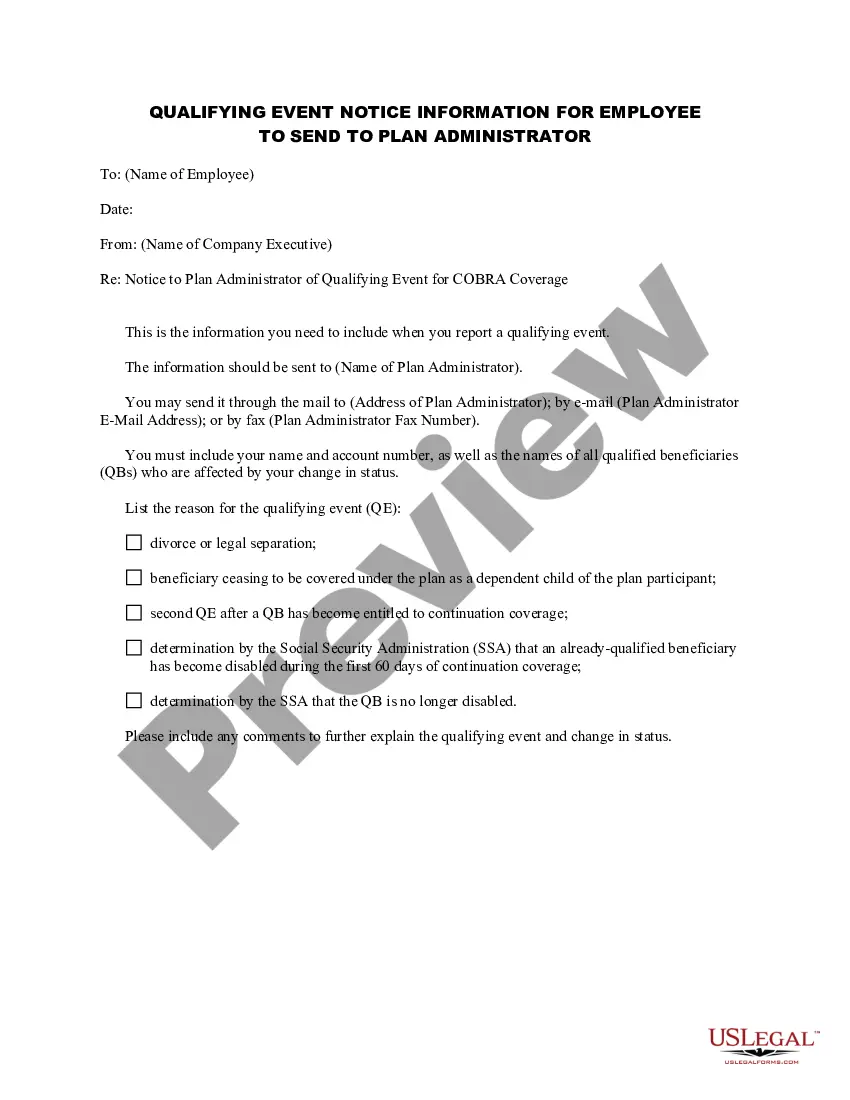
How to fill out Notice Of Annual Report Of Employee Benefits Plans?
The Yearly Report Form Template Layout you observe on this page is a versatile legal template created by experienced attorneys in accordance with federal and local statutes and regulations.
For over 25 years, US Legal Forms has furnished individuals, businesses, and lawyers with more than 85,000 validated, state-specific documents for any business and personal situation. It is the fastest, easiest, and most dependable method to acquire the paperwork you require, with the service ensuring the utmost level of data security and anti-virus protection.
Select the format you desire for your Yearly Report Form Template Layout (PDF, DOCX, RTF) and download the sample onto your device. Fill out and sign the documents. Print the template to fill it out manually. Alternatively, use an online multifunctional PDF editor to swiftly and accurately complete and sign your form with a legally-binding electronic signature. Re-download your documents as needed. Utilize the same document again whenever required by opening the My documents tab in your profile to redownload any previously downloaded forms. Register for US Legal Forms to have validated legal templates for all of life’s situations readily available.
- Search for the document you require and examine it.
- Browse through the file you searched and preview it or evaluate the form description to confirm it meets your needs. If it does not, utilize the search bar to find the correct one. Click Buy Now once you have located the template you seek.
- Enroll and sign in.
- Choose the pricing plan that accommodates you and establish an account. Use PayPal or a credit card to make a swift payment. If you already possess an account, Log In and check your subscription to proceed.
- Obtain the fillable template.
Form popularity
FAQ
An annual report typically consists of the following documents or sections: Letters to shareholders. Management's discussion and analysis (MD&A) General corporate information or business profile. Operating and financing highlights. Financial statements.
Generally, these are the 7 must-have pages: Cover Page. Table of content. Note From CEO, Chief Operating Officer, or Director. Executive Summary. Financial Overview. Project Overview. Projections.
How to Create a Great Annual Report 1) Choose the right format. 2) Craft a narrative. 3) Demonstrate your impact. 4) Humanize your work. 5) Visualize the numbers. 6) Follow design best practices. 7) Surprise your readers.
Use a 2-column layout for optimal readability. Leave plenty of whitespace in your report design. Apply consistent motifs across every page of your report design. Use color blocks to group related information.
An annual report for a publicly traded company typically contains highlights of the company's activities and performance during the previous year, future goals and objectives, a letter to shareholders from the CEO or company president, an auditor's report, and detailed financial statements.