Release Download
Description
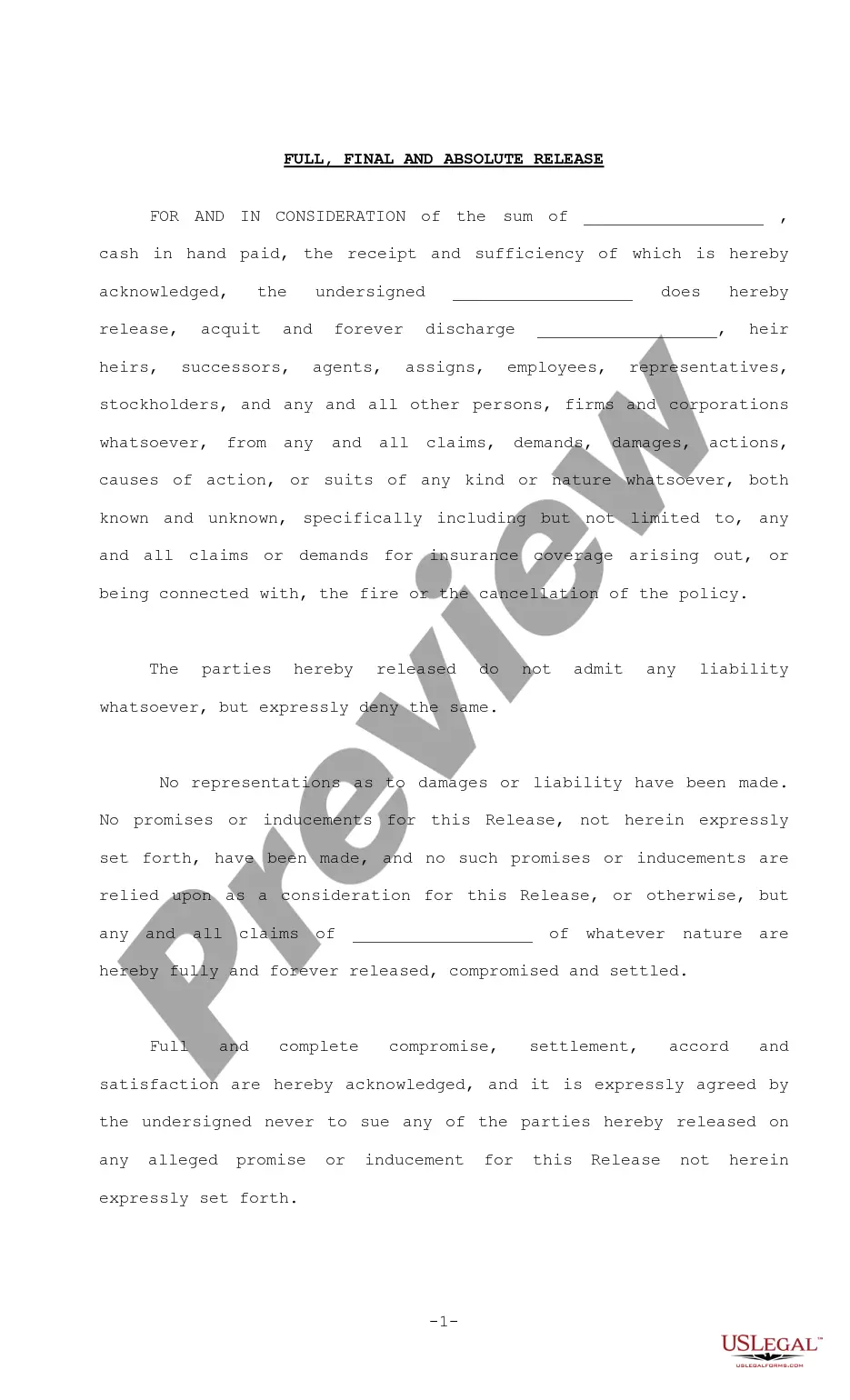
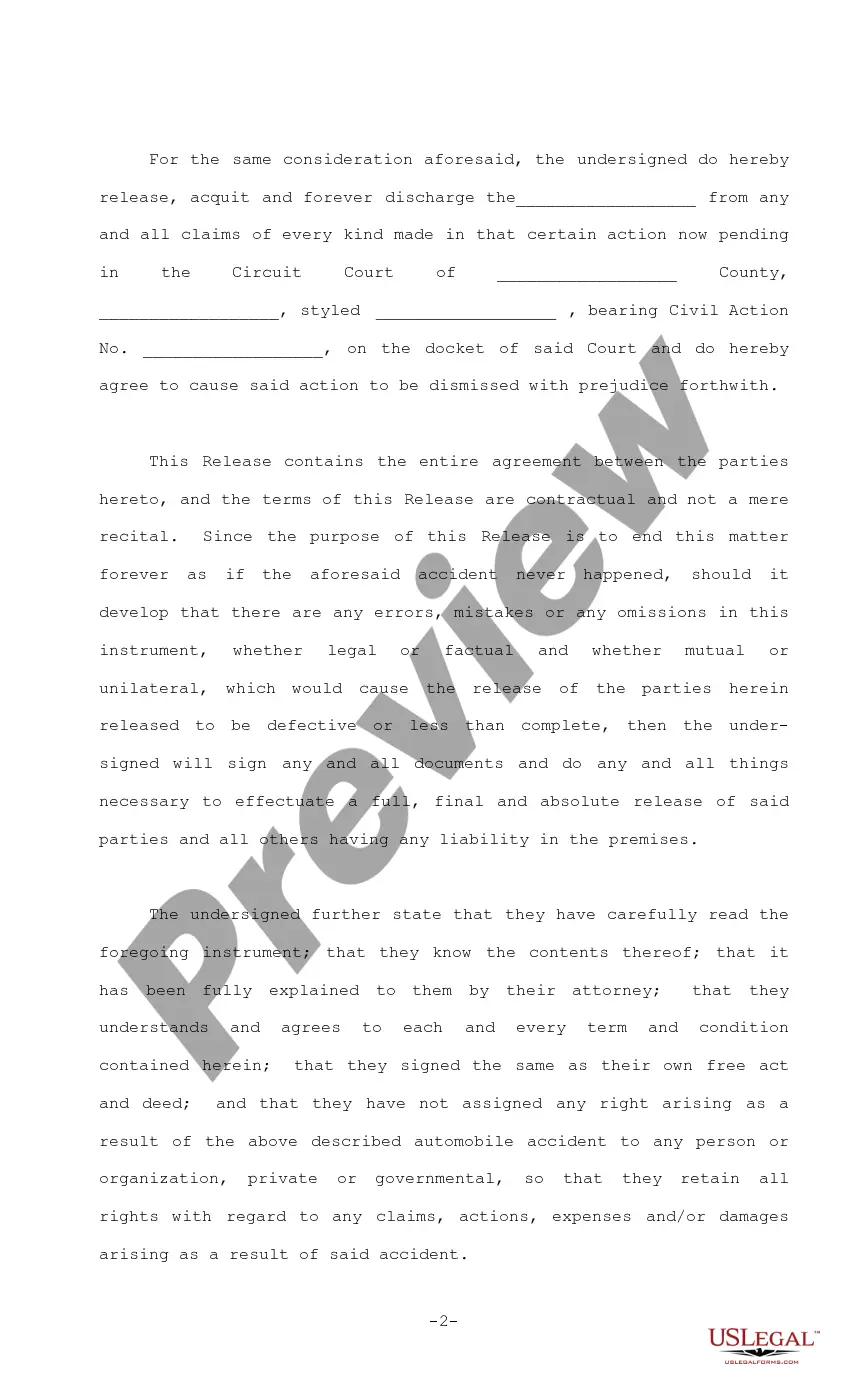
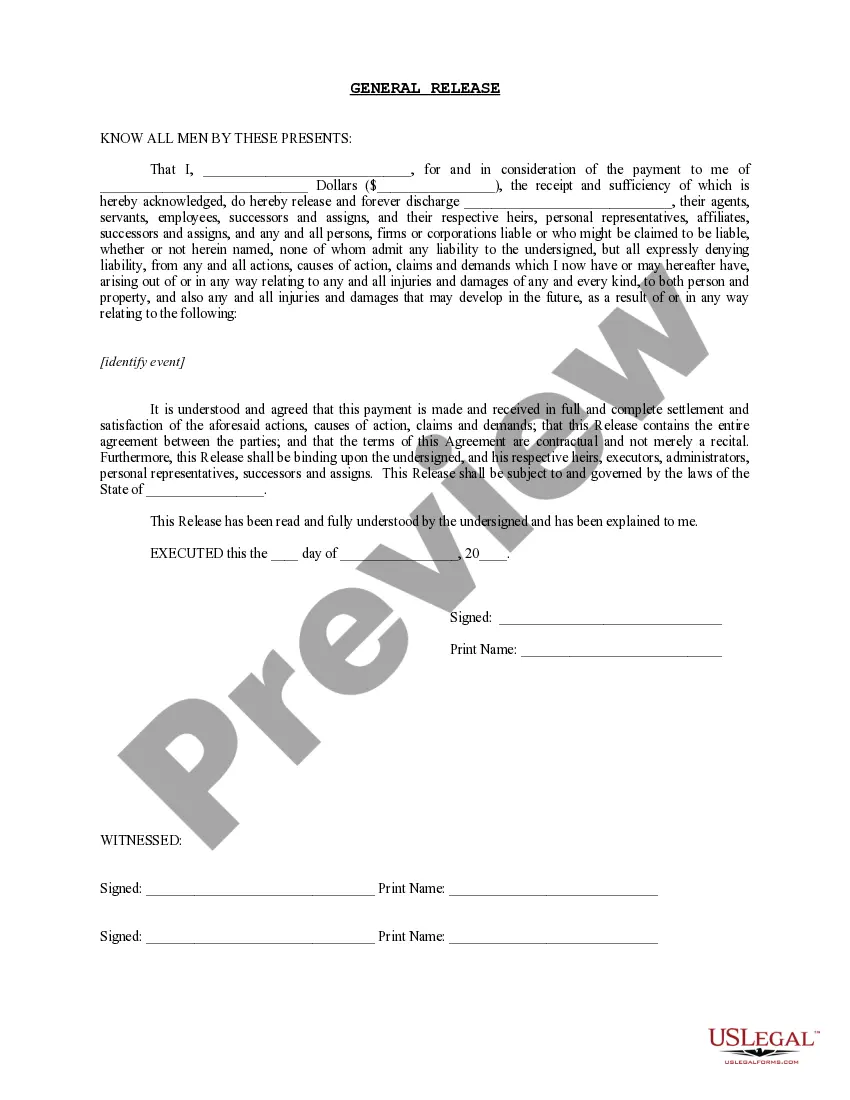
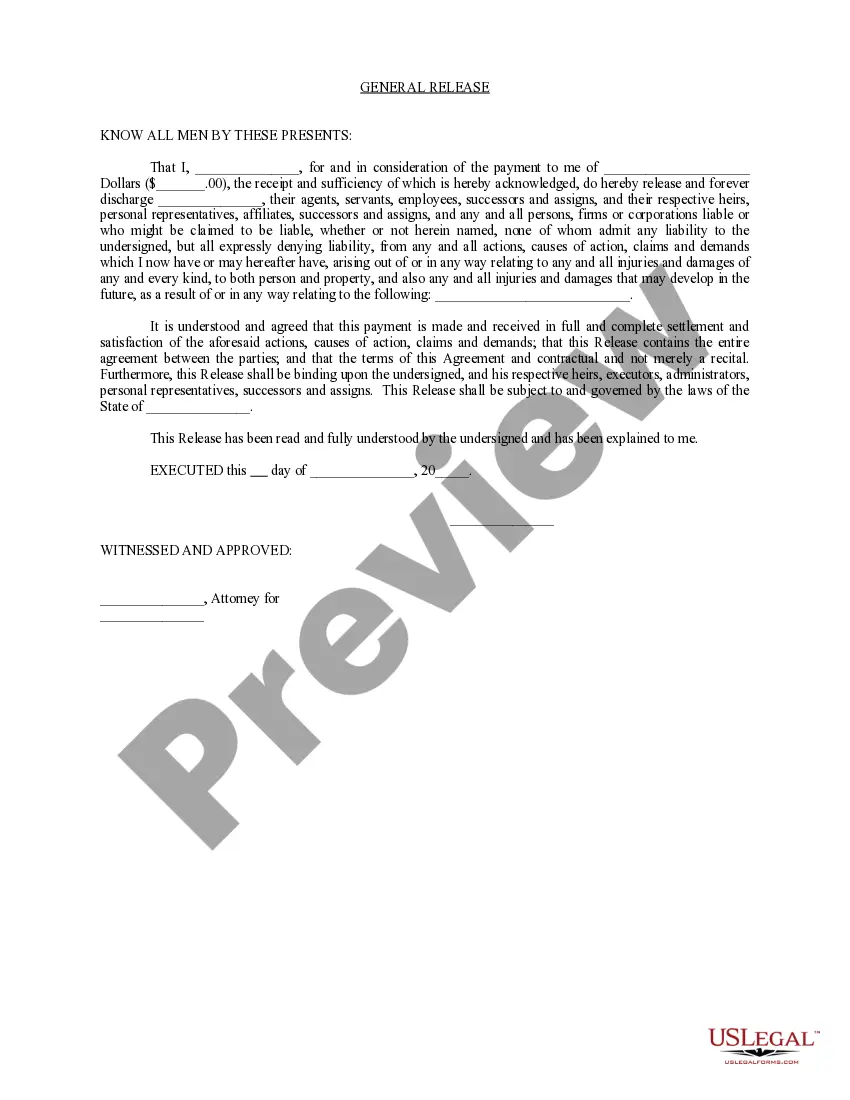

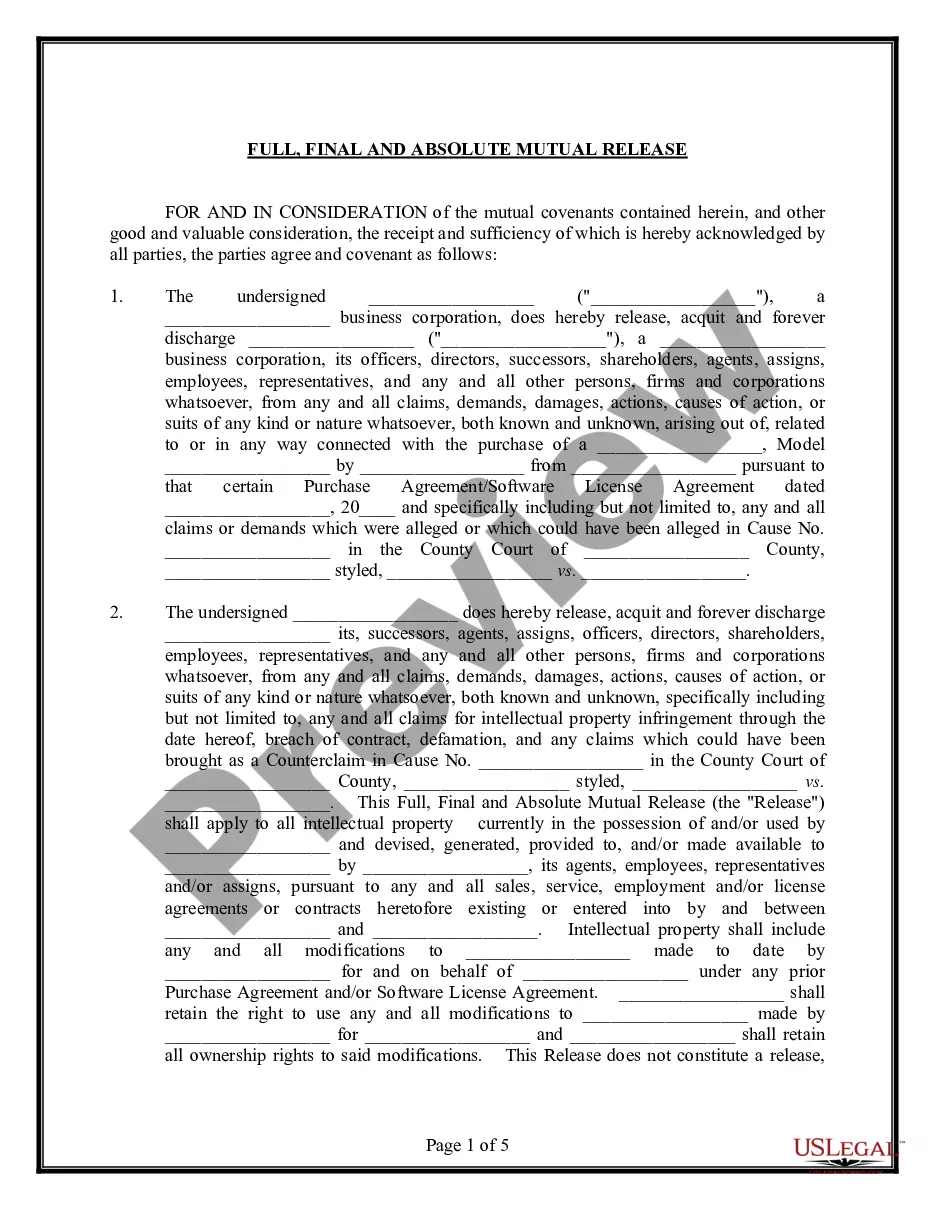
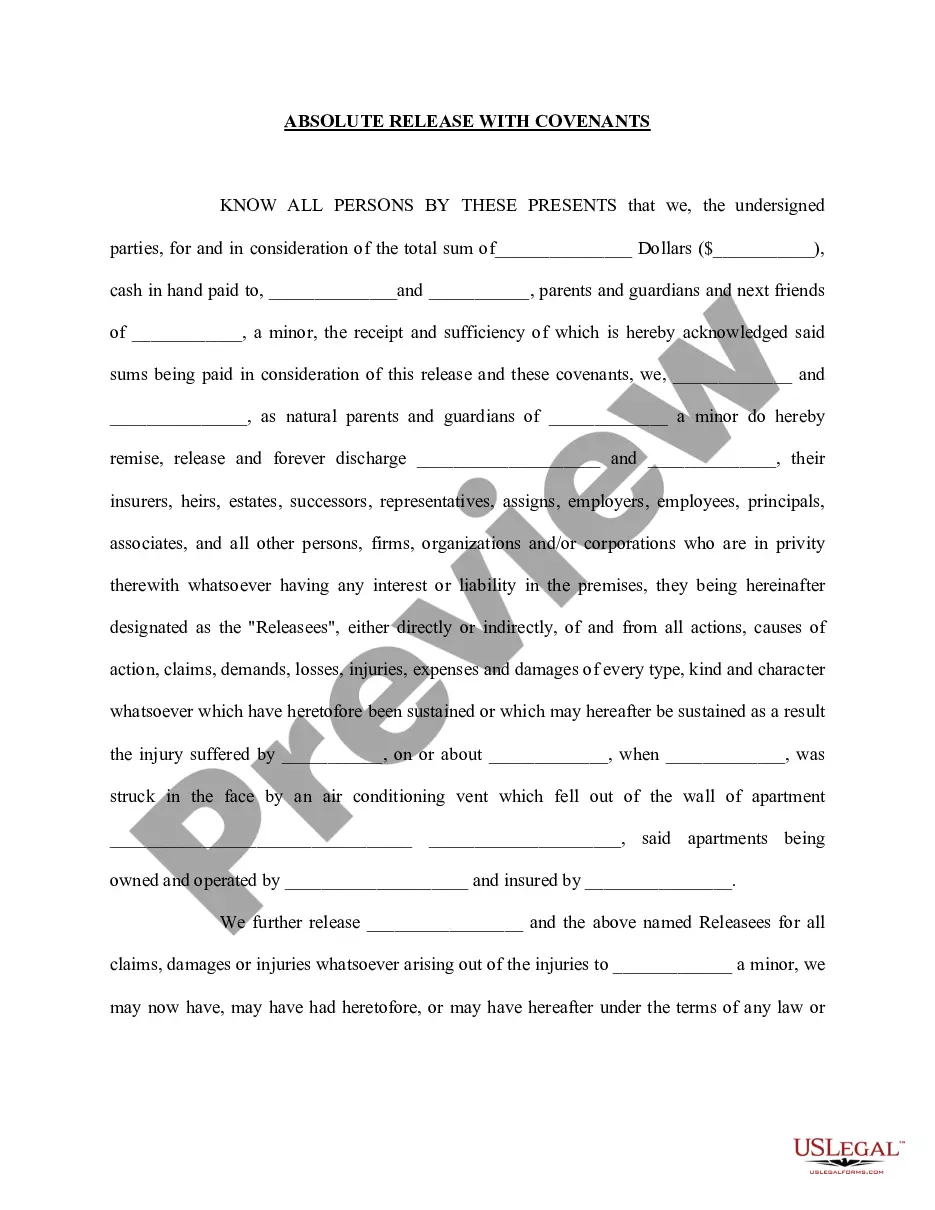
Get your form ready online
Our built-in tools help you complete, sign, share, and store your documents in one place.
Make edits, fill in missing information, and update formatting in US Legal Forms—just like you would in MS Word.
Download a copy, print it, send it by email, or mail it via USPS—whatever works best for your next step.
Sign and collect signatures with our SignNow integration. Send to multiple recipients, set reminders, and more. Go Premium to unlock E-Sign.
If this form requires notarization, complete it online through a secure video call—no need to meet a notary in person or wait for an appointment.
We protect your documents and personal data by following strict security and privacy standards.

Make edits, fill in missing information, and update formatting in US Legal Forms—just like you would in MS Word.

Download a copy, print it, send it by email, or mail it via USPS—whatever works best for your next step.

Sign and collect signatures with our SignNow integration. Send to multiple recipients, set reminders, and more. Go Premium to unlock E-Sign.

If this form requires notarization, complete it online through a secure video call—no need to meet a notary in person or wait for an appointment.

We protect your documents and personal data by following strict security and privacy standards.
Looking for another form?

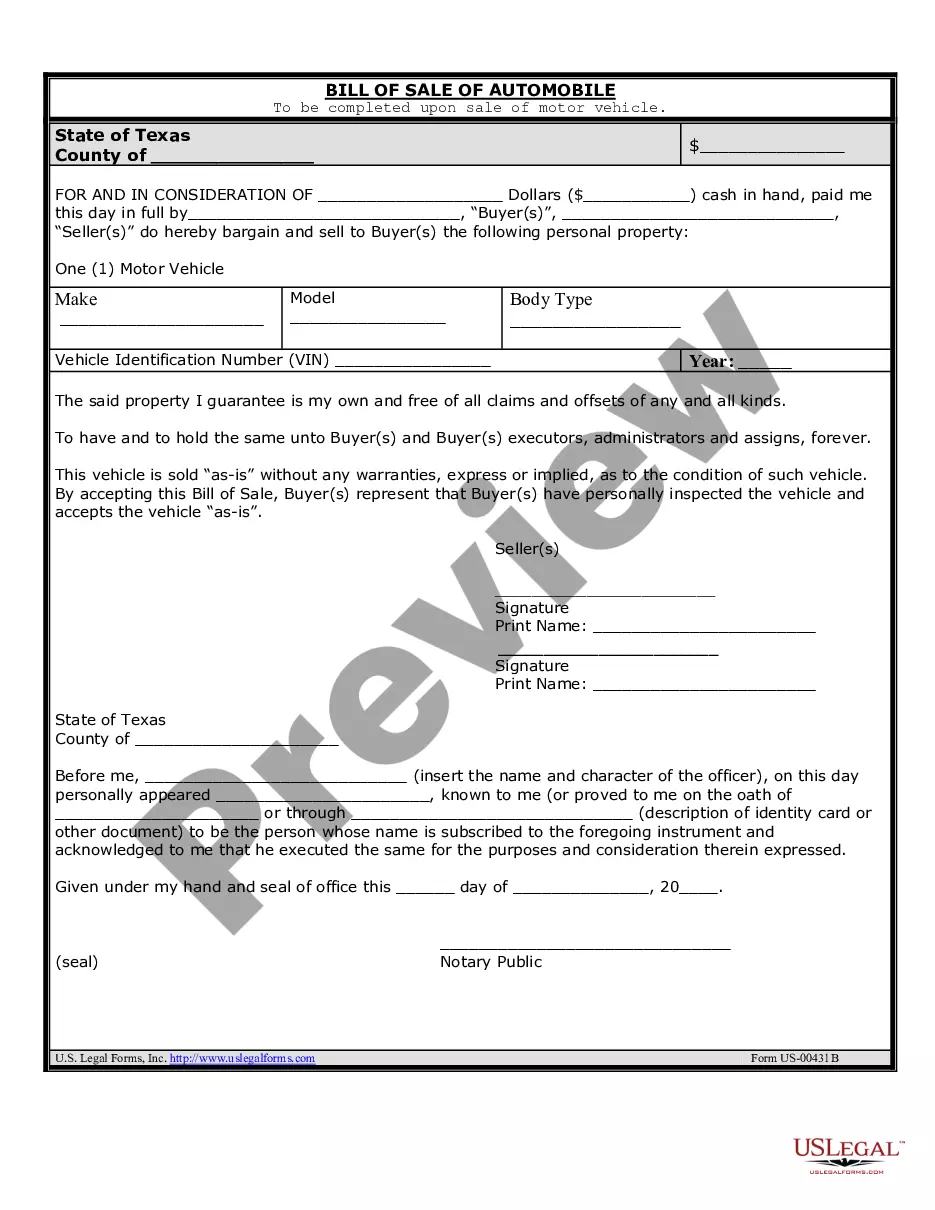
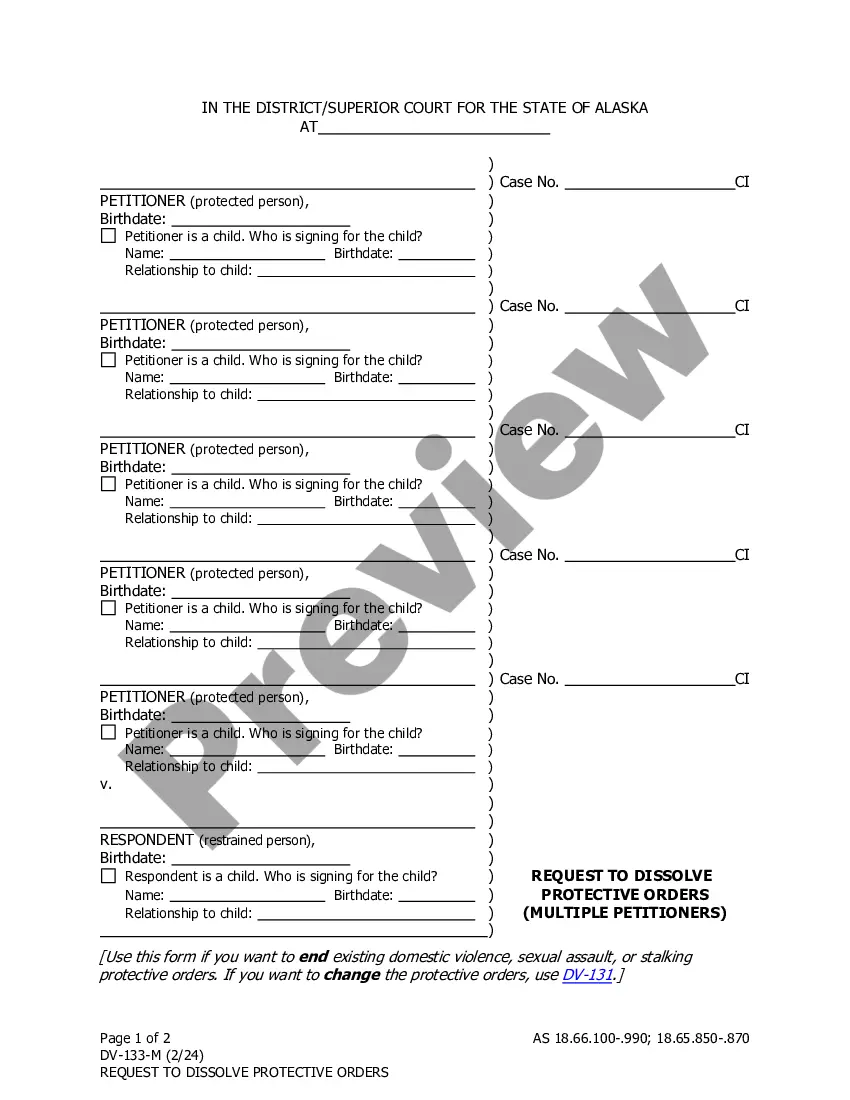

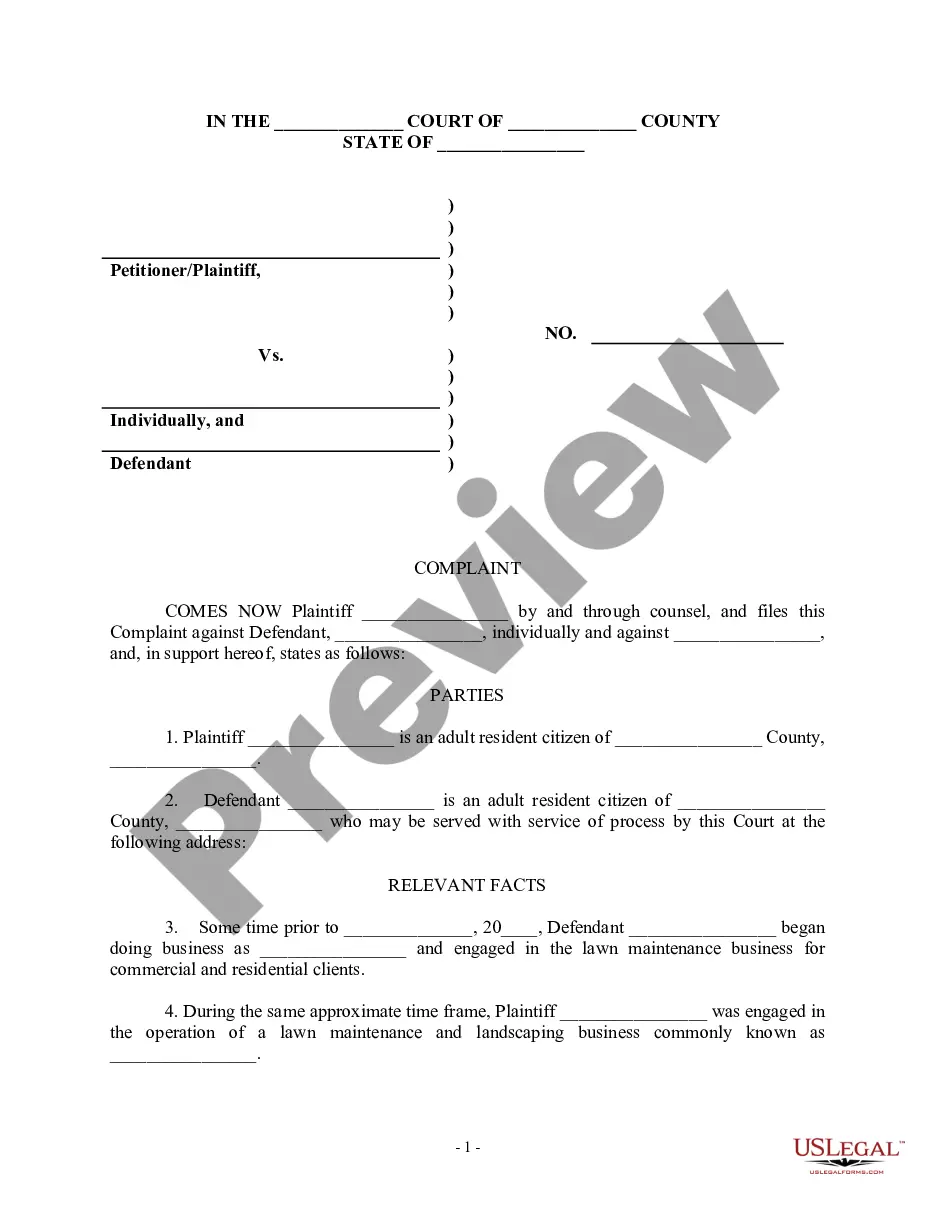
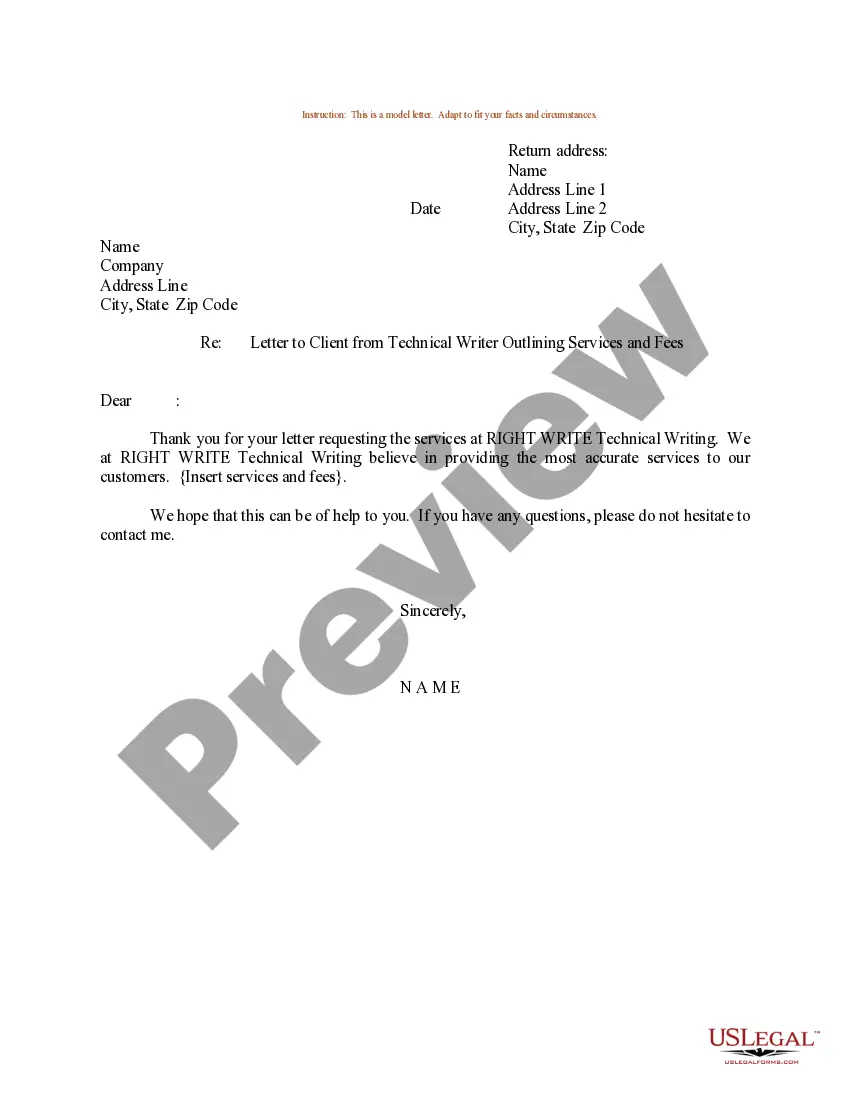


How to fill out Full, Final And Absolute Release?
- Log in to your account if you're a returning user. Ensure your subscription is active, or renew it based on your payment plan.
- Browse through the available forms and utilize the Preview mode for descriptions. Confirm that the selected form aligns with your requirements and local jurisdiction.
- If necessary, perform a search for other templates that may better fit your needs.
- Once you've found the right document, click the Buy Now button and select your preferred subscription plan. You will need to create an account for access.
- Complete your purchase by providing your payment information, either through credit card or PayPal.
- After payment, download your chosen form and save it on your device. You can access it later from the My Forms section of your profile.
In conclusion, US Legal Forms streamlines the process of obtaining legal documents, providing a wealth of resources at your fingertips. Whether you're a first-time user or returning, you can quickly navigate the release download process to secure the legal forms you need.
Start your journey with US Legal Forms today and experience the ease of accessing the legal documents you require.
Form popularity
FAQ
To see the download count of a GitHub release, visit the release's details page in the repository. Unfortunately, GitHub does not display download counts directly; however, you can use third-party analytics tools or GitHub API to track download statistics. Understanding these metrics can help optimize your release downloads.
Tracking releases in GitHub involves monitoring the Releases section of a repository. This section provides detailed information about each release, including version numbers and associated changes. By regularly checking for updates, you can stay informed on new release downloads and enhancements.
Finding downloads on GitHub is straightforward. Access the repository's Releases page, where you can see all available releases along with download links. This area provides clear visibility of each release download, allowing you to choose the version you want quickly.
To download a release from Git, you can use the command line or the GitHub website. If using the command line, execute the command 'git clone' followed by the repository's URL, and then check for release downloads in the repository. On the GitHub website, visit the Releases section to find and download the latest versions.
You can obtain GitHub statistics through various tools and analytics features available on the platform. By exploring the repository insights, you can find user engagement data and download counts for release downloads. This information helps you understand the popularity and usage trends of your repository.
To download a PDF from GitHub, navigate to the specific repository where the PDF is stored. Then, locate the file in the repository's file tree, click on it, and select the 'Download' button. This action will initiate the release download, providing you instant access to the PDF.
GitHub does not impose a strict download limit for releases. Instead, the platform allows you to download releases as needed. However, large files may take longer to download, so be prepared for potential delays when accessing substantial release downloads.
To convert a downloaded file into a PDF, you may need to use specific software or an online conversion tool. Many platforms, including uslegalforms, offer features that allow you to convert documents to PDF format easily. This method is ideal for ensuring your release download is accessible and compatible across multiple devices.
To create a link for file downloads, you can use HTML anchor tags. Include the file URL in the 'href' attribute and the link text in between the tags. This method enables a smooth and user-friendly approach for visitors looking to perform a release download effortlessly.
You can set your browser's download settings to automatically place downloaded files in a specific folder. Typically, this option is found in your browser's preferences under 'Downloads'. By customizing these settings, you ensure every release download goes exactly where you want it, making file management simpler.