Report For Employment Insurance
Description
Get your form ready online
Our built-in tools help you complete, sign, share, and store your documents in one place.
Make edits, fill in missing information, and update formatting in US Legal Forms—just like you would in MS Word.
Download a copy, print it, send it by email, or mail it via USPS—whatever works best for your next step.
Sign and collect signatures with our SignNow integration. Send to multiple recipients, set reminders, and more. Go Premium to unlock E-Sign.
If this form requires notarization, complete it online through a secure video call—no need to meet a notary in person or wait for an appointment.
We protect your documents and personal data by following strict security and privacy standards.

Make edits, fill in missing information, and update formatting in US Legal Forms—just like you would in MS Word.

Download a copy, print it, send it by email, or mail it via USPS—whatever works best for your next step.

Sign and collect signatures with our SignNow integration. Send to multiple recipients, set reminders, and more. Go Premium to unlock E-Sign.

If this form requires notarization, complete it online through a secure video call—no need to meet a notary in person or wait for an appointment.

We protect your documents and personal data by following strict security and privacy standards.
Looking for another form?








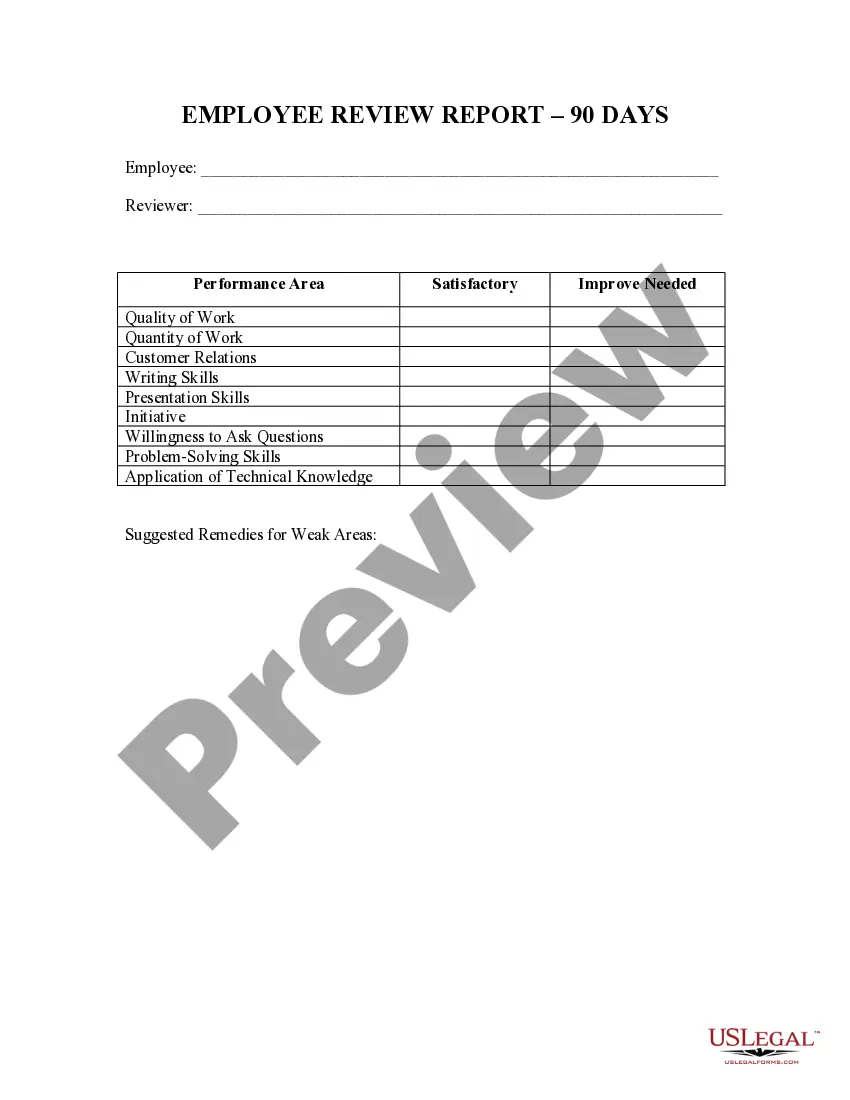
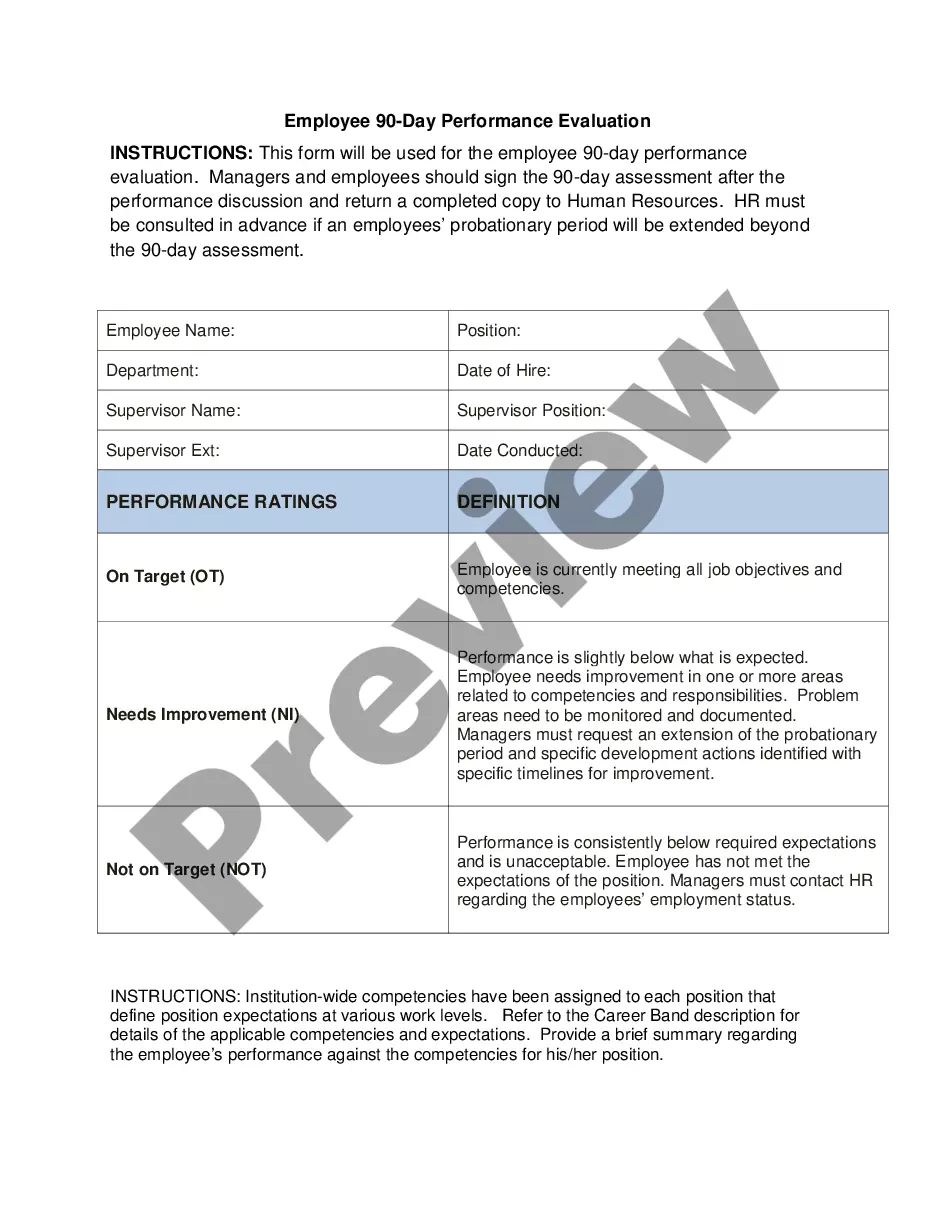
How to fill out Employee 90 Day Review Report?
It’s widely known that you cannot become a legal authority instantly, nor can you comprehend how to swiftly create a Report For Employment Insurance without a specialized education.
Developing legal documents is an elaborate task necessitating specific training and expertise. Therefore, why not entrust the creation of the Report For Employment Insurance to the experts.
With US Legal Forms, one of the most extensive legal template repositories, you can discover everything from court papers to templates for internal correspondence. We recognize the significance of compliance and adherence to national and local regulations.
Click Buy now. After the payment is completed, you can access the Report For Employment Insurance, complete it, print it out, and either send or mail it to the appropriate individuals or entities.
You can re-access your forms from the My documents section whenever needed. If you are a current client, you can easily Log In and find and download the template from the same section.
No matter the purpose of your forms—be it financial and legal or personal—our website has everything you need. Give US Legal Forms a try today!
- Start by visiting our website to obtain the document you need in just minutes.
- Use the search bar situated at the top of the page to find the document you require.
- Preview it (if this option is available) and review the accompanying description to see if Report For Employment Insurance is what you are looking for.
- If you need a different template, restart your search.
- Create a free account and select a subscription plan to purchase the form.
Form popularity
FAQ
To speak with a live person at Michigan Unemployment, first, call their customer service number during business hours. Be prepared for potential wait times, as call volume may be high. Once connected, you can ask about your claim, including how to report for employment insurance or get assistance with your case. Using platforms like US Legal Forms can also simplify your inquiries and streamline the reporting process.
To file for unemployment insurance in NYC, start by gathering necessary documents like your identification and work history. Visit the New York State Department of Labor's website, where you can report for employment insurance online. Alternatively, you can file by phone or visit a local office for assistance. Make sure to file your claim as soon as possible after losing your job to maximize your benefits.
You may be disqualified from unemployment benefits in New York if you voluntarily resign from your job without good cause, if you are fired for misconduct, or if you refuse suitable work. Additionally, failing to report income while receiving benefits can also lead to disqualification. To avoid issues, always provide truthful and complete information when you report for employment insurance.
In New York, the approval process for unemployment claims typically takes about two to three weeks. However, this duration can vary based on claim volume and specific circumstances of your case. To ensure a smoother process, it’s crucial to report for employment insurance accurately and provide all required information. Be sure to check your status online for updates.
To report for employment insurance, begin by visiting your state's unemployment website. You'll need to provide personal details such as your Social Security number, employment history, and reason for unemployment. Follow the online instructions to complete your claim accurately. If you prefer, you can also apply via phone or in person at a designated office.
Certain actions can disqualify you from receiving unemployment benefits in North Carolina. For instance, refusing suitable work, failing to report earnings while claiming benefits, or being disqualified due to an ongoing investigation can lead to denial. To address potential issues, utilize our resources to 'report for employment insurance' properly and secure your claim.
You can be denied unemployment in North Carolina for several reasons. Common factors include voluntarily leaving your job without good cause, failing to meet the minimum work search requirements, and being fired for misconduct. If you encounter difficulties while navigating your unemployment claim, consider using the 'Report for employment insurance' feature to ensure you meet all necessary criteria and maximize your eligibility.
In California, your unemployment benefits are typically a percentage of your prior earnings, with a maximum weekly benefit amount set by the state. If you made $1500 a week, you can estimate your benefits based on your earnings over the last 18 months. Keep in mind that benefits are subject to eligibility criteria. For detailed calculations and assistance, consider utilizing UsLegalForms, which can simplify the process of reporting and understanding unemployment insurance.
You can report unemployment insurance through your state's unemployment office. Visit their website or contact them directly for specific instructions on how to file your report. Make sure to have your personal information and details of your unemployment benefits ready. UsLegalForms offers valuable templates and resources to help you navigate the reporting process for employment insurance smoothly.
Yes, you must report unemployment income to the IRS. When you file your taxes, you should include any unemployment benefits you receive as part of your income. Failing to report this income can lead to penalties or increased tax liability. To ensure compliance and accuracy, consider using resources like UsLegalForms to guide you through the reporting process for employment insurance.