Signature Sample For My Name
Description


Get your form ready online
Our built-in tools help you complete, sign, share, and store your documents in one place.
Make edits, fill in missing information, and update formatting in US Legal Forms—just like you would in MS Word.
Download a copy, print it, send it by email, or mail it via USPS—whatever works best for your next step.
Sign and collect signatures with our SignNow integration. Send to multiple recipients, set reminders, and more. Go Premium to unlock E-Sign.
If this form requires notarization, complete it online through a secure video call—no need to meet a notary in person or wait for an appointment.
We protect your documents and personal data by following strict security and privacy standards.

Make edits, fill in missing information, and update formatting in US Legal Forms—just like you would in MS Word.

Download a copy, print it, send it by email, or mail it via USPS—whatever works best for your next step.

Sign and collect signatures with our SignNow integration. Send to multiple recipients, set reminders, and more. Go Premium to unlock E-Sign.

If this form requires notarization, complete it online through a secure video call—no need to meet a notary in person or wait for an appointment.

We protect your documents and personal data by following strict security and privacy standards.
Looking for another form?






How to fill out Signature And Name Affidavit?
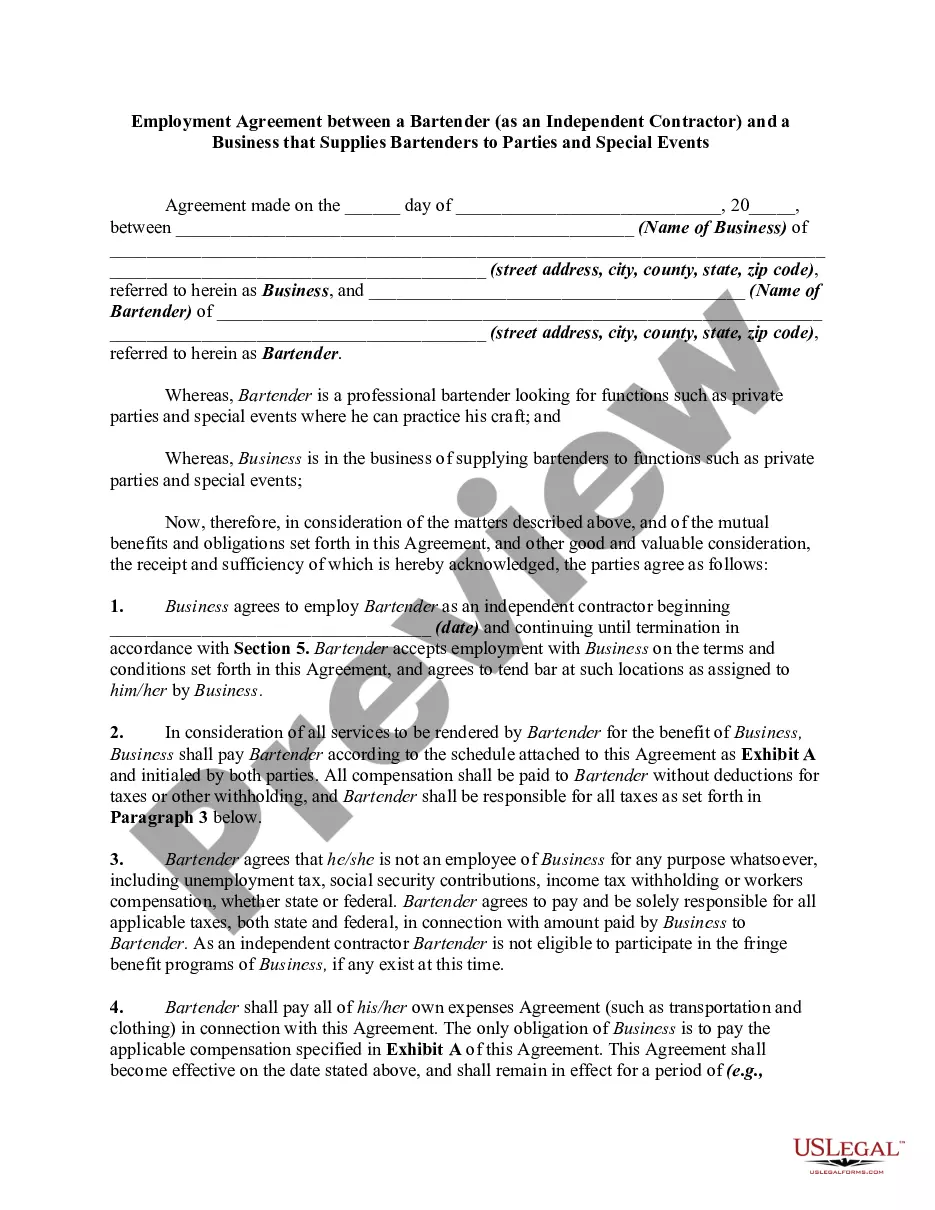
The Signature Example For My Name displayed on this page is a versatile legal template crafted by experienced attorneys in compliance with federal and state laws.
For over 25 years, US Legal Forms has supplied individuals, organizations, and legal practitioners with over 85,000 authenticated, state-specific documents for any business and personal circumstance. It’s the quickest, simplest, and most dependable method to acquire the documentation you require, as the service ensures the utmost level of data confidentiality and anti-malware safeguards.
Subscribe to US Legal Forms to have verified legal templates for all of life’s scenarios at your fingertips.
- Search for the document you need and review it.
- Examine the sample you searched for and preview it or check the form description to confirm it meets your needs. If it doesn’t, utilize the search bar to find the correct one. Click Buy Now once you have discovered the template you require.
- Register and Log In.
- Select the pricing option that fits you and create an account. Use PayPal or a credit card to make a swift payment. If you already possess an account, Log In and check your subscription to move forward.
- Acquire the editable template.
- Choose the format you desire for your Signature Example For My Name (PDF, DOCX, RTF) and download the sample onto your device.
- Complete and sign the documents.
- Print out the template to fulfill it manually. Alternatively, use an online multifunctional PDF editor to quickly and accurately complete and sign your form with an electronic signature.
- Redownload your documents once again.
- Use the same document again whenever necessary. Open the My documents tab in your profile to redownload any previously retrieved forms.
Form popularity
FAQ
To amend your Kansas articles of incorporation online, visit the Kansas.gov Business Center website. You get there by going to the SOS website and clicking on ?Business Filing Center.? Then you can choose to file the amendment. You will need the business entity name and/or business entity I.D.
A California Foreign Corporation is an INC originally formed in another state that registers to do business in California. The process of registering a foreign Corporation in California is called foreign qualification.
(b) "Foreign covered entity" means a covered entity whose internal affairs are governed by the laws of a jurisdiction other than this state. (c) "Public organic document" means the filing of the public record which creates an entity and any amendment to or restatement of that record.
To register a foreign LLC in Kansas, you must file an Application for Registration of Foreign Covered Entity with the Kansas Secretary of State. You can submit this document by mail, fax, or in person. The application costs $165 to file.
To register a foreign corporation in Kansas, you must file an Application for Registration of Foreign Covered Entity with the Kansas Secretary of State. . You can submit this document by mail, by fax, or in person. The Foreign Corporation Application for a foreign Kansas corporation costs $115 to file.
To revive or reinstate your Kansas LLC, you'll need to submit the following to the Kansas Secretary of State: a completed Certificate of Reinstatement of Limited Liability Company. all past due annual reports. the $35 filing fee plus fees for late annual reports, if needed.
To reinstate a business, an annual report must be filed for each year since the last year on file along with a reinstate- ment form. Print the annual report forms from the Secretary of State's website at under ?Business Services? then ?Business Services Forms? at the top of the page.
Kansas LLC Cost. Filing the formation paperwork to start your Kansas LLC will cost $165 ($160 online). You'll also need to pay $55 ($50 online) every year to file your Kansas Annual Report.
