Signature Name Form With Two Points
Description


Get your form ready online
Our built-in tools help you complete, sign, share, and store your documents in one place.
Make edits, fill in missing information, and update formatting in US Legal Forms—just like you would in MS Word.
Download a copy, print it, send it by email, or mail it via USPS—whatever works best for your next step.
Sign and collect signatures with our SignNow integration. Send to multiple recipients, set reminders, and more. Go Premium to unlock E-Sign.
If this form requires notarization, complete it online through a secure video call—no need to meet a notary in person or wait for an appointment.
We protect your documents and personal data by following strict security and privacy standards.

Make edits, fill in missing information, and update formatting in US Legal Forms—just like you would in MS Word.

Download a copy, print it, send it by email, or mail it via USPS—whatever works best for your next step.

Sign and collect signatures with our SignNow integration. Send to multiple recipients, set reminders, and more. Go Premium to unlock E-Sign.

If this form requires notarization, complete it online through a secure video call—no need to meet a notary in person or wait for an appointment.

We protect your documents and personal data by following strict security and privacy standards.
Looking for another form?
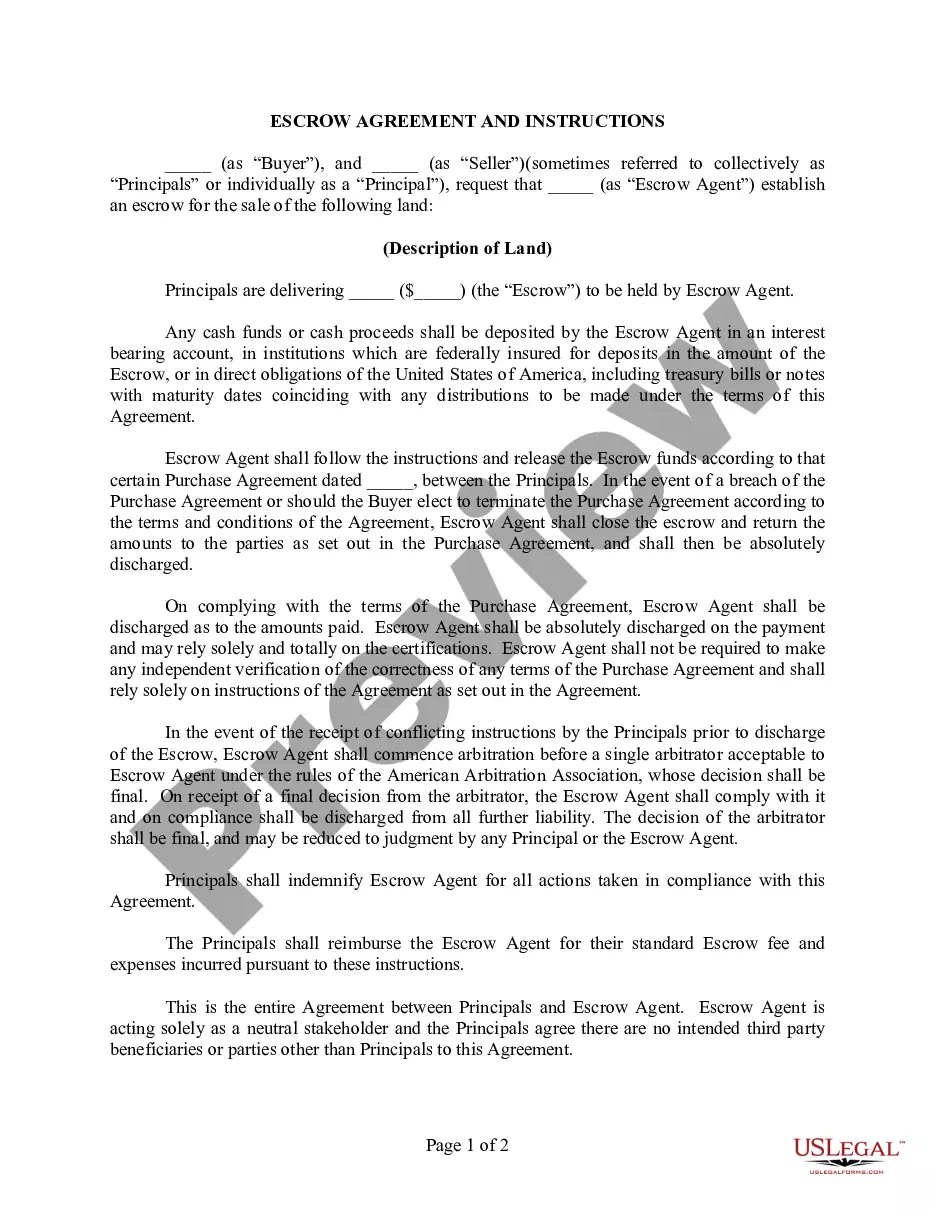






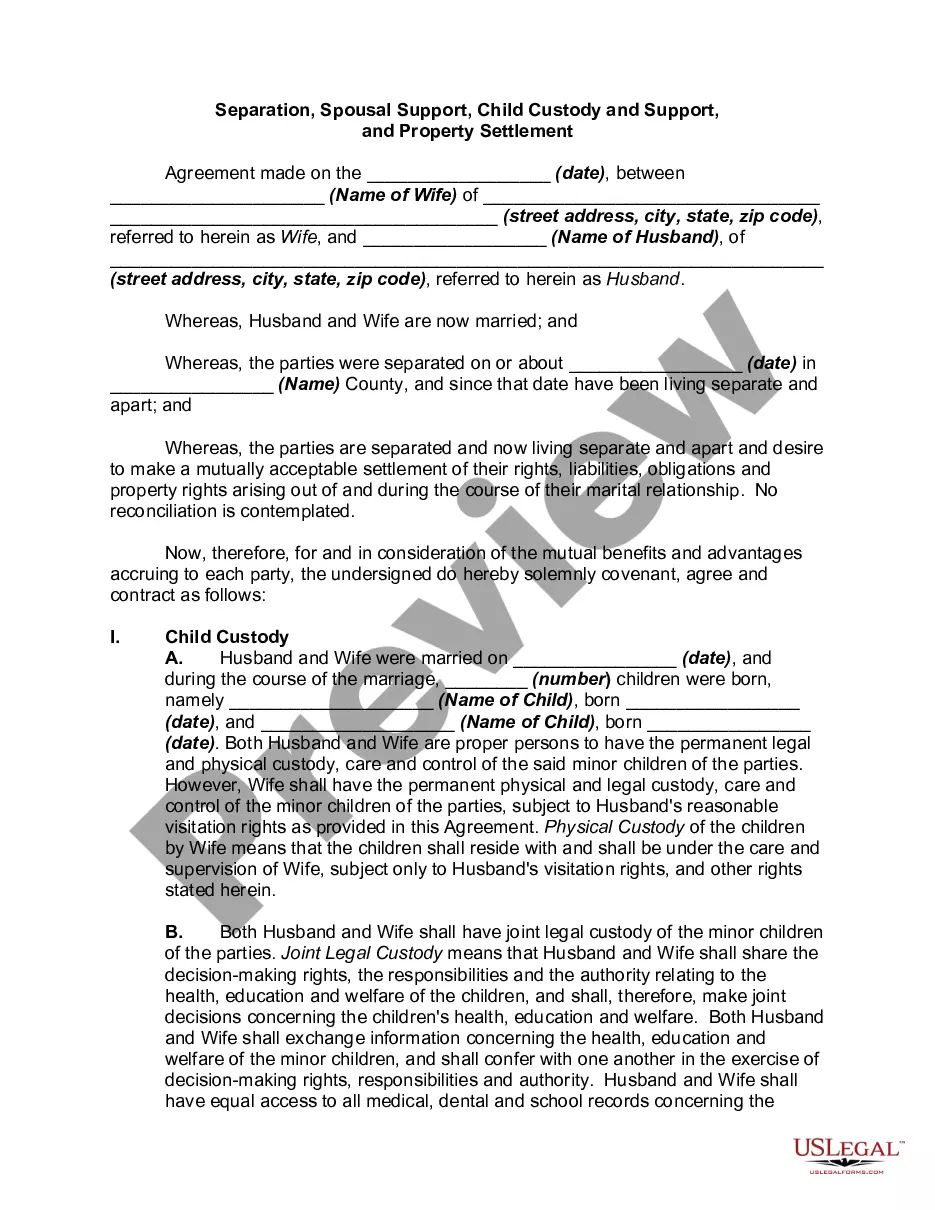

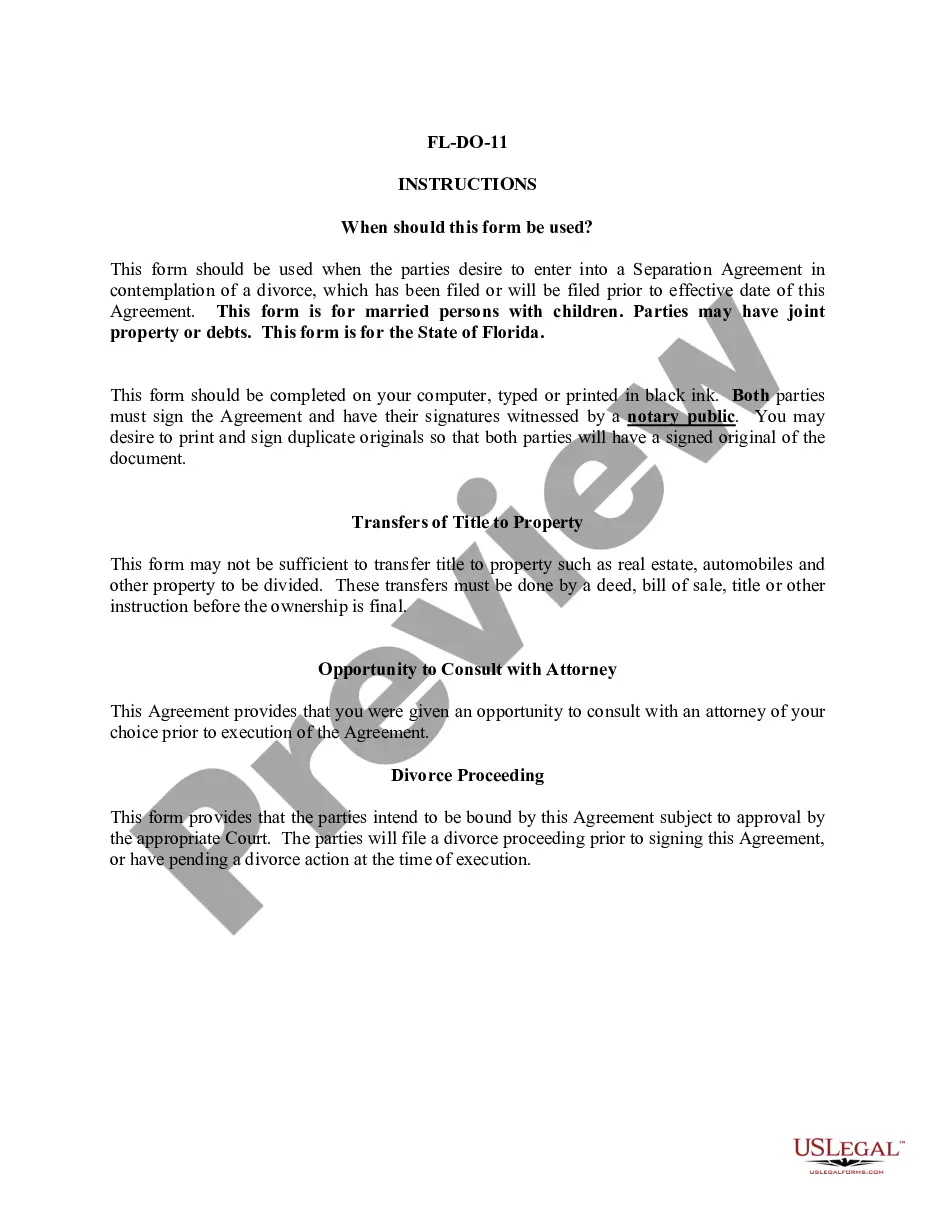
How to fill out Signature And Name Affidavit?
Dealing with legal documents and operations can be a lengthy addition to your day.
Signature Name Form With Two Points and similar forms frequently necessitate searching for them and comprehending how to fill them out correctly.
Therefore, if you are managing financial, legal, or personal issues, having a comprehensive and user-friendly online collection of forms readily available will be beneficial.
US Legal Forms is the leading online source of legal templates, providing over 85,000 state-specific documents and various tools to assist you in completing your paperwork efficiently.
Is this your first time using US Legal Forms? Register and create a free account in just a few minutes to gain access to the form library and Signature Name Form With Two Points. Then, follow these steps to complete your form: Ensure you have found the correct document by utilizing the Preview feature and reviewing the form details. Click Buy Now when ready, and choose the monthly subscription plan that fits your requirements. Click Download, then complete, eSign, and print the document. US Legal Forms has twenty-five years of experience helping individuals manage their legal documents. Obtain the form you need today and simplify any process without stress.
- Browse the collection of relevant documents accessible to you with just one click.
- US Legal Forms offers you state- and county-specific documents available for download at any time.
- Safeguard your document management processes with a premium service that enables you to create any form in minutes without additional or hidden costs.
- Simply Log In to your account, locate Signature Name Form With Two Points, and download it instantly from the My documents section.
- You can also access forms you have downloaded previously.
Form popularity
FAQ
To add dots in your initials, simply place a period after each letter. For example, your initials John Michael Doe would appear as J.M.D. This clear format is ideal for use on a Signature name form with two points, ensuring your identity is easily recognized.
To place initials after your name, write your full name first, followed by a comma and your initials. For example, John Doe, J.D. This format is effective for a Signature name form with two points, helping to maintain a formal and organized appearance.
To include degrees in your signature, write your name followed by a comma and your degrees. For instance, John Doe, PhD, JD. This format is suitable for a Signature name form with two points, as it presents your qualifications clearly and professionally.
To write initials with dots, simply place a period after each initial without any spaces. For example, if your name is Jane Smith, your initials should be written as J.S. This format is commonly accepted and can be easily used on a Signature name form with two points.
Yes, it is standard practice to place a period after each initial. For instance, if your name is John Doe, you would write it as J.D. This formatting is especially important when completing a Signature name form with two points, as it ensures clarity and professionalism.
When filling out forms with two middle names, include the initials for both middle names. For example, if your name is John Michael Anthony Doe, write your initials as JMA Doe. This approach keeps your name clear and recognizable on a Signature name form with two points.
To write your initials correctly, use the first letter of your first name, middle name, and last name. For example, if your name is John Michael Doe, your initials would be JMD. Ensure that you maintain consistent formatting throughout your documents, especially on a Signature name form with two points.
Creating signature lines in Word involves going to the 'Insert' tab and selecting 'Signature Line'. Fill out the necessary information in the dialog box to create a line that includes the signer's name and title. You can customize the appearance to fit your document's style. Utilizing the Signature name form with two points can enhance the effectiveness of your signature lines.
To add two signatures in a letter, position your cursor where you want the first signature to appear. You can type the name below the signature line for clarity. For the second signature, leave space after the first and repeat the process. Using the Signature name form with two points can provide a professional touch to your correspondence.
Creating two signature lines in Word is straightforward. Simply go to the 'Insert' tab and select 'Shapes', then choose the line option to draw two horizontal lines where you want the signatures. You can also use the 'Signature Line' feature for a more formal appearance. Incorporating the Signature name form with two points ensures that each line is clearly defined and serves its purpose.
