Hipaa Form Statement For Email
Description











Get your form ready online
Our built-in tools help you complete, sign, share, and store your documents in one place.
Make edits, fill in missing information, and update formatting in US Legal Forms—just like you would in MS Word.
Download a copy, print it, send it by email, or mail it via USPS—whatever works best for your next step.
Sign and collect signatures with our SignNow integration. Send to multiple recipients, set reminders, and more. Go Premium to unlock E-Sign.
If this form requires notarization, complete it online through a secure video call—no need to meet a notary in person or wait for an appointment.
We protect your documents and personal data by following strict security and privacy standards.

Make edits, fill in missing information, and update formatting in US Legal Forms—just like you would in MS Word.

Download a copy, print it, send it by email, or mail it via USPS—whatever works best for your next step.

Sign and collect signatures with our SignNow integration. Send to multiple recipients, set reminders, and more. Go Premium to unlock E-Sign.

If this form requires notarization, complete it online through a secure video call—no need to meet a notary in person or wait for an appointment.

We protect your documents and personal data by following strict security and privacy standards.
Looking for another form?


How to fill out HIPAA Notice Of Privacy Practices?
Handling legal documents and procedures can be a lengthy addition to your day.
HIPAA Form Statement for Email and similar forms typically require you to search for them and figure out how to fill them out correctly.
Consequently, whether you are managing financial, legal, or personal issues, having a comprehensive and accessible online repository of forms at your disposal will greatly assist you.
US Legal Forms is the leading online service for legal templates, boasting over 85,000 state-specific documents and various resources to help you finalize your paperwork promptly.
Is this your first time using US Legal Forms? Sign up and create your account in a few minutes, granting you access to the form library and HIPAA Form Statement for Email. Next, follow these steps to complete your form: Ensure you have the correct form by utilizing the Review function and checking the form description. Select Buy Now when ready, and pick the subscription plan that suits your needs. Click Download, then fill out, eSign, and print the form. US Legal Forms has a quarter-century of experience aiding individuals with their legal documentation. Find the form you require today and streamline any process effortlessly.
- Explore the collection of relevant documents available with just a single click.
- US Legal Forms provides state- and county-specific forms that you can download anytime.
- Safeguard your document management tasks by utilizing a reliable service that enables you to prepare any form in minutes, free of extra or hidden charges.
- Simply Log In to your account, locate HIPAA Form Statement for Email, and download it directly from the My documents section.
- You can also retrieve previously downloaded forms.
Form popularity
FAQ
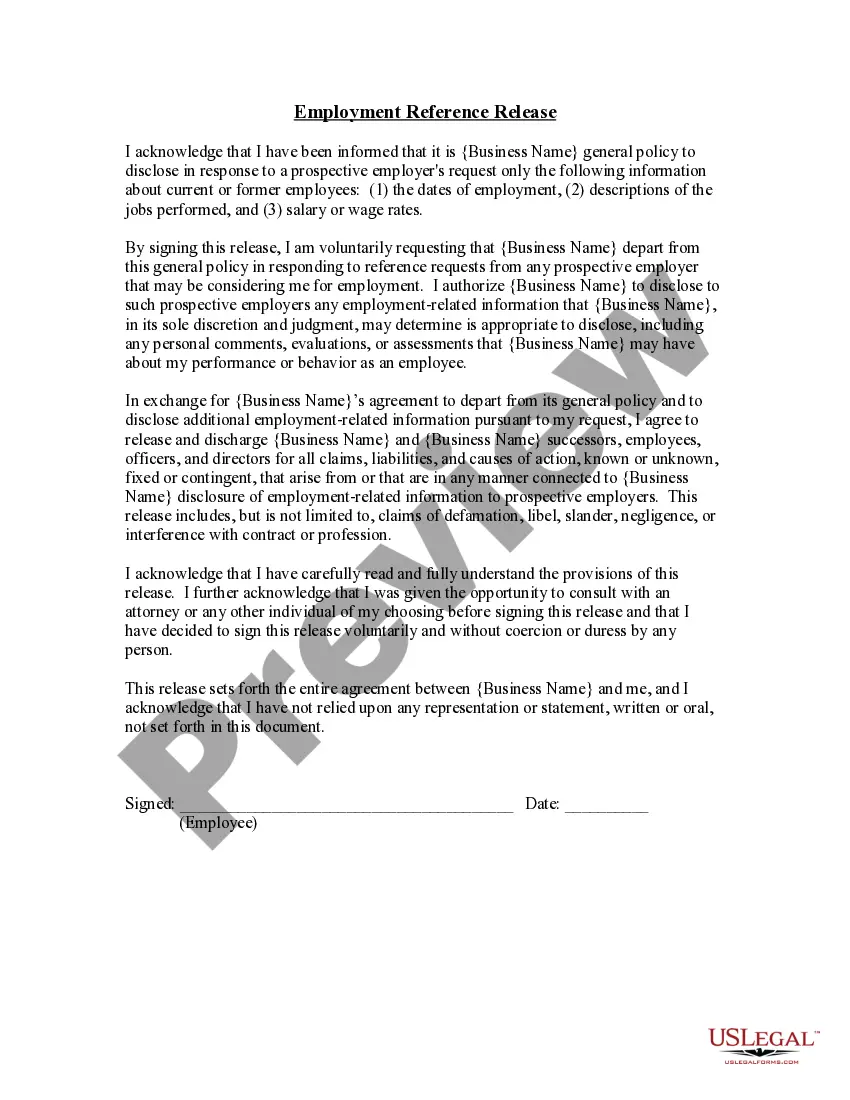
How Do You Write a Release Form? The first step in writing is identifying all parties involved, including the releaser and the release. Specify the activity or event in detail, such as a photo shoot, a video production, or a performance. Clearly specify what is being released, whether liability, claims, or damages.
Emails including PHI shouldn't be transmitted unless the email is encrypted using a third-party program or encryption with 3DES, AES, or similar algorithms. If the PHI is in the body text, the message must be encrypted. If it's part of an attachment, the attachment can be encrypted instead.
I hereby authorize use or disclosure of protected health information about me as described below. I understand that the information used or disclosed may be subject to re-disclosure by the person or class of persons or facility receiving it, and would then no longer be protected by federal privacy regulations.
compliant HIPAA release form must, at the very least, contain the following information: A description of the information that will be used/disclosed. The purpose for which the information will be disclosed. The name of the person or entity to whom the information will be disclosed.
Example of a good ?HIPAA? disclaimer: The information contained in this transmission is privileged and confidential and/or protected health information (PHI) and may be subject to protection under the law, including the Health Insurance Portability and Accountability Act of 1996, as amended (HIPAA).