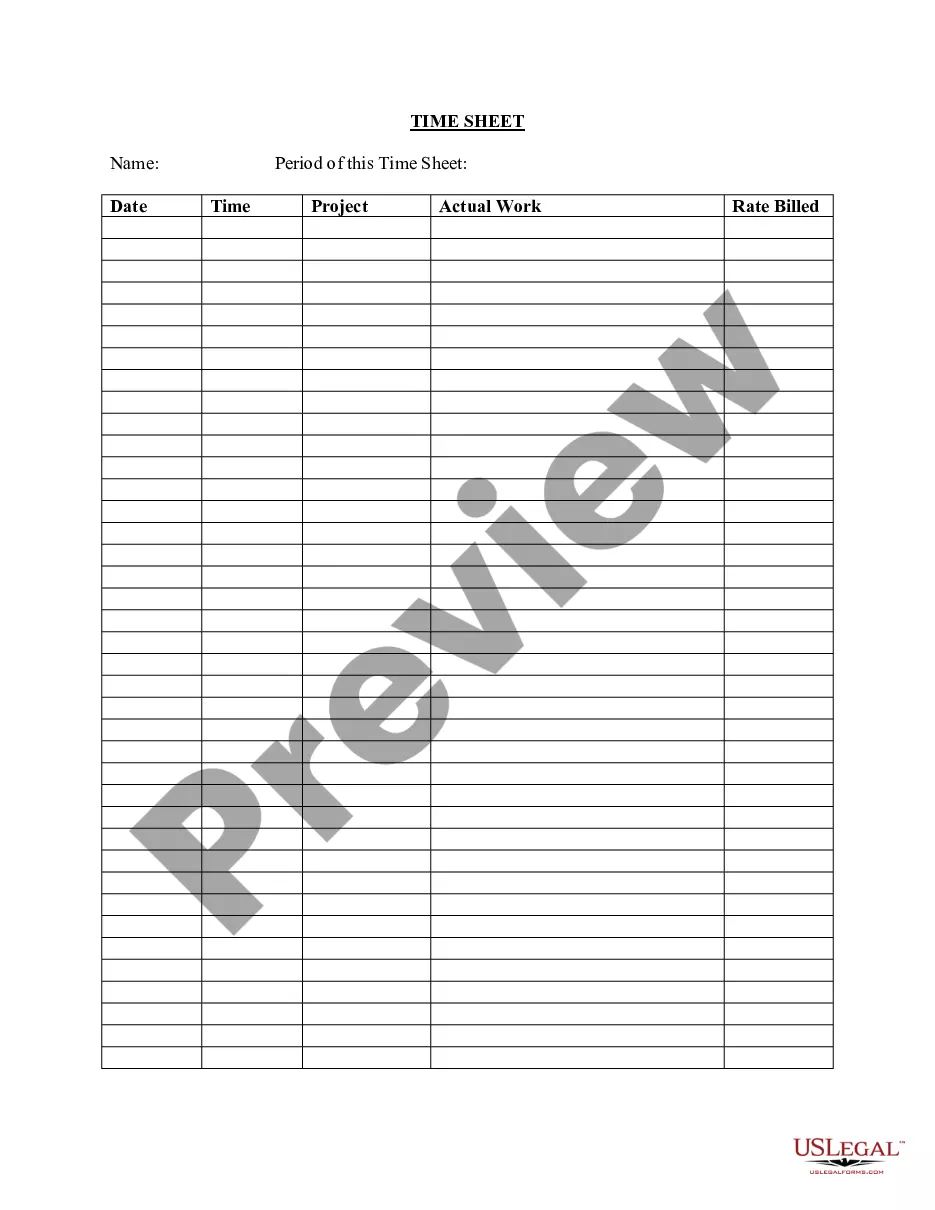
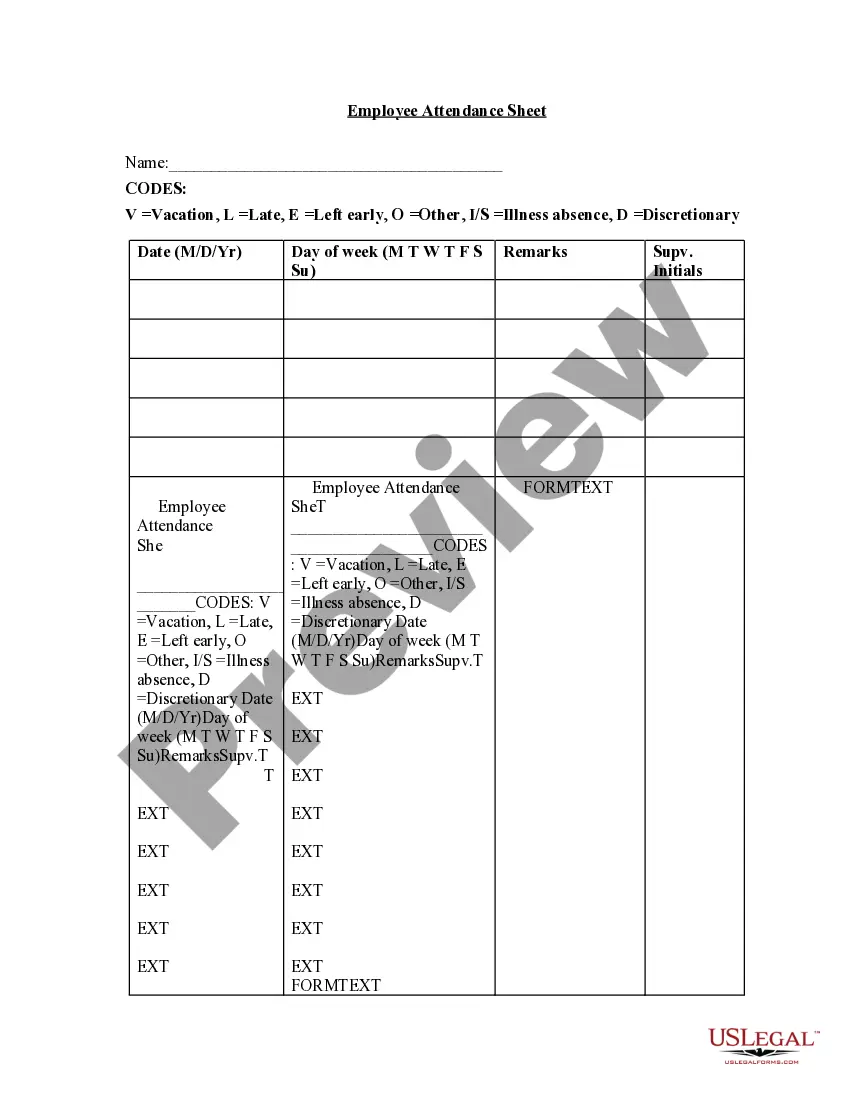
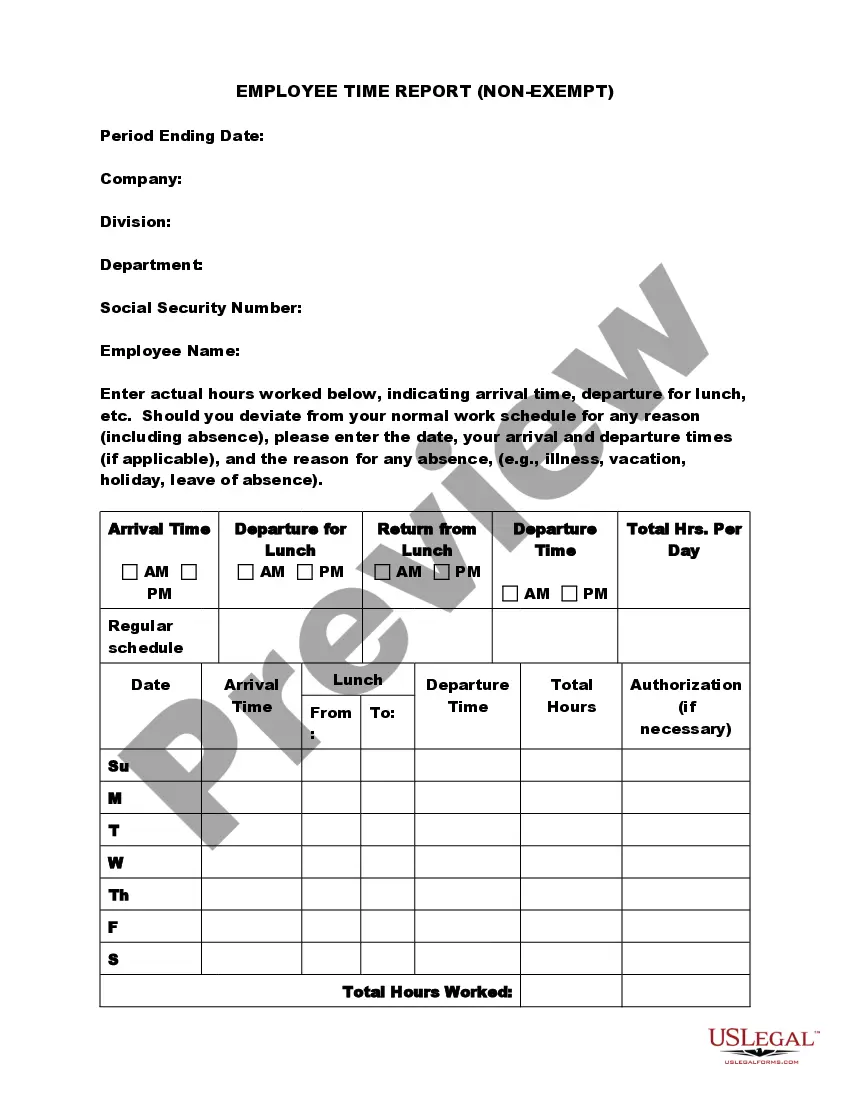
Employee Time Sheet Sample For Work
Description
Get your form ready online
Our built-in tools help you complete, sign, share, and store your documents in one place.
Make edits, fill in missing information, and update formatting in US Legal Forms—just like you would in MS Word.
Download a copy, print it, send it by email, or mail it via USPS—whatever works best for your next step.
Sign and collect signatures with our SignNow integration. Send to multiple recipients, set reminders, and more. Go Premium to unlock E-Sign.
If this form requires notarization, complete it online through a secure video call—no need to meet a notary in person or wait for an appointment.
We protect your documents and personal data by following strict security and privacy standards.

Make edits, fill in missing information, and update formatting in US Legal Forms—just like you would in MS Word.

Download a copy, print it, send it by email, or mail it via USPS—whatever works best for your next step.

Sign and collect signatures with our SignNow integration. Send to multiple recipients, set reminders, and more. Go Premium to unlock E-Sign.

If this form requires notarization, complete it online through a secure video call—no need to meet a notary in person or wait for an appointment.

We protect your documents and personal data by following strict security and privacy standards.
Looking for another form?



How to fill out Employee Time Sheet?
Managing legal documents can be exasperating, even for seasoned professionals.
When you are looking for an Employee Time Sheet Example for Work and lack the time to dedicate to finding the correct and current version, the tasks may become challenging.
Access legal and business forms tailored to specific states or counties. US Legal Forms satisfies any requirements you may have, covering personal and business documents all in one location.
Utilize advanced tools to complete and manage your Employee Time Sheet Example for Work.
- Access a valuable collection of articles, guides, and resources pertinent to your situation and needs.
- Save time and effort searching for the documents you require, and leverage US Legal Forms’ sophisticated search and Review feature to locate Employee Time Sheet Example for Work and obtain it.
- If you hold a membership, Log In to your US Legal Forms account, search for the form, and download it.
- Check your My documents tab to review the documents you have previously acquired and to organize your folders as needed.
- If this is your first experience with US Legal Forms, create an account and enjoy limitless access to the benefits of the library.
- A robust web form library can significantly change the game for any individual aiming to handle these situations efficiently.
- US Legal Forms stands out as a frontrunner in digital legal forms, offering more than 85,000 legal forms specific to each state that are accessible to you at any moment.
- With US Legal Forms, it is feasible to.
Form popularity
FAQ
How to Fill Out a Timesheet Enter the Employee's Name. Here you should fill out the employee's full, legal name whose hours you are recording. Provide the Date or the Date Range. Next up you need to add the date. ... Fill in the Task Details. ... Add Hours Worked. ... Calculate Your Total Hours. ... Approve the Timesheet.
Make reporting logical and easy to complete Too many organizations over-analyze and break the rule of 'Make it Simple, Make it Easy and Make it Fast'. Streamlined timesheet entry makes reporting easy too. With a customized system, you can create logical, hierarchical categories for users to allocate time and projects.
An Excel timesheet template is a spreadsheet that businesses use to track employee hours and manage their payrolls. These templates allow employees to enter total hours and calculate pay easily, and are also organized and editable to suit your needs.
These records should include: The total hours worked per day. Clock-in and clock-out times. Breaks and mealtimes. Overtime hours. The total amount of paid wages. And other conditions of the company's timesheet policy.
Because it's a data table, it should have rows and columns wherein there should be a row for each day of the week and a column for the date, the start time, the end time, regular working hours and overtime hours.