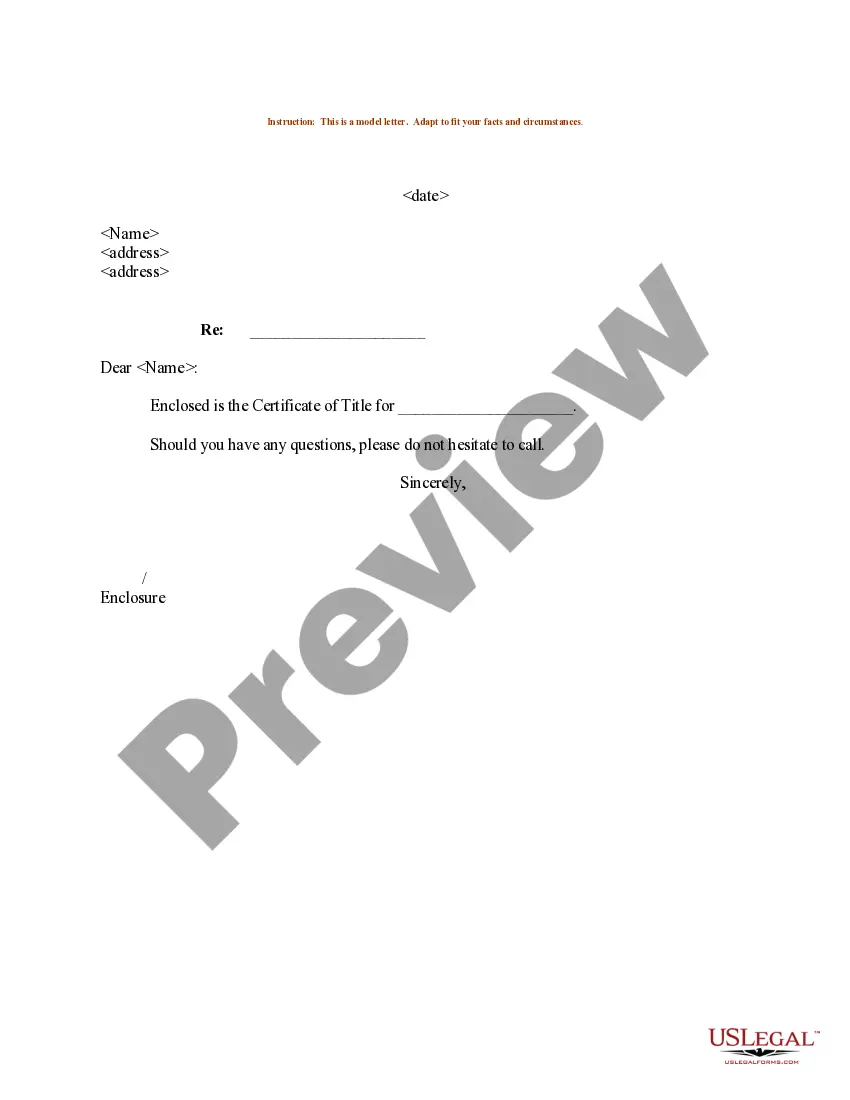
Certified Letter Requesting Title Format
Description
Get your form ready online
Our built-in tools help you complete, sign, share, and store your documents in one place.
Make edits, fill in missing information, and update formatting in US Legal Forms—just like you would in MS Word.
Download a copy, print it, send it by email, or mail it via USPS—whatever works best for your next step.
Sign and collect signatures with our SignNow integration. Send to multiple recipients, set reminders, and more. Go Premium to unlock E-Sign.
If this form requires notarization, complete it online through a secure video call—no need to meet a notary in person or wait for an appointment.
We protect your documents and personal data by following strict security and privacy standards.

Make edits, fill in missing information, and update formatting in US Legal Forms—just like you would in MS Word.

Download a copy, print it, send it by email, or mail it via USPS—whatever works best for your next step.

Sign and collect signatures with our SignNow integration. Send to multiple recipients, set reminders, and more. Go Premium to unlock E-Sign.

If this form requires notarization, complete it online through a secure video call—no need to meet a notary in person or wait for an appointment.

We protect your documents and personal data by following strict security and privacy standards.
Looking for another form?

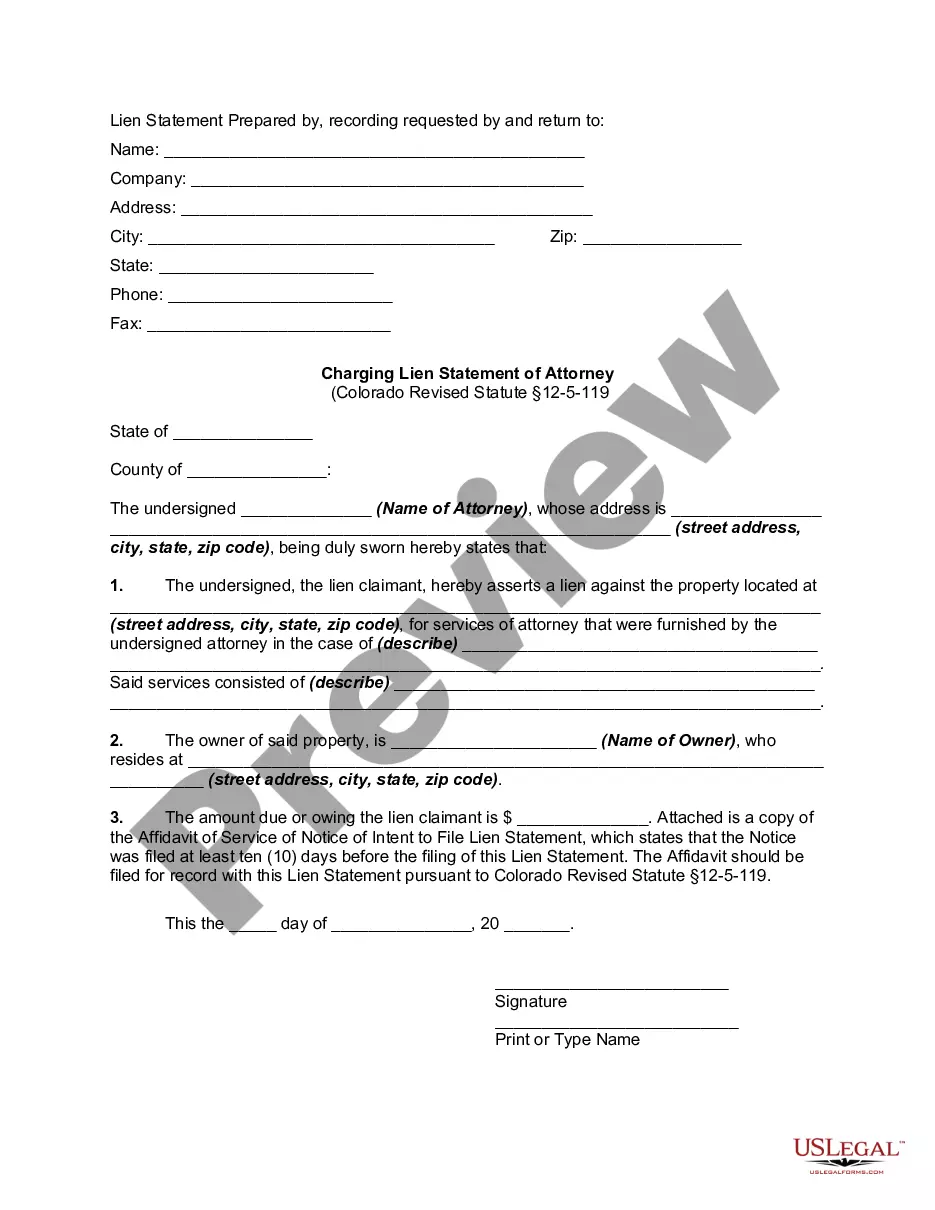
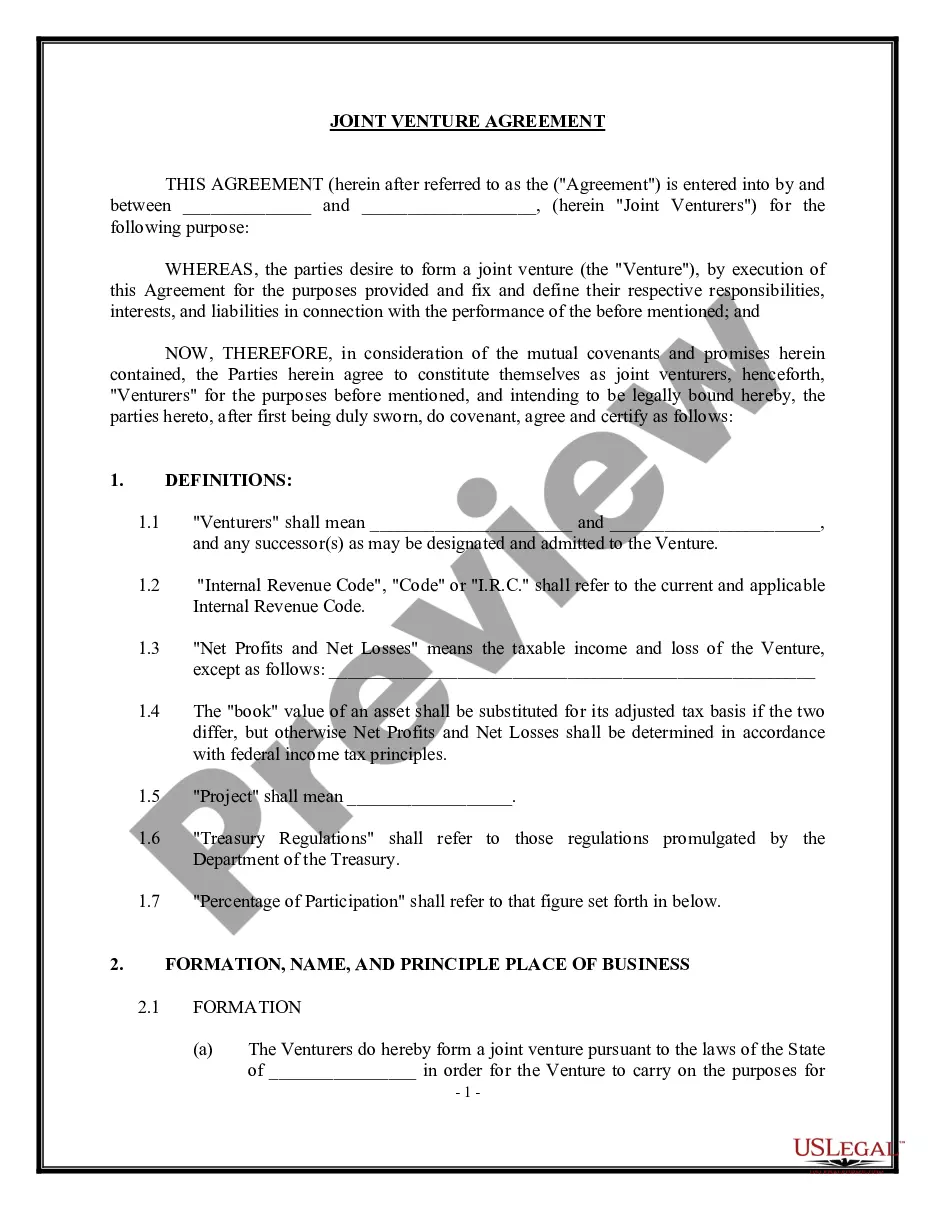
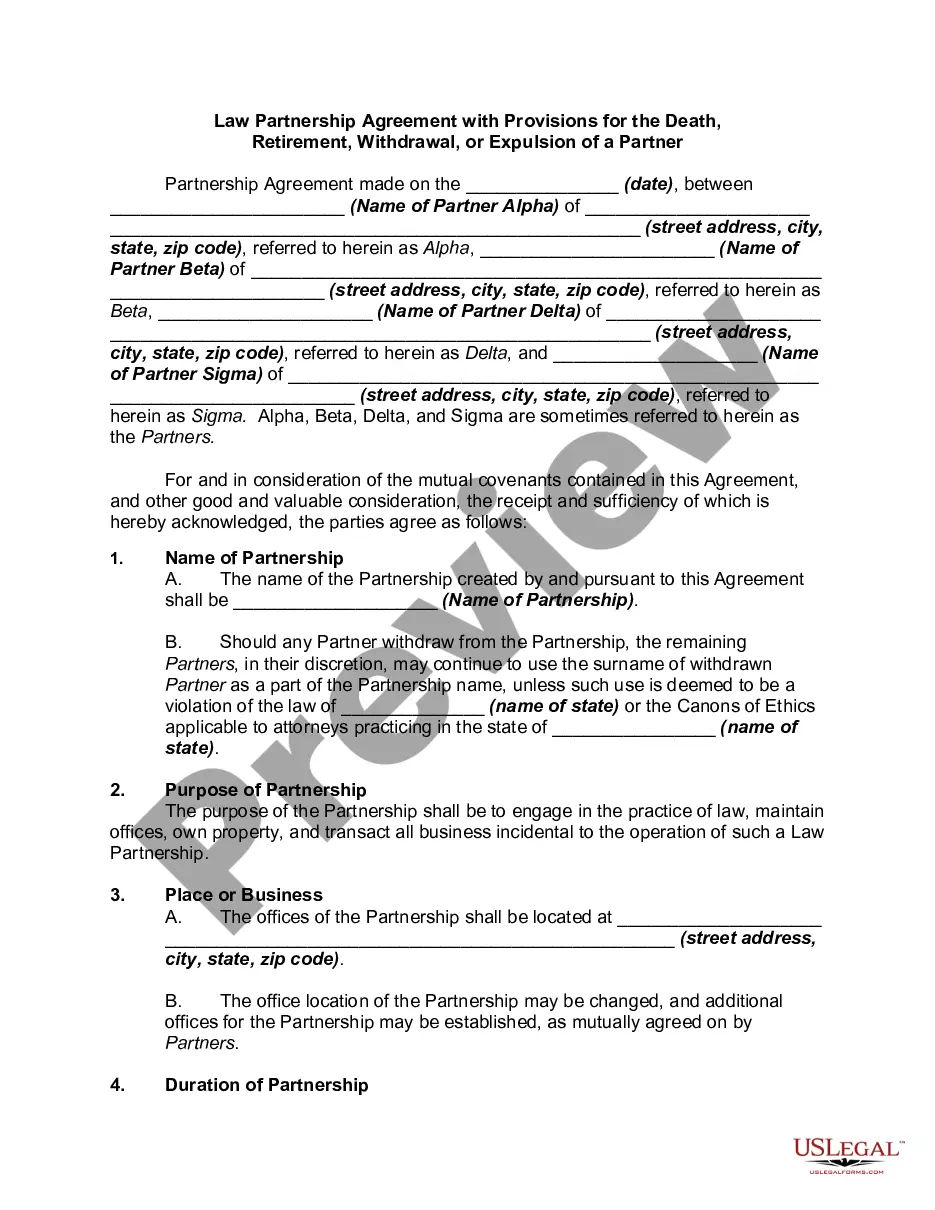

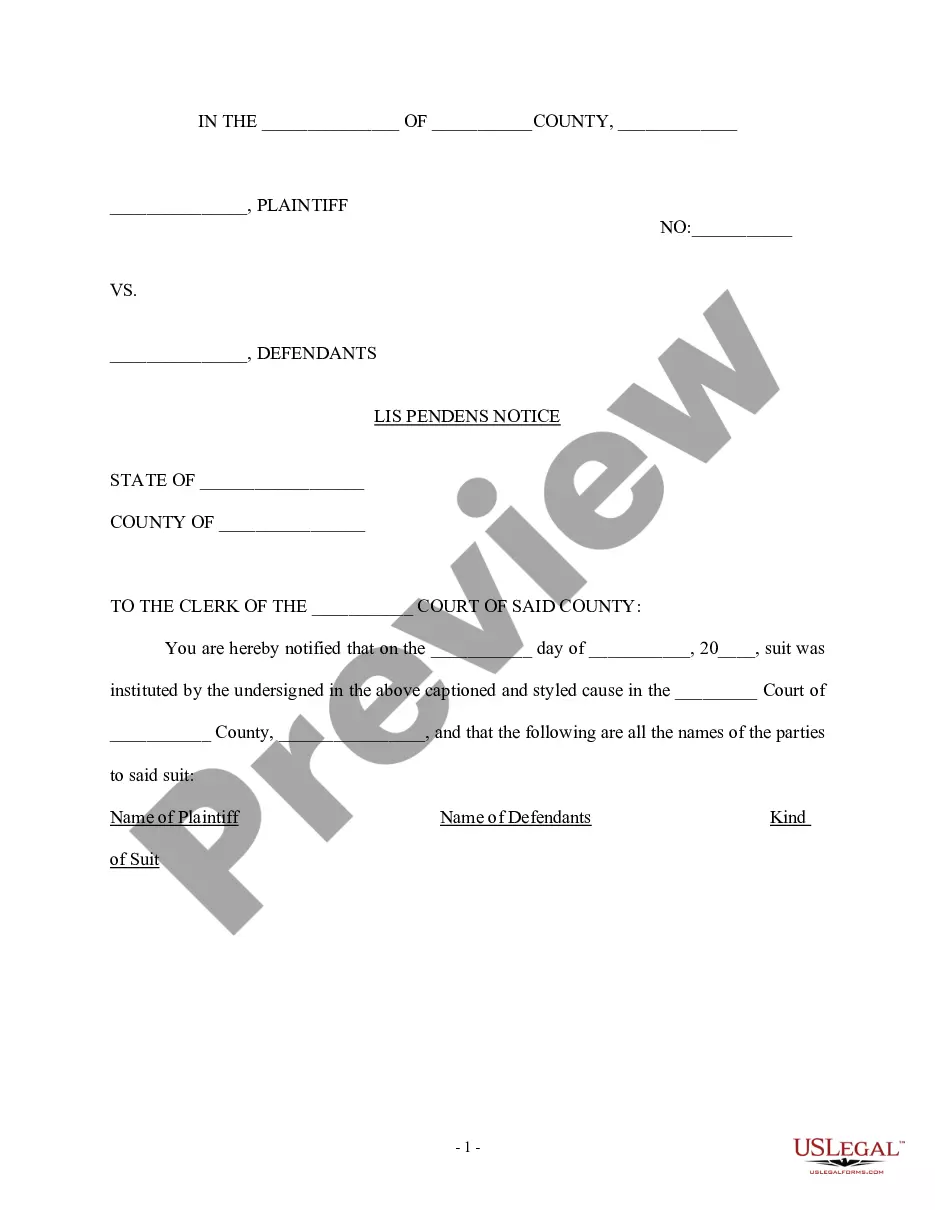
How to fill out Sample Letter For Certificate Of Title?
Obtaining legal templates that comply with federal and local regulations is essential, and the web provides a plethora of selections to pick from.
However, why squander time looking for the accurately written Certified Letter Requesting Title Format example online when the US Legal Forms online library has already compiled such templates in one convenient location.
US Legal Forms stands as the largest digital legal repository, featuring over 85,000 editable templates crafted by legal professionals for various business and personal circumstances.
Experience the most extensive and user-friendly legal documentation service!
- They are straightforward to navigate with all documents sorted by state and intended use.
- Our experts keep pace with legal changes, ensuring your documents remain current and compliant when seeking a Certified Letter Requesting Title Format from our platform.
- Acquiring a Certified Letter Requesting Title Format is quick and easy for both existing and new users.
- If you already possess an account with an active subscription, Log In and save the document sample you need in your desired format.
- If you are a first-time visitor to our site, follow the steps outlined below.
Form popularity
FAQ
To send certified mail, you'll need a Certified Mail form, and a Return receipt. Please call University Print & Mail Services for these certified mail supplies. For proper mailing, place labels as follows. Peel the thin white strip from the top of the Certified mail form and place it in box 2 on the Return Receipt.
The post office will hold undelivered USPS certified mail for 15 days before returning it to the sender.
When writing the letter, don't forget the basics and include the following information: Your name, address, and contact information. The recipient's name, address, and contact information. The date. A subject line that clearly states the purpose of the letter. The body of the letter, which should be concise and to the point.
Endorse the mail, near the Certified Mail endorsement on the address side of the mail piece, ?Return Receipt Requested.? Enter the Certified Mail number on the return receipt card and address it to the intended recipient on the reverse of the return receipt to show where the receipt is to be sent (this does not have to ...
How To Send Certified Mail - YouTube YouTube Start of suggested clip End of suggested clip Fill out the certified mail form with a delivery address. It's very important to write your schoolMoreFill out the certified mail form with a delivery address. It's very important to write your school or department name inside the box titled official use using no initials.