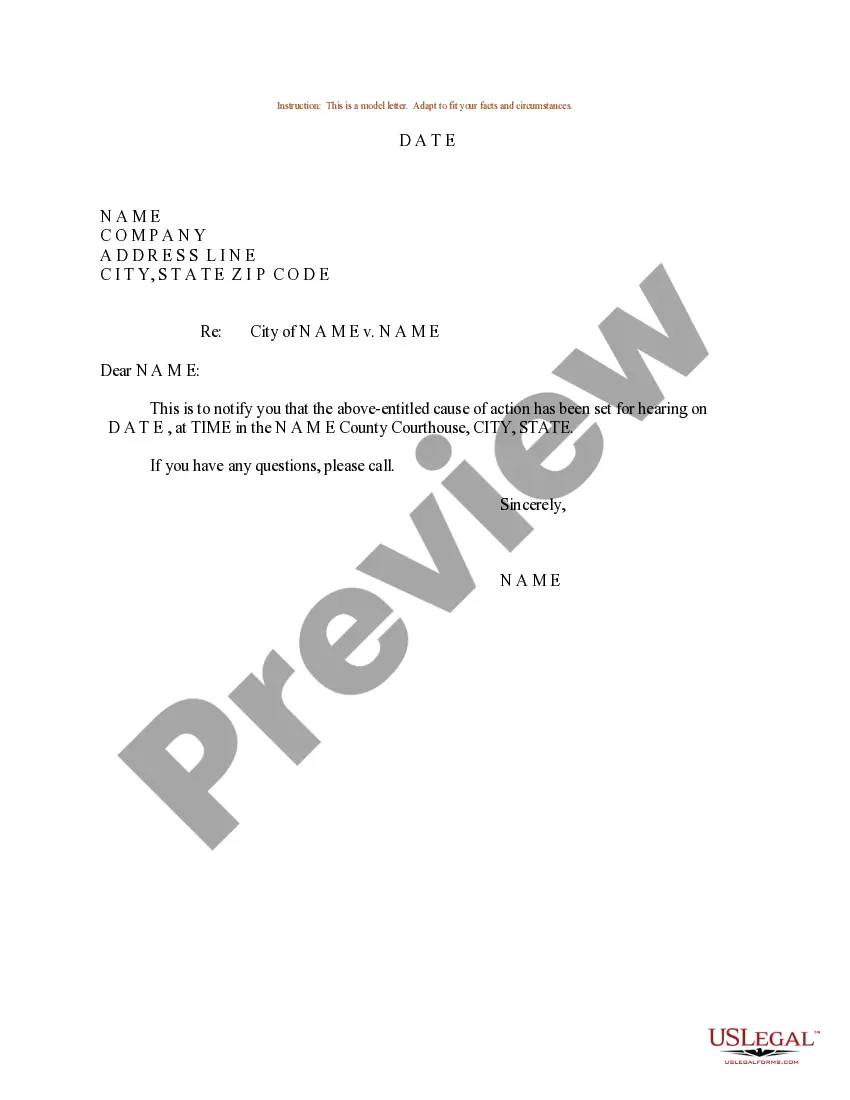
Sample Request Letter For Form 16 From Current Employer
Description

Get your form ready online
Our built-in tools help you complete, sign, share, and store your documents in one place.
Make edits, fill in missing information, and update formatting in US Legal Forms—just like you would in MS Word.
Download a copy, print it, send it by email, or mail it via USPS—whatever works best for your next step.
Sign and collect signatures with our SignNow integration. Send to multiple recipients, set reminders, and more. Go Premium to unlock E-Sign.
If this form requires notarization, complete it online through a secure video call—no need to meet a notary in person or wait for an appointment.
We protect your documents and personal data by following strict security and privacy standards.

Make edits, fill in missing information, and update formatting in US Legal Forms—just like you would in MS Word.

Download a copy, print it, send it by email, or mail it via USPS—whatever works best for your next step.

Sign and collect signatures with our SignNow integration. Send to multiple recipients, set reminders, and more. Go Premium to unlock E-Sign.

If this form requires notarization, complete it online through a secure video call—no need to meet a notary in person or wait for an appointment.

We protect your documents and personal data by following strict security and privacy standards.
Looking for another form?




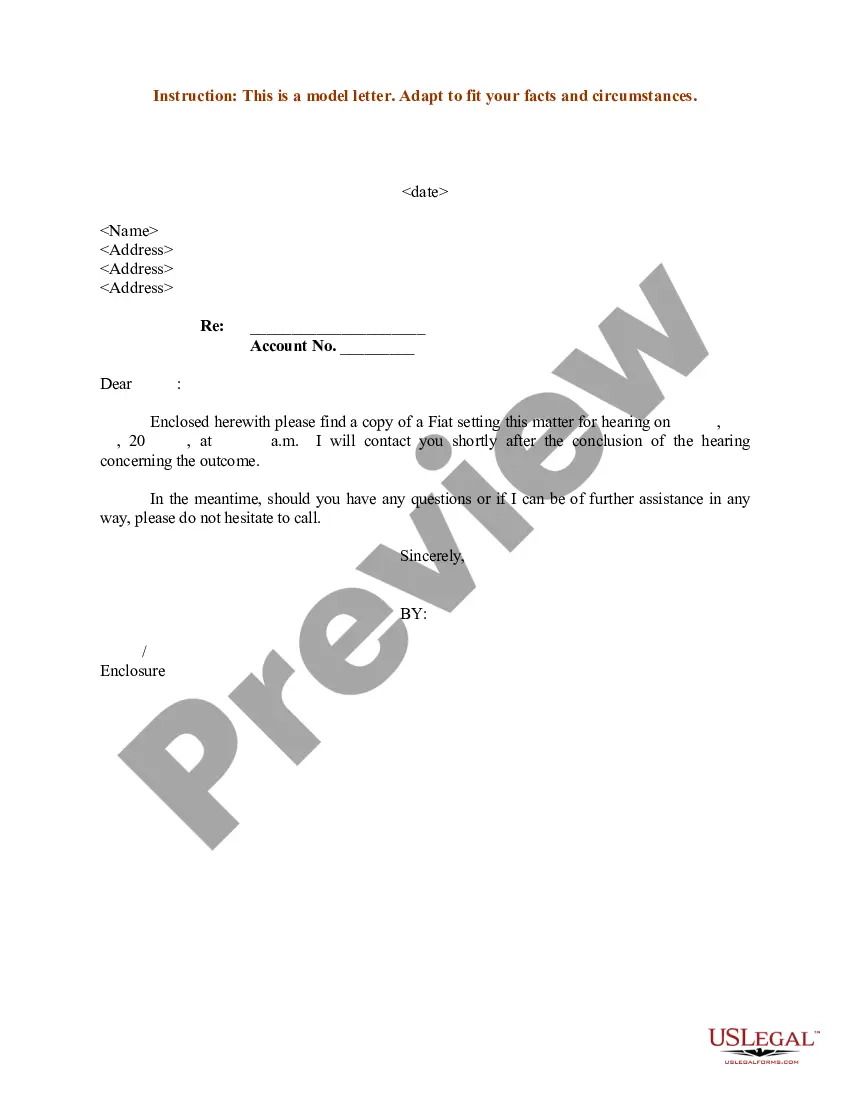
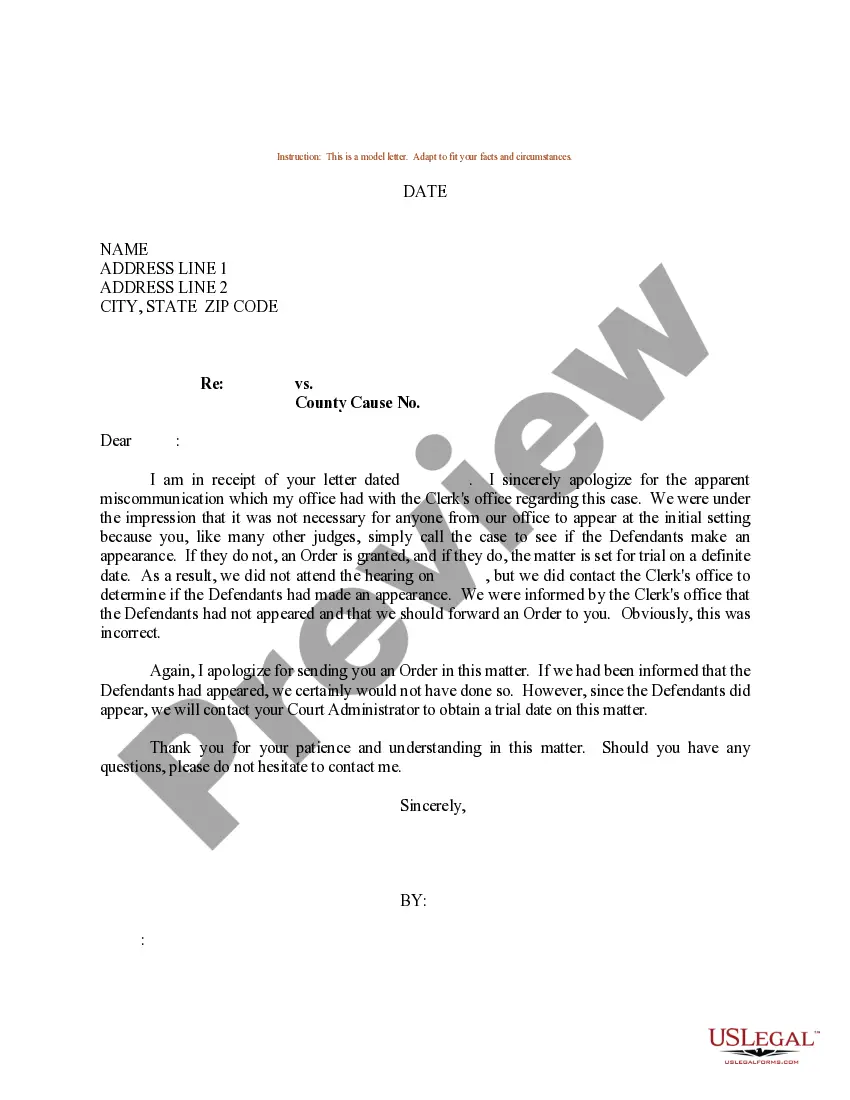
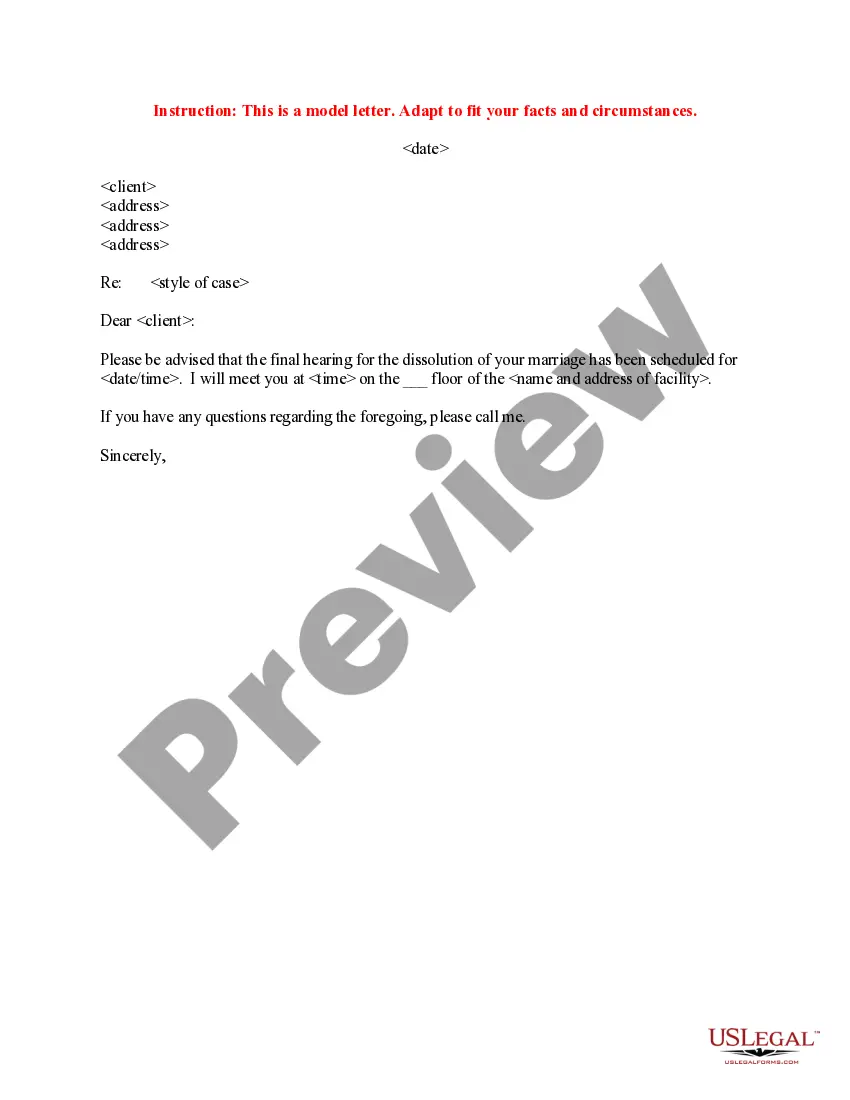
How to fill out Sample Letter For Date For Hearing?
- If you're a returning user, log in to your account at US Legal Forms and navigate to the Download section to save the necessary template. Ensure your subscription is active; renew it if necessary.
- For first-time users, start by reviewing the form's Preview mode and description, confirming it's the right one for your needs and jurisdiction.
- If you find any discrepancies, utilize the Search tab to locate an alternative template that suits your requirements.
- Proceed to purchase the document by clicking the Buy Now button, then select your preferred subscription plan. An account registration is required for full access.
- Finalize your purchase using your credit card details or your PayPal account to complete the transaction.
- Once the purchase is successful, download your form to your device. You can access it later from the My Forms section in your profile.
In conclusion, US Legal Forms simplifies the process of legal document execution, enabling users to find, complete, and manage their forms effortlessly. With thousands of options available, you can create accurate and compliant documents in no time.
Don't wait! Start today by visiting US Legal Forms and discover how easy it is to get your legal documents.
Form popularity
FAQ
To download TDS online, visit the official income tax e-filing website. After logging into your account, navigate to the TDS section and select the appropriate form you need. You might be required to authenticate your identity before downloading. If you face any issues, consider drafting a sample request letter for form 16 from current employer to get assistance from your HR or accounts department.
Form 16A is a tax document issued by your employer that reflects the tax deducted at source (TDS) on earnings other than salary. This includes interest income and payments to contractors. The form provides a summary of the TDS, which helps you file your income tax returns accurately. Ensure to request this document in advance using a sample request letter for form 16 from current employer.
To request Form 16A from your employer, start by crafting a sample request letter for form 16 from current employer. Clearly state your need for the document and include your employment details. It’s essential to be polite and specify the deadline by which you need the form. You may also want to follow up if you do not receive a response within a reasonable time.
To generate a PDF version of Form 16A, navigate to the download section on the TRACES website after completing the online form. Once you have filled in all necessary information, you can download the form directly as a PDF. For better guidance on the process, you might consider using a sample request letter for Form 16 from your current employer for more specific instructions.
If you find yourself locked out of Form 16A, you can unlock it by following the TRACES guidelines. This typically involves answering security questions or using your PAN to verify your identity. A helpful approach is to send a sample request letter for Form 16 from your current employer to seek assistance in unlocking your access.
Writing Form 16 requires you to input essential details such as employee information, tax deducted, and other pertinent data. Ensure that the information matches your income and tax records for accuracy. If you're having difficulty, consider drafting a sample request letter for Form 16 from your current employer to ask for help in filling it out correctly.
Generating Form 16A involves a series of steps that start with logging into the TRACES website. Once logged in, you will provide your PAN and the relevant details as prompted. If you are unsure about the process, you can use a sample request letter for Form 16 from your current employer to receive guidance and assistance from them.
To generate Form 16A from TRACES, you will need to enter the password that is typically provided by your employer. This password consists of a combination of your Permanent Account Number (PAN) and a specific code assigned to you. If you have not received this password, consider sending a sample request letter for Form 16 from your current employer to obtain the necessary details.
If you notice errors on your Form 16, promptly notify your employer or the HR department to rectify them. It’s essential to address inaccuracies quickly, as these can affect your tax filings. You might need to draft a sample request letter for Form 16 from your current employer to formally highlight the discrepancies and seek corrections.
A simple letter of request should be straightforward and to the point. Start with a polite greeting, clearly state what you are requesting, and then provide just enough context for your request. Keep the language simple and the structure clean, making it easy for your employer to read and understand.