Appointment
Description
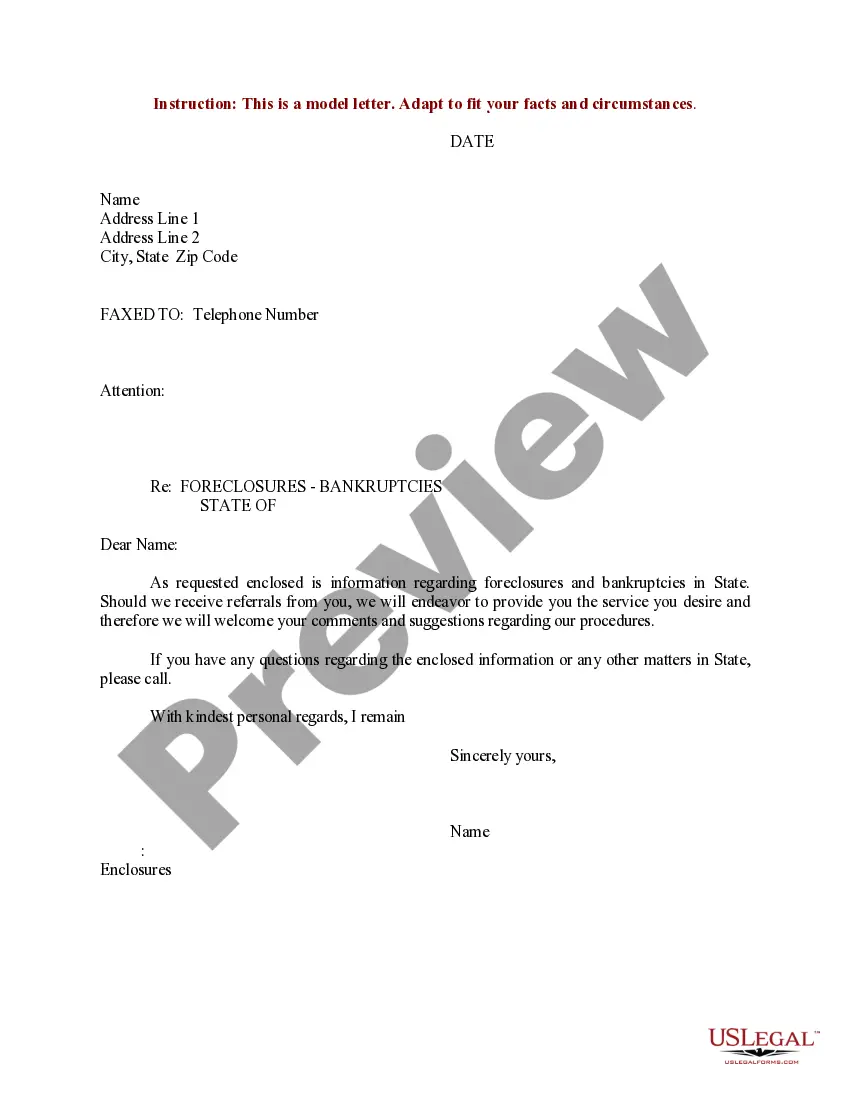
Get your form ready online
Our built-in tools help you complete, sign, share, and store your documents in one place.
Make edits, fill in missing information, and update formatting in US Legal Forms—just like you would in MS Word.
Download a copy, print it, send it by email, or mail it via USPS—whatever works best for your next step.
Sign and collect signatures with our SignNow integration. Send to multiple recipients, set reminders, and more. Go Premium to unlock E-Sign.
If this form requires notarization, complete it online through a secure video call—no need to meet a notary in person or wait for an appointment.
We protect your documents and personal data by following strict security and privacy standards.

Make edits, fill in missing information, and update formatting in US Legal Forms—just like you would in MS Word.

Download a copy, print it, send it by email, or mail it via USPS—whatever works best for your next step.

Sign and collect signatures with our SignNow integration. Send to multiple recipients, set reminders, and more. Go Premium to unlock E-Sign.

If this form requires notarization, complete it online through a secure video call—no need to meet a notary in person or wait for an appointment.

We protect your documents and personal data by following strict security and privacy standards.
Looking for another form?


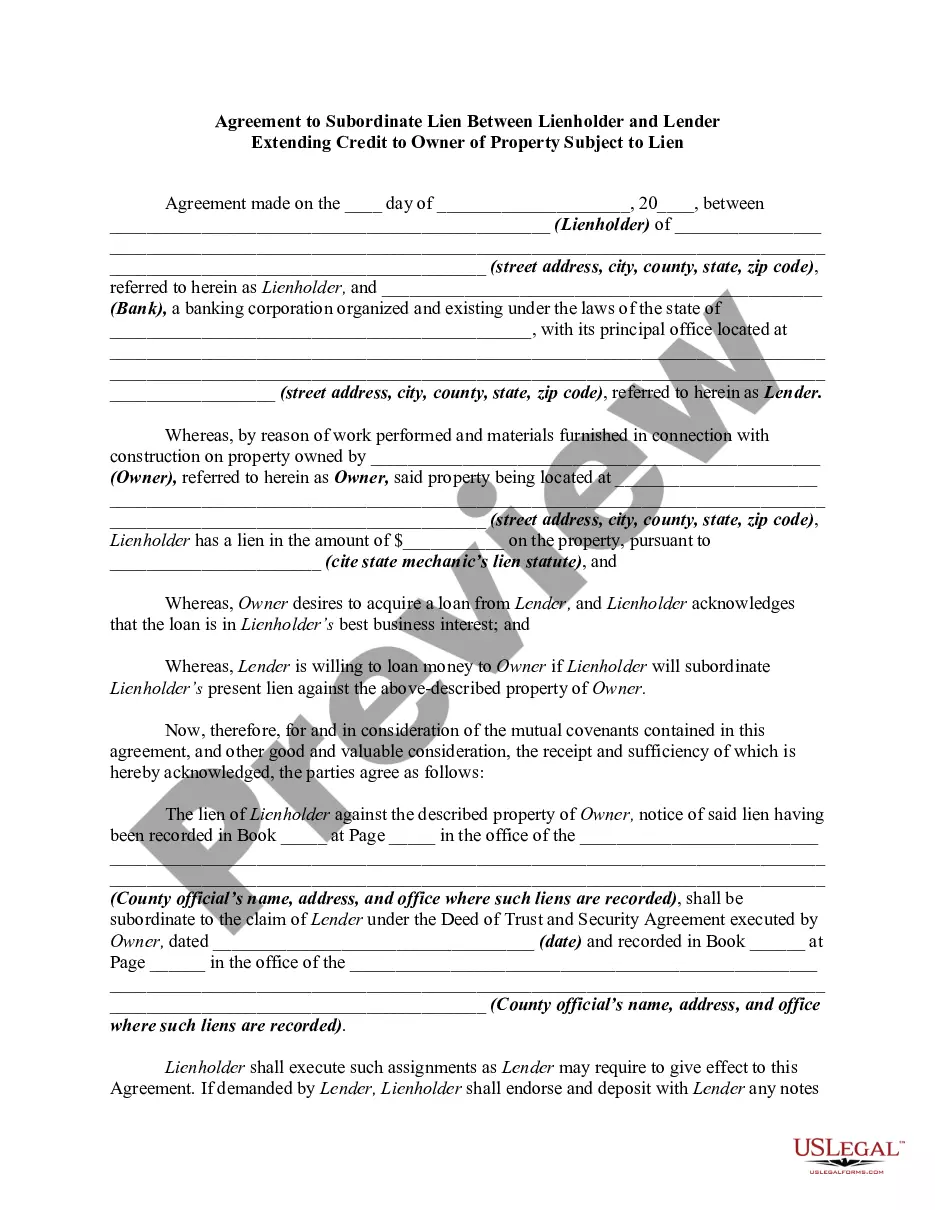

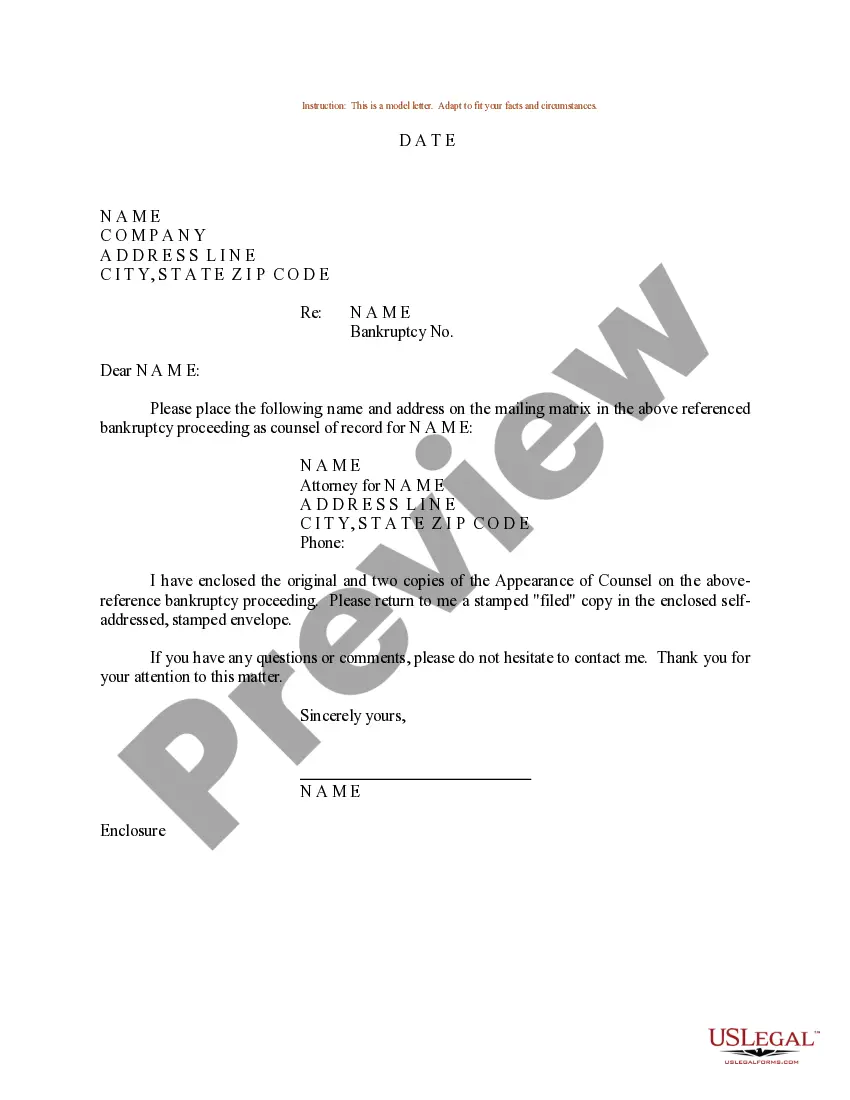
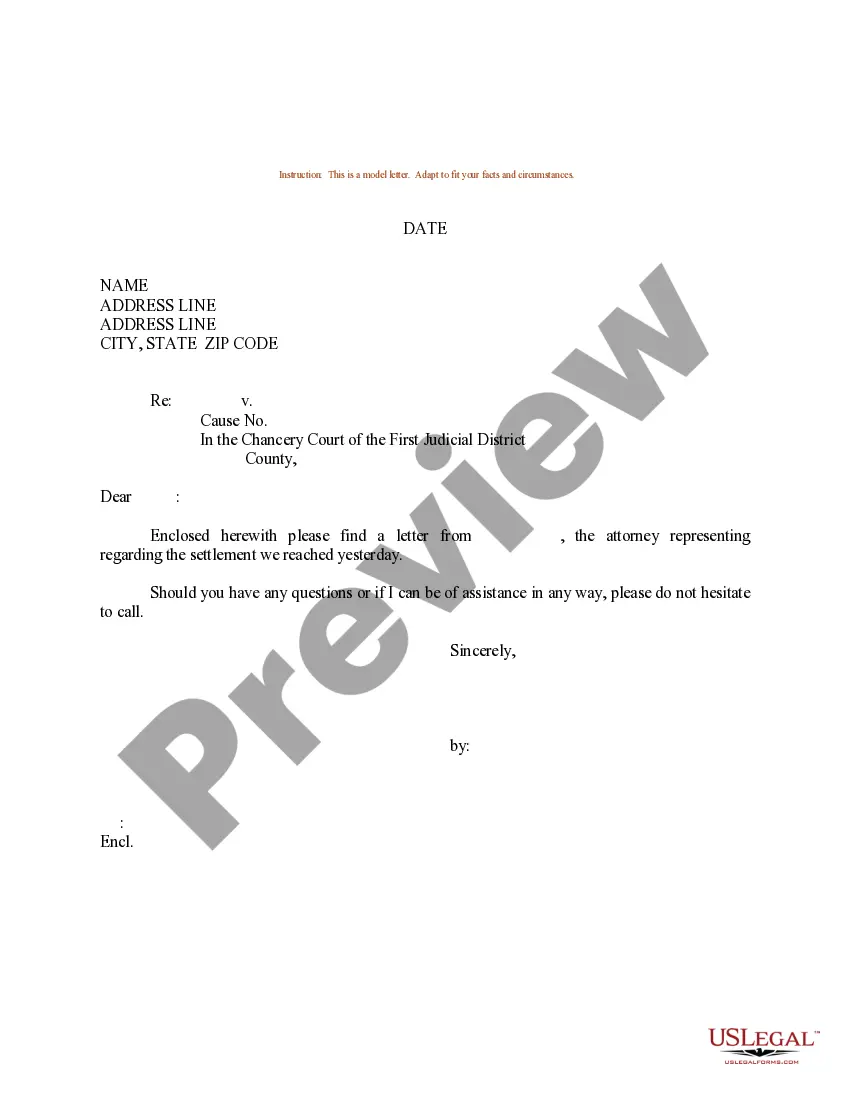
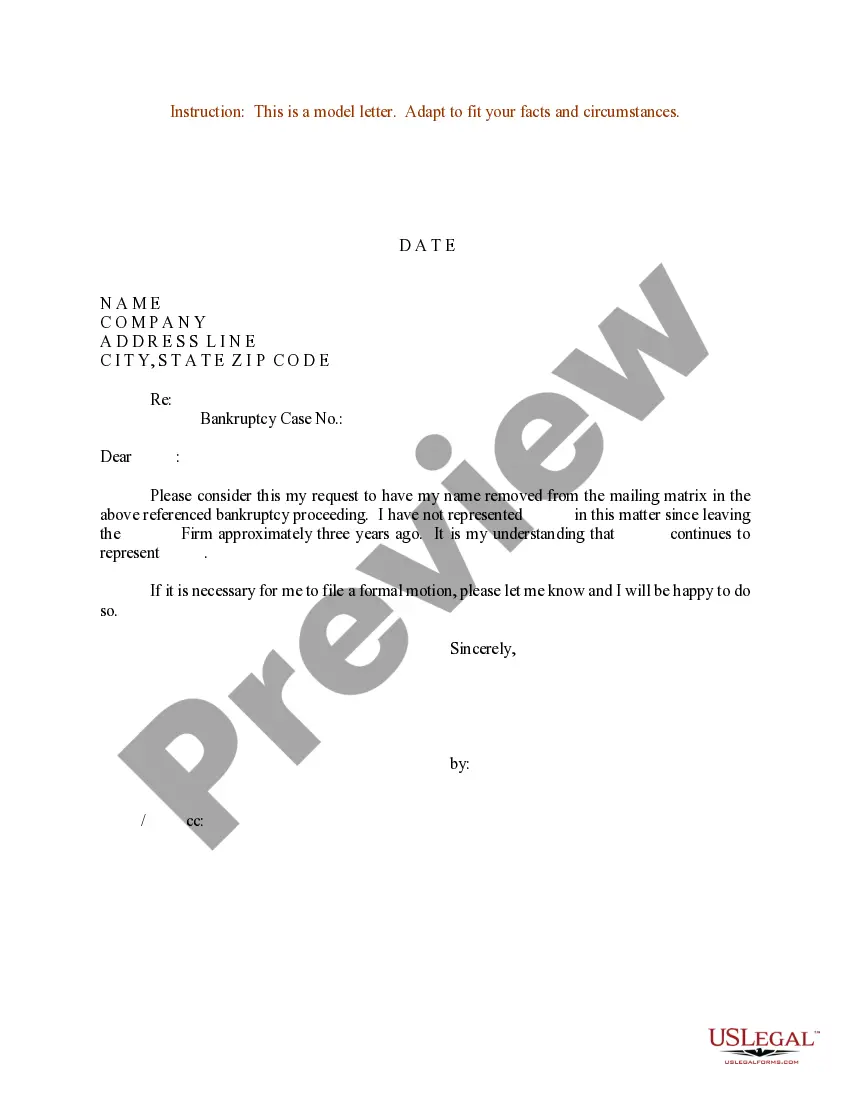
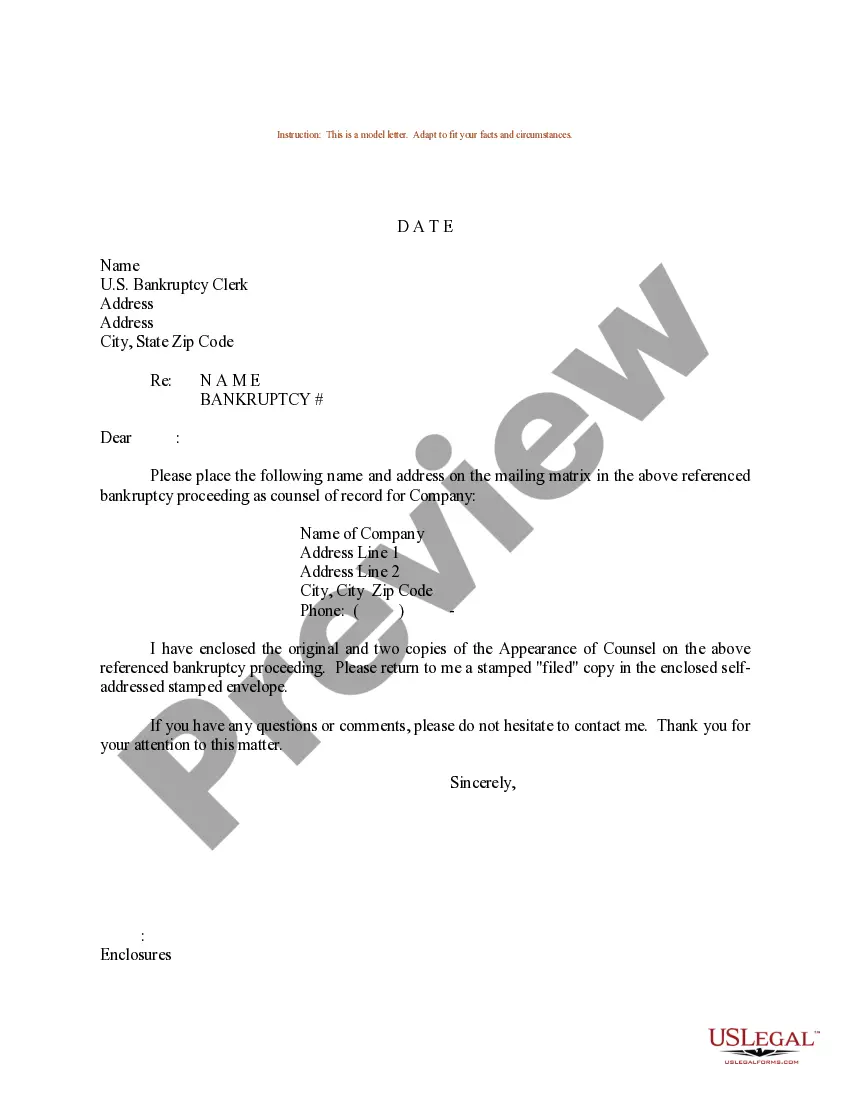
How to fill out Sample Letter For Appointment Of Attorney's Information On Mailing Matrix Concerning Bankruptcy Proceeding?
- If you're a returning user, log in to your account to download the required form by clicking the Download button. Ensure your subscription is active, renewing if necessary.
- Review the Preview mode and form description to confirm that you've selected the correct form that adheres to your local jurisdiction.
- If the form doesn't meet your needs, utilize the Search tab above to find an alternative template.
- Purchase the document by clicking the Buy Now button and choosing your desired subscription plan. Registration is required to gain full access.
- Complete your purchase by providing credit card information or using your PayPal account.
- Download the template to your device, allowing you to complete it and access it later via the My Forms menu.
In conclusion, US Legal Forms simplifies the document preparation process with a vast range of legal forms at competitive prices. Their user-friendly interface and expert support ensure that you obtain documents tailored to your needs.
Ready to get started? Visit US Legal Forms today and secure your legal documents efficiently!
Form popularity
FAQ
An appointment file is a document or digital record that contains details about scheduled appointments. It typically includes information such as the date, time, and purpose of the appointment. Organizations use appointment files to keep track of client interactions effectively. On platforms like US Legal Forms, managing appointment files can be simplified for better organization.
When making an appointment, you might say, 'I would like to make an appointment for a consultation.' This statement provides the purpose clearly. You can also specify the timeframe, such as, 'Can we set an appointment for next week?' Being specific helps streamline planning.
'Make an appointment' is indeed a correct phrase in English. It is widely used to indicate the process of scheduling a meeting or consultation. This phrase is simple and effective, making it a go-to option for many. Using this term ensures clarity in your communication.
To politely ask for an appointment, you could say, 'Would it be possible to schedule an appointment at your convenience?' This approach shows respect for the other person’s time. You might also use, 'Could we arrange an appointment soon?' Politeness fosters positive interactions.
When discussing the action of making an appointment, you can say, 'I need to make an appointment with you.' This statement simply communicates your requirement. Alternatively, you might say, 'I have to arrange an appointment,' which carries the same meaning. Clarity is essential to ensure successful communication.
To express your desire to make an appointment, you can say, 'I would like to schedule an appointment.' This sentence clearly conveys your intention. Using phrases like 'Could I set up an appointment?' also works well. Remember, being direct helps avoid misunderstandings.
When writing a message for an appointment, begin with a polite greeting. Clearly state your reason for the appointment and propose a couple of options for dates and times. Finally, finish your message with a thank you, expressing your eagerness to discuss further, which leaves a positive impression.
Starting a conversation for an appointment should involve a friendly approach. You can begin with a compliment or a question related to your shared interests. For instance, say, 'I hope you are doing well. I was hoping to talk about scheduling an appointment to go over specific topic.' This sets a respectful tone.
When making an appointment, clearly state your needs and availability. Begin with a polite introduction and then say something like, 'I would like to arrange an appointment for specific service or discussion.' Mentioning your availability shows respect for the other person's time.
To make an appointment, start with a friendly greeting and clearly express your intention to schedule a meeting. For example, you might say, 'I would like to set up an appointment to discuss specific reason.' Offering a couple of options for dates and times can also be helpful.