Withdraw Claim Online Without Leaving Job
Description

Get your form ready online
Our built-in tools help you complete, sign, share, and store your documents in one place.
Make edits, fill in missing information, and update formatting in US Legal Forms—just like you would in MS Word.
Download a copy, print it, send it by email, or mail it via USPS—whatever works best for your next step.
Sign and collect signatures with our SignNow integration. Send to multiple recipients, set reminders, and more. Go Premium to unlock E-Sign.
If this form requires notarization, complete it online through a secure video call—no need to meet a notary in person or wait for an appointment.
We protect your documents and personal data by following strict security and privacy standards.

Make edits, fill in missing information, and update formatting in US Legal Forms—just like you would in MS Word.

Download a copy, print it, send it by email, or mail it via USPS—whatever works best for your next step.

Sign and collect signatures with our SignNow integration. Send to multiple recipients, set reminders, and more. Go Premium to unlock E-Sign.

If this form requires notarization, complete it online through a secure video call—no need to meet a notary in person or wait for an appointment.

We protect your documents and personal data by following strict security and privacy standards.
Looking for another form?

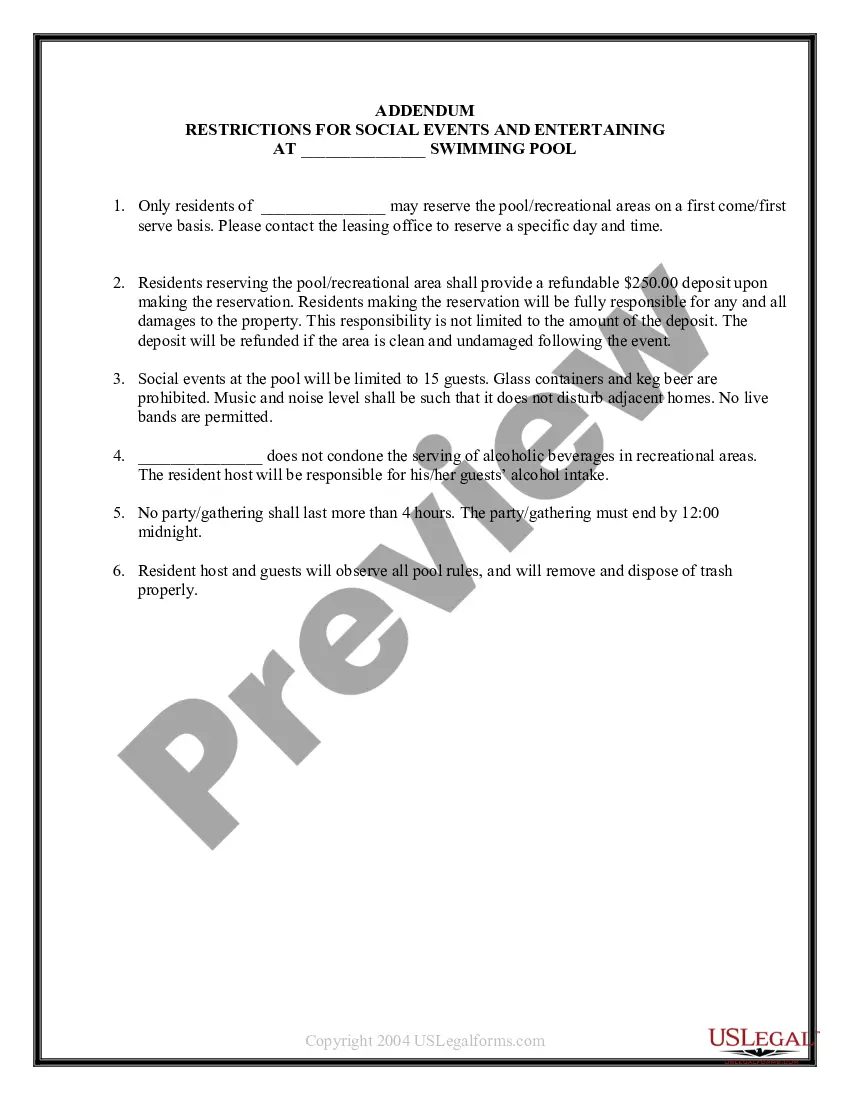
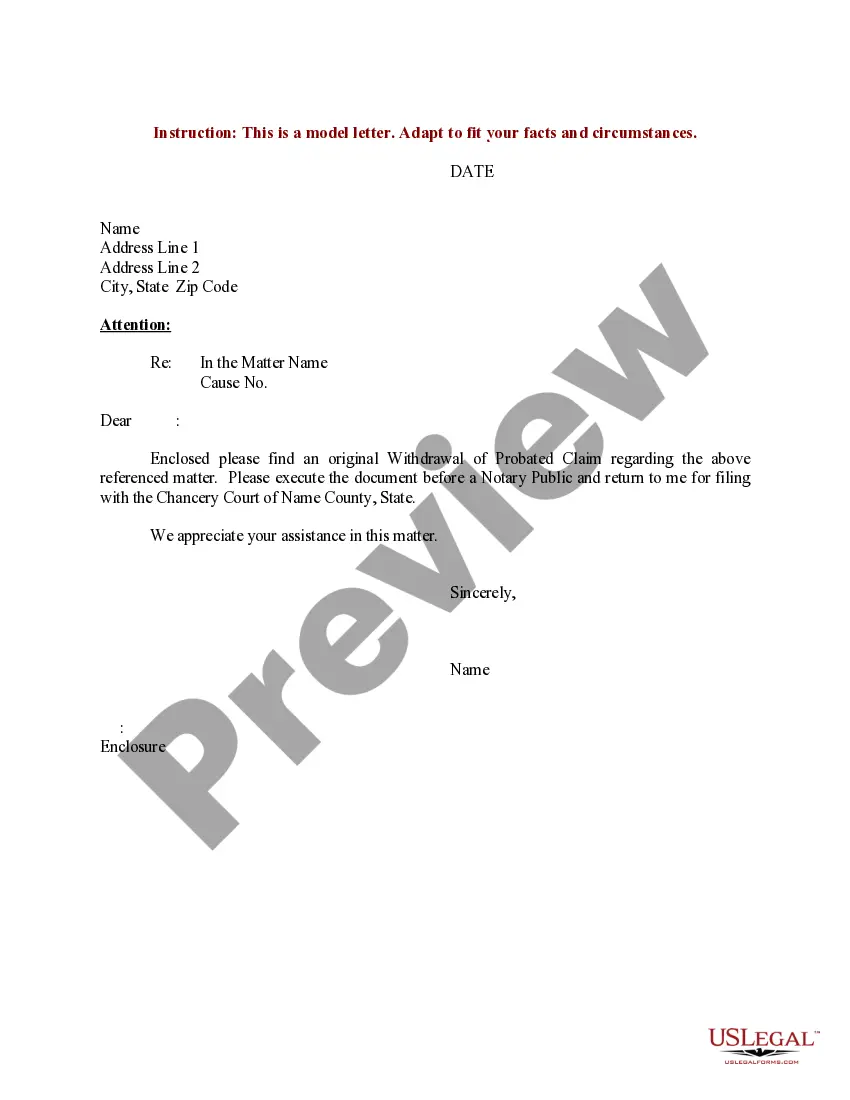
How to fill out Sample Letter For Withdrawal Of Probated Claim?
Creating legal documents from the ground up can occasionally be somewhat daunting.
Certain situations may require extensive research and significant financial expenditure.
If you’re looking for a simpler and more economical method for generating Withdraw Claim Online Without Leaving Job or other forms without excessive complications, US Legal Forms is readily available to you.
Our digital collection comprising over 85,000 current legal documents covers nearly every aspect of your financial, legal, and personal matters. With just a few clicks, you can swiftly obtain state- and county-compliant templates meticulously prepared by our legal professionals.
Examine the document preview and descriptions to confirm that you have the correct document. Verify that the template you select meets the criteria of your state and county. Choose the appropriate subscription option to purchase the Withdraw Claim Online Without Leaving Job. Download the form. Then complete, certify, and print it out. US Legal Forms has an impeccable reputation and over 25 years of experience. Join us today and make document execution an effortless and efficient process!
- Utilize our platform whenever you require a dependable and trustworthy service to swiftly locate and download the Withdraw Claim Online Without Leaving Job.
- If you’re familiar with our services and have previously registered with us, simply Log In to your account, select the form, and download it or retrieve it later from the My documents tab.
- Not registered? No problem. Setting up an account takes just a few minutes and allows you to browse the library.
- Before you proceed to download Withdraw Claim Online Without Leaving Job, consider these tips.
Form popularity
FAQ
To withdraw PF without leaving your job, begin by checking the fund's policies on withdrawals. Fill out the required forms online, which you can find on the Uslegalforms platform for convenience. This will enable you to withdraw claim online without leaving job and help you access your funds easily while maintaining your employment.
Generally, you can withdraw from your 401k without leaving your job, but certain restrictions apply. Most plans permit hardship withdrawals or loans if you meet specific conditions. Consider using the Uslegalforms platform for detailed guidance, streamlining the process to withdraw claim online without leaving job.
You can withdraw PF without leaving your job by checking if your employer's Provident fund allows partial or specific withdrawals. Complete the required paperwork, which you can often find on the Uslegalforms platform, and submit your application online. This makes it easier for you to withdraw claim online without leaving job, allowing you to manage your finances effectively.
Yes, you can withdraw from your Provident fund while still working, but options may vary depending on your specific situation and the fund's rules. Many funds allow partial withdrawals for certain situations, like medical emergencies or housing needs. To understand your eligibility, you can utilize the Uslegalforms platform to guide you through the process to withdraw claim online without leaving job.
Yes, you can withdraw your Provident Fund (PF) without leaving your job. Recent updates in regulations now allow employees to withdraw claims online without leaving their jobs, making it a convenient option for many. Ensure you follow the proper procedures laid out by your employer or the PF authority to access your funds effortlessly.
In 2025, the new rule regarding Provident Fund (PF) will allow employees to withdraw claims online without leaving their jobs. This change aims to streamline the withdrawal process, making it easier and faster for individuals to access their funds. You should stay informed about these updates to utilize your benefits fully and ensure you can navigate the system effectively.
Use the Composite Claim Form (Aadhaar) if you have seeded your Aadhaar and bank details on the UAN portal and if your UAN is activated. Fill and submit the form to the respective jurisdictional EPFO office without the attestation of the employer.
Employees do not require their employer's permission to withdraw their EPF. They can obtain permission online by linking their UAN and Aadhaar to their EPF account. When making an online claim, employees must ensure that they possess: PAN & Aadhaar details.
You can apply to withdraw or transfer the EPF corpus when you are quitting or changing your job. You can fill out the EPF Form 19 online or offline to remove your EPF amount. Steps for filling the EPF Form 19 online: You must visit the EPFO website and enter your UAN (Universal Account Number), password and captcha.
Employees can receive the PF amount in their bank accounts after the claim is settled. It takes around 20 days to settle the EPF claim. The Employees' Provident Fund Organisation (EPFO) manages the Employees' Provident Fund or EPF to provide financial security to employees in the private sector after their retirement.