Blank Page For Letter Writing
Description

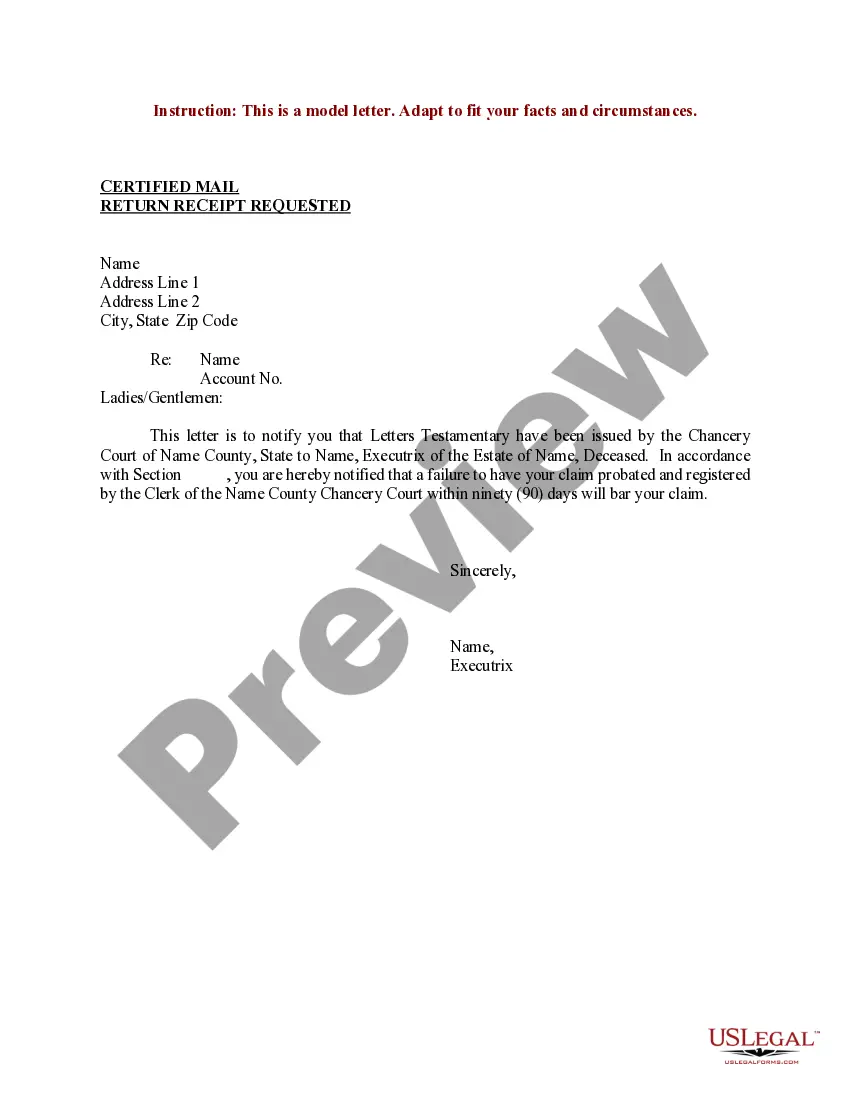
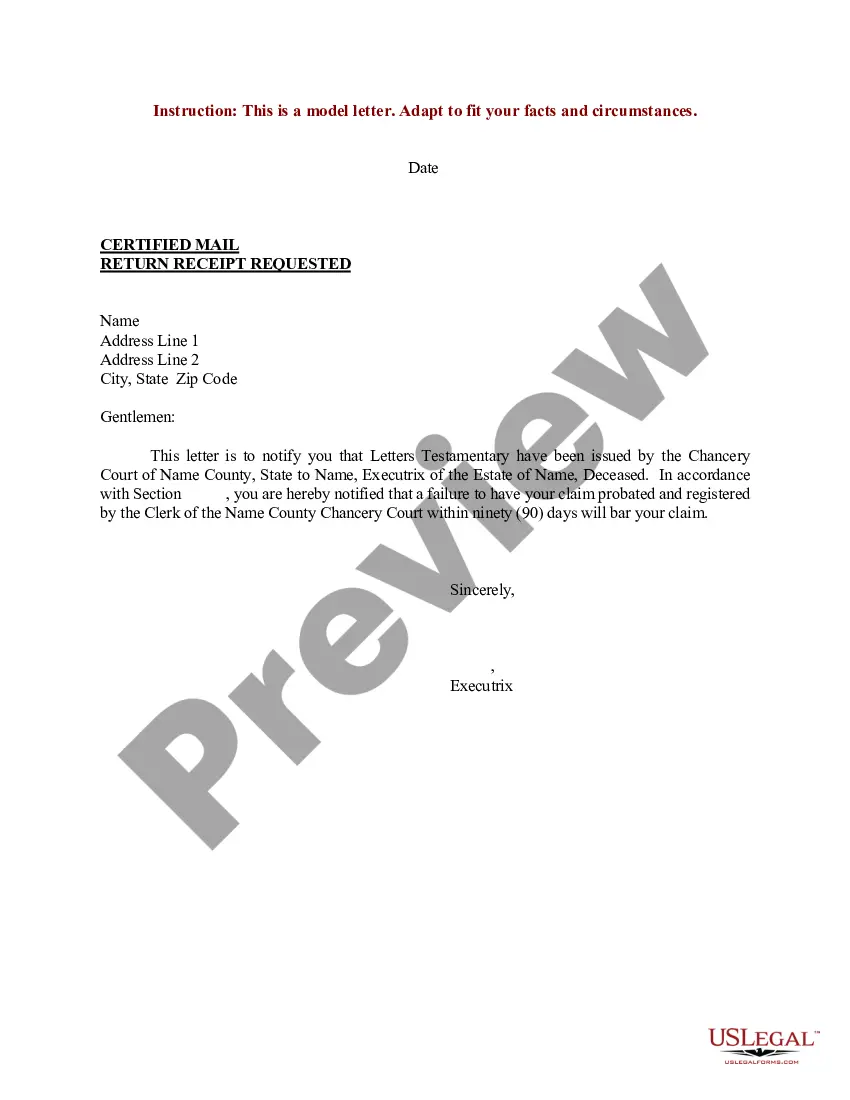

Get your form ready online
Our built-in tools help you complete, sign, share, and store your documents in one place.
Make edits, fill in missing information, and update formatting in US Legal Forms—just like you would in MS Word.
Download a copy, print it, send it by email, or mail it via USPS—whatever works best for your next step.
Sign and collect signatures with our SignNow integration. Send to multiple recipients, set reminders, and more. Go Premium to unlock E-Sign.
If this form requires notarization, complete it online through a secure video call—no need to meet a notary in person or wait for an appointment.
We protect your documents and personal data by following strict security and privacy standards.

Make edits, fill in missing information, and update formatting in US Legal Forms—just like you would in MS Word.

Download a copy, print it, send it by email, or mail it via USPS—whatever works best for your next step.

Sign and collect signatures with our SignNow integration. Send to multiple recipients, set reminders, and more. Go Premium to unlock E-Sign.

If this form requires notarization, complete it online through a secure video call—no need to meet a notary in person or wait for an appointment.

We protect your documents and personal data by following strict security and privacy standards.
Looking for another form?





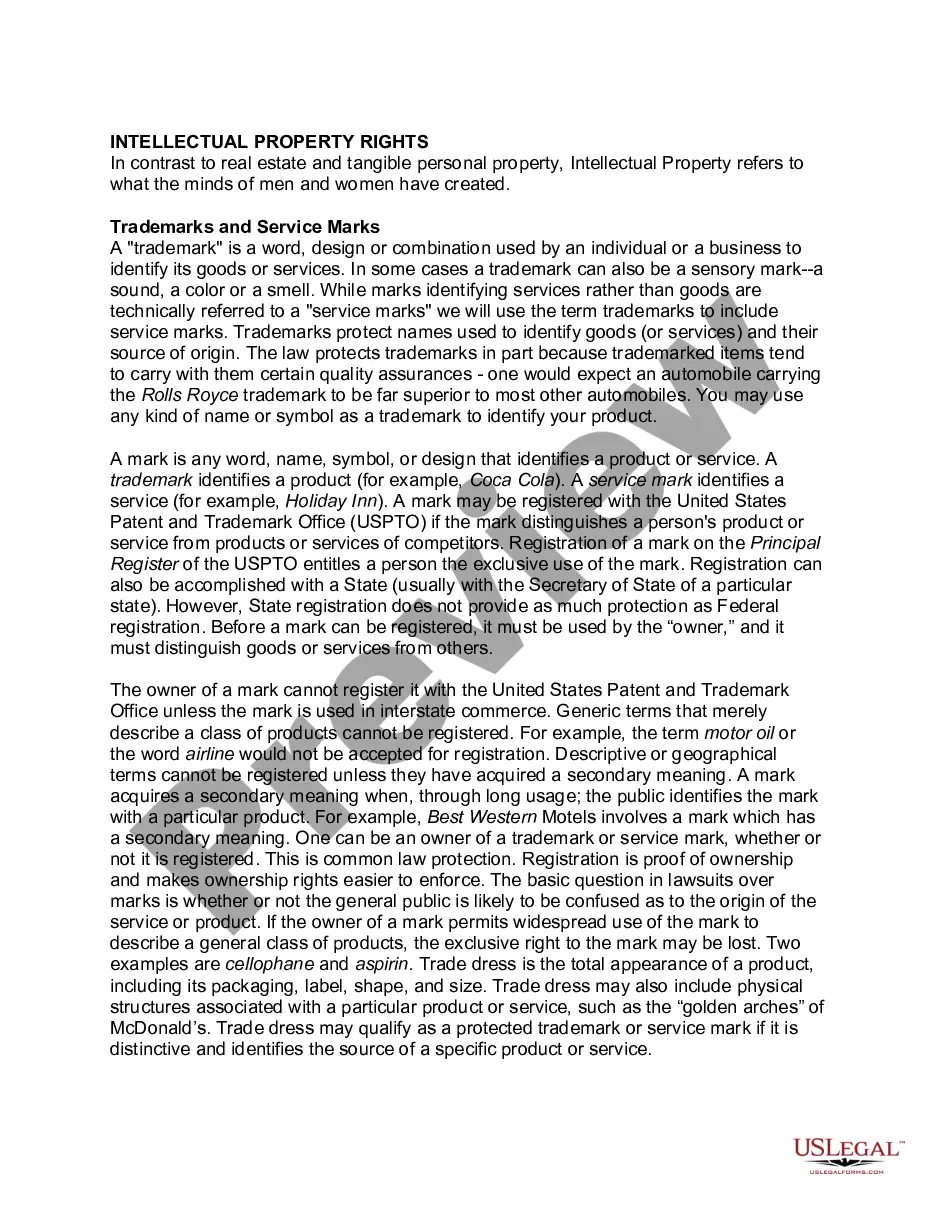

How to fill out Sample Letter For Letters Testamentary?
The Blank Page For Correspondence Drafting you observe on this page is a reusable legal template created by qualified lawyers in compliance with federal and local laws.
For over 25 years, US Legal Forms has supplied individuals, organizations, and attorneys with more than 85,000 validated, state-specific forms for any business and personal situation. It’s the fastest, simplest, and most reliable method to acquire the documents you require, as the service ensures bank-level data security and anti-malware safeguards.
Register for US Legal Forms to have authenticated legal templates for all of life's circumstances at your fingertips.
- Search for the document you require and review it.
- Browse the sample you searched and preview it or read the form description to confirm it meets your requirements. If it does not, utilize the search option to find the correct one. Click Buy Now once you have discovered the template you need.
- Subscribe and sign in.
- Choose the pricing plan that best fits you and create an account. Use PayPal or a credit card for a swift payment. If you already possess an account, Log In and verify your subscription to proceed.
- Retrieve the editable template.
- Select the format you desire for your Blank Page For Correspondence Drafting (PDF, DOCX, RTF) and save the sample on your device.
- Complete and sign the document.
- Print the template to finish it by hand. Alternatively, use an online versatile PDF editor to promptly and accurately complete and sign your form with a legally-binding electronic signature.
- Re-download your paperwork.
- Utilize the same document again whenever necessary. Access the My documents tab in your profile to re-download any previously acquired forms.
Form popularity
FAQ
Creating a blank page for letter writing is simple and straightforward. You can start by opening a word processing program like Microsoft Word or Google Docs. Then, select the option to create a new document; this gives you a clean, blank page. If you want templates specifically designed for letters, consider using US Legal Forms, which offers various templates to help you craft the perfect blank page for letter writing.
To get a blank page for letter writing, simply open your word processing software and select 'New Document.' This gives you a blank canvas where you can draft your letter easily. Additionally, platforms like USLegalForms offer templates that can streamline your letter writing process, ensuring you have professional layouts ready while starting with a blank page.
To create a blank cover page, you can start by opening a new document in your word processor. Then, insert a blank page before your main content by using the 'Insert' feature. This blank page will serve as a clean slate, perfect for creating an appealing cover page for your letter writing needs.
The shortcut for creating a blank page typically varies by program. In Microsoft Word, you can press 'Ctrl + N' to instantly open a blank page for letter writing. In Google Docs, the same shortcut applies, allowing you to start your letter without delay, keeping your writing flow uninterrupted.
To type a blank document, first, open your preferred word processor like Microsoft Word or Google Docs. Once the application is open, simply select 'New Document' or 'Blank Document' from the menu. This action will provide you with a blank page for letter writing, which you can easily customize with your content.
To create fill-in-the-blank spaces in Word for your letter writing, you can insert text boxes or use underscores in your document. Alternatively, explore the 'Developer' tab to add form fields that users can fill out. This feature is particularly useful for templates and interactive documents.
To enter a blank page for letter writing, you can easily create a new document through your preferred writing software. Most programs allow you to do this via the 'File' menu by choosing 'New'. This gives you a blank canvas to express your thoughts clearly and effectively.
Starting on a blank page for letter writing involves thinking about your message and audience. Begin by jotting down a rough outline or key points you want to include. Once you have a clear idea, simply type your introduction, setting the tone for the rest of your letter.
To access a blank page for letter writing on your computer, you can launch any word processing software installed on your system. After opening the program, navigate to 'File' and select 'New' to create a new document. This will provide you with a clean slate to craft your letter in an organized manner.
To get a blank page for letter writing, you can open a word processing application like Microsoft Word or Google Docs. Simply select 'New Document' or 'Blank Document' to start fresh. This allows you to format your letter as you wish, using various tools to enhance your layout.
