Interest Exemption For Individuals
Description





Get your form ready online
Our built-in tools help you complete, sign, share, and store your documents in one place.
Make edits, fill in missing information, and update formatting in US Legal Forms—just like you would in MS Word.
Download a copy, print it, send it by email, or mail it via USPS—whatever works best for your next step.
Sign and collect signatures with our SignNow integration. Send to multiple recipients, set reminders, and more. Go Premium to unlock E-Sign.
If this form requires notarization, complete it online through a secure video call—no need to meet a notary in person or wait for an appointment.
We protect your documents and personal data by following strict security and privacy standards.

Make edits, fill in missing information, and update formatting in US Legal Forms—just like you would in MS Word.

Download a copy, print it, send it by email, or mail it via USPS—whatever works best for your next step.

Sign and collect signatures with our SignNow integration. Send to multiple recipients, set reminders, and more. Go Premium to unlock E-Sign.

If this form requires notarization, complete it online through a secure video call—no need to meet a notary in person or wait for an appointment.

We protect your documents and personal data by following strict security and privacy standards.
Looking for another form?






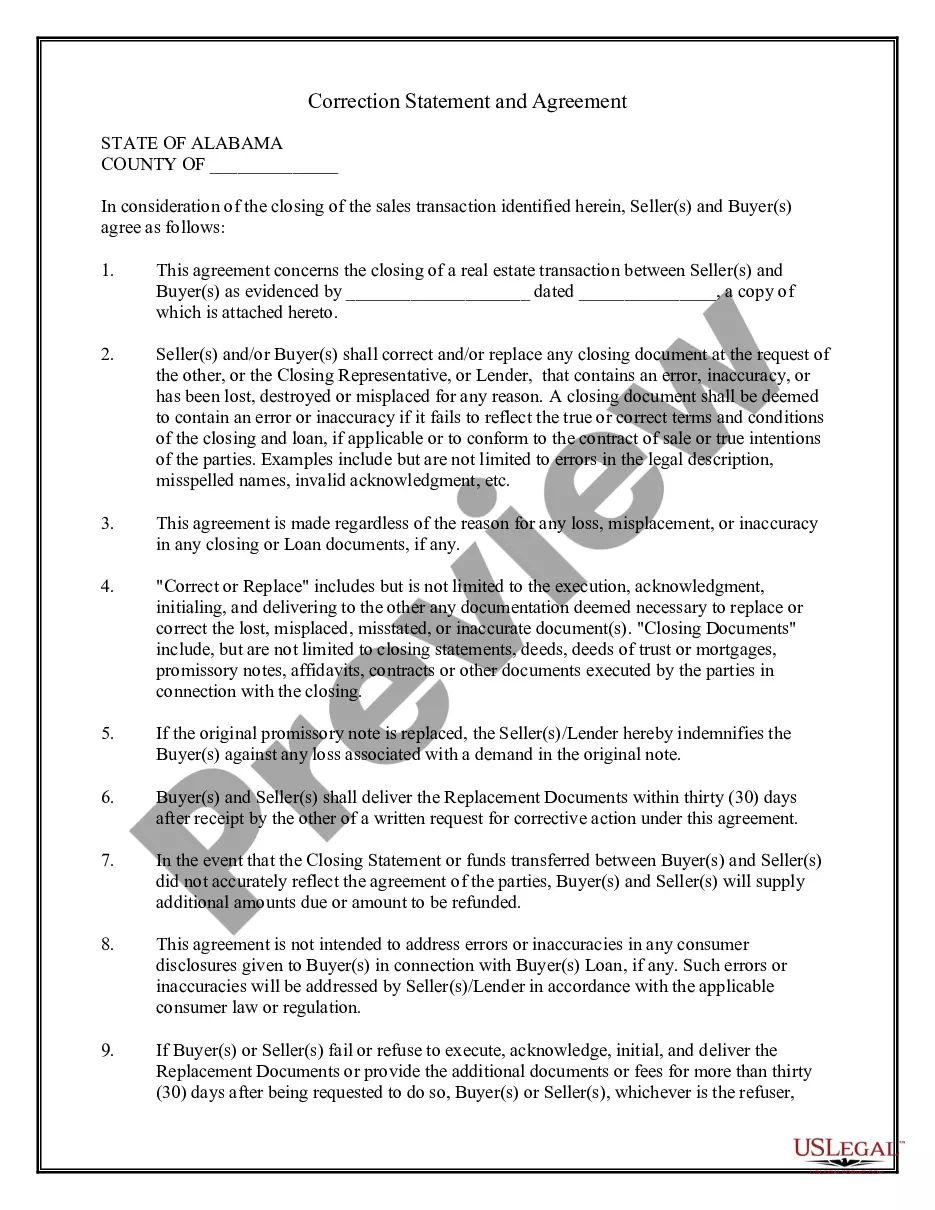

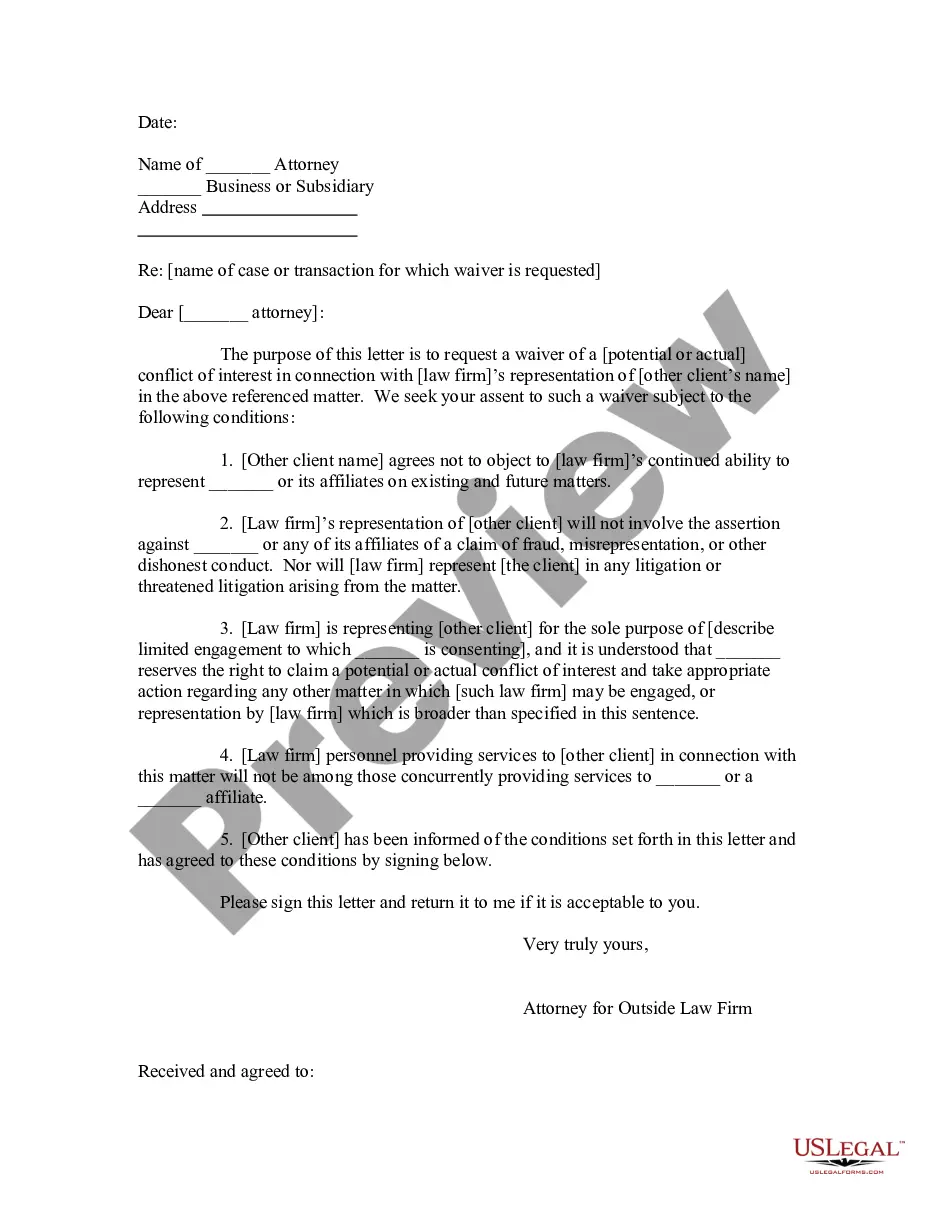
How to fill out Sample Attorney Conflict Of Interest Waiver Letter?
Whether for commercial purposes or personal matters, everyone must confront legal scenarios at some stage in their life.
Filling out legal documents requires meticulous care, beginning with choosing the correct form example.
With an extensive US Legal Forms collection available, you need not spend time searching for the ideal template online. Utilize the library’s straightforward navigation to find the suitable form for any circumstance.
- Acquire the template you require using the search box or catalog browsing.
- Review the form’s description to confirm it aligns with your case, state, and locality.
- Select the form’s preview to inspect it.
- If it is the incorrect form, return to the search tool to locate the Interest Exemption For Individuals sample you need.
- Download the document once it fulfills your criteria.
- If you possess a US Legal Forms account, simply click Log in to access documents saved in My documents.
- If you do not have an account yet, you can acquire the form by clicking Buy now.
- Select the appropriate pricing choice.
- Fill out the profile registration form.
- Choose your payment method: use a credit card or PayPal account.
- Select the document format you prefer and download the Interest Exemption For Individuals.
- After saving it, you can fill out the form using editing software or print it to complete manually.
Form popularity
FAQ
If you receive a Form 1099-INT, you'll need to include the amount shown in Box 1 on the ?taxable interest? line of your tax return. Report any tax-exempt interest shown in Box 8 of the 1099-INT on the ?tax-exempt interest? line of your tax return.
How Tax-Exempt Interest Works Interest from a Series EE or Series I bond ? These are types of savings bonds issued by the U.S. government. ... Interest from VA insurance dividends ? Some people choose to leave interest earned on insurance dividends on deposit.
Tax-Exempt Interest is reported in Box 8 of Form 1099-INT, Interest Income. See the screenshot attached below for where to find this in TurboTax. Tax-Exempt Dividends are reported in Box 11 of Form 1099-DIV, Dividends and Distributions. You will report this in the 1099-DIV section of TurboTax.
Tax-exempt interest. In general, your tax-exempt stated interest should be shown in box 8 of Form 1099-INT or, for a tax-exempt OID bond, in box 2 of Form 1099-OID, and your tax-exempt OID should be shown in box 11 of Form 1099-OID. Enter the total on line 2a of your Form 1040 or 1040-SR.
Tax-exempt interest. In general, your tax-exempt stated interest should be shown in box 8 of Form 1099-INT or, for a tax-exempt OID bond, in box 2 of Form 1099-OID, and your tax-exempt OID should be shown in box 11 of Form 1099-OID. Enter the total on line 2a of your Form 1040 or 1040-SR.