Trustee For Special Needs Trust
Description

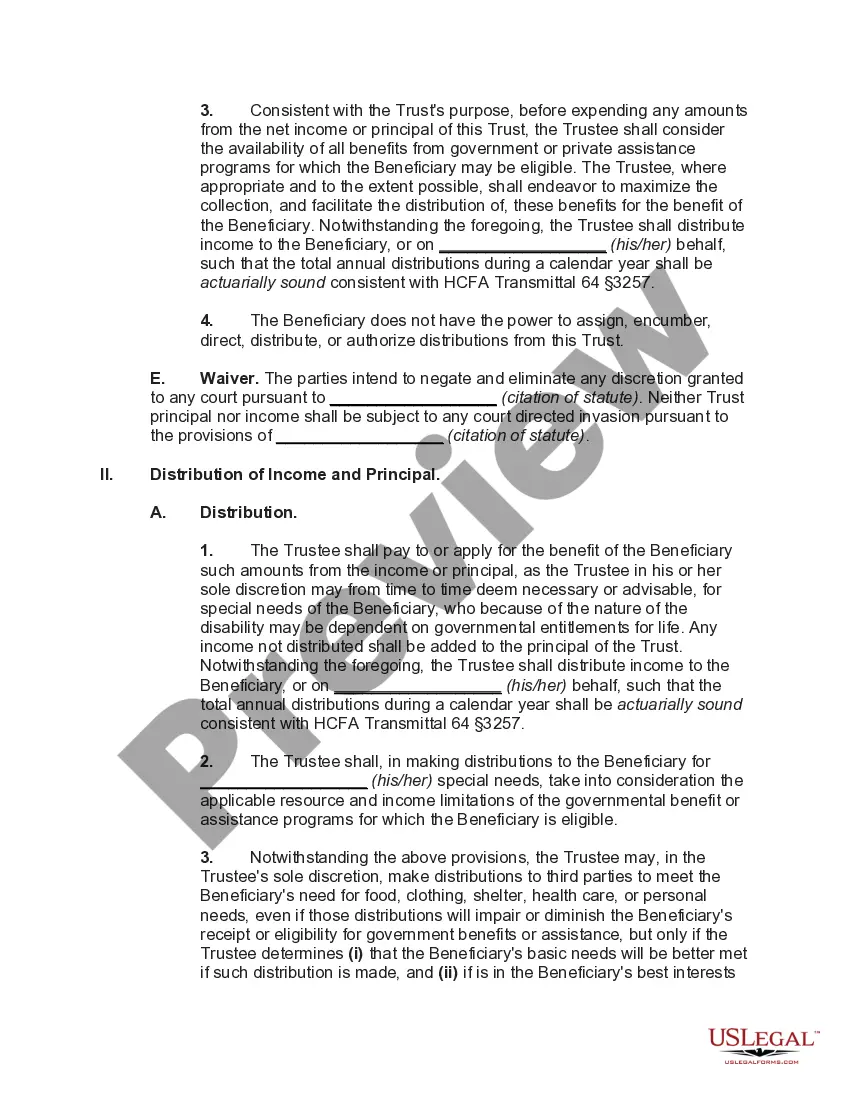
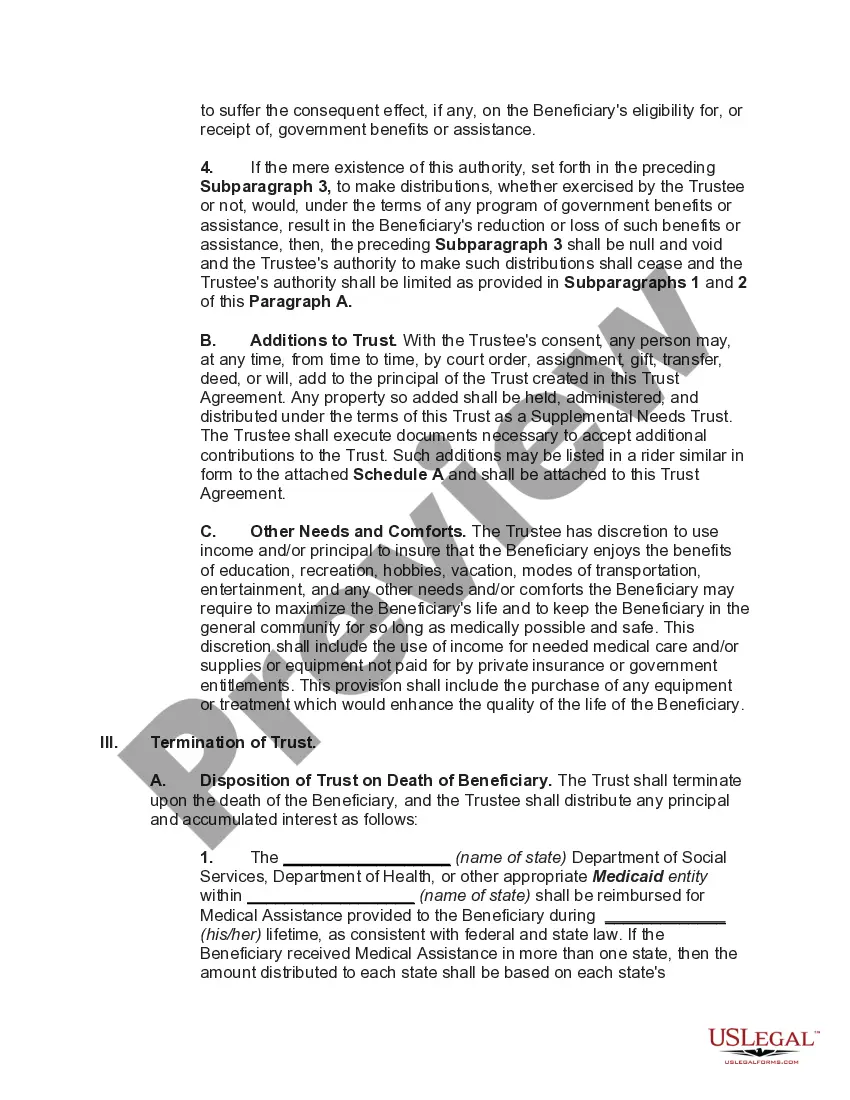
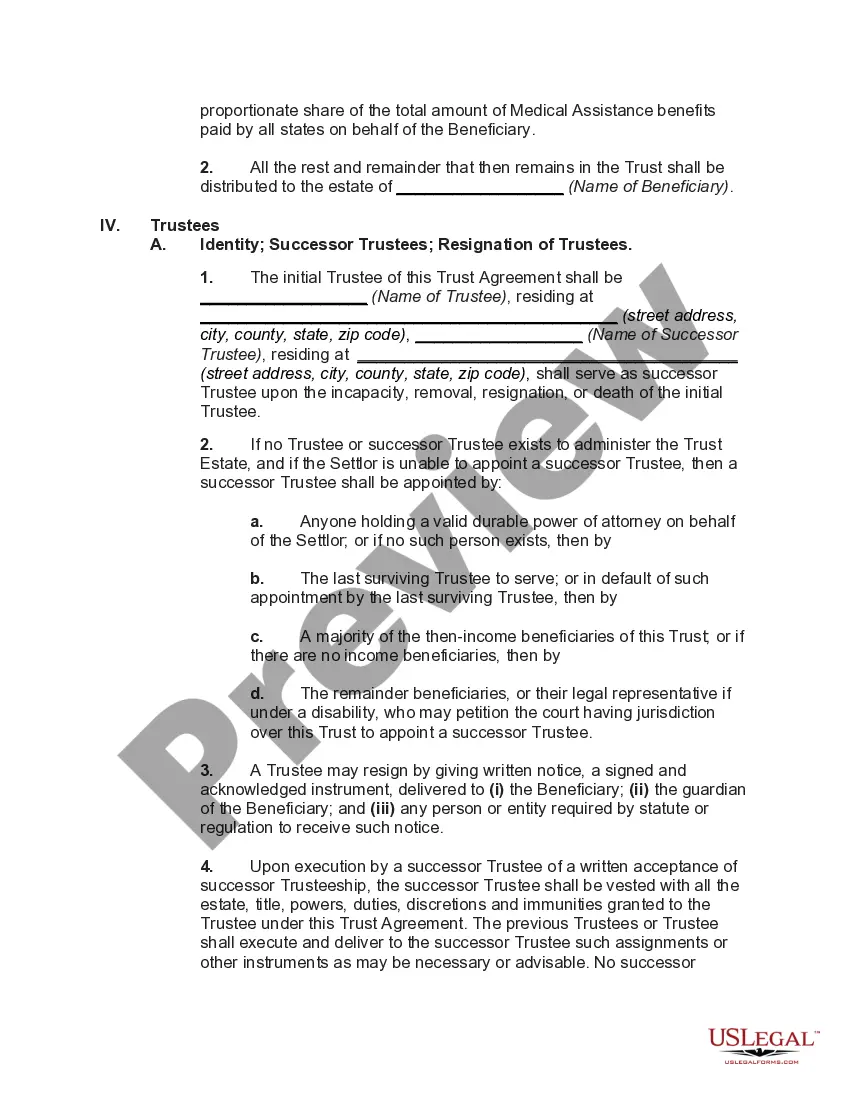
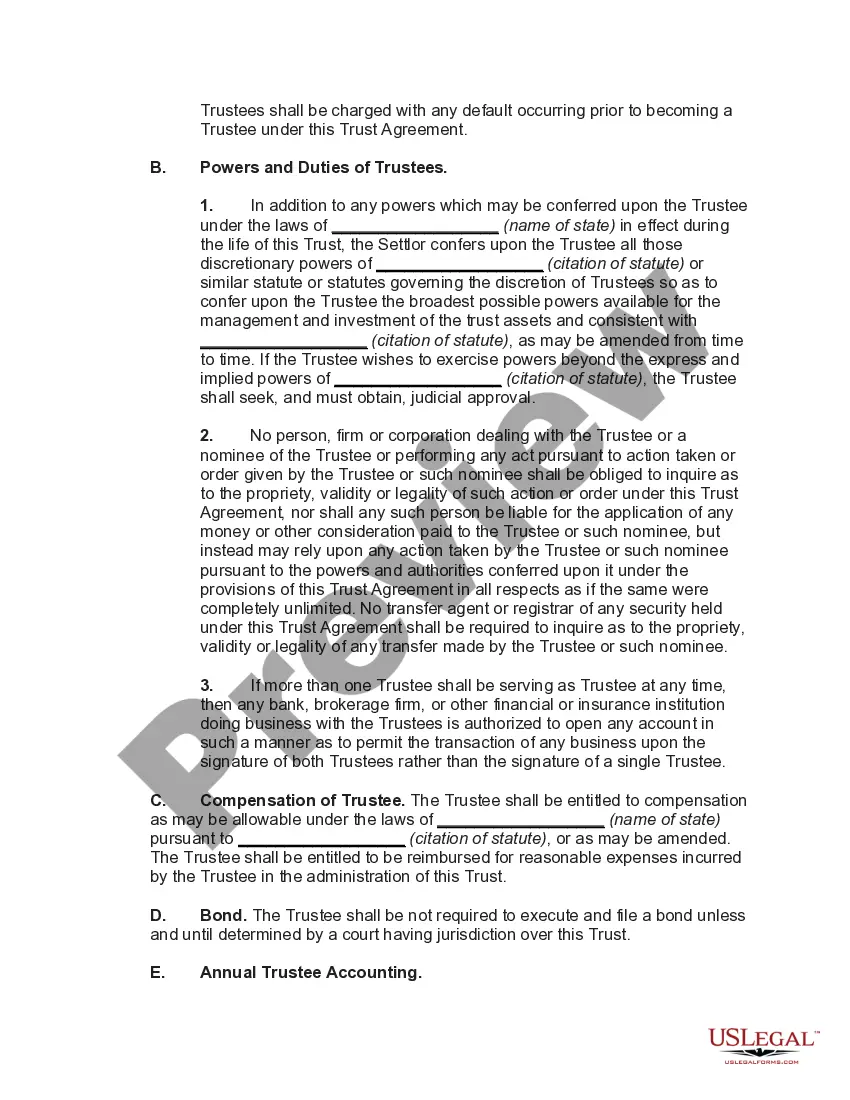
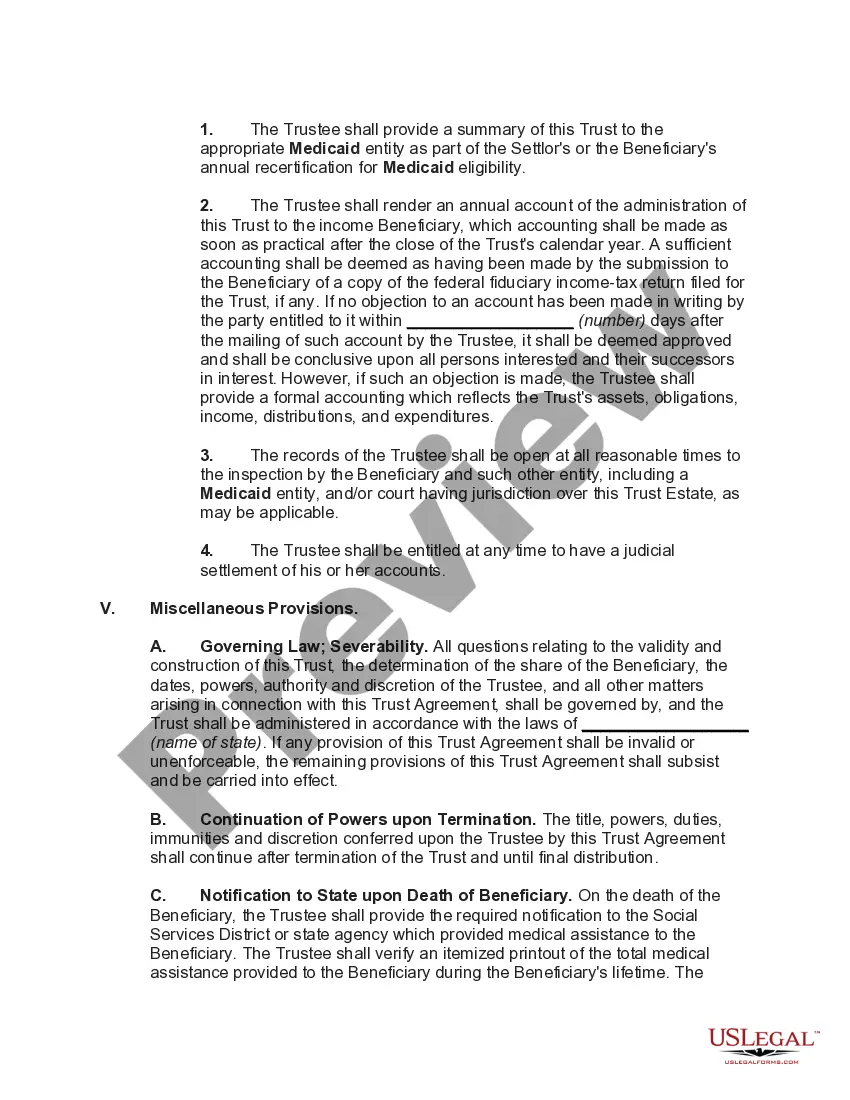
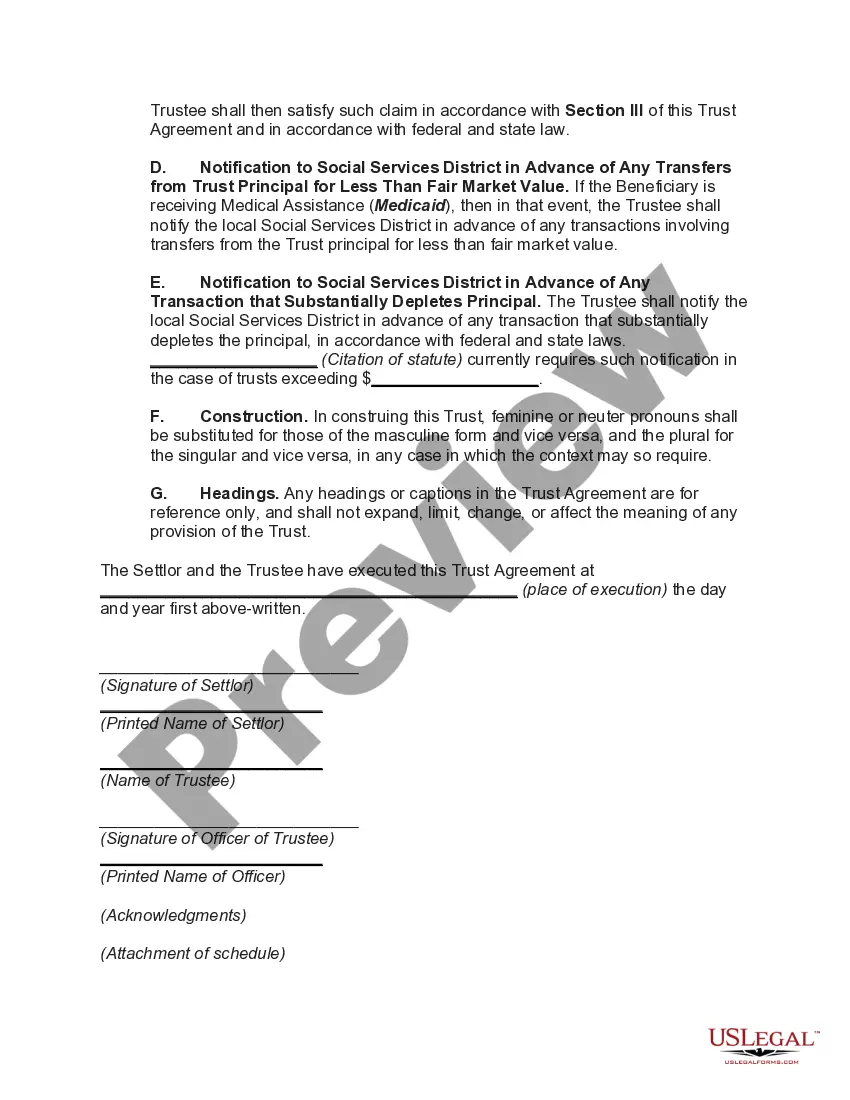




Get your form ready online
Our built-in tools help you complete, sign, share, and store your documents in one place.
Make edits, fill in missing information, and update formatting in US Legal Forms—just like you would in MS Word.
Download a copy, print it, send it by email, or mail it via USPS—whatever works best for your next step.
Sign and collect signatures with our SignNow integration. Send to multiple recipients, set reminders, and more. Go Premium to unlock E-Sign.
If this form requires notarization, complete it online through a secure video call—no need to meet a notary in person or wait for an appointment.
We protect your documents and personal data by following strict security and privacy standards.

Make edits, fill in missing information, and update formatting in US Legal Forms—just like you would in MS Word.

Download a copy, print it, send it by email, or mail it via USPS—whatever works best for your next step.

Sign and collect signatures with our SignNow integration. Send to multiple recipients, set reminders, and more. Go Premium to unlock E-Sign.

If this form requires notarization, complete it online through a secure video call—no need to meet a notary in person or wait for an appointment.

We protect your documents and personal data by following strict security and privacy standards.
Looking for another form?










How to fill out Special Needs Irrevocable Trust Agreement For Benefit Of Disabled Child Of Trustor?
Securing a reliable destination to obtain the latest and suitable legal templates constitutes a significant portion of the challenge associated with navigating bureaucracy.
Identifying the correct legal documents requires precision and careful attention to nuances, which is why it is crucial to source Trustee For Special Needs Trust samples exclusively from reputable providers, such as US Legal Forms.
Eliminate the hassles associated with your legal documentation. Delve into the vast US Legal Forms repository, where you can discover legal templates, assess their applicability to your situation, and download them promptly.
- Utilize the catalog navigation or search bar to locate your document.
- View the form’s details to verify its compliance with the regulations of your state and locality.
- Access the form preview, if available, to confirm that the template is indeed what you are seeking.
- Continue searching for the suitable document if the Trustee For Special Needs Trust does not fulfill your specifications.
- Once you are certain about the form’s applicability, proceed to download it.
- If you possess an authorized account, click Log in to verify your credentials and retrieve your selected forms in My documents.
- If you have yet to create an account, click Buy now to acquire the template.
- Select the pricing tier that accommodates your requirements.
- Advance to registration to finalize your transaction.
- Complete your purchase by selecting a payment method (credit card or PayPal).
- Choose the file format for downloading Trustee For Special Needs Trust.
- Once you have the document on your device, you can either modify it using an editor or print it out for manual completion.
Form popularity
FAQ
It is always advisable to have an independent professional Trustee serve as the sole trustee. An independent trustee can be objective and usually has skills, such as investment, accounting, tax and public benefits expertise, that family members lack.
While all special needs trusts must file annual income tax returns, only larger third-party trusts that earn more than they distribute each year actually pay any taxes. The others pass through their income to the beneficiary with special needs.
In these circumstances, the Form 1041 is very simple to complete. The trustee will check the box on Form 1041 indicating that the trust is a grantor trust and provide some general information about the trust (name, address, tax identification number, and the date the trust was established).
Whether or not you need an EIN for a trust depends on the type of trust. Generally, grantor revocable trusts do not need an EIN. Any income taxes from a revocable trust is reported via the grantor's SSN since the grantor can revoke the trust at any time and regain possession of the property.
A Special Needs Trust must have its own Federal Identification Number (also called an Employer Identification Number, EIN, Tax Identification Number, or TIN) to be valid. This unique number means that the Trust is its own entity, and that it does not belong to anyone but itself.