Qualified Domestic Trust Withdrawal
Description
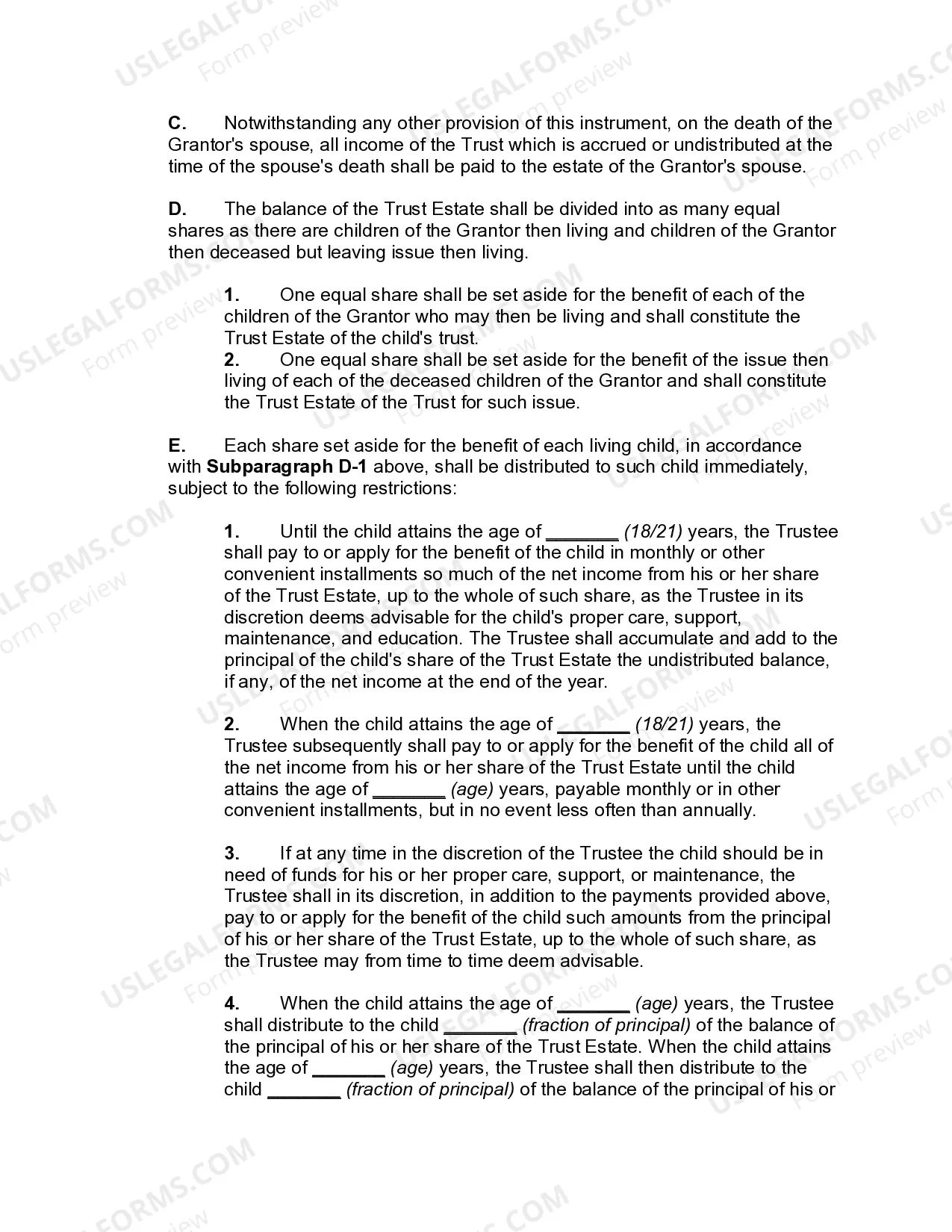
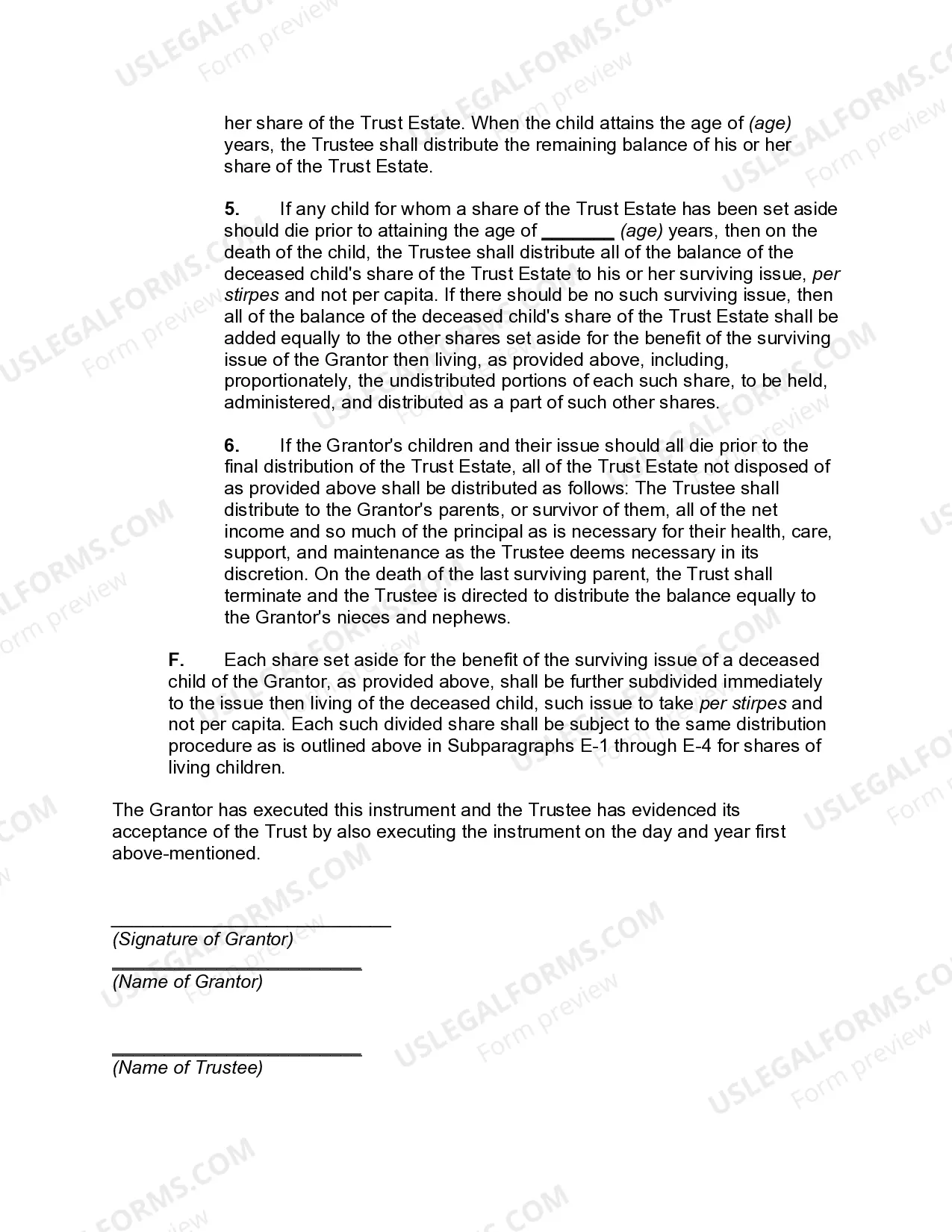

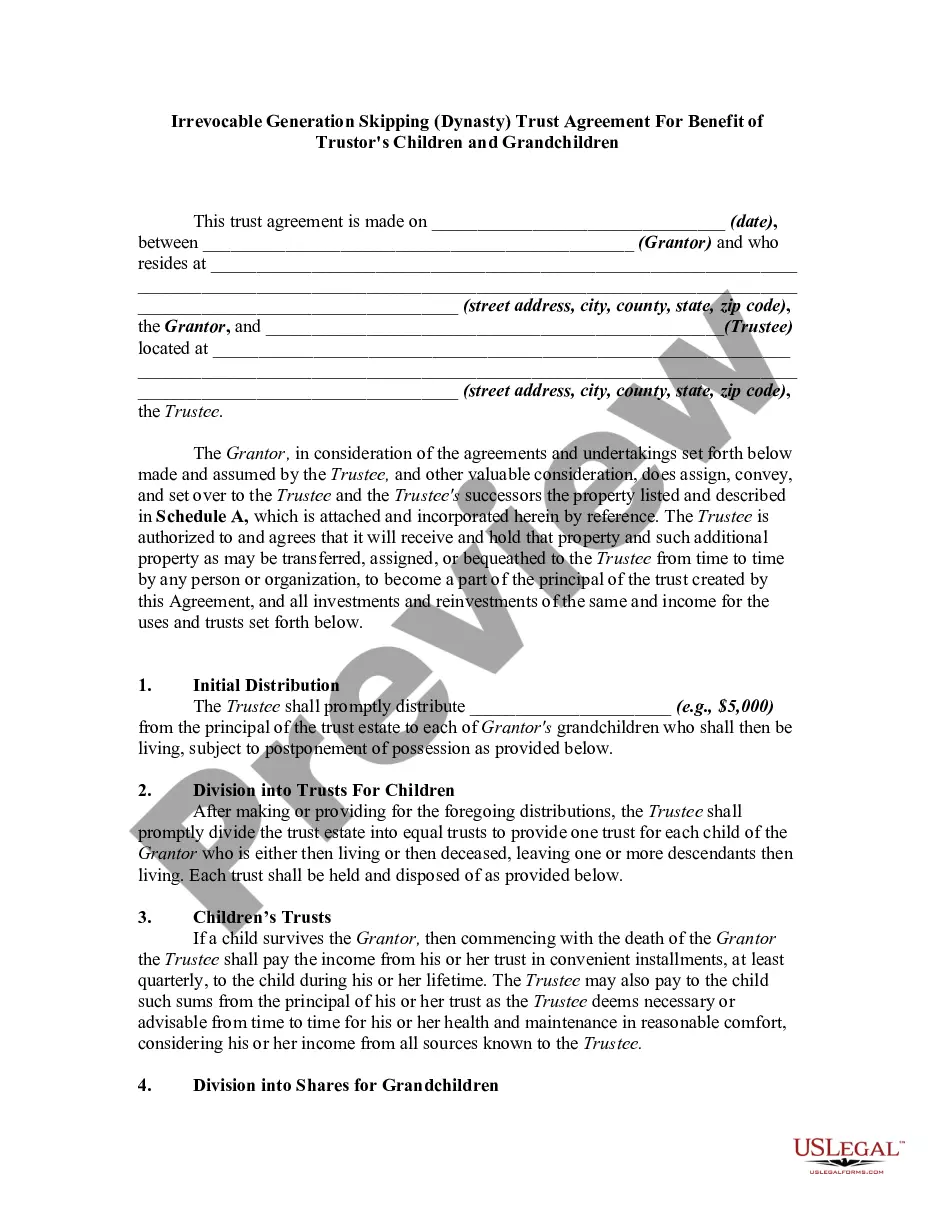

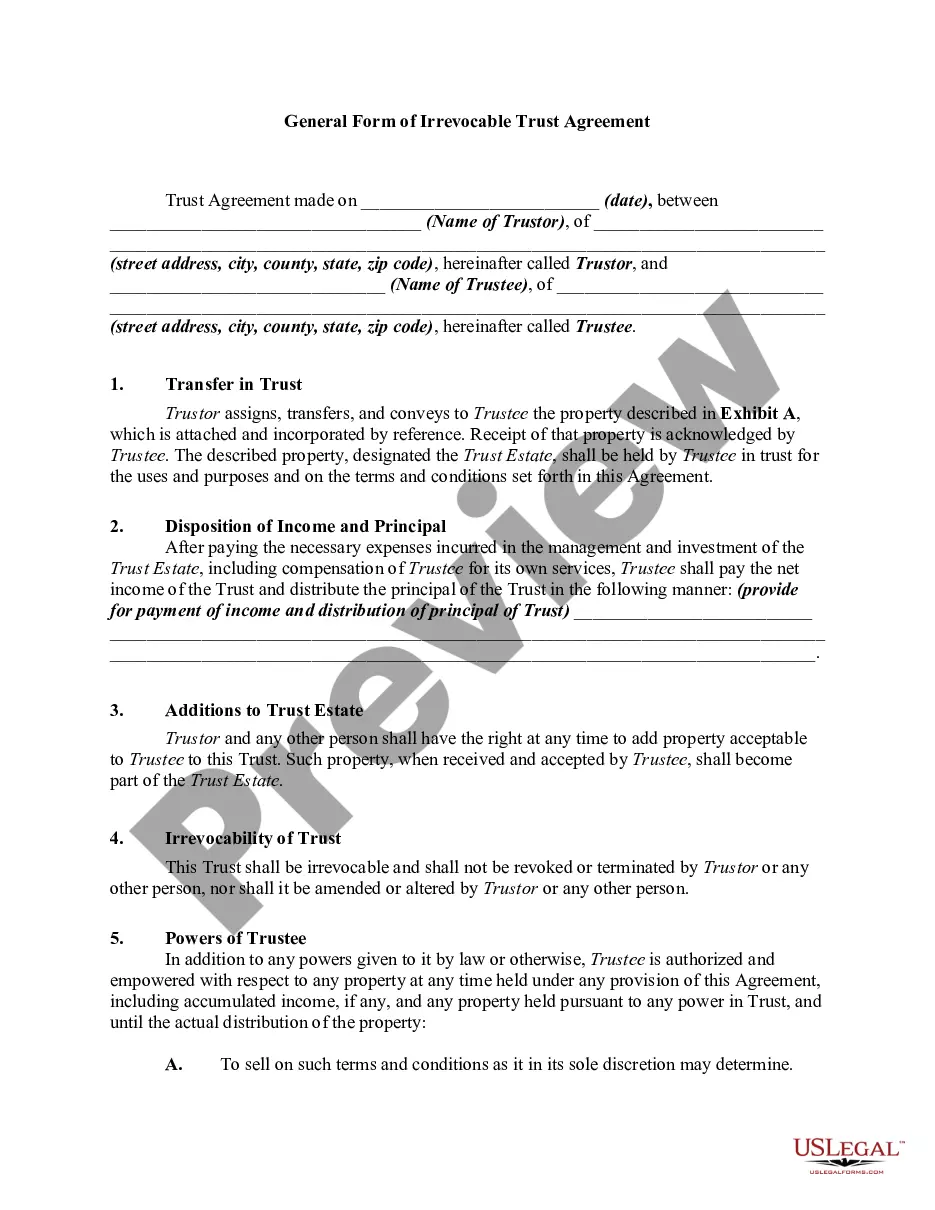

Get your form ready online
Our built-in tools help you complete, sign, share, and store your documents in one place.
Make edits, fill in missing information, and update formatting in US Legal Forms—just like you would in MS Word.
Download a copy, print it, send it by email, or mail it via USPS—whatever works best for your next step.
Sign and collect signatures with our SignNow integration. Send to multiple recipients, set reminders, and more. Go Premium to unlock E-Sign.
If this form requires notarization, complete it online through a secure video call—no need to meet a notary in person or wait for an appointment.
We protect your documents and personal data by following strict security and privacy standards.

Make edits, fill in missing information, and update formatting in US Legal Forms—just like you would in MS Word.

Download a copy, print it, send it by email, or mail it via USPS—whatever works best for your next step.

Sign and collect signatures with our SignNow integration. Send to multiple recipients, set reminders, and more. Go Premium to unlock E-Sign.

If this form requires notarization, complete it online through a secure video call—no need to meet a notary in person or wait for an appointment.

We protect your documents and personal data by following strict security and privacy standards.
Looking for another form?

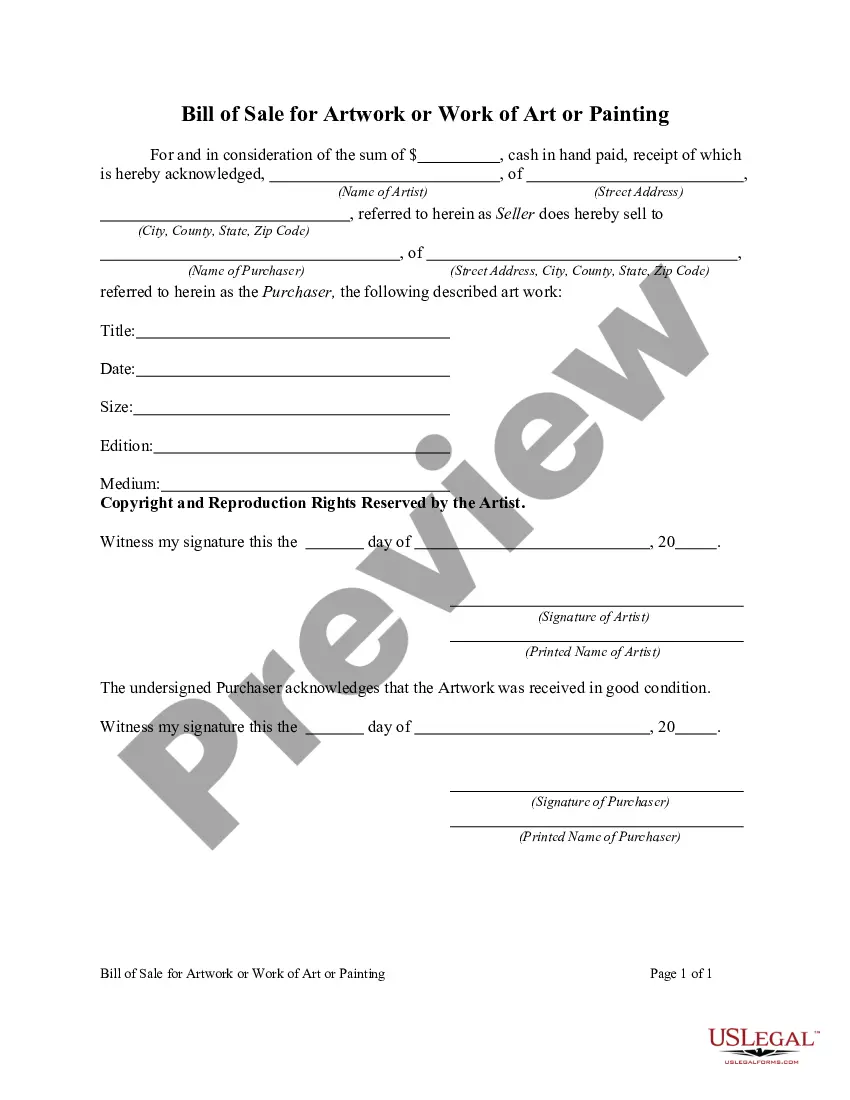





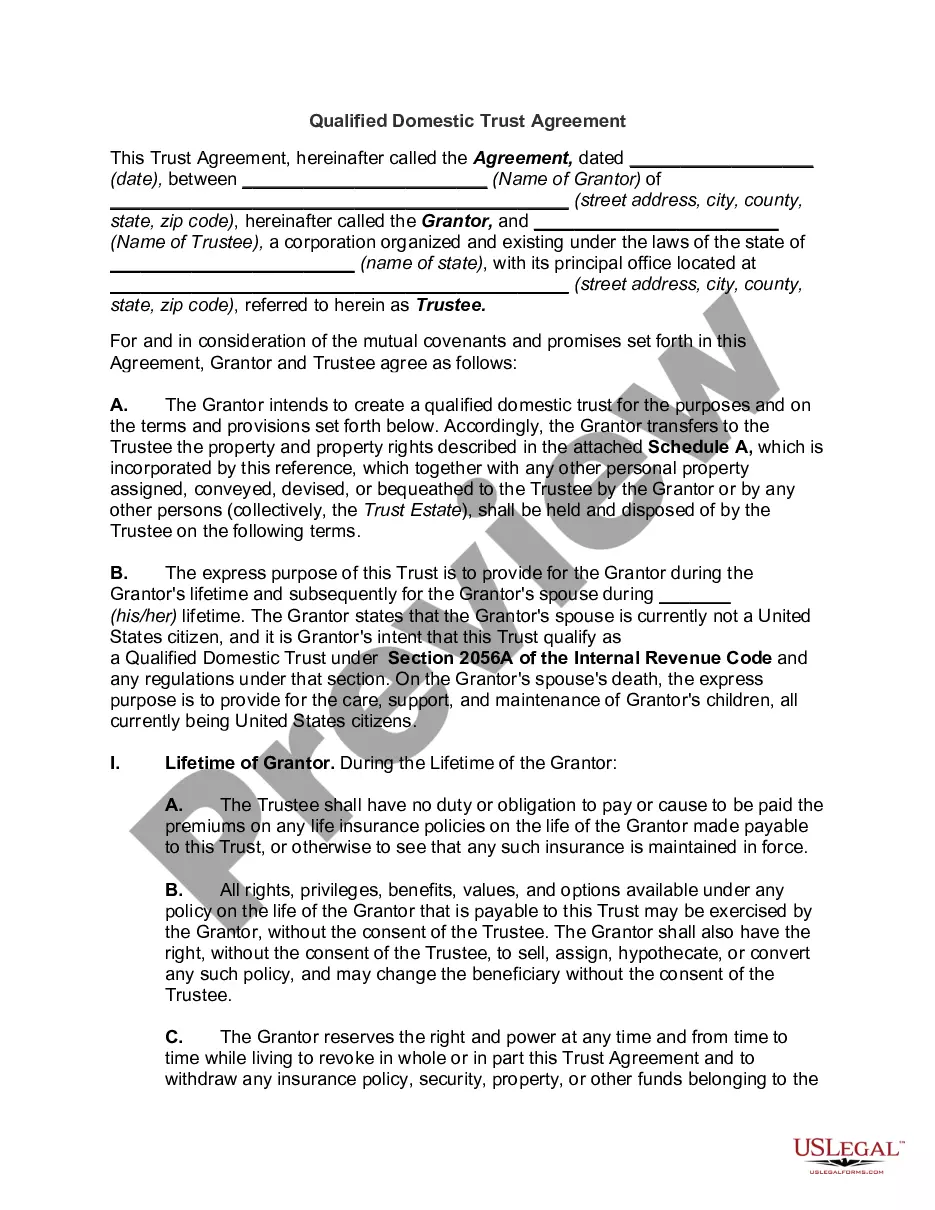
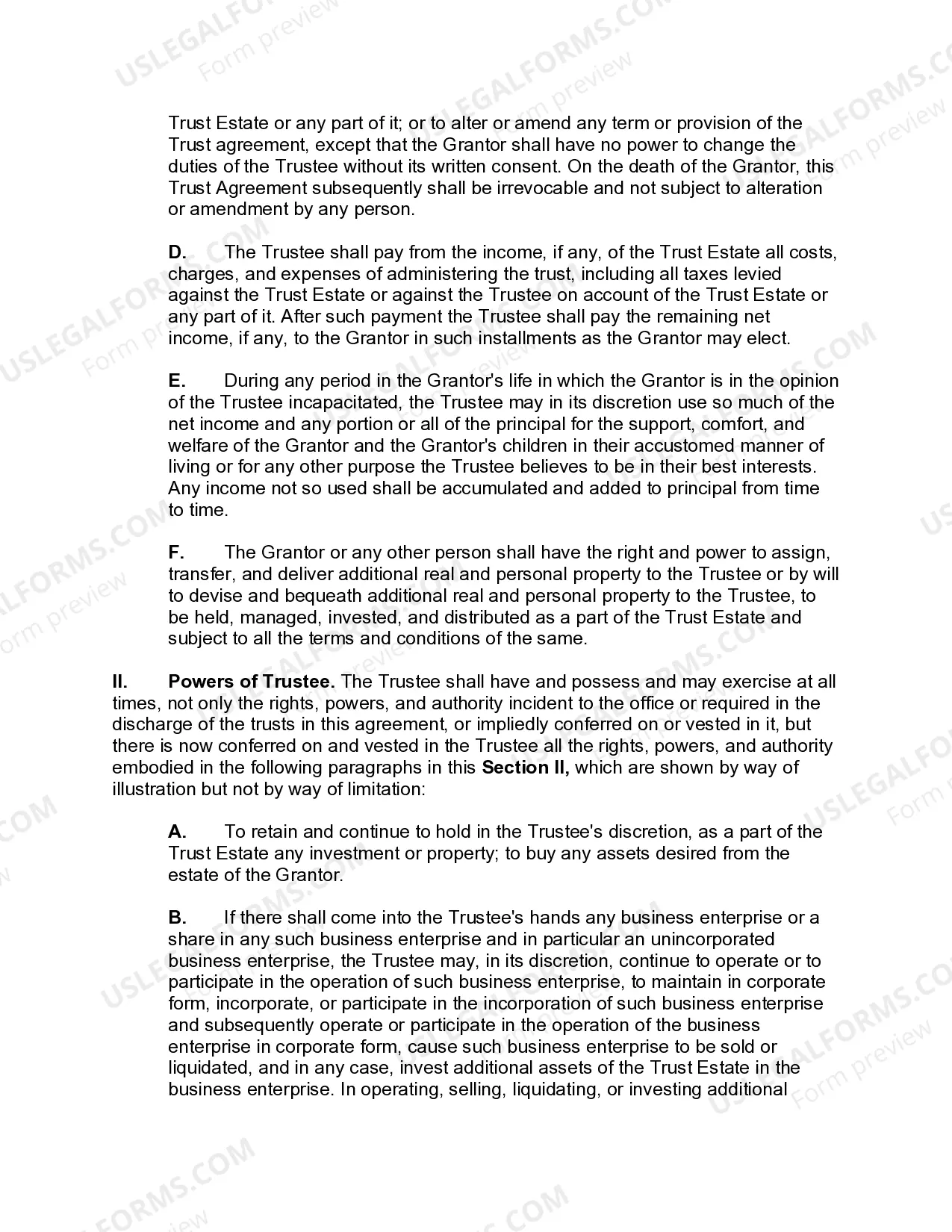
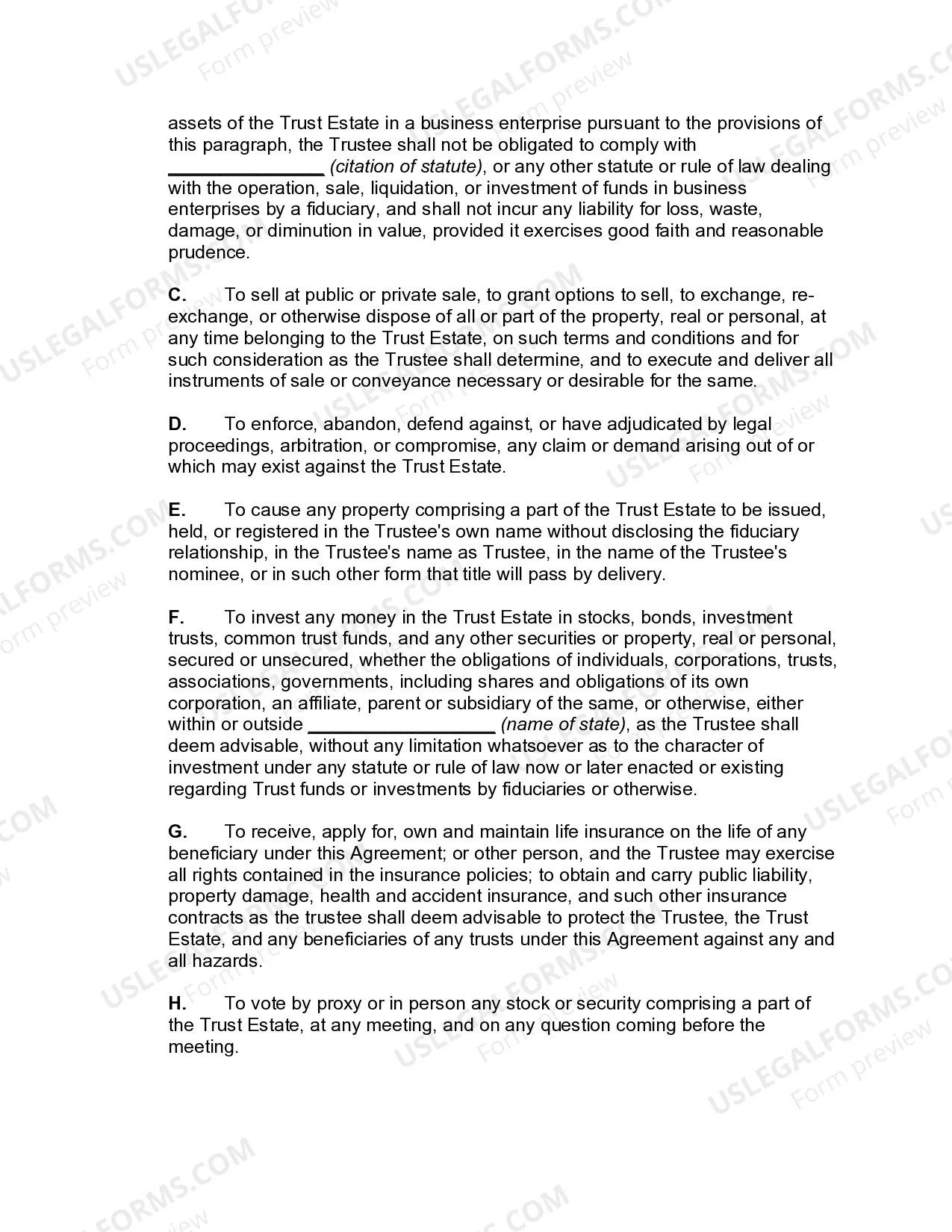
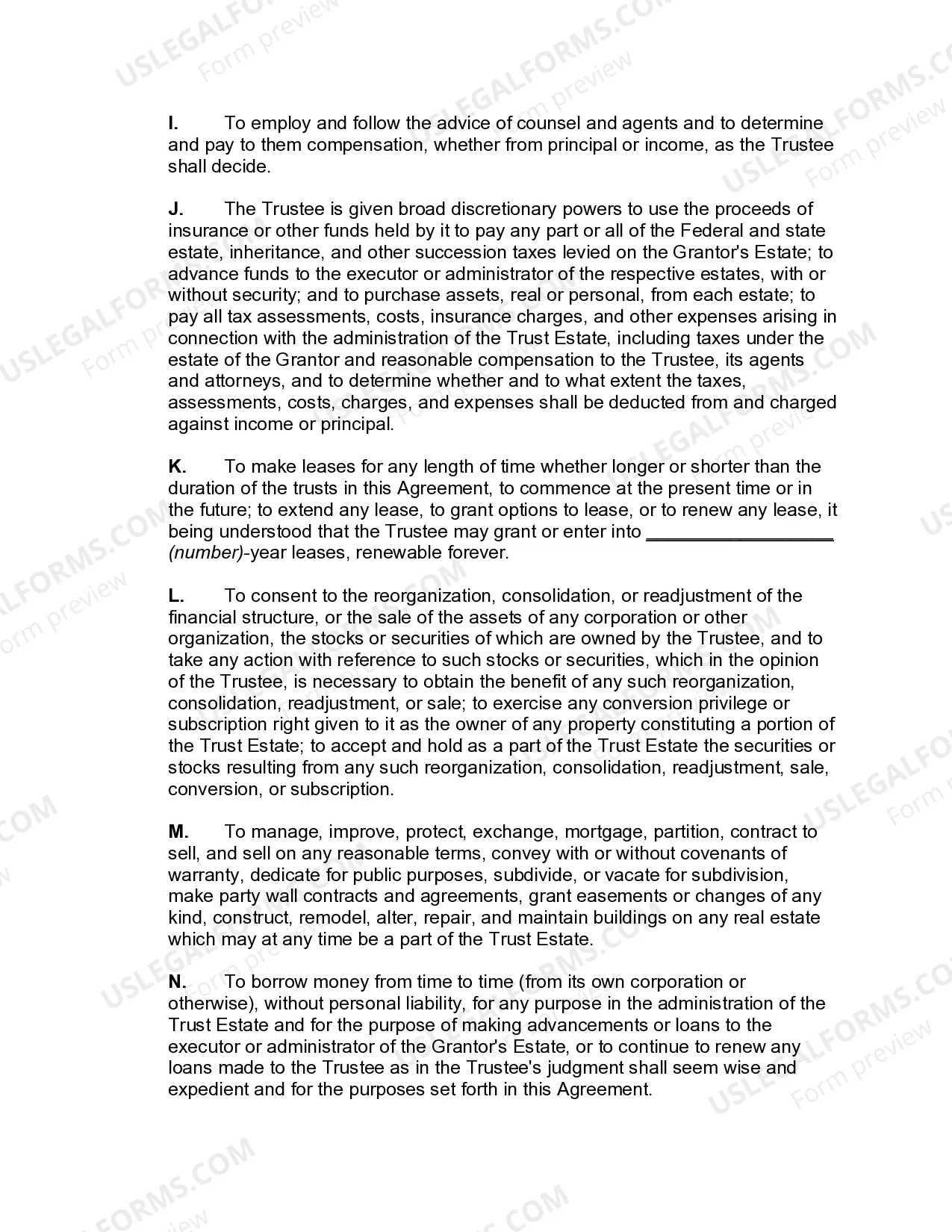
How to fill out Qualified Domestic Trust Agreement?
The Approved Domestic Trust Withdrawal displayed on this page is a reusable formal template crafted by experienced attorneys in accordance with federal and state laws and regulations.
For over 25 years, US Legal Forms has offered individuals, entities, and legal experts more than 85,000 validated, state-specific forms for various business and personal scenarios. It is the fastest, easiest, and most reliable method to obtain the documents you require, as the service ensures bank-level data security and anti-malware safeguards.
Register for US Legal Forms to have validated legal templates for all of life's situations available at your fingertips.
- Search for the document you require and review it.
- Browse the sample you sought and preview it or check the form's description to ensure it meets your needs. If it doesn't, use the search feature to locate the suitable one. Click Buy Now once you have found the template you want.
- Select a subscription and Log In.
- Choose the pricing plan that fits your needs and create an account. Use PayPal or a credit card to complete a fast payment. If you already have an account, Log In and check your subscription to continue.
- Receive the editable template.
- Select the format you prefer for your Approved Domestic Trust Withdrawal (PDF, DOCX, RTF) and download the sample to your device.
- Fill out and sign the documents.
- Print the template to fill it out by hand. Alternatively, use an online multi-functional PDF editor to quickly and accurately complete and sign your form with a valid signature.
- Redownload your documents as needed.
- Access the same document again at any time. Open the My documents tab in your account to redownload any previously acquired forms.
Form popularity
FAQ
Can I go to jail for not paying a judgment? No, you cannot go to jail for not paying a judgment. A judgment means the company can try to collect from you, it does not mean you have to pay them if you are unable to. (See South Carolina Legal Services' brochure: ?Being Judgment Proof?.
In South Carolina, the statute of limitations for most types of consumer and business debt is three years. Residents of South Carolina have several rights when it comes to paying off debt and it is important to understand each one to avoid being taken advantage of by debt collectors.
Dear debt collector, I am responding to your contact about collecting a debt. You contacted me by [phone/mail], on [date] and identified the debt as [any information they gave you about the debt]. I do not have any responsibility for the debt you're trying to collect.
Follow these three steps to respond to a South Carolina debt collection lawsuit: Answer each issue of the Complaint. Assert your affirmative defenses. File the Answer document with the court, and serve the plaintiff with a copy.
Some states offer more protection for debtors. In South Carolina, your employer can't fire you for an attempted garnishment that results from "consumer debt." (S.C.
Form 9 - Letter to Clerk of Lower Court Filing Notice of Appeal, S.C.
The rule to show cause shall be served with the supporting affidavit or verified petition by personal delivery of a duly filed copy thereof to the responding party by the Sheriff, his deputy or by any other person not less than eighteen (18) years of age, not an attorney in or a party to the action.
You must serve a copy of the Answer on the people who sued you, or their lawyer if they are represented, no later than 30 days after you receive the Summons and Complaint. You must file the original with the Clerk of Court's office where the Complaint was originally filed. Keep a copy for yourself.