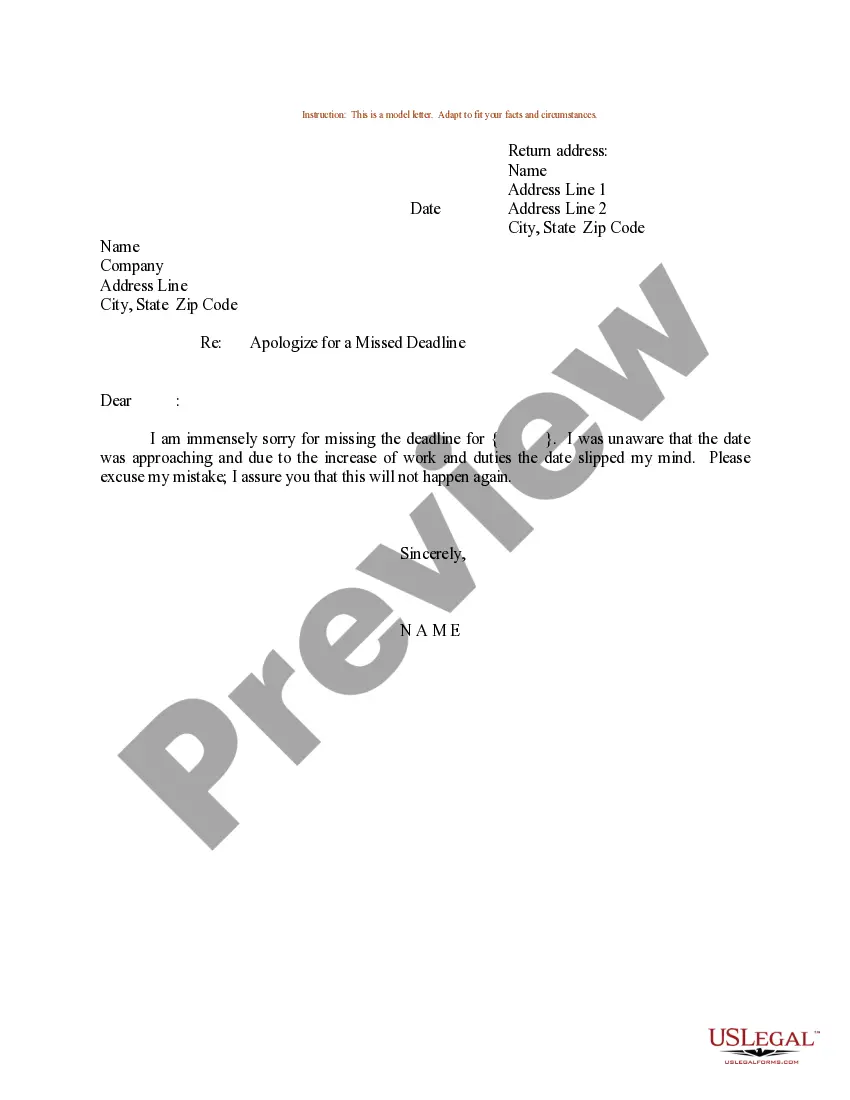
Apology Letter With Mistake
Description
Get your form ready online
Our built-in tools help you complete, sign, share, and store your documents in one place.
Make edits, fill in missing information, and update formatting in US Legal Forms—just like you would in MS Word.
Download a copy, print it, send it by email, or mail it via USPS—whatever works best for your next step.
Sign and collect signatures with our SignNow integration. Send to multiple recipients, set reminders, and more. Go Premium to unlock E-Sign.
If this form requires notarization, complete it online through a secure video call—no need to meet a notary in person or wait for an appointment.
We protect your documents and personal data by following strict security and privacy standards.

Make edits, fill in missing information, and update formatting in US Legal Forms—just like you would in MS Word.

Download a copy, print it, send it by email, or mail it via USPS—whatever works best for your next step.

Sign and collect signatures with our SignNow integration. Send to multiple recipients, set reminders, and more. Go Premium to unlock E-Sign.

If this form requires notarization, complete it online through a secure video call—no need to meet a notary in person or wait for an appointment.

We protect your documents and personal data by following strict security and privacy standards.
Looking for another form?
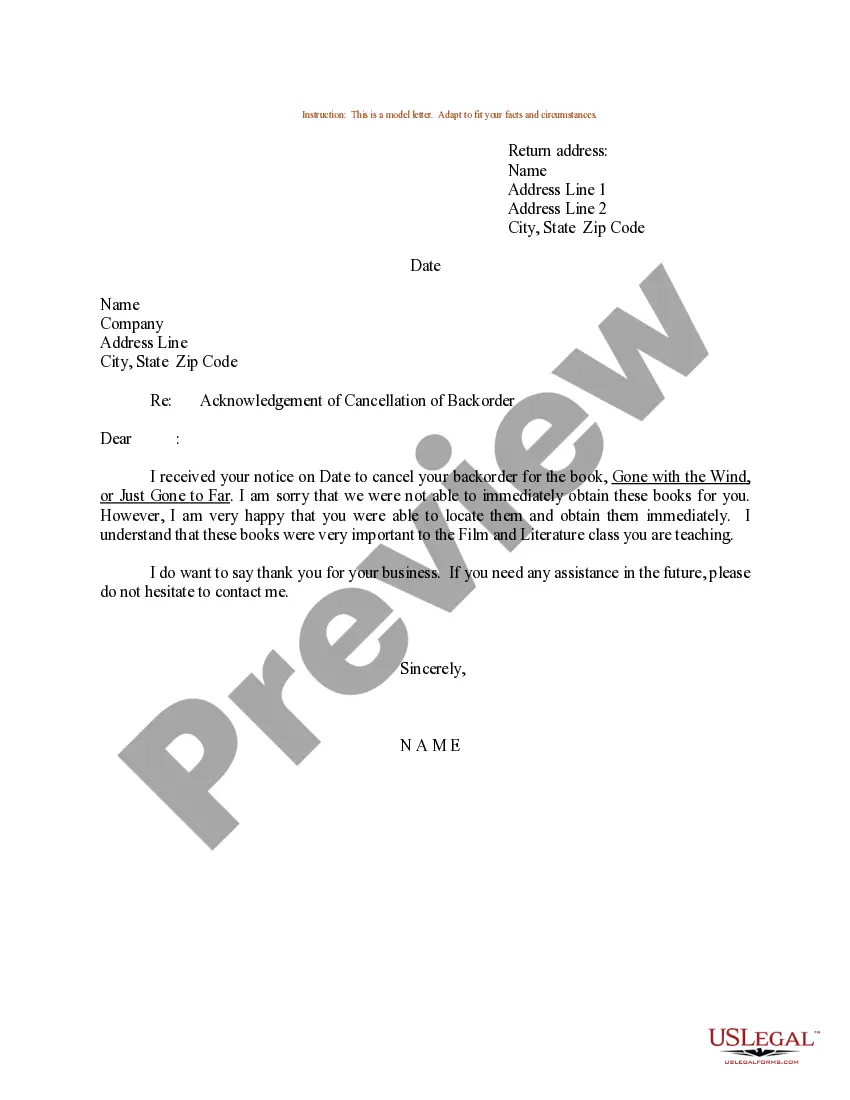

How to fill out Sample Letter For Apologize For A Missed Deadline?
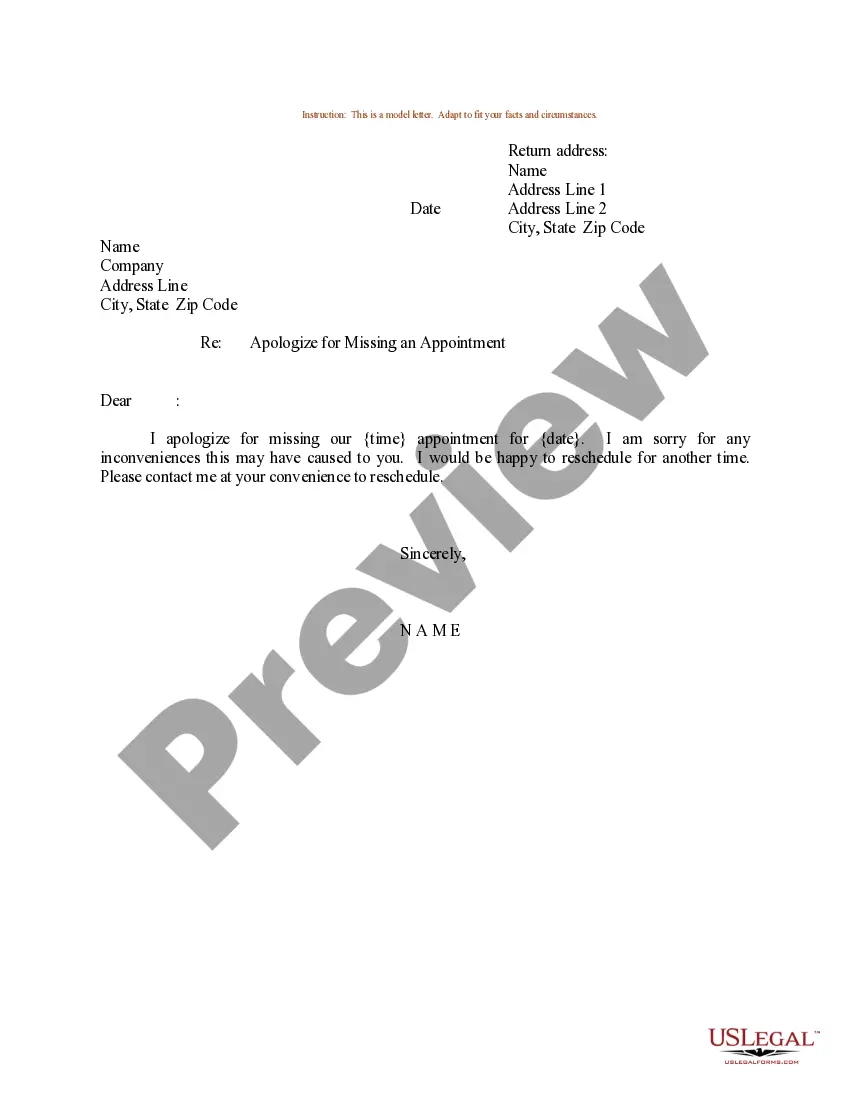
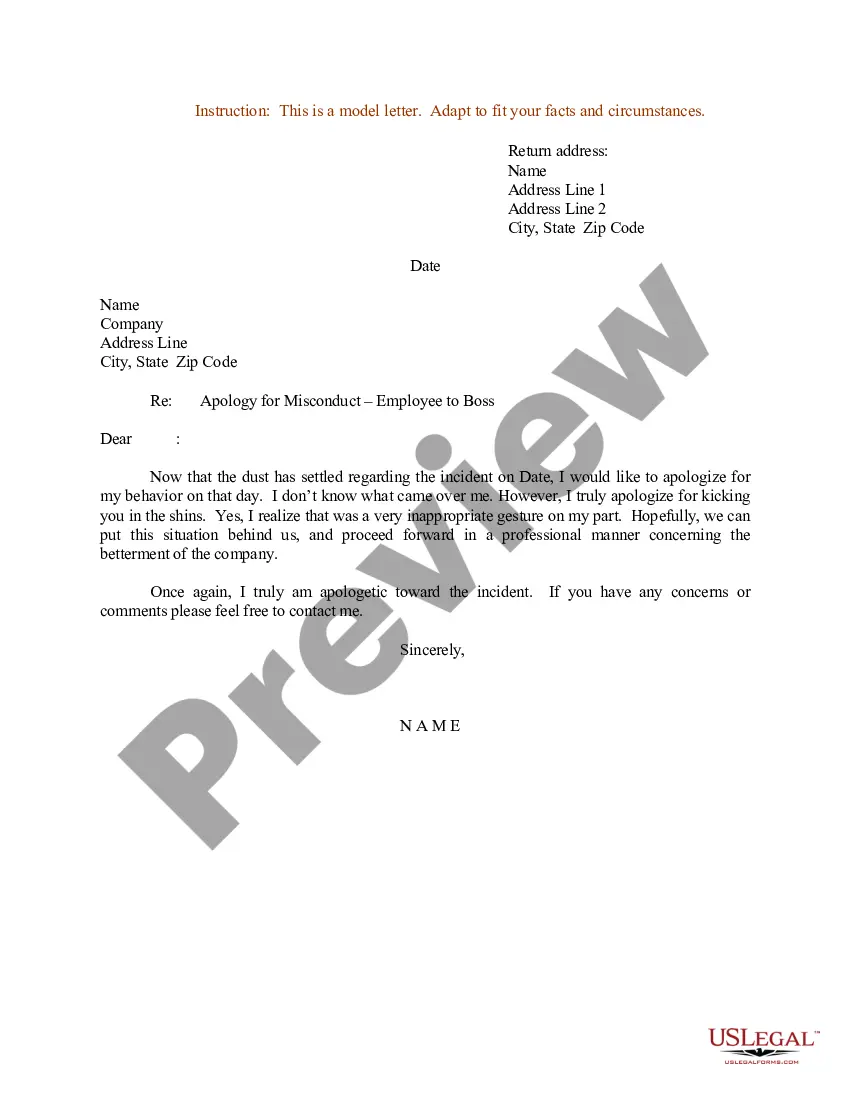
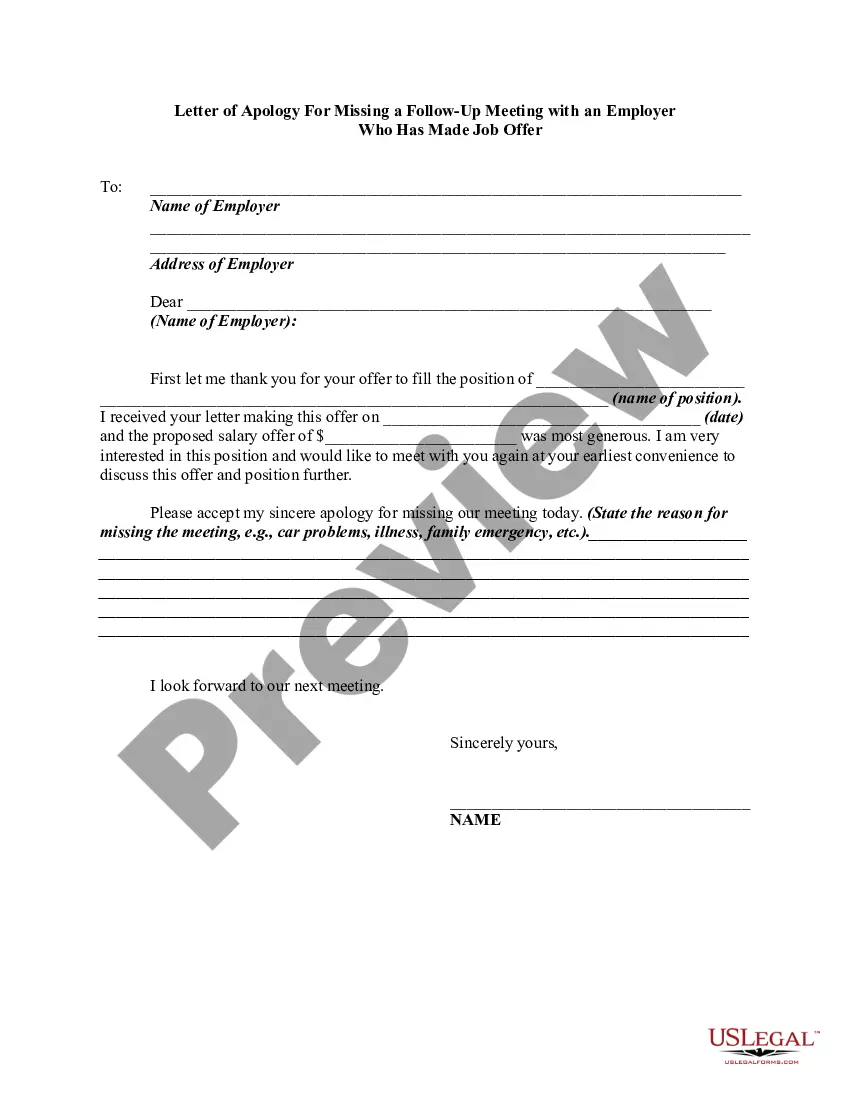
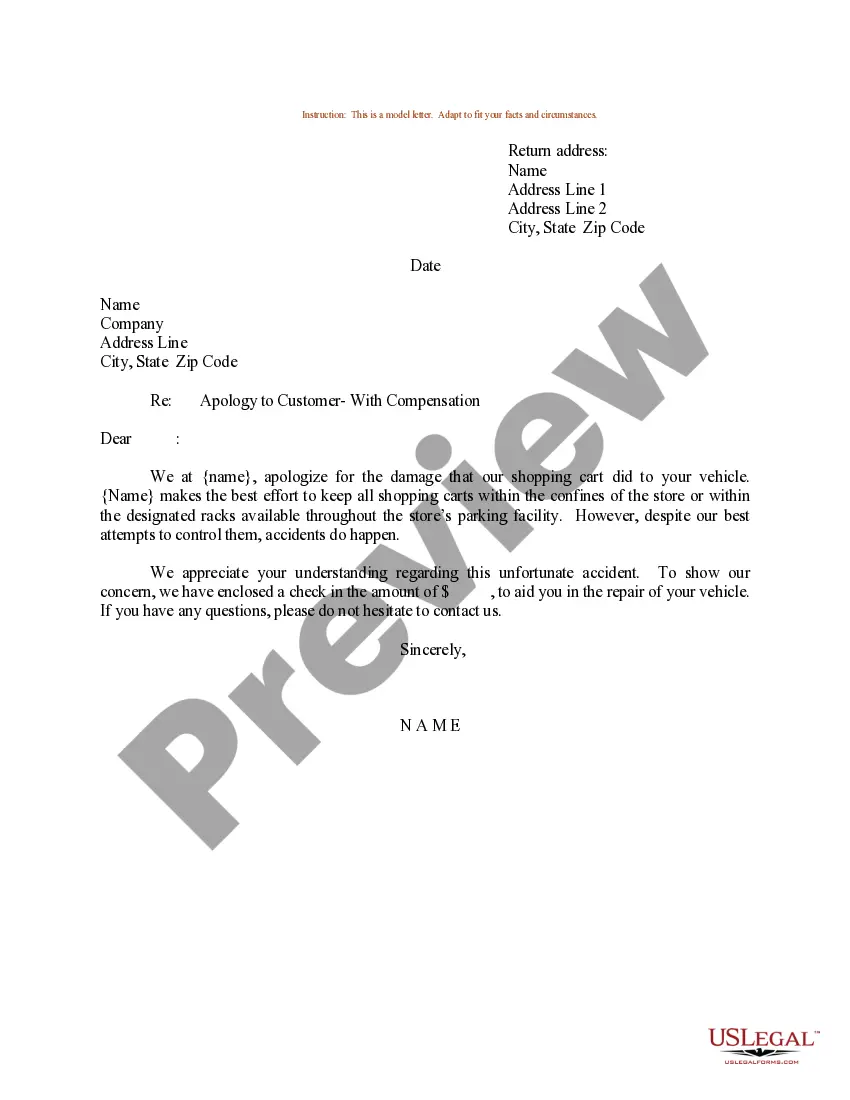
The Apology Correspondence With Error that you find on this site is a reusable legal framework crafted by skilled attorneys following federal and state statutes and regulations.
For over 25 years, US Legal Forms has supplied individuals, businesses, and lawyers with more than 85,000 validated, state-specific documents for any business and personal situation. It’s the fastest, simplest, and most trustworthy method to acquire the paperwork you require, as the service ensures bank-grade data security and anti-malware safeguards.
Subscribe to US Legal Forms to have verified legal frameworks for all of life’s circumstances at your fingertips.
- Seek the document you require and examine it.
- Browse through the file you searched and view it or check the form description to confirm it meets your requirements. If it does not, utilize the search bar to find the correct one. Click Buy Now once you have found the template you need.
- Register and Log In.
- Choose the pricing option that fits you and create an account. Use PayPal or a debit/credit card for an immediate payment. If you already possess an account, Log In and verify your subscription to proceed.
- Acquire the editable template.
- Select the format you prefer for your Apology Correspondence With Error (PDF, DOCX, RTF) and download the sample onto your device.
- Complete and sign the document.
- Print the template to finalize it manually. Alternatively, utilize an online multifunctional PDF editor to quickly and precisely complete and sign your form with a legally binding electronic signature.
- Download your documents once more.
- Reopen the same document whenever necessary. Access the My documents section in your profile to redownload any previously saved documents.
Form popularity
FAQ
Avoiding 'sorry' in a professional email apology can help maintain a respectful and constructive tone. Instead, focus on taking responsibility rather than expressing regret. Using phrases such as, 'I understand the impact of my mistake' can communicate accountability without overemphasizing the emotional aspect.
Writing an effective apology email: 10 tips Put your apology right in the subject line. ... The sender must be recognizable. ... Apologize explicitly and immediately. ... Explain the reason behind the mistake. ... Your message should be personal and empathetic so that you can address the user directly.
Use the words "I'm sorry" or "I apologize." Consider using these exact words so the other person knows the purpose of your communication. Avoid saying things like, "I didn't mean to miss the meeting," and instead use, "I sincerely apologize for missing the meeting." Apologize privately.
How To Write A Letter For A Mistake? Outline your letter. A letter outline is an effective tool for creating a structure for your document. ... Own and acknowledge the mistake. ... Explain the context. ... Apologise for the mistake. ... Offer potential solutions. ... Write a conclusion paragraph.
1 My apologies My apologies is another word for ?I'm sorry.? It's rather formal, so it's fine for business contexts. Commonly, people use it to decline an invitation or express regret at not being able to fulfill a request.
Here are four steps to follow: Say the words ?I'm sorry.? Don't dance around it. You don't want your apology recipient to come away not knowing they were apologized to. Be specific about what you're apologizing for. ... Avoid justifications and obfuscations. ... Show that you'll avoid a repeat offense.