Sample Reimbursement Form With Recaptcha
Description
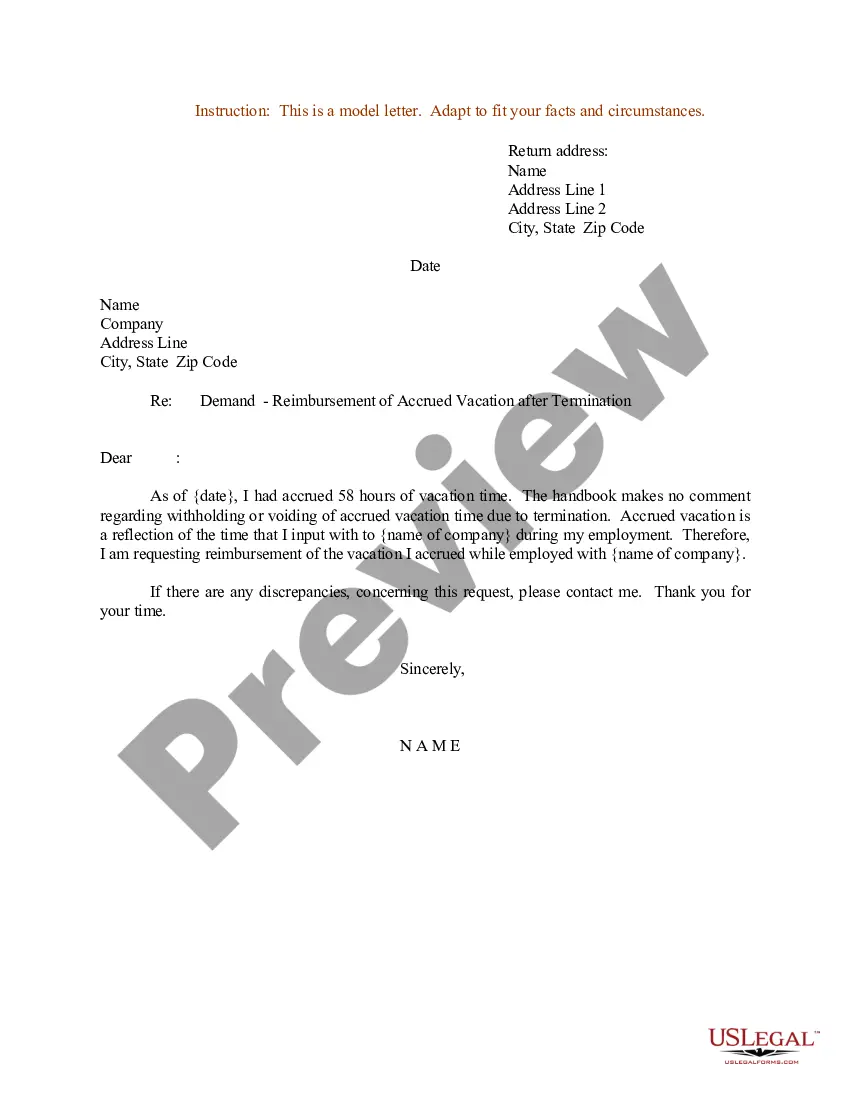
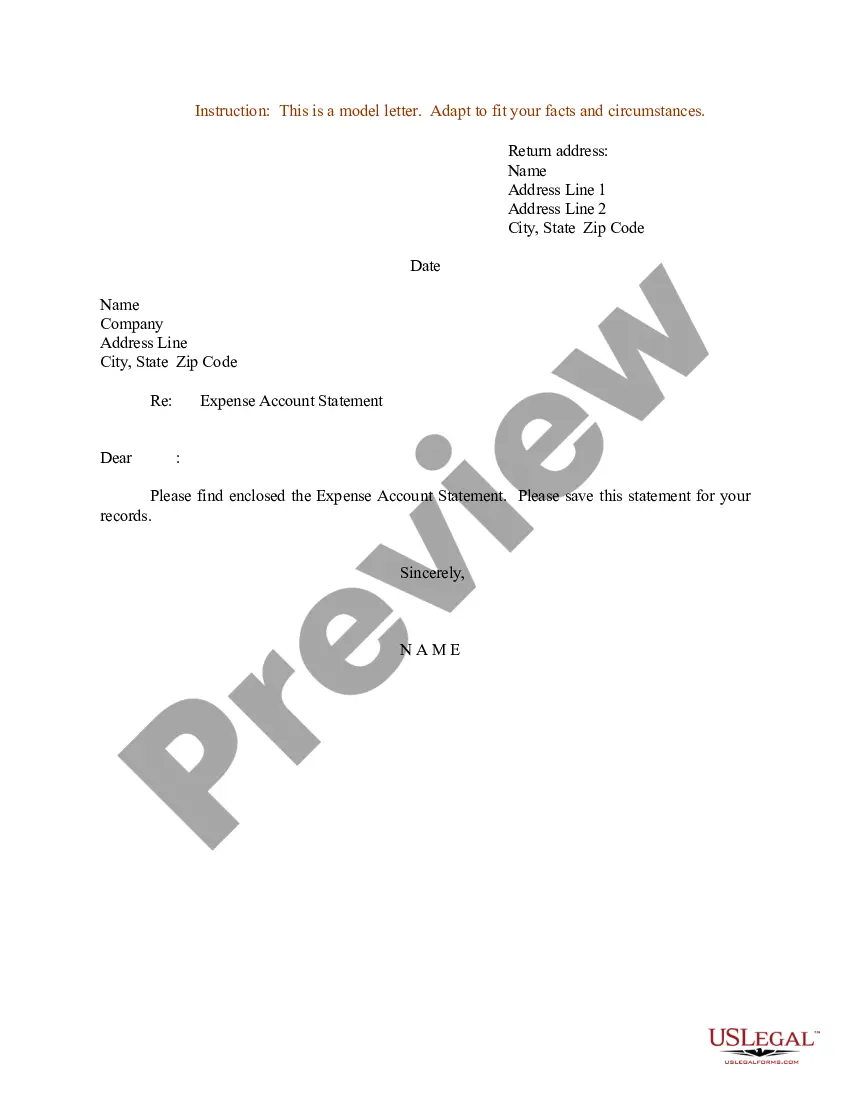
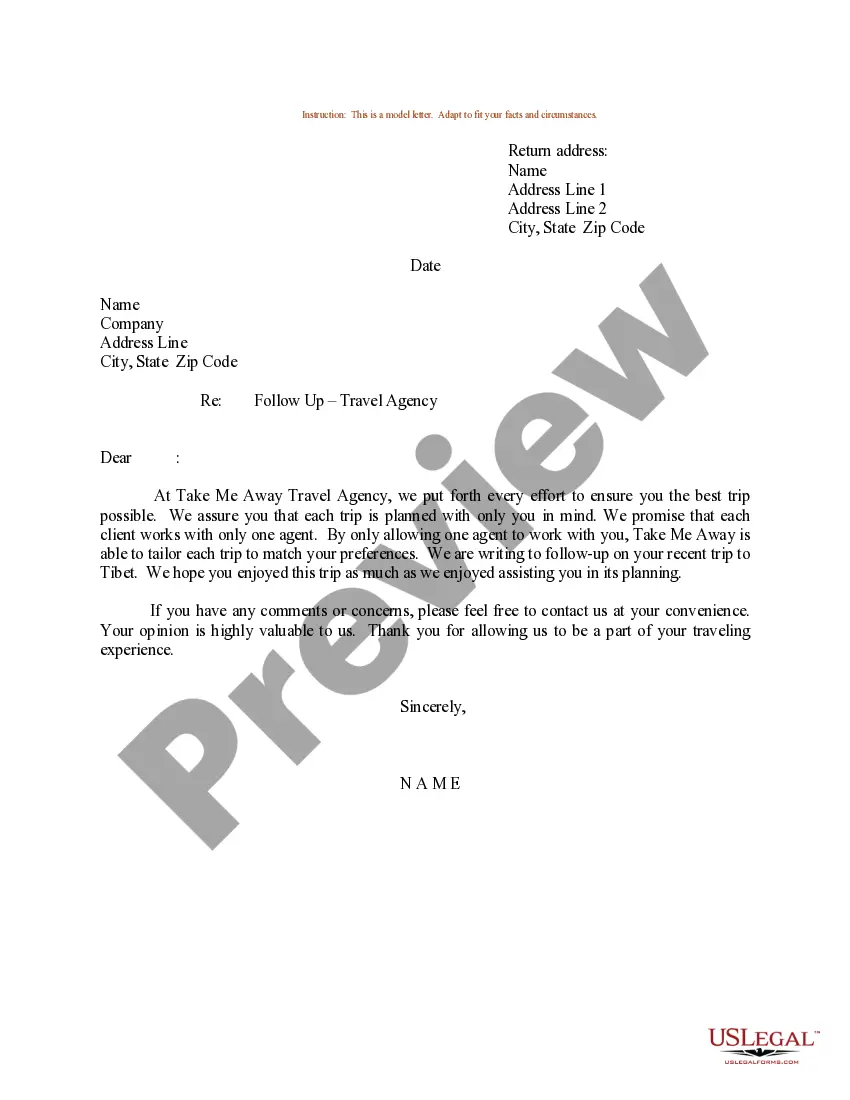
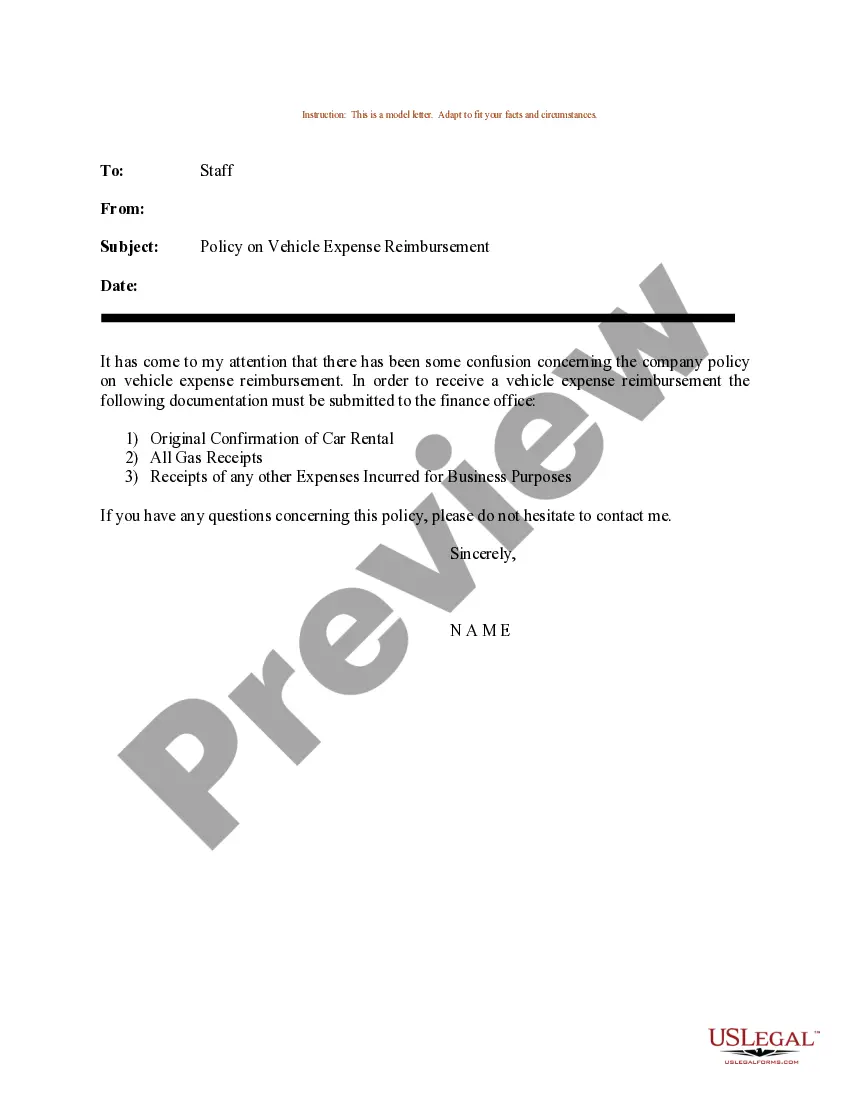
Get your form ready online
Our built-in tools help you complete, sign, share, and store your documents in one place.
Make edits, fill in missing information, and update formatting in US Legal Forms—just like you would in MS Word.
Download a copy, print it, send it by email, or mail it via USPS—whatever works best for your next step.
Sign and collect signatures with our SignNow integration. Send to multiple recipients, set reminders, and more. Go Premium to unlock E-Sign.
If this form requires notarization, complete it online through a secure video call—no need to meet a notary in person or wait for an appointment.
We protect your documents and personal data by following strict security and privacy standards.

Make edits, fill in missing information, and update formatting in US Legal Forms—just like you would in MS Word.

Download a copy, print it, send it by email, or mail it via USPS—whatever works best for your next step.

Sign and collect signatures with our SignNow integration. Send to multiple recipients, set reminders, and more. Go Premium to unlock E-Sign.

If this form requires notarization, complete it online through a secure video call—no need to meet a notary in person or wait for an appointment.

We protect your documents and personal data by following strict security and privacy standards.
Looking for another form?
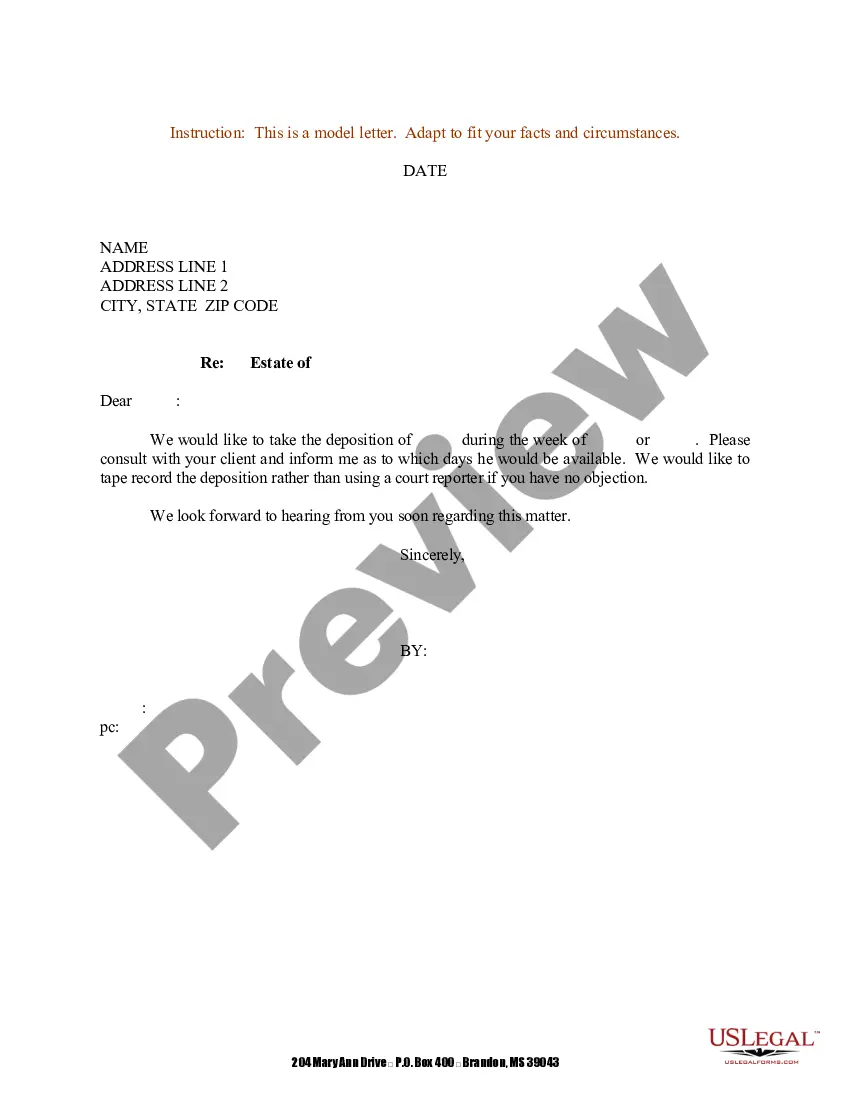

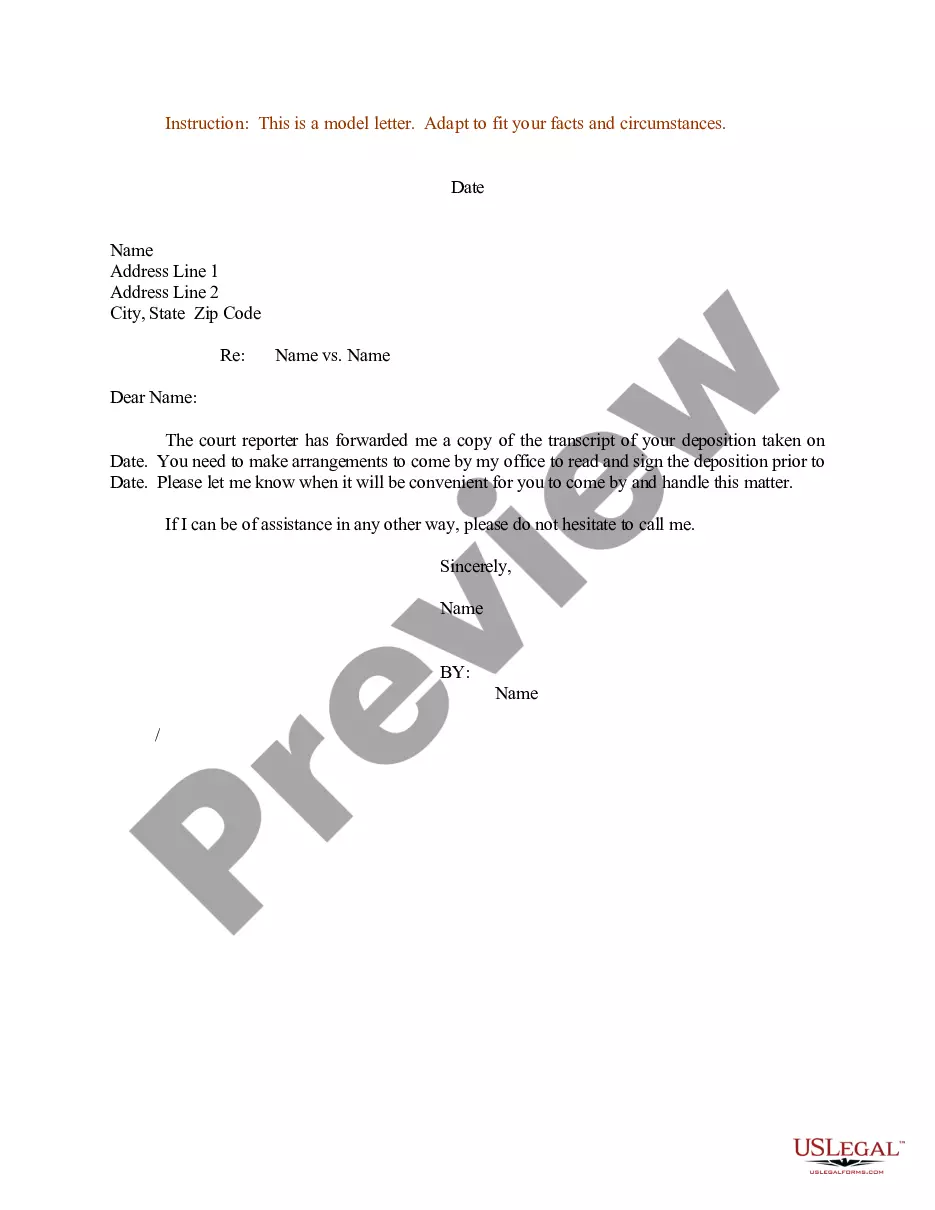
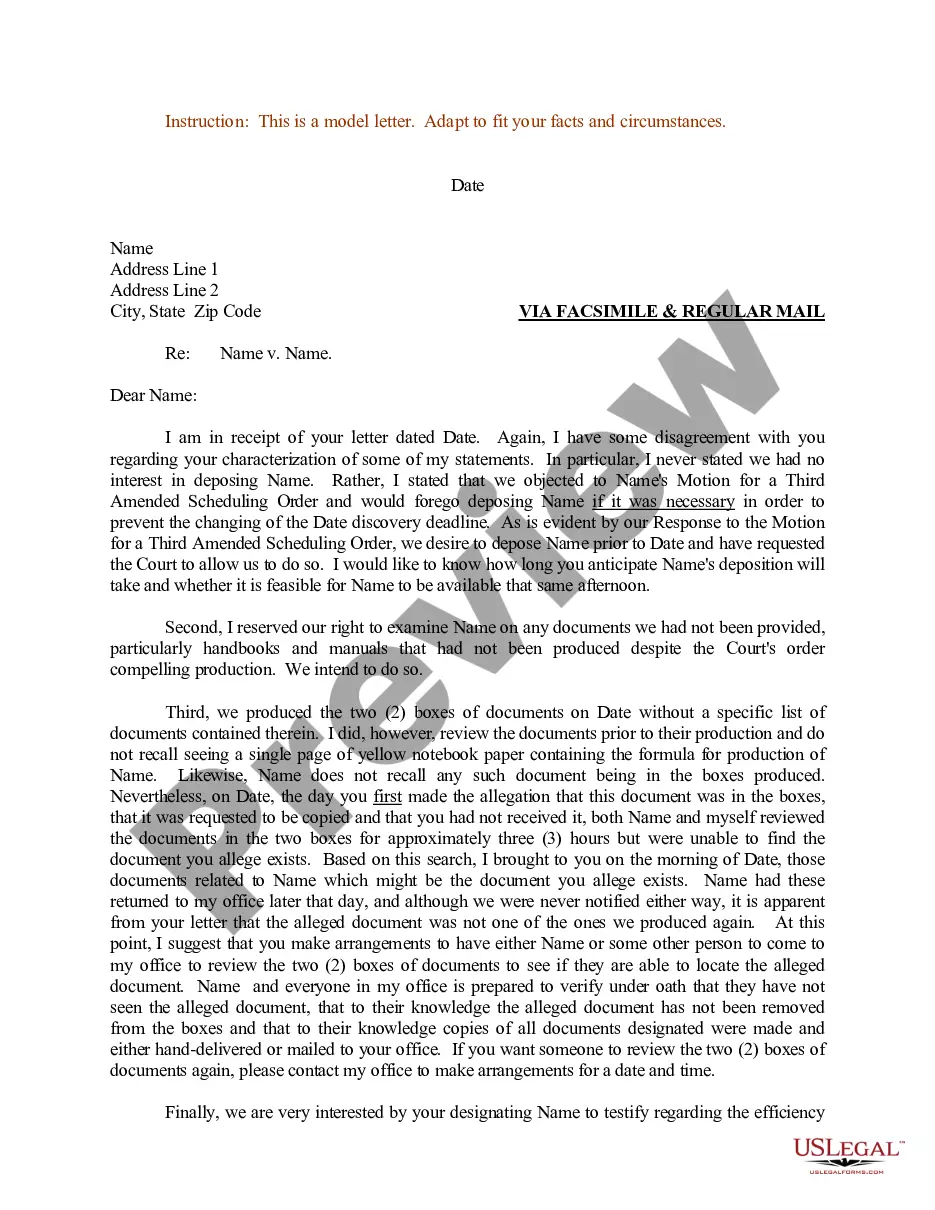
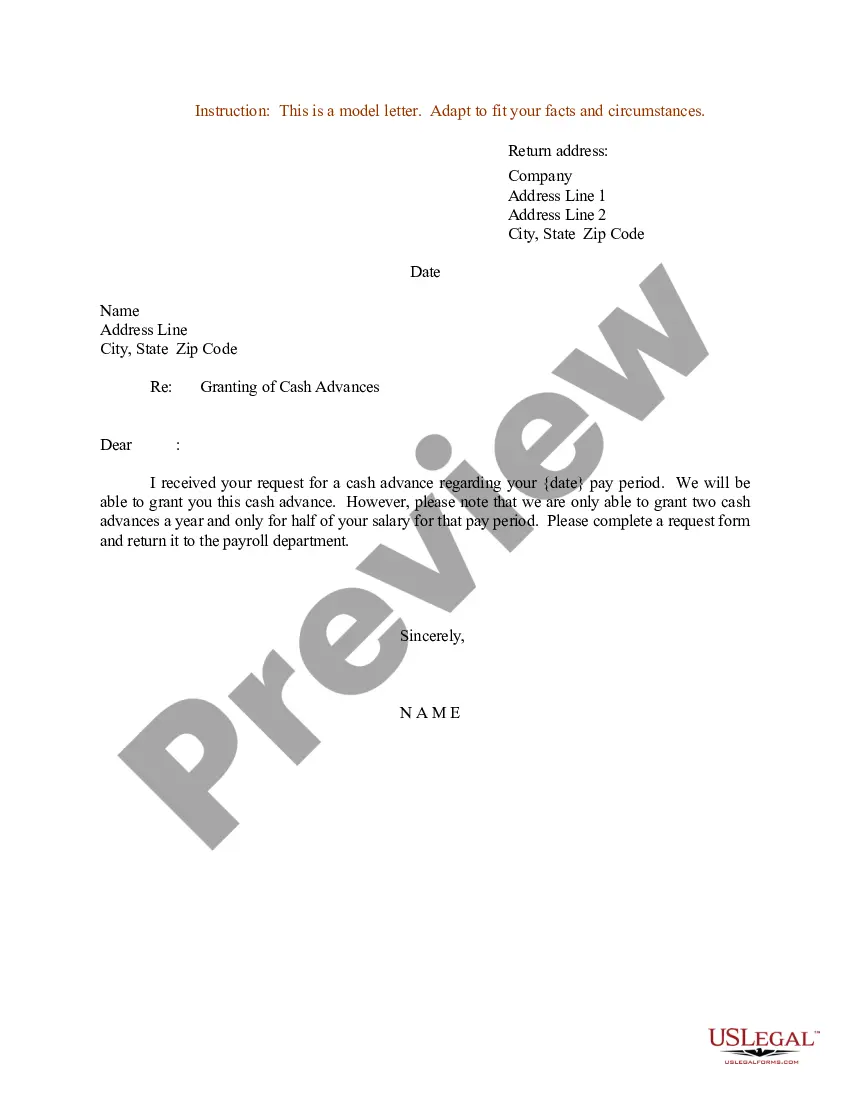
How to fill out Sample Letter For Reimbursement For Business Trip?
Managing legal documents can be daunting, even for skilled professionals.
When you're interested in a Sample Reimbursement Form With Recaptcha and can't find the time to search for the right and updated version, the tasks can become stressful.
US Legal Forms meets all your requirements, from personal to business documentation, all in one location.
Utilize advanced tools to complete and manage your Sample Reimbursement Form With Recaptcha.
Here are the steps to follow after accessing the desired form: Verify it is the correct form by previewing it and reviewing its details. Ensure that the sample is valid in your state or county. Click Buy Now when you’re ready. Choose a monthly subscription plan. Select your preferred format, and Download, fill out, eSign, print, and send your documents. Enjoy the US Legal Forms online library, supported by 25 years of experience and reliability. Streamline your everyday document management into a simple and user-friendly process today.
- Access a valuable resource hub of articles, guides, and materials relevant to your situation and requirements.
- Save time and effort searching for the documents you need, and use US Legal Forms’ advanced search and Preview tool to locate your Sample Reimbursement Form With Recaptcha.
- If you have a subscription, Log In to your US Legal Forms account, find the form, and obtain it.
- Check the My documents tab to see the documents you've previously saved and manage your folders as needed.
- If it’s your first time with US Legal Forms, set up a free account and gain unlimited access to all features of the library.
- An extensive online form library could be a game changer for anyone looking to handle these situations efficiently.
- US Legal Forms is a leading provider of online legal forms, offering over 85,000 state-specific legal forms available at any moment.
- With US Legal Forms, you can access state- or county-specific legal and business forms.
Form popularity
FAQ
You can display the captcha field in your custom form using the following action: do_action( 'c4wp_captcha_form_field' ); The below code is a simple example of a website form with the CAPTCHA check. Ideally the CAPTCHA check should be triggered right before the submit button.
Unlike the No CAPTCHA reCAPTCHA checkbox, the invisible reCAPTCHA is only a badge. With this invisible reCAPTCHA badge, no user interaction is required at all. Similar to the ?I'm not a robot? reCAPTCHA, Google also analyzes the user's activity like typing patterns, mouse movements, and browsing history.
You can create the CAPTCHA feature yourself to ensure reliability during data collection on Google Forms since Google Forms does not support the direct implementation of the CAPTCHA feature. However, it is possible to handle this with a single button using a better alternative.
ReCAPTCHA vs CAPTCHA: The Bottom Line A CAPTCHA is a test designed to differentiate between real human users and malicious bots. ReCAPTCHA is a CAPTCHA system developed by Google. Advanced bots threaten all websites that rely on traditional CAPTCHAs alone to keep cybercriminals at bay.
Simply visit Google.com/reCAPTCHA and select the v3 Admin Console option in the primary navigation menu. Click on the plus sign icon in the reCAPTCHA dashboard and enter a label for your website. This can be any unique identifier. Then, choose what type of reCAPTCHA you want to use for your site.
