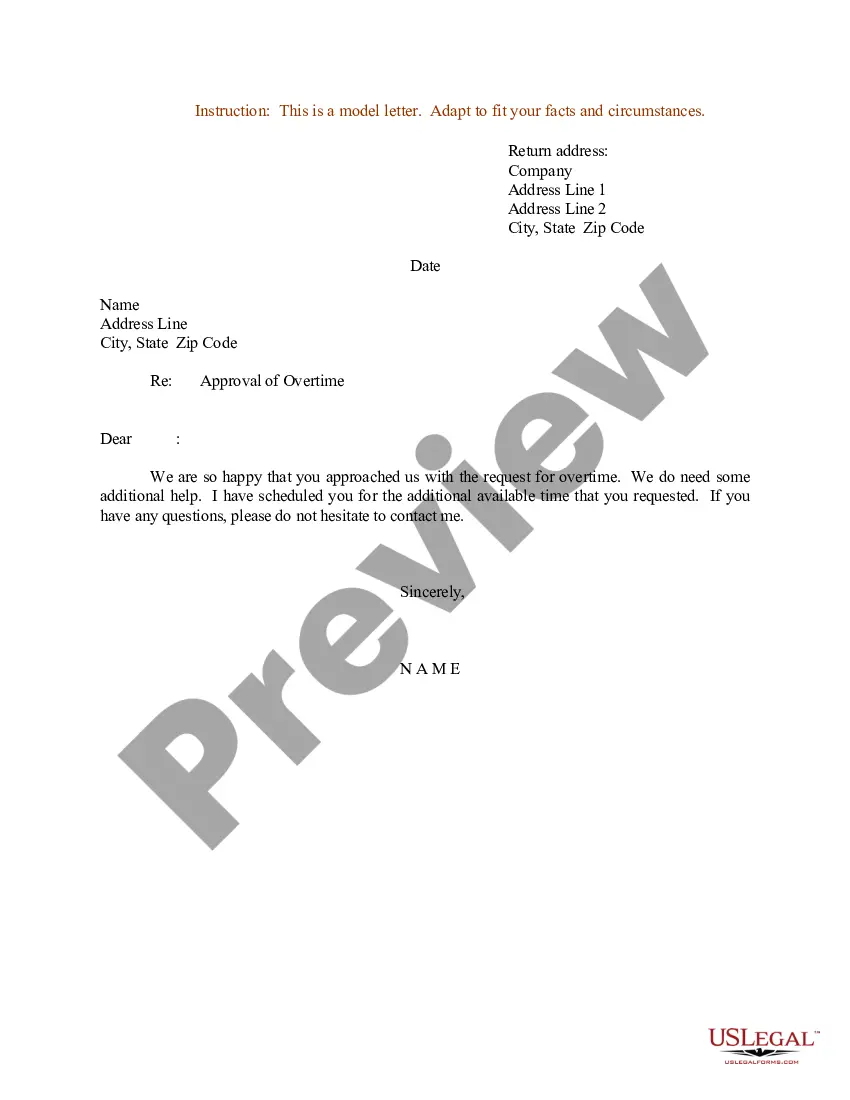
Approval Overtime Form Within 30 Days
Description
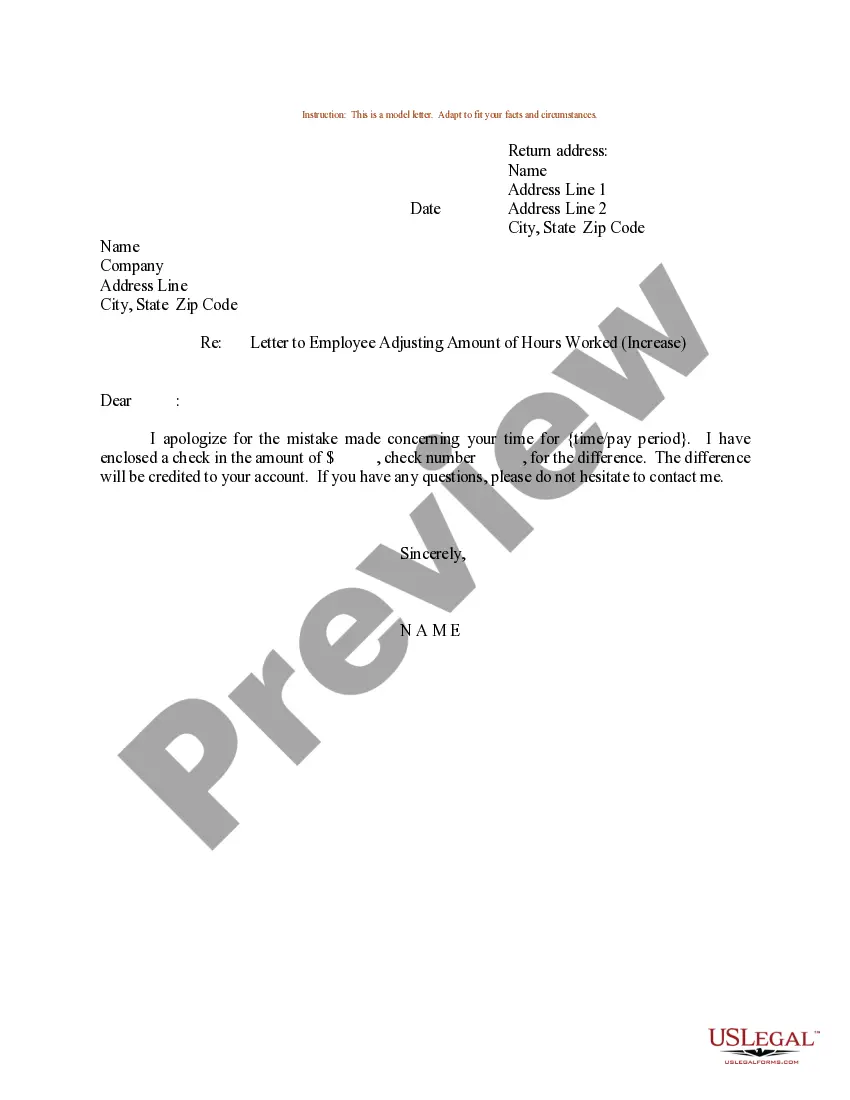
Get your form ready online
Our built-in tools help you complete, sign, share, and store your documents in one place.
Make edits, fill in missing information, and update formatting in US Legal Forms—just like you would in MS Word.
Download a copy, print it, send it by email, or mail it via USPS—whatever works best for your next step.
Sign and collect signatures with our SignNow integration. Send to multiple recipients, set reminders, and more. Go Premium to unlock E-Sign.
If this form requires notarization, complete it online through a secure video call—no need to meet a notary in person or wait for an appointment.
We protect your documents and personal data by following strict security and privacy standards.

Make edits, fill in missing information, and update formatting in US Legal Forms—just like you would in MS Word.

Download a copy, print it, send it by email, or mail it via USPS—whatever works best for your next step.

Sign and collect signatures with our SignNow integration. Send to multiple recipients, set reminders, and more. Go Premium to unlock E-Sign.

If this form requires notarization, complete it online through a secure video call—no need to meet a notary in person or wait for an appointment.

We protect your documents and personal data by following strict security and privacy standards.
Looking for another form?


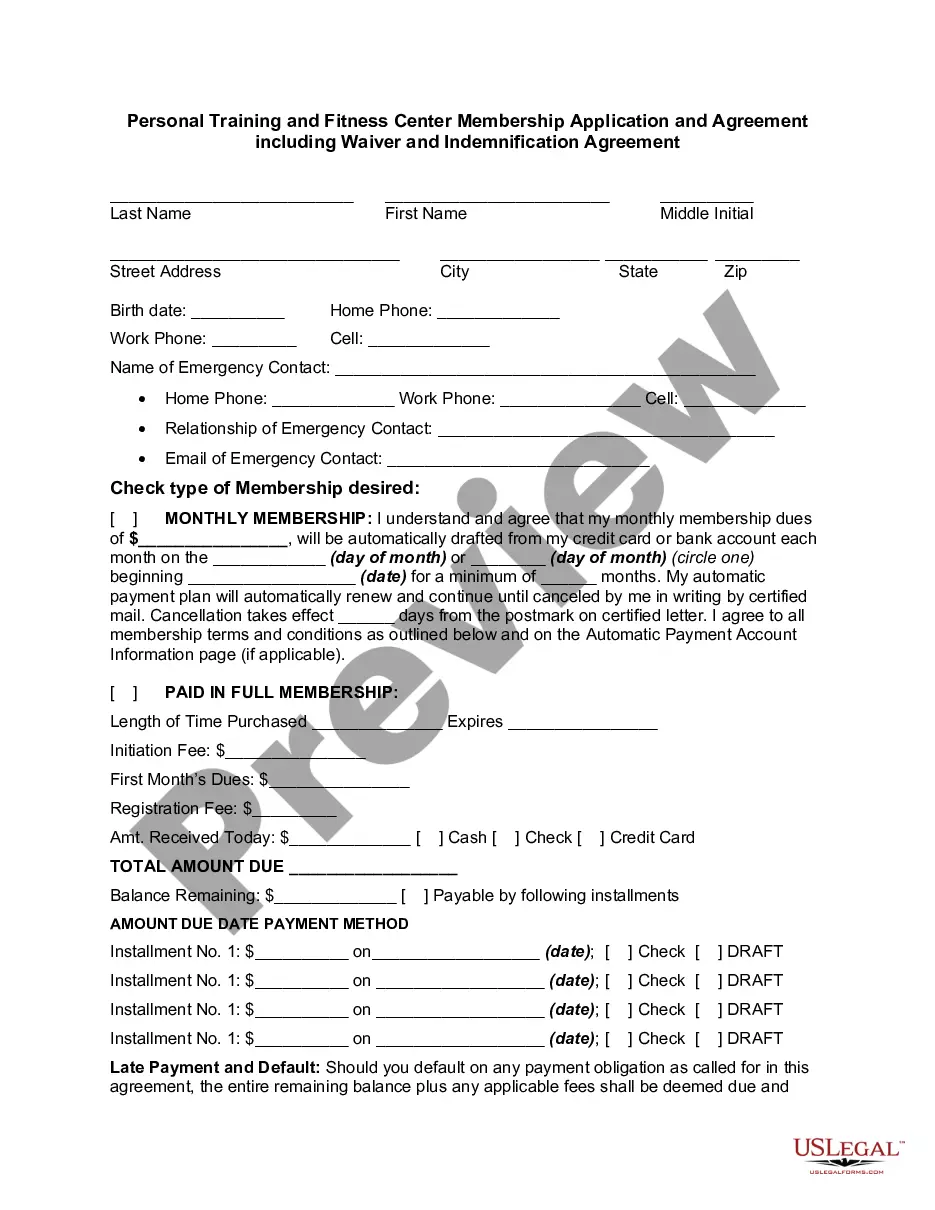
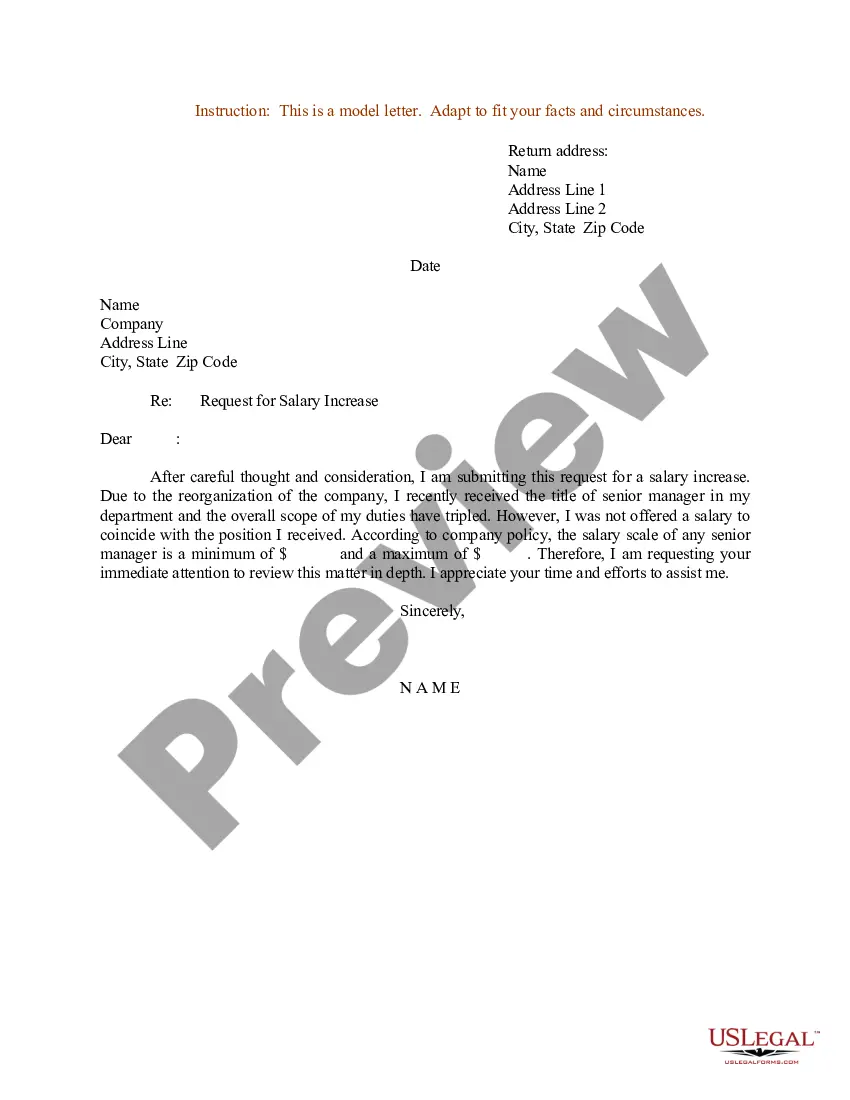
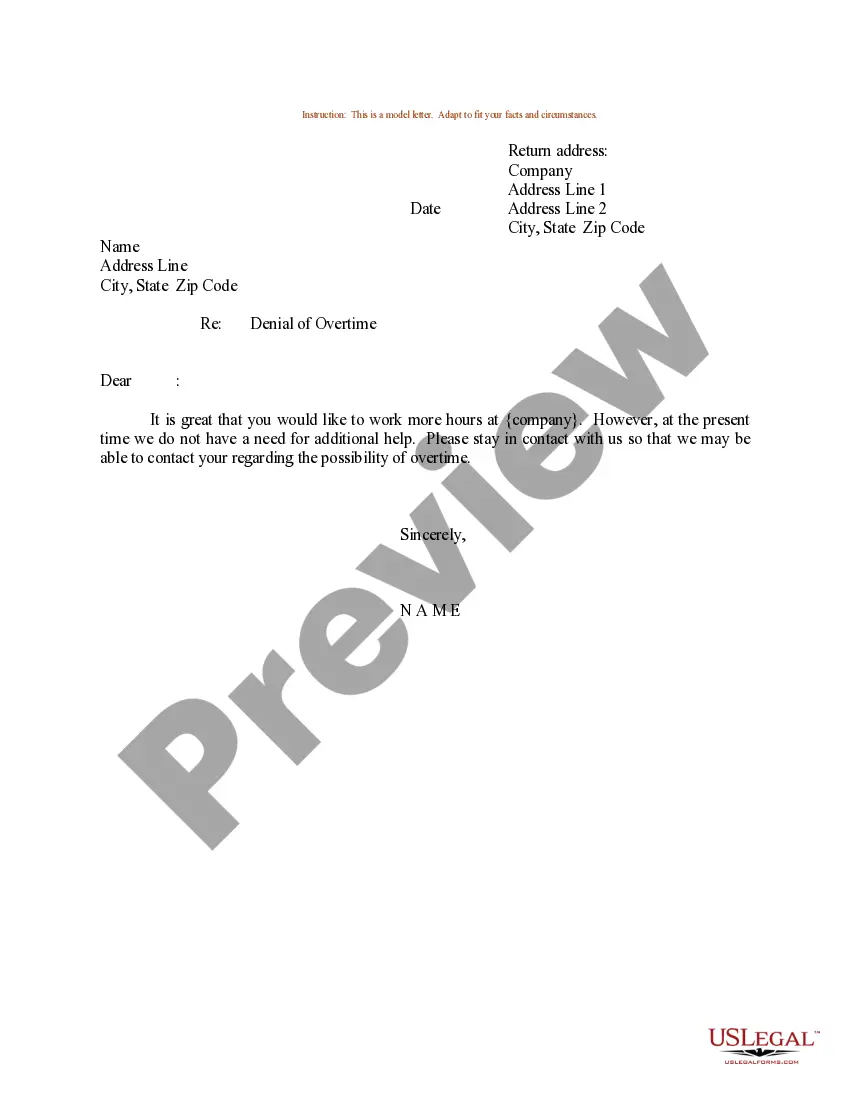
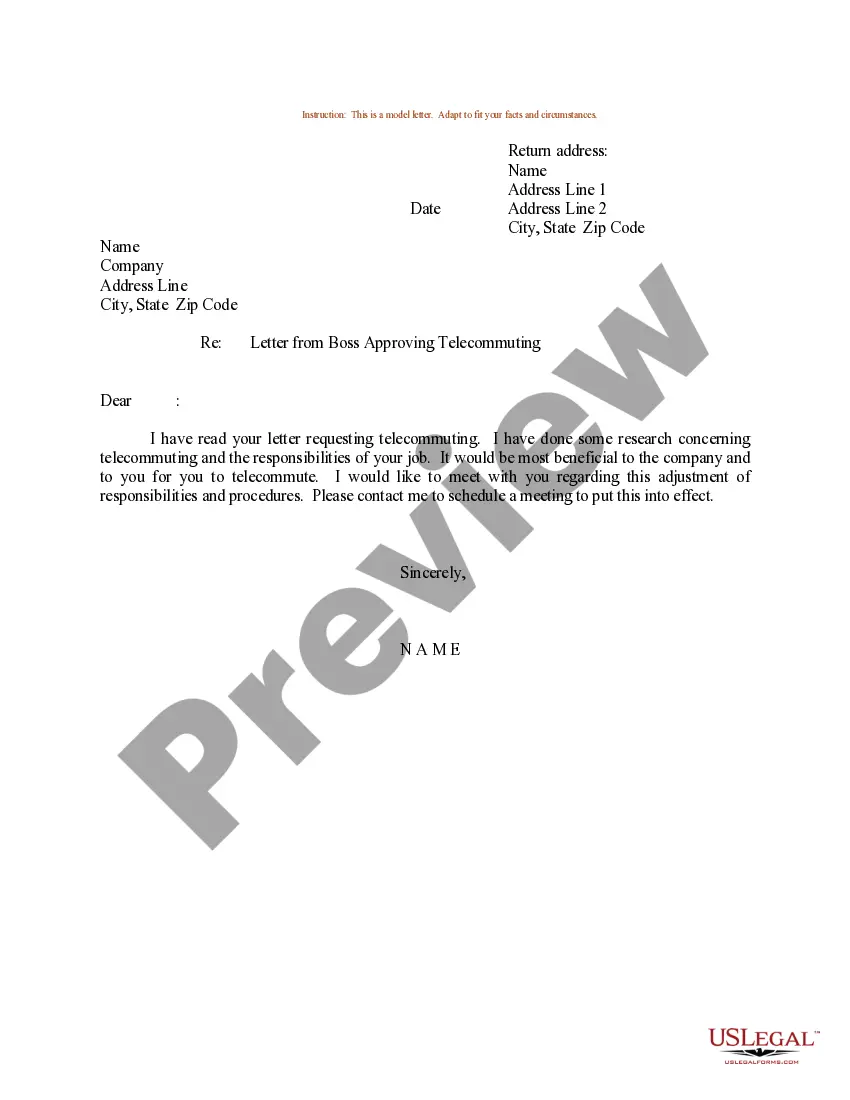
How to fill out Sample Letter For Approval Of Overtime?
Identifying a reliable source for obtaining the most up-to-date and relevant legal templates is a significant part of navigating bureaucracy.
Selecting the appropriate legal documents requires accuracy and careful consideration, which is why it is essential to obtain samples of the Approval Overtime Form Within 30 Days exclusively from trustworthy providers, like US Legal Forms.
Once the form is saved on your device, you can modify it using the editor or print it to fill out manually. Streamline your legal documentation process. Explore the vast collection at US Legal Forms, where you can discover legal templates, assess their applicability to your situation, and download them instantly.
- Use the directory navigation or search tool to find your template.
- Review the form's description to verify if it meets the stipulations of your jurisdiction and locality.
- Access the form preview, if available, to confirm the template is suitable for your needs.
- Revisit the search and seek out the correct template if the Approval Overtime Form Within 30 Days does not meet your specifications.
- If you are confident about the form's applicability, download it.
- If you are a registered user, click Log in to verify your identity and access your selected templates in My documents.
- If you do not have an account yet, click Buy now to obtain the template.
- Choose the pricing option that aligns with your needs.
- Proceed to register to complete your purchase.
- Finish your purchase by selecting a payment option (credit card or PayPal).
- Choose the document format for downloading Approval Overtime Form Within 30 Days.
Form popularity
FAQ
Overtime approved indicates that an employee's extra hours worked beyond their regular schedule have been reviewed and accepted by a manager or supervisor. This status is critical for ensuring that employees receive proper compensation for their hard work. To ensure this approval is documented properly, consider using an Approval overtime form within 30 days, which standardizes the process and helps prevent any discrepancies.
To request an overtime approval via email, draft a clear and concise message detailing your request. Include the completed overtime request form and explain your reasons for needing the extra hours. Be sure to ask for confirmation of your approval to keep documentation straightforward and organized.
Here are some steps to follow to ask for more hours at work: Prove your performance. Prove yourself as a good worker. ... Monitor your schedule. Consider why you want to ask for more hours at work. ... Evaluate your performance. ... Consider solutions. ... Ask for time. ... Make your request. ... Thank your manager.
What to Include in an Overtime Request Basic employee information (name, position, employee ID number, contact information, etc.) Manager name and contact information. Number of overtime hours requested. Time(s) and date(s) of requested overtime hours. Calculated total cost of overtime hours.
All overtime work must be approved by the employee's immediate supervisor prior to the employee actually performing the overtime work, except in the case of an emergency or in order to handle unexpected parent or student issues.
Form HUD-1040 will be used to request and obtain approval for all overtime, holiday or compensatory hours. Nonexempt employees must be paid overtime - compensatory hours are not authorized. 2. Each request will be fully justified as to the reason that the work could not be done during regular working hours.