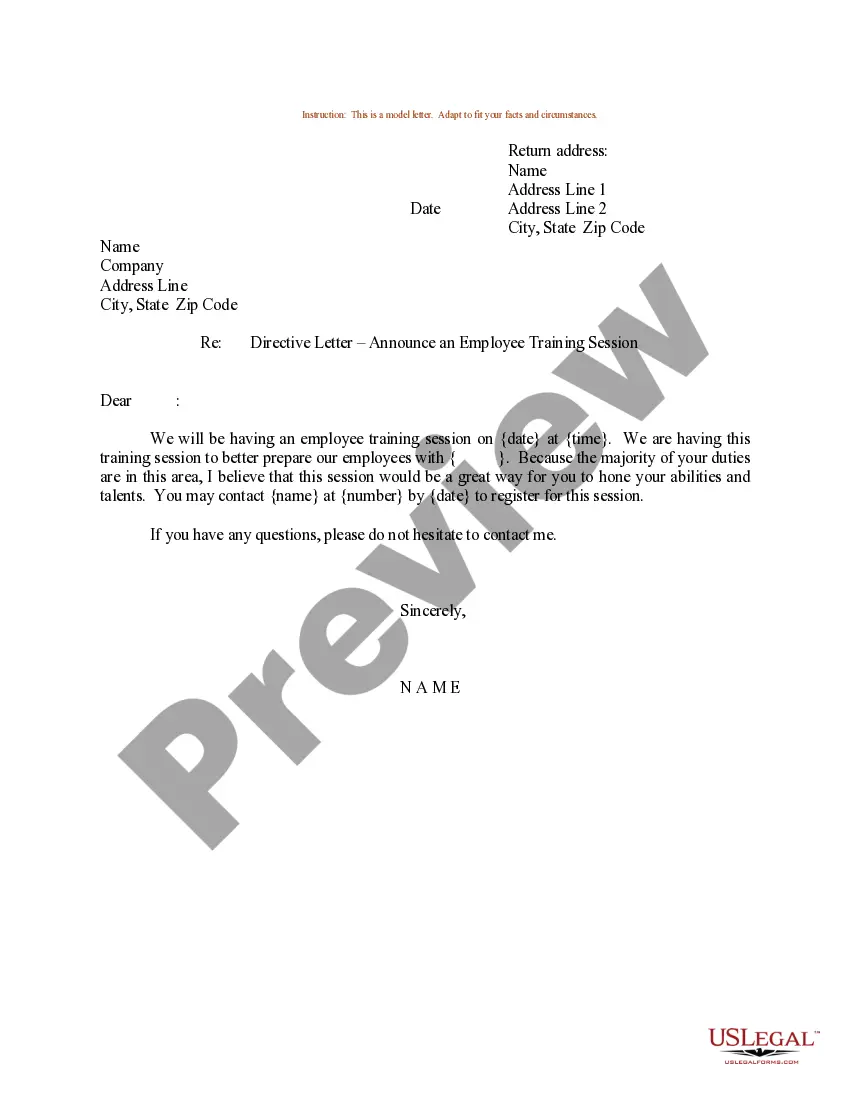
Sample Training Schedule Template For Employees
Description
Get your form ready online
Our built-in tools help you complete, sign, share, and store your documents in one place.
Make edits, fill in missing information, and update formatting in US Legal Forms—just like you would in MS Word.
Download a copy, print it, send it by email, or mail it via USPS—whatever works best for your next step.
Sign and collect signatures with our SignNow integration. Send to multiple recipients, set reminders, and more. Go Premium to unlock E-Sign.
If this form requires notarization, complete it online through a secure video call—no need to meet a notary in person or wait for an appointment.
We protect your documents and personal data by following strict security and privacy standards.

Make edits, fill in missing information, and update formatting in US Legal Forms—just like you would in MS Word.

Download a copy, print it, send it by email, or mail it via USPS—whatever works best for your next step.

Sign and collect signatures with our SignNow integration. Send to multiple recipients, set reminders, and more. Go Premium to unlock E-Sign.

If this form requires notarization, complete it online through a secure video call—no need to meet a notary in person or wait for an appointment.

We protect your documents and personal data by following strict security and privacy standards.
Looking for another form?
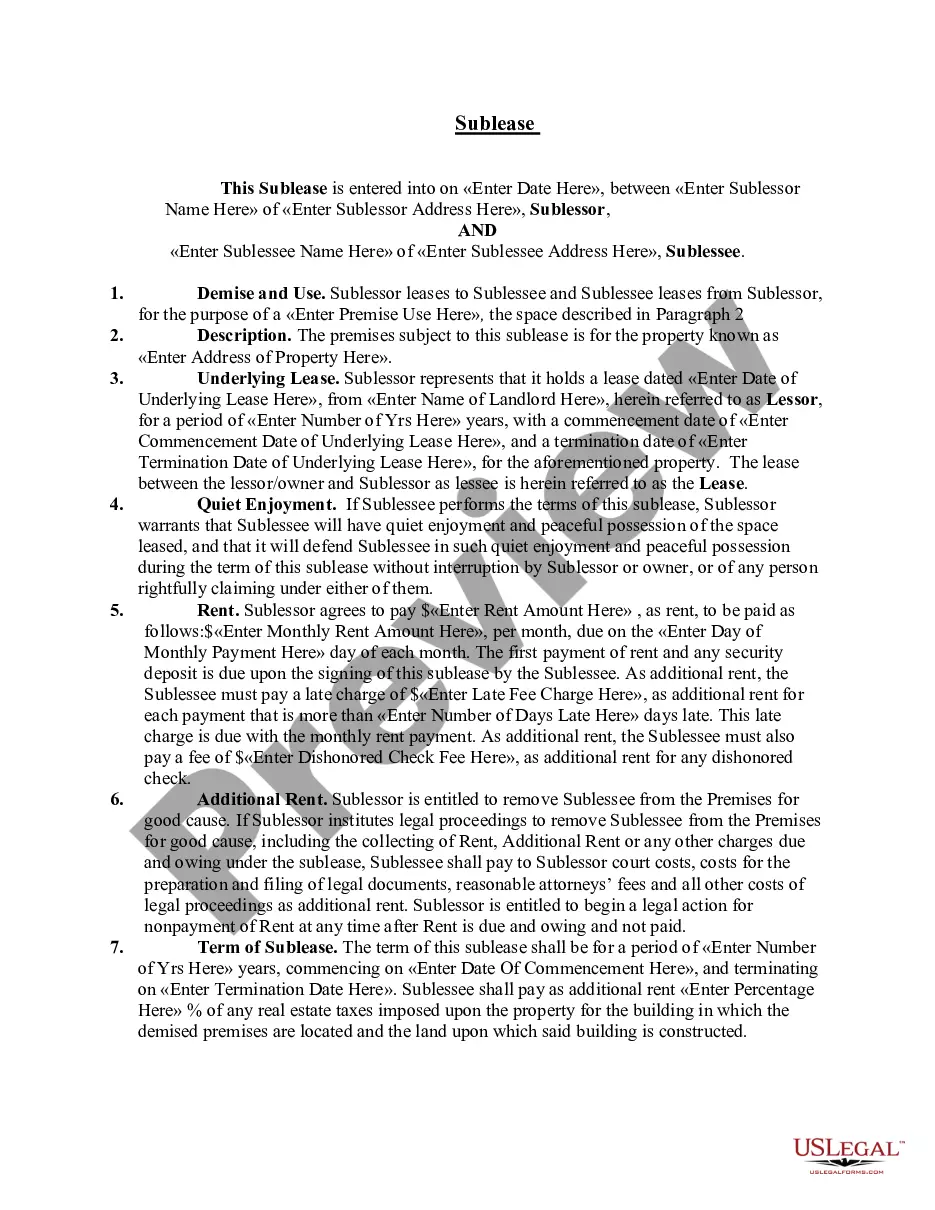
How to fill out Sample Letter For Employee Training Session?
Whether for business purposes or for personal affairs, everyone has to manage legal situations sooner or later in their life. Filling out legal papers demands careful attention, beginning from picking the correct form sample. For example, when you pick a wrong version of a Sample Training Schedule Template For Employees, it will be turned down once you submit it. It is therefore essential to have a dependable source of legal files like US Legal Forms.
If you need to obtain a Sample Training Schedule Template For Employees sample, stick to these simple steps:
- Find the sample you need by utilizing the search field or catalog navigation.
- Check out the form’s information to make sure it fits your case, state, and county.
- Click on the form’s preview to view it.
- If it is the wrong form, go back to the search function to find the Sample Training Schedule Template For Employees sample you need.
- Get the file if it meets your needs.
- If you already have a US Legal Forms account, click Log in to access previously saved files in My Forms.
- If you do not have an account yet, you may obtain the form by clicking Buy now.
- Select the correct pricing option.
- Complete the account registration form.
- Select your payment method: you can use a bank card or PayPal account.
- Select the file format you want and download the Sample Training Schedule Template For Employees.
- When it is downloaded, you are able to complete the form by using editing applications or print it and finish it manually.
With a vast US Legal Forms catalog at hand, you do not need to spend time seeking for the right sample across the internet. Utilize the library’s simple navigation to find the right template for any occasion.
Form popularity
FAQ
? How to create an effective employee training plan in 9 steps Identify your employees' training needs. ... Align your training and business goals. ... Set your training goals and learning objectives. ... Assess your training resources. ... Get buy-in from senior management. ... Develop the training curriculum. ... Determine the training method.
How to create an effective training program? Assess training needs: The first step in developing a training program is identifying and assessing needs. ... Set organizational training objectives: ... Create a training action plan: ... Implement training initiatives: ... Evaluate & revise training:
Monthly Training Plan Template You'll list details such as the department, their training contact, topic, and location, and then complete the prebuilt schedule with training dates and times.
Parts of a training plan Current role: Define the employee's current role. ... Learning gap: Define the skills an employee or your organization is missing to be able to effectively do their job. Training goals: What do you want this training to achieve? ... Learning outcomes: Know what you want to get out of the training.
However, whether you're creating your own or building upon someone else's, here are some essential elements that any good training policy template should have. Training objectives. ... Type/method of training. ... Training curriculum and materials. ... Audience and stakeholders. ... Learning outcomes. ... Timelines. ... KPIs for effectiveness.