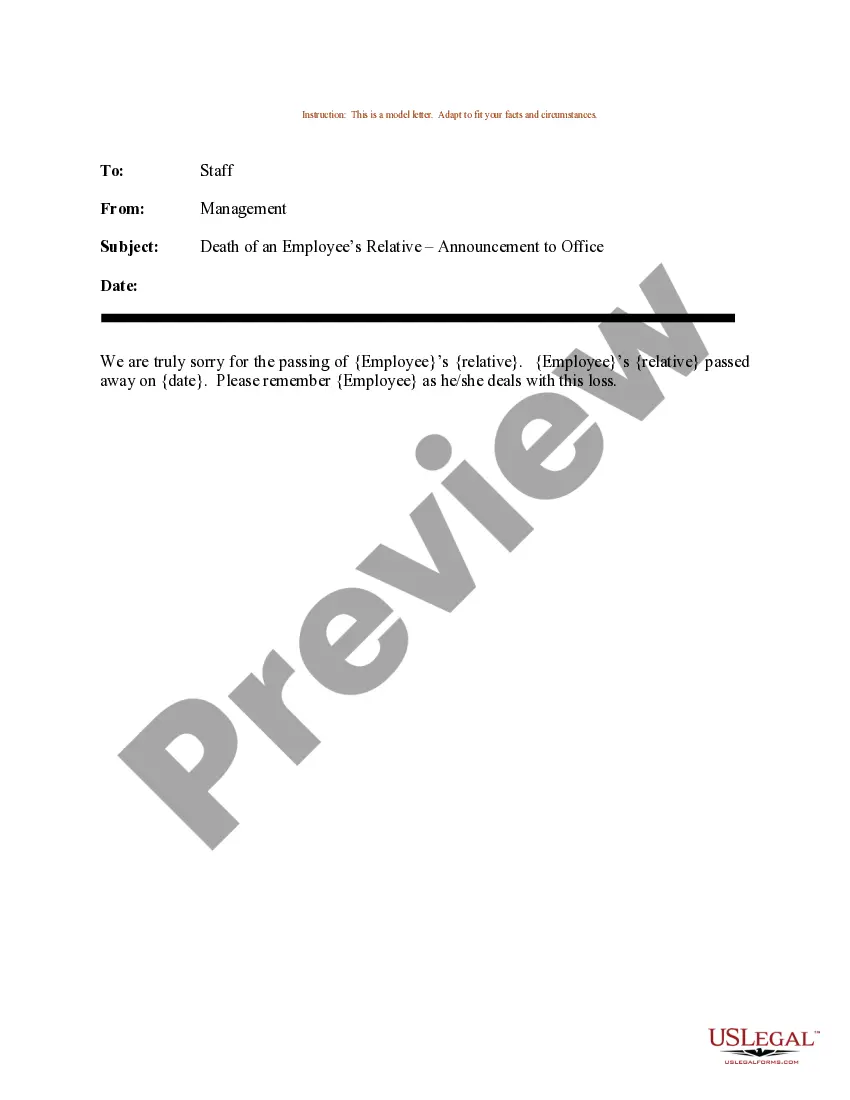
Subject Line For Employee Death Announcement
Description
Get your form ready online
Our built-in tools help you complete, sign, share, and store your documents in one place.
Make edits, fill in missing information, and update formatting in US Legal Forms—just like you would in MS Word.
Download a copy, print it, send it by email, or mail it via USPS—whatever works best for your next step.
Sign and collect signatures with our SignNow integration. Send to multiple recipients, set reminders, and more. Go Premium to unlock E-Sign.
If this form requires notarization, complete it online through a secure video call—no need to meet a notary in person or wait for an appointment.
We protect your documents and personal data by following strict security and privacy standards.

Make edits, fill in missing information, and update formatting in US Legal Forms—just like you would in MS Word.

Download a copy, print it, send it by email, or mail it via USPS—whatever works best for your next step.

Sign and collect signatures with our SignNow integration. Send to multiple recipients, set reminders, and more. Go Premium to unlock E-Sign.

If this form requires notarization, complete it online through a secure video call—no need to meet a notary in person or wait for an appointment.

We protect your documents and personal data by following strict security and privacy standards.
Looking for another form?



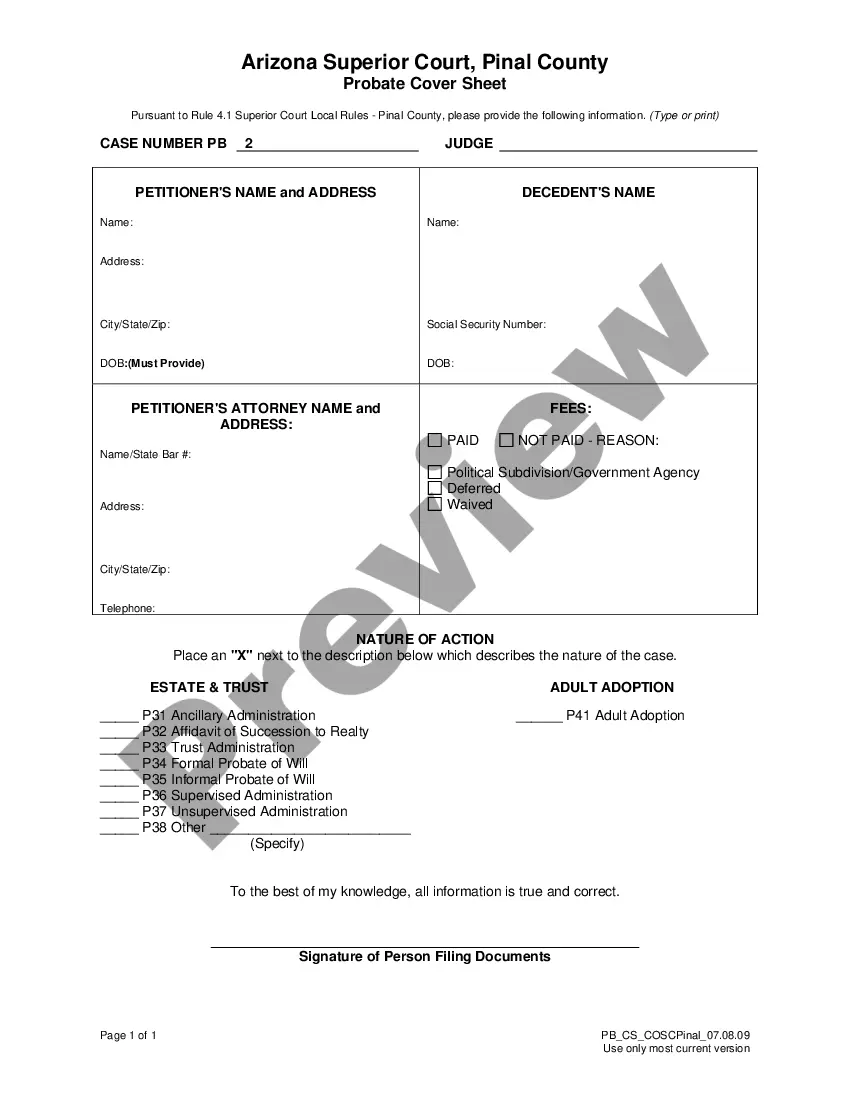
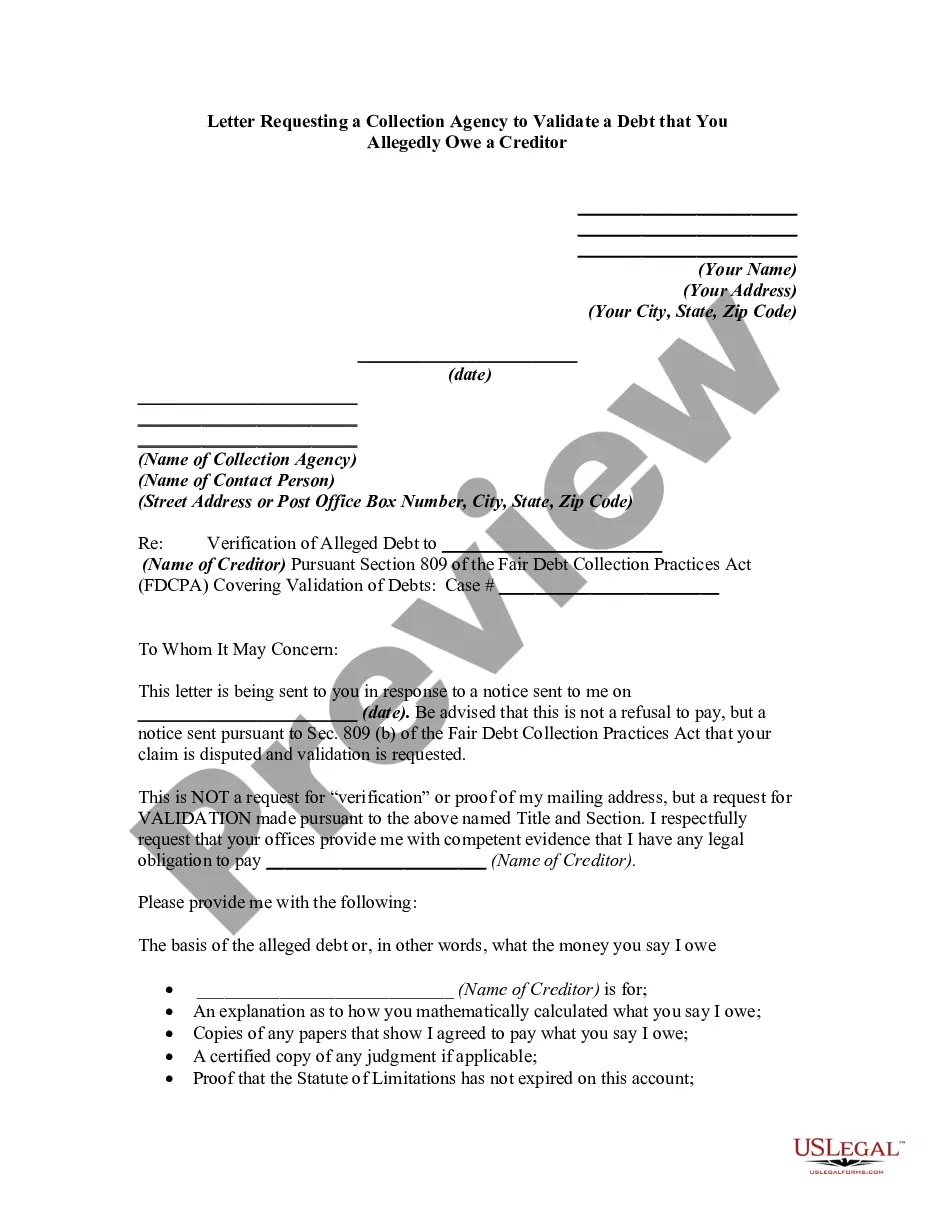
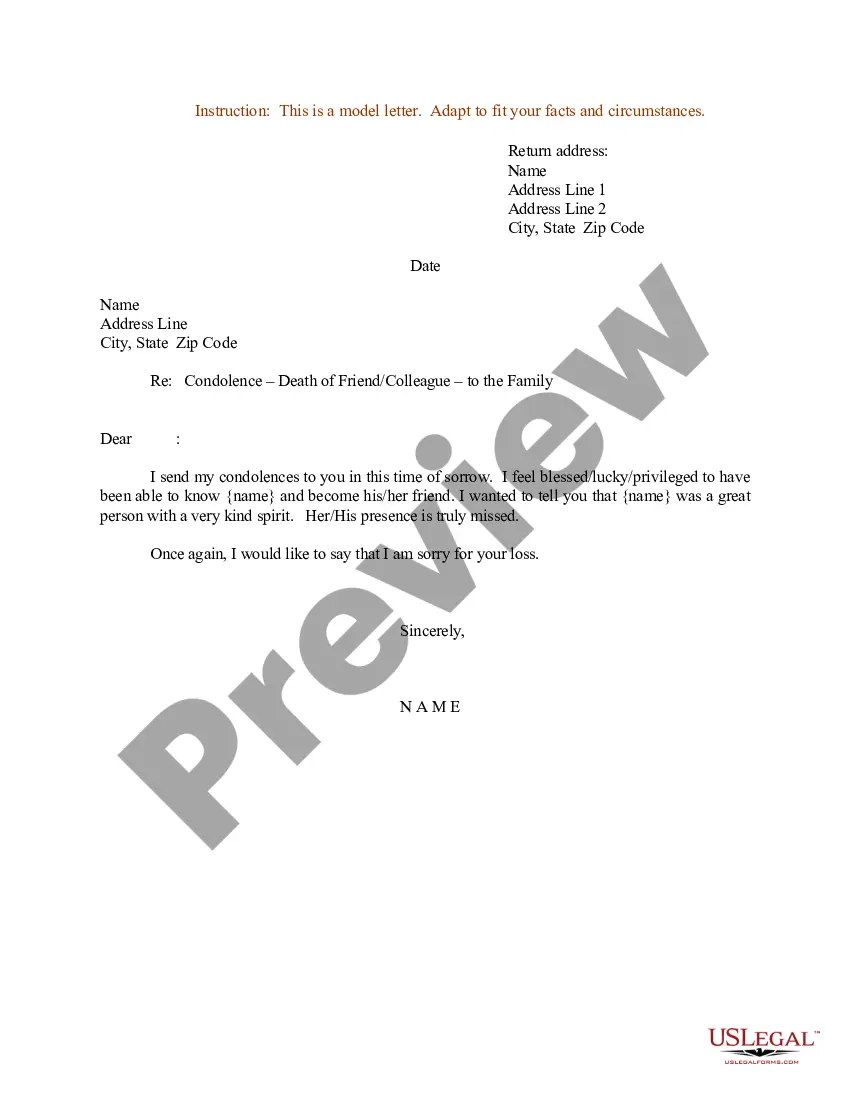
How to fill out Sample Letter For Death Of An Employee's Relative - Announcement To Office?
Managing legal paperwork and processes can be a lengthy addition to your overall schedule.
Titles like Employee Death Notification and similar documents often necessitate that you search for them and comprehend how to fill them out accurately.
Thus, whether you are addressing financial, legal, or personal issues, having a comprehensive and effective online resource of forms readily available will greatly assist you.
US Legal Forms is the leading online service for legal templates, showcasing over 85,000 state-specific forms and various tools to help you complete your documents effortlessly.
Simply Log In to your account, find the Employee Death Notification title, and retrieve it immediately from the My documents section. You can also view previously downloaded forms.
- Browse the library of relevant documents accessible to you with just one click.
- US Legal Forms offers state- and county-specific forms available at any time for download.
- Enhance your document management activities with a premium service that enables you to create any form within minutes without any additional or concealed charges.
Form popularity
FAQ
Here is how buy-sell agreements work: Determine which events invoke a triggered buyout. Establish who has rights and purchase obligations. Identify the names and address of the purchasers. Set a purchase price or valuation with applicable discounts. Establish payment terms as well as their intervals.
At its most basic, a purchase agreement should include the following: Name and contact information for buyer and seller. The address of the property being sold. The price to be paid for the property. The date of transfer. Disclosures. Contingencies. Signatures.
Sellers, other than Missouri licensed dealers, must submit a completed Notice of Sale (Form 5049) Document or Bill of Sale (Form 1957) Document form to report the sale. Click here for more information about reporting the sale of your vehicle.
Information Needed on a Missouri Bill of Sale The legal names of the parties (printed) The bill of sale's details about the object being sold. The sum for which the item was sold, as well as both parties' signatures. The bill of sale may also need to be notarized in some cases.
Elements of a buy-sell agreement include: Any stakeholders, including partners or owners, and their current stake in the business' equity. Events that would trigger a buyout, such as death, disability, divorce, retirement, or bankruptcy. A recent business valuation.
There are four main types of buy-sell agreements. A redemption or entity purchase, a cross-purchase arrangement, a one-way buy-sell or a wait-and-see buy-sell. To choose the best type of agreement for your clients, consider the following: Business entity structure: What type of business entity does your client own?
Buy-Sell Agreements 1) The entity-purchase agreement. 2) Cross-purchase agreement. 3) The wait-and-see agreement.
How to set up your buy-sell agreement Start early. Just as you would with any other binding legal document, you'll want to establish a buy-sell agreement as early as you can. ... Set up ground rules. ... Take out life insurance policies. ... Include a valuation clause. ... Pay attention to taxes.