Notice Board Rules
Description
Get your form ready online
Our built-in tools help you complete, sign, share, and store your documents in one place.
Make edits, fill in missing information, and update formatting in US Legal Forms—just like you would in MS Word.
Download a copy, print it, send it by email, or mail it via USPS—whatever works best for your next step.
Sign and collect signatures with our SignNow integration. Send to multiple recipients, set reminders, and more. Go Premium to unlock E-Sign.
If this form requires notarization, complete it online through a secure video call—no need to meet a notary in person or wait for an appointment.
We protect your documents and personal data by following strict security and privacy standards.

Make edits, fill in missing information, and update formatting in US Legal Forms—just like you would in MS Word.

Download a copy, print it, send it by email, or mail it via USPS—whatever works best for your next step.

Sign and collect signatures with our SignNow integration. Send to multiple recipients, set reminders, and more. Go Premium to unlock E-Sign.

If this form requires notarization, complete it online through a secure video call—no need to meet a notary in person or wait for an appointment.

We protect your documents and personal data by following strict security and privacy standards.
Looking for another form?
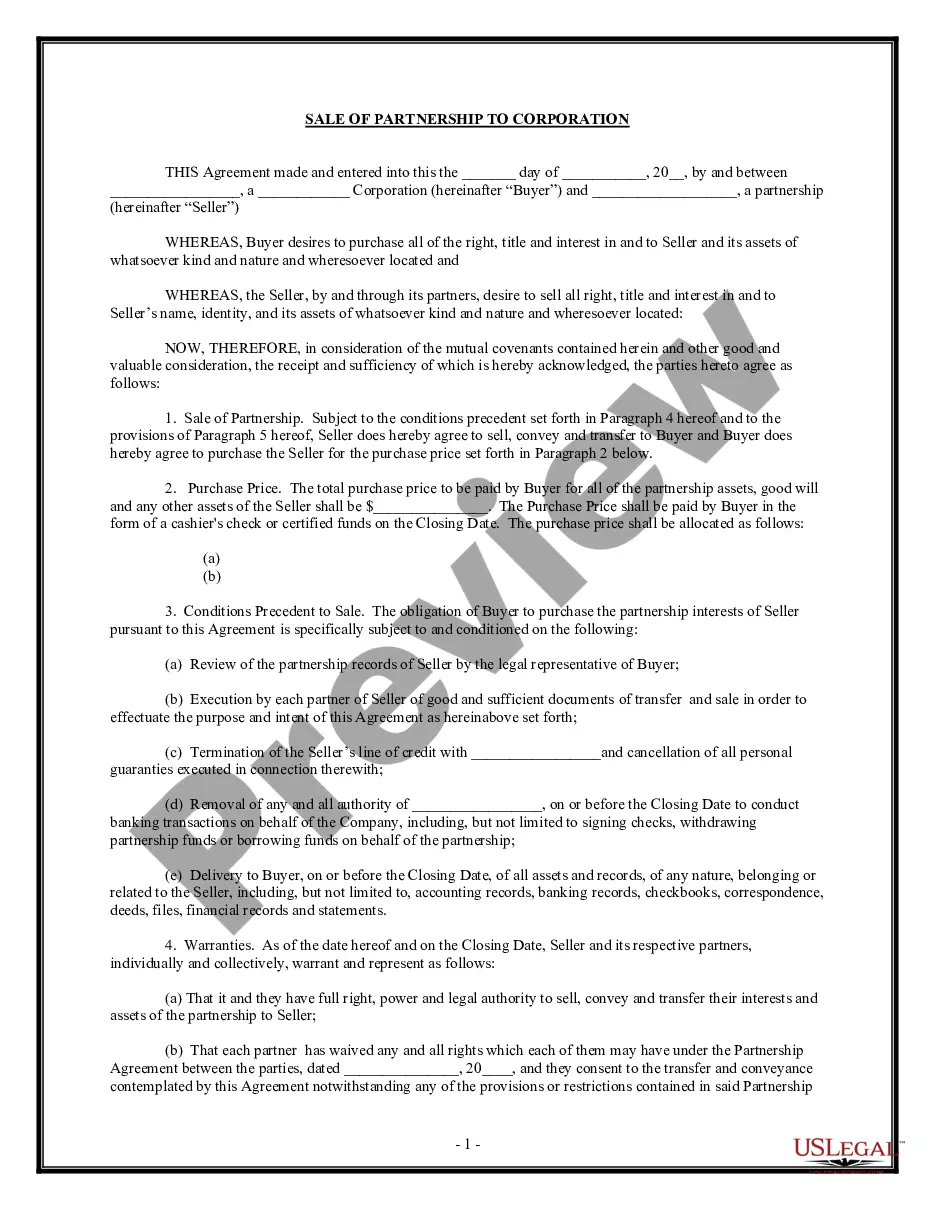
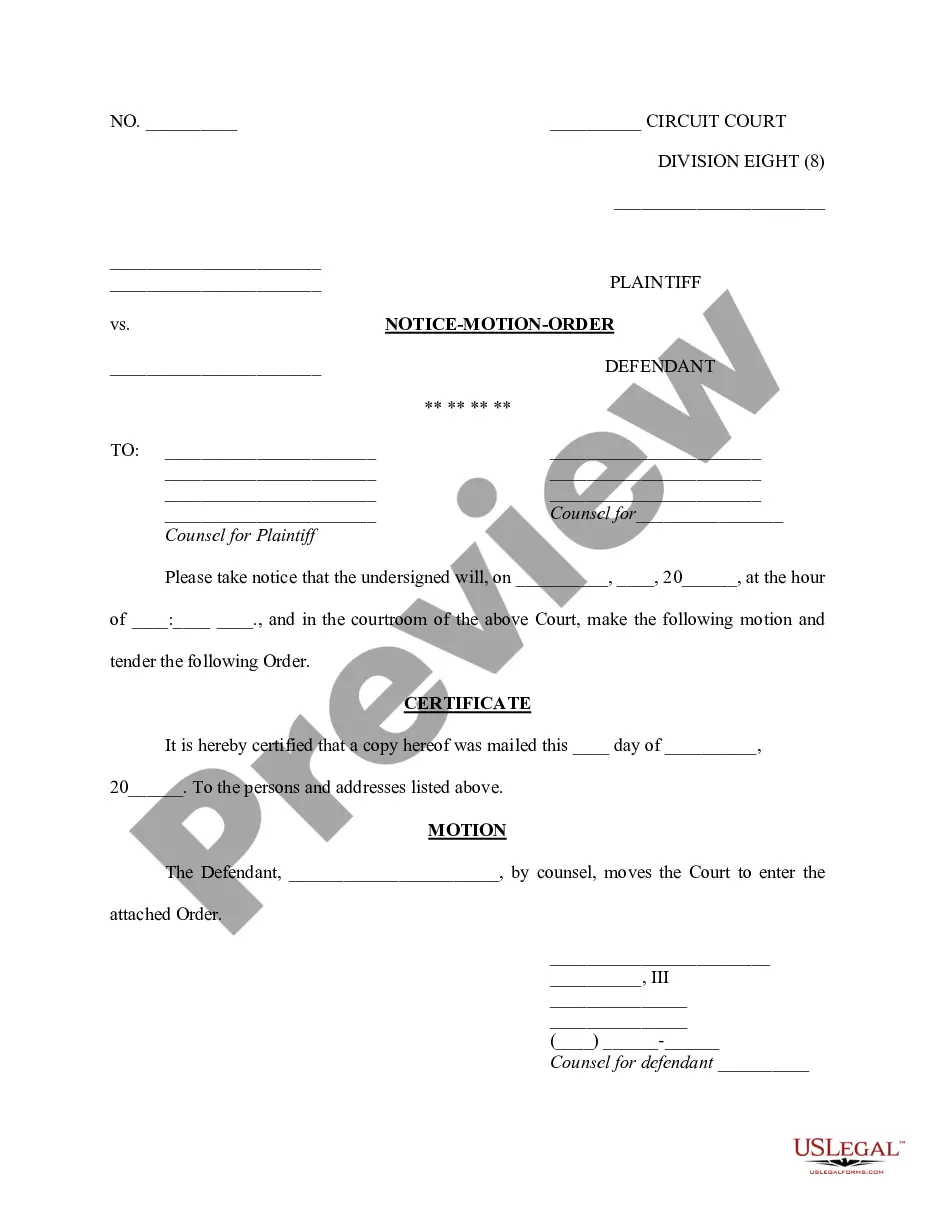
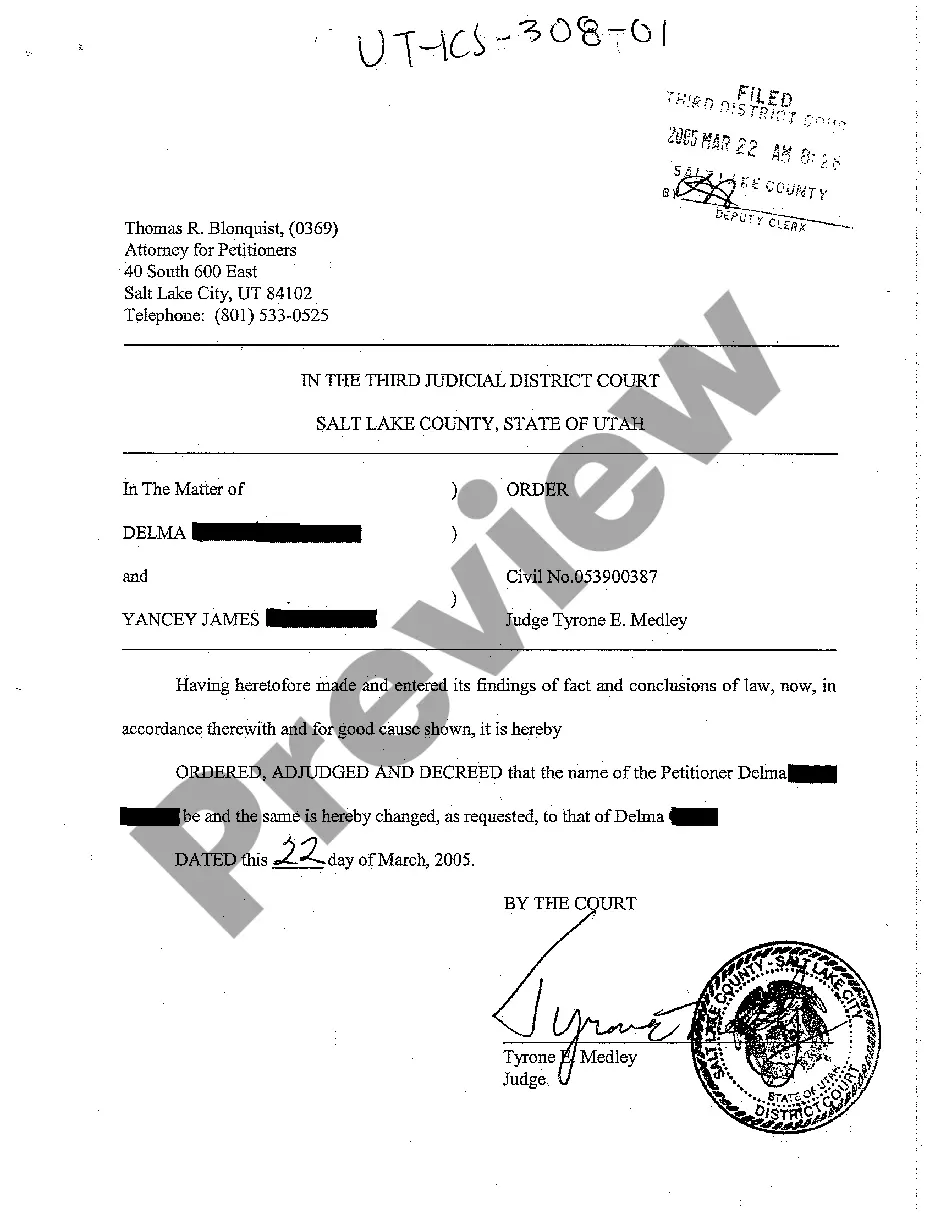
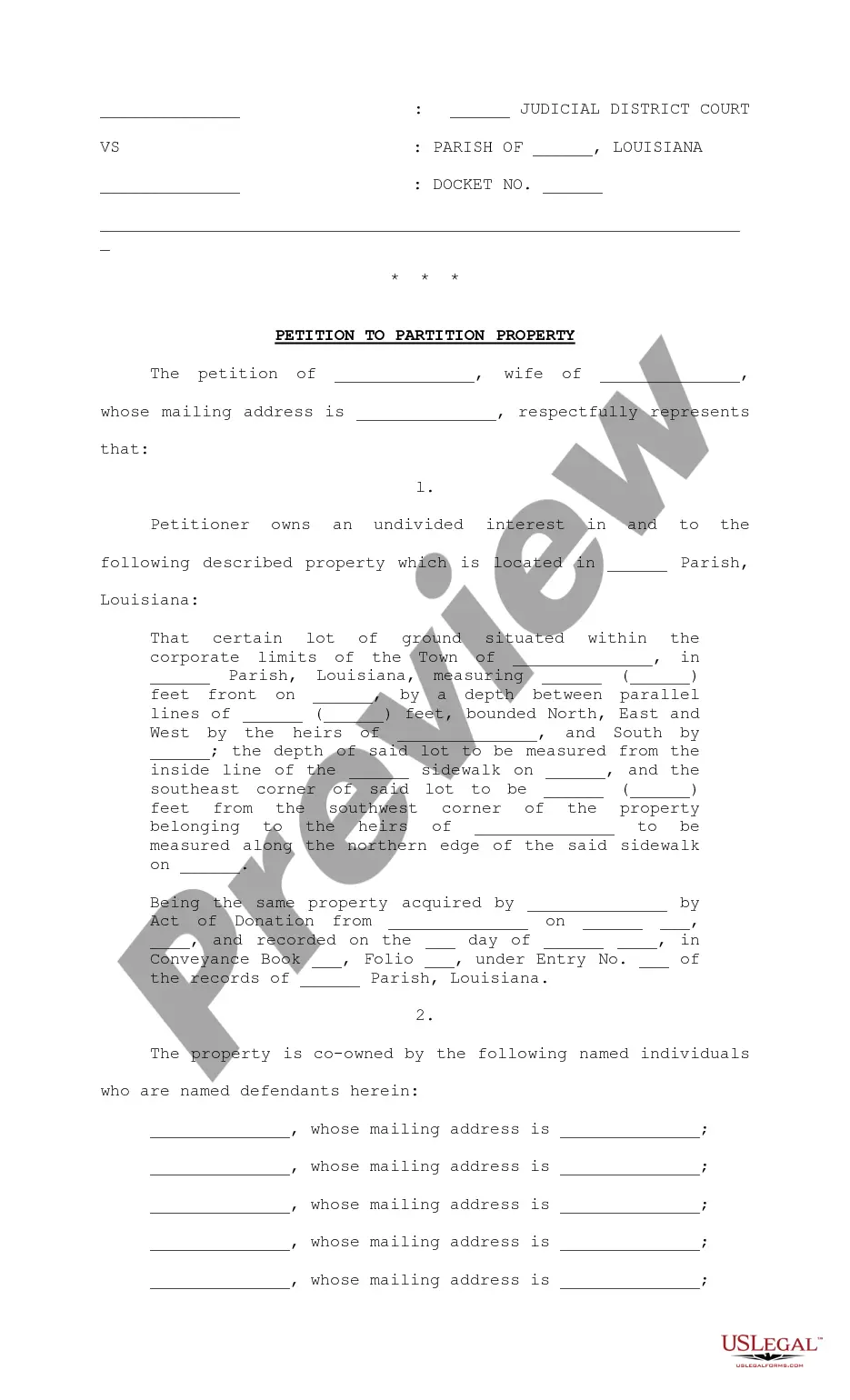
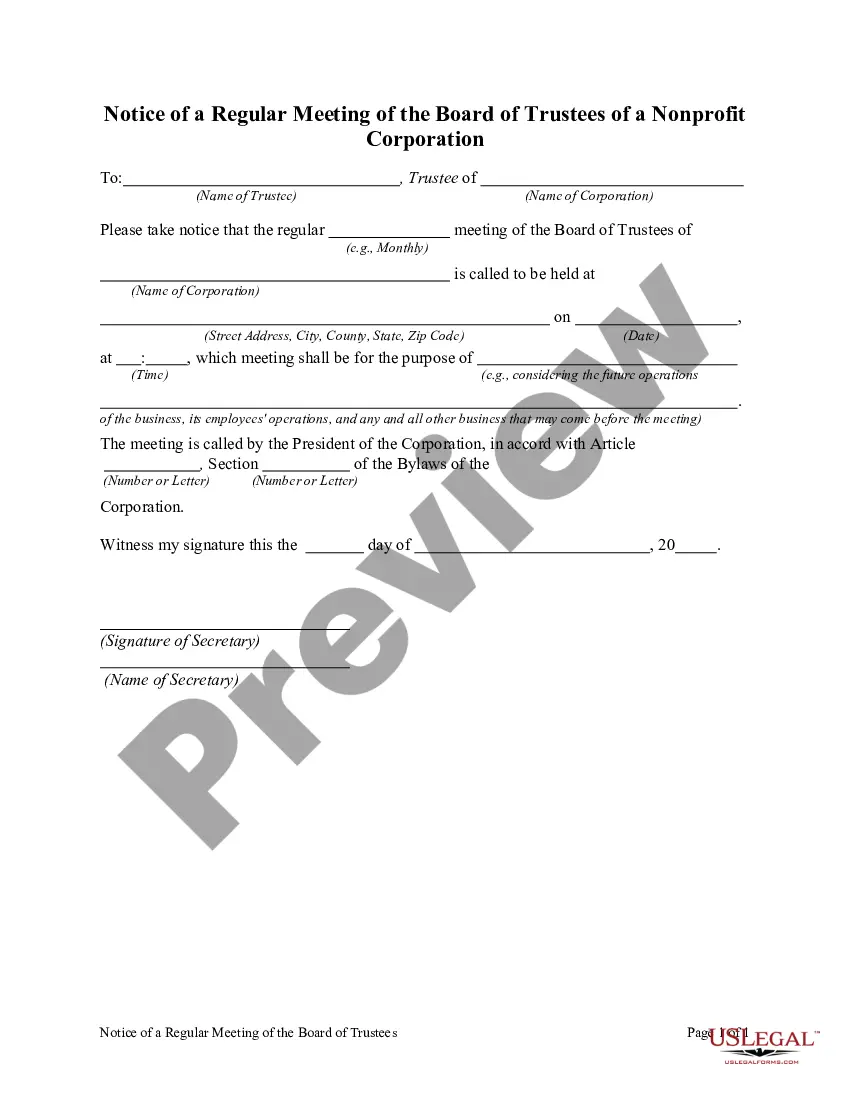
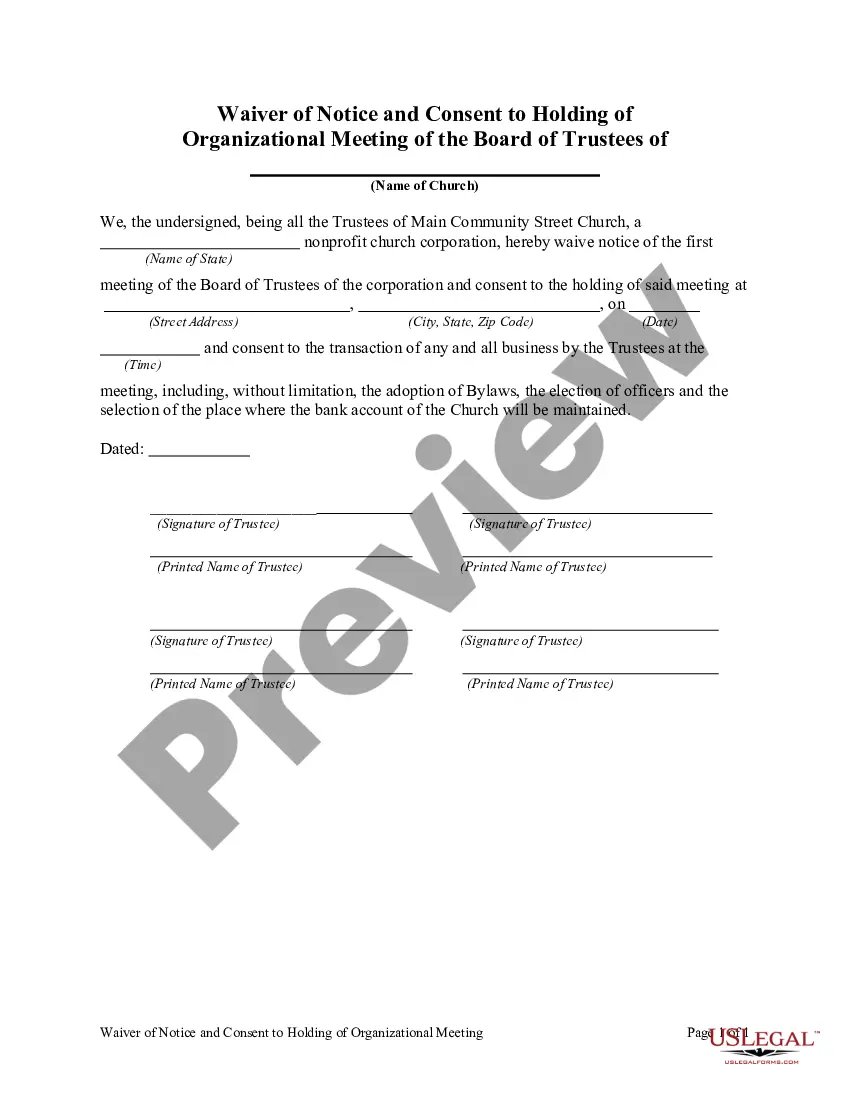
How to fill out Notice Of A Regular Meeting Of The Board Of Trustees Of A Nonprofit Corporation?
Whether for professional objectives or for individual concerns, everyone must confront legal issues at some stage in their life.
Completing legal paperwork requires meticulous focus, beginning with selecting the suitable form template. For example, if you select an incorrect version of a Notice Board Rules, it will be denied once submitted. Thus, it is essential to have a reliable source of legal documents like US Legal Forms.
With an extensive US Legal Forms catalog available, you do not need to waste time searching for the correct template across the internet. Take advantage of the library’s straightforward navigation to find the suitable template for any circumstance.
- Obtain the template you require by using the search bar or catalog browsing.
- Review the form’s details to verify it aligns with your circumstances, state, and locality.
- Click on the form’s preview to view it.
- If it is the wrong document, return to the search feature to find the Notice Board Rules template you need.
- Download the file when it meets your requirements.
- If you have a US Legal Forms account, just click Log in to access previously stored documents in My documents.
- If you do not have an account yet, you may download the form by clicking Buy now.
- Select the appropriate pricing option.
- Complete the profile registration form.
- Choose your payment method: utilize a credit card or PayPal account.
- Select the document format you desire and download the Notice Board Rules.
- Once downloaded, you can fill out the form using editing software or print it and complete it manually.
Form popularity
FAQ
Notice boards can be a great way to post updates about your business. You can use them to post information about new products, upcoming sales, or changes to your business hours. This will help keep your customers up-to-date on what is happening at your business and may encourage them to visit more often!
Use tape to section off different areas and add headings to ensure only the right content is displayed in each category. Another alternative is to display separate boards in different locations to ensure messages do not get mixed up.
Size matters! Don't be stingy on the size of your font or any pictures you want to display. Think optician's surgery, no-one can read the bottom line. You're creating a display for people to see information so let them see it.
DIY Pin Board / Bulletin Board / Mood Board - YouTube YouTube Start of suggested clip End of suggested clip First you want to stick the foam panel to the MDF. Board apply a little hot glue place the panel onMoreFirst you want to stick the foam panel to the MDF. Board apply a little hot glue place the panel on top making sure all of the edges are flushed. And then press firmly to adhere the panel to the MDF.
Format Name of Issuing Organization/Authority: Right at the very top, you print the name of the person or company that is issuing the said notices. ... Title: When writing notices we mention a title ?NOTICE? at the top. ... Date: After the tile to the left-hand side we print the date on which the notices have been published.