Temp Work App For Iphone
Description
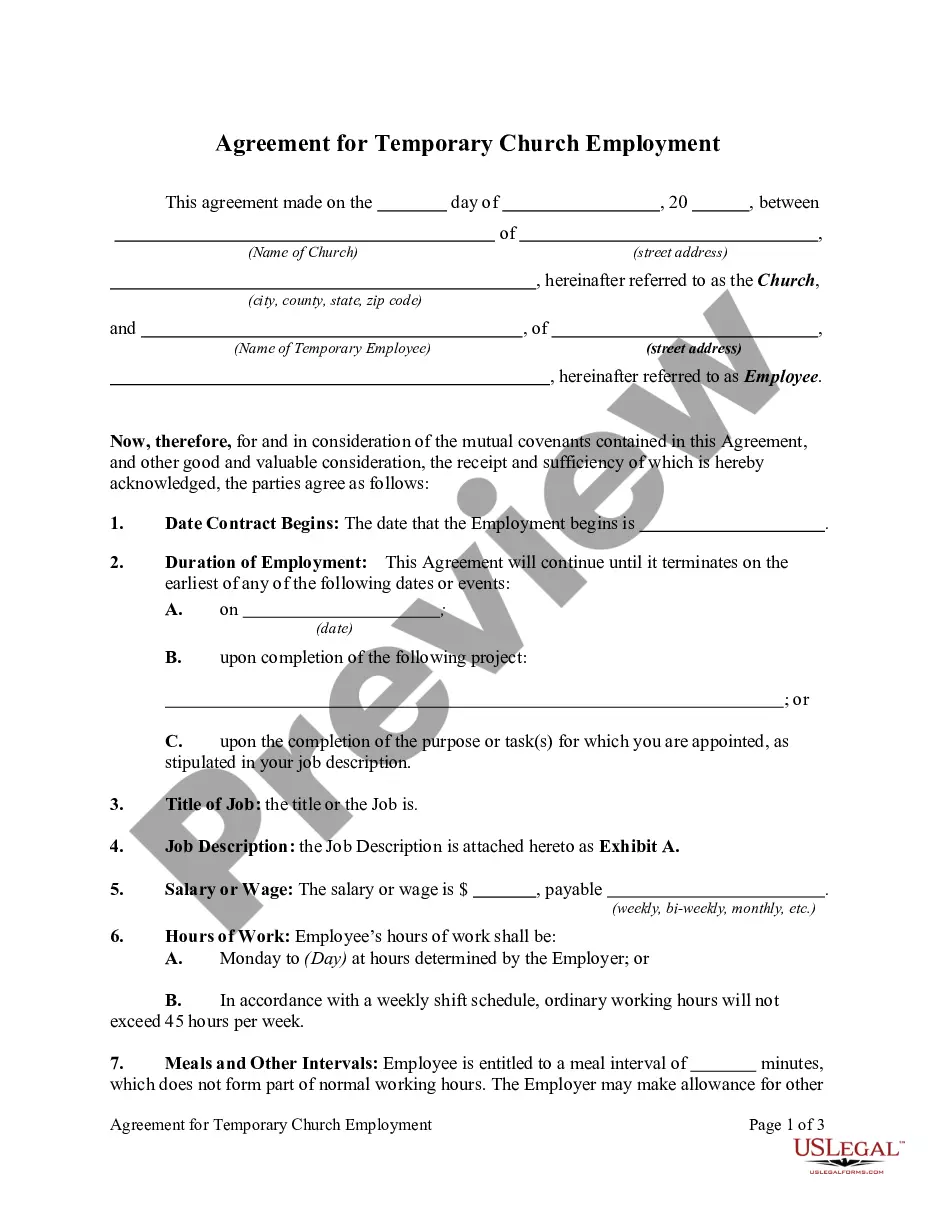
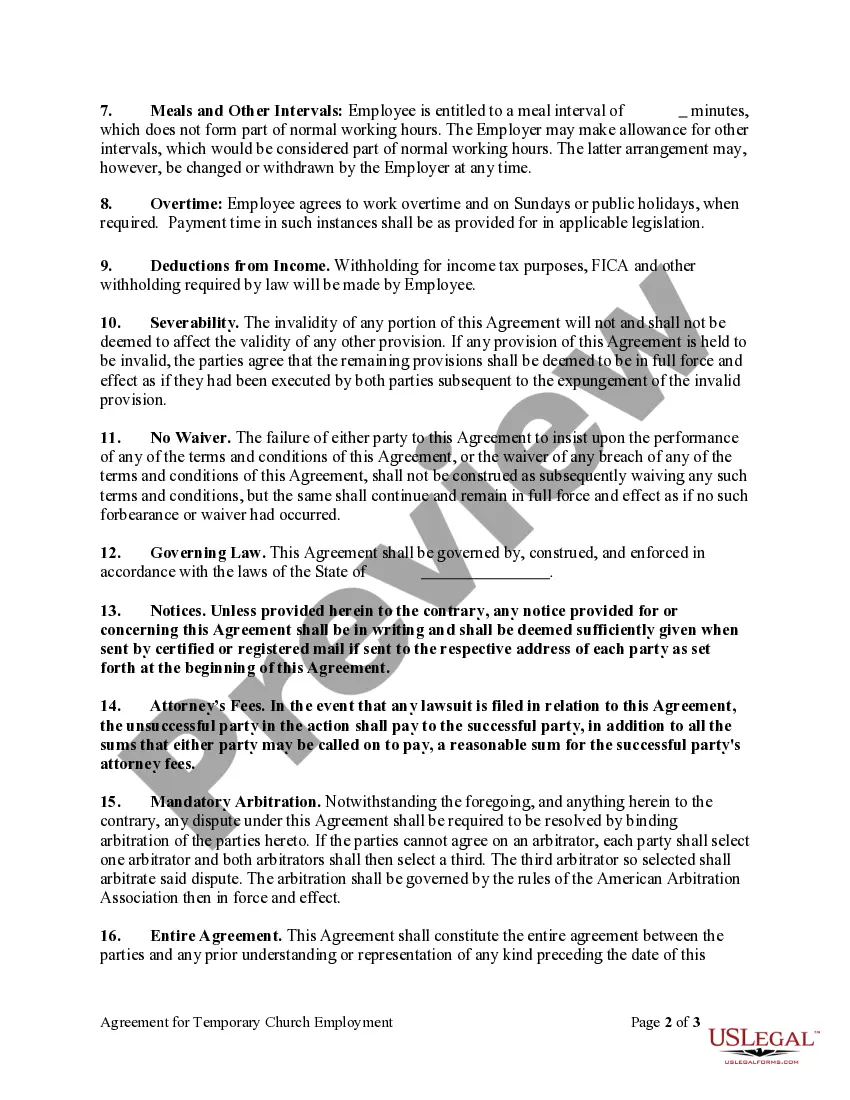
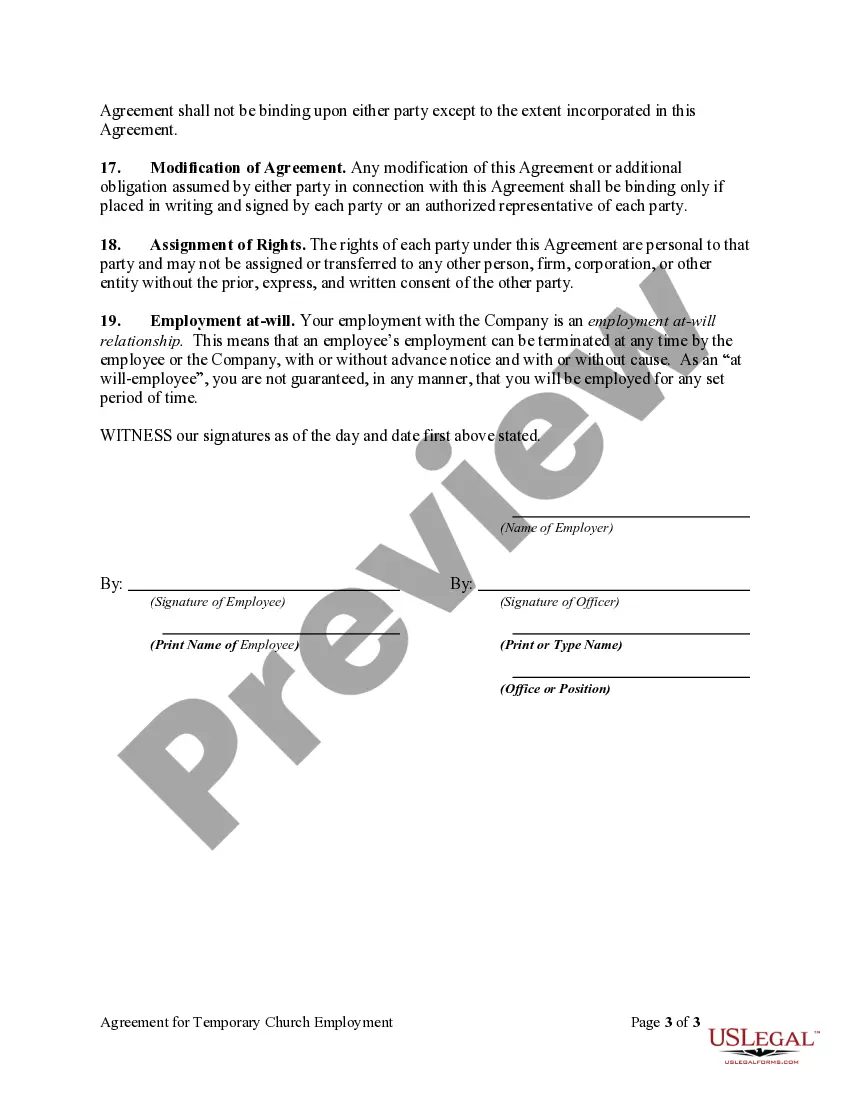
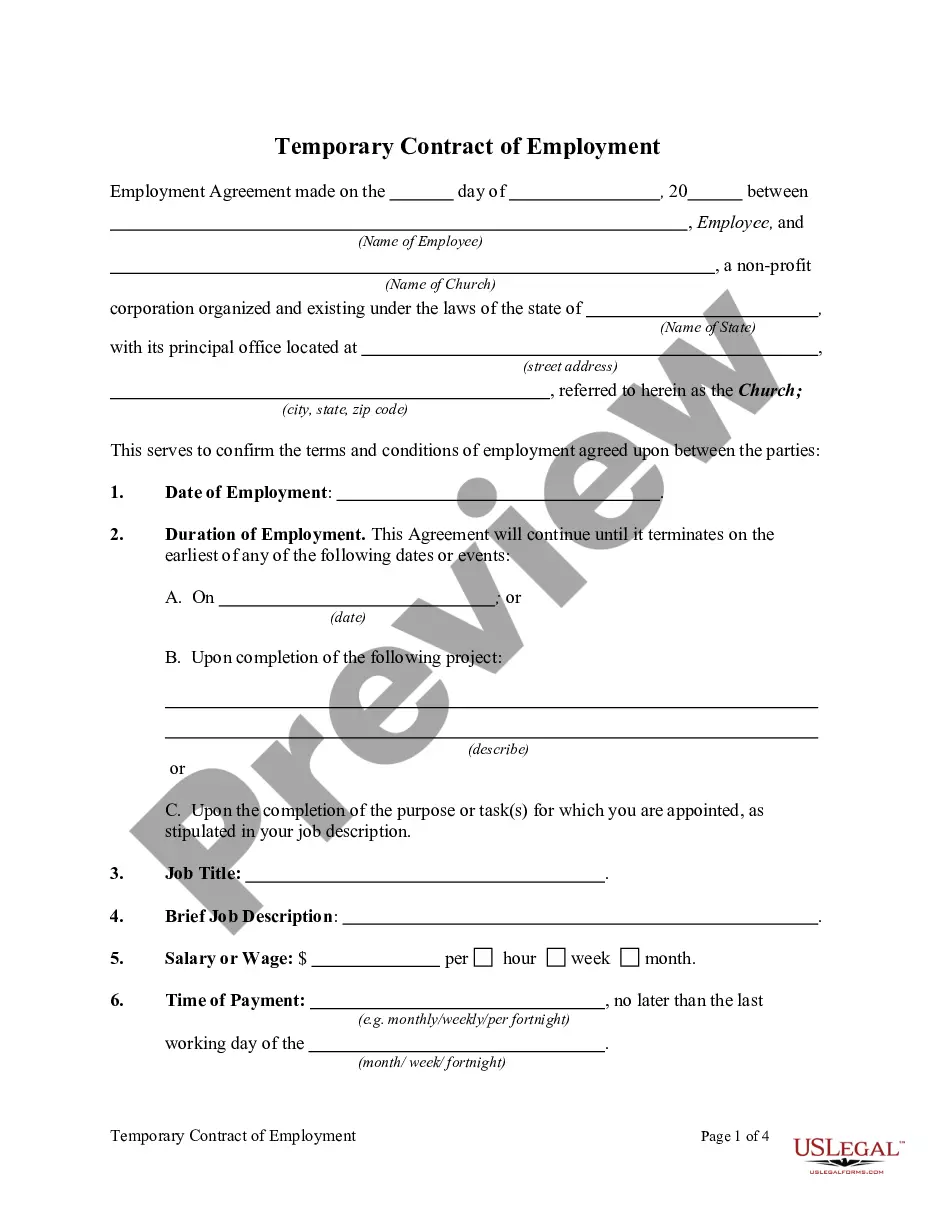
Get your form ready online
Our built-in tools help you complete, sign, share, and store your documents in one place.
Make edits, fill in missing information, and update formatting in US Legal Forms—just like you would in MS Word.
Download a copy, print it, send it by email, or mail it via USPS—whatever works best for your next step.
Sign and collect signatures with our SignNow integration. Send to multiple recipients, set reminders, and more. Go Premium to unlock E-Sign.
If this form requires notarization, complete it online through a secure video call—no need to meet a notary in person or wait for an appointment.
We protect your documents and personal data by following strict security and privacy standards.

Make edits, fill in missing information, and update formatting in US Legal Forms—just like you would in MS Word.

Download a copy, print it, send it by email, or mail it via USPS—whatever works best for your next step.

Sign and collect signatures with our SignNow integration. Send to multiple recipients, set reminders, and more. Go Premium to unlock E-Sign.

If this form requires notarization, complete it online through a secure video call—no need to meet a notary in person or wait for an appointment.

We protect your documents and personal data by following strict security and privacy standards.
Looking for another form?
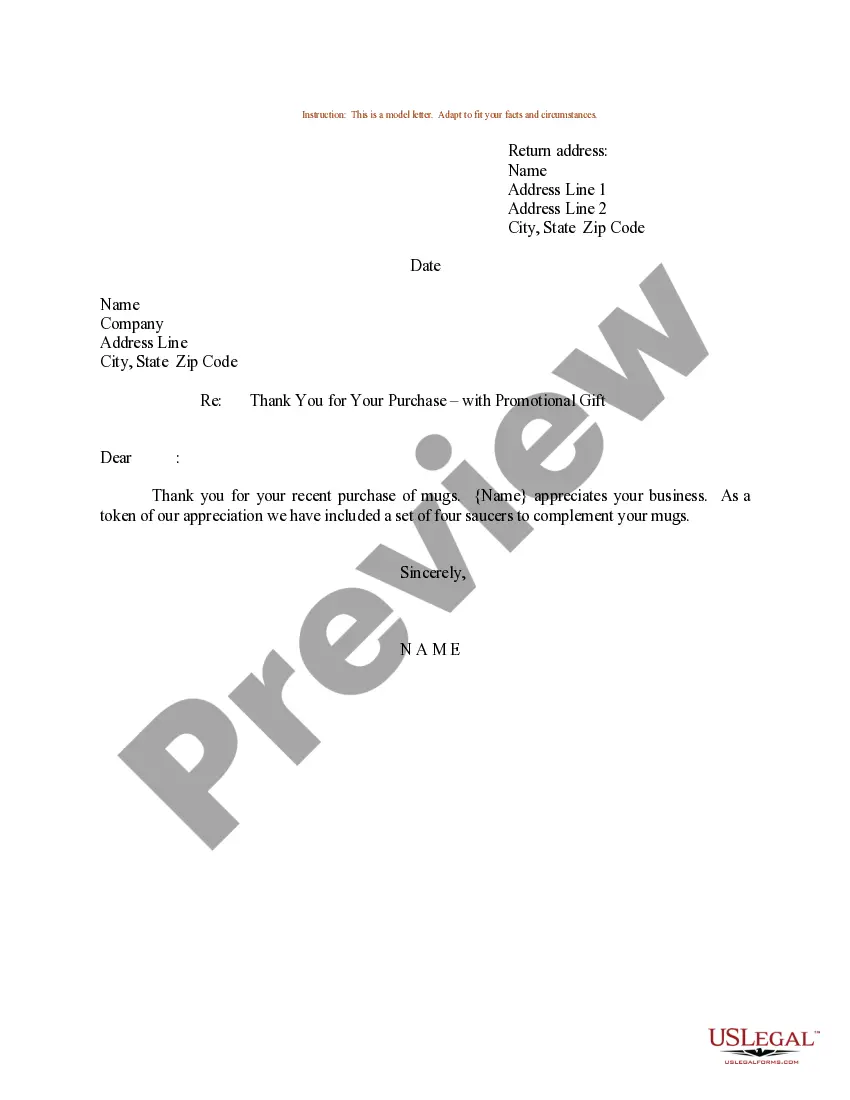
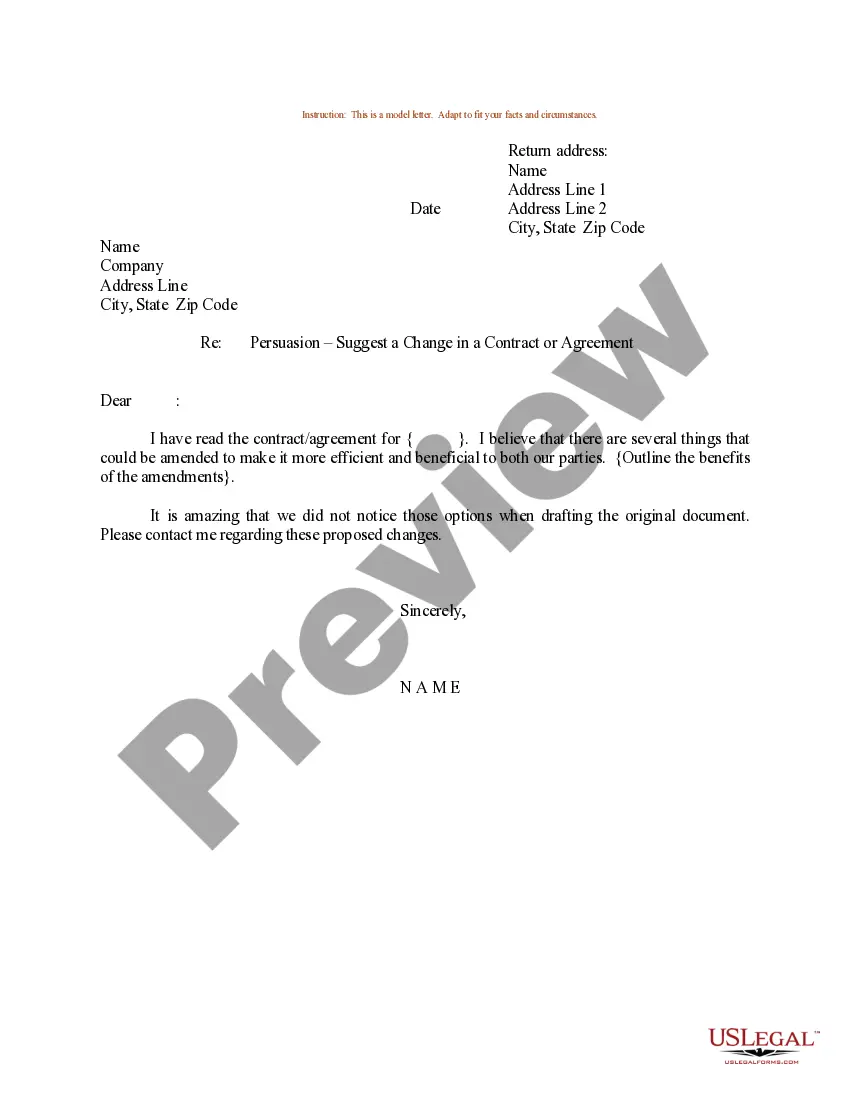
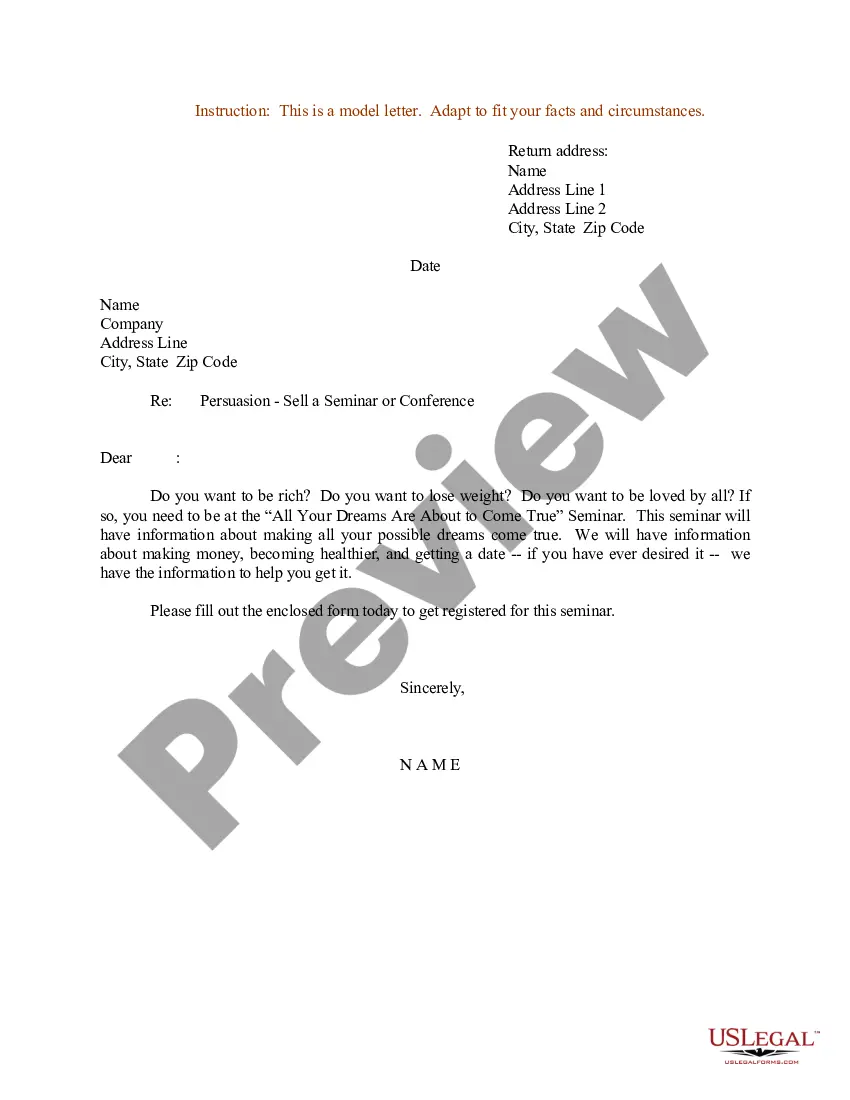
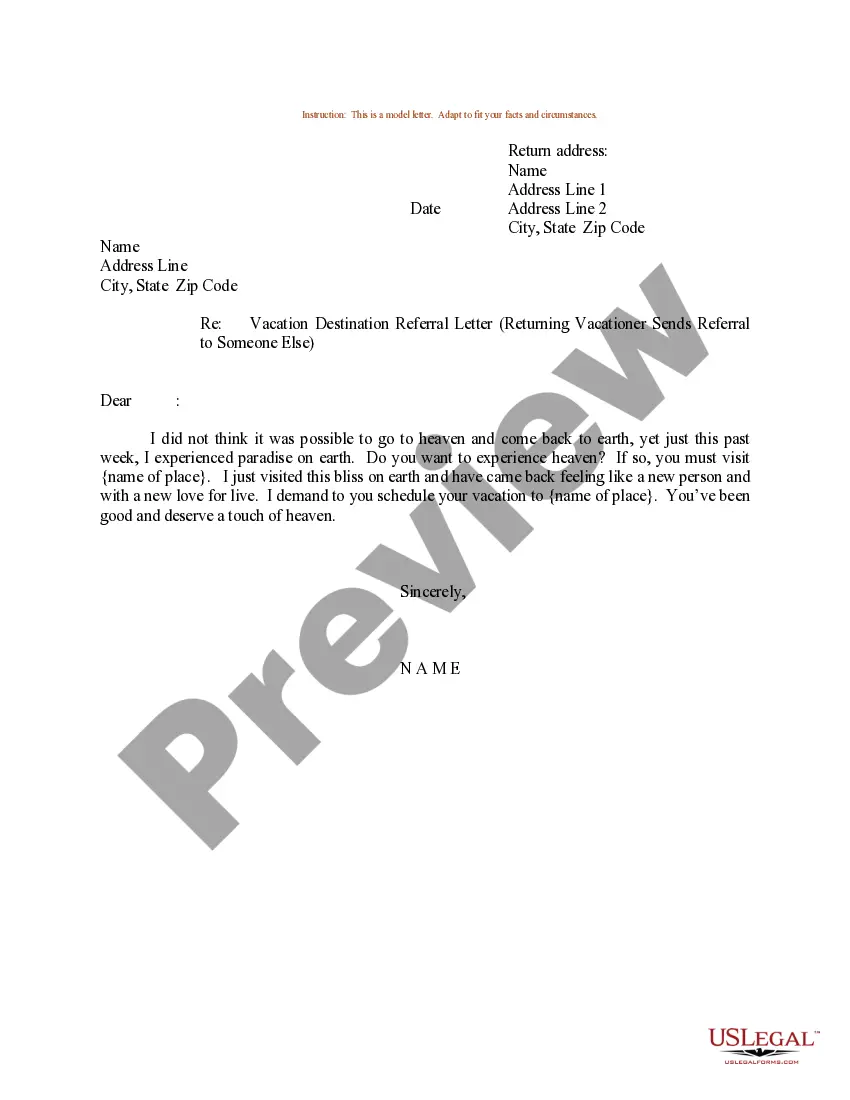
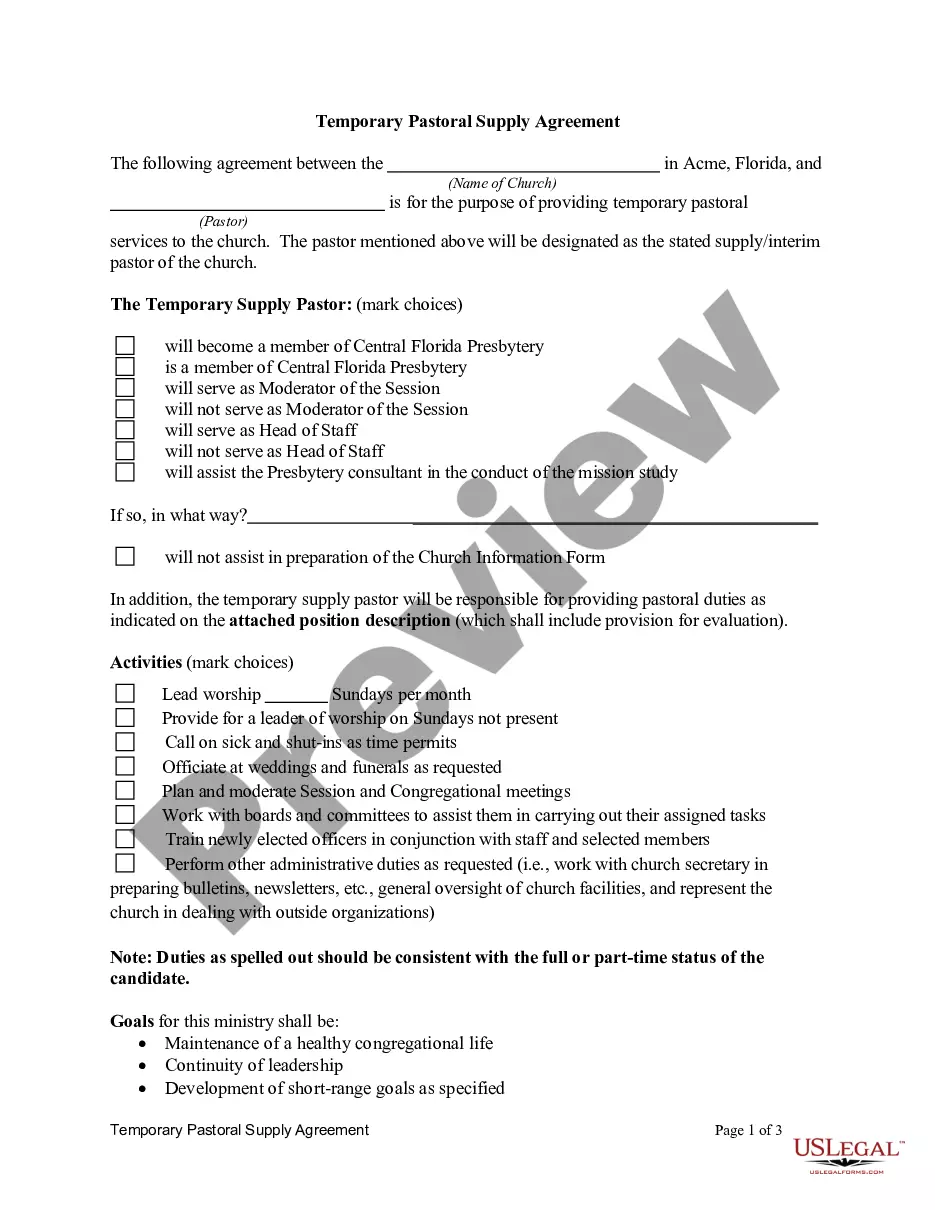
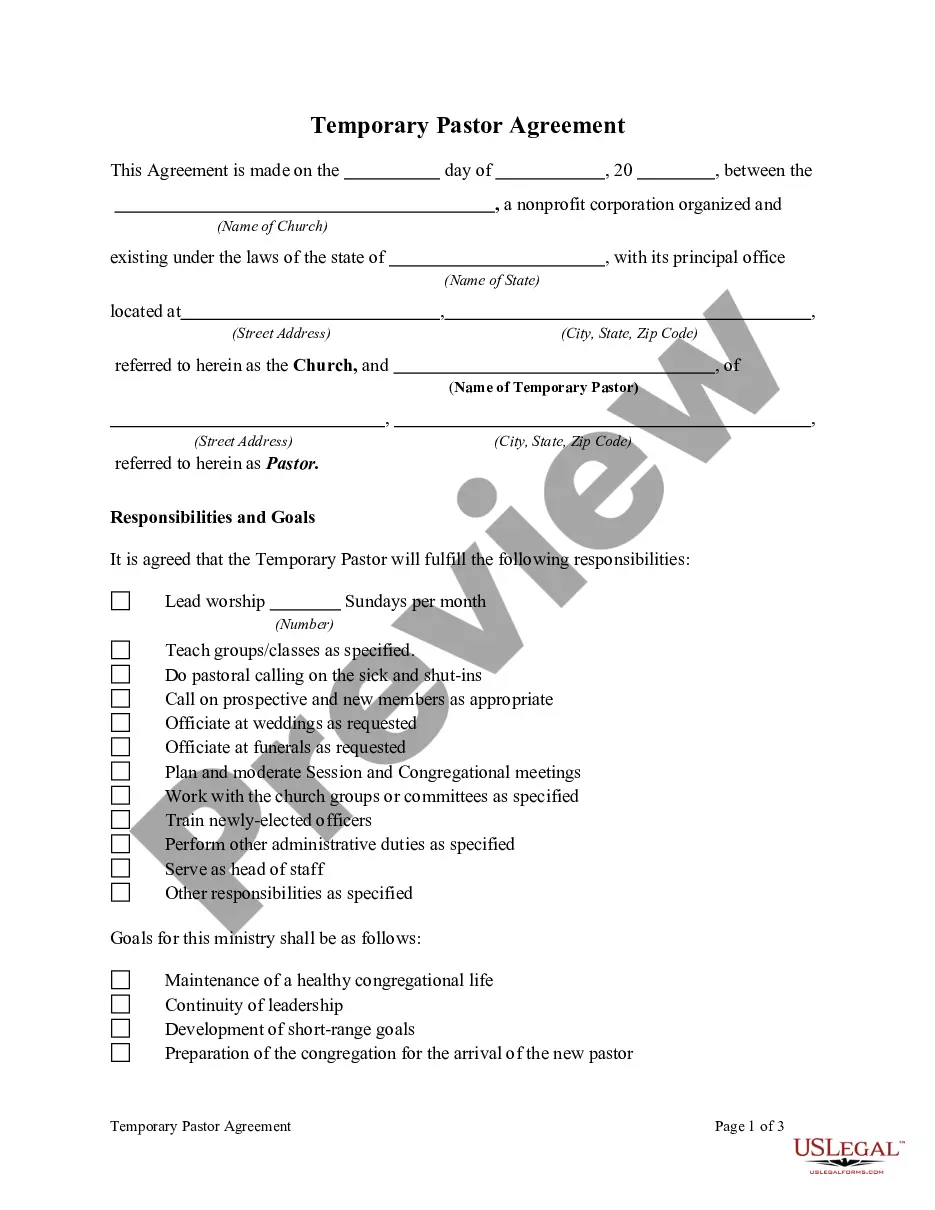
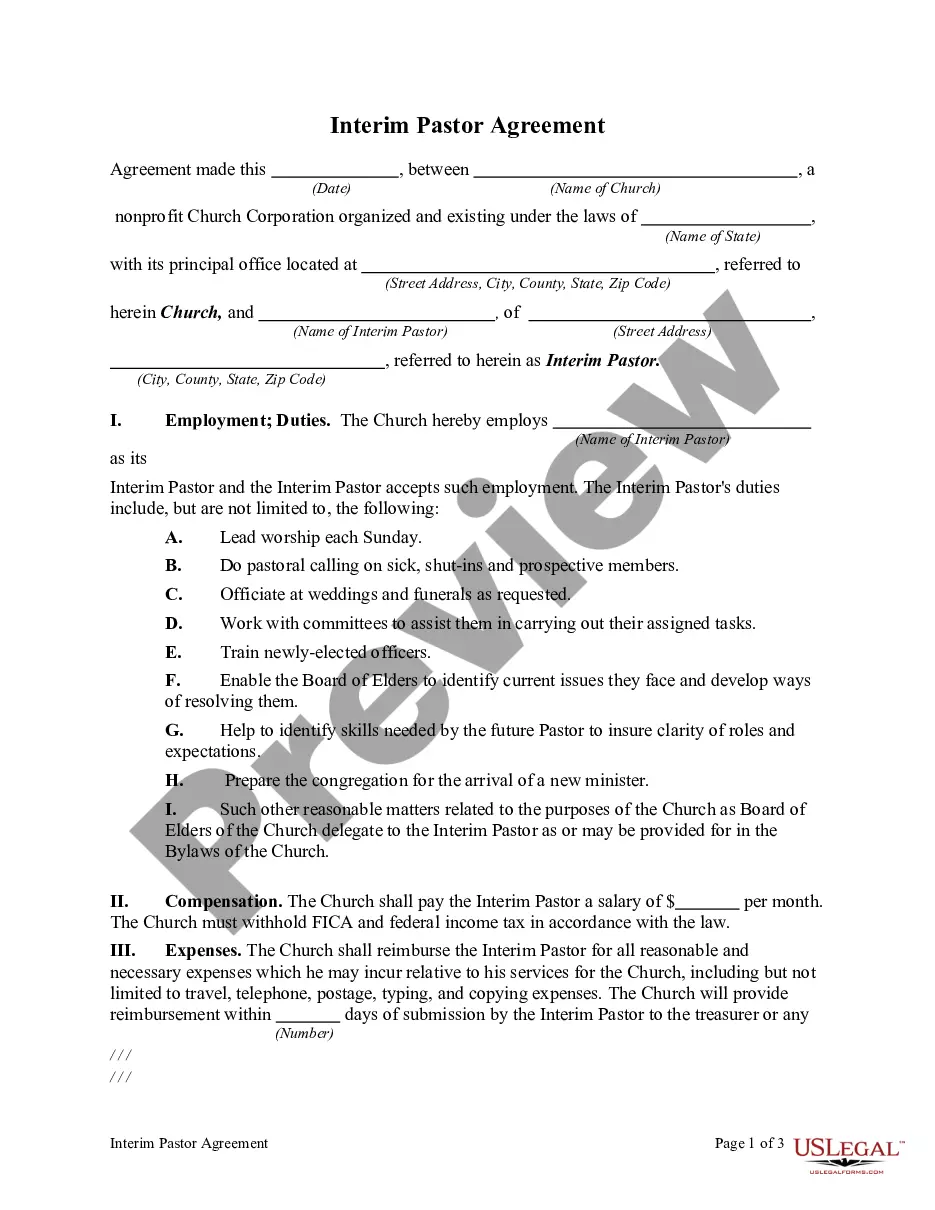
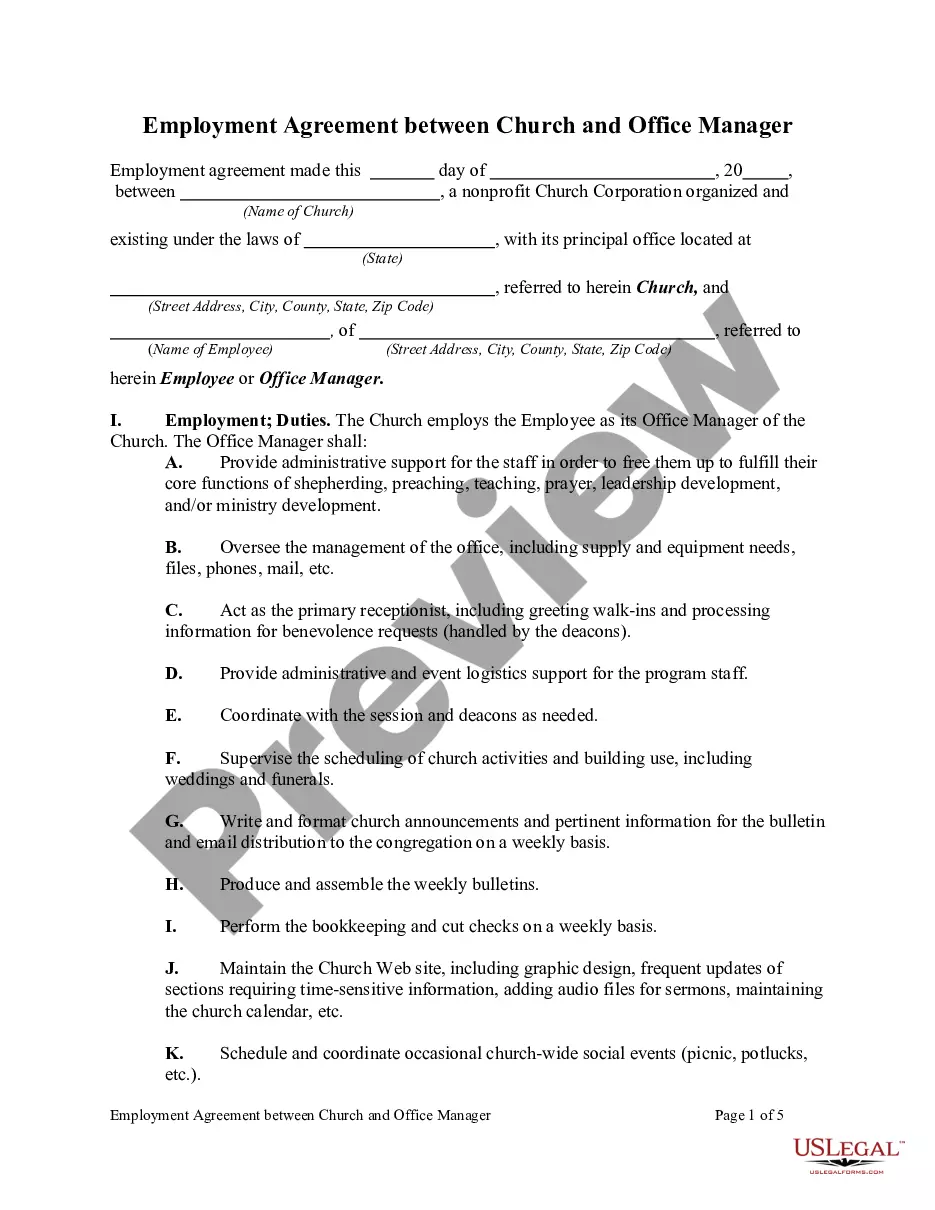
How to fill out Agreement For Temporary Church Employment?
Gaining access to samples of legal documents that adhere to federal and local regulations is essential, and the internet presents numerous choices.
However, what is the benefit of squandering time hunting for the accurately composed Temp Work App For Iphone template online when the US Legal Forms digital repository already contains such forms consolidated in one spot.
US Legal Forms is the largest virtual legal repository, boasting over 85,000 editable templates crafted by lawyers for diverse professional and personal situations.
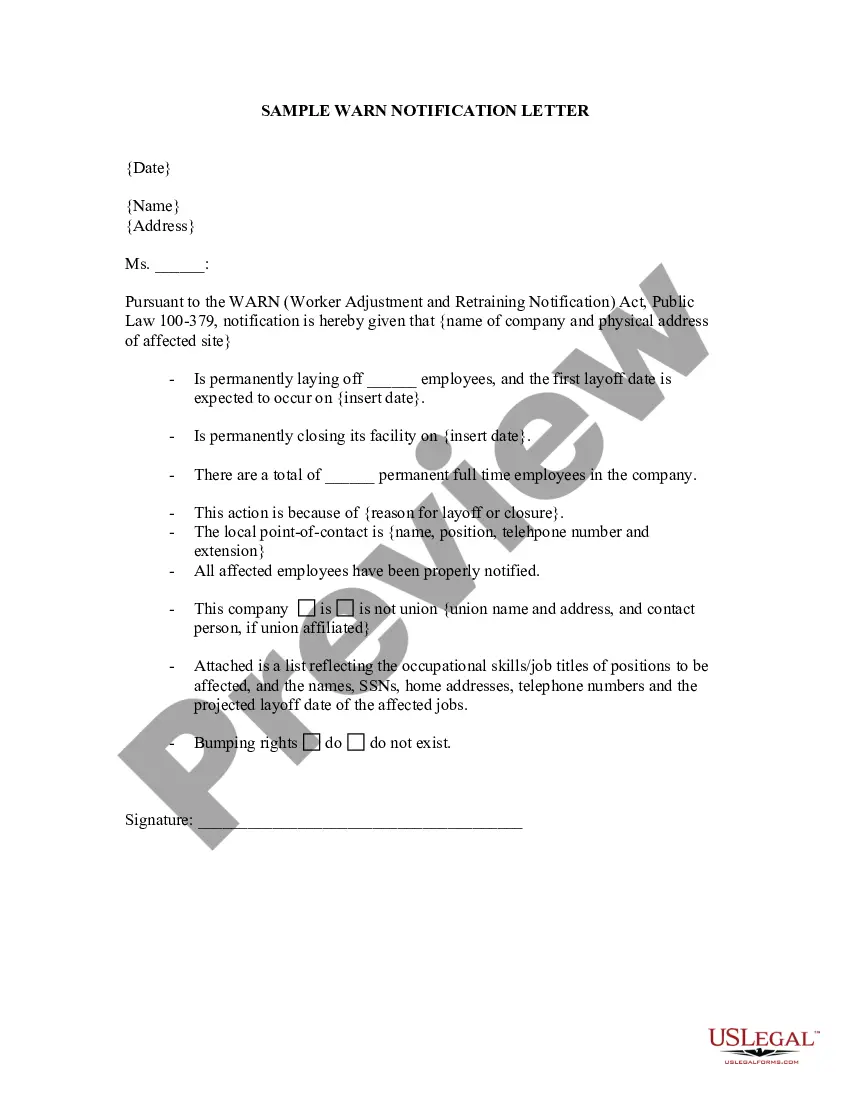
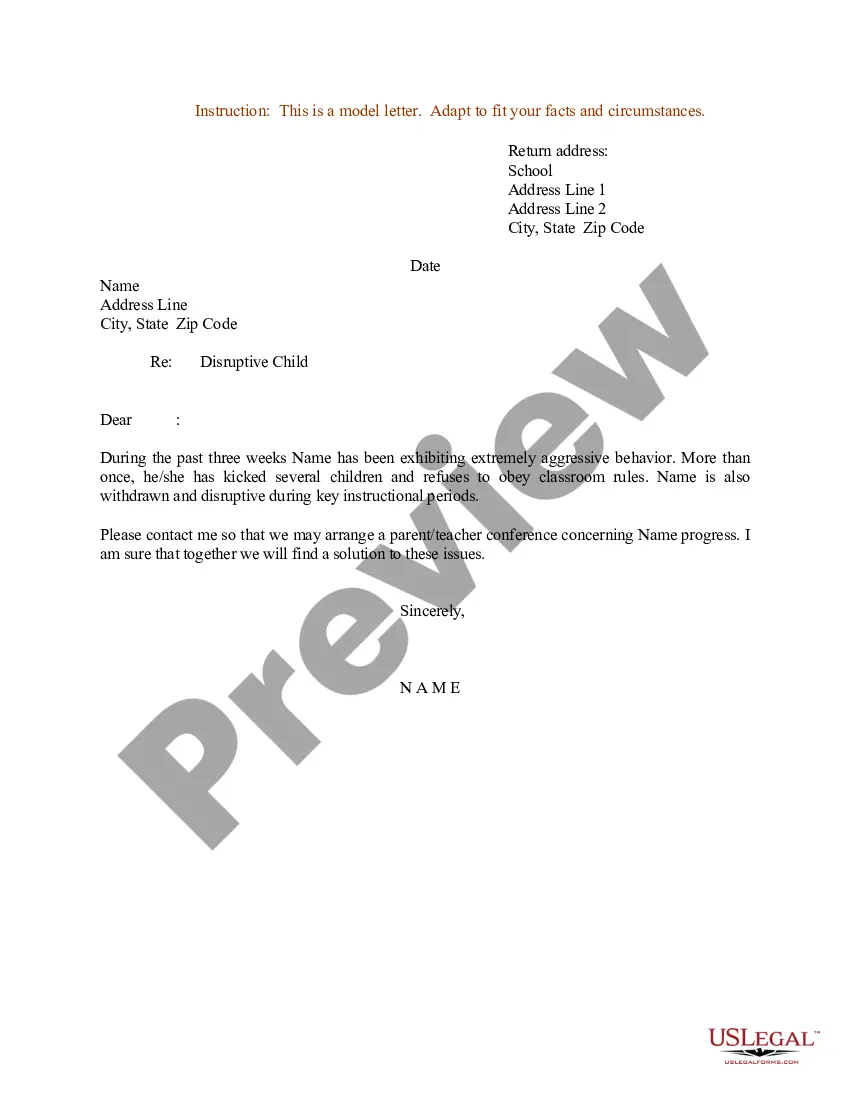
Examine the template using the Preview feature or via the text description to ensure it aligns with your needs.
- They are straightforward to navigate, with all documents categorized by state and intended purpose.
- Our experts keep abreast of legislative changes, so you can trust that your form is current and compliant when retrieving a Temp Work App For Iphone from our site.
- Acquiring a Temp Work App For Iphone is quick and easy for both existing and new clients.
- If you possess an account with an active subscription, Log In and save the document sample you need in your preferred format.
- If you are visiting our site for the first time, follow the steps below.
Form popularity
FAQ
The easiest way to organize your iPhone apps is by creating folders. Touch and hold an app icon to enter the edit mode, then drag apps into folders based on their categories or usage. This method allows you to quickly access your Temp work app for iPhone alongside other essential tools.
You cannot directly run .app files on an iPhone like you would on a computer. Instead, download applications from the App Store, which provides compatible files for your device. If you're looking for a Temp work app for iPhone, search the App Store for suitable options.
To run an .app on your iPhone, ensure the app is installed from the App Store. Once installed, locate the Temp work app for iPhone on your home screen and tap it to open. If you encounter any issues, check your device settings or the App Store for updates.
Filing apps on your iPhone is a straightforward process. Simply touch and hold an app until it starts to wiggle, then drag it to your preferred location or into a folder. This organization method is especially useful for managing your Temp work app for iPhone efficiently.
To move apps into folders on your iPhone, tap and hold the app icon until it wiggles. Next, drag the app into the folder you want it to go into. This helps you keep your Temp work app for iPhone easily accessible and organized with similar apps.
Creating folders for your apps is simple. First, touch and hold an app until it starts to wiggle. Then, drag that app over another app you want in the same folder, and a new folder will automatically create. You can name the folder based on its purpose, such as 'Work' for your Temp work app for iPhone.
To get work apps on your iPhone, open the App Store and search for the Temp work app for iPhone. Once you find it, tap the 'Get' button to download and install it. Ensure you have a stable internet connection for a smooth installation process.
To file apps on your iPhone, start by unlocking your device. Then, touch and hold an app icon until all icons begin to wiggle. You can then drag the app to your desired location or into a folder. This process helps keep your Temp work app for iPhone organized.
To determine if someone has installed a hidden app on your iPhone, check your app list and look for unfamiliar icons. You can also review your app usage in settings to see any unusual activity. If you suspect unauthorized changes, consider using a reliable temp work app for iPhone to maintain control over your device.
Decoy apps often resemble common applications like calculators or notes, but they serve a different purpose. Their design mimics standard apps to avoid suspicion. If you’re exploring temp work app for iPhone options, be aware that some may use similar tactics to disguise their true functionality.