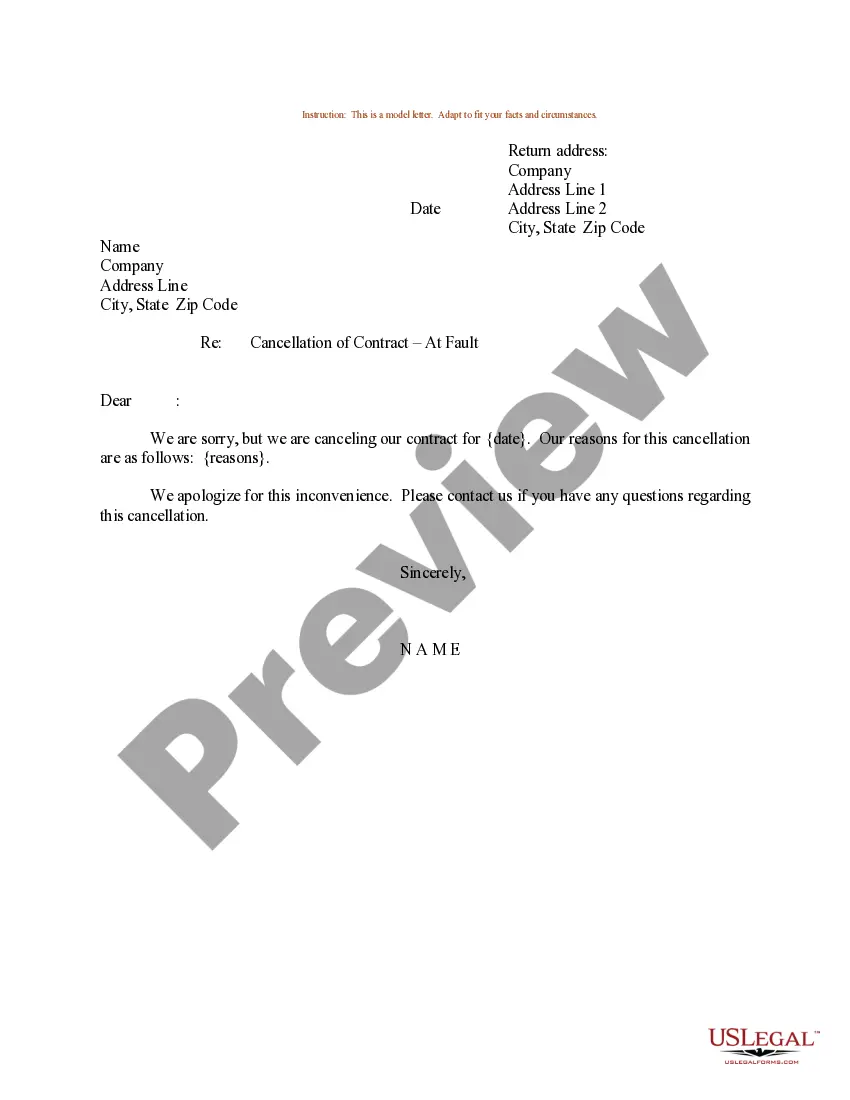
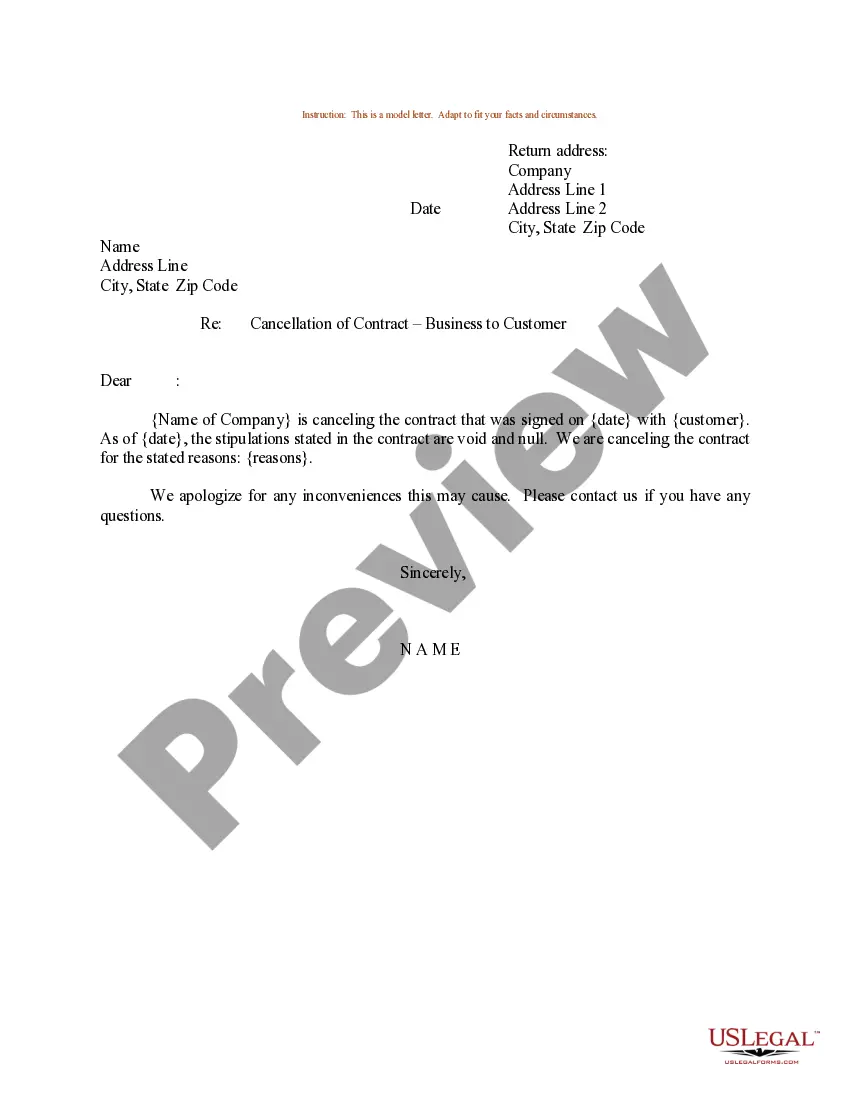
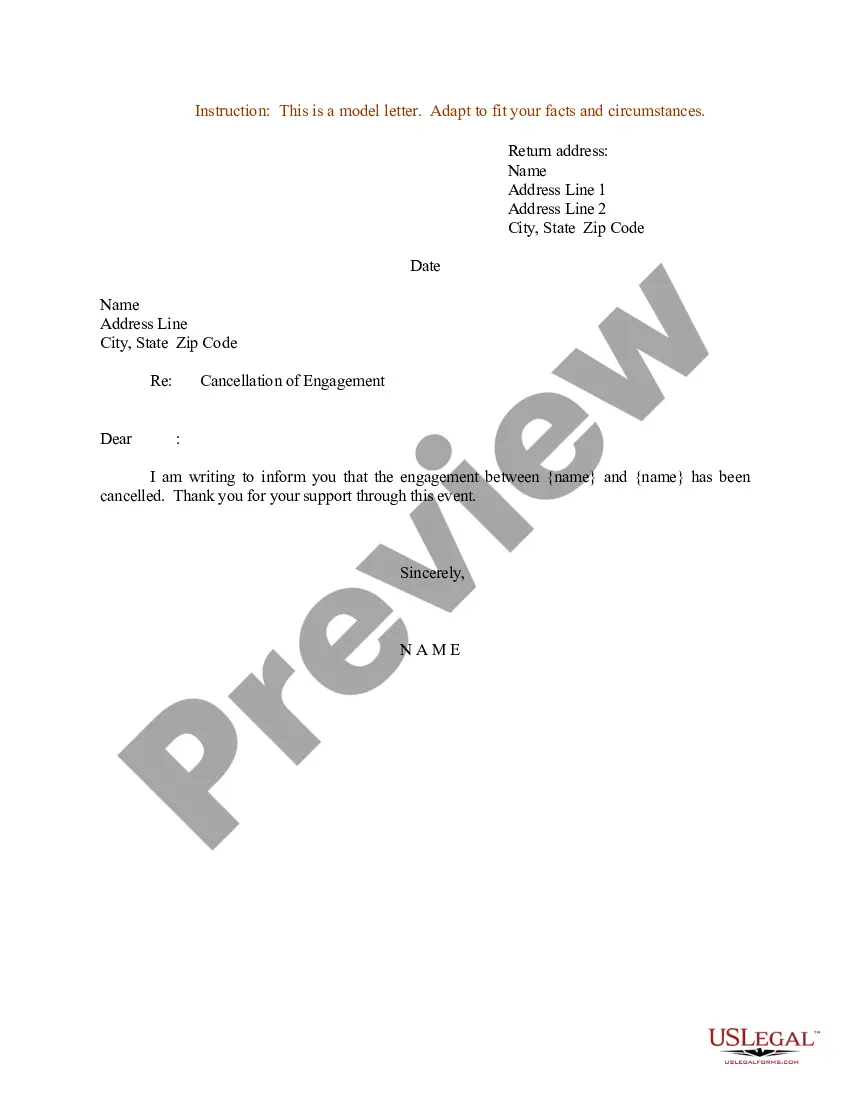
Sample Wording To Cancel A Meeting
Description
Get your form ready online
Our built-in tools help you complete, sign, share, and store your documents in one place.
Make edits, fill in missing information, and update formatting in US Legal Forms—just like you would in MS Word.
Download a copy, print it, send it by email, or mail it via USPS—whatever works best for your next step.
Sign and collect signatures with our SignNow integration. Send to multiple recipients, set reminders, and more. Go Premium to unlock E-Sign.
If this form requires notarization, complete it online through a secure video call—no need to meet a notary in person or wait for an appointment.
We protect your documents and personal data by following strict security and privacy standards.

Make edits, fill in missing information, and update formatting in US Legal Forms—just like you would in MS Word.

Download a copy, print it, send it by email, or mail it via USPS—whatever works best for your next step.

Sign and collect signatures with our SignNow integration. Send to multiple recipients, set reminders, and more. Go Premium to unlock E-Sign.

If this form requires notarization, complete it online through a secure video call—no need to meet a notary in person or wait for an appointment.

We protect your documents and personal data by following strict security and privacy standards.
Looking for another form?





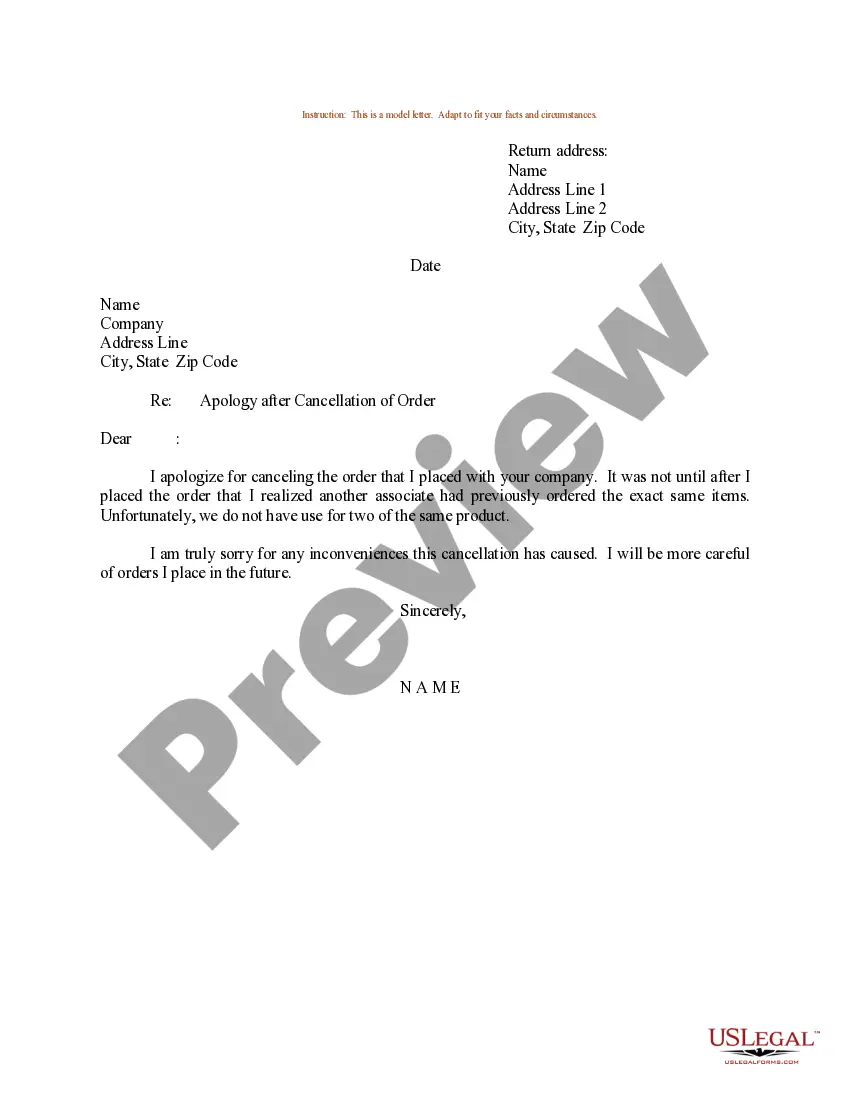
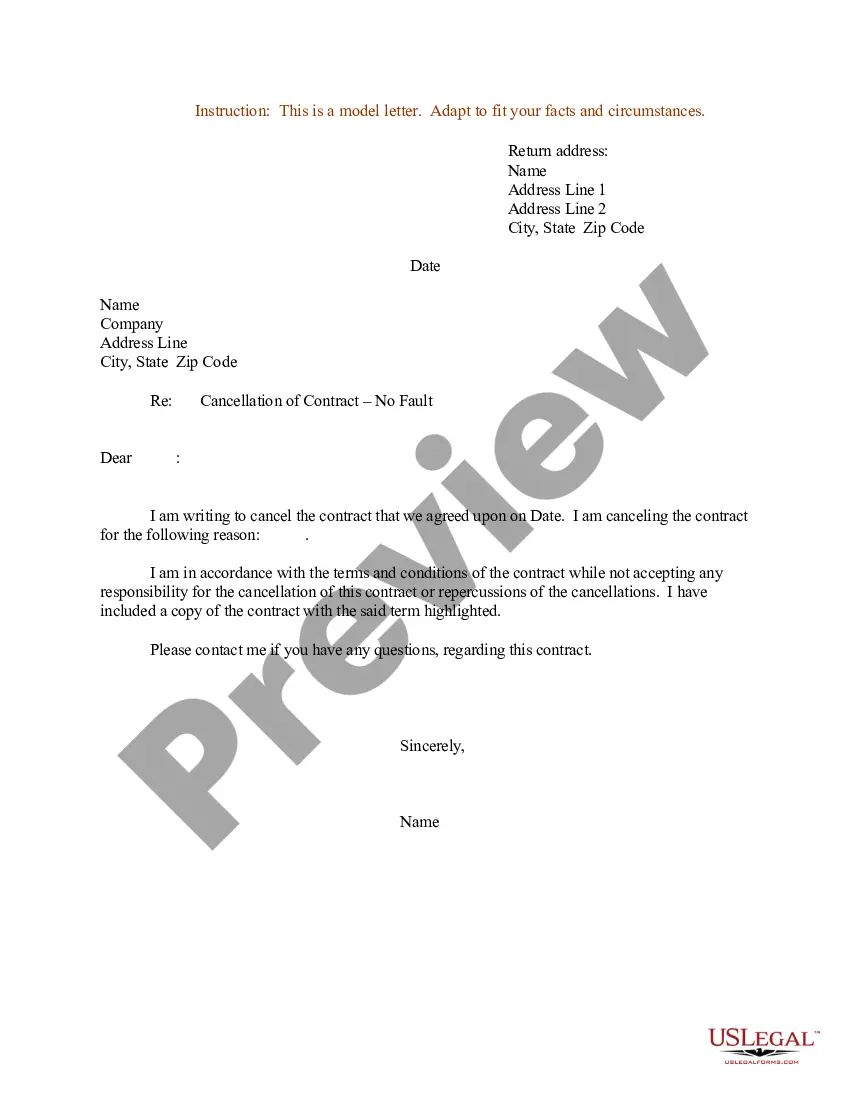
How to fill out Sample Letter For Cancellation Of Contract - At Fault?
It’s evident that you cannot become a legal expert instantly, nor can you learn how to rapidly compose Sample Wording To Cancel A Meeting without a specialized education.
Assembling legal documents is an exhaustive task that demands particular training and expertise. Therefore, why not entrust the creation of the Sample Wording To Cancel A Meeting to the professionals.
With US Legal Forms, which boasts one of the most comprehensive legal document collections, you can find everything from court filings to office communication templates. We understand how vital compliance with federal and local regulations is.
You can retrieve your documents anytime from the My documents tab. If you are an existing client, simply Log In, and find and download the template from the same section.
Regardless of the documents' purpose—whether financial, legal, or personal—our platform accommodates your needs. Try US Legal Forms today!
- Locate the document you require by utilizing the search bar at the top of the page.
- View it (if this feature is available) and examine the accompanying description to determine if Sample Wording To Cancel A Meeting is what you’re seeking.
- If you're looking for a different template, restart your search.
- Create a free account and select a subscription plan to acquire the form.
- Click Buy now. Once the payment is processed, you can download the Sample Wording To Cancel A Meeting, fill it out, print it, and send it by mail to the appropriate individuals or organizations.
Form popularity
FAQ
In a professional context, instead of saying 'cancel,' you can use phrases like 'postpone' or 'reschedule.' These terms soften the impact and might even suggest you value the meeting. For example, you could say, 'I have to postpone our meeting scheduled for date and will follow up with a new date soon.' This usage aligns with sample wording to cancel a meeting, maintaining professionalism in your communications.
Dear [guest's name], I regret to inform you that [event name], initially planned to take place on [date and time of event], is currently [canceled/postponed]. Because of the [reasons for the cancellation/postponement], we feel it's best to reevaluate the event so we can best serve all our guests.
I hope this email finds you well. Due to an urgent personal emergency, I have to cancel the [Meeting Name] scheduled for [Date and Time]. I apologize for any inconvenience this may cause. I would like to propose a new date and time for the meeting, so we can all get back on track and continue with our plans.
Use phrases like: ?I understand how important this is...? ?I'm really sorry, but I need to change the schedule...? ?Let's reschedule this as soon as possible...? ?I'm available next [X DAY] between [X AND X TIME OF DAY]...? ?I'm sorry I can't make this meeting, but please fill me in on any important notes...?
How to politely cancel a meeting example: "Hi John, I'm sorry to inform you that I have to cancel our meeting today due to a family emergency. I understand this is short notice, but I hope we can reschedule for next week.?
Here are some steps you can follow to cancel a meeting via email: Write a clear subject line. ... Use a professional opening statement. ... Briefly explain your situation. ... Ask to reschedule. ... Express your gratitude. ... Close the email.