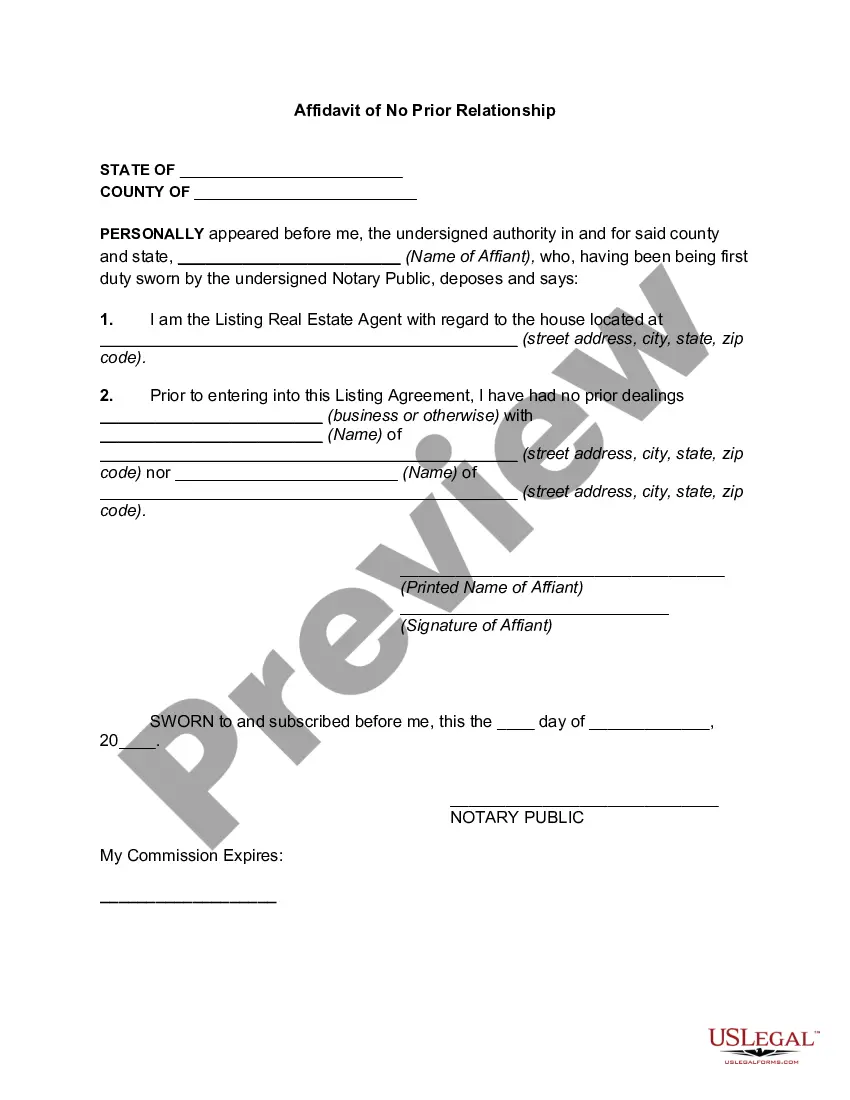
Affidavit Form Statement With Notary Signature
Description
Get your form ready online
Our built-in tools help you complete, sign, share, and store your documents in one place.
Make edits, fill in missing information, and update formatting in US Legal Forms—just like you would in MS Word.
Download a copy, print it, send it by email, or mail it via USPS—whatever works best for your next step.
Sign and collect signatures with our SignNow integration. Send to multiple recipients, set reminders, and more. Go Premium to unlock E-Sign.
If this form requires notarization, complete it online through a secure video call—no need to meet a notary in person or wait for an appointment.
We protect your documents and personal data by following strict security and privacy standards.

Make edits, fill in missing information, and update formatting in US Legal Forms—just like you would in MS Word.

Download a copy, print it, send it by email, or mail it via USPS—whatever works best for your next step.

Sign and collect signatures with our SignNow integration. Send to multiple recipients, set reminders, and more. Go Premium to unlock E-Sign.

If this form requires notarization, complete it online through a secure video call—no need to meet a notary in person or wait for an appointment.

We protect your documents and personal data by following strict security and privacy standards.
Looking for another form?





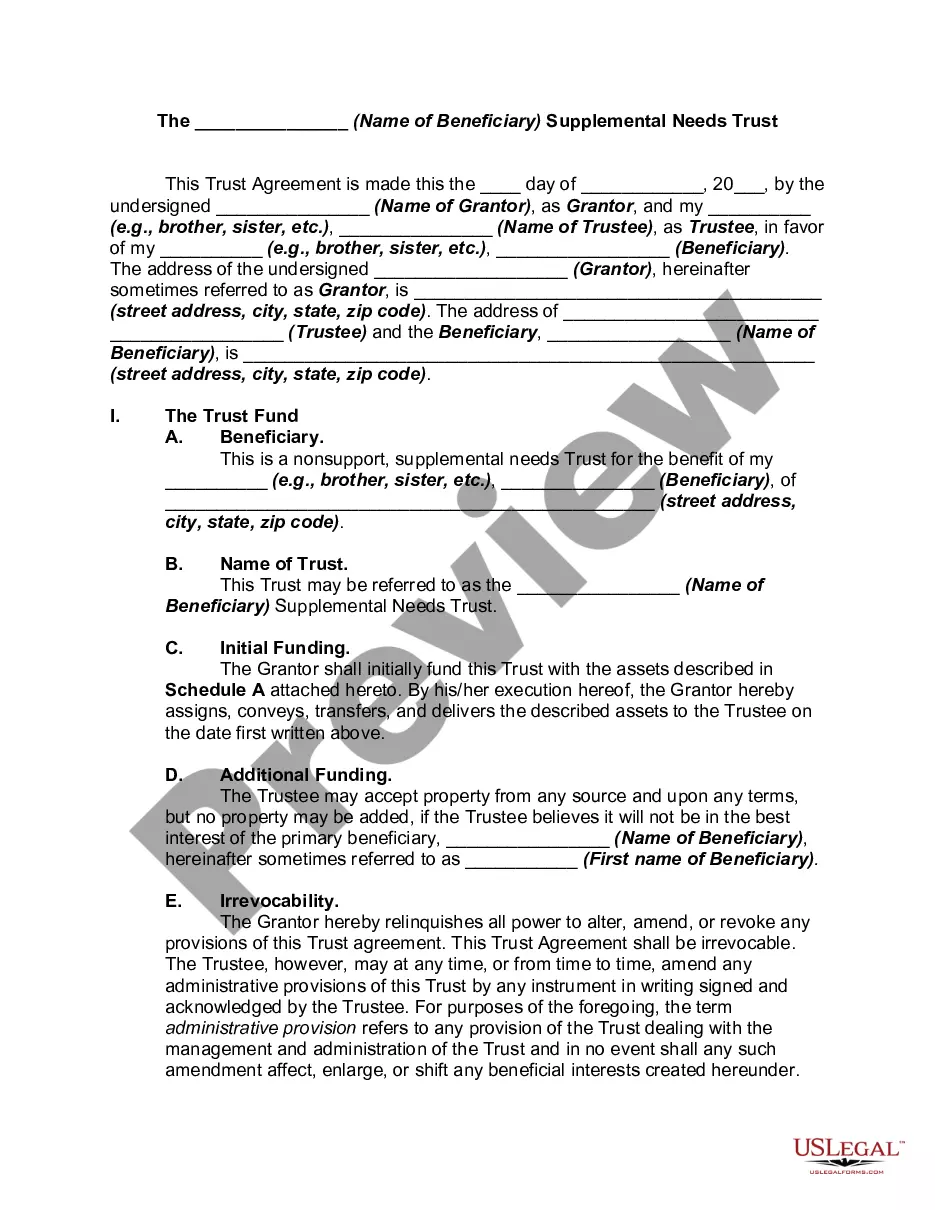

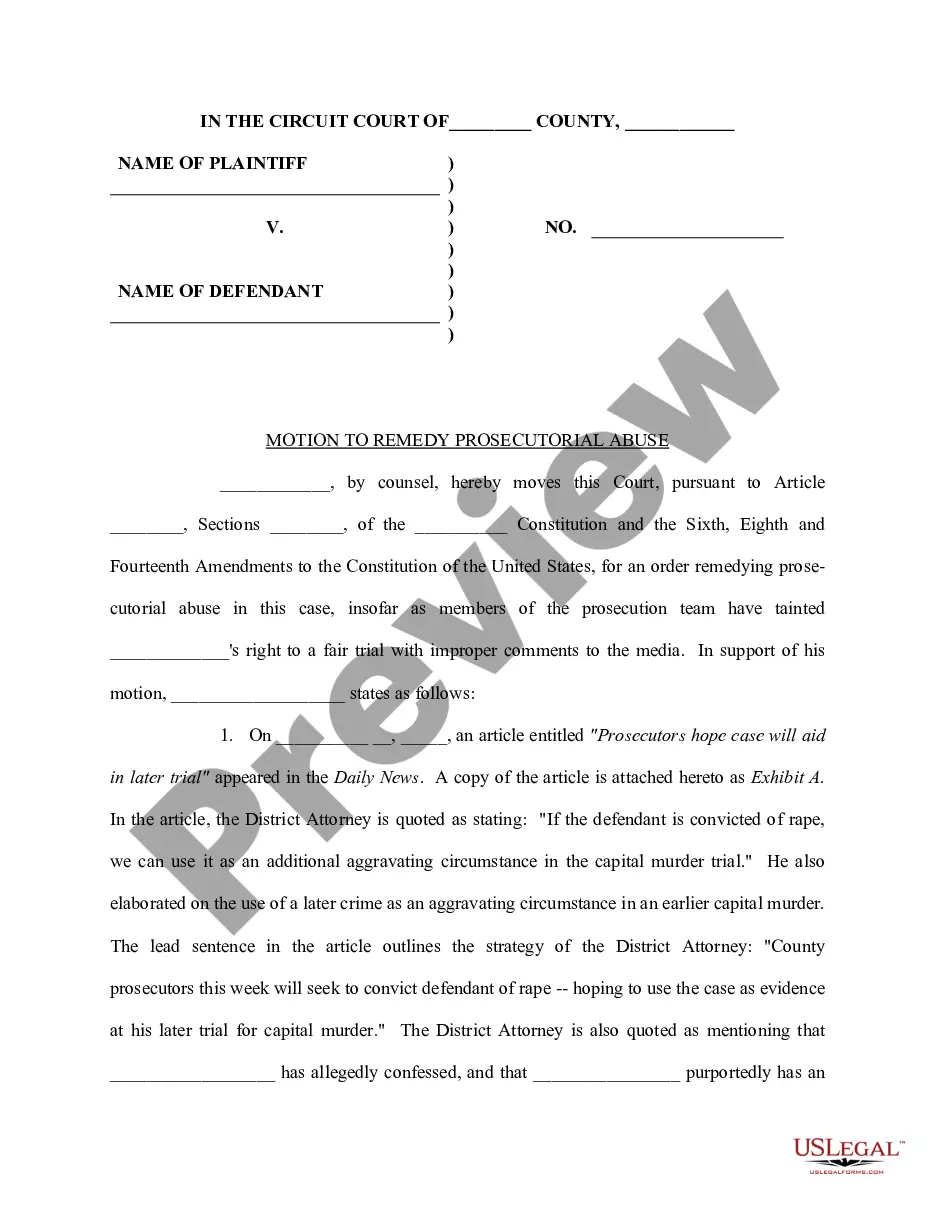
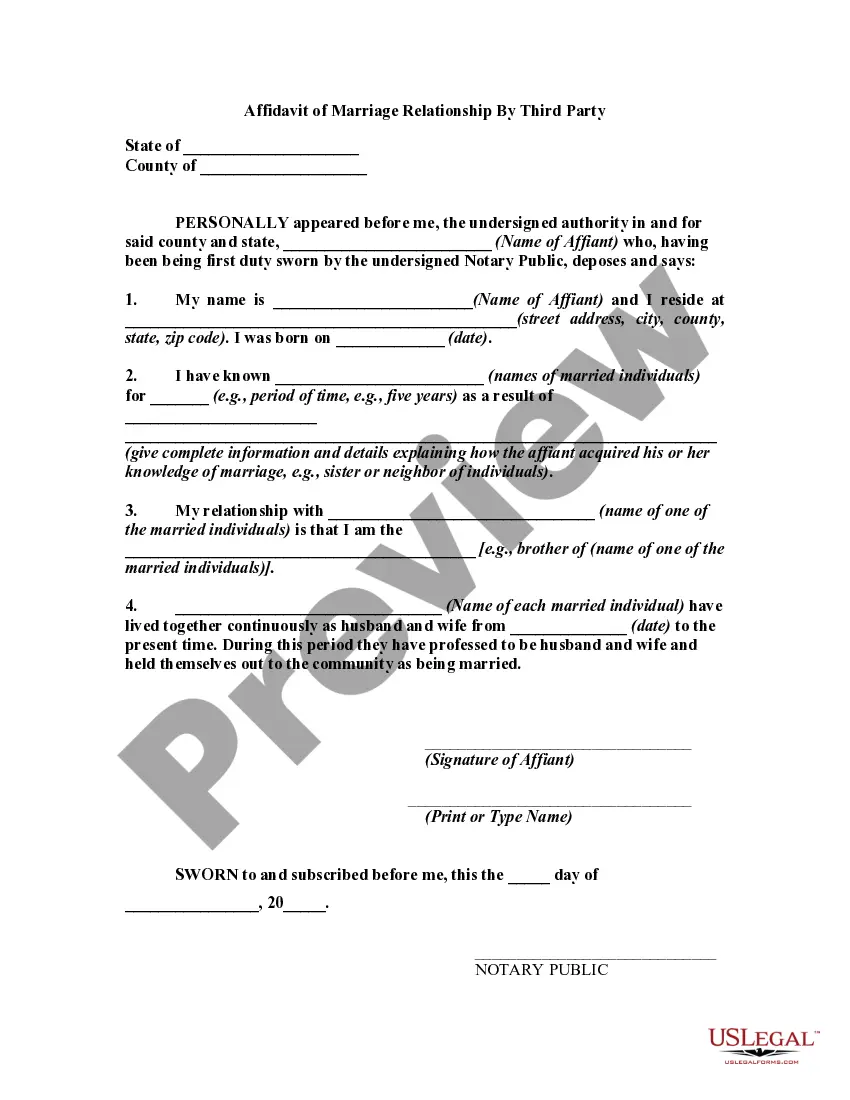
How to fill out Affidavit Of No Prior Relationship?
Creating legal documents from the beginning can occasionally be daunting.
Certain situations may necessitate extensive research and significant expenses.
If you’re searching for a simpler and more cost-effective method of producing an Affidavit Form Statement With Notary Signature or any other paperwork without complications, US Legal Forms is always accessible.
Our online repository of over 85,000 current legal documents covers nearly every aspect of your financial, legal, and personal affairs. With just a few clicks, you can promptly obtain state- and county-specific forms expertly prepared for you by our legal experts.
Examine the document preview and descriptions to confirm that you have located the document you seek.
- Utilize our website whenever you require a dependable and trustworthy service through which you can swiftly find and download the Affidavit Form Statement With Notary Signature.
- If you’re a returning user and have set up an account with us, simply sign in to your account, select the form and download it, or re-download it at any later time from the My documents section.
- Don’t have an account? No problem. It only takes a few minutes to establish it and browse the catalog.
- However, before directly downloading the Affidavit Form Statement With Notary Signature, consider these guidelines.
Form popularity
FAQ
How to write an affidavit. Title. This is either your name (?Affidavit of Jane Doe?) or the specific case information. Statement of identity. The next paragraph tells the court about yourself. ... Statement of truth. ... Statement of facts. ... Closing statement of truth. ... Sign and notarize.
How to write a letter to be notarized Use a proper heading. First things first, to make it easy for the notary to understand the document they're notarizing, use a distinct heading. ... Use the right address. ... Provide the correct details. ... Include your name. ... Leave space for signatures.
The document is signed both by the person making the statement, called an affiant, and by a person who is legally authorized to administer an oath, such as a notary public or certain court and government officers. Signing an affidavit that contains false information can subject the affiant to criminal penalties.
Step 1: Decide what the title of your affidavit will be. Step 2: Put the name and personal background information of the person giving the information in the first paragraph. Step 3: Write an opening sentence in the first person tense. Step 4: Make an outline of the information given or state the facts of the case.
If the signer prefers to affirm to the truthfulness of the document's content, the notary will ask the signer: ?Do you solemnly affirm under penalty of perjury that the statements in this document are true and correct to the best of your knowledge and belief?? The signer will reply: ?I do? or ?yes.?