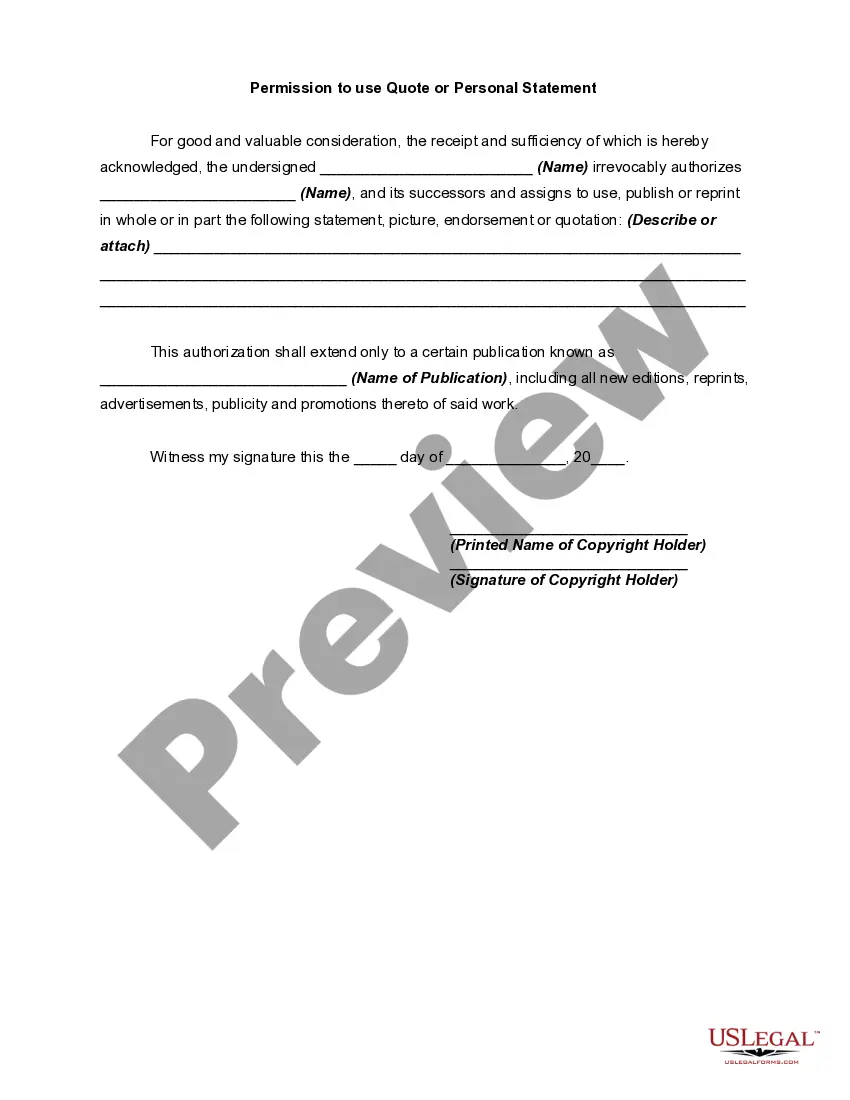
Statement Publication Copyright For Video
Description
Get your form ready online
Our built-in tools help you complete, sign, share, and store your documents in one place.
Make edits, fill in missing information, and update formatting in US Legal Forms—just like you would in MS Word.
Download a copy, print it, send it by email, or mail it via USPS—whatever works best for your next step.
Sign and collect signatures with our SignNow integration. Send to multiple recipients, set reminders, and more. Go Premium to unlock E-Sign.
If this form requires notarization, complete it online through a secure video call—no need to meet a notary in person or wait for an appointment.
We protect your documents and personal data by following strict security and privacy standards.

Make edits, fill in missing information, and update formatting in US Legal Forms—just like you would in MS Word.

Download a copy, print it, send it by email, or mail it via USPS—whatever works best for your next step.

Sign and collect signatures with our SignNow integration. Send to multiple recipients, set reminders, and more. Go Premium to unlock E-Sign.

If this form requires notarization, complete it online through a secure video call—no need to meet a notary in person or wait for an appointment.

We protect your documents and personal data by following strict security and privacy standards.
Looking for another form?









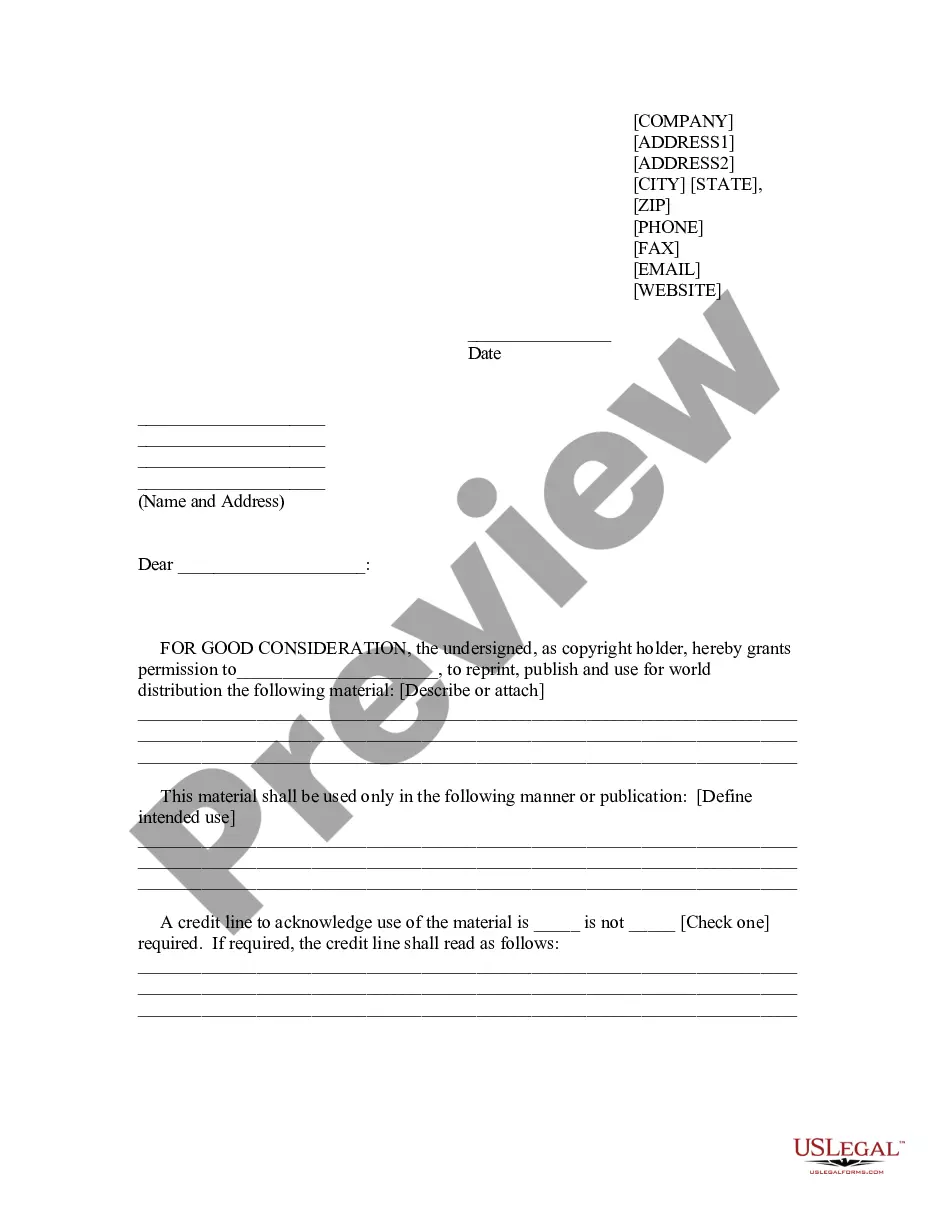
How to fill out Permission To Use Quote Or Personal Statement?
Whether for commercial reasons or for personal matters, everyone must confront legal circumstances eventually in their lives.
Filling out legal documents requires meticulous attention, beginning with selecting the correct form template. For instance, if you choose an incorrect version of a Statement Publication Copyright For Video, it will be rejected upon submission. Thus, it is vital to have a trustworthy source of legal documents like US Legal Forms.
With an extensive US Legal Forms catalog available, you no longer need to waste time searching for the suitable template across the internet. Take advantage of the library’s easy navigation to find the correct template for any circumstance.
- Obtain the sample you require using the search bar or catalog browsing.
- Review the form’s details to verify it corresponds with your situation, state, and locality.
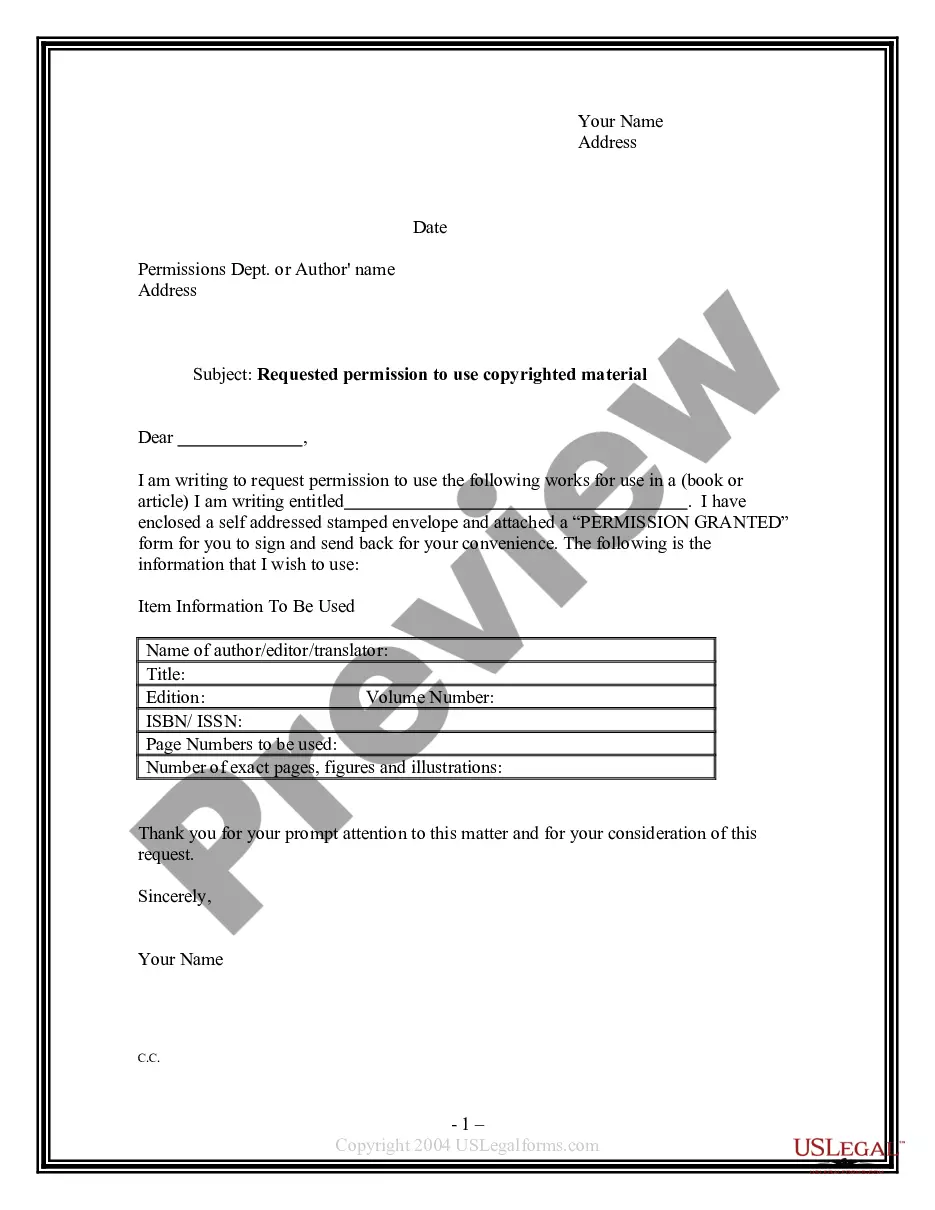
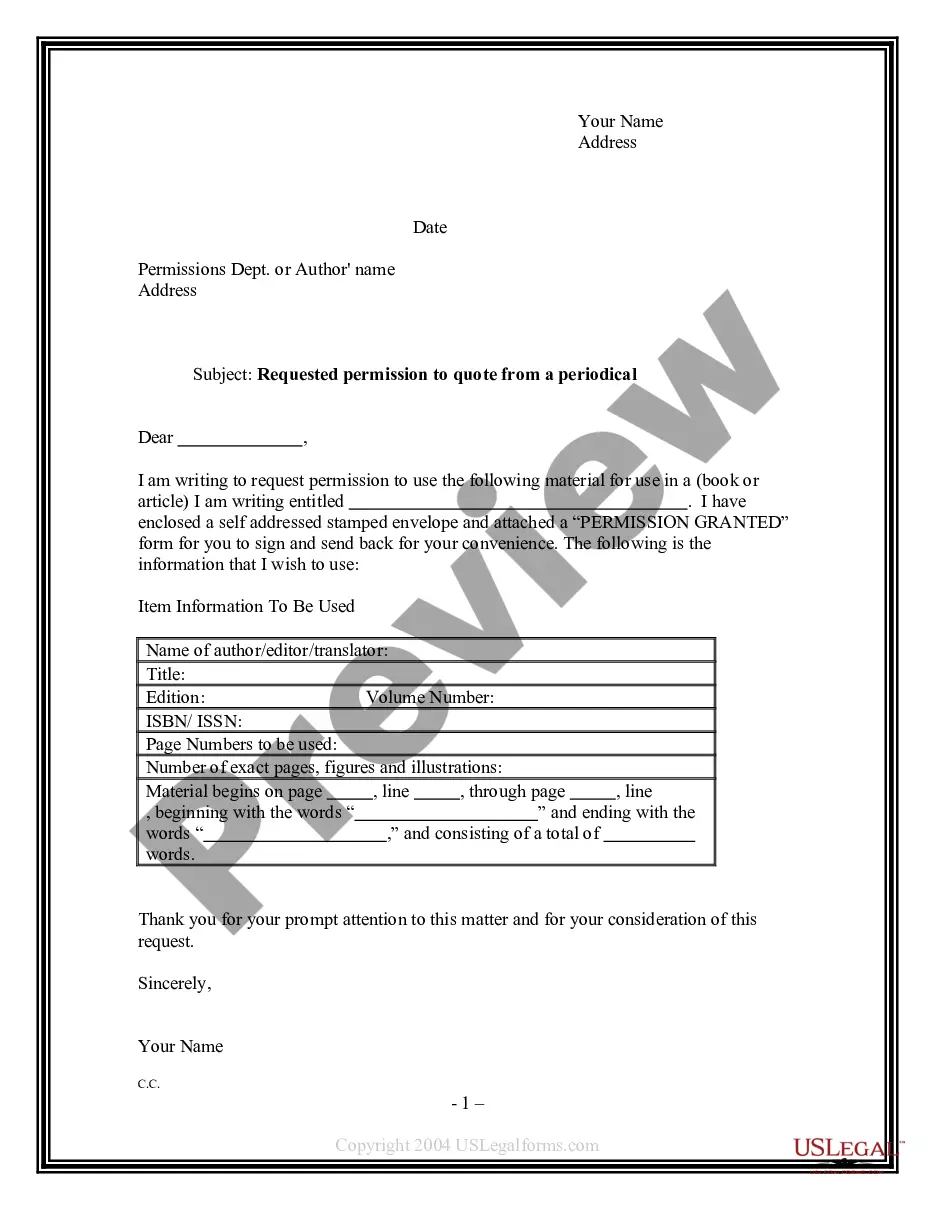
- Click on the form’s preview to examine it.
- If it is not the correct document, return to the search feature to locate the Statement Publication Copyright For Video template you need.
- Download the file when it satisfies your requirements.
- If you possess a US Legal Forms account, click Log in to access previously saved templates in My documents.
- In case you don’t have an account yet, you can acquire the form by clicking Buy now.
- Select the appropriate pricing option.
- Complete the account registration form.
- Choose your payment method: you can utilize a credit card or PayPal account.
- Select the document format you desire and download the Statement Publication Copyright For Video.
- Once downloaded, you can fill out the form using editing software or print it and complete it by hand.
Form popularity
FAQ
When writing a YouTube disclaimer, know the reason behind the notice. If it's to protect copyright materials, include the channel/business name, the year of production, and copyright notice. Meanwhile, fair use disclaimers state that the creator does not own the content reproduced in their video.
The publisher of this YouTube video not only says that you're using the workout information at your own risk, but he threw in a professional liability disclaimer, too. He very clearly states that the information is "of a general nature and is furnished only for educational/entertainment purposes."
DISCLAIMER: I hereby declare that I do not own the rights to this music/song. All rights belong to the owner. No Copyright Infringement Intended.
There are only four simple components you need to include: The copyright symbol © or the word ?copyright? The name of the copyright owner or author of the work. The year the content was published, which can be different from the year of creation. Your statement of the rights you're reserving over the materials.
Form and Placement of the Copyright Notice: The symbol © (the letter C in a circle), or the word "Copyright" or the abbreviation "Copr."; The year of first publication of the work; and. The name of the owner of copyright in the work.