Sample Refund Requests Form For Google Ads
Description
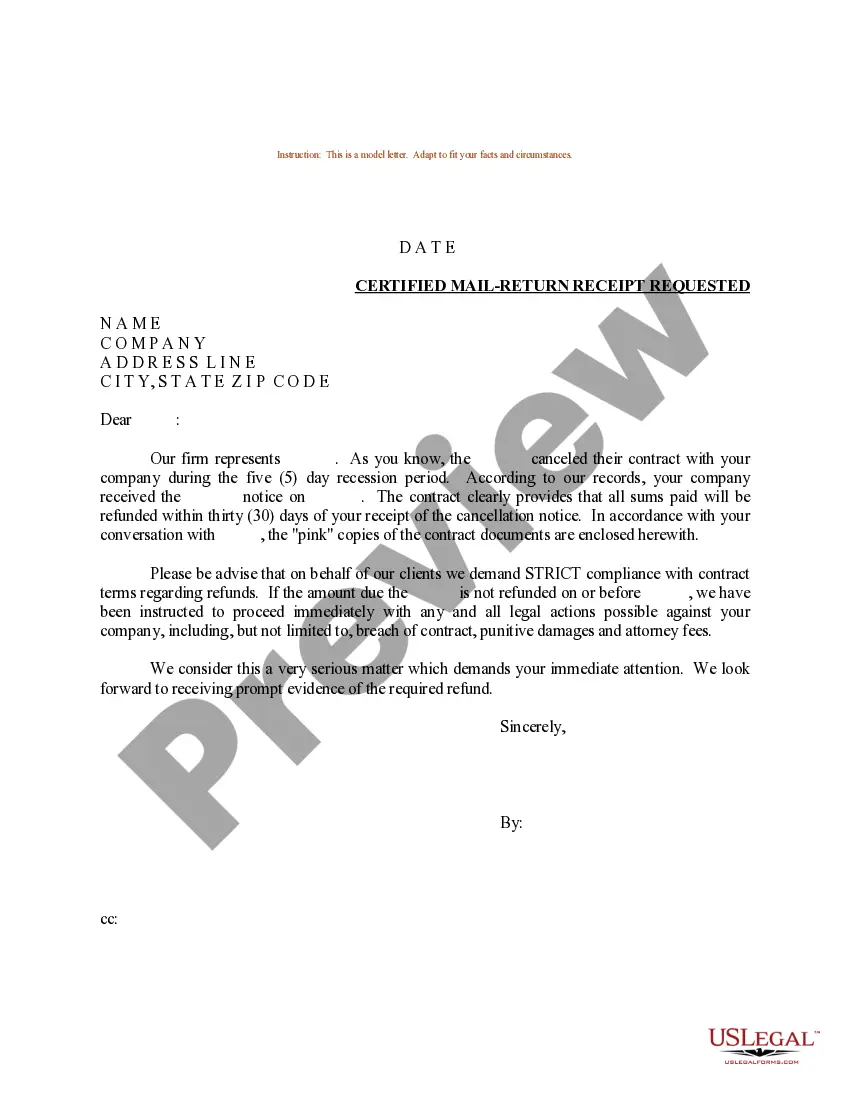
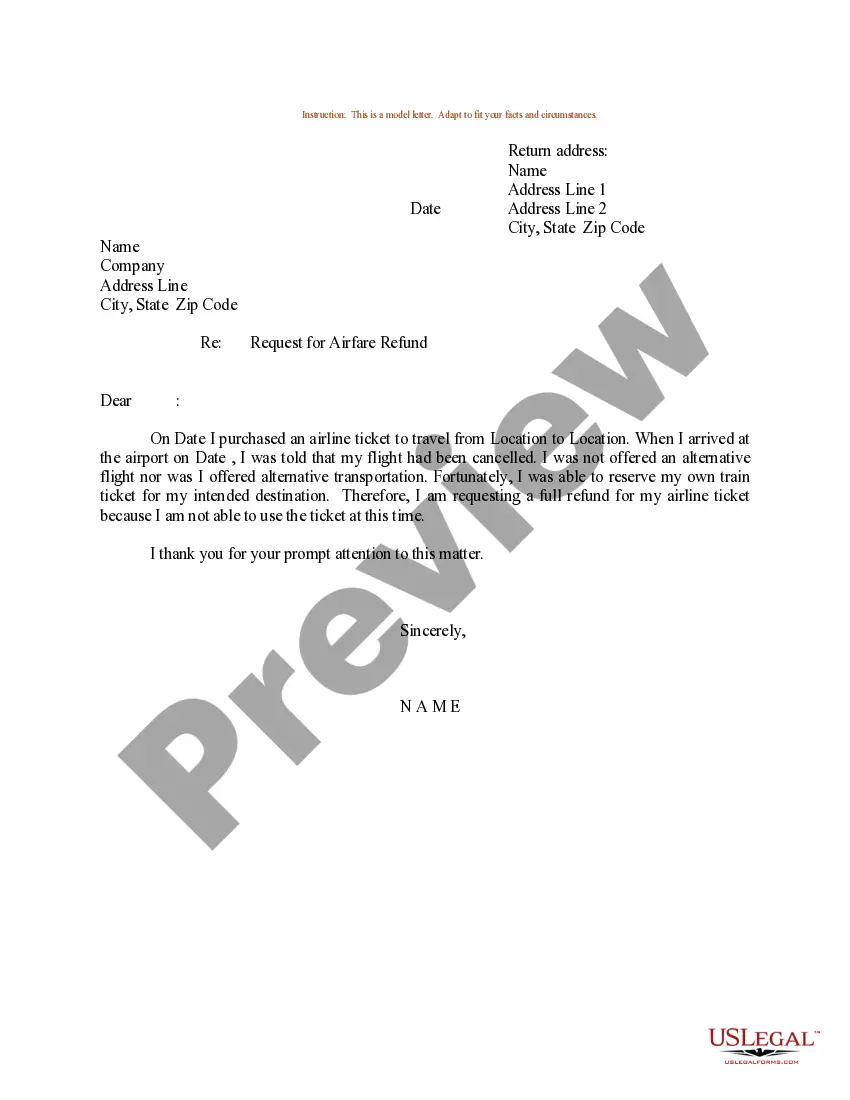
Get your form ready online
Our built-in tools help you complete, sign, share, and store your documents in one place.
Make edits, fill in missing information, and update formatting in US Legal Forms—just like you would in MS Word.
Download a copy, print it, send it by email, or mail it via USPS—whatever works best for your next step.
Sign and collect signatures with our SignNow integration. Send to multiple recipients, set reminders, and more. Go Premium to unlock E-Sign.
If this form requires notarization, complete it online through a secure video call—no need to meet a notary in person or wait for an appointment.
We protect your documents and personal data by following strict security and privacy standards.

Make edits, fill in missing information, and update formatting in US Legal Forms—just like you would in MS Word.

Download a copy, print it, send it by email, or mail it via USPS—whatever works best for your next step.

Sign and collect signatures with our SignNow integration. Send to multiple recipients, set reminders, and more. Go Premium to unlock E-Sign.

If this form requires notarization, complete it online through a secure video call—no need to meet a notary in person or wait for an appointment.

We protect your documents and personal data by following strict security and privacy standards.
Looking for another form?

How to fill out Sample Letter For Refund For Duplicate Payment?
The Sample Refund Requests Form For Google Ads displayed on this page is a versatile official template created by qualified attorneys in accordance with federal and state regulations.
For over 25 years, US Legal Forms has supplied individuals, entities, and legal practitioners with more than 85,000 authenticated, state-specific documents for any commercial and personal circumstance.
Complete and sign the paperwork. Print out the template to fill it out by hand. Alternatively, employ an online multifunctional PDF editor to quickly and accurately fill out and sign your form with a legally-binding electronic signature. Download your paperwork again. Reuse the same document whenever necessary. Open the My documents tab in your profile to redownload any forms you previously obtained. Subscribe to US Legal Forms to have verified legal templates for all of life’s circumstances at your fingertips.
- It’s the quickest, simplest, and most dependable method to acquire the papers you require, as the service ensures the utmost level of data security and anti-malware safeguards.
- Obtaining this Sample Refund Requests Form For Google Ads will require just a few straightforward steps.
- Search for the document you need and check it. Browse through the file you searched and preview it or review the form description to confirm it meets your needs. If it doesn’t, use the search option to find the suitable one. Click Buy Now when you have located the template you require.
- Subscribe and Log In. Choose the pricing plan that fits you and create an account. Utilize PayPal or a credit card to make a swift payment. If you already have an account, Log In and check your subscription to continue.
- Obtain the fillable template. Select the format you desire for your Sample Refund Requests Form For Google Ads (PDF, Word, RTF) and download the sample onto your device.
Form popularity
FAQ
Explore refund request options Go to play.google.com. At the top right, click your Profile picture. Click Payments & subscriptions. ... For the order you want to return, click Report a problem. Select the option that describes your situation. Complete the form and note that you'd like a refund. Click Submit.
TDS refunds can be issued only if you're no longer using your Cloud Billing account and the account has been cancelled. For a refund, please contact us directly by opening a Cloud Billing case.
Must know things to claim TDS Refund for Google Ads Individuals must submit a TDS certificate to Google in order to get a refund for the amount deducted. Every quarter, ing to the fiscal year and the timetable established in the applicable Indian tax legislation, TDS certificates must be submitted.
Request Refund in Google Ads - YouTube YouTube Start of suggested clip End of suggested clip Request. Note remember only 20 to 25 percent of claims receive successful refunds and you can onlyMoreRequest. Note remember only 20 to 25 percent of claims receive successful refunds and you can only make one refund request within 60. Days.
To that end, here are our best tips for writing stellar Google Ads copy. Use keywords strategically. Keyword choice and placement is a bit different with Google Ads than it would be with a blog post or web copy. ... Keep your copy concise and specific. ... Always include a call to action.
